9 Best AI Content Repurposing Tools in 2026 (Tested & Ranked)
The best AI content repurposing tools in 2026, tested by a top content creator. Repurpose into omni-channel content.
Most “best of” lists treat repurposing as one job. It’s actually two: turning long video into short clips, and turning one piece of content into omni-channel posts. Picking the wrong category wastes months. I’ve tested every tool below across 1.5M+ followers and 500M+ views, so this is the version I’d hand a friend who asked which AI content repurposing tools are worth paying for in 2026.
The 9 tools below earn their keep. Blotato leads because it solves the text-and-multi-format job most creators actually have, but the others all win in their lane.
AI Content Repurposing Tools at a Glance (2026)
| Tool | Best For | Starting Price | Key Strength |
|---|---|---|---|
| Blotato | Solo creators turning one piece into omni-channel social posts | $29/mo | One bill replaces AI writer, image gen, video gen, and scheduler |
| Opus Clip | Long video to short clips with virality scoring | $15/mo | Highest-volume AI clipping with multi-platform auto-post |
| Repurpose.io | Auto-distributing existing video across platforms | $35/mo | The only tool purpose-built for cross-platform video distribution |
| Descript | Editing podcasts and video by editing transcript text | $16/mo (annual) | Text-based editing with Underlord AI co-editor |
| Castmagic | Podcasters turning episodes into multi-format text assets | $21/mo (annual) | 100 content assets from one media file |
| Riverside Magic Clips | Podcasters already recording in Riverside | $24/mo (annual) | AI clips baked into the recording flow |
| Munch | Brands repurposing webinars and 1hr+ sessions at scale | $38/mo (annual) | Trend-aware AI that uses real social signals |
| Vizard | Solo creators wanting Opus-level output with cleaner UX | $16.90/mo (annual) | Top-rated short-form clipper across G2 and Capterra |
| Submagic | Adding viral-style captions and B-roll polish to short clips | $12/member/mo (annual) | Best animated captions and B-roll automation |
What to Look for in an AI Content Repurposing Tool
Before you pick anything, decide which of these you actually need. Most tools win on one of these axes and lose on the others.
- Source format. Are you starting from long video, audio, a blog post, or a transcript? Tools split sharply on this. Opus, Vizard, and Submagic want video. Castmagic and Descript want audio. Blotato can take a topic, a URL, or a video. If all you need is a video’s transcript in a usable shape, the free YouTube transcript to Markdown converter handles that step on its own.
- Output channel coverage. Some tools clip and stop there. Others publish for you. If you live on 8+ platforms, the publishing layer matters more than the AI quality.
- AI output quality vs editing burden. Most AI clippers pick “clips,” not “best clips.” The honest question is how much time you’ll spend fixing what the AI gives you. Better AI saves more of your evening.
- Pricing model. Per-minute, per-credit, per-seat, and flat-rate plans look similar at the entry tier and brutal at scale. Read the small print before you commit annually.
- Watermarks and storage caps on free tiers. Almost every clipper hides a watermark and a 3-day export expiry behind the free plan. Plan for the upgrade.
Repurposing Software vs. Repurposing Services
Before you compare tools, decide whether you want software or a done-for-you service, because they solve the same problem at very different prices.
A repurposing service (an agency or a freelancer on retainer) takes your long-form content and hands back finished clips and posts. You get human judgment and zero learning curve, and you pay roughly $1,000 to $3,000 a month for it. If you would rather be the one running that service, I broke down how to build an AI social media agency on exactly this model. A repurposing tool does the transformation itself for $9 to $97 a month, and the trade-off is that you stay in the loop for the final 20% of editing.
For most solo creators and small teams, software wins on cost and control: a $29/mo tool that turns one video into omni-channel posts replaces the bulk of what a junior social hire or a retainer agency was doing, as long as you are willing to review the output. Pick a service only if your time is worth more than the retainer and you would rather not touch the workflow at all. Everyone else is choosing among the 9 tools below.
Best AI Content Repurposing Tools
Here are the 9 tools I’d actually recommend in 2026, ranked by how much repurposing pain they remove for the most creators.
1. Blotato - Best for solo creators turning one piece into omni-channel social posts
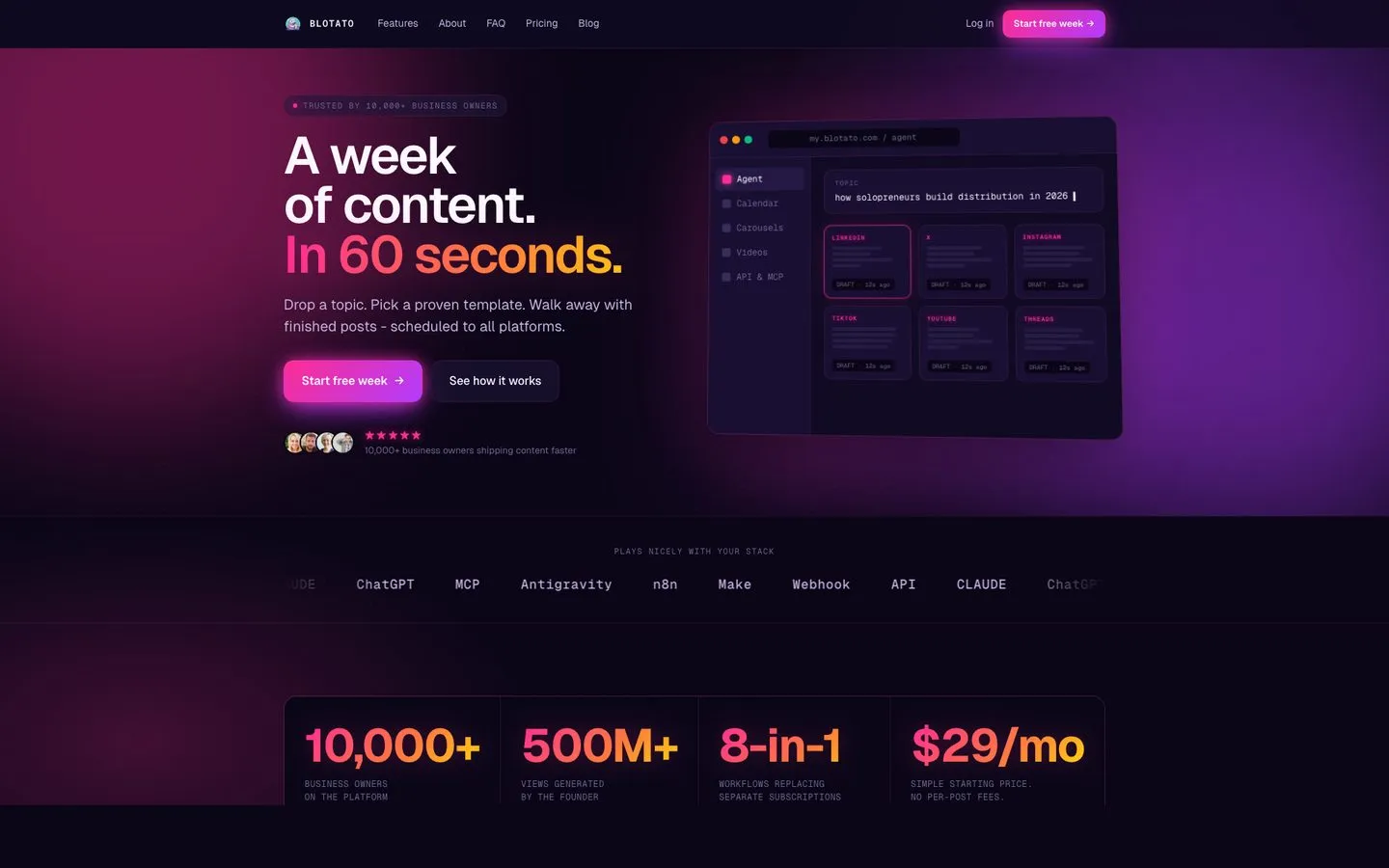
I’m the founder, so take this with whatever grain of salt feels right. I built Blotato because I was paying for an AI writer, an AI image tool, an AI video tool, and a scheduler, then stitching them together every time I wanted to post. Blotato collapses that stack into one workflow. You drop in a topic, a blog post URL, or a video, and it generates the captions, the visuals, the carousels, and the platform-specific variations, then schedules everything across 9 platforms (X, Instagram, LinkedIn, TikTok, YouTube, Threads, Facebook, Pinterest, Bluesky).
The honest limitations: Blotato is newer than Buffer or Descript, so the third-party review corpus is thinner. The AI is useful, but you need to prompt it well. And the public API requires a paid plan, it’s not available on the free trial.
Pros:
- Repurposes from topic, URL, video, or transcript into platform-specific posts
- Flat pricing, no per-channel multiplier, no per-post AI fees
- 9 platforms covered, including the new ones (Bluesky, Threads)
- MCP server lets Claude and other AI agents publish on your behalf
Cons:
- Newer brand, smaller third-party review volume than Buffer or Descript
- API and MCP require a paid plan, not the free trial (from $29/mo)
- AI output quality scales with how well you prompt it
Best for: Solo creators, content operators, and small agencies who want to consolidate AI creation and publishing into one bill.
Pricing: Credits are the number to watch, not the monthly fee. They are spent only when you generate an AI image or video, which is exactly what repurposing does all day, and you get 1,250 a month on Starter, 5,000 on Creator, 28,000 on Agency. Unused ones roll over. The fees themselves are $29, $97 and $499, or roughly 17% less paid annually. Full plan limits here.
Free trial: Yes, 7 days on all plans.
Bottom line: If your repurposing problem is text and multi-format, not just video clips, this is the one bill that replaces three or four others.
Try Blotato free for 7 days. No annual lock-in. Start your trial.
2. Opus Clip - Best for long video to short clips with virality scoring
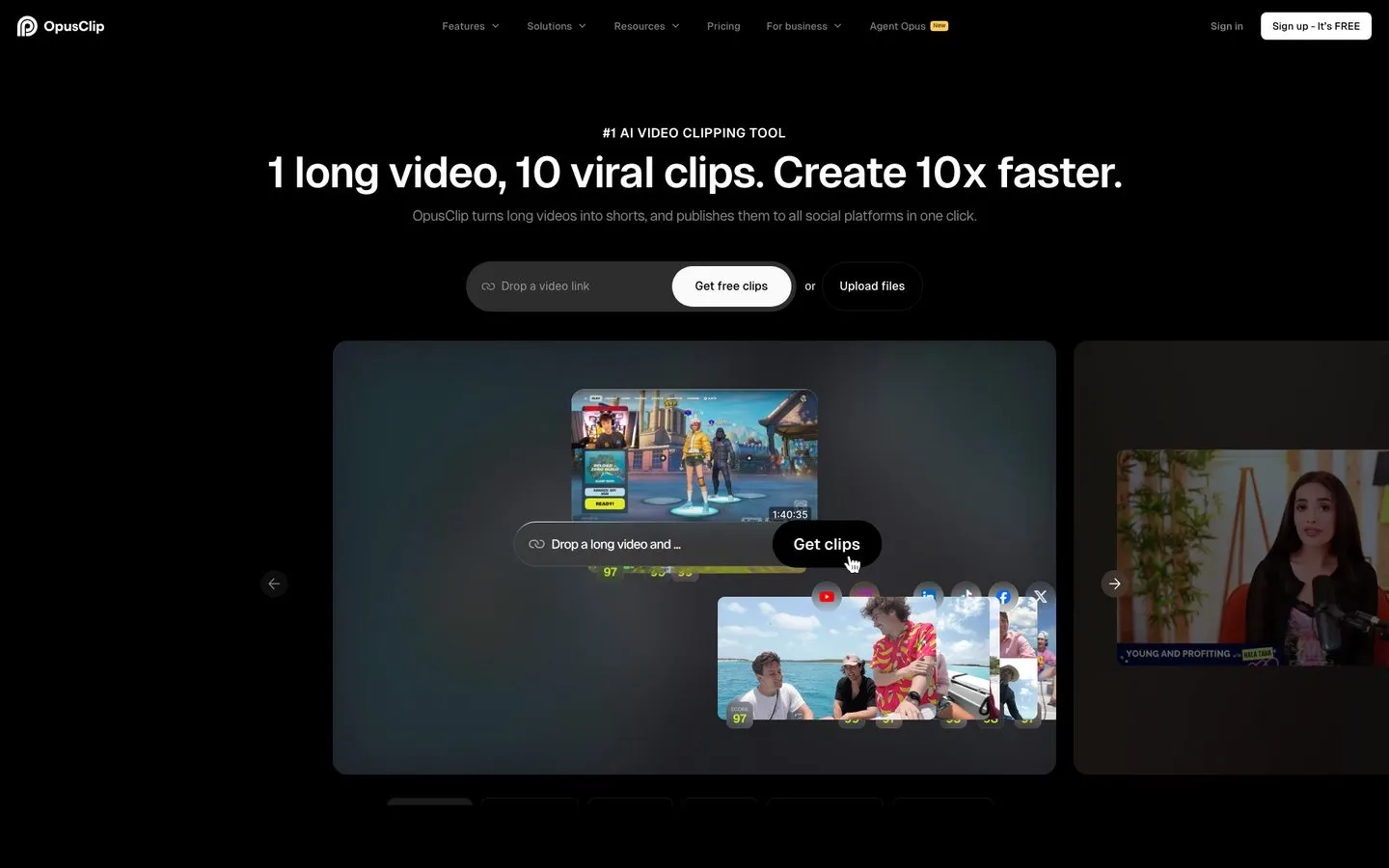
Opus Clip is the highest-volume AI clipper in the category and the one most creators try first. It earns the 4.6/5 on G2 by being fast, easy to use, and actually decent at picking quotable moments. The virality score helps you triage 10 clips down to the 2 worth posting.
The catches show up at scale. Long projects sometimes hang in processing. The free tier watermarks every clip and expires exports after 3 days. And the AI’s clip selection has gotten more inconsistent across recent updates, which Reddit creators have been vocal about.
Pros:
- Fastest turnaround for long-to-short clipping I’ve tested
- Virality scoring gives you a real signal, not just options
- Built-in scheduler publishes to Shorts, TikTok, Reels, and LinkedIn
Cons:
- Free tier watermarks everything and expires exports after 3 days
- Long video projects occasionally hang during processing
- Hidden credit math makes it hard to predict your monthly burn
Best for: High-volume short-form creators who need quantity over precision.
Pricing: Free plan, Starter $15/mo (monthly only), Pro $29/mo monthly or $14.50/mo annual ($174/yr), Business custom.
Free trial: Free plan instead of trial, 60 credits/mo with watermark.
Bottom line: The default first stop for long-video creators, but budget time for AI clip review on every batch. For a head-to-head with Blotato, see our Blotato vs Opus Clip comparison.
3. Repurpose.io - Best for auto-distributing existing video across platforms
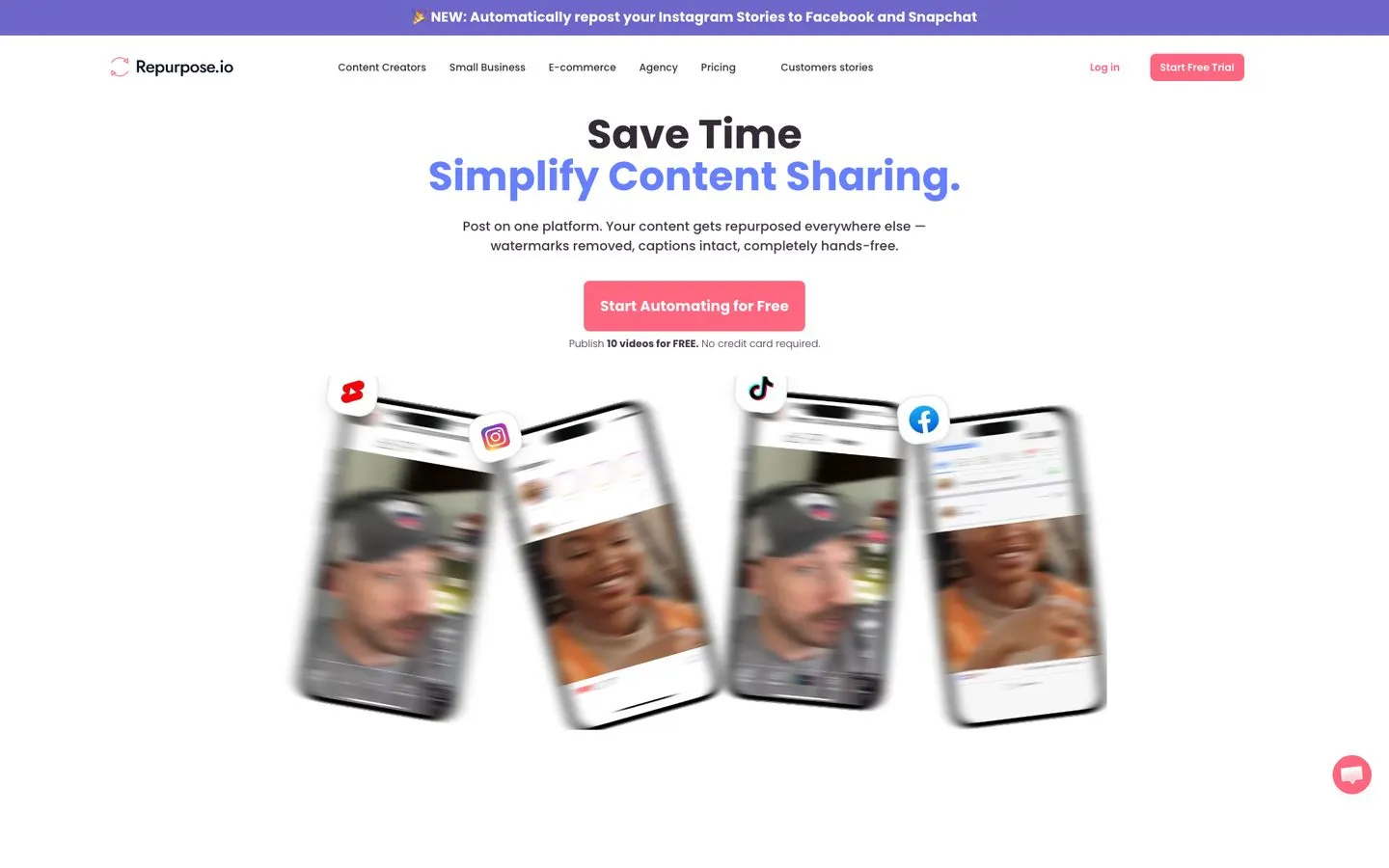
Repurpose.io is the only tool on this list purpose-built for one job: take existing video and push it everywhere automatically. It’s not an AI clipper. It’s distribution automation. If you already have short-form clips and need them on 5+ networks without uploading manually, this is it. If distribution alone is no longer enough, I ranked the best Repurpose.io alternatives by how much content they actually create.
The trade-off is reliability. Workflows fail and need reconnecting. Some creators report duplicate uploads or occasional Instagram strikes tied to its automation patterns. The Trustpilot reviews skew mixed for exactly these reasons.
Pros:
- Pure cross-platform distribution, no clipping or editing layer
- Connects up to 3 accounts per network on Starter (TikTok, IG, YT, FB, X, Pinterest)
- Watermarks removed and captions preserved across the move
Cons:
- Workflows occasionally break and require manual reconnect
- Some creators report Instagram strikes from automated reposts
- No AI clipping or text repurposing built in
Best for: Podcasters and creators who already have short-form video and want it auto-distributed.
Pricing: Starter $35/mo or $349/yr, Pro $79/mo or $790/yr, Agency $179/mo or $1,790/yr.
Free trial: 14 days, publish 10 videos free, no credit card.
Bottom line: A workhorse for distribution if you treat it as that and only that.
4. Descript - Best for editing podcasts and video by editing transcript text
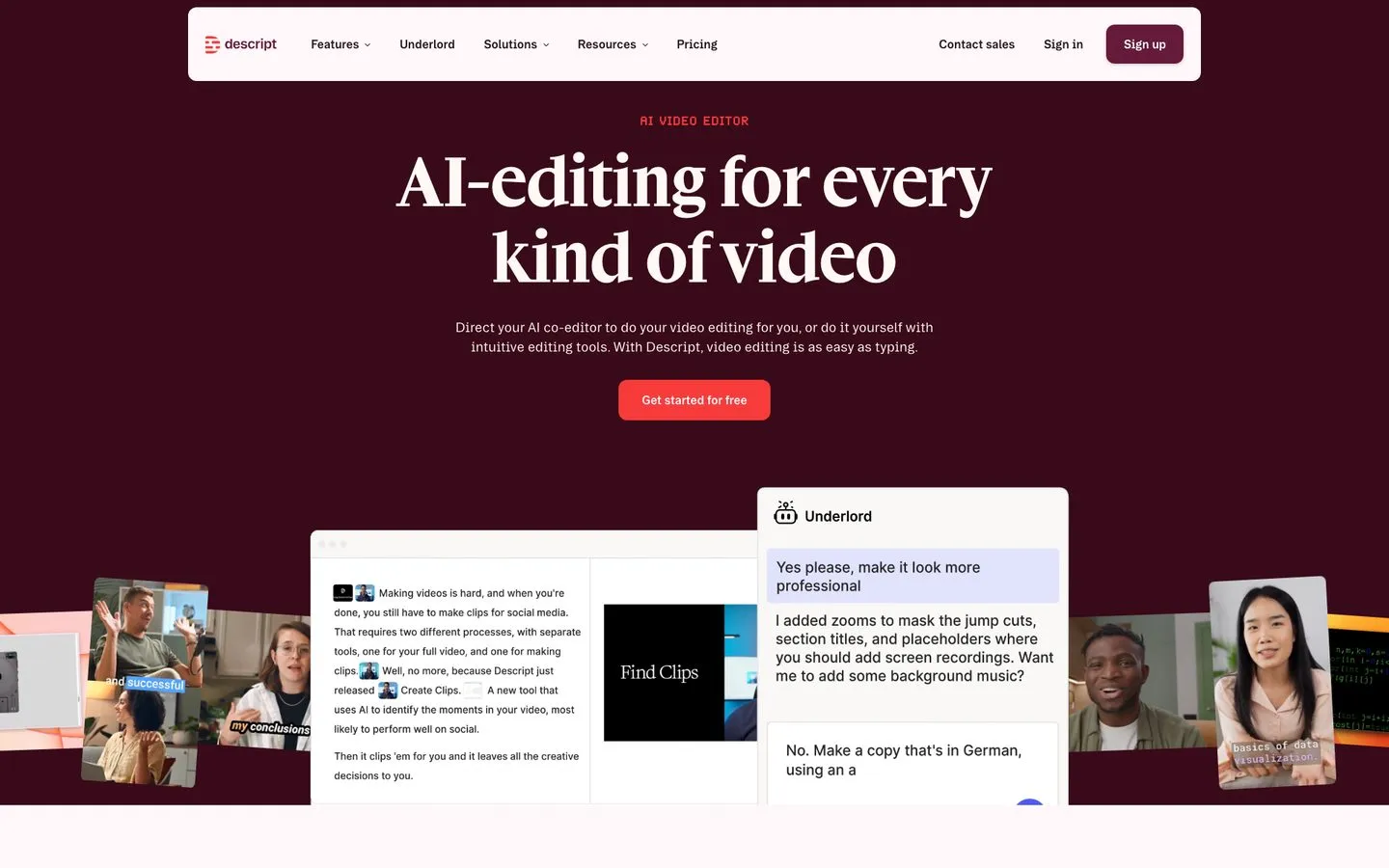
Descript sits at 4.6/5 across 865+ G2 reviews for a reason. It pioneered text-based editing, and Underlord (their AI co-editor) now generates jump cuts, removes filler words, adds B-roll suggestions, and transcribes in 25 languages. For podcasters and YouTubers who edit their own work, the workflow is genuinely faster than a traditional NLE.
The catches are real. Long projects get laggy. The new AI-credit system burns faster than most users expect. And export compression hurts quality on the lower tiers. Credit pricing is worth modelling before you commit to a tier, because the advertised rate only holds at full utilization.
Pros:
- Text-based editing genuinely faster than timeline editors for talking-head video
- Underlord AI handles tedious cuts, removes filler, suggests B-roll
- Transcription in 25 languages with strong accuracy
Cons:
- Long projects lag and crash on lower-spec machines
- AI credits burn faster than the marketing copy implies
- Export compression hurts perceived quality on Hobbyist tier
Best for: Podcasters and YouTubers who want a unified editor + transcript workflow.
Pricing: Free plan, Hobbyist $24/mo monthly or $16/mo annual, Creator $35/$24, Business $65/$50, Enterprise custom.
Free trial: Free plan with 60 min transcription/mo and watermark.
Bottom line: The best transcript-driven editor on the market, but not a pure clipper.
5. Castmagic - Best for podcasters turning episodes into multi-format text assets
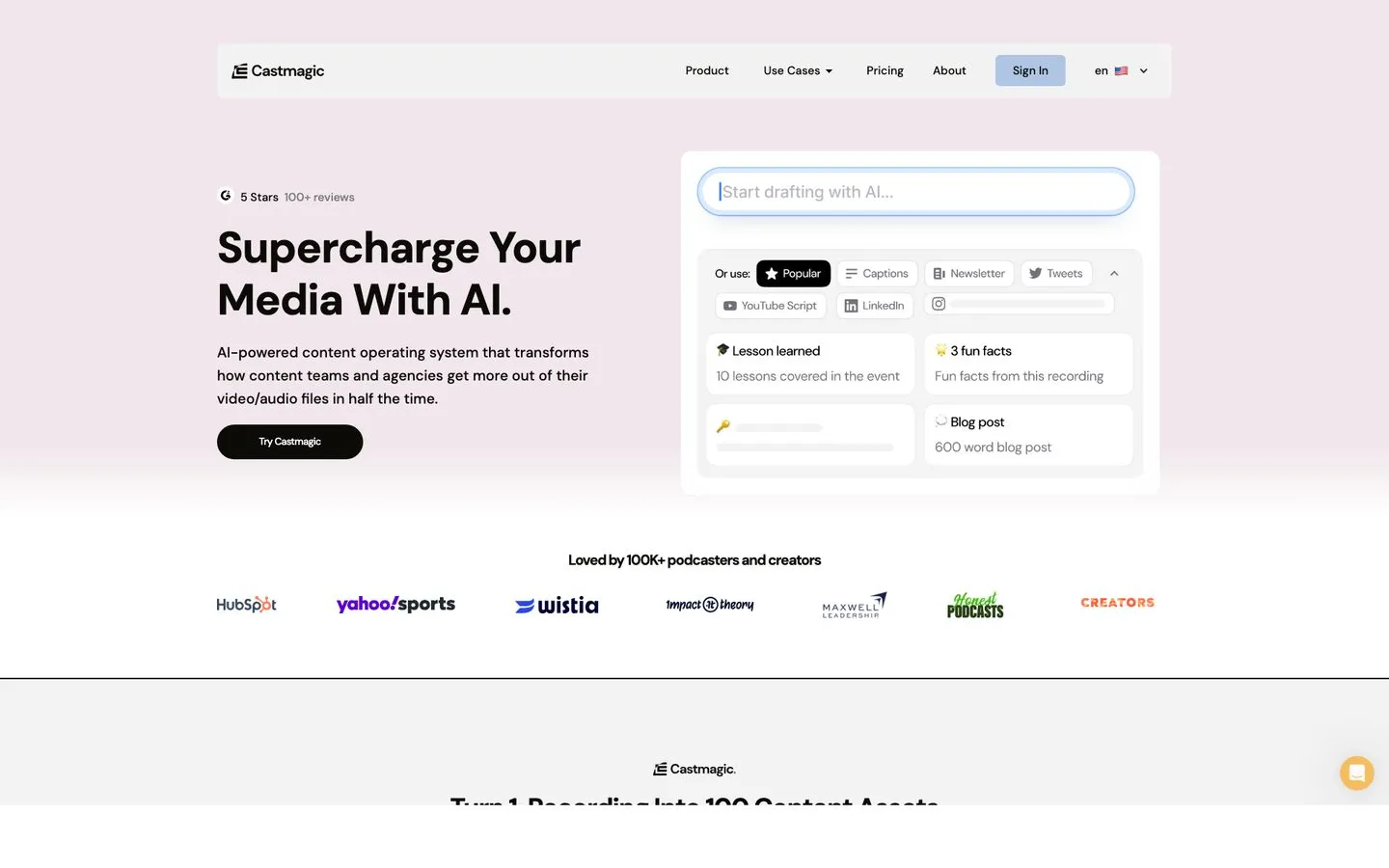
Castmagic is built for one persona: the podcaster who wants show notes, social captions, blog drafts, and timestamps from a single upload. Capterra reviewers give it 5.0/5 across a small sample of 9 reviews, which lines up with what I’ve heard from podcaster friends. It saves 5 to 10 hours per episode if you’re producing the full asset set.
The trade-offs: it’s audio-first, so it’s weaker for short-form video clipping. AI-generated copy still needs an editing pass. And there’s no monthly billing on any tier, only annual.
Pros:
- Generates 100+ assets per episode (notes, blog, social, timestamps)
- Strong speaker ID and 60+ language transcription
- Magic Chat lets you query the transcript like a doc
Cons:
- Annual-only billing on all tiers, no monthly option
- Weaker for short-form video clipping than Opus or Vizard
- AI longform output needs editing before publishing
Best for: Podcasters and interview-based creators repurposing audio into written assets.
Pricing: Hobby $21/mo (annual only, $252/yr), Starter $79/mo annual, Business $790/mo annual.
Free trial: None advertised on the pricing page.
Bottom line: Best-in-class for audio to text repurposing, weak for clipping.
6. Riverside Magic Clips - Best for podcasters already recording in Riverside
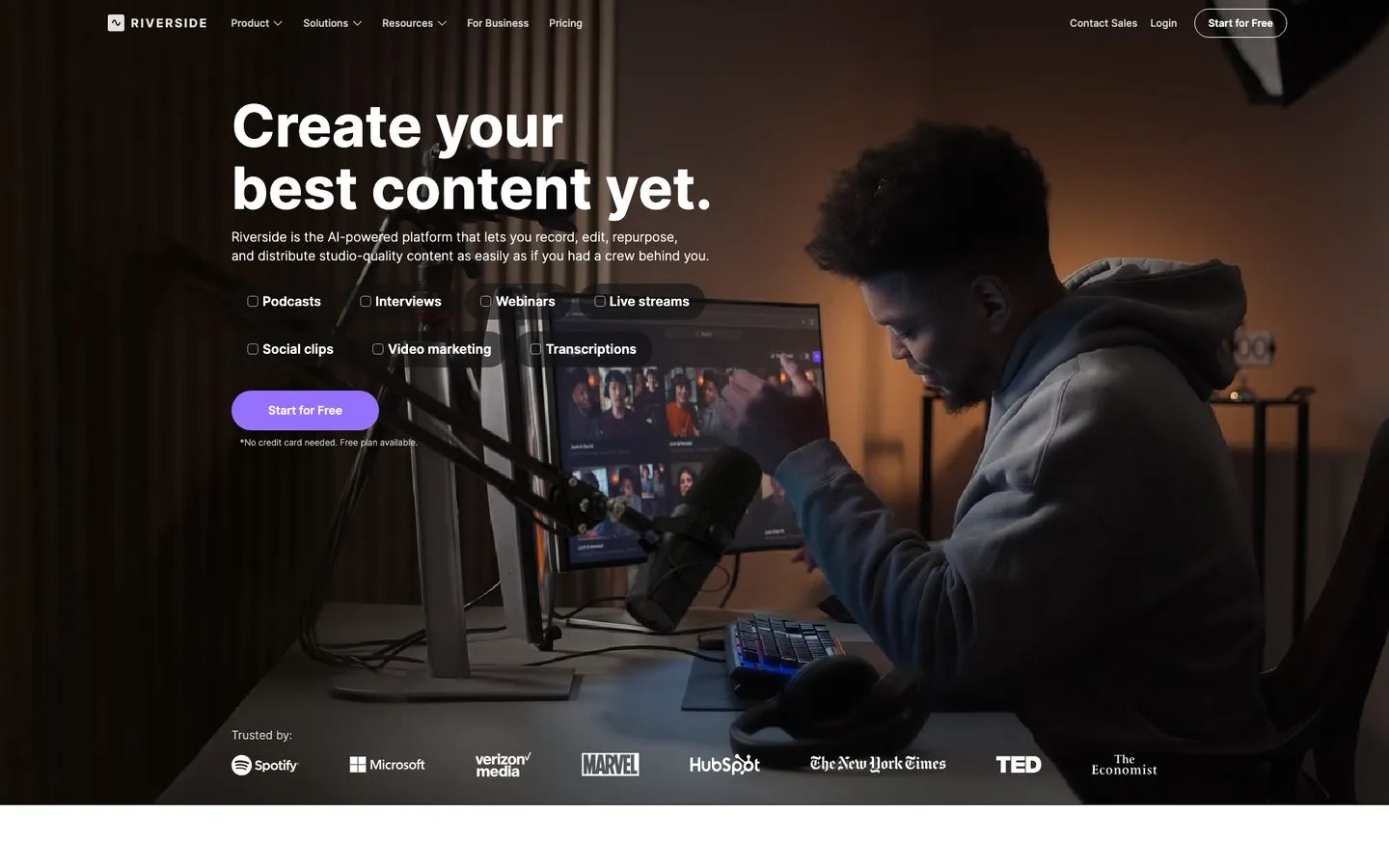
Riverside is mostly known for studio-quality remote recording, and Magic Clips is the repurposing layer baked into the same product. If you already record podcasts on Riverside, Magic Clips is the path of least resistance. The Viral Score helps you triage, and the captions sync well with the recording.
The catches: Magic Clips often picks odd durations or misses obvious key moments. Title cards aren’t editable. And the price is steep relative to standalone clippers if you’d otherwise use Riverside for recording only.
Pros:
- No second tool needed if you already record on Riverside
- Captions sync tightly with the recording, no re-transcription
- Viral Score helps prioritize across many clips
Cons:
- Clip selection misses obvious moments more often than Opus or Vizard
- Title cards not editable post-generation
- AI show notes feel generic
Best for: Podcast hosts who already record on Riverside and want clips as a bonus.
Pricing: Free plan, Pro $29/mo monthly or $24/mo annual ($288/yr), Live $39/$34, Webinar $99/$79.
Free trial: 14 days on Pro/Live/Webinar plans.
Bottom line: A great bonus if you’re already in the Riverside stack, not worth switching for.
7. Munch - Best for brands repurposing webinars and 1hr+ sessions at scale
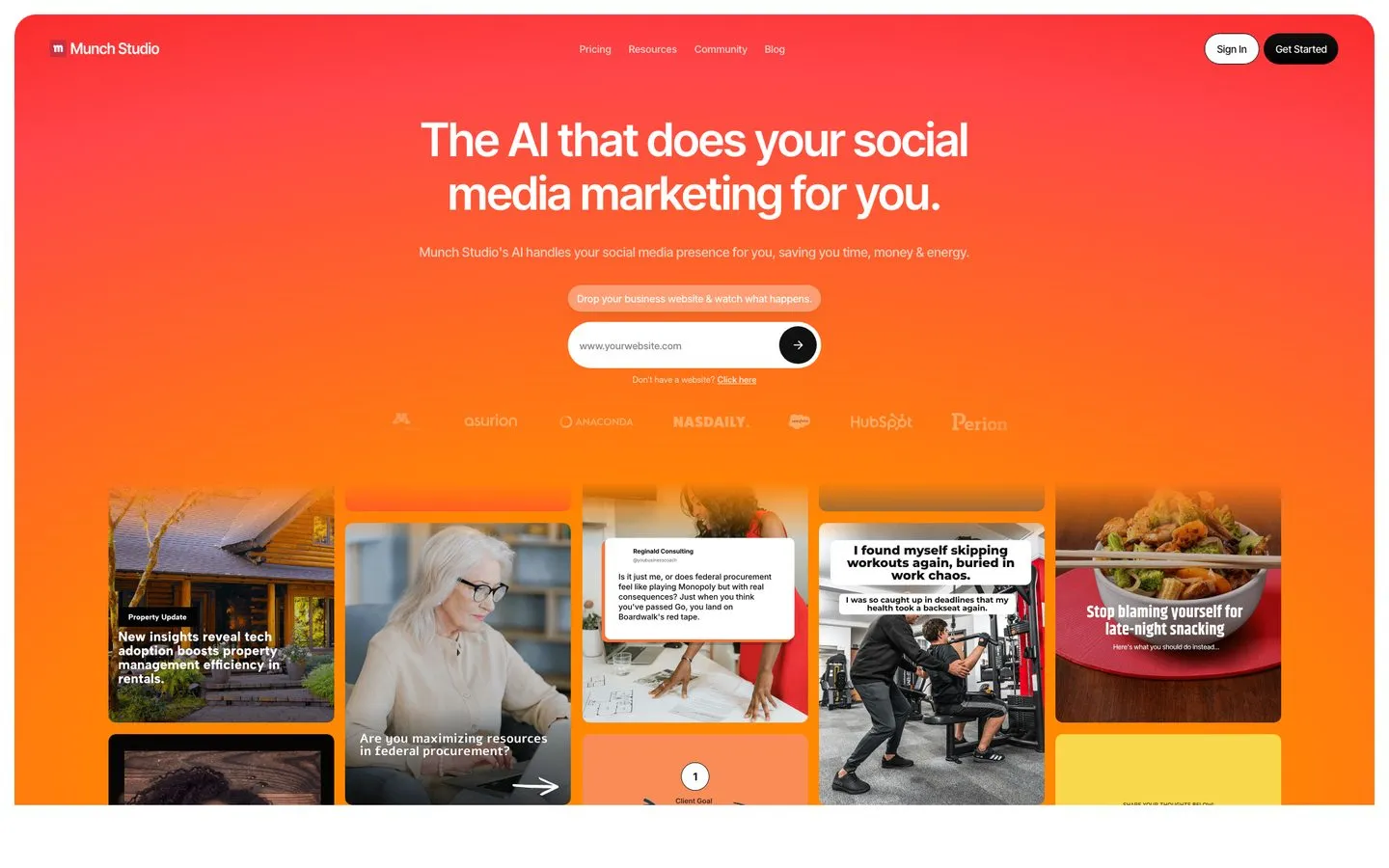
Munch (formerly getmunch.com) is built for brands and agencies repurposing long sessions, not individual creators. Its G2 listing and Capterra page both show consistently strong creator and marketer feedback. The differentiator is the trend layer. Munch uses real social and marketing signals to suggest which moments will resonate, which is more useful for B2B webinar content than a pure virality score.
The trade-offs: clips occasionally start mid-thought and need re-trimming. Processing is slower than Opus or Vizard. There’s no free trial, just a 7-day window.
Pros:
- Trend-aware AI uses social and marketing data signals
- Strong for 1hr+ webinar repurposing where most tools degrade
- Auto-publishing built in across major platforms
Cons:
- Clips occasionally start mid-thought, need manual re-trim
- Slower processing than top clippers
- Pricier than creator-focused alternatives
Best for: Brands, agencies, and marketers repurposing webinars and long-form sessions at scale.
Pricing: Essential $48/mo monthly or $38/mo annual ($456/yr), Premium $75/$60.
Free trial: 7 days.
Bottom line: The right pick if you live in long-form B2B content, overkill if you’re a solo creator.
8. Vizard - Best for solo creators wanting Opus-level output with cleaner UX
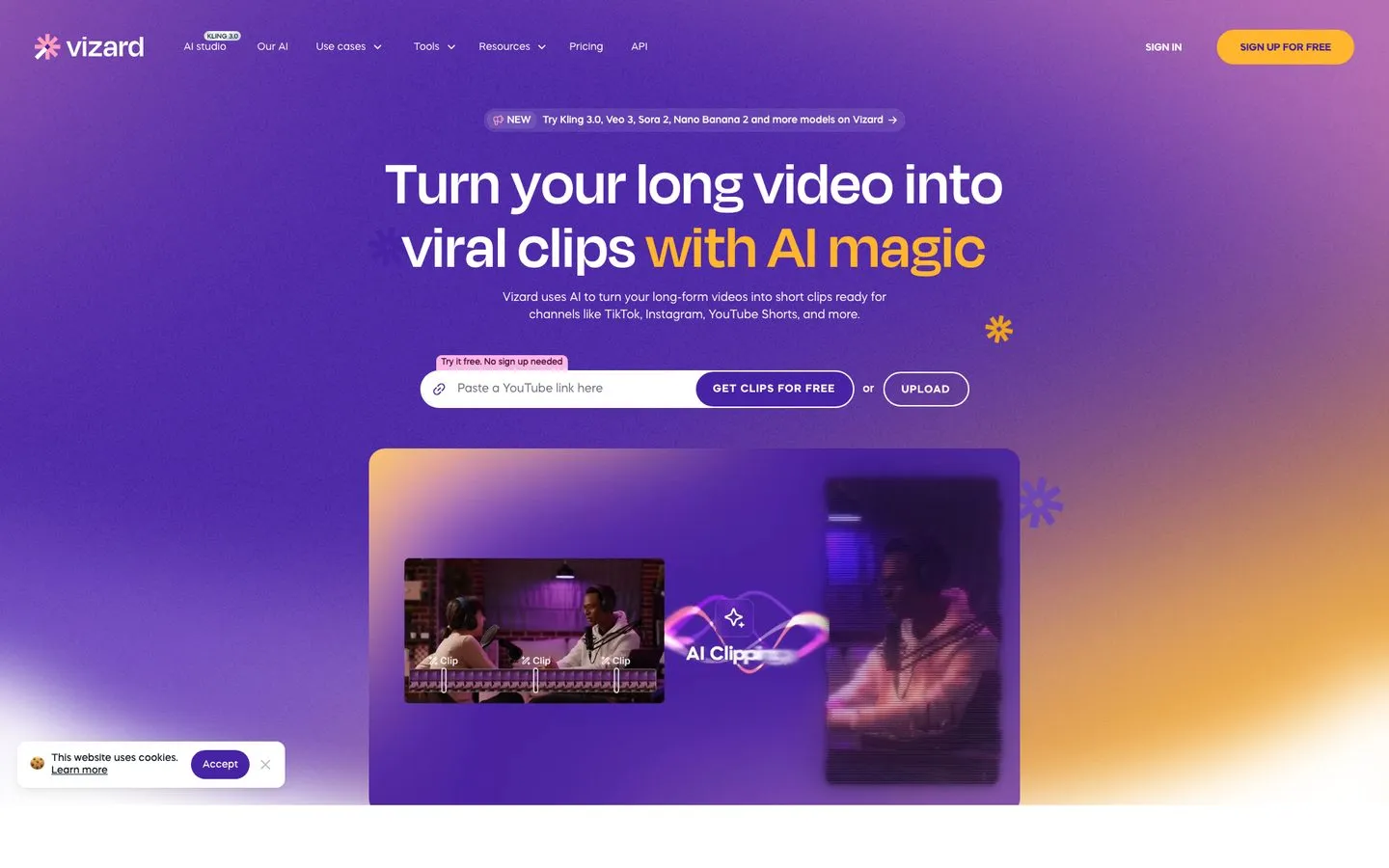
Vizard quietly holds the strongest review scores of any clipper here once you weight for sample size: 4.7/5 on G2 and 4.9/5 across 435+ Capterra reviews. The clip yield from a single upload is high, the captions are clean out of the box, and the hook detection holds up. Solo creators consistently call out the cleaner UX vs Opus.
The catches are familiar. The AI picks “clips,” not “best clips,” so a review pass is still required. Caption customization is more limited than Submagic. And per-seat pricing on the Business tier gets steep at scale.
Pros:
- Highest review scores in the AI clipper category
- Strong hook detection, clean auto-captions, multi-clip yield
- Brand kit and 4K export on paid tiers
Cons:
- Still a “clips” tool, not a “best clips” tool, manual review required
- Caption customization more limited than Submagic
- Per-seat pricing gets expensive on Business tier
Best for: Solo creators and SMB marketers wanting Opus-level output with a cleaner UX.
Pricing: Free plan, Creator $29/mo monthly or $16.90/mo annual (~$203/yr), Business $39/seat/mo.
Free trial: Free plan, 60 credits/mo with watermark.
Bottom line: If you tried Opus and bounced off the UX, this is the one to try next.
9. Submagic - Best for adding viral-style captions and B-roll polish to short clips
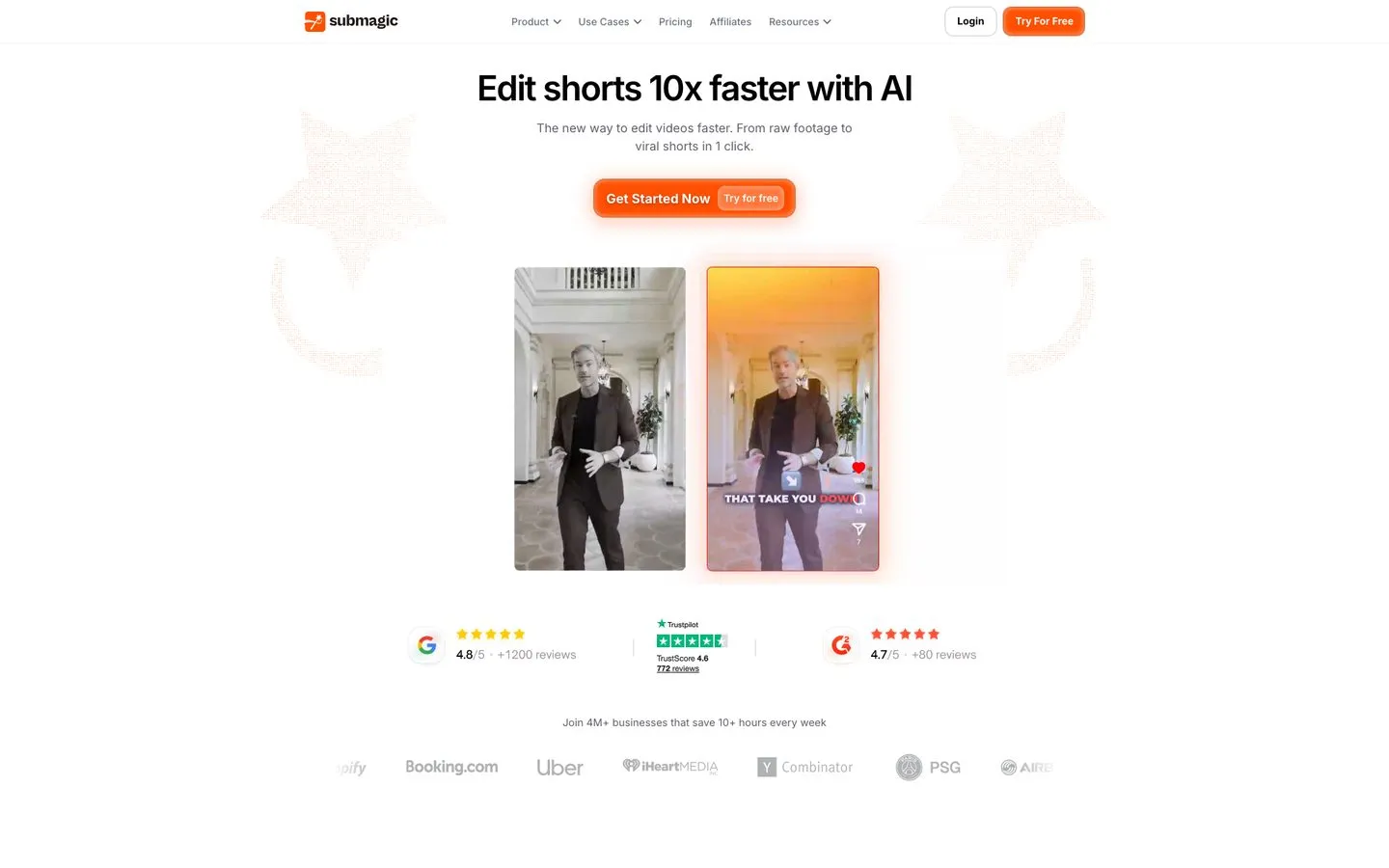
Submagic is a polish layer, not a clipper. You bring a clip, it adds the animated captions, B-roll suggestions, and music that make it look like a top-creator edit. Trustpilot has it at a generally positive rating across 771+ reviews, and it’s the tool I see most often in successful TikTok and Reels accounts.
The catches: the free tier is heavily limited (3 videos/mo, 1:30 cap, watermark). Per-member pricing scales fast. And it’s strictly a polish tool, so you still need a clipper or original short upstream.
Pros:
- Best animated caption styling on this list
- B-roll and music suggestions add real production value
- Direct multi-platform publish on Pro and Business tiers
Cons:
- Polish layer only, not a long-to-short clipper
- Per-member seat pricing scales quickly for teams
- Free tier capped to 1.5 min clips with watermark
Best for: Short-form creators who already have clips and want stylized captions and B-roll polish.
Pricing: Free plan, Starter $19/$12 per member, Pro $39/$23, Business+API $69/$41. Magic Clips add-on +$19/$12 per member.
Free trial: Free plan, 3 videos/mo with watermark.
Bottom line: Best in class for caption polish. Pair with a clipper for the full workflow. If captions are your main job, it’s worth weighing the best Submagic alternatives on price and clipping before you commit.
Other AI Content Repurposing Tools Worth Knowing
Four more tools that didn’t quite earn a top-9 spot but capture specific niches well.
- Pictory turns scripts and blog posts into video using AI voiceovers and stock footage. Plans start around $19/mo. Useful for marketers building short videos from existing written content, less useful for creators repurposing real footage.
- Klap is a budget Opus alternative that runs around $29/mo. Solid AI clipping with B-roll, but the publishing layer is thinner and the brand recognition is smaller. Worth a look if Opus and Vizard both feel overpriced.
- 2Short.ai focuses purely on YouTube-to-Shorts repurposing. Plans start around $9.99/mo, making it the cheapest entry point on this list. The trade-off is narrow scope and weaker AI clip selection.
- Spikes Studio is the indie clipper of choice for streamers and Twitch creators. Free plan with watermark, paid from around $10/mo. Built specifically for gaming and stream highlights, not generic creator content.
How I Evaluated These Tools
Every tool on this list got the same evaluation. I looked at:
- Repurposing depth. Does it actually transform content, or just resize and reupload?
- Output quality vs editing burden. How much time does the AI save before I have to clean up after it?
- Pricing transparency. Hidden contact-sales tiers, watermarks, and credit math all count against the score.
- Real-world review sentiment. I cross-checked G2, Capterra, Trustpilot, and Reddit for recurring praise and recurring complaints, not cherry-picked one-offs.
How to Choose the Right AI Content Repurposing Tool for You
Match your situation to one of these scenarios.
- If you’re a solo creator turning a topic, blog post, or video into omni-channel posts, start with Blotato. The flat pricing replaces 3-4 separate tools and the 9-platform coverage handles the new networks Buffer and Hootsuite still ignore. For a concrete example, see how to automate Instagram Reels with AI avatars and multi-platform publishing. If you’re weighing Blotato against the obvious incumbent, see the Blotato vs Buffer comparison.
- If you’re producing high-volume short-form clips from long video, try Vizard first, then Opus Clip. Vizard’s review scores and UX are stronger. Opus has more brand recognition and a slightly better scheduler. Builders who’d rather generate clips from scratch can see how to make AI videos with Claude Code for the DIY path.
- If you’re a podcaster repurposing audio into written assets, Castmagic is the best of the bunch. Pair it with Descript if you also edit your own podcast.
- If you already record on Riverside, just use Magic Clips. The convenience outweighs the slight gap in clip selection.
- If you live in B2B webinar and long-session content, Munch is the most defensible choice. The trend layer matters more than the AI scoring at that length.
- If you would rather build the repurposing step than buy it, an agent can do this work directly against an API instead of a dashboard. Nate Herk’s teardown walks through one YouTube URL becoming LinkedIn, Instagram, and X posts inside Claude Code, and it is the honest look at what you take on: you own the failure handling that a paid tool hides from you.
- If you’re scheduling and publishing once you have content ready, see my best social media automation tools list for the publishing layer specifically.
Final Recommendation
If I had to pick one tool for a creator just starting to repurpose, it would be Blotato. Not because I built it, but because the bottleneck for most solo creators isn’t clip selection. It’s the 6 different platform variations, the captions, the carousels, and the scheduling that come after the clip is made. That’s the part Blotato collapses into a single workflow. Try it free for 7 days and decide for yourself. For a full view of the AI marketing stack I run alongside repurposing, see my best AI marketing tools for solo creators.
AI Content Repurposing Tools FAQs
What is AI content repurposing?
AI content repurposing is using AI tools to transform one piece of content into many formats and channels automatically. A single podcast becomes show notes, social clips, a blog post, and platform-specific captions. The best AI content repurposing tools (Blotato, Opus Clip, Castmagic) handle the transformation, the platform formatting, and in some cases the scheduling, so one upload turns into a week of distribution.
Is there a free AI content repurposing tool?
Yes, several. Opus Clip, Vizard, Riverside, Descript, and Submagic all have free tiers. If you only test one, start with Opus Clip’s free plan: among the dedicated AI clippers here it offers the most generous free clip-generation tier and the cleanest path from long video to posted short. The catch, on Opus and every other free tier here, is a watermark, a short-form duration cap, or an export expiry, so free plans are best for testing fit rather than shipping at volume. Blotato runs a 7-day free trial instead of a free plan.
Is repurposing content with AI worth it without editing?
Almost never on the first pass. Every AI clipper on this list picks “clips,” not “best clips,” and AI-generated captions still need a human eye for tone. The honest framing is that AI gets you 70-80% of the way there, and the remaining 20-30% (re-trimming, rewriting hooks, adjusting captions) is where the real quality lives. Budget that time into your workflow.
What’s the difference between content repurposing and content distribution?
Repurposing is transforming content into a new format (long video to short clip, podcast to blog post). Distribution is publishing the same content across multiple channels. Repurpose.io is a distribution tool. Opus and Vizard are repurposing tools. Blotato handles both: it generates the platform-specific variations and schedules them, which is why it sits at the top of this list for most creators.