15 Claude Code Commands for Making Money With AI
The 15 Claude Code commands I actually use to cut tokens, work faster, and run a content business from my terminal. Plus the one that publishes.

Most people type basic prompts into Claude and never touch the Claude Code commands that do the real work. I teach AI to millions of people every month, and I have tested almost every command to find the ones that actually save time and tokens. Once you know the commands, the next step is chaining them into a repeatable run, which I walk through in my Claude Code prompts for content workflow.
The ones who know these slash commands get better output in half the time, and they do not blow through their tokens doing it.
Below are the 15 I use the most, grouped by what they get you: lower token bills, faster work, and a way to turn all of it into income. Most guides on this keyword are giant developer cheat sheets. This one is written for the people I actually see making money with Claude Code: creators, solopreneurs, and small teams who run on Claude and connect their tools through MCP.
For that crowd, the commands are only half the system. They help you research and write fast, but content sitting in your terminal does not earn anything until it ships. So the through-line of this guide is a simple loop: use the commands to produce the work, then hand the publishing step to Blotato through one MCP connector, so the same Claude Code session can post it everywhere. MCP access needs a paid plan, and generating the key ends the 7-day trial and starts Starter at $29/mo, so set that up once you see how the pieces fit.
How to Use Claude Code Commands (Video Guide)
If you would rather watch the full breakdown, this is the livestream version where I walk through each command live. The written guide below adds the exact syntax, the token math, and the publishing workflow I only mentioned in passing on stream.
Why Claude Code Commands Matter for Your Bottom Line
The cost of Claude Code is not really about the plan you pick. It is about how you use it.
I have been on the Claude Max plan for over a year. Even on the top plan, the difference between someone who knows these commands and someone who does not is enormous. One person burns through their limit by noon. The other runs all day and gets sharper answers doing it.
That gap is money. If you are using Claude Code to build a product, write content, or run client work, every wasted token is margin you gave away. And every hour you save is an hour you can sell or reinvest.
So I split these commands into three buckets that map to that loop: the ones that protect your token budget, the ones that make you faster, and the ones that help you ship and earn with what you build. The last bucket is where Blotato turns a pile of drafts into published posts.
The Commands That Save You Tokens
These are the first ones I reach for. If you only learn this section, you will already spend less.
/model lets you pick which model runs your request: Opus, Sonnet, or Haiku. At least half of my prompts do not need Opus. Writing copy is fine with Sonnet, and what matters far more is the context you give it. Default to Sonnet and only reach for Opus when the task is genuinely hard.

/effort sets the reasoning effort, with levels from low all the way up to max. More effort means more tokens. For routine work, low or medium is plenty.
/advisor is newer. You keep a cheaper model like Sonnet as your default, and Claude automatically escalates the truly hard problems to the top model at max reasoning. You get near top-tier results without paying top-tier prices on every prompt.
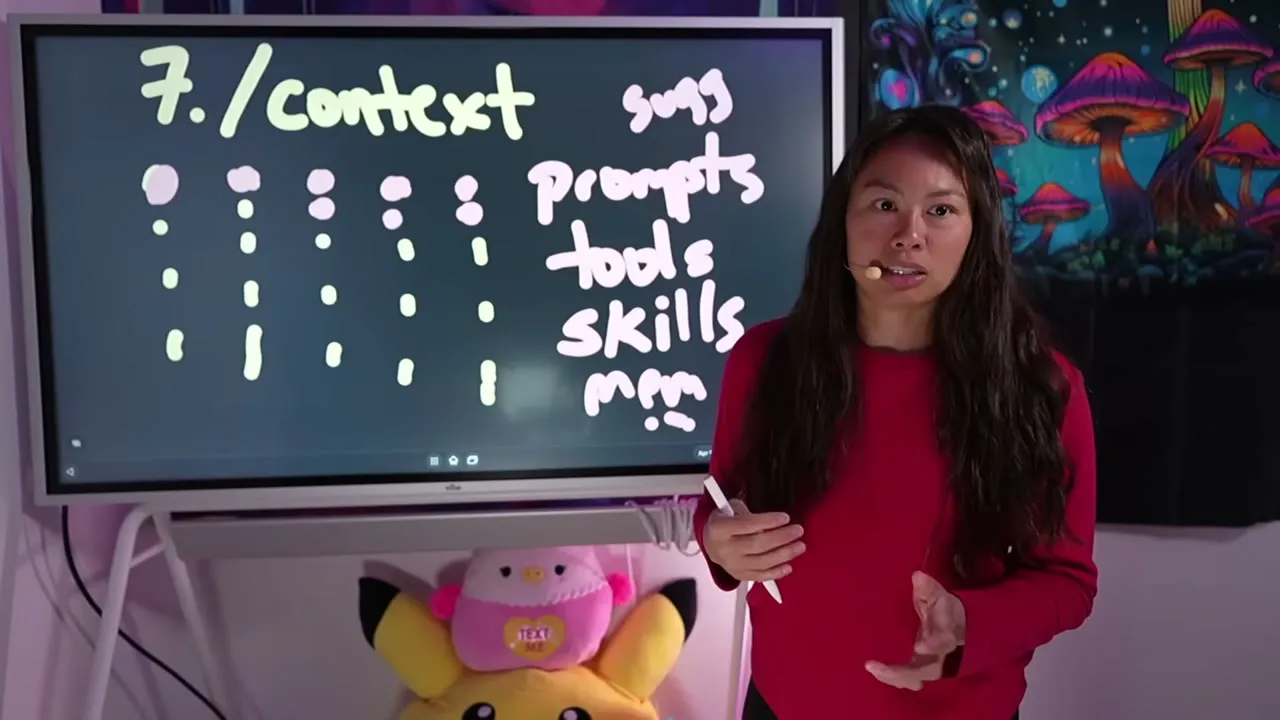
/context shows your current context usage as a colored grid, broken down by category: your prompts, tool calls, skills, and memory files. It also flags where you are wasting space. For most people, the biggest drain is MCP tool calls, which are known to be heavy. Worth knowing how heavy before you start disconnecting servers: current Claude Code loads tool names only and fetches a schema when a tool is actually called, so connecting a nine-platform social server measured 635 tokens rather than the 24,200 a full schema load costs.
/clear wipes the previous context in your conversation. I use this constantly, many times a day, whenever I switch tasks. It saves tokens, but it also protects accuracy. When you fill up the context window, the answers start to degrade. If you run a content business out of Claude Code, clearing between a research job and a drafting job keeps both sharp instead of bleeding one into the other.
Which token command should you reach for?
| Situation | Command | What it saves |
|---|---|---|
| Task does not need the smartest model | /model (Sonnet) | Per-prompt cost |
| Routine work, no deep reasoning needed | /effort (low/medium) | Reasoning tokens |
| Mix of easy and hard tasks in one session | /advisor | Pays top rates only on hard prompts |
| Switching to a new task | /clear | Wipes dead context, restores accuracy |
| Not sure where tokens are going | /context | Shows you the leak first |
The honest takeaway: /clear and /model are the two that cut the most cost for non-developers. Start there. If you already automate your publishing, the same discipline applies to the Claude Cowork workflow, where heavy connector calls eat context fast.
The Commands That Make You Faster
Speed is the other half of the equation. These are the ones that compound over a week.
/btw
This one almost nobody knows. It lets you slip a quick side question into the same session without it cluttering the main thread of work. I run deep research in one session and use /btw for the small questions that pop up alongside it. It is a fairly new feature, and it changes how you multitask.
ultrathink
Add the word ultrathink anywhere in a prompt and it tells Claude to reason more deeply on that turn. It is a quick in-prompt nudge for a one-off hard problem, without permanently changing your session settings.
/clear again, as a habit
Worth repeating here. Clearing context between tasks does not just save money. A clean window gives you faster, more accurate answers because Claude is not wading through old, irrelevant history.

/insights
It analyzes all of your sessions from the past 30 days and tells you where you are doing well, what is holding you back, and which quick wins or new skills to build. It is almost like a report card for how you use Claude Code. It still works after you /clear, because Claude keeps the logs locally.
/rewind
Rewind the conversation to a previous point and branch a new path from there. When a long thread goes sideways, you do not have to start over. Pick the message where things were still good and continue from a clean fork. I should have learned this one sooner.
/resume
Continue a previous session with its message history intact. I use this to move work between my desktop, my laptop, and my phone without losing the thread, which matters when you are a solo creator picking up the same content project across a day.
If you find yourself rebuilding the same setup over and over, that is a signal you should turn it into a skill, which leads to the next group.
The Commands That Help You Earn
This is where productivity turns into income. Once you can write fast, the question becomes how you get the output in front of people, on a schedule, without babysitting it. These commands are the bridge from a draft to a published, money-making post.
Skill Creator
A skill in Claude Code is a reusable workflow you save once and run again and again. You create one by adding a SKILL.md file in .claude/skills/, and Claude can help you write it. Anthropic also ships a skill-creator helper through its official plugin marketplace that builds high-quality skills for you, complete with evals and a benchmark mode that runs a skill multiple times to measure how consistent it is. If you sell a service, a reliable skill is a product you can deliver again and again.
/loop
Creates a repeating task that runs on a set interval in your current session. The syntax is simple:
/loop 5 minutes /write-postThat runs your /write-post command every five minutes. The minimum interval is one minute, loops expire after seven days, and your computer has to stay on because the session is local. It is perfect for polling, like checking every minute whether a video render has finished before you push it out to your accounts.
/schedule
This is the cloud version, and it is the one that runs while you sleep. It creates a remote cron job that runs independently in the cloud, so your laptop can be closed. The syntax is a standard cron pattern:
/schedule 0 9 * * 1-5 research trending AI newsThat runs every weekday at 9 a.m., automatically. The daily run cap depends on your plan, and the minimum interval is one hour. One note: the cloud agent clones your project, so it does not have access to your local files.

claude --chrome
Install the official Claude in Chrome browser extension, then launch Claude Code with claude --chrome to give it control of your browser. It can browse, click, and type on sites that do not have an API. One warning from experience: do not use it to mass-automate things like TikTok comments, because you can get banned for that. For heavier browser work, I almost always prefer the Playwright MCP instead.
/statusline
Customize the bar under your input to show context usage, session cost, your Git branch, and timers. It is a small thing, but watching your cost tick up in real time makes you a more disciplined, and cheaper, user.
The piece that ties earning to all of this is what happens after the content exists. You can use /loop and /schedule to draft posts on a timer, but a draft sitting in your terminal does not make money. It has to get published. That is the gap Blotato fills: it connects your social accounts and exposes them to Claude through one MCP connector at mcp.blotato.com/mcp, so the same Claude Code session that wrote the post can also schedule it. Connect your accounts once and you can run a draft-to-published workflow end to end without leaving the chat.
Build a Custom Command That Publishes For You
Here is the workflow these commands make possible for a creator. Once Blotato is connected as an MCP server, Claude Code can post on its own.
Add the connector in one line:
claude mcp add --transport http Blotato https://mcp.blotato.com/mcpNow you can write a custom slash command, say /post, that drafts a piece of content and hands the publish step to Blotato across all nine platforms it supports: X, Instagram, LinkedIn, TikTok, YouTube, Threads, Facebook, Bluesky, and Pinterest. Pair that with /schedule and you have a content engine that researches, writes, and publishes on a cron, while you do something else. If you have already built the Claude Cowork posting flow, this is the same idea inside the terminal.
What These Commands Can’t Do (Yet)
I want to be honest about the limits, because overselling helps nobody.
A few features behave best in the terminal. If you live in the VS Code extension instead, some of these, like the full /insights report, may be limited, so it is worth running Claude Code in a terminal when you want everything available.
/loop needs your computer awake and dies after seven days, so it is not a true set-and-forget tool. /schedule fixes that by running in the cloud, but because it clones your project, it cannot touch your local files. The routines it creates can also publish on their own, which is what my Claude Routines guide walks through. Neither one reviews its own work either, which is the gap /goal and scheduled routines are built to close.
And browser control through claude --chrome is powerful but fragile. It is not a license to automate things platforms forbid. Use it for legitimate tasks on sites without an API, not for spammy growth hacks.
Results You Can Expect
I will not promise you a number, because it depends entirely on how you use this. What I can tell you is what it did for me. I moved to Claude Code publicly over a year ago, before it was cool, and I am far more productive with it than I ever was with a chat window. I batch filmed four YouTube videos in a single day using these workflows.
The realistic outcome for you: a noticeably lower token bill within a week of using /model and /clear, and the ability to ship more in less time. That extra capacity is what you sell, whether that is content, a product, or a service. Every Blotato plan is built around that last step, turning finished content into published content automatically.
Sabrina’s Final Take
For full transparency, the publishing tool below is one I founded. My honest advice is to learn the token-saving commands first, because they pay for themselves immediately, then layer in /skill-creator and /schedule once you want to automate real output. The commands make you fast, but speed only becomes income when the output actually ships, which is why the publishing step matters as much as the prompt. If you want Claude Code itself doing the publishing, Starter is where the MCP connector switches on.
Claude Code Commands FAQs
How do I reduce my token usage in Claude Code?
Start with /model to run cheaper models like Sonnet for routine work, and /clear to wipe dead context between tasks. Then use /context to find your biggest leak, which is usually heavy MCP tool calls. These three together cut most people’s usage immediately.
What is the difference between /loop and /schedule?
/loop runs a repeating task locally in your current session, with a one-minute minimum interval, and it needs your computer on. /schedule runs in the cloud on a cron pattern with a one-hour minimum, so it works while your laptop is closed, but it cannot access your local files.
Can Claude Code post to social media on its own?
Yes, if you connect a publishing tool as an MCP server. Add the Blotato connector with claude mcp add --transport http Blotato https://mcp.blotato.com/mcp, and Claude Code can draft and publish to your connected accounts from the same session, across all nine supported platforms.
Do I need to be a developer to use these commands?
No. Most of these are simple slash commands you type into Claude Code. If you are non-technical, start in Claude Cowork or Desktop and graduate to the terminal once you are comfortable. The token-saving commands especially need no coding at all.
Are all Claude Code commands available in VS Code?
Most are, but a few features behave best in the terminal, such as the full /insights report. If you rely on those, run Claude Code in a terminal rather than the editor extension to be sure everything is available.