How to Use AI in Your Business in 2026 (8 Moves)
How to use AI in your business in 2026: the 8 tactical moves I use to fit AI into a business that already exists, one workflow at a time.

Most guides on how to use AI in your business hand you a list of 10 things AI can do and leave you more overwhelmed than when you started.
That list is not a plan. It is a menu. Staring at a menu is exactly why most business owners freeze, buy five tools they never open, and conclude AI is hype.
I run a business with thousands of paying customers and have grown to over 2 million followers, all without rebuilding my company into a tech startup. Below are the 8 moves I actually use to fit AI into a business that already exists. The framework comes from a recent Alex Hormozi breakdown, with my own stack layered on top of each move.
How to Use AI in Your Business (Video Guide)
If you would rather watch the full walkthrough, this is the video version. The written guide below covers the same 8 moves with extra detail on the exact prompts and tools I use for each one.
Why Most AI Advice Keeps You Stuck
The problem is not that you lack AI ideas. It is that every guide treats AI like a shopping trip instead of a skill you build inside your existing work.
Owners get stressed because they think they have to change everything at once. You do not. The winners run tried-and-true business models, a SaaS product, a local service, a paid community, then apply AI inside each part to move faster with a smaller team.
Think about the early internet. You never had to become an internet business. You just used the internet to run your same business better. AI is the same: you are augmenting what you already do, not becoming a technology company. The goal here is not 30 tools. It is a repeatable way to slot AI into one workflow at a time until it compounds.
Move 1: Stop Trying to Become an AI Business
The first move is to drop the idea that you need to rebuild your company around AI.
You do not need to be a technology startup to win with AI. You need to look at what you already do and ask where AI fits. Run your business today, then find the one repetitive task AI can take off your plate first.
Here is the exact starting action. Open ChatGPT or Claude and paste this prompt: “Ask me about the most time-consuming tasks I do every week, and show me how AI fits into one step of one of them.” Do not try to make your whole business AI on the first shot. You will burn out. Pick one task, then ask, “How do I automate this, and what tools should I use?”
Move 2: Skip the Courses, Then Actually Build
You do not need an expensive course. There is more high-quality, free content on YouTube than any paid program covers.
But passive watching does nothing. The people who win are the ones who follow along and build while they watch. Find someone who already built the automation you want, even in a different industry, and rebuild it step by step. A legal workflow you can adapt is still a template you can copy.
The honest math: aim for 100 hours of real building, not consuming. At 5 hours a week, that is 25 weeks, roughly 6 months. That sounds like a lot until you realize automating one 2-hour weekly task down to 20 minutes frees you up for the rest of your life in that business.
This is also where the highest-value AI users tend to live: builders using Claude and MCP connectors to wire tools together, not people passively collecting subscriptions. If you want to test the same social and content stack I use, start a free 7-day Blotato trial and rebuild one publishing workflow end to end while you watch a tutorial. That single hands-on build teaches you more than a month of passive scrolling.
Move 3: Train AI Like a Junior Employee
The biggest mindset shift is this: train AI the way you would train a new junior hire.
When you drop a new salesperson into your company, their first attempt is rough. That is normal. Sales teams even budget 3 to 6 months of ramp time. Yet people install an AI tool, watch it stumble on day one, and quit. You are skipping all the context and feedback that made your best employee your best employee.
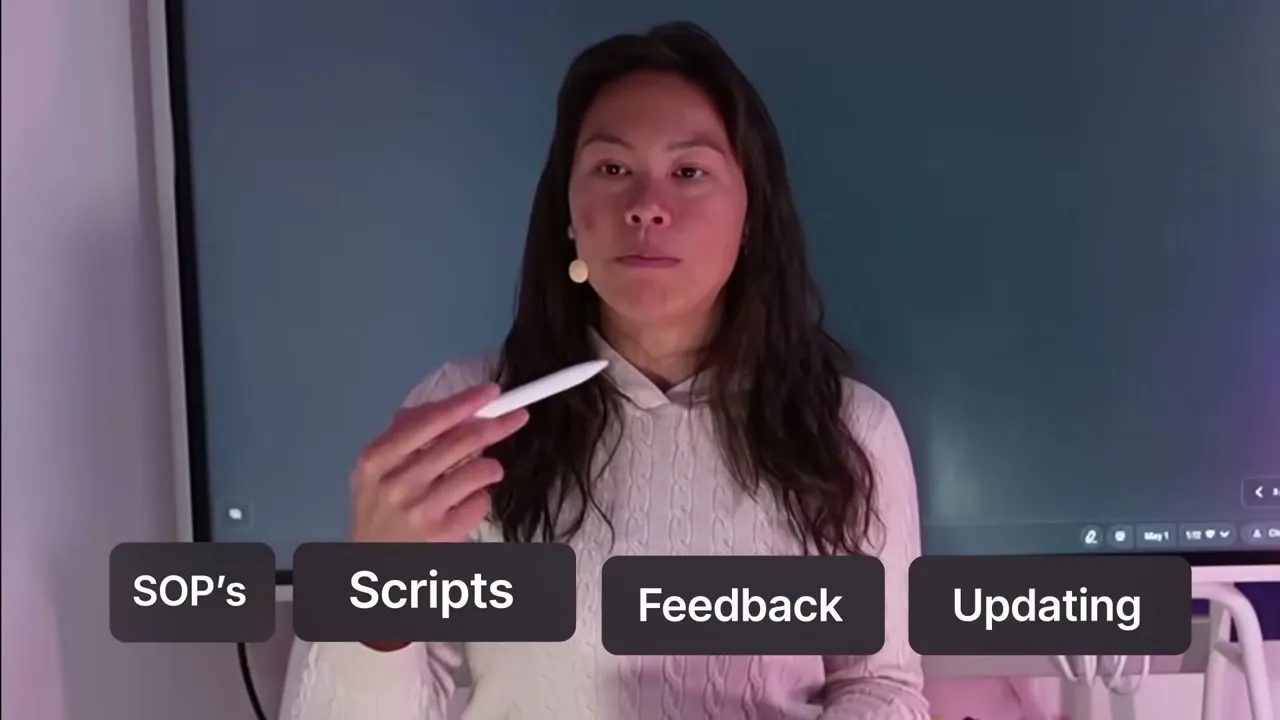
The fix is to feed AI the same training you gave your team: your SOPs, scripts, call recordings, and playbooks for handling objections. AI can digest written docs and recordings alike, then you keep correcting it over time the way you would coach a person. I do this constantly with Claude skills, updating them whenever the output misses. Day-one AI is a day-one hire. Give it context and feedback, and it gets good.
Move 4: Stop Making It About AI
This one shocks people, so pay attention. Do not talk to your customers about AI.
Nobody cares that you use AI. People care about the same age-old outcomes: make more money, save money, save time, gain status, feel healthier. Hormozi does not advertise his CRM or rep training as “AI-powered.” You would be hard-pressed to find AI mentioned on my own homepage, even though the product uses it heavily.
Here is what to do if you have a website. Give ChatGPT or Claude your homepage and ask it to audit every reference to AI, then rewrite each one as a customer outcome. Swap “AI-powered content engine” for “a week of content in 60 seconds.” Lead with the result, not the mechanism.
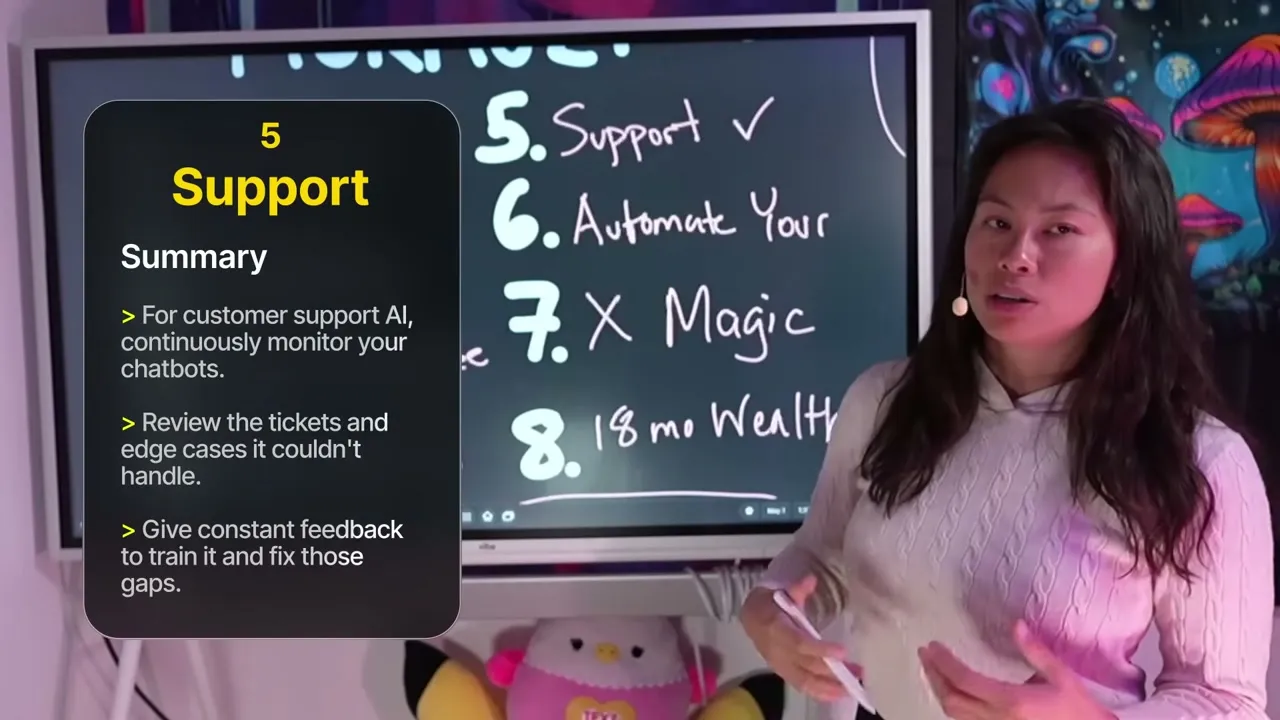
Move 5: Put AI on Customer Support First
Support is the one area where owners see the most obvious wins, because most tickets ask the same handful of questions.
You can point an AI agent at your help docs so it answers repeat questions automatically. Tools like Intercom, Zendesk, and Crisp already have this natively. I ran Intercom Fin AI until it hit around $1,500 a month, then rebuilt my own agent that now costs about $3 a month and works better.
The catch: you still need one human expert. Not to answer every ticket, but to handle escalations and improve the docs whenever the agent gets something wrong. That is the feedback loop. I even gave my agent access to Stripe for billing and a logs database through Better Stack so it can pull a customer’s last error and explain the fix.

Move 6: Automate Your Own Workflow First
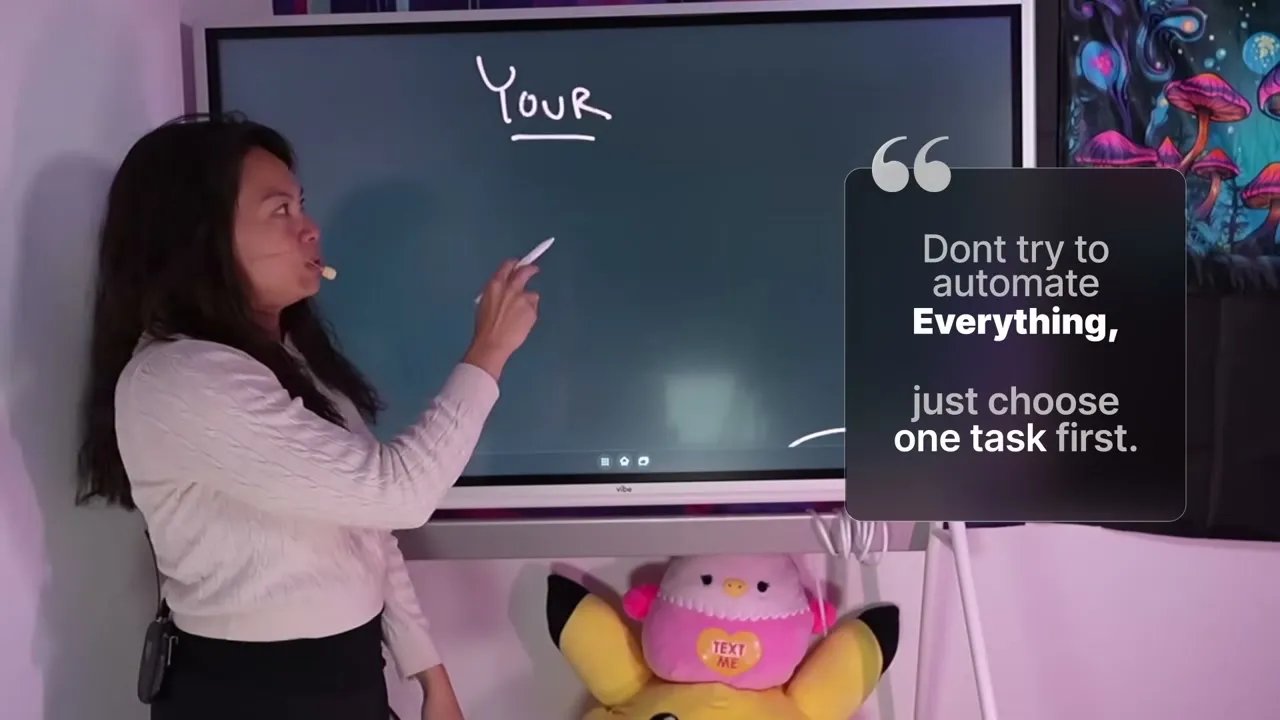
Do not try to automate your whole team. Automate yourself first.
Everyone feels overwhelmed because they picture automating an entire department. Instead, carve out one 4-hour block a week, a quiet Saturday or Sunday morning, and dedicate it to building one system. A system can be simple: Claude reads your inbox each morning and sends you a daily brief of the emails where you are the blocker.
The reason to start with your own work is that once you have felt how it works, teaching your team becomes easy. You lead by example instead of barking orders about tools you have never touched.
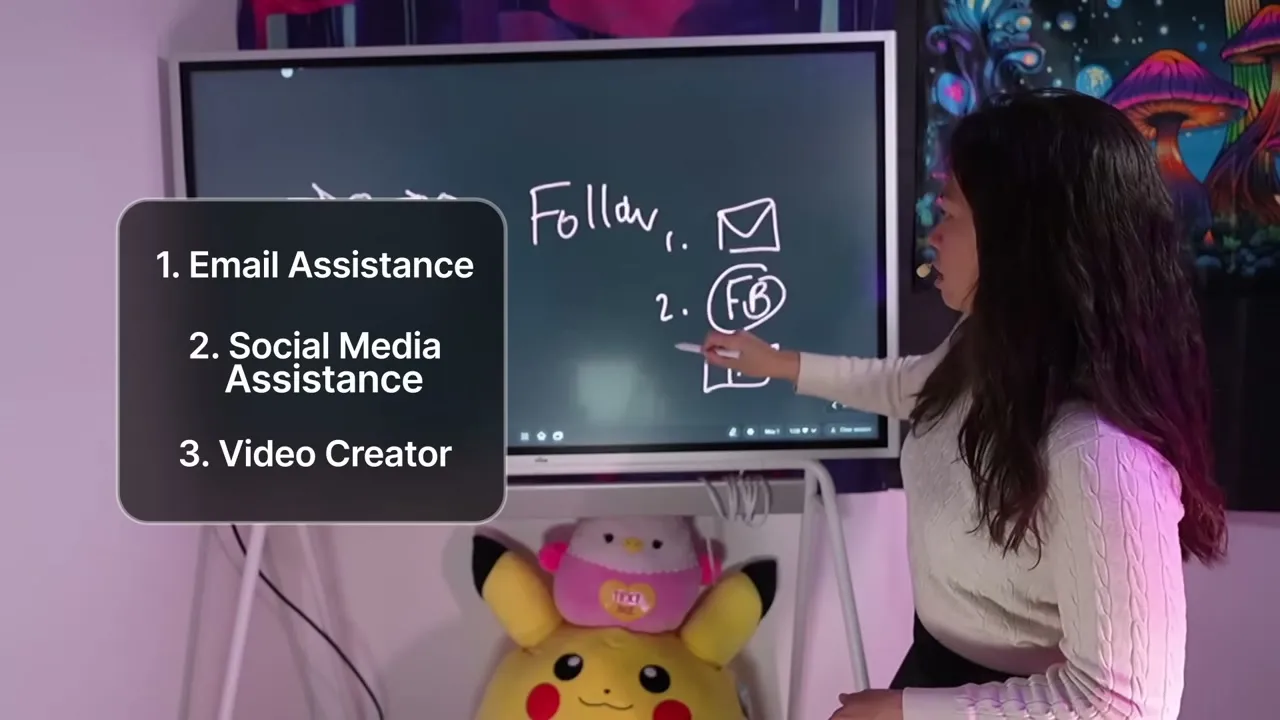
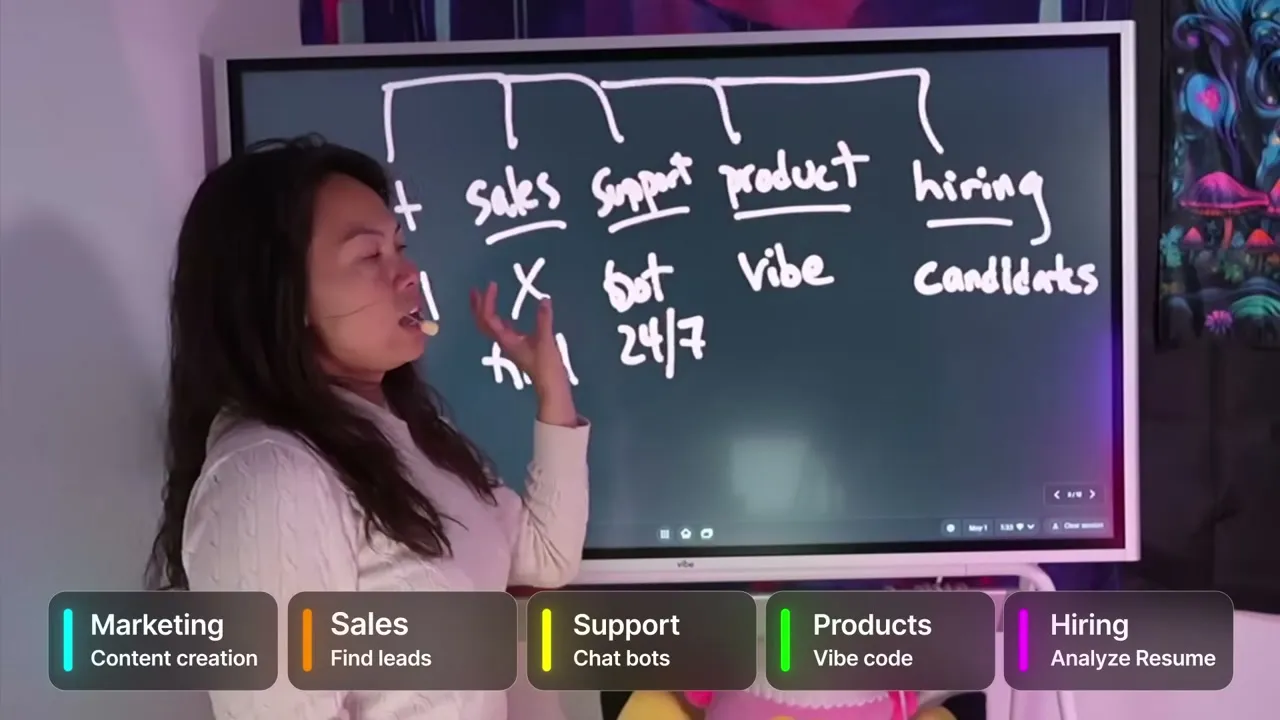
For most solo operators and small teams, the first workflow worth automating is content and social media, because it is repetitive, daily, and easy to hand off. It is one of the many functions of a business, marketing, sales, support, product, hiring, where AI can slot in, and the easiest one to prove fast. You connect Blotato as an MCP tool at mcp.blotato.com/mcp, then let Claude draft and publish across all 9 platforms from one conversation. It is the same “personal social media assistant” idea from my Claude Cowork walkthrough, and it is the fastest way to prove the workflow-first approach on real work. If you want to see the tool side in depth, my best AI tools for solopreneurs roundup breaks down the rest of the stack.
Move 7: Remove the Magic From Your Expertise
If you have done something for years, you have an intuition. That intuition is the exact thing blocking your automation, because AI cannot read your mind.
Intuition is just pattern recognition running automatically. So slow it down and write the patterns out. Take one task you are great at and list every observable step, including your if-then branches. If a junior intern followed you around all day, what would they see you do?
Then plug those steps into Claude and ask, “Which steps would a junior hire or an AI agent need to do this without me, and what context is missing that I have not written down?” The unspoken parts, like how you choose between 10 good options, are what you have to pull out of your head and hand over. Explain your reasoning, give examples, and the output gets dramatically better.

Move 8: Move Now, the Window Is Open
The last move is about timing. There is a short arbitrage window right now where someone starting from zero can out-earn people who have done this for years but refuse to adopt AI.
Hormozi calls it an 18-month wealth window. His example: a legal team that runs one general counsel through specialized agents instead of 100 paralegals on tiny tasks. I think about it as scaling every function of a company, marketing, support, product, hiring, with AI, and very few people know how to do it for any single one. So here is the concrete action: list your company’s functions in one column, and next to each write the one task you would automate first. Then start with whichever row you personally touch every week. That gap between knowing and doing is the opportunity, and it is widest today.
What AI Still Cannot Do for You
None of this means handing your whole business to a bot. Some work stays yours.
AI cannot decide what your company should focus on, or what it should say no to. That call is yours. It cannot build the real relationships and partnerships that move a business, the founder-to-founder trust that closes deals and opens doors. And on customer support, it still needs a human expert behind it to catch escalations and keep the documentation honest. Treat AI as help for your judgment, not a replacement for it.
Pro Tips From My Own Stack
Keep a running task log before you automate anything. Track what you actually spend time on each day for a week, then ask Claude which single task to automate first and which tool to use. You cannot automate what you have not observed.
Give your AI agent real tools, not just docs. My support agent got useful only once it could reach Stripe and my logs. A read-only chatbot answers questions, but an agent with API access actually resolves tickets.
Sabrina’s Final Take
The whole point of learning how to use AI in your business is to stop treating it as a separate project and start using it to speed up the work you already do. Pick one task, train AI on it like a new hire, automate your own workflow before your team’s, and let it compound. If content and social is your first target, every Blotato plan is built for exactly that Claude-to-publish loop, and the 7-day trial is enough to prove it on your own accounts. I founded Blotato, so that last suggestion is me pointing at my own company.
How to Use AI in Your Business FAQs
Is AI worth it for a business with under 10 employees?
Yes, and small teams often see faster gains than large ones. With fewer layers, you can automate one owner-level workflow, like a daily email brief or social publishing, and feel the time savings within a week. Start with a single task rather than a company-wide rollout.
Which AI tool should a small business start with?
Start with a general assistant like Claude or ChatGPT to map your workflows, then add a specialized tool for your first automated task. For content and social, connect Blotato so one AI conversation can publish across every platform. Do not buy five tools before you have automated one task.
How do I use AI without getting overwhelmed?
Automate your own workflow first, not your team’s. Carve out one 4-hour block a week and build a single system, then repeat. The overwhelm comes from picturing an entire department at once instead of one task at a time.
How long before AI actually saves me time?
Budget real reps, not a weekend. Plan for roughly 100 hours of hands-on building, about 5 hours a week for 6 months, and treat early rough output as normal ramp time. AI improves with context and feedback the same way a junior hire does.