10 Best AI Tools for Solopreneurs That Replace a Team (2026)
The 10 AI tools I run my one-person business on in 2026. Each one replaces a hire, tested by a bootstrapped founder with honest pricing.

Most “best AI tools” roundups list 30 options you will never open twice.
The best AI tools for solopreneurs are the ones that replace a hire, not the ones with the longest feature list. I built Blotato as a bootstrapped founder because I needed to run a 1.5M-follower brand without a team, and every tool below passes one test: would I need to pay someone to do this without it? This is the actual stack I run my business on, ten tools that replace what a team of five would cost.
I walk through the whole stack in the video above. Below the ten paid tools, there is also a free layer I run underneath them.
| Tool | Best For | Starting Price | Key Strength |
|---|---|---|---|
| Claude | Solopreneurs who need a research and writing partner | Free / $20/mo Pro | Reads entire documents and codebases in one pass |
| Blotato | Solo creators posting to 9 platforms daily | $29/mo | AI writes platform-native posts, then publishes everywhere |
| Descript | Podcasters and YouTubers editing without Premiere skills | $16/mo annual | Edit video by editing text |
| Opus Clip | Creators repurposing long videos to Reels, Shorts, TikTok | $15/mo | AI finds viral moments and clips them automatically |
| Canva | Non-designers making social graphics and presentations | Free / $12/mo Pro | Magic Design generates layouts from a prompt |
| Notion | Solopreneurs consolidating notes, docs, and projects | Free / $10/mo Plus | AI agents automate recurring tasks in your workspace |
| Perplexity | Founders who need fast, cited research | Free / $20/mo Pro | Web search with sources, not hallucinations |
| Fathom | Solopreneurs who take sales or client calls | Free / $20/mo Premium | Records, transcribes, and summarizes every meeting with action items |
| Calendly | Anyone tired of scheduling emails | Free / $10/seat/mo | Share one link, meetings book themselves |
| Reclaim.ai | Busy solopreneurs losing hours to calendar chaos | Free / $12/mo | Auto-blocks focus time and buffers meetings |
What to Look For in AI Tools for Solopreneurs
Not every AI tool belongs in a solopreneur stack. Before adding anything, I ask:
- Does it replace a hire? If I would need to pay someone $1,000+/month to do this job, the tool earns its slot. If it just saves a few clicks, it is bloat.
- Does it actually work, or just demo well? Lots of AI tools impress in a sales call and disappoint in daily use. I only list tools I have used for months.
- Is the pricing predictable? Per-task billing sounds cheap until you scale. Flat monthly pricing lets you use a tool without watching a meter.
- Does it connect to my other tools? A solopreneur stack needs to flow. If the tool traps your data, you spend hours on manual exports.
- Will I still use this in 6 months? AI moves fast. I skip tools that feel like they will get absorbed into something else.
Best AI Tools for Solopreneurs
These ten tools let me run a content business solo. Each one directly replaces work I would otherwise hire for.
1. Claude - Best for Solopreneurs Who Need a Thinking Partner
Claude is my daily driver for anything that requires thinking through a problem. Market research, writing first drafts, analyzing documents, brainstorming strategy. I open it before I open Google.
The long context window is the difference. You can paste an entire business plan, a competitor analysis, or a full transcript and ask questions about it without chopping it into pieces. ChatGPT and Gemini still feel like chatbots. Claude feels like a research partner.
For solopreneurs who code, Claude Code is the unlock. It reads your codebase, writes features, and fixes bugs. I use it to build automations without hiring a developer.
Pros:
- Reads full documents and codebases without chunking them up
- Better writing quality than ChatGPT for long-form content
- Claude Code for developers and automators
- Web search built in on the Pro tier
- Desktop and mobile apps for anywhere access
Cons:
- Pro tier required for heavy use (free has daily limits)
- Slower response time than lighter models on complex tasks
Best for: Solopreneurs who need a research assistant, first-draft writer, and strategy brainstorm partner in one.
Pricing: Free (limited), Pro $20/mo, Max tiers for power users.
Free trial: Free tier with daily limits.
Bottom line: This is the research assistant you would otherwise hire. I spend less time Googling and more time acting on answers.
2. Blotato - Best for Solo Creators Running Multi-Platform Content
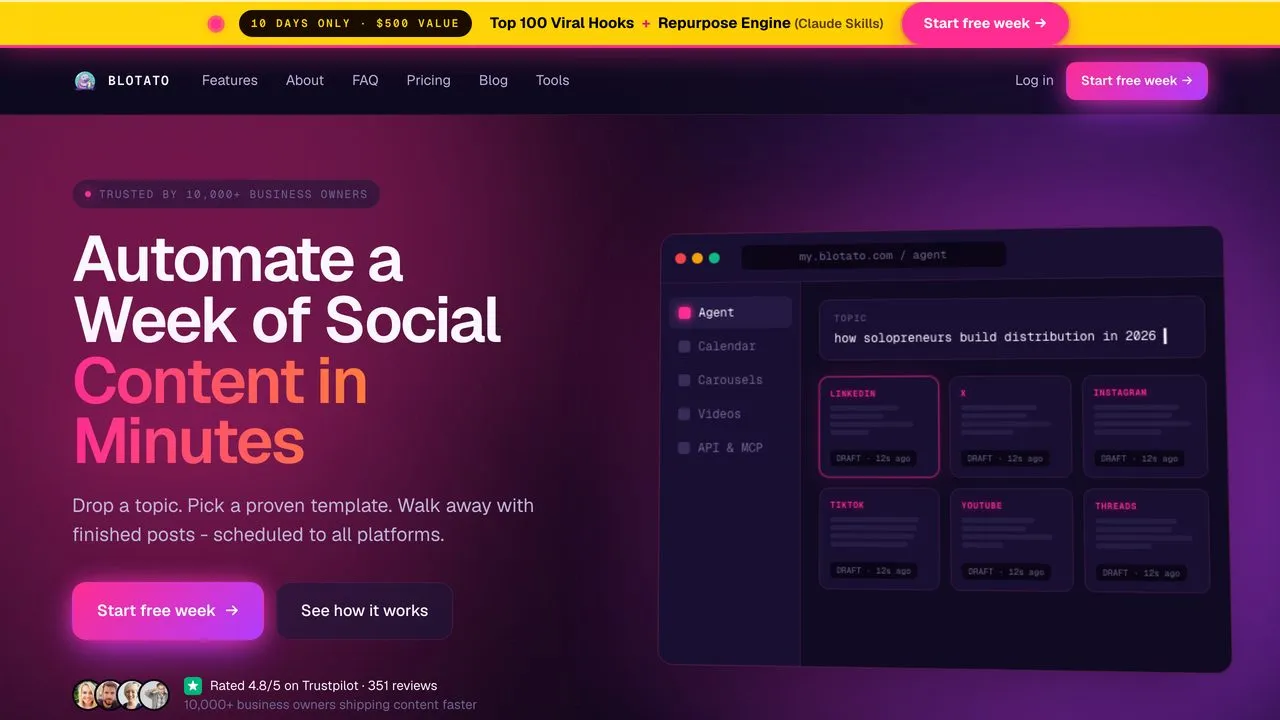
I built Blotato because I was spending 4+ hours a day on social media management. Now it takes me about 30 minutes to review and approve AI-drafted posts that go out across X, LinkedIn, Instagram, TikTok, Facebook, Threads, Bluesky, Pinterest, and YouTube.
The AI does not just schedule. It writes platform-native posts. A LinkedIn post reads like LinkedIn. A tweet is punchy. I review, tweak if needed, and approve. Blotato handles the rest.
What makes it different from Buffer or Hootsuite: the API and MCP access. I connect Blotato to Claude Code and my content pipeline runs itself. Drafts appear, I approve the good ones, they post. This is the part most scheduling tools miss.
Pros:
- AI writes posts tailored to each platform, not one-size-fits-all
- 9 platforms in one dashboard, including Threads and Bluesky
- API access at Starter tier for automation with n8n, Make, or Claude MCP
- Viral post templates database
- Flat pricing (20 accounts for $29, no per-profile fees)
Cons:
- The inbox for DMs and comments covers Instagram and Facebook only
- Newer tool with smaller community than Buffer
Best for: Solo creators posting to 5+ platforms who want AI to write the first draft, not just schedule what you already wrote.
Pricing: Starter $29/mo (20 accounts), Creator $97/mo (40 accounts), Agency $499/mo.
Free trial: 7 days, cancel anytime.
Bottom line: This does the job of a part-time social media manager. The flat $29/mo beats paying per account or per post.
Ready to try Blotato free for 7 days? Connect your accounts and let AI write your first week of posts.
3. Descript - Best for Podcasters and YouTubers Without Editing Skills
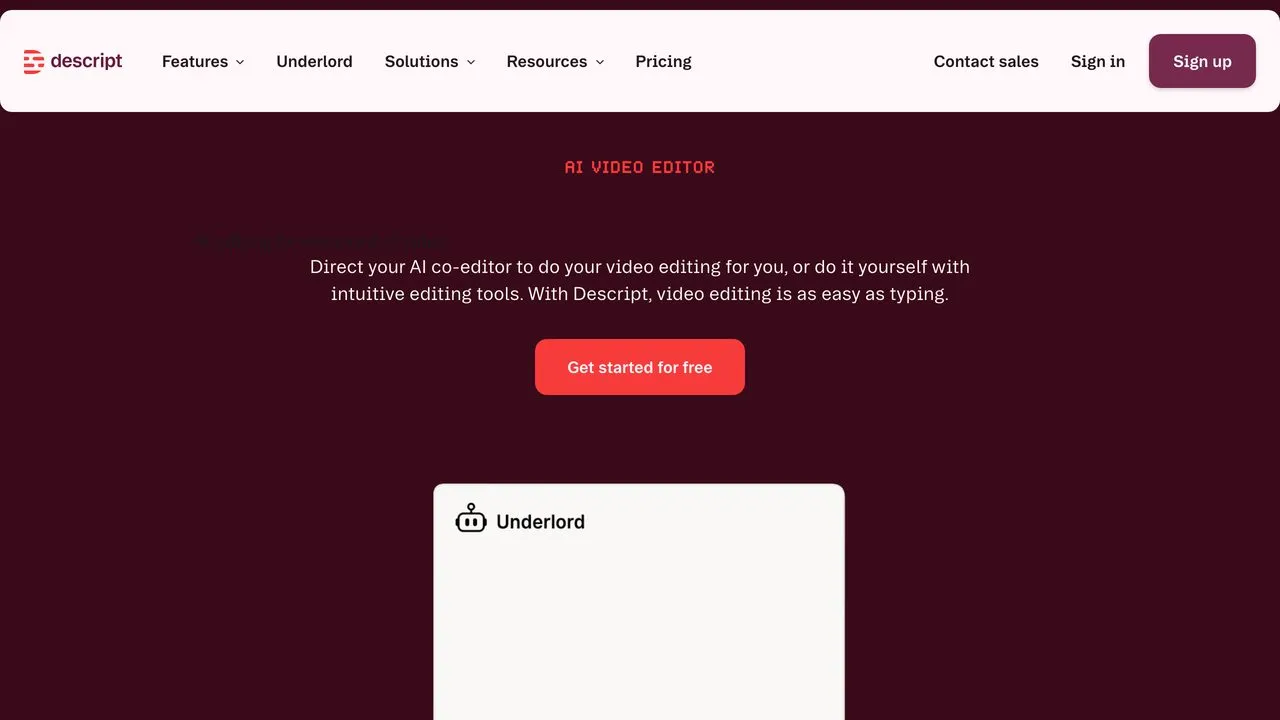
If you create video or audio content but hate editing software, Descript changes everything. You edit video by editing text. Delete a sentence from the transcript, it deletes from the video. Drag paragraphs to reorder, the video reorders.
The Overdub feature is wild. You can fix mistakes by typing what you meant to say and the AI speaks it in your cloned voice. No re-recording.
I produce podcast episodes and YouTube content without touching Premiere or Final Cut. The learning curve is almost zero because you already know how to edit a document.
Pros:
- Text-based editing makes video as easy as editing a doc
- Overdub fixes mistakes with your AI-cloned voice
- Auto-removes filler words, silence, background noise
- Studio Sound enhancement cleans up bad audio
- 4K export and unlimited stock media on Creator tier
Cons:
- Heavy projects can feel slow compared to native editors
- Overdub voice quality still sounds slightly synthetic
Best for: Podcasters and YouTubers who want to edit content without learning traditional video software.
Pricing: Free (limited), Hobbyist $16/mo annual, Creator $24/mo annual, Business $50/mo annual.
Free trial: Free tier with limited exports.
Bottom line: This does the job of a video editor. I spend 20 minutes editing a podcast episode instead of 2 hours.
4. Opus Clip - Best for Repurposing Long Videos Into Shorts
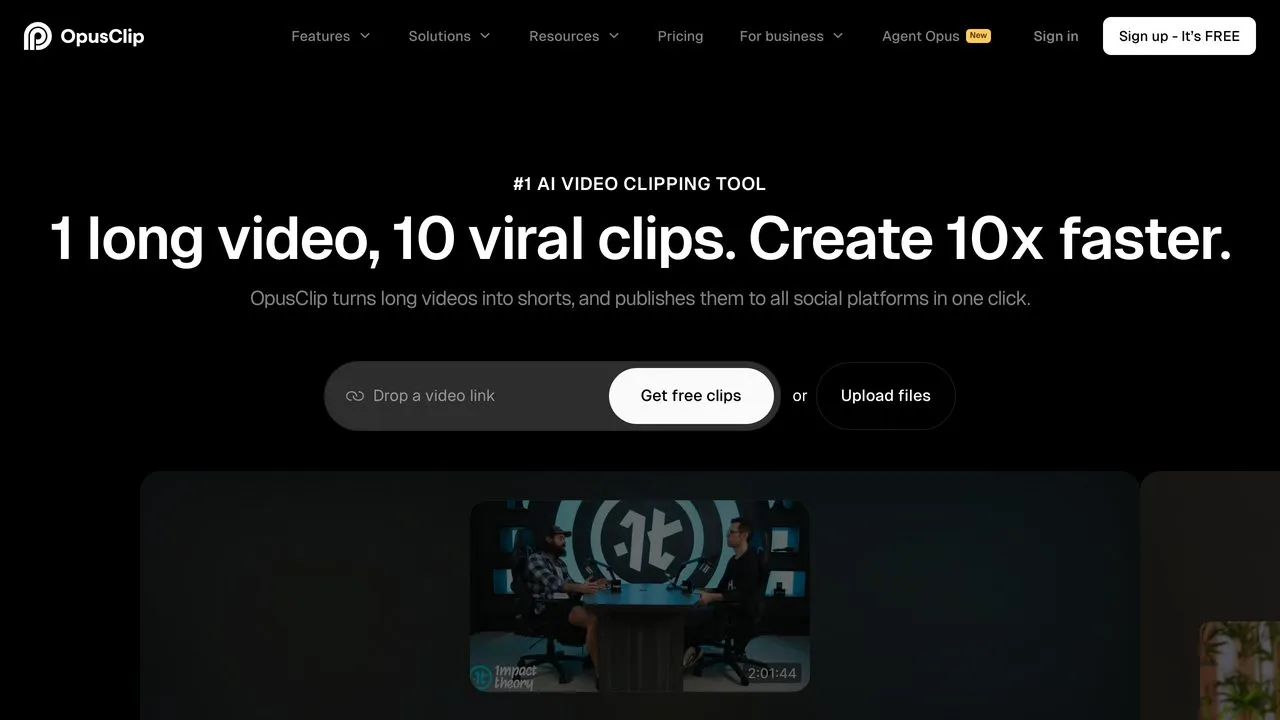
One long video should become 10+ short clips for TikTok, Reels, and Shorts. Doing this manually takes hours. Opus Clip does it in minutes.
Upload a podcast or YouTube video, and Opus Clip finds the most engaging moments. It adds captions, crops to vertical, and gives each clip a virality score. You pick the winners and post.
I use this alongside Blotato. Opus Clip creates the clips, then I push them through Blotato’s scheduler to post across platforms. One hour of work produces a week of short-form content.
Pros:
- AI finds viral-worthy moments automatically
- Auto-captions with emoji highlights
- Virality score helps pick winners
- Direct posting to YouTube Shorts, TikTok, Instagram
- AI B-roll insertion on paid tiers to fill visual gaps
Cons:
- Best clips still need human review before posting
- Virality predictions are not always accurate
Best for: Creators repurposing long-form content to short-form video without manual clipping.
Pricing: Free (limited), Starter $15/mo, Pro $29/mo.
Free trial: Free tier with watermark.
Bottom line: This does the job of a video repurposing VA. Turn one podcast into 15 TikToks without touching a timeline.
5. Canva - Best for Non-Designers Making Professional Graphics
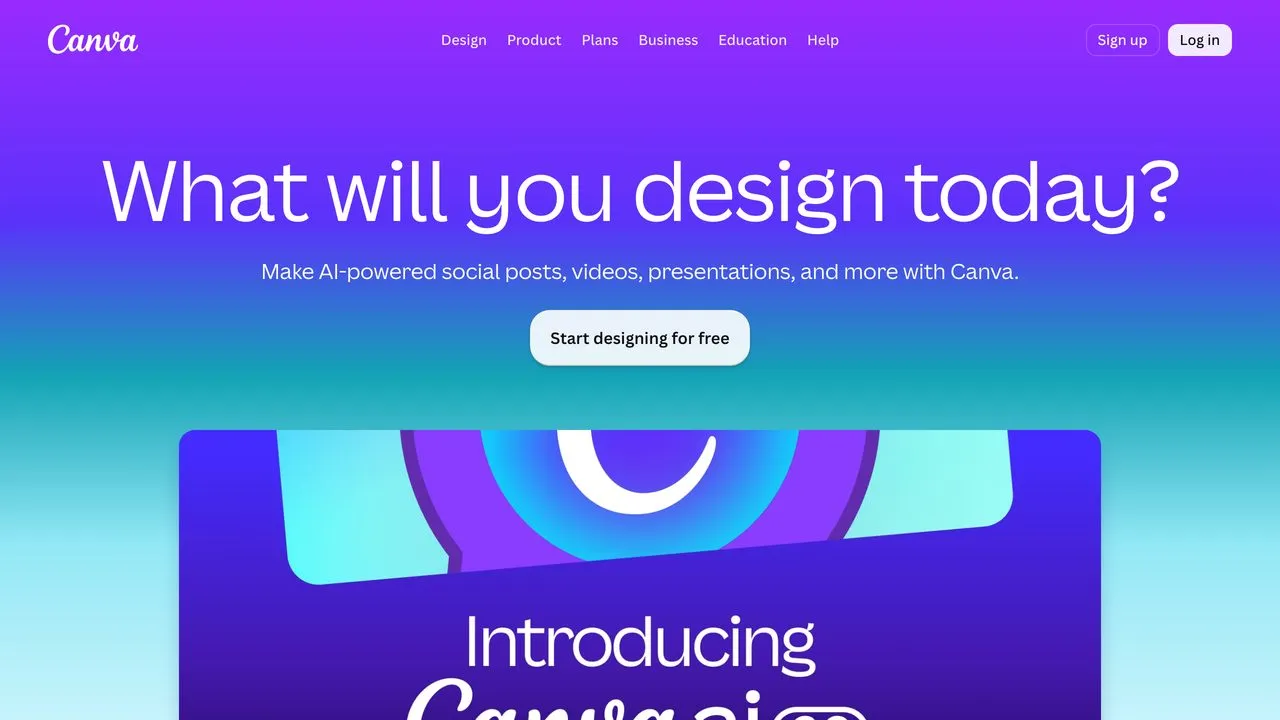
Canva is the reason solopreneurs do not need to hire designers for routine graphics. Social posts, presentations, thumbnails, carousels. Magic Design generates layouts from a text prompt. Magic Resize adapts one design to every platform size.
The AI features keep getting better. Background Remover, Magic Eraser, and Magic Write for copy inside designs. What used to require Photoshop and a designer now takes me 5 minutes. If you already live in Claude, you can even drive Canva from Claude to generate on-brand graphics without leaving the chat.
Brand Kit keeps everything consistent. Upload your logo, colors, and fonts once. Every template matches your brand without thinking about it.
Pros:
- Magic Design generates layouts from prompts
- One-click resize for every platform
- Background Remover and Magic Eraser built in
- Brand Kit keeps everything consistent
- 100M+ stock photos and templates on Pro
Cons:
- Complex designs still hit limitations
- Some AI features feel gimmicky (Magic Animate)
Best for: Non-designers who need professional-looking social graphics, presentations, and thumbnails.
Pricing: Free (limited), Pro $12/mo annual, Teams $20/mo per person annual.
Free trial: Free tier is genuinely useful.
Bottom line: This removes the freelance designer from your routine graphics. Saves 3-4 hours a week on social content.
6. Notion - Best for Consolidating Your Entire Business in One Place
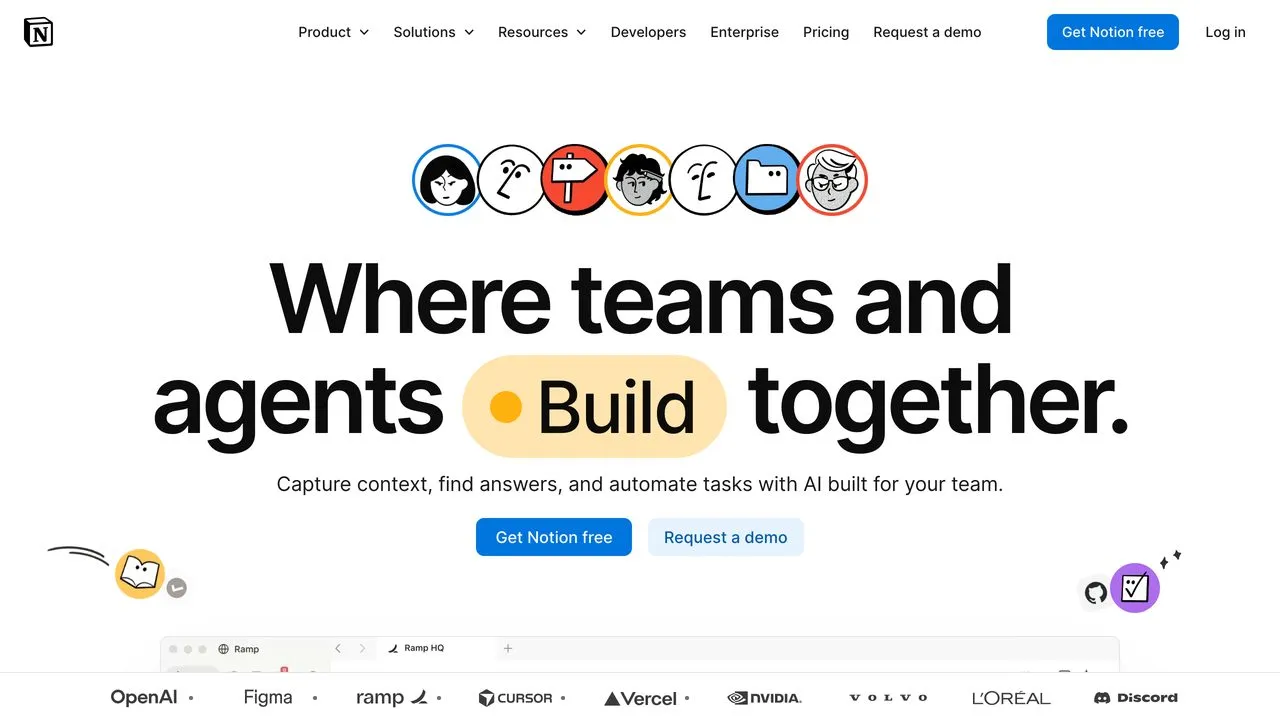
Notion is the operating system for a solopreneur business. Notes, docs, wikis, project management, CRM, content calendar. All in one workspace instead of six different apps.
The AI layer adds real power. Summarize meeting notes, draft documents, ask questions across your entire workspace. The new AI Agents automate recurring tasks like data entry or status updates.
I run my content calendar, client notes, and SOP docs in Notion. When I need to remember what I promised a client six months ago, AI finds it instantly.
Pros:
- Replaces notes, docs, projects, wikis, and databases
- AI summarizes, drafts, and answers questions across your workspace
- AI Agents automate recurring tasks
- Templates for everything from CRM to content calendars
- Notion Calendar and Mail integrations
Cons:
- Learning curve to set up your workspace
- Mobile app still lags behind desktop
Best for: Solopreneurs who want to consolidate scattered tools into one workspace with AI built in.
Pricing: Free (limited), Plus $10/mo, Business $20/mo.
Free trial: Free tier works for basic use.
Bottom line: This replaced scattered notes and project tools. Everything lives in one place, and AI helps me find it.
7. Perplexity - Best for Fast Research With Sources You Can Trust
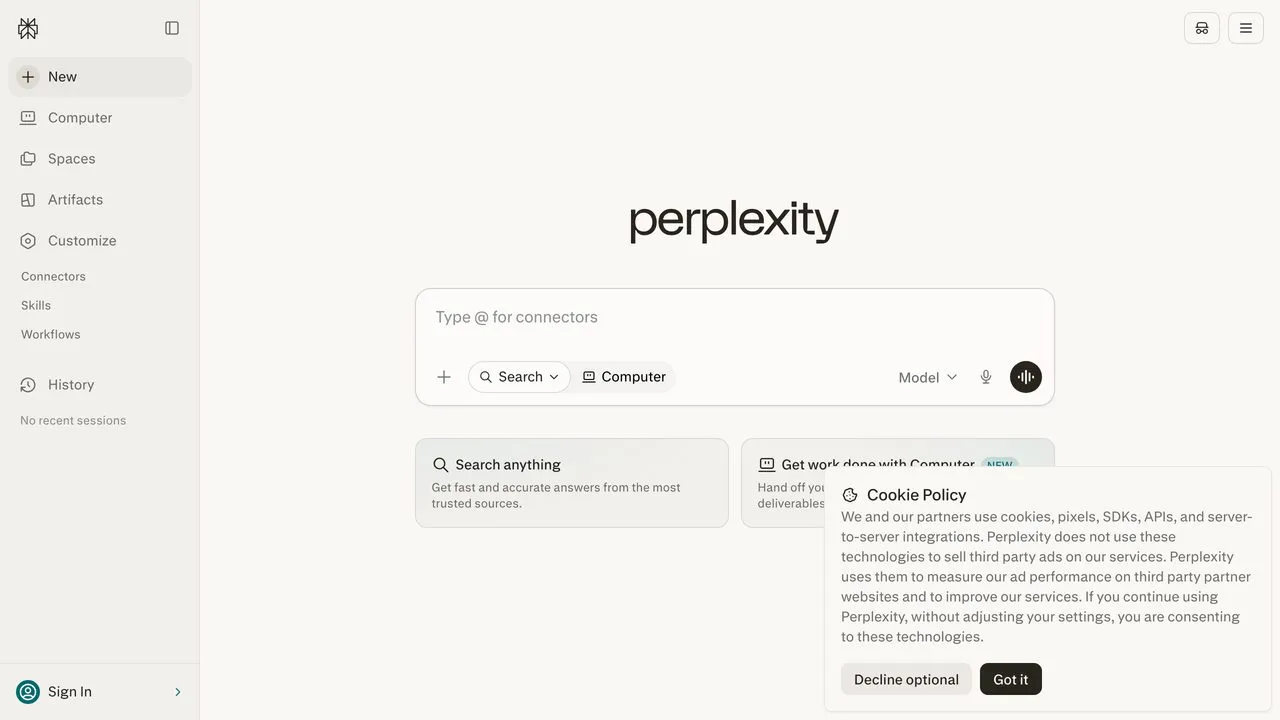
When I need to research something, I open Perplexity before Google. It searches the web, synthesizes answers, and cites sources. No 10 blue links to click through. No ChatGPT-style confident hallucinations.
The Pro tier adds premium data sources like Statista, PitchBook, and financial databases. For market research, competitive analysis, or fact-checking content, this saves hours.
Focus modes let you narrow searches to specific sources. Academic for papers, Reddit for real user opinions, YouTube for video content. The research comes back organized.
Pros:
- Web search with actual source citations
- Pro Search does multi-step reasoning for complex questions
- Focus modes narrow to specific sources
- Collections organize ongoing research
- Premium data sources on Pro tier
Cons:
- Free tier has limited Pro Searches
- Some sources still get summarized loosely
Best for: Solopreneurs who need fast, cited research without clicking through dozens of links.
Pricing: Free (limited), Pro $20/mo.
Free trial: Free tier with basic search.
Bottom line: This does the job of a research assistant for competitive intel and fact-checking. Answers come with receipts.
8. Fathom - Best for Solopreneurs Who Take Sales or Client Calls
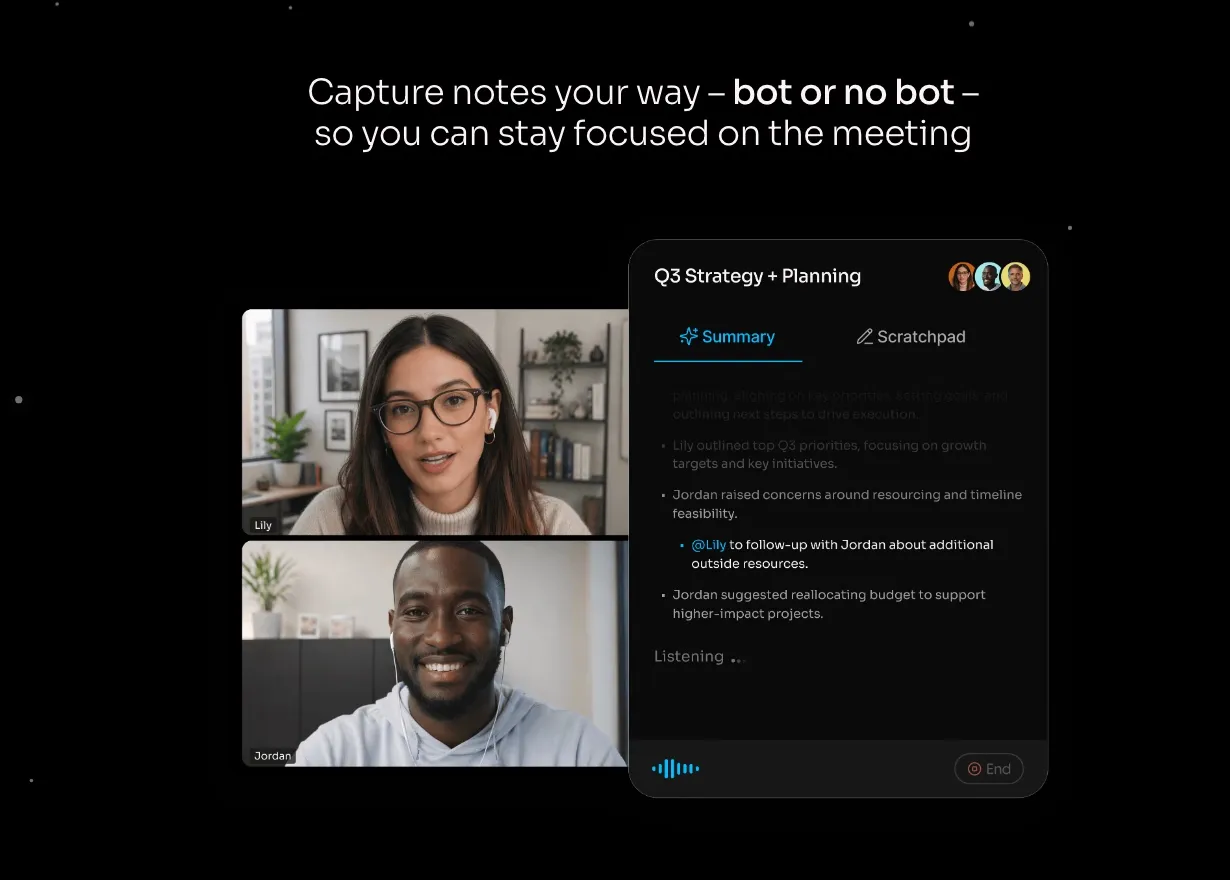
When you run everything yourself, a discovery call means either you talk or you take notes, never both. Fathom fixes that. It joins your Zoom, Meet, or Teams calls, records and transcribes them, then hands you an AI summary with the action items pulled out before you have even closed the tab.
I used to end sales calls with a page of half-legible notes and a nagging feeling I missed something. Now I stay fully present on the call, and the recap is waiting for me when it ends. It even syncs those notes straight into a CRM or into Claude, so follow-up drafts write themselves.
Pros:
- Auto-records, transcribes, and summarizes every meeting
- Pulls action items and next steps out automatically
- Unlimited recordings on the free plan
- Integrates with HubSpot, Salesforce, Zapier, and Claude via API and MCP
- Ask-Fathom lets you query across all your past calls
Cons:
- Only as useful as the number of calls you actually take
- Free plan limits advanced AI features to a handful per month
Best for: Solopreneurs who run sales, client, or partnership calls and want the notes handled for them.
Pricing: Free (unlimited recordings), Premium $20/mo, Team and Business tiers per user.
Free trial: Free plan is genuinely generous.
Bottom line: This does the job of a note-taker in every meeting. I show up present and the recap is done before I stand up.
9. Calendly - Best for Killing the Back-and-Forth Scheduling Email
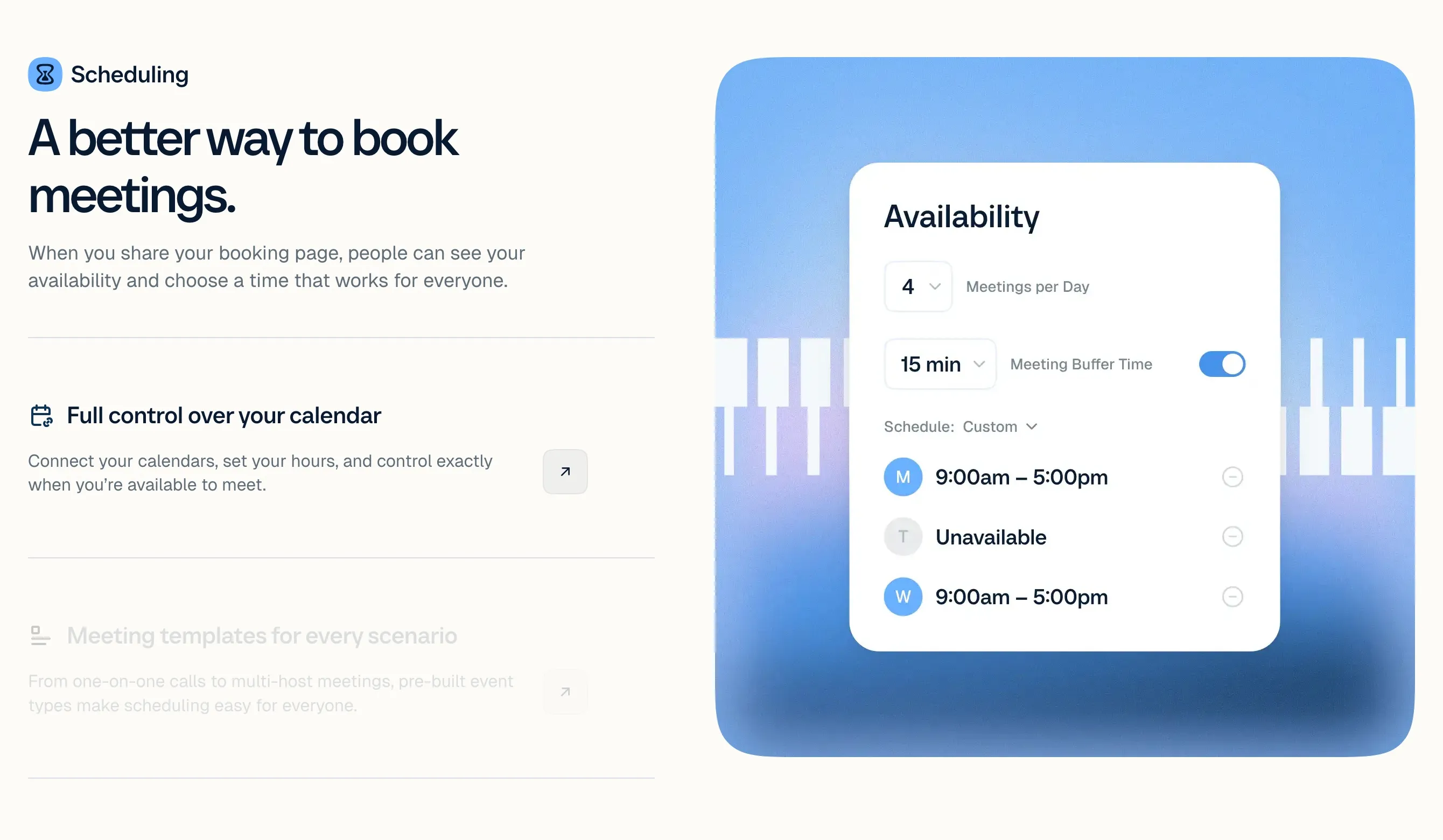
Scheduling is the tax you pay for being a solopreneur. Five emails to book one call. Calendly ends it. You share one link, the other person picks a slot that fits your real availability, and it lands on both calendars.
I set my working hours, buffer times, and meeting types once. Now a podcast guest, a client, or a partner books me without a single “does Tuesday work?” thread. Its Notetaker feature also records and recaps the call, so it doubles as a light meeting-notes tool if you do not want a second app.
Pros:
- One link replaces every scheduling email thread
- Respects your buffers, daily limits, and working hours
- Different event types for calls, demos, and intros
- Notetaker records and summarizes meetings
- Connects to Google, Outlook, and iCloud calendars
Cons:
- Free plan is limited to one event type
- Some booking customization is gated to paid seats
Best for: Any solopreneur who books calls with clients, guests, or partners and is tired of trading availability by email.
Pricing: Free (1 event type), Standard $10/seat/mo annual, Teams $16/seat/mo annual.
Free trial: Free plan works for basic booking.
Bottom line: This is the scheduling assistant you never have to hire. One link, zero back-and-forth.
10. Reclaim.ai - Best for Protecting Focus Time and Ending Calendar Chaos
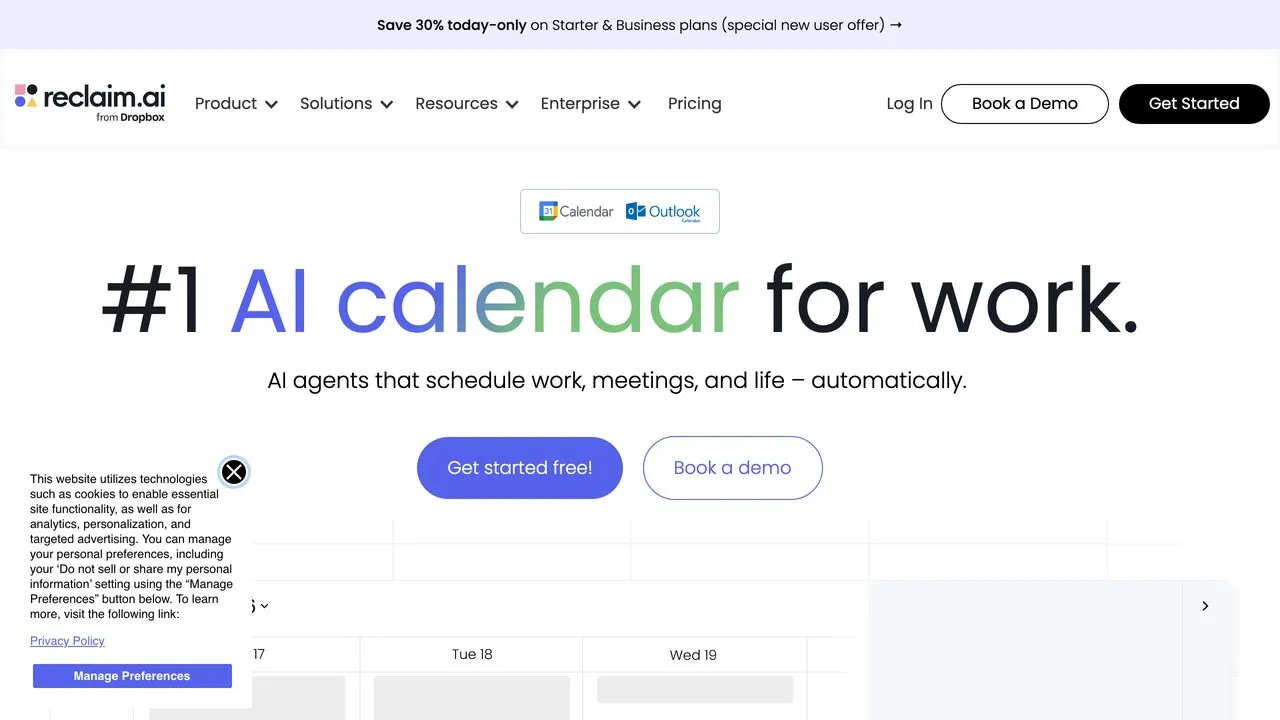
Solopreneurs live and die by their calendar. Reclaim.ai is the tool that finally fixed mine. It automatically blocks focus time, buffers between meetings, and reschedules tasks when priorities change.
You set your goals (4 hours of deep work, daily exercise, weekly planning). Reclaim protects those blocks. When a meeting request comes in, it finds time without eating into your protected hours.
The Smart Meetings feature finds optimal times for recurring syncs. No more back-and-forth scheduling emails. You share your Reclaim link, it finds a slot that works.
Pros:
- Auto-blocks focus time based on your goals
- Tasks auto-schedule around meetings
- Buffer time prevents back-to-back burnout
- Smart Meetings find optimal times
- Integrates with Google Calendar, Outlook, Slack
Cons:
- Requires Google or Outlook calendar (no Apple Calendar)
- Takes a week to learn your patterns
Best for: Busy solopreneurs who lose hours to calendar Tetris and want AI to protect their time.
Pricing: Lite free, Starter $12/mo annual, Business $18/mo annual.
Free trial: Lite tier is genuinely free.
Bottom line: This replaced the mental overhead of managing my own schedule. Focus time happens automatically now.
The Free Tools Behind the Paid Stack
The ten tools above are the ones I pay for. Underneath them runs a second layer that never shows up on a card statement: five workflows built on free tiers, covering what to build, what to post, where to send people, who answers support, and how I undo my own mistakes. Free software is not the same as a free workflow, so I have noted where each one actually stops.
Gemini Notebook for deciding what to build. Google renamed NotebookLM to Gemini Notebook in July 2026, and the useful part is unchanged: you choose what it reads. I drop in twenty videos from one operator I trust, add my real constraints, and ask what they would do in my position. Because it answers from those sources rather than the open web, it points back to the video each answer came from, so I can check the advice instead of trusting it. The mind map is what I actually open, since it shows how ideas from separate videos connect without me holding all of it in my head. The free tier caps you at 50 sources per notebook, which is far more than one research question needs.
Apify for finding formats that already work. The free plan is $0 with $5 in monthly platform credit, no card required, which covers this kind of research at my volume. I feed in a topic, it pulls posts already getting views, and I take the structure rather than the content. One reel promoting the app used a format I found this way: open on a problem, give something useful, then show the tool.
Astro and Vercel for the site itself. Astro builds it, Vercel’s Hobby plan hosts it at $0/mo. Neither one writes copy for you, and that is the honest limit: the reason I can change the site without opening a page builder is that I point an AI coding tool at the repo, which works because Astro sites are plain files rather than a proprietary database.
n8n for support that runs overnight. I self-host n8n on the free Community Edition, and it answers support questions out of my own help docs rather than the open web, so someone asking how to connect a social account gets the answer I would have sent. What makes it safe to leave running is the boundary. When a customer replies that they already tried that and it still is not working, the agent stops rather than trying again, and hands me the original question, the answer it gave, and what they already attempted. I start from context instead of zero, and the questions I get are the edge cases and real bugs. For how the automation platforms compare, I broke that down in n8n vs Make vs MCP.
GitHub as the undo button. Free plan, unlimited private repositories. Not long ago I shipped a feature I was excited about and broke login for everyone. My instinct was to start fixing immediately, and that instinct was wrong, because I did not yet know what caused it and changing more things could bury it. Rolling back to the last working version fixed it in minutes and bought me the time to diagnose it properly.
Where the free tier stops: self-hosting n8n means you own the uptime, the updates and the debugging, and the support agent still spends money on model calls every time it answers. The software costs nothing. The maintenance and the usage are the price.
How I Evaluated These Tools
These are tools I actually run in my own business, not names I pulled off a comparison site. Here is what mattered:
- Replace a hire, not save clicks. The bar was whether I would need to pay someone $1,000+/month for this work without the tool.
- Daily driver, not occasional use. Tools I only open once a month did not make the list.
- Predictable pricing. No per-task meters that spike when you scale.
- Works in a stack. Every tool connects to my others through APIs, integrations, or automation.
- Still useful in 6 months. I skipped tools that feel like they will get absorbed into bigger platforms.
Pricing was verified live on each tool’s pricing page. Strengths and gaps draw from my own testing plus G2, Capterra, and Reddit reviews.
How to Choose the Right Tools for You
Not every tool fits every solopreneur. Match your stack to what you actually do:
- If you run social content across multiple platforms: Start with Blotato. The AI drafting plus multi-platform scheduling does the work you would otherwise pay a social media VA to handle.
- If you create video or podcast content: Add Descript for editing and Opus Clip for repurposing. Together they replace a video editor and clipping VA.
- If you need a research and writing partner: Claude Pro is the daily driver. Better for long-form work than ChatGPT.
- If you are drowning in scattered notes and projects: Notion consolidates everything. The AI layer makes it searchable.
- If calendar chaos eats your focus time: Reclaim.ai protects your hours automatically.
- If you make your own graphics: Canva Pro. Magic Design and Brand Kit eliminate the designer dependency.
- If you do market research or competitive analysis: Perplexity Pro. Cited sources, not hallucinations.
- If you run sales or client calls: Fathom takes the notes so you can stay present, and Calendly gets the call booked without the email thread.
Start with 2-3 tools that solve your biggest bottlenecks. Add others as you outgrow manual work.
Final Recommendation
The full stack runs a few hundred dollars a month at most, and most of these tools have a free tier you can start on. That replaces what would otherwise cost thousands in part-time hires: a social media manager, video editor, research assistant, designer, meeting note-taker, and calendar manager.
If I had to pick one tool to start with, it would be Blotato. Social media management is the most time-consuming daily task for content creators, and automating it unlocks time for everything else.
But the real power is the stack. Ten tools, all connected, running a content business with one person. That is what “do more with less” actually looks like.