9 Best Social Media MCP Servers for Posting with Claude (2026)
Social media MCP servers compared by one honest test: can the server actually publish your post, or does it just hand your agent a draft and stop?
Most lists of social media MCP servers rank by how many tools a server exposes. I rank them by one question: when I connect it to Claude, does my agent actually publish, or does it just hand me a draft and stop?
That gap is where almost every social-media MCP setup dies. The agent fetches your calendar, writes a caption, generates an image, and then leaves the last step to you. You still open eight tabs and paste. My rule for adding any tool is blunt: if it doesn’t save real time or drive revenue, why is it in my stack? So I judged these servers by whether they close the loop.
I run my social presence solo, and I connect Blotato’s MCP for exactly this reason: it takes one post and publishes it everywhere, no copy-paste. I am involved with Blotato as a founder and daily user, so weigh that however you like. If you want to skip ahead and try the publish step, you can connect Blotato’s MCP to Claude on any plan, or jump straight to the setup for the platform you actually need. Here are the nine servers worth connecting, ranked by how much of the chain they finish for you.
A social media MCP server is a Model Context Protocol server that gives an AI assistant like Claude the tools to act on social platforms, from reading your accounts to publishing a post. If you’re still mapping the terms, an API and an MCP server aren’t the same layer of the stack. The catch most lists skip: a lot of them only read or draft. So yes, Claude can post to social media, but only through a server that actually exposes a publish action. That single distinction is what separates the nine below.
| MCP Server | Best For | Cost | Closes the Loop? |
|---|---|---|---|
| Blotato | Publishing one post to every platform natively | Plan from $29/mo | Yes, all major networks |
| Ayrshare | Developers wanting a publishing API behind the agent | API plan from $149/mo | Yes, via the Action server |
| Postiz | Self-hosters who want open-source control | Free self-host, hosted from $29/mo | Yes, 30+ platforms |
| Buffer | Simple scheduled drafts, official and lightweight | Free plan available | Yes, scheduling only |
| Zapier | Tapping a huge app catalog without code | Uses task quota | Yes, if you wire the action |
| Make | Complex multi-step posting scenarios | Uses operations quota | Yes, if you build the scenario |
| n8n | Technical builders who want full control | Free self-host | Yes, if you build the workflow |
| Canva | Generating the visual inside the same agent | Free to connect | No, supporting role |
| Filesystem | Handing local images and videos to a publisher | Free, open-source | No, supporting role |
What to Look for in a Social Media MCP Server
Not every server that connects to Claude belongs in a posting stack. Here is what I check before I add one.
- Does it publish, or only connect? Many MCP servers read your data or draft text but cannot push a post live. That is a research tool, not a publishing one.
- Does it do anything after publishing? A server can publish perfectly and still expose no analytics, inbox, or comment tools, which means a second vendor the moment you need to measure or reply. I compared tools on that split in the best WoopSocial alternatives.
- How many platforms, natively? A server that posts to one network still leaves you tab-switching for the other seven.
- Setup cost in your time. Some servers post out of the box. Others make you build a workflow or scenario first, then trigger it.
- Real ongoing cost. Most MCP servers are free to connect. The bill lives in the service behind them, so check that.
- Human-in-the-loop control. Posting at volume is great until the agent sends the wrong thing. I want a review step I control.
Best Social Media MCP Servers for Posting with Claude
These nine are ordered by how much of the publishing chain they finish, from native multi-platform posting down to the supporting servers that feed the loop. Each one connects to Claude Desktop or Claude Code the same way: point your client at the server’s URL or install command, then ask your agent to post. The same URL works from self-hosted agents and other MCP clients too, which is how you wire one of these into OpenClaw, add one to Google Antigravity, or give a Hermes agent the eight platforms it lacks. Worth checking the field names before you paste, because they differ per client: Cursor expects url, Windsurf wants serverUrl for the same server, and Replit uses no JSON at all, taking the URL in Integrations instead. If you are still choosing the client itself, we ranked 12 AI agents for social media by whether they can publish at all.
1. Blotato - Best for publishing one post to every platform natively
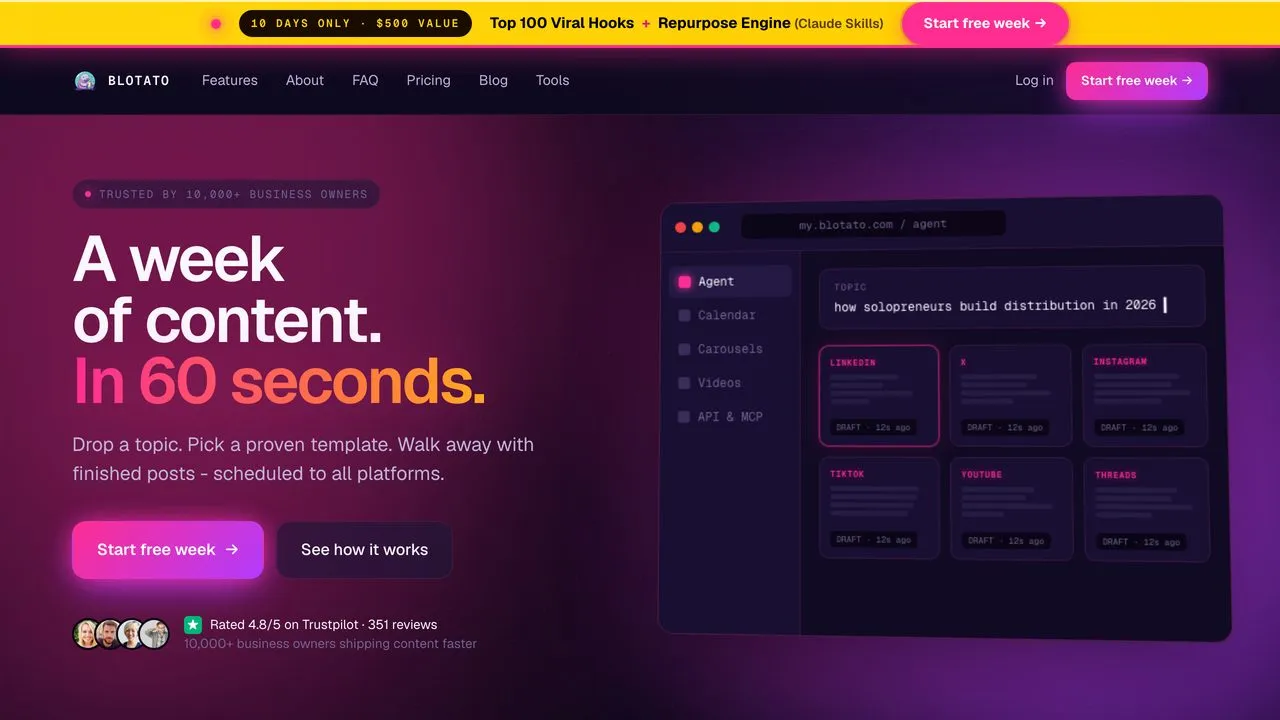
Blotato is the server I reach for first, because it is the only one in this list that publishes organically to every major network from a single Claude prompt. I connect it at mcp.blotato.com/mcp, and the agent can list my connected accounts, upload or generate media, then post or schedule across Facebook, Instagram, YouTube, TikTok, LinkedIn, Threads, and X. No per-platform code, no local install. One prompt fans out to all of them with the right fields for each, and there is a platform-by-platform guide to posting from Claude if you want the exact prompt for each network. That is the whole point of an AI content pipeline in Claude Code: the last step is not “here is your draft,” it is “posted.” Blotato exists to finish that last step, the one most tools leave to you.
If you want the developer view of how this connects under the hood, the social media API breakdown covers it. For the reference page on a single network, including the exact actions Claude can call there and what it cannot do yet, each platform has its own: Instagram, LinkedIn, X, TikTok, YouTube, Facebook, Threads, Bluesky, and Pinterest.
Best for: Solo creators and small teams who want one prompt to post everywhere.
Cost: No separate MCP charge. Needs a paid plan, from $29/mo. API access is excluded from the free trial.
Closes the loop? Yes. Native publishing across all major platforms, confirmed in my own daily use.
Where it stops: Publishing is what this server is built to finish, and the surface narrows after the post goes live. Analytics cover every platform except LinkedIn, and reading comments or DMs works on Instagram and Facebook only, so an agent meant to run your whole inbox will hit that edge before it hits any publishing limit.
Bottom line: The server to pick when the job is getting the post published natively on every major network without wiring anything, rather than running the inbox afterward.
2. Ayrshare - Best for developers who want a publishing API behind the agent
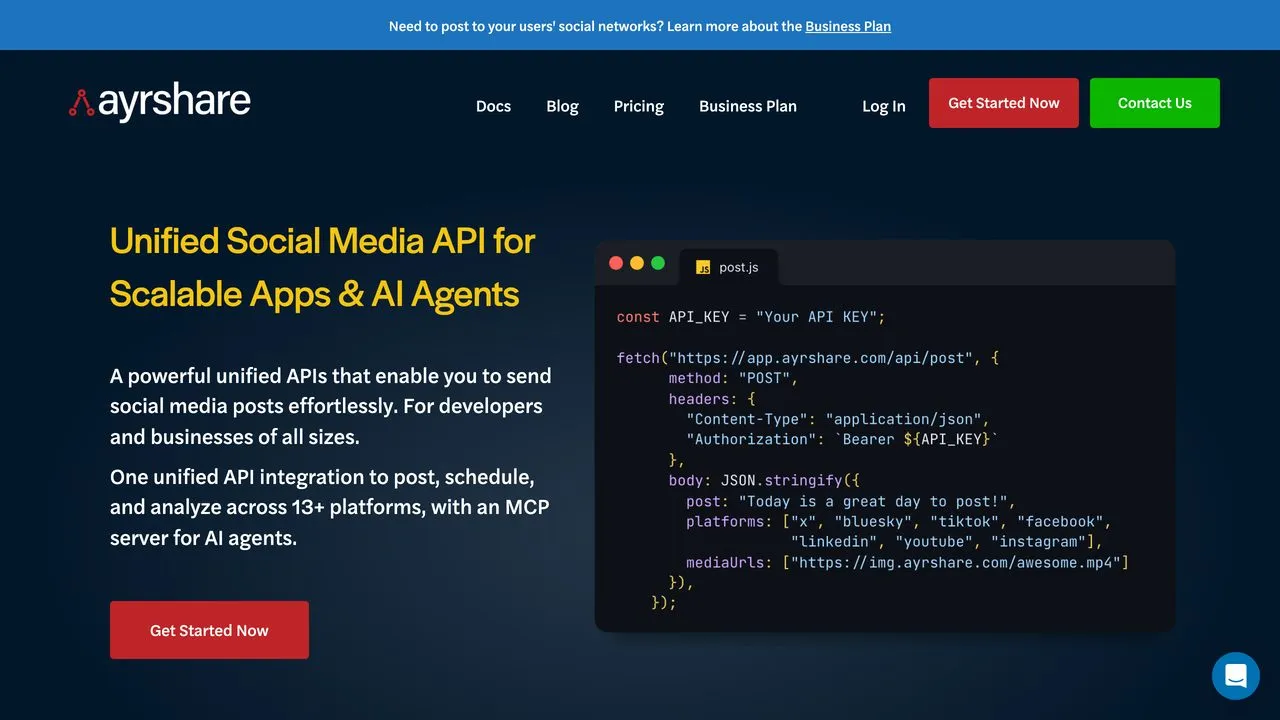
Ayrshare gives your agent a mature social posting API through its Action MCP server. It publishes, pulls analytics, and manages comments across the platforms it supports, which makes it a real loop-closer for builders. One honest catch: Ayrshare also ships a docs-only MCP that cannot post anything. If you connect the wrong one, your agent will read documentation instead of publishing. Point it at the Action server. If you are deciding between this and the Blotato MCP for the publishing layer, the Blotato vs Ayrshare breakdown compares them on pricing model and platform coverage.
Best for: Developers and agencies building posting into their own product.
Closes the loop? Yes, but only through the Action MCP server, not the docs one.
Bottom line: A solid publishing API for builders who can stomach the price and read the setup carefully.
3. Postiz - Best for self-hosters who want open-source control
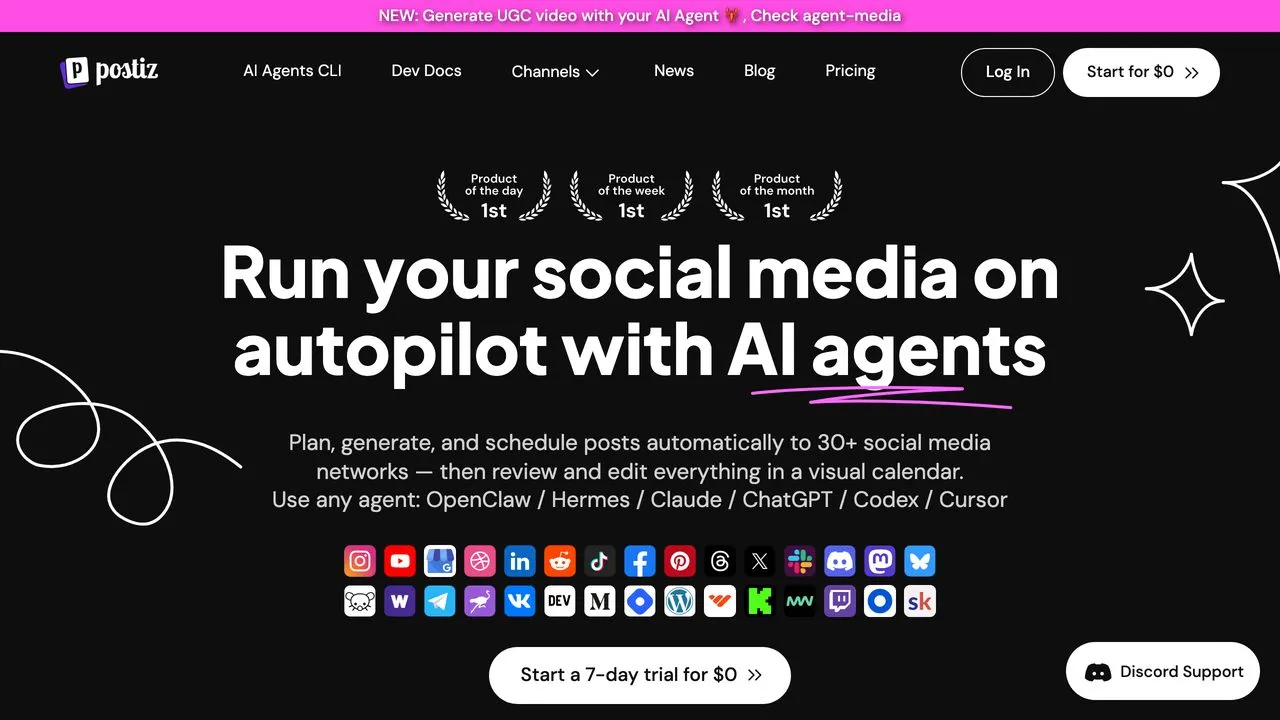
Postiz is the open-source pick. You can self-host it for free with Docker, and its MCP exposes accounts, drafts, media upload, scheduling, and publishing across more than 30 platforms. For people who want their whole posting stack under their own roof, it closes the loop without handing your keys to anyone. The trade is real work: self-hosting and connecting each platform’s credentials is a project, not a five-minute connect. If you’re weighing that effort against a hosted option, here’s when self-hosting is worth it and when it isn’t, and a closer look at how Postiz and Blotato compare on API limits and setup.
Best for: Technical creators who want open-source ownership of their posting stack.
Closes the loop? Yes, across 30+ platforms once configured.
Bottom line: The best loop-closer if you would rather host it yourself than pay a SaaS.
4. Buffer - Best for simple scheduled drafts on an official server
Buffer surprised me by shipping an official MCP server at mcp.buffer.com/mcp. Your agent can create, edit, and delete scheduled posts and drafts and pull aggregated post metrics. The limit is scope: it is a scheduling server, so there are no comment or inbox tools, and media attaches as an asset rather than through a file upload from your machine.
Best for: Creators who want simple scheduled drafts from an official, low-effort server.
Closes the loop? Yes, for publishing and scheduling. It stops at the inbox.
Bottom line: A legitimate official publisher, best when your needs stay simple.
5. Zapier - Best for tapping a huge app catalog without code
Zapier’s MCP turns its app actions into tools your agent can call, so it can publish a LinkedIn update or a Facebook Page post by triggering the matching action. The reach is the draw, since almost any platform you use is reachable. The catch is that you expose and configure each action first, so you build the posting step before the agent can fire it.
Best for: People already in Zapier who want their agent to trigger posting actions.
Closes the loop? Yes, once you expose and configure the right action.
Bottom line: Great breadth, but you build the posting step before the agent can use it.
6. Make - Best for complex multi-step posting scenarios
Make exposes whole scenarios as MCP tools. You build a scenario with a social-publish module, then your agent triggers it on demand. That makes Make strong for posts that need several steps, like format conversions or conditional routing, before they go live. It will not post out of the box, though. The scenario has to exist and be active first, so the work happens up front in Make’s visual builder.
Best for: Builders whose posts need multi-step logic before publishing.
Closes the loop? Yes, but only after you build and activate the scenario.
Bottom line: The right pick when your posting flow is genuinely complex, not just a single push.
7. n8n - Best for technical builders who want full control

n8n is the most technical router here. Its MCP nodes let an agent fire a workflow whose social nodes publish, and you can self-host the whole thing for free. For someone who wants to script every detail on their own server, it closes the loop with the most flexibility, and it asks the most of you. You build the publishing workflow first, and the platform nodes you need have to exist or get wired up.
Best for: Developers who want a self-hosted, fully scriptable posting engine.
Closes the loop? Yes, once your workflow’s social nodes are in place.
Bottom line: Maximum control, paid for by building and maintaining the wiring yourself, per platform.
8. Canva - Best for generating the visual inside the same agent
Canva’s official MCP at mcp.canva.com/mcp lets your agent create and edit designs without leaving the chat. It does not publish to social platforms, so it sits in a supporting role, but it is the cleanest way to produce the visual your post needs before a publisher sends it. I keep a visual server connected because a post without an image underperforms, and generating it in the same agent saves a hand-off.
Best for: Creators who want to generate the post’s visual in the same workflow.
Closes the loop? No. It feeds the loop by making the visual.
Bottom line: Canva is a supporting server, not a publisher. It hands a finished design to whatever tool actually posts, so you still need a publishing surface alongside it. For a worked example of that handoff, this Canva and Claude walkthrough generates the design and publishes it in a single conversation.
9. Filesystem - Best for handing local files to a publisher
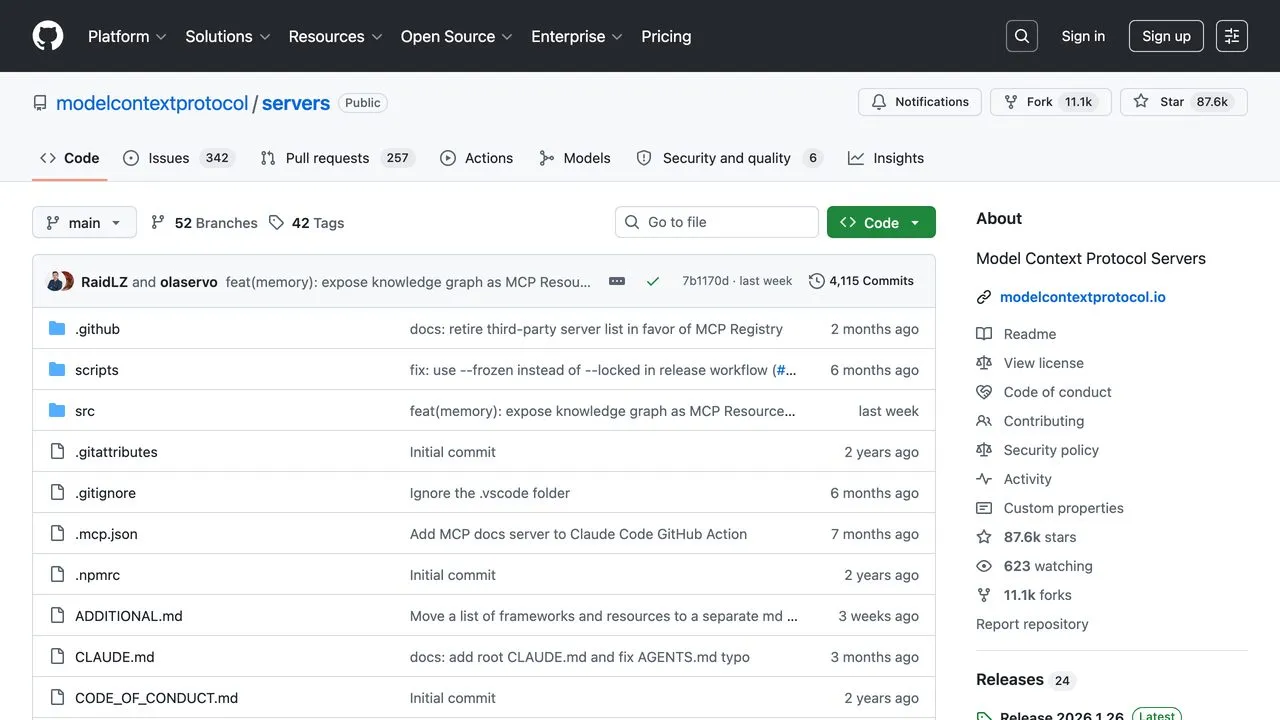
The Filesystem server is Anthropic’s own reference MCP, and it is the quiet backbone of a lot of posting setups. It does not publish. What it does is give your agent secure access to the images and videos sitting on your machine, so a publishing server like Blotato can grab the right media and post it. It is free, open-source, and the standard way to get local files into the chain.
Best for: Anyone whose media lives in local folders rather than a hosted URL.
Closes the loop? No. It supplies the files the publisher needs.
Bottom line: Unglamorous but essential plumbing for a real posting pipeline.
How I Evaluated These Servers
I ranked every server on one axis, whether the agent actually publishes, not on feature counts. The spec sheet below is the implementation context behind that ranking: endpoint, tool count, auth model, and what the bill does when your accounts grow. Each cell was checked against the vendor’s own docs in September 2026, and each hosted endpoint answered a live initialize call.
Spec sheet for every server in this post
| Server | Endpoint | Tools | Auth | Native platforms | Billing shape | The honest limit |
|---|---|---|---|---|---|---|
| Blotato | Hosted, mcp.blotato.com/mcp (per-client setup) | 36 | OAuth in Claude Code, Claude Desktop, Cowork, and Claude.ai; blotato-api-key header in Cursor, Codex, Antigravity, Replit, and the rest | 9 | Flat. Starter $29/mo, 20 accounts, no per-post fees, so the bill stays put at 10x the posts. The trial excludes API and MCP. | Analytics reach 8 of the 9 (LinkedIn returns no metrics) and comments and DMs are Instagram and Facebook only; still the pick if those 9 platforms cover your stack and you want publishing, analytics, and inbox behind one key. |
| Ayrshare | Hosted, api.ayrshare.com/mcp, the Action server | 27 | Authorization: Bearer API key | 14+ | Per plan, then per profile. Premium $149/mo for 14 accounts, Business from $599 plus a per-profile rate, so the bill tracks customers. | Its read-only docs server posts nothing; sub-profiles start at Business. |
| Postiz | Hosted, mcp.postiz.com/mcp, or /mcp on your instance (docs) | 11 | Authorization: Bearer API key or key in URL; a /mcp-oauth path on self-hosted installs | 30+ | Per channel. Free self-host; Standard $29/mo for 5 channels, Team $39 for 10, Pro $49 for 30. | Keys, proxy, and each platform’s developer app are your job. |
| Buffer | Hosted, mcp.buffer.com/mcp (MCP guide) | 20 | OAuth from listed clients, or Authorization: Bearer API key | 12 on create_post | Per channel. Free plan; Essentials $6 per channel monthly, stepping down at 11, 26, and 51 channels. | No comment or inbox tools; no file upload from disk. |
| Zapier | Hosted, mcp.zapier.com/api/v1/connect (connection docs) | Your enabled actions, from 9,000+ apps | OAuth, or a connection token as Bearer | None natively; whatever your Zaps reach | Metered. Two tasks per successful call; Free is 100 tasks a month. | Nothing posts until you expose the action. |
| Make | Hosted, mcp.make.com (server docs) | Your active scenarios | OAuth, or an MCP token as Bearer | None natively; whatever your scenarios reach | Metered in credits. Free carries 1,000 a month; past the limit, runs are refused. | The scenario must exist and be active first. |
| n8n | Your instance; the MCP Server Trigger exposes a URL per workflow | The tool nodes you attach | Bearer or header auth you set | None natively; whatever your workflow nodes reach | Free self-host; Cloud meters executions. | You build and maintain each platform’s workflow. |
| Canva | Hosted, mcp.canva.com/mcp (docs) | Not published | OAuth per user, any plan | None | Free to connect. | Designs and exports; never publishes. |
| Filesystem | Local, npx @modelcontextprotocol/server-filesystem (reference server) | 13 | None; you pass allowed directories | None | Free, open source. | Local files only; never publishes. |
| Post Bridge (unranked) | Hosted, www.post-bridge.com/api/mcp/mcp (setup) | 15 | OAuth 2.0, Bearer API key, or key in URL | Its dashboard’s platforms | Per account tier. Starter $29/mo for 5, Creator $39 for 15, Growth $59 for 50, Pro $99 unlimited. MCP on every tier; the REST add-on is listed from Creator up. | Published posts cannot be deleted through the API. |
What the tool names tell you
A tool count is a weak signal on its own, which is why it is not how I ranked these. The names are the part worth reading, because they tell you where a server stops before you have built anything on it. Here is the full surface of the one I know best, grouped by what each tool actually does:
- Publishing and scheduling:
blotato_create_post,blotato_get_post_status,blotato_list_posts,blotato_get_schedule,blotato_list_schedules,blotato_update_schedule,blotato_delete_schedule - Accounts and media:
blotato_list_accounts,blotato_get_user,blotato_create_presigned_upload_url,blotato_create_source,blotato_get_source_status,blotato_list_pinterest_boards - Comments and inbox:
blotato_list_comments,blotato_get_comment,blotato_post_comment,blotato_list_conversations,blotato_get_conversation,blotato_list_messages,blotato_get_message,blotato_send_message - DM automation:
blotato_create_automation,blotato_list_automations,blotato_update_automation,blotato_update_automation_trigger,blotato_delete_automation,blotato_list_automation_runs,blotato_list_automation_logs,blotato_get_automation_analytics - Analytics, visuals, credits:
blotato_get_post_analytics,blotato_list_top_posts,blotato_create_visual,blotato_get_visual_status,blotato_list_visual_templates,blotato_get_credits,blotato_buy_credits
Grouping them this way is what makes the count almost irrelevant. Eight of those names handle comments and the inbox, which sounds like broad coverage until you check the platforms behind them: Instagram and Facebook, and nothing else. So eight tools cover two networks while seven cover all nine. Analytics land in between at eight of the nine, with LinkedIn returning no metrics. If you are planning an agent that answers every DM you get, that is the line it will hit first, and no total would have warned you.
Run the same read on any server here before you commit to it. Ayrshare’s 27 and Postiz’s 11 are not 27 and 11 versions of the same thing, and the gap that matters is usually the one between what a tool is named and which platforms it reaches. One note on our own number, since the docs disagree with themselves: the tools reference opens by saying 35 and then documents 36, the extra being blotato_update_automation_trigger. The server answers to all 36.
How to Choose the Right Social Media MCP Server
- If you want one prompt to post everywhere with no wiring, connect Blotato. It is the only native multi-platform publisher here.
- If you are a developer building posting into a product, Ayrshare’s Action server gives you a real API, though it’s worth weighing it against the other posting APIs before you lock in the per-profile pricing.
- If you want open-source ownership, self-host Postiz and keep the whole stack yours.
- If you live in Zapier, Make, or n8n already, use their MCP and build the posting step inside the tool you know.
- If you just need a post scheduled, Buffer’s official server is the lightest path, and our Buffer and Postiz MCP comparison covers which one your agent will hit limits on first.
- If your post needs a visual or local media, add Canva and Filesystem as supporting servers behind whichever publisher you chose.
Choosing a server is only half of it. The other half is what actually happens when your agent publishes, including the confirmation step most setups skip.
Why Most Platforms Ship No Posting MCP
Here is the pattern worth knowing. The big platforms have mostly shipped ads MCP servers, not posting ones. X is the rare platform with a first-party server that can post organically, and even that is single-platform and behind a paid API tier. Meta and TikTok both shipped ads-only servers. LinkedIn, YouTube, and Instagram have no official posting MCP at all. That is exactly why a server like Blotato matters: it stitches the networks that left a posting gap into one place your agent can actually publish through. The full list of native automation paths sits in my social media automation tools roundup if you want to compare the non-MCP routes too.
Where a Browser-Driving Model Still Needs a Server
One question is worth answering directly, because the models moved while this list was being written. GPT-6 Astra, which OpenAI released on September 3, 2026, is trained to operate a computer and a browser directly, chaining steps rather than returning instructions. So does a model that can click through Instagram itself still need a publishing server?
For a single post you are watching happen, driving the browser is fine, and it is worth saying so plainly. What it does not survive is repetition: a model working the browser is signed in as you, moving through interfaces that get redesigned without notice and limits that treat fast automated activity as suspicious, so the thing that works on Tuesday is the thing that quietly stops working by Friday. A server goes through the platform’s published API with credentials issued for that purpose, which is why a rejected post comes back as an error your agent can read and retry instead of a dead session.
Where the stronger model shows up is earlier, in the work before the post exists. More of that sequence holds together without you: pull the numbers, decide what is worth saying, prepare the image or video, then pass the finished post to something that publishes it. The publish step itself does not change, but it carries more weight, because there is less of you watching each handoff.
The connection is unchanged from any other ChatGPT session. Astra reaches the same endpoint through the same ChatGPT Developer mode setup. One caveat is worth knowing first: ChatGPT’s agent mode does not use custom MCP plugins, so this runs from a regular chat. I walk through the whole ChatGPT connector setup, and the auth path our own docs disagree about, separately.
Social Media MCP Server FAQs
What is a social media MCP server?
It is a Model Context Protocol server that gives an AI assistant like Claude the tools to work with social platforms. Some only read your accounts or draft text. The ones worth connecting expose a publish action, so your agent can actually post. That publish-or-just-draft line is the difference that matters.
Can Claude post to social media?
Yes, but only through a server that exposes a posting action. Claude on its own drafts the content. Connect a publishing server like Blotato, Ayrshare’s Action server, or Postiz, and Claude can publish or schedule the post across your connected platforms from a single prompt.
Which MCP servers can actually publish to social platforms?
Of the nine here, Blotato, Ayrshare (Action server), Postiz, and Buffer publish directly. The last two are close enough in agent capability that we compared them head to head. Zapier, Make, and n8n publish too, but only after you build the posting step inside them first. Canva and Filesystem are supporting servers that feed the loop without posting themselves.
How do I connect a social media MCP server to Claude?
You point your Claude client at the server. For a hosted server you add its URL (for example mcp.blotato.com/mcp) in Claude Desktop or Claude Code’s MCP settings, then authenticate. For a local or open-source server you run its install command. After it connects, ask your agent to list accounts or post, and it calls the server’s tools. The exact config differs by client, and we keep a per-agent setup page for each one covering the eighteen that connect.
Is there a free social media MCP server?
Yes. Postiz is free to self-host, n8n is free at its self-hosted core, and the Filesystem server is free and open-source. The connection is usually free either way. The real cost lives in the service behind the server, so a free MCP can still sit in front of a paid plan. Post Bridge is a clear example of that split, bundling MCP with every tier while charging separately for REST, and its pricing tiers decide what the server can actually reach.
Final Recommendation
If you want your Claude agent to publish and not just draft, start with Blotato for native multi-platform posting, then add Canva and Filesystem as supporting servers for visuals and media. The routers like Zapier, Make, and n8n earn their place when you already use them or need custom logic. The test never changes: connect the server, ask your agent to post, and see whether it actually does.