7 Claude Code Prompts That Turn It Into a Content Machine
Seven Claude Code prompts I use to draft a week of posts in my voice, then publish everywhere through Blotato. Copy-paste, no fluff.

Most people type basic prompts into Claude Code and wonder why their output feels generic. Claude Code prompts are not just about what you ask. They are about the order you run them in, when you clear context, and how you chain a few specific commands into one repeatable content workflow.
This post is not a glossary. If you want the plain reference for what each command does, I keep that in my Claude Code commands breakdown. Here I am walking through the actual prompt stack I run, in sequence, to take one idea and draft a full week of content in a single focused session. Once that draft exists, you can wire Claude directly to Blotato’s social media API and skip the manual posting step entirely.
How to Use Claude Code Prompts for Content (Video Guide)
If you want to watch the full walkthrough, this is the video version. The written guide below covers each prompt with extra detail on when to use them and what to avoid.
Why a Prompt Workflow Beats a List of Commands
Knowing a command exists is not the same as knowing when to fire it during a real content run. Most people learn /clear or ultrathink in isolation, use them once, and never build them into a repeatable sequence. That is the gap this post closes.
The seven prompts below are ordered the way I actually run them: set reasoning depth, keep the session lean, batch the drafts, then hand off to publishing. Run in sequence, they turn a scattered chat habit into a content workflow you can repeat every week. If you just want the standalone definition of any single command, the Claude Code commands reference has it.
The Prompt Stack I Run to Draft a Week of Content
Here is the exact sequence I move through to produce content at scale, from first prompt to finished drafts. One step in this sequence runs on software I own, since I founded Blotato, so judge that step on whether it saves you time rather than on my word. Each step below names the job it does in the workflow, not just what the command is.
1. ultrathink
Workflow job: set the reasoning depth before you draft. This is the first prompt I fire when a content run needs real strategy, not just output. Type ultrathink anywhere in your prompt and Claude switches to its highest reasoning effort for that turn, regardless of your default settings.
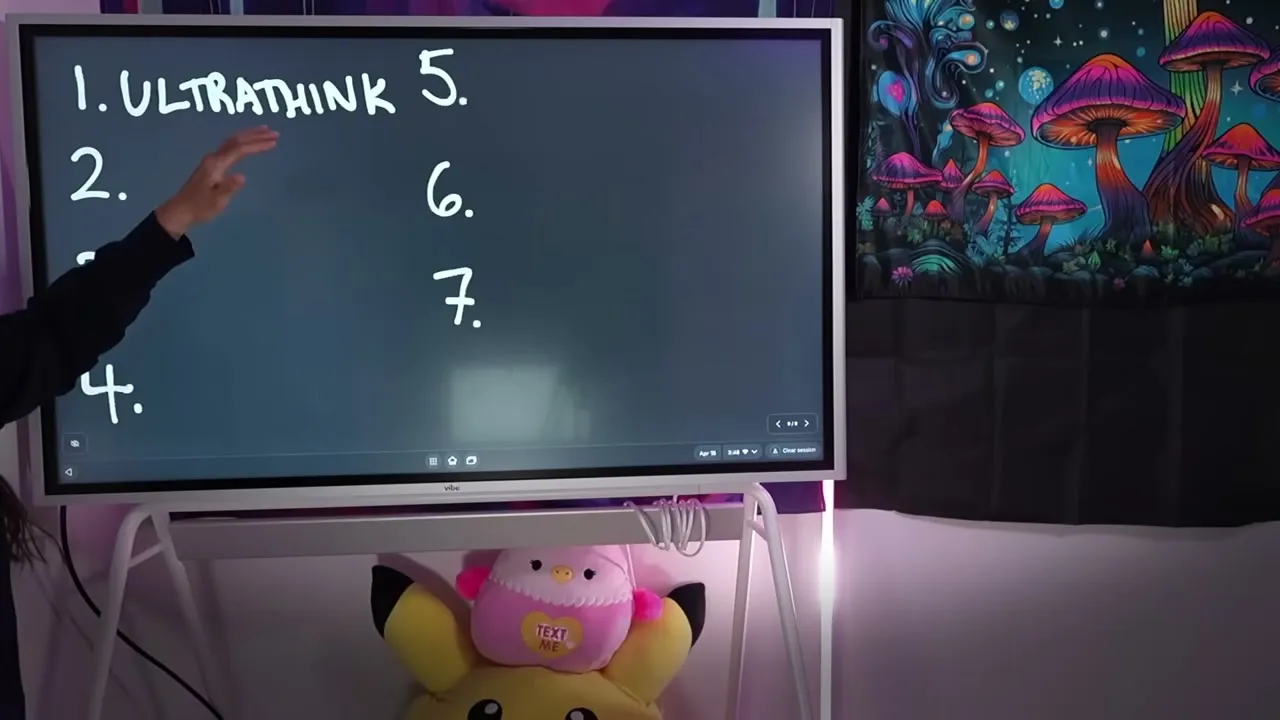
The keyword turns into a rainbow color when Claude recognizes it. This is useful when you want to save tokens on routine tasks but need full reasoning power for complex planning, technical problems, or multi-step content strategies.
Instead of changing your global reasoning settings back and forth, you can run most work in low or medium mode and add ultrathink only when a specific prompt needs deep thinking. Your content calendars, repurposing plans, and brand voice documents are good candidates.
2. /caveman
Workflow job: keep drafting cheap so you can do more of it. This open-source skill cuts your output tokens significantly, which matters when you are batching a week of posts in one session. Install it by telling Claude “install the open source skill called caveman” and then invoke it with /caveman in your prompts.
If you are on the $20/month plan and watching your usage limits, this is the first skill to add. It forces Claude to be concise without losing quality. I use it for first drafts, outlines, and any task where I do not need Claude to explain its reasoning at length.
3. /insights
Workflow job: audit and tune the workflow itself once a month. Type /insights and Claude analyzes all of your sessions from the past 30 days, then generates an HTML report showing what you are doing well, what anti-patterns are holding you back, and features to try based on your actual usage. I run it to see whether my content sessions are actually getting leaner or just feel like it.
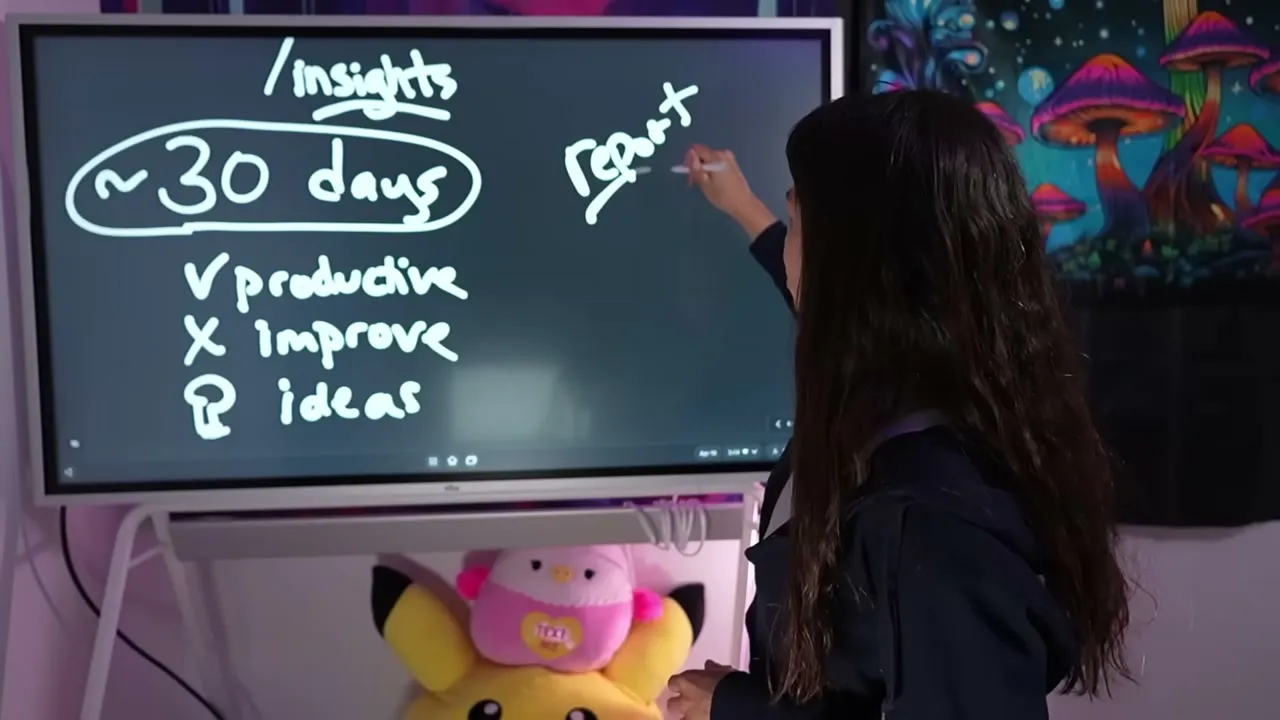
This is not generic advice. It is based on your real tasks and prompts. I run this command once a month to get a reality check on how effectively I am using Claude. The report often surfaces commands I forgot existed or features I should be using more.
4. /loop
Workflow job: turn one writing prompt into a batch of drafts. This is the engine of the whole content run. The syntax is /loop [interval] [task]. For example: /loop 5m /write to draft a post runs your writing skill every five minutes.
The minimum interval is one minute. The maximum duration is seven days before the loop expires. Your computer needs to be on and the session needs to stay open for the loop to run.
I use /loop for batch content creation. Set it to run a writing prompt every few minutes, review the outputs when they pile up, and pick the best ones. It turns Claude into a content factory that runs in the background while you do other work. I covered this in more detail in my post on building an AI content pipeline with Claude Code.
5. /schedule
Workflow job: batch content while you are away from the machine. This is the cloud-based version of /loop. While /loop runs on your local machine, /schedule runs independently in Anthropic’s cloud, so your computer does not need to be on.
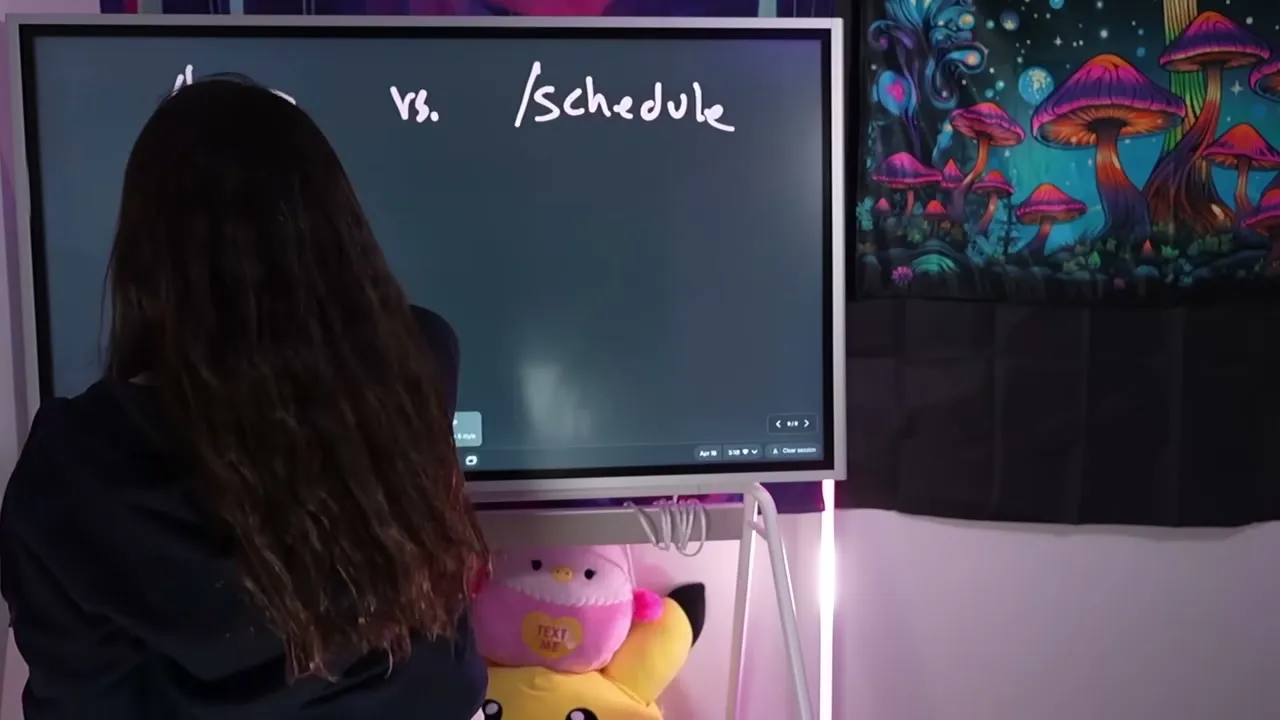
The tradeoff: /schedule has a one-hour minimum interval (versus one minute for /loop) and cannot access your local files. It clones your project or repo and runs tasks on that copy.
Use /schedule for daily stand-ups, recurring reports, or any automation where you do not need local file access. The Pro plan allows five runs per day. Higher tiers get more.
6. /btw
Workflow job: get answers without stopping a running draft. While a long content task is going, type /btw [your question] and Claude answers your side question in parallel without breaking the main task’s flow.
This is useful when you have built up context in a long session and do not want to open a separate window that lacks that context. Instead of waiting for the main task to finish, you can ask quick questions without breaking Claude’s flow.
I use /btw constantly during content creation. Claude is writing a long post, I think of a question, and I fire it off without stopping the draft. The answer comes back while the main task keeps running.
7. /clear
Workflow job: reset between every content task so quality stays high. This is the command I use most often in a content run. /clear wipes the conversation context from your current session.
Research shows AI becomes less accurate when too much irrelevant context builds up. Every time I switch tasks, I run /clear. Writing a YouTube script and now moving to a TikTok script? Clear. Finished a client project and starting my own content? Clear.
This serves two purposes. First, Claude does not have to process irrelevant context, so output quality stays high. Second, you save tokens because each new prompt is not dragging along thousands of words of old conversation.
If you are on a lower-tier plan, /clear between tasks is one of the fastest ways to stretch your usage limits.
When to Use Each Prompt
The biggest mistake is treating these as occasional tricks. They should be part of your standard workflow:
- ultrathink: Planning sessions, complex strategies, anything where quality matters more than speed
- /caveman: First drafts, outlines, brainstorms where you want brevity
- /insights: Monthly review of your Claude usage patterns
- /loop: Batch content creation while your computer is on
- /schedule: Recurring automations that run in the cloud
- /btw: Side questions during long-running tasks
- /clear: Every time you switch to an unrelated task
What These Prompts Cannot Do
These commands make Claude Code more powerful, but they do not replace your judgment. ultrathink will not turn a bad content strategy into a good one. /loop will not automatically post content to your social accounts.
For that last part, you need a publishing layer. If you want Claude Code to actually post content after drafting it, you need to connect it to a social media API. Blotato’s MCP connector lets Claude post directly to 9 platforms through a single integration. But you can also wire up Make, n8n, or any other tool that hits social APIs.
The prompts in this post handle the Claude side. What happens after Claude finishes drafting is a separate question.
Results You Can Expect
After using these prompts for a few weeks, my content workflow changed in two ways. First, I stopped burning tokens on tasks that did not need full reasoning power. Second, I started getting personalized recommendations from /insights instead of reading generic tutorials.
The combination of /loop for batch creation and /clear between tasks means I can draft a week of content in one focused session. That content then flows through Blotato to post everywhere without me touching each platform.
Sabrina’s Final Take
These seven prompts are the difference between using Claude Code as a chatbot and using it as a content engine. Most people never discover them because they are not obvious in the interface. But once you add ultrathink, /insights, /loop, /schedule, /btw, /caveman, and /clear to your workflow, you will wonder how you worked without them. If you are still deciding between Claude, Claude Code, or Cowork for your content workflow, start there first.