10 Best AI Tools for Faceless Content Creators in 2026
The best AI tools for faceless content creators in 2026: generate, repurpose, and auto-post without ever showing your face or hiring help.
Most “faceless” lists hand you a pile of video generators and call it a day. That misses the point. Faceless only works if no single step needs your face or your hands, and posting is the step everyone forgets. The best AI tools for faceless content cover every human bottleneck: the idea, the voice, the face, the edit, and the part where it actually gets published. I run content across 9 platforms daily to 3M+ followers, so I built my stack around that gap, and the tool I lean on hardest is Blotato because it owns the auto-posting step the other lists skip. The list below follows the real workflow order, from script to publish.
Here is the full stack, one tool per bottleneck, tested by someone who ships every day.
| Tool | Best For | Starting Price | Key Strength |
|---|---|---|---|
| Claude & ChatGPT | Scripts, ideas, and running the whole stack | $20/mo | Natural scripts, bulk ideation, and MCP automation |
| Blotato | Auto-posting faceless video to every platform | $29/mo | One video, scheduled to 9 platforms via app, API, or Claude |
| HeyGen | A talking-head presenter without your face | $29/mo | The most lifelike avatars, fast to make |
| ElevenLabs | A consistent channel voice with no mic | $5/mo | The most realistic AI voiceover in the category |
| Synthesia | Multilingual explainer and training video | $29/mo | 160+ languages with accurate lip-sync |
| InVideo AI | Turning a prompt into a full video fast | $25/mo | Prompt-to-video with stock, voice, and music |
| Opus Clip | Repurposing long video into many shorts | $15/mo | Auto-clipping with virality scoring |
| Submagic | Viral captions and B-roll for shorts | $12/mo | 99%+ caption accuracy in 48+ languages |
| CapCut | Free full editing on any budget | Free | 4K export, auto-captions, and TTS at no cost |
| Pictory | Turning a blog or script into video | $25/mo | Text and blog-to-video with auto captions |
What to Look for in a Faceless Content Tool
The wrong tool wastes months. Here is how I judge every pick.
- Which bottleneck does it remove? Voice, face, script, edit, or posting. A tool that does not clearly own one of these is padding your stack.
- Does it run without you in the loop? The best faceless tools batch or automate. If you babysit every render, it is not saving time.
- Is the output publish-ready? Some tools produce rough drafts you still have to fix. Know which ones need a human pass.
- Does it fit a solo budget? A faceless creator is usually a team of one. Free tiers and low entry prices matter, and more of a one-person stack can run at no cost than most roundups admit.
- Can it connect to the rest of the stack? API or MCP access means a tool like Claude can drive it, which is where faceless goes fully hands-off.
Best AI Tools for Faceless Content in 2026
Ten tools, grouped by the manual step each one removes.
1. Claude & ChatGPT - Best for scripts, ideas, and running the whole stack
The writing brain of a faceless channel is really two models working together. Claude is the one reviewers consistently call the most natural long-form writer, and it holds tone across a whole script instead of drifting into robotic filler. Its large context window lets you paste a full transcript and repurpose it into many outputs. The bigger unlock for faceless creators is MCP: Claude can connect to tools like Blotato and drive the posting step itself.
ChatGPT is the faster idea machine. Reviewers praise it for bulk brainstorming, outlines, and rough drafts, so it is the lowest-friction way to go from blank page to fifty video ideas. The shared caveat across both: they hallucinate, and unedited output sounds generic. Use ChatGPT to generate options, Claude to write the final script, and always give it a human pass.
Pros:
- Claude writes the most natural, human-sounding scripts
- ChatGPT is fastest for bulk topic and hook ideation
- Claude’s MCP support can automate the rest of your stack
Cons:
- Both hallucinate, so facts need a human check
- Usage caps frustrate high-volume producers
Best for: Faceless creators who want polished scripts (Claude) plus a fast idea pipeline (ChatGPT).
Pricing: Both have free tiers. Claude Pro and ChatGPT Plus are each $20/mo. Claude Pro runs $17/mo billed annually, and ChatGPT has a cheaper Go tier around $8/mo.
Free trial: No trial, but both free tiers are generous enough to test.
Bottom line: Run both, ChatGPT for ideas and Claude for the script that can also drive your posting.
2. Blotato - Best for auto-posting faceless video to every platform

Every faceless list obsesses over making the video and forgets the part that actually grows a channel: getting it live. I built Blotato to close that loop. You drop in a topic, pick a template, and walk away with finished posts scheduled to all 9 platforms (X, LinkedIn, Facebook, Instagram, Pinterest, TikTok, Threads, Bluesky, and YouTube). It works from the web app, but the reason it anchors a faceless stack is the API and MCP layer. A Claude agent can run the whole chain and publish your faceless content end to end, so no step needs your hands. I broke down that exact setup in my guide to automating social media with Claude.
It is not a video generator or an editor, so you still pair it with the tools below. If you want the free, code-based way to generate the videos themselves, Hyperframes with Claude Code renders animated explainers locally with no per-video credits. And I will be honest: Blotato does not have enterprise-grade reporting, and heavy AI-visual use burns credits faster than light scheduling does. But for the distribution job most creators leave manual, nothing else on this list competes.
Best for: Solo creators and faceless operators who want one video auto-posted everywhere without opening each app.
Pricing: Starter $29/mo, Creator $97/mo, Agency $499/mo. Annual billing runs a bit cheaper.
Free trial: Yes, 7 days. Card required, so cancel anytime before it renews.
Bottom line: The posting layer that turns a pile of faceless tools into an actual hands-off channel.
Want to see it run your faceless stack? Start a free week of Blotato and connect your platforms.
3. HeyGen - Best for a talking-head presenter without your face
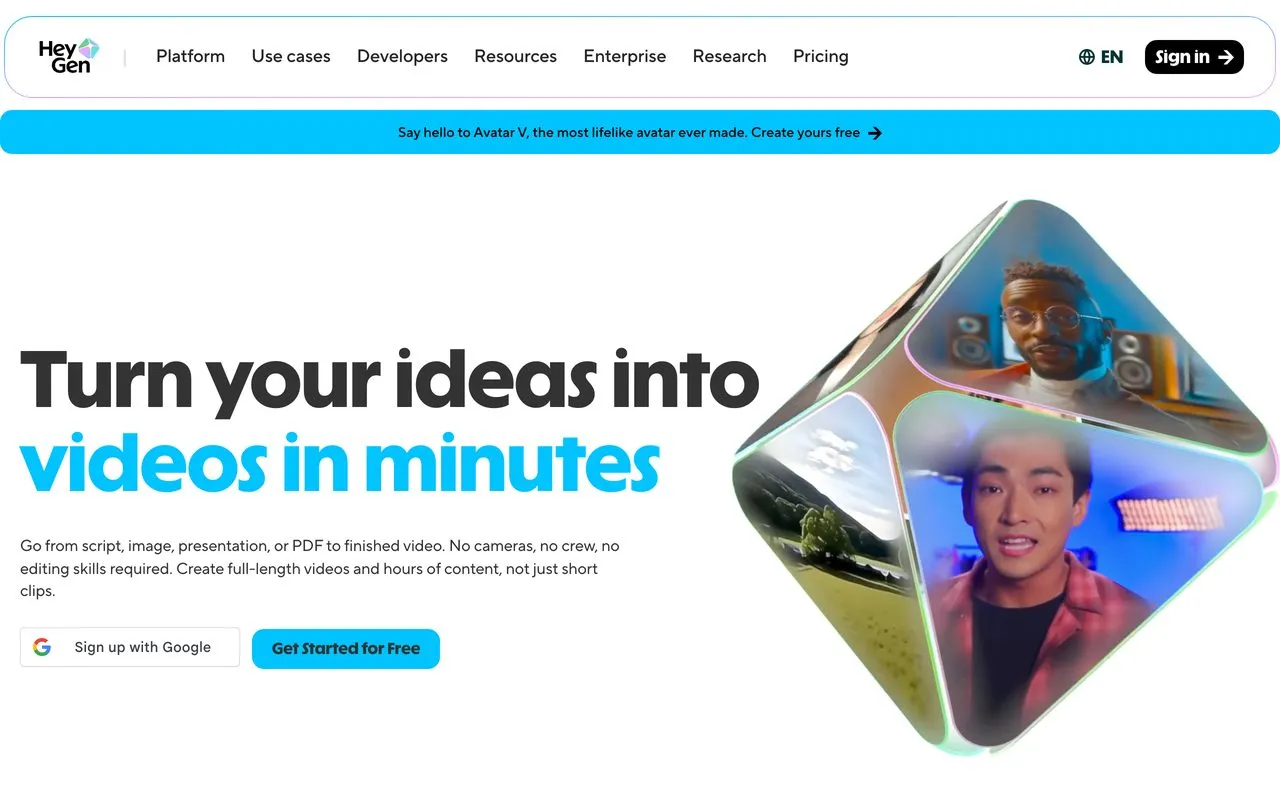
HeyGen gives you a presenter without a camera. Reviewers repeatedly call its avatars the most lifelike in the category, realistic enough for real marketing and training video. It is fast and beginner-friendly, with hundreds of templates and accurate multilingual lip-sync across 175+ languages. For a faceless channel that wants a consistent on-screen “host” who is not you, it is the top avatar pick.
The dominant complaint across reviews is the credit system. Every render iteration burns credits, failed renders can too, and the render queue sometimes stalls. The output is excellent, but the metering is the friction. That complaint is the whole reason people go looking for a generator that bills differently, and the honest answer depends on whether your output is steady or lumpy.
Pros:
- Most lifelike talking-head avatars available
- Fast, beginner-friendly, scales to volume
- Accurate lip-sync across 175+ languages
Cons:
- Every render iteration consumes credits
- Render queue can stall during busy periods
Best for: Faceless creators making talking-head explainers, training, and social video who want a realistic AI presenter.
Pricing: Free tier with 3 videos/mo. Creator is $29/mo, or $24/mo billed annually.
Free trial: No trial, but the free tier lets you test avatars (4.7/5 across 315 Capterra reviews).
Bottom line: The best AI avatar output in the category, if you accept the credit meter.
4. ElevenLabs - Best for a consistent channel voice with no mic
If your faceless channel lives on narration, ElevenLabs is the voice. It shows up on nearly every faceless list, and reviewers say recordings often need little post-editing. With voice cloning and a huge library, you can lock one consistent host voice for every video without ever touching a mic. Sentence-level regeneration in its Studio saves real time on long scripts.
The recurring complaint is the credit model. It is hard to predict how fast credits burn on heavy video work, and the editor lags on long projects. Budget for it and break big scripts into sections.
Pros:
- The most realistic AI voiceover in the category
- Voice cloning locks a consistent channel voice
- Regenerate a single line without redoing the track
Cons:
- Credit usage is hard to predict on video work
- Studio slows down on long scripts
Best for: Faceless narration channels (history, lore, true crime, documentary) that need consistent, high-quality voice.
Pricing: Free tier with 10,000 credits/mo. Starter is $5/mo billed annually, or $6/mo monthly.
Free trial: No separate trial, but the free tier lets you test the voices.
Bottom line: The most realistic narration you can buy, if you watch the credit meter.
5. Synthesia - Best for multilingual explainer and training video
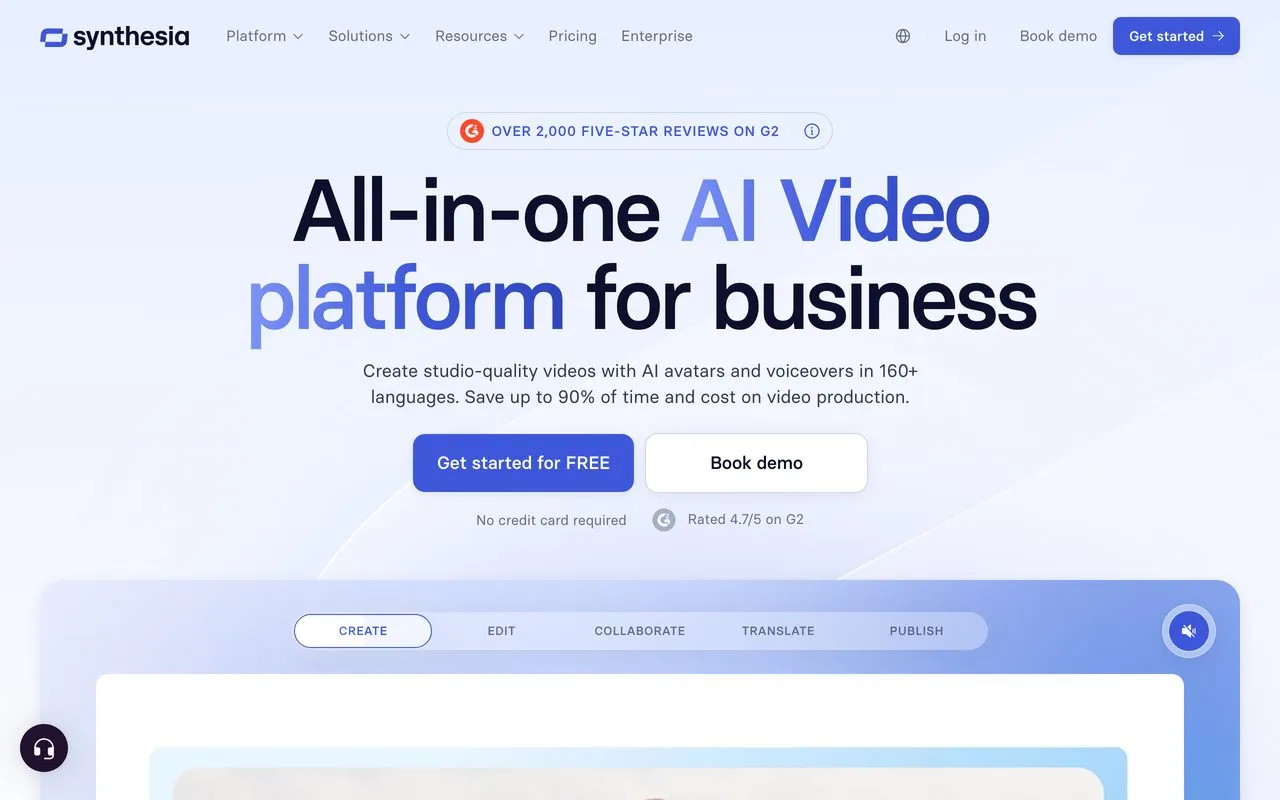
Synthesia is the polished, enterprise-grade cousin to HeyGen. It is the category originator for AI avatars, and its standout is language coverage: 160+ languages with lip-sync plus one-click video translation. Reviewers say most people publish their first video without a tutorial, and the output looks like a professional training video. For faceless educational and explainer content aimed at global audiences, it is the safest pick.
It is pricier, with steep jumps between tiers, and reviewers flag aggressive content moderation and slow billing support. It also makes avatar presentations, not free-form footage, so it is not a Shorts or B-roll generator.
Pros:
- The widest language coverage of any avatar tool, with accurate lip-sync
- Near-zero learning curve for polished output
- Consistent, on-brand explainer and training video
Cons:
- Expensive with steep tier jumps
- Over-broad content moderation and slow billing support
Best for: Faceless educational and training creators publishing multilingual explainer video at scale.
Pricing: Free tier with ~10 min video/mo. Starter is $29/mo, or $18/mo billed annually.
Free trial: No trial, but the free tier requires no card.
Bottom line: The premium multilingual avatar pick, worth it if global reach matters more than price.
6. InVideo AI - Best for turning a prompt into a full video fast
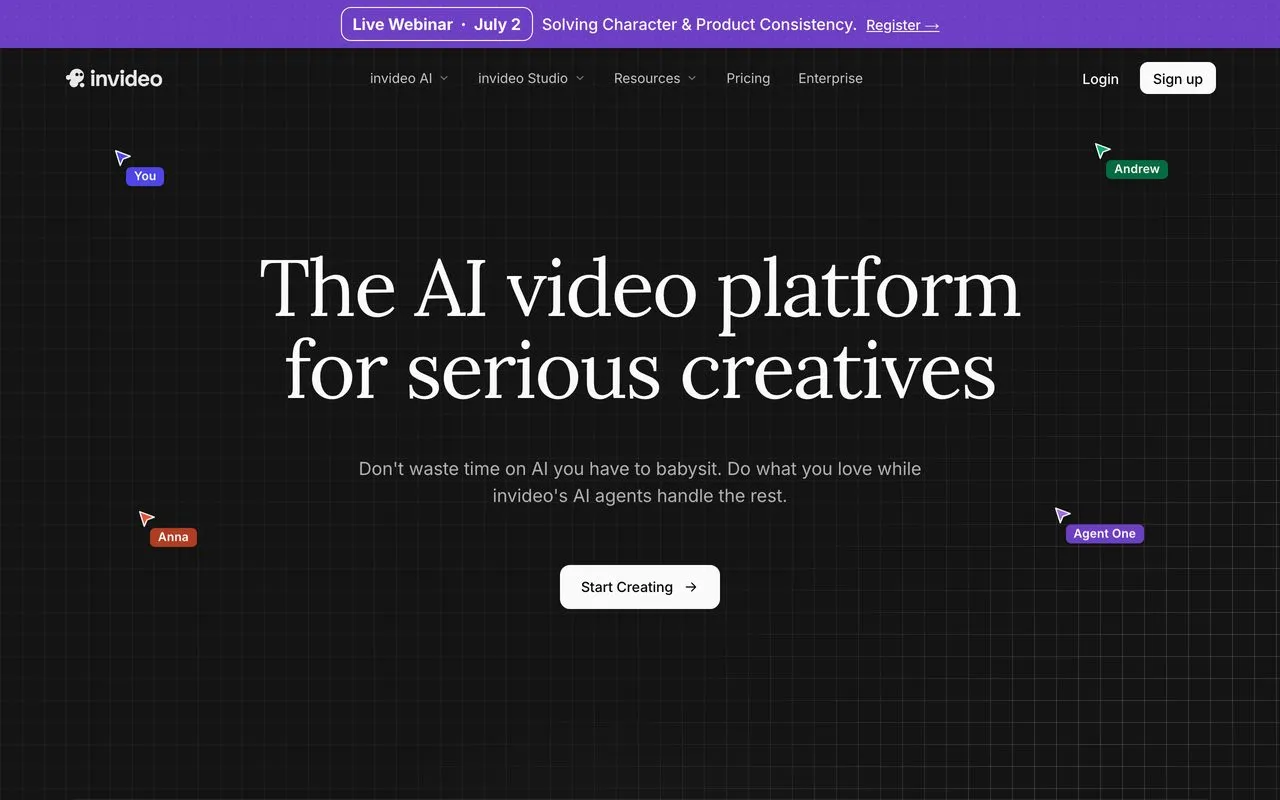
InVideo AI is the shortcut from idea to a finished video. You give it a prompt or script and it pulls stock clips, adds voiceover, music, and transitions, and returns a full faceless video. For a step-by-step build, see how I set up a faceless video factory that runs on autopilot. Reviewers love the speed and low skill floor, plus a large template and stock library. For a creator who wants a whole video from one line of text, it is the fastest starting point.
The consistent complaints are the credit model and the quality gap. Its AI agent mode burns credits fast on failed generations, voiceovers can sound robotic, and the output usually needs editing despite the marketing. Refunds are also hard once you generate anything.
Pros:
- Turns a single prompt into a full video
- Large stock and template library
- Very beginner-friendly
Cons:
- Credit burn on failed or iterated generations
- Output often needs real editing to feel polished
Best for: Faceless creators who want a fast rough-draft video from a prompt and will polish it after.
Pricing: Free tier with watermark. Plus is around $25/mo, or roughly $20/mo billed annually.
Free trial: No trial, but a free tier with watermark lets you test it.
Bottom line: The fastest prompt-to-video tool, as long as you plan to edit and watch the credits.
7. Opus Clip - Best for repurposing long video into many shorts
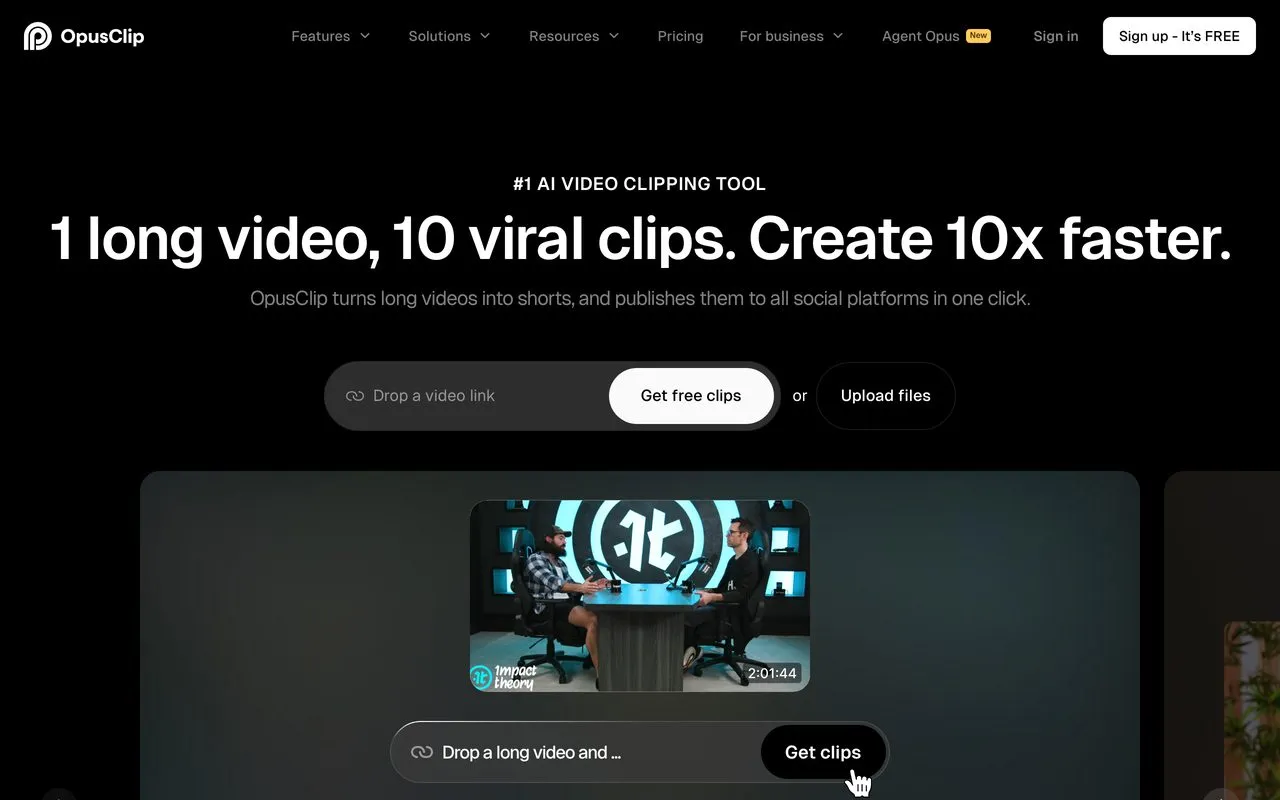
Opus Clip is the repurposing engine faceless creators run daily. Feed it a long video and it returns dozens of captioned vertical shorts with almost no manual effort. If clipping is your whole workflow, it is worth comparing against the other AI content repurposing tools built for the same job. Reviewers repeatedly praise the virality scoring and caption accuracy, and its ClipAnything feature handles podcasts, screen recordings, and interviews, so it works even for faceless channels with no talking head.
The friction is reliability and billing. Some videos hang, clip quality is hit-or-miss (expect to discard a chunk), and reviewers report losing access to paid projects shortly after cancelling. Watch the subscription terms.
Pros:
- Turns one long video into many captioned shorts
- Virality scoring flags your strongest clips
- Works on podcasts and screen recordings, not just talking heads
Cons:
- Processing can hang, and clip quality varies
- Confusing credits and rough cancellation terms
Best for: Faceless creators repurposing long-form video or podcasts into short-form at volume.
Pricing: Free tier with watermark. Starter is $15/mo, Pro is $29/mo.
Free trial: No trial, but the free tier lets you test the clipping.
Bottom line: The category leader for auto-clipping, if you accept variable output and mind the billing.
8. Submagic - Best for viral captions and B-roll for shorts
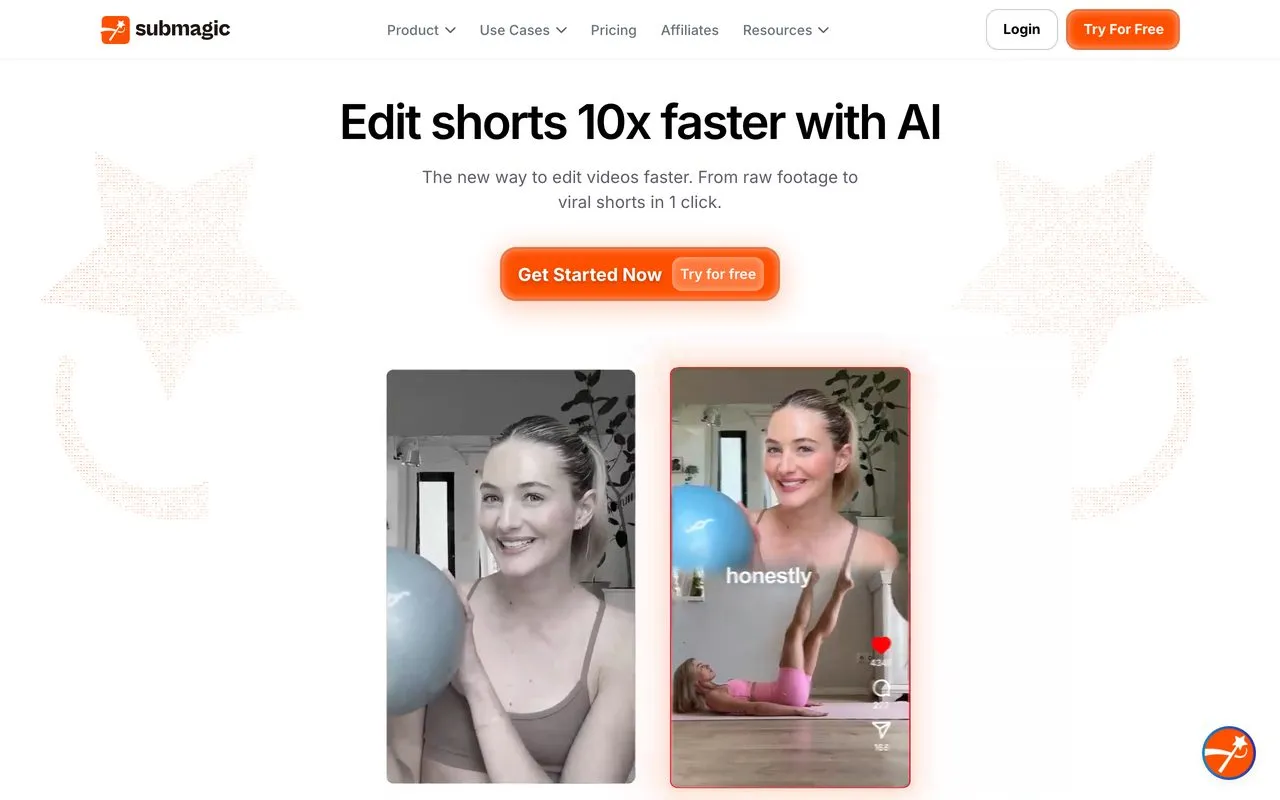
Submagic is the polish layer that makes faceless clips actually retain viewers. Its captions are the standout: 99%+ accuracy across 48+ languages with the trendy animated and karaoke styles short-form thrives on. Reviewers report saving about an hour of editing per video, and the auto-generated B-roll and sound effects add production value in seconds. Support gets praised for being fast and human.
The complaints are a weak free plan, export hangs, and a strict no-refund policy some call a marketing trick. The genuinely useful clip-extraction feature is also a paid add-on.
Pros:
- Sharp, accurate captions with viral animated styles
- Saves roughly an hour of editing per video
- Fast, human customer support
Cons:
- Free plan is too limited to fully evaluate
- Exports can hang, and refunds are strict
Best for: High-volume faceless creators who want polished captions and B-roll for short-form.
Pricing: Free tier with 3 videos/mo. Starter is $12/member/mo billed annually, or $19 monthly.
Free trial: No trial, but the free tier lets you test captions.
Bottom line: The fastest way to give faceless shorts a viral, captioned look.
9. CapCut - Best for free full editing on any budget
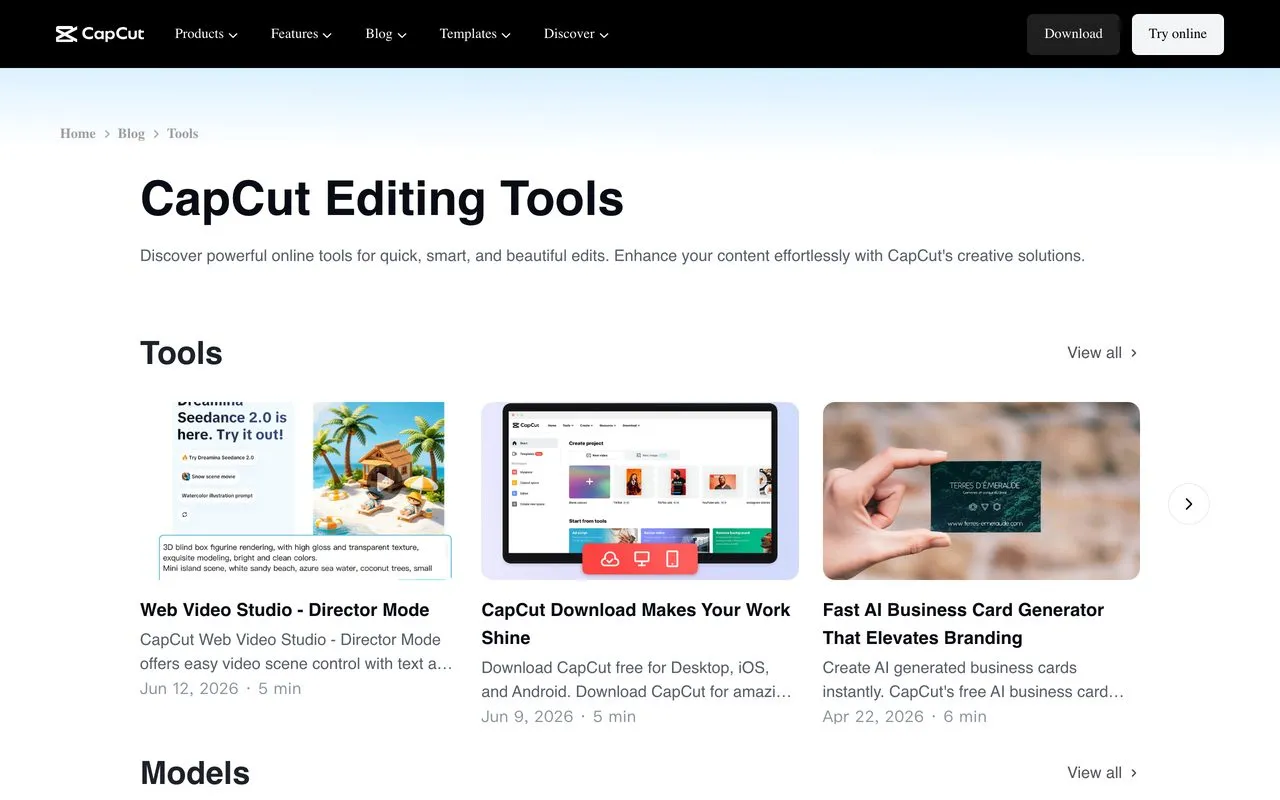
CapCut is the accessible floor of the faceless stack. It is the near-universal “best free editor” pick, and it packs auto-captions, text-to-speech, background removal, and 4K export into a free tier with no card. For a faceless creator on a zero budget, it does more than tools that charge for the same features.
Two real cautions. Reviewers report serious billing and cancellation problems on the paid Pro tier, and it is ByteDance-owned with ongoing US privacy litigation over biometric data collection. It is not banned in the US as of 2026, but that is worth knowing before you build a business on it.
Pros:
- Genuinely capable free editing tier
- Auto-captions, TTS, and background removal built in
- 4K export at no cost
Cons:
- Serious billing and cancellation complaints on Pro
- ByteDance ownership and active US privacy litigation
Best for: Budget-conscious faceless creators who want capable editing for free.
Pricing: Free tier is genuinely capable. CapCut Pro is about $19.99/mo, or $179.99/yr.
Free trial: No trial needed, since the free tier is the entry point.
Bottom line: The best free editor for faceless content, with a company-trust asterisk on the paid plan.
10. Pictory - Best for turning a blog or script into video
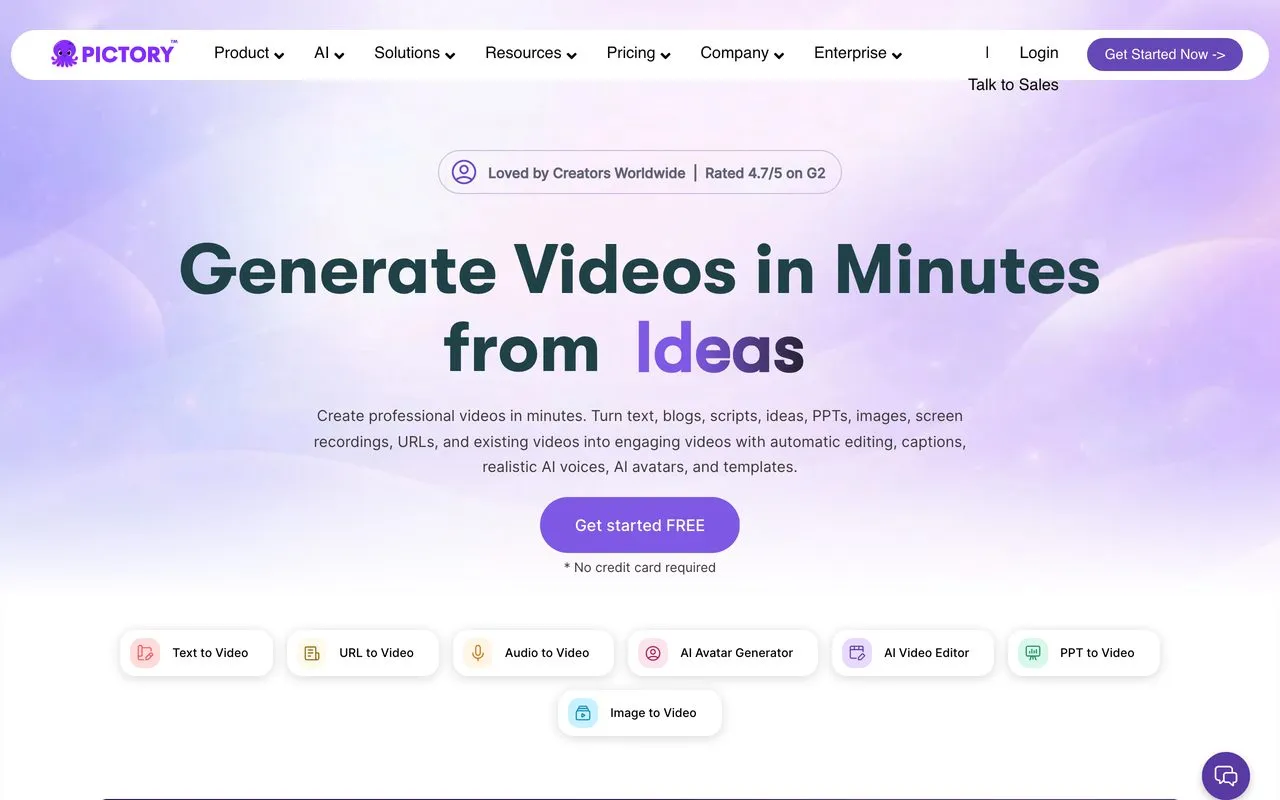
Pictory starts from words, not footage. Paste a blog post, script, or URL and it auto-picks stock visuals, adds captions, and generates a voiceover in minutes. That makes it the go-to for faceless creators who write first and want video second, a different job from Opus Clip, which clips video you already have. Reviewers call it the biggest time-saver for non-editors.
The recurring complaints are the automatic visuals. The AI often picks off-topic stock footage you have to swap, and the editor previews can lag once you start making changes.
Pros:
- Turns a blog, script, or URL into a captioned video
- Effortless for people with zero editing skills
- Strong auto-captions and long-video-to-Shorts trimming
Cons:
- Auto-selected stock footage is often off-topic
- Editing previews can lag once you tweak a project
Best for: Faceless creators who write scripts or blogs first and want them turned into video fast.
Pricing: Free trial available. Starter is $25/mo billed annually, or $29/mo monthly.
Free trial: Yes, a 14-day free trial (4.8/5 across 163 Capterra reviews).
Bottom line: The fastest way to turn written content into a faceless video.
Other Faceless Content Tools Worth Knowing
Three more tools show up often on faceless lists and fill specific gaps in the stack above.
Descript edits video and podcasts by editing the transcript like a document, then repurposes into clips and captions. For faceless creators it kills timeline-scrubbing. It has a free tier, and the Hobbyist plan runs $16/mo billed annually.
Fliki converts a script into a faceless video using a huge library of AI voices across many languages. A cheaper alternative to InVideo AI for narration-first channels. It has a free forever tier, and Standard runs $21/mo billed yearly, or $28/mo monthly.
Runway generates original AI video and B-roll from a prompt, so you skip stock footage entirely. It covers the visual layer the tools above do not. There is a free tier, and Standard runs $12/mo billed annually.
How I Evaluated These Tools
I judged every tool by the same practitioner test I use on my own channel.
- The bottleneck test: does it clearly remove voice, face, script, edit, or posting?
- Hands-off ability: can it batch or automate, or do you babysit every run?
- Output quality: verified against live pricing pages and multi-source review sentiment from G2, Capterra, Trustpilot, and Reddit.
- Solo fit: free tiers, entry prices, and whether a one-person channel can afford the stack.
- Connectivity: API or MCP access that lets the stack run itself.
How to Choose the Right Tool for You
You do not need all ten. Match your bottleneck to the pick.
- If you post everywhere and dread the manual publishing: start with Blotato. It automates the step the other tools ignore, and it connects to Claude for a hands-off pipeline.
- If you write your own scripts: Claude for polished long-form, ChatGPT for fast bulk ideation. Most creators run both.
- If your channel is narration-only: ElevenLabs for the voice, Opus Clip or Submagic for the edit.
- If you want an on-screen host who is not you: HeyGen for lifelike short-form, Synthesia for multilingual training video.
- If you want a whole video from a prompt: InVideo AI, then polish in CapCut.
- If you write blogs or scripts first: Pictory turns that text straight into a captioned video.
- If you are on a zero budget: CapCut for editing, the free tiers of ElevenLabs and ChatGPT, and Blotato once you are ready to scale distribution.
Key Takeaways
A few patterns cut across the whole category.
- Distribution is the real gap. Nearly every faceless list covers making the video and skips getting it live. The creators who scale automate posting first.
- Credit models are the common tax. ElevenLabs, HeyGen, InVideo, and Opus Clip all draw the same complaint. Budget for iteration, not just final renders.
- AI output still needs a human pass. Scripts, captions, and voiceovers all improve with a quick edit. Faceless removes the bottlenecks, but it does not remove the editor.
- The stack beats the single tool. No one tool covers voice, face, edit, and posting well. Pick the best in each lane and connect them.
Faceless AI Tools FAQs
What are the best AI tools for faceless content?
The strongest faceless stack covers five bottlenecks with a different tool at each: Claude or ChatGPT for scripts, ElevenLabs for voice, HeyGen or Synthesia for an on-screen presenter, CapCut or Submagic for the edit, and Blotato for auto-posting to all 9 platforms. No single tool does all five well, which is why the creators who scale run a stack instead of one app.
Can you make faceless content with AI for free?
Yes, up to a point. CapCut’s free tier handles full editing with auto-captions and 4K export, ElevenLabs gives you 10,000 voice credits a month, and both Claude and ChatGPT have usable free tiers. The free ceiling shows up at volume: watermarks, render caps, and manual posting. That last one is what actually stalls a channel.
What does a faceless AI tool actually do?
Most of them remove one manual step. A voice tool replaces the mic, an avatar tool replaces the camera, a clipping tool replaces the editor, and a posting tool replaces the part where you open nine apps and upload the same video nine times. The word “faceless” gets attached to video generators, but the step people forget is publishing.
How do you start a faceless channel with AI?
Pick the bottleneck that’s actually stopping you, not the tool with the best demo. If you’re not shipping because writing is slow, start with Claude. If it’s the edit, start with CapCut or Submagic. If you’re already making videos but only posting to one platform, the tooling gap is distribution, and that’s where a scheduler earns its place before any generator does.
Do AI faceless videos still work in 2026?
They work when there’s a real point of view behind them. The saturated end is auto-narrated stock footage with a synthetic voiceover, and that content is getting filtered hard. What still performs is AI used to amplify a specific angle or expertise, with a human making the taste calls on what ships.
Final Recommendation
Most faceless creators automate the making and still publish everything by hand. That last manual step is where growth stalls. That is why I lead with Blotato: it owns the posting layer everyone else leaves by hand, and it can run your whole stack from a Claude agent. Pair it with a script tool, a voice, and an editor, and you have a channel that runs without your face or your hands. Start a free week of Blotato and see how much of your faceless workflow can run on autopilot.