Best Instagram Post Scheduler: 8 Social Media Tools (2026)
Which Instagram post scheduler auto-publishes Reels with trending audio, trial Reels and Stories? 8 social media tools vs Instagram's free scheduler.

Since May 2026, Metricool and a few other schedulers can put a song from Instagram’s library on a Reel they publish for you, and that changes which Instagram post scheduler is worth paying for. Instagram’s own app already schedules Reels, photos and carousels free, so the real test is what it skips: Stories, anything past 30 days and your other networks. For an AI agent that posts Instagram alongside other platforms, with Reels on their own audio, Blotato is my pick, while Metricool or Pallyy win when Reels need library music. Full disclosure: Blotato is my company, and its entry lists what it can’t do.
| Tool | Best For | Starting Price | Key Strength |
|---|---|---|---|
| Blotato | AI agents running Instagram with other networks, Reels on original audio | $29/mo, 20 accounts across 9 platforms | Stories, trial Reels, collabs and first comments over API or MCP |
| Later | Instagram-first brands that plan the look of their grid | $25/mo, billed monthly | Visual planner with first comments on auto-published Reels |
| Buffer | Creators testing a scheduler before they pay | Free for 3 channels, or $6 per channel/mo on Essentials | Auto-publishes posts, Stories and Reels, with an MCP on every plan |
| Metricool | Creators who want library music on scheduled Reels | Free for 1 brand, then $25/mo | Reels with Meta’s music library, plus trial Reels |
| Planoly | Instagram creators who also sell from their link in bio | $16/mo, billed monthly | Music, trial Reels and DM automation on the entry plan |
| Pallyy | Small agencies that price by brand, not by channel | Free for 1 brand (images only), then $25/mo | Multi-frame Stories and trending audio on Reels |
| Hopper HQ | Small businesses that want to pay per account | $6 per account/mo, billed monthly | Unlimited posts, with Stories, collabs and first comments |
| Hootsuite | Teams running many accounts from one shared calendar | $99 per user/mo (Standard) | 10 accounts on Standard, approvals on Advanced ($399) |
Is Instagram’s Free Scheduler Enough?
For a lot of creators, yes. Instagram’s app has a free Instagram post scheduler for public accounts. Instagram’s help page says “You can schedule up to 25 posts a day, up to 30 days in advance,” and it covers Reels, photos and carousel posts. Turn on “Schedule this post” or “Schedule this reel” under More options and pick a time.
Posting to one account a few times a week? Start there and keep your money.
The free scheduler runs short in three places. Its help page lists Reels, photos and carousels, not Stories. It stops at 30 days out. And it only knows Instagram, so every other network needs its own app.
What an Instagram Scheduler Should Handle
- Auto-publish on every format. Some tools auto-publish feed posts but send a phone notification for Stories.
- Music on Reels. Some attach a song from Instagram’s library. Others publish original audio only or remind you to add it.
- Trial Reels. These go to non-followers first, and only some schedulers send them.
- Collabs and first comments. Support varies by tool and by account type.
- Business or Creator profile. Some tools auto-publish only to Business profiles.
- An agent path. If Claude or another AI agent writes your captions, check whether it can schedule the post or only save a draft.
Best Instagram Post Scheduler Tools for 2026
Each Instagram post scheduler below lists who it suits, what it costs and where it falls short.
1. Blotato: Best for agent workflows posting Reels with their own audio
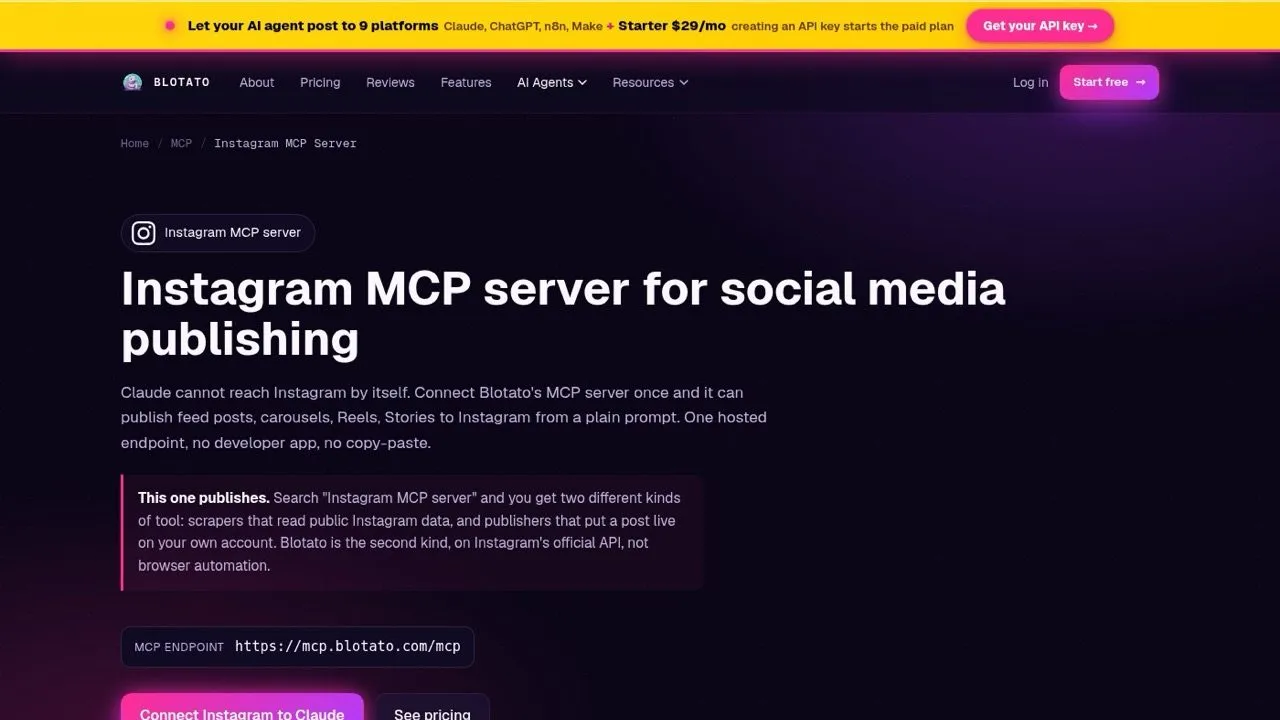
Blotato publishes Instagram posts, carousels, Reels and Stories on the same key as 8 other platforms. Per Blotato’s Instagram docs, it also sets collaborators, a first comment, a Reel cover and trial Reel settings.
From Claude, that is one request: “schedule this video as a trial Reel for Tuesday at 9am.” It runs through the hosted Instagram MCP server or the Instagram API, on plans from $29. The same key handles Instagram and Facebook comments and DMs.
Blotato can’t attach a song from Instagram’s library, so a Reel publishes with its own sound. Each Instagram account is capped at 50 posts per 24 hours.
Pros:
- One API key for Instagram and 8 other networks
- Stories, trial Reels, collabs and first comments by API or MCP
Cons:
- No music from Instagram’s library on Reels
- No grid preview documented
Best for: agent builders who want Stories, trial Reels and collabs in the same queue as their other channels
Pricing: Starter $29/mo for 20 accounts, Creator $97 for 40, Agency $499 for 100
Free trial: 7 days in the web app. It excludes the API and MCP server, so plan on starting Starter to post from an agent.
Bottom line: Choose Blotato when Instagram is one channel in an agent-run stack, not when your Reels live on trending audio.
2. Later: Best for Instagram-first brands that plan the grid before they post
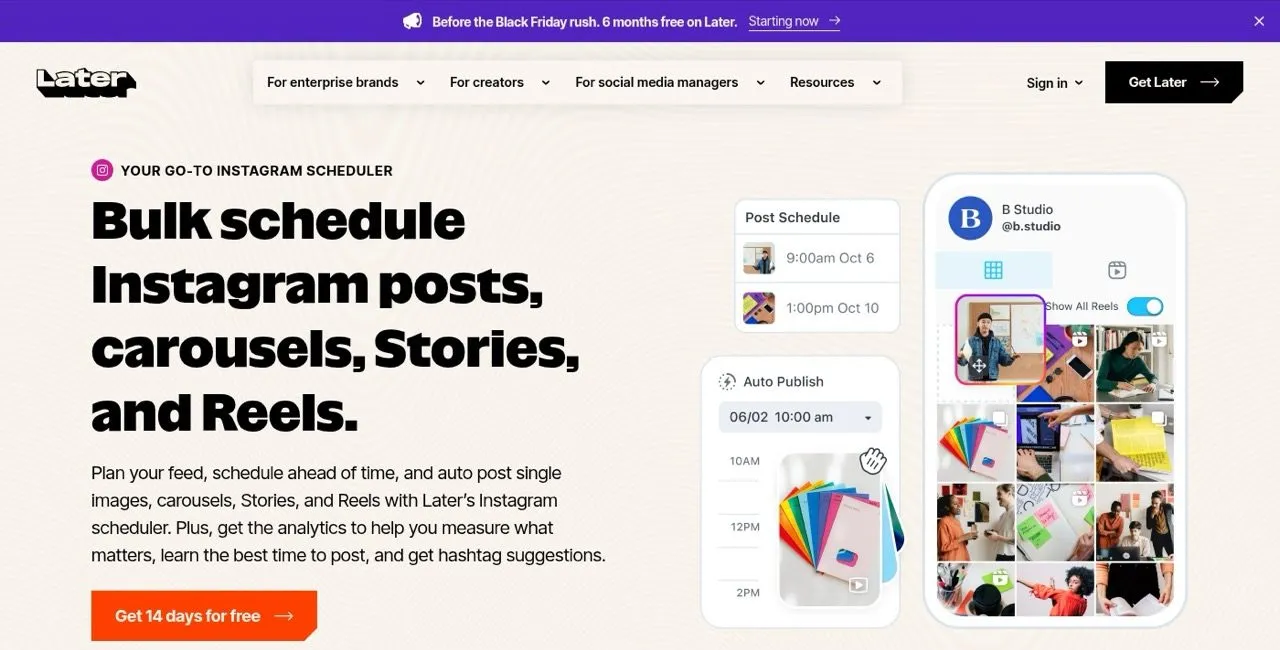
Later began as an Instagram planner and still centers on visual grid planning.
Two Later pages disagree on Stories: its scheduler page says Stories “auto publish,” while its Auto Post page says they “must be published through Notification Publishing.” Its Reels help article says auto-published Reels “support original audio only,” yet its pricing page lists “Instagram Reels Audio” as new.
Pros:
- Visual grid planning made for Instagram
- First comment, location and user tags on auto-published Reels
- A free plan, per its help center
Cons:
- No public API or MCP documented for an AI agent
- Its own pages disagree on Stories, and Reels audio is unclear
Best for: brands whose feed look is the strategy
Pricing: Starter $25/mo, Growth $50, Scale $110 on monthly billing, or $18.75, $37.50 and $82.50 a month billed yearly
Free trial: 14 days
Bottom line: Later suits a visual brand once you confirm how it handles Stories and audio. Here is what each Later tier costs.
3. Buffer: Best for creators who want to start on a free plan
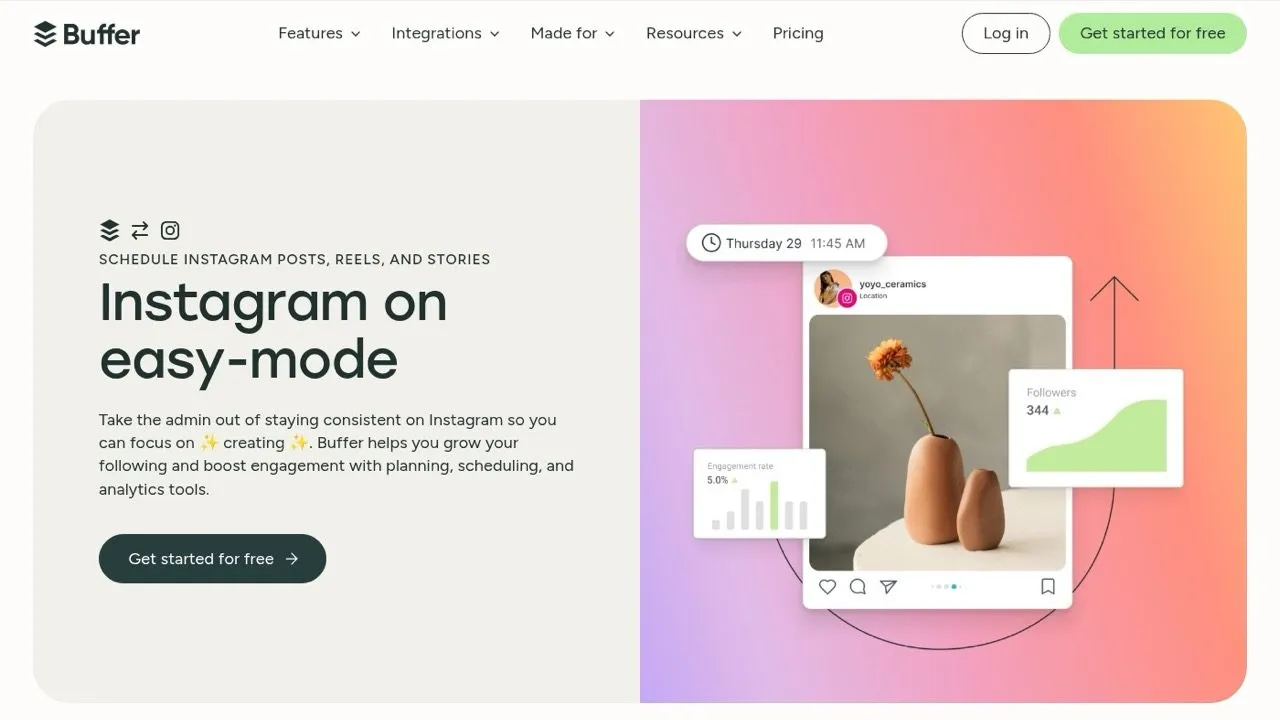
Buffer lets you “set posts, stories, and reels to auto-publish, or get notifications.” Its FAQ is upfront about when it falls back to a reminder: a personal account, music, stickers, links or collaborators. First-comment scheduling comes with Essentials and Team.
Its MCP server and API keys come with every plan, Free included, so an agent can queue Instagram posts for free.
Pros:
- Free plan for 3 channels with no end date
- Auto-publishes feed posts, Stories and Reels
- MCP server and API key on every plan
Cons:
- Music, stickers, links and collaborators switch a post to a reminder
- Free plan holds 10 scheduled posts per channel at a time
Best for: creators posting to a few accounts who want to start free
Pricing: Free for 3 channels. Essentials $6 per channel/mo ($5 billed yearly), Team $12 ($10).
Free trial: 14 days on Essentials or Team
Bottom line: Buffer is a free start for up to 3 channels, as long as your Reels and Stories skip trending audio and stickers.
4. Metricool: Best for creators who want library music on scheduled Reels
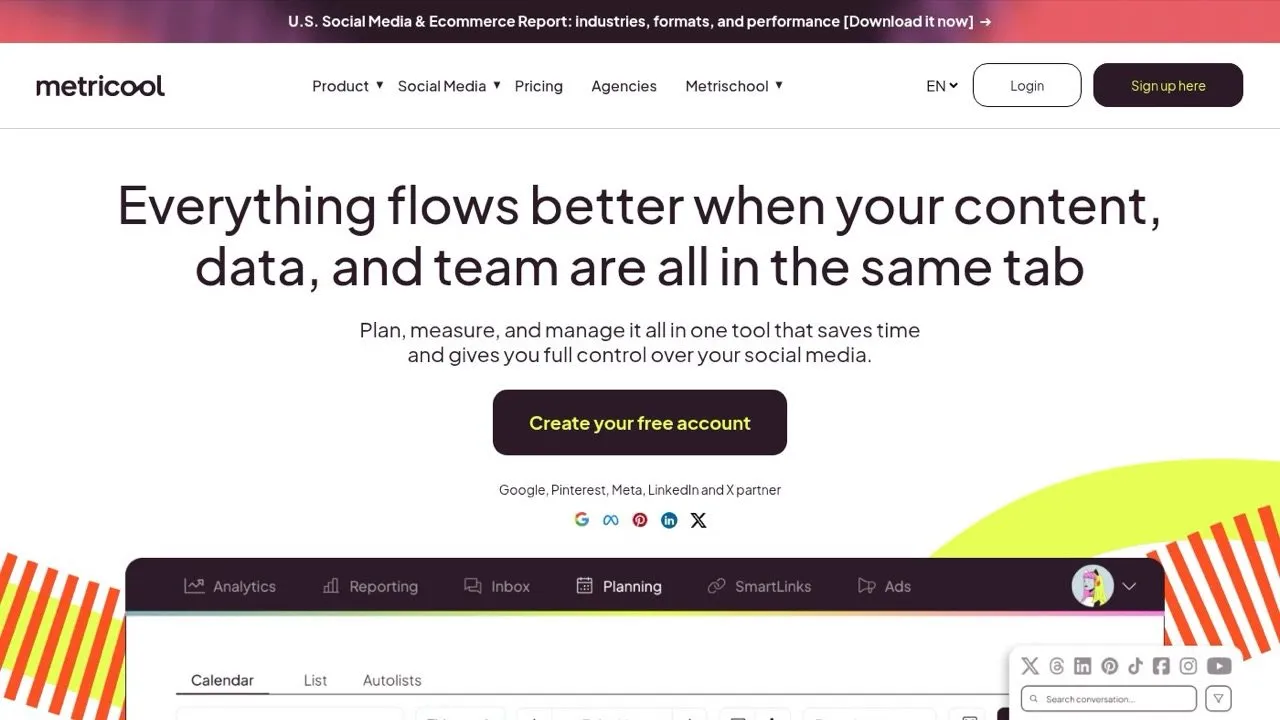
Metricool auto-publishes posts, Reels, trial Reels and Stories to Business and Creator profiles. Its help center says “Scheduling Reels with audio is available as of May 18, 2026,” with songs from Meta’s library, as long as Instagram is connected through Facebook Login. It adds up to 5 collaborators to posts and Reels.
Stories with links, mentions or stickers still go out by notification. So do carousels with videos over 60 seconds.
Pros:
- Meta’s music library on auto-published Reels and trial Reels
- Free plan with Instagram and the Metricool MCP
- Analytics and reports across networks
Cons:
- Music needs a Facebook Login connection
- First comments cover feed posts, not Reels
Best for: creators who add music to Reels, once they confirm the track is in Meta’s library
Pricing: Free for 1 brand. Starter $25/mo monthly or $20 yearly (5 brands), Advanced $67 or $53.
Free trial: Free plan, no trial needed to start
Bottom line: Metricool is the pick for scheduled Reels with library music, and its Free plan lets you test it first.
5. Planoly: Best for Instagram creators who also sell from their link in bio
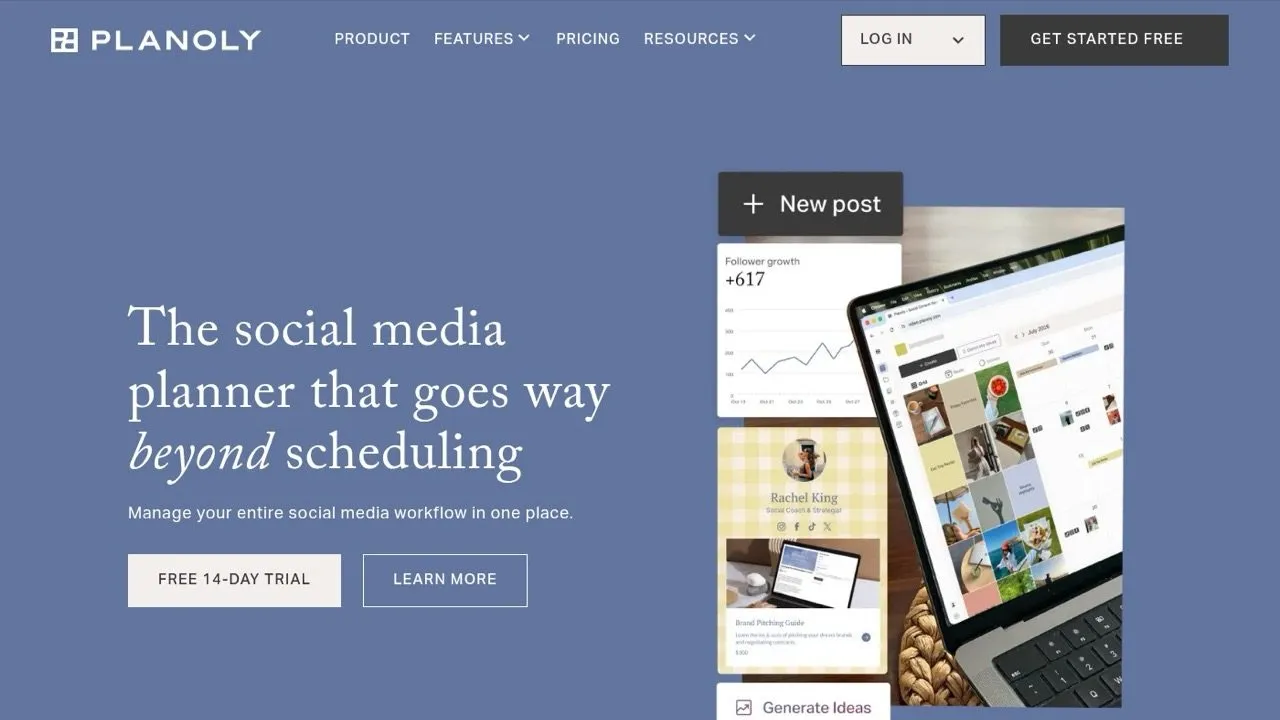
Planoly auto-posts feed posts, carousels of up to 10 items, Reels and single-item Stories, per its Instagram help article. Link Instagram through a Facebook Page and you can add up to 3 collaborators, product tags and music from Instagram’s catalogue. It also schedules trial Reels and first comments.
Every paid plan includes a link-in-bio store and Instagram DM automation. Its MCP server at mcp.planoly.com/mcp drafts and schedules without a paid plan.
Pros:
- Music, trial Reels, collabs and first comments in one composer
- Link-in-bio store and DM automation on the entry plan
- MCP server that reaches posts, inbox and automations
Cons:
- Stories post one image or video at a time
- Tags, collabs and music need a Facebook-linked account
Best for: creators who sell digital products from Instagram
Pricing: Starter $16/mo or $14 yearly (1 social set), Growth $28 or $24, Pro $55 or $47. Free mobile plan with 10 uploads a month.
Free trial: 14 days
Bottom line: Planoly combines Reel music, trial Reels and DM automation from $16 a month. If it doesn’t fit, compare these Planoly alternatives.
6. Pallyy: Best for small agencies that price by brand, not by channel
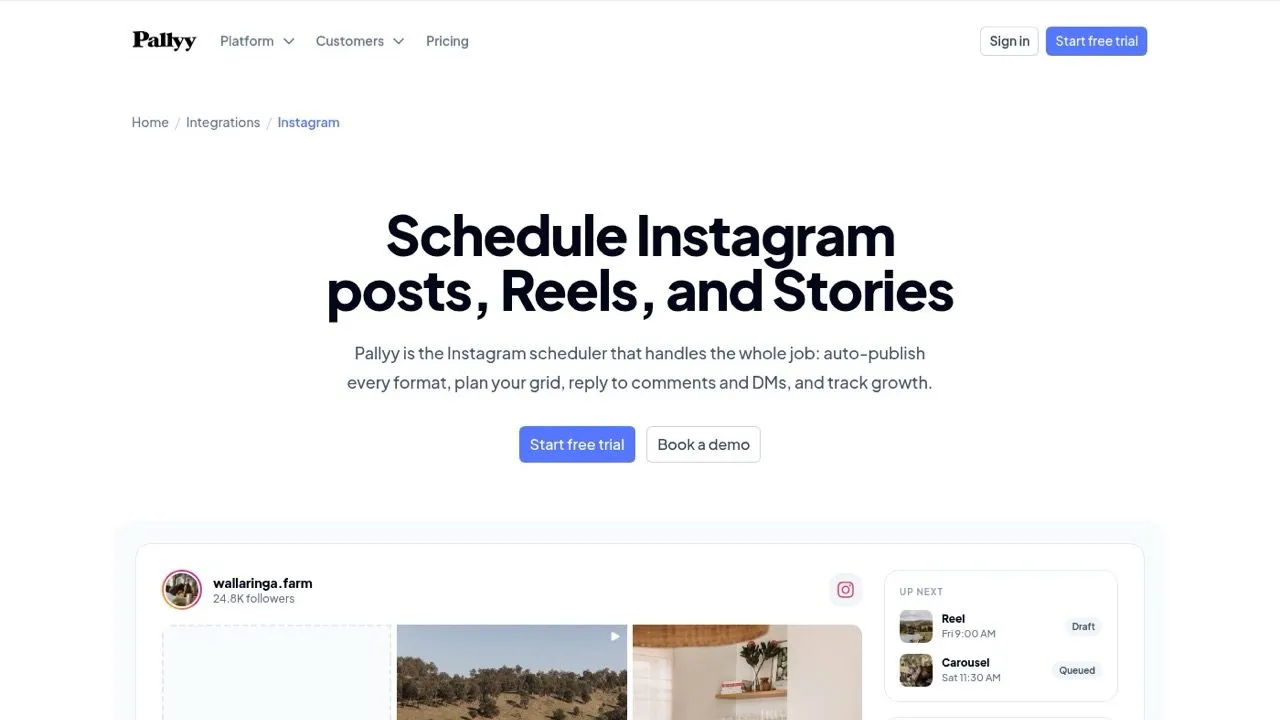
Pallyy schedules Stories with several frames in one post and publishes them through Instagram’s API with no notification step. It adds trending audio from Instagram’s library to Reels when you connect with Login with Facebook, and it handles collaborators, first comments and a grid preview.
Pallyy names a limit every tool shares: the publishing APIs don’t support polls, music or stickers on Stories, so scheduled Stories go out as plain frames.
Pros:
- Multi-frame Stories that auto-publish
- Trending audio on scheduled Reels
- MCP server on every plan, Free included
Cons:
- Free plan publishes images only, 15 posts a month
- Trial Reels not documented
Best for: agencies running several client brands on a budget
Pricing: Free for 1 brand. Pro $25/mo or $20 yearly, Agency $99 or $79 (10 brands), Scale $199 or $165.
Free trial: 14 days on any paid plan
Bottom line: Pallyy gives a small agency Story frames and Reel audio without enterprise pricing.
7. Hopper HQ: Best for small businesses that want to pay per account
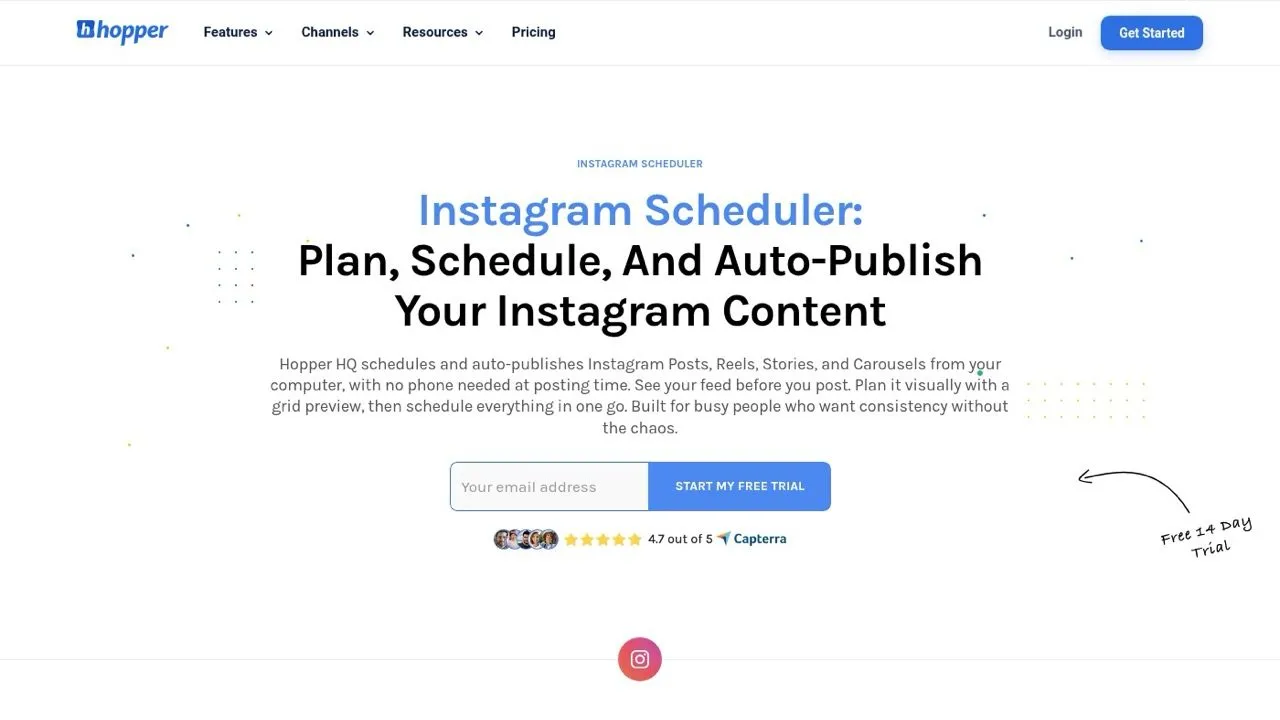
Hopper HQ prices by connected account, and every plan includes unlimited posts. It auto-publishes Instagram feed posts, Reels, Stories and carousels through official APIs, with “no push notifications to tap.” Collaborators, first comments and a grid preview are on every plan.
Pros:
- Simple per-account pricing with unlimited posts
- Stories, Reels and carousels auto-publish
- Grid preview and link in bio included
Cons:
- No public API or MCP documented for an AI agent
- Music and trial Reels not documented
Best for: a small business with one or two Instagram accounts
Pricing: Grow $6 per account/mo monthly or $5 yearly. Scale $12 or $10 with unlimited users and approvals.
Free trial: 14 days, card required at signup
Bottom line: Hopper HQ fits when you want per-account pricing, unlimited posts and auto-published Stories without a bigger suite.
8. Hootsuite: Best for teams running many accounts from one shared calendar
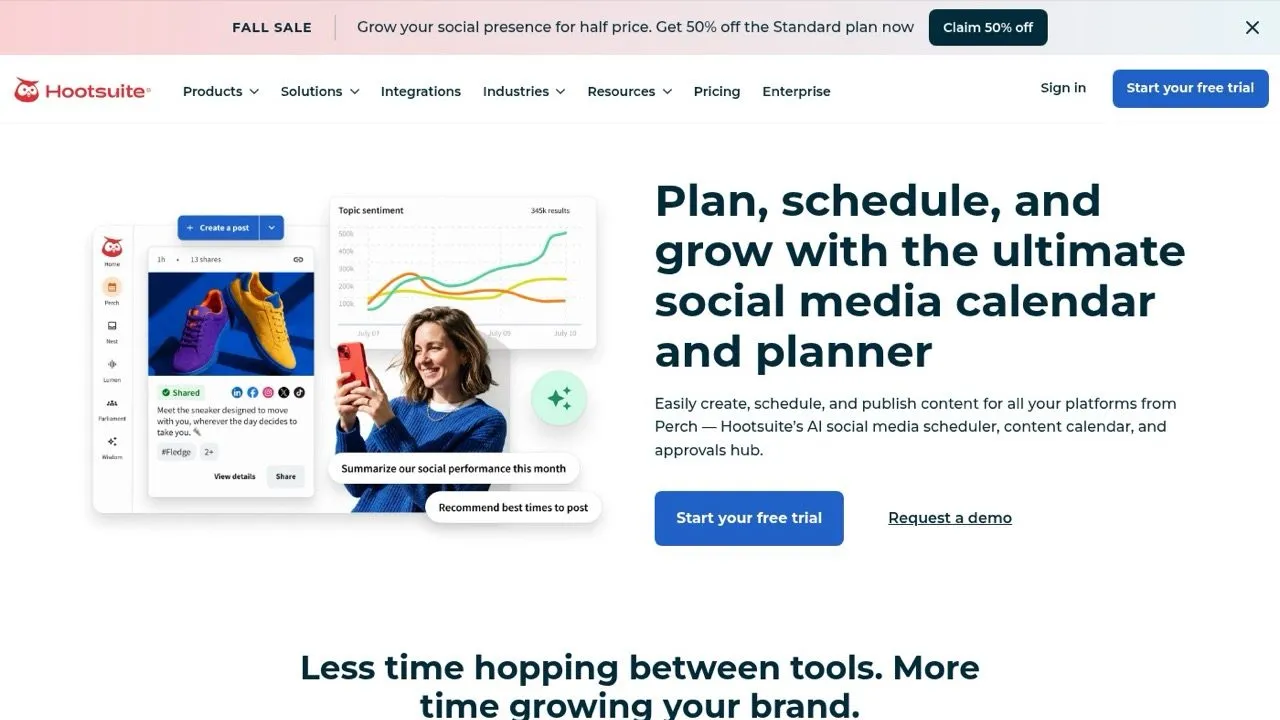
Hootsuite publishes Instagram posts and Reels directly, with first comments, location tags and up to 3 collaborators. Its help center says direct publishing is “only available for Instagram Business profiles.” Creator profiles, and any Story, go through its mobile notification workflow.
Pros:
- Shared calendars for teams, approvals on Advanced
- First comments and collaborators on direct publishing
- 10 accounts on Standard, unlimited on Professional
Cons:
- Stories and Creator profiles need a phone notification
- Perch, its MCP server, drafts posts and stops there
Best for: agencies and in-house teams with a review step
Pricing: $99 per user/mo on Standard, $199 on Professional, $399 on Advanced
Free trial: 14 days
Bottom line: Hootsuite is built for teams with many Business profiles, not for solo Stories.
Which Instagram Schedulers Auto-Publish Stories, Trial Reels and Reels With Music?
Music is the newest split. Metricool, Planoly and Pallyy attach songs from Instagram’s library to scheduled Reels through a Facebook-linked connection. Elsewhere, Reel music is unsupported, a phone reminder, unclear or not documented. “Not documented” means the vendor’s own pages don’t say.
| Tool | Stories | Reels with Instagram music | Trial Reels | Collaborators | First comment |
|---|---|---|---|---|---|
| Blotato | Auto-publish | No, original audio only | Yes | Yes | Yes, not on Stories |
| Later | Its pages disagree | Unclear: pricing lists it, help says notification | Not documented | Yes, desktop and iOS | Yes, on auto-published posts |
| Buffer | Auto, notification with stickers or links | Notification | Not documented | Switches to notification | Yes, paid plans |
| Metricool | Auto, notification with links or stickers | Yes, via Facebook Login | Yes | Up to 5, not on Stories | Feed posts only |
| Planoly | Auto, one item per Story | Yes, via a Facebook-linked account | Yes | Up to 3, Facebook-linked | Yes |
| Pallyy | Auto, multi-frame | Yes, via Login with Facebook | Not documented | Yes, Login with Facebook | Yes |
| Hopper HQ | Auto-publish | Not documented | Not documented | Yes | Yes |
| Hootsuite | Notification | Not documented | Not documented | Up to 3, Business profiles | Yes, Business profiles |
Trial Reels have their own rules. Meta’s publishing docs say they are “only shared to non-followers,” and Metricool’s help center, citing Instagram, lists at least 200 followers and recommendation eligibility, and says trial Reels can’t include collaborators.
Stories with stickers or links push Buffer and Metricool to a reminder, and Pallyy publishes Stories without polls, music or stickers.
Can an AI Agent Schedule Instagram Posts?
Yes, with five of these eight. Blotato, Buffer, Metricool, Planoly and Pallyy each ship an MCP server that schedules Instagram posts. Hootsuite’s Perch MCP stops at drafts, and I found no API or MCP for Later or Hopper HQ.
Buffer, Metricool and Pallyy put their MCP on the free plan (Pallyy’s free plan publishes images only), and Planoly’s also reaches its inbox and DM automations. Blotato adds a REST API, 8 more platforms, and Instagram and Facebook comments, DMs and automations. When LinkedIn or TikTok join the queue, the LinkedIn post schedulers and TikTok scheduling tools roundups cover those networks the same way.
For the Blotato setup, here is how to post to Instagram from a Claude chat. To build it yourself, the Instagram posting API guide covers Meta’s setup.
How I Built This Shortlist
This list of Instagram post schedulers starts from the tools named most often in 17 answers from ChatGPT, Claude, Gemini, Perplexity and Google’s AI Overviews to Instagram scheduling questions, then checks each against the criteria above. Every price and feature comes from the vendor’s own pricing page, help center or developer docs, checked on November 5, 2026. I didn’t push test posts through all eight, so “not documented” means the vendor doesn’t say, not that I watched it fail. From the long list, Plann overlaps Later’s grid planning, Sked Social and Sprout Social overlap Hootsuite’s team workflow, and SocialBee centers on recycling evergreen posts.
Which Instagram Scheduler Should You Use?
- One account, a few posts a week: Instagram’s built-in scheduler.
- You want to start free with a paid upgrade path: Buffer or Metricool.
- Your Reels need music from Instagram’s library: Metricool, Planoly or Pallyy, after you confirm your track is available.
- You plan the grid before you post: Later, or Planoly if you also sell from your bio link.
- You run several client brands: Pallyy Agency.
- Your AI agent already posts elsewhere and Instagram joins the queue: Blotato, if your Reels carry their own sound.
- Every post needs sign-off from a team: Hootsuite Advanced.
My Recommendation for Instagram
Choose around the format you publish most. If an AI agent already runs your other networks and your Reels keep their own audio, Blotato puts Stories, trial Reels and collabs in that same queue, so see Blotato’s plans.