8 Best LinkedIn Post Schedulers for 2026 (Social Media Tools)
8 social media tools that schedule LinkedIn posts, compared on Pages, PDF carousels and analytics, plus when the free built-in scheduler is enough.
LinkedIn already lets you schedule posts for free, so a LinkedIn post scheduler has to do something the native clock icon can’t. The real gaps are Page posts LinkedIn won’t schedule, first comments, analytics across networks, and running LinkedIn next to your other channels. My pick is Blotato if you want one connection, often your AI agent, scheduling LinkedIn and 8 other platforms and you can read LinkedIn numbers inside LinkedIn, and Taplio if LinkedIn is your whole strategy and you live in its analytics. I founded Blotato, so weigh that pick against the limits I list under it.
| Tool | Best For | Starting Price | Key Strength |
|---|---|---|---|
| Blotato | AI agents posting LinkedIn plus 8 other platforms | $29/mo for 20 accounts | One key for LinkedIn profiles, Pages and 8 more platforms |
| Taplio | Creators whose only channel is LinkedIn | $39/mo, billed monthly | LinkedIn analytics, first comments and its own MCP server |
| Buffer | Solo posters who want a free plan that never expires | Free for 3 channels, then $6 per channel/mo | LinkedIn first comments on any paid plan |
| AuthoredUp | Writers who polish every line before it ships | $19.95/mo for 1 profile | Formatting editor and preview, pages and groups included |
| Publer | Budget posters who want PDF carousels | Free for 3 accounts, then $5/mo | Turns images, PDFs or slides into a document carousel |
| SocialBee | Small businesses recycling evergreen posts | $29/mo for 5 profiles | Categories, recycling and LinkedIn first comments |
| Metricool | Marketers who want polls and reports across networks | $25/mo monthly, LinkedIn not on Free | Schedules LinkedIn polls and PDFs, with reports |
| Hootsuite | Teams that share calendars across many Pages | $99 per user/mo, billed annually | 10 accounts on Standard, approvals on Advanced |
Does LinkedIn Have a Built-In Post Scheduler?
Yes. LinkedIn has a free built-in post scheduler for personal profiles and company Pages. LinkedIn’s help page says you can schedule a post “between 10 minutes and 3 months from the current time,” and you can reschedule, edit or delete it afterwards. On desktop, the clock icon in the post window opens your Scheduled posts page.
If you post to one personal profile a few times a week, that covers you.
The native tool gets thin in three places. Page admins can schedule between an hour and three months out, but LinkedIn says “You can’t schedule events, multiple photos, reshares, polls, jobs, and service posts for your Page.” LinkedIn’s help pages describe no first-comment scheduling and no recurring queue. And it only knows LinkedIn, so every other platform you post to is a second app and a second calendar.
What to Look for in a LinkedIn Scheduler
- Profiles and Pages. Check it covers your profile and every Page you admin, and how each counts toward your plan.
- Post types LinkedIn blocks. Polls and multi-image Page posts are where these tools earn their keep.
- Document carousels. Check whether the tool builds them from images, PDFs or slides, since formats differ.
- First comments. Many creators put the link in the first comment. Only some tools schedule it.
- Analytics you will read. If you study impressions weekly, pick a tool that reports them. If not, skip paying for it.
- An agent path. If an AI agent drafts your posts, check whether it can schedule them or only save drafts.
The 8 Best LinkedIn Post Schedulers in 2026
Here is each LinkedIn post scheduler, the reader it suits and what it costs.
1. Blotato: Best for scheduling LinkedIn from the same AI agent that runs your other platforms
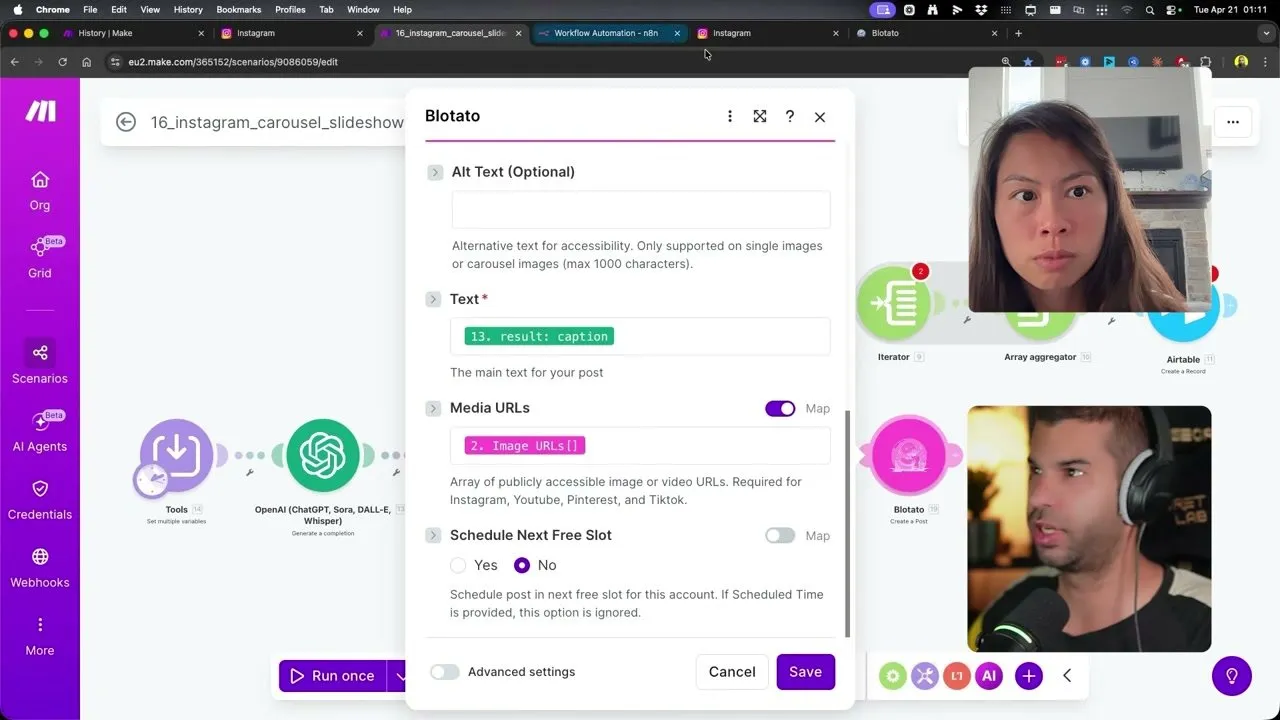
I built Blotato so one key reaches every platform an agent needs, and LinkedIn is one of 9. Your profile connects along with any company Page where you are a Super Admin or Content Admin, and each counts as one account.
From Claude or n8n, you send text and a time, or ask for the next open slot. The post queues through Blotato’s LinkedIn API or the hosted LinkedIn MCP server, on plans from $29. Send 2 to 10 images and Blotato builds the document carousel.
Blotato returns no LinkedIn analytics, so you read impressions inside LinkedIn. It has no LinkedIn first comments, and its comments and DMs inbox covers Instagram and Facebook only.
Pros:
- One key schedules LinkedIn and 8 other platforms
- Profile and Pages via web app, API or MCP
- Image sets become document carousels
Cons:
- No LinkedIn analytics
- No LinkedIn first comments, comments or DMs
Best for: builders whose agent posts to several platforms and needs LinkedIn in the loop
Pricing: $29/mo Starter (20 accounts), $97 Creator (40), $499 Agency (100)
Free trial: 7 days in the web app. The API and MCP server need a paid plan, so start Starter for agent posting.
Bottom line: Blotato is the pick when LinkedIn is one stop in a multi-platform system, and a narrower fit if you need LinkedIn analytics or first comments.
Here is the full setup for scheduling a LinkedIn post from a Claude chat.
2. Taplio: Best for LinkedIn-only creators who want analytics and an MCP in one tool
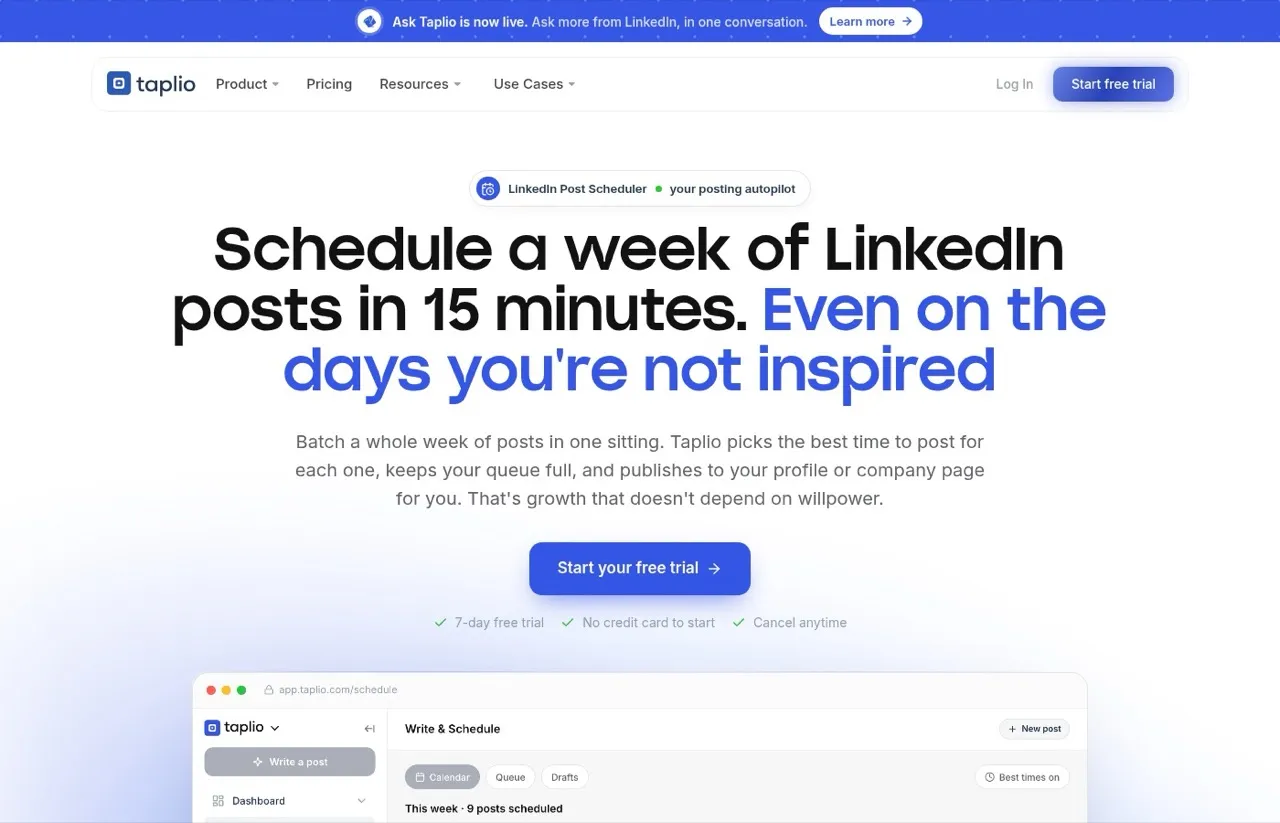
Taplio is built only for LinkedIn. It schedules to a profile or a company page, posts an automatic first comment, and tracks impressions, engagement and follower growth. It also runs its own LinkedIn MCP server at mcp.taplio.com, which Taplio says can draft, schedule and publish.
Pros:
- Analytics, first comments and AI writing built only for LinkedIn
- Its own MCP server for scheduling from an AI assistant
- 7-day trial with no credit card to start
Cons:
- LinkedIn only, so other platforms need a second tool
- Highest entry price among the LinkedIn specialists here
Best for: founders and creators whose growth plan is LinkedIn and nothing else
Pricing: Starter $39/mo, Growth $69, Pro $199 on monthly billing, with yearly billing 25% lower
Free trial: 7 days
Bottom line: Taplio fits creators who use LinkedIn analytics to plan their next posts.
3. Buffer: Best for a free LinkedIn scheduler that never expires
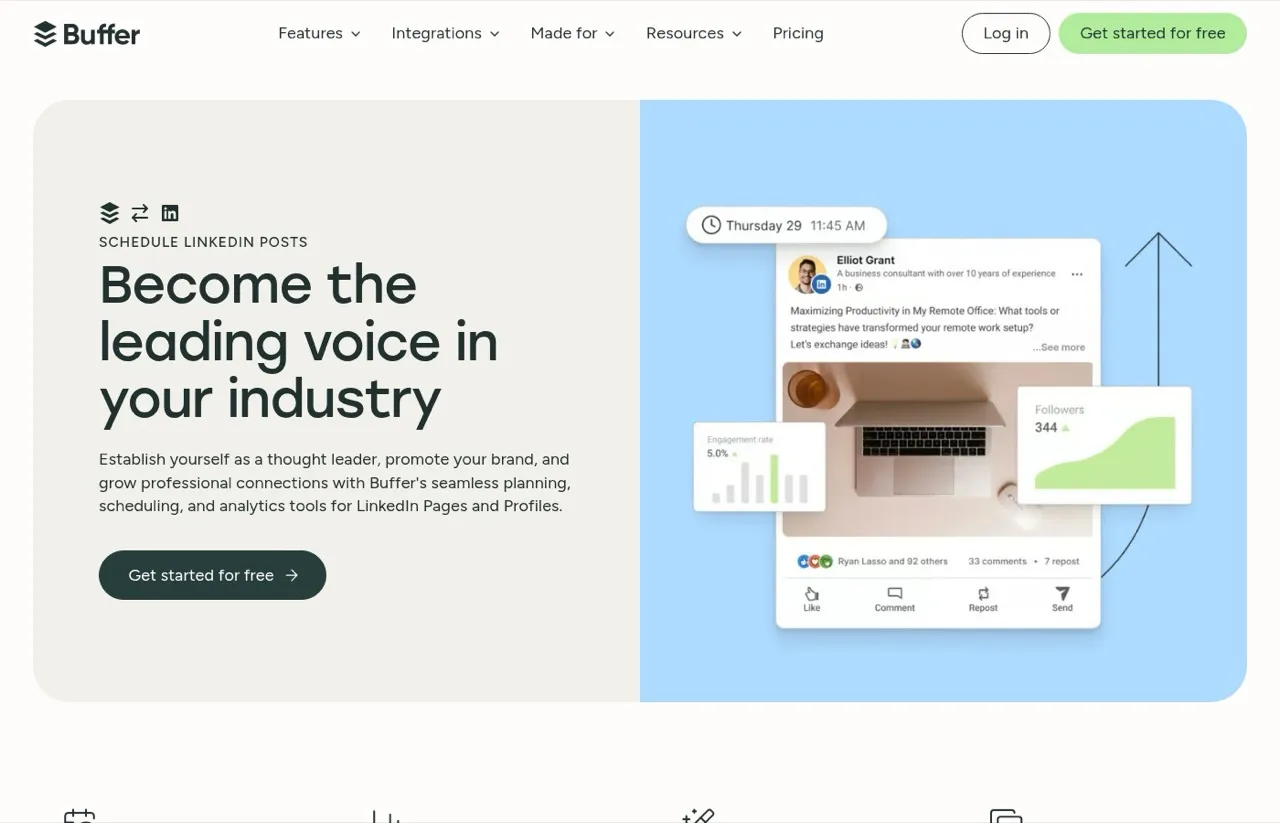
Buffer schedules to LinkedIn Pages and profiles on a free plan with 3 channels and 10 queued posts per channel. Paying unlocks unlimited scheduling and first comments on LinkedIn posts.
Every plan, Free included, comes with an API key, and Buffer runs a hosted MCP server, so an agent can queue posts too. Here is how Buffer’s channel bands add up.
Pros:
- Free plan with no time limit
- First-comment scheduling for LinkedIn on Essentials and Team
- API key on every plan, plus an MCP server
Cons:
- Free plan holds only 10 scheduled posts per channel
- No LinkedIn-specific writing or engagement tools
Best for: solo posters who want a reliable LinkedIn queue at zero cost
Pricing: Free for 3 channels, Essentials $6 per channel monthly ($5 yearly), Team $12 per channel ($10 yearly)
Free trial: 14 days on paid plans
Bottom line: Buffer fits a free start, and Essentials is the upgrade once you need more than 10 queued posts per channel.
4. AuthoredUp: Best for writers who care how the post reads before it ships
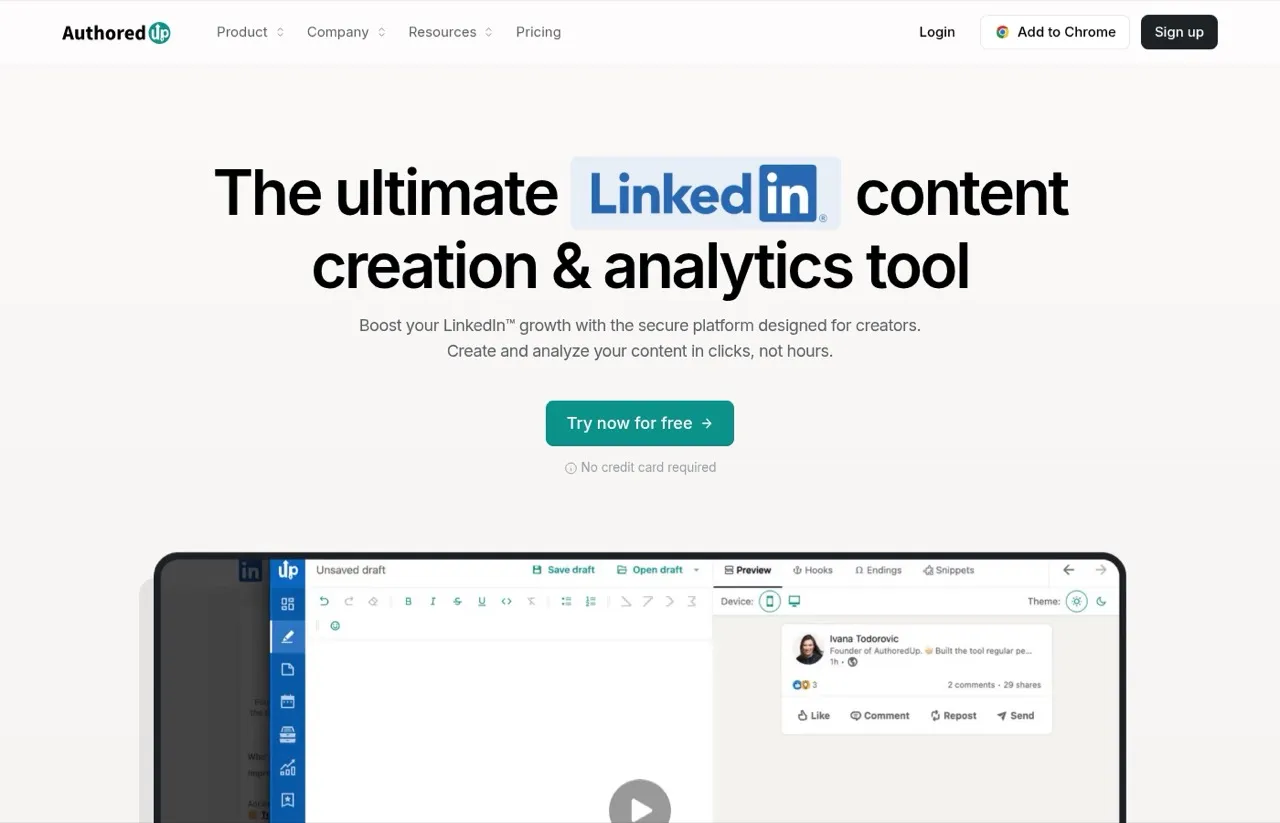
AuthoredUp is a LinkedIn editor first, with text styling, bullet points, a post preview and 300+ hooks and post endings. Its calendar schedules posts to your profile, the company pages you admin, and groups, and pages cost nothing extra on any plan.
Every plan includes content analytics and an API key that pulls that data out.
Pros:
- Strong formatting editor and post preview
- Company pages and groups included at no extra charge
- Free trial with no credit card required
Cons:
- LinkedIn only
- No scheduling API or MCP server found on its pricing page
Best for: writers and ghostwriters who edit every line before it goes out
Pricing: Individual $19.95/mo, or $16.63/mo billed yearly at $199.50, and Business $14.95 per profile per month for 3+ profiles
Free trial: Yes, no credit card required
Bottom line: AuthoredUp suits people who write and polish every LinkedIn post by hand.
5. Publer: Best for PDF carousels and first comments at the lowest paid price
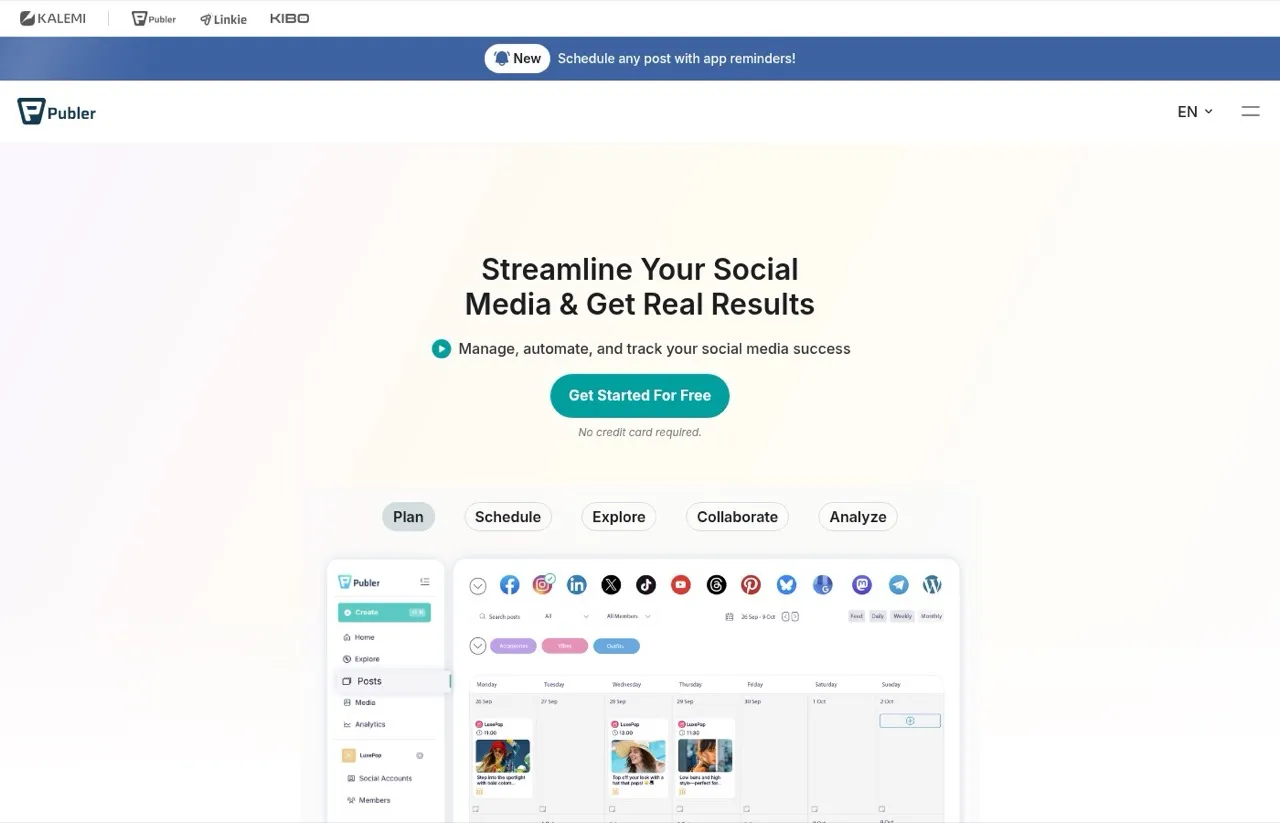
Publer posts to LinkedIn profiles and company pages, and it handles carousels well. Its docs describe LinkedIn PDF carousels built from images, PDFs, Word or PowerPoint files up to 100 pages.
Professional adds first comments and threads for $5 a month on one account. The Publer API and MCP arrive on Business. Billing is per account, so check how Publer’s per-account math works before you assume a total.
Pros:
- Free plan for 3 accounts
- LinkedIn document carousels from slides and PDFs
- First comments from the cheapest paid plan
Cons:
- Free plan caps you at 10 scheduled posts per account
- API and MCP only on Business
Best for: budget creators who post carousels and want first comments without a big bill
Pricing: Free (3 accounts, no X), Professional $5/mo for one account, Business $10/mo for one account, with yearly billing giving 2 months free
Free trial: 7 days on Professional, 14 days on Business
Bottom line: Professional fits manual scheduling on a tight budget, and Business adds the API and MCP when an agent takes over.
6. SocialBee: Best for recycling evergreen LinkedIn posts by category
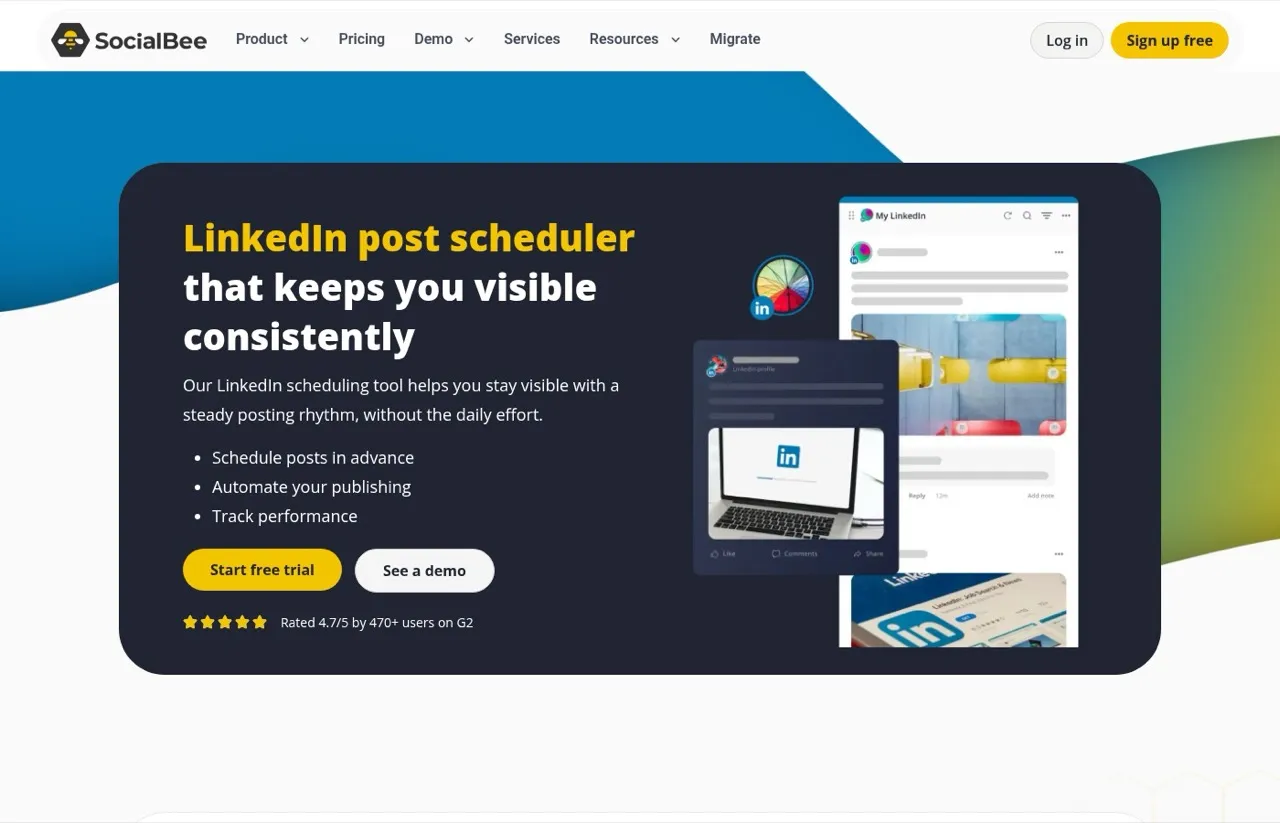
SocialBee sorts posts into content categories and lets strong ones “post multiple times on your LinkedIn page.” It publishes to a personal profile or a company page, posts a first comment with the post, and turns PDF or slide files into carousels.
Its engagement tools cover comments and mentions on company pages. It also integrates with Zapier, Pabbly and Make.
Pros:
- Content categories and evergreen recycling
- LinkedIn first comments and document carousels
- 14-day trial with no credit card
Cons:
- No free plan
- No API or MCP found on its pricing page
Best for: small businesses with a library of posts worth repeating
Pricing: Bootstrap $29/mo (5 profiles), Accelerate $49 (10), Pro $99 (25), or $290, $490 and $990 a year
Free trial: 14 days
Bottom line: SocialBee keeps a LinkedIn feed alive from a back catalogue, and its recycling matters less if you rarely reuse posts.
7. Metricool: Best for LinkedIn polls and analytics next to other networks
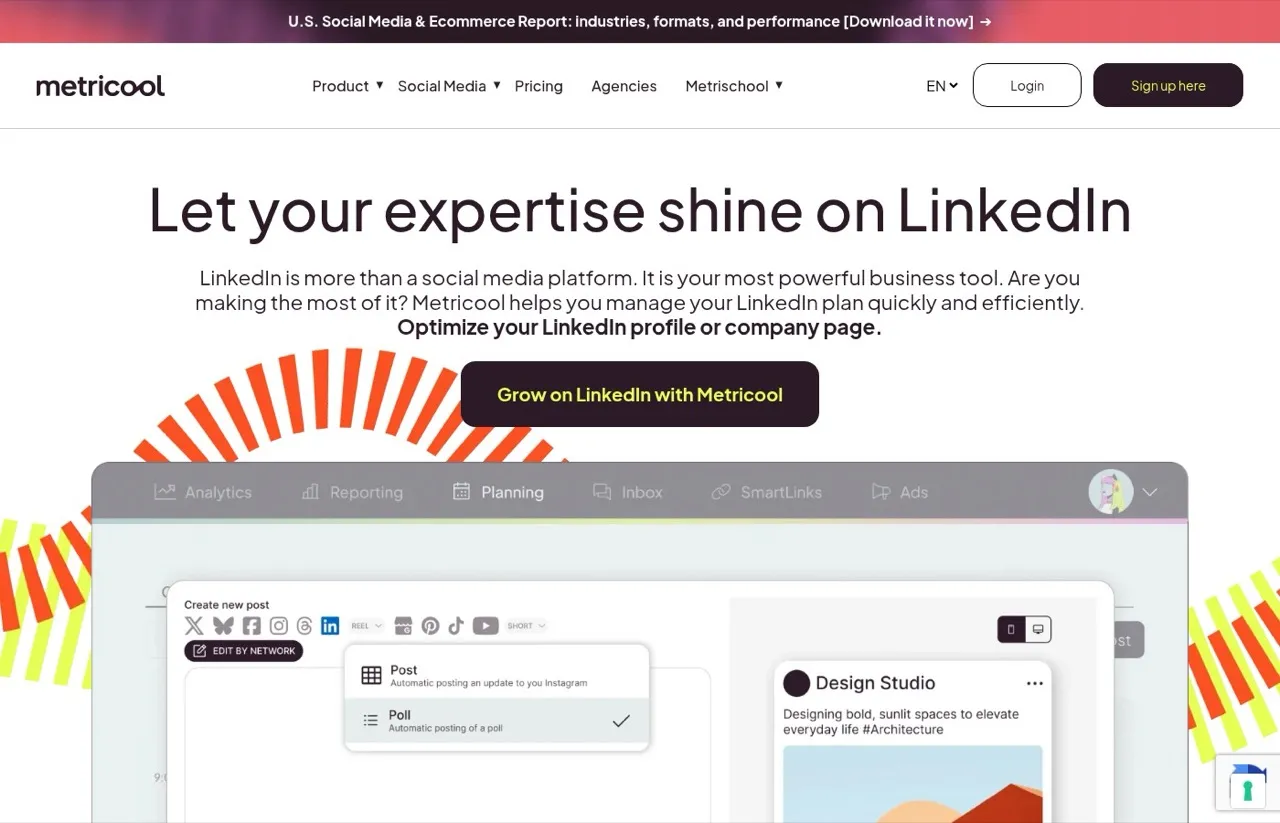
Metricool schedules to a LinkedIn profile or company page, with previews, mentions, PDFs, videos and polls. Polls matter here, because LinkedIn won’t schedule them on a Page. Reports sit in the same tool.
Its official MCP server for Claude can schedule a LinkedIn post from a chat. Its free plan covers “all your brands’ social networks (except LinkedIn and Twitter).” See Metricool’s brand-based pricing.
Pros:
- Schedules LinkedIn polls, PDFs and mentions
- Analytics and reports alongside scheduling
- MCP on every plan, LinkedIn from Starter
Cons:
- LinkedIn is not on the free plan
- Pricing scales by brand, which takes a minute to map to your setup
Best for: marketers who want LinkedIn polls and reporting in the same place as their other networks
Pricing: Starter $25/mo monthly or $20/mo yearly (5 brands), Advanced $67/mo monthly or $53/mo yearly (15 brands)
Free trial: None listed on its pricing page
Bottom line: Metricool is the analytics-minded pick across networks, as long as you budget for Starter from day one.
8. Hootsuite: Best for teams that need approvals across many LinkedIn Pages
Hootsuite is built for teams. Standard manages up to 10 social accounts from one calendar, and Advanced adds approvals across teams. It bills per user, so cost tracks headcount, not posting volume.
Its Perch MCP server is the agent surface, but Hootsuite’s developer docs say “Perch saves drafts but does not publish.” An agent can stage LinkedIn posts, and a person still publishes them. The seat-based price ladder shows where the jumps land.
Pros:
- Approvals and co-working on Advanced
- Unlimited accounts from Professional up
- Professional adds automation for repetitive work
Cons:
- $99 per user before you add anyone else
- MCP saves drafts but does not publish
Best for: marketing teams where several people touch every LinkedIn Page post
Pricing: Standard $99, Professional $199, Advanced $399 per user per month, billed annually
Free trial: 14 days
Bottom line: Hootsuite earns its price when approvals are the bottleneck, and it is overkill for one person posting to one profile.
Can an AI Agent Schedule Your LinkedIn Posts?
Yes. Five tools on this list give an AI agent a way to schedule LinkedIn posts. Blotato, Taplio, Buffer and Metricool each run an MCP server that can schedule to LinkedIn, and Publer includes its API and MCP on Business. Hootsuite’s Perch MCP stops at drafts.
The difference is what else the same connection reaches. Taplio’s MCP is LinkedIn only. Buffer’s and Metricool’s reach their other networks, and LinkedIn on Metricool needs a paid plan. Blotato’s key adds 8 platforms plus Instagram and Facebook comments and DMs, but no LinkedIn analytics.
For direct API access, the LinkedIn posting API guide shows what LinkedIn makes you build yourself.
How I Picked These Eight
I compared each tool against the criteria above, including the entry price of the first plan that supports LinkedIn. Pricing and features come from each vendor’s own pricing page, help docs and developer docs, reviewed November 4, 2026. I did not run test posts through every tool, so the strengths and gaps reflect what each vendor documents. Supergrow, Sprout Social and Later were considered and left out: Supergrow overlaps the two LinkedIn specialists above, and Sprout and Later overlap Hootsuite and Buffer for LinkedIn scheduling.
Which LinkedIn Scheduler Fits How You Post
- You post to one profile a few times a week: use LinkedIn’s built-in scheduler and keep your money.
- LinkedIn is your only channel and you study the numbers: Taplio, or AuthoredUp if the writing matters more than the analytics.
- You want a free LinkedIn scheduling tool: Buffer (3 channels) or Publer (3 accounts), then upgrade when the 10-post limit per channel or account feels tight.
- You post carousels on a small budget: Publer Professional.
- You need polls on a company Page or cross-network reports: Metricool Starter.
- Your AI agent runs several platforms and LinkedIn is one of them: Blotato, provided you can read LinkedIn numbers in LinkedIn itself.
- Several people approve every Page post: Hootsuite.
My Pick, and When It Isn’t Mine
If LinkedIn is one of several platforms your agent posts to, start with Blotato and schedule it from the same place as everything else, knowing LinkedIn analytics and first comments are not included. If you only post a few times a week, the free scheduler LinkedIn already gives you is enough.