7 Best TikTok Scheduling Tools for Social Media in 2026
Which TikTok scheduling tools really auto-publish? 7 social media tools compared on photo carousels, free plans and the TikTok rules they share.
Every TikTok scheduling tool works inside the same TikTok posting rules, so the real differences are whether it auto-publishes or pings your phone, how it handles photo carousels, and what it costs to start. My pick is Blotato if you post TikTok next to other platforms, often from an AI agent, and can live without TikTok comments and DMs in the same inbox. Metricool is the pick for free TikTok scheduling with analytics up to 20 posts a month, and Sked Social for teams that reply to TikTok comments from one inbox. I founded Blotato, so weigh that pick against the limits I list under it.
| Tool | Best For | Starting Price | Key Strength |
|---|---|---|---|
| Blotato | AI agents posting TikTok plus 8 other platforms | $29/mo for 20 accounts | One API key or MCP server publishes TikTok videos and photo slideshows |
| Later | Creators who plan TikTok next to a link in bio | $25/mo, or $18.75/mo billed yearly | Auto-publishes videos and carousels to personal and business accounts |
| Buffer | Solo creators who want a free TikTok queue | Free for 3 channels, then $6 per channel/mo | Pick auto-publish or a phone reminder for each post |
| Metricool | Marketers who want TikTok on a free plan | Free for 1 brand, then $25/mo | Carousels up to 35 images and an MCP server on every plan |
| Sked Social | Brand teams answering TikTok comments and DMs | $69/mo, or $58/mo billed yearly | Native carousel publishing plus a TikTok inbox |
| SocialPilot | Agencies bulk scheduling TikTok for clients | $30/mo, or $25.50/mo billed yearly | Bulk scheduling of up to 500 posts from Premium up, plus an MCP server |
| Hootsuite | Large teams running TikTok beside many networks | $99 per user/mo, billed annually | TikTok scheduling, analytics and messages in one dashboard |
Can You Schedule TikTok Posts for Free Inside TikTok?
Yes. Creator and Business accounts can schedule TikTok posts for free with the built-in scheduler in TikTok Studio. TikTok’s business blog puts the window at 15 minutes to 10 days ahead. Buffer’s 2026 guide reports up to 30 days, so check the date picker on your account.
If you post to one TikTok account a few times a week, that covers you without a TikTok scheduling tool.
Two native limits are worth checking. Buffer’s guide notes you can’t edit a post once it is scheduled, so a caption fix means deleting and re-uploading it. And it only knows TikTok, so every other platform you post to is a second app and a second calendar.
What to Look for in a TikTok Scheduling Tool
- Auto-publish or reminder. Some tools post for you, others send a phone reminder to finish in TikTok, and most offer both.
- Photo carousels. Check whether they auto-publish and how many images fit.
- Sounds. A trending TikTok sound usually means finishing the post in the app. Check how the tool hands that off.
- Account limits. Look at how many TikTok accounts the entry plan covers and any daily post caps.
- Comments and DMs. If you reply inside the scheduler, confirm it covers TikTok, not only Instagram and Facebook.
- An agent path. If an AI agent drafts your posts, check whether its connection can publish or only save drafts.
How the seven compare on those specifics:
| Tool | Auto-publish to TikTok | Photo carousels | Free plan | AI agent can schedule |
|---|---|---|---|---|
| Blotato | Yes, or send as a draft | Yes, photo slideshows | No, 7-day trial | Yes, API and MCP |
| Later | Yes, or a notification | Yes, on desktop and iOS | No, 14-day trial | No API or MCP found |
| Buffer | Yes, or Notify Me | Up to 10 images | Yes, 3 channels | Yes, MCP |
| Metricool | Yes, or a notification | Up to 35 images | Yes, 1 brand and 20 posts/mo | Yes, MCP on every plan |
| Sked Social | Yes | Up to 10 images | No, 14-day trial | No, its MCP reads data |
| SocialPilot | Yes, or a mobile reminder | Yes, with Auto Add Music | No, 14-day trial | Yes, MCP |
| Hootsuite | Yes, for videos | Unconfirmed in its TikTok docs | No, 14-day trial | Drafts only, via Perch MCP |
The 7 Best TikTok Scheduling Tools in 2026
Here is each TikTok scheduler, the reader it suits and what it costs to start.
1. Blotato: Best for publishing TikTok from the same AI agent that runs your other platforms
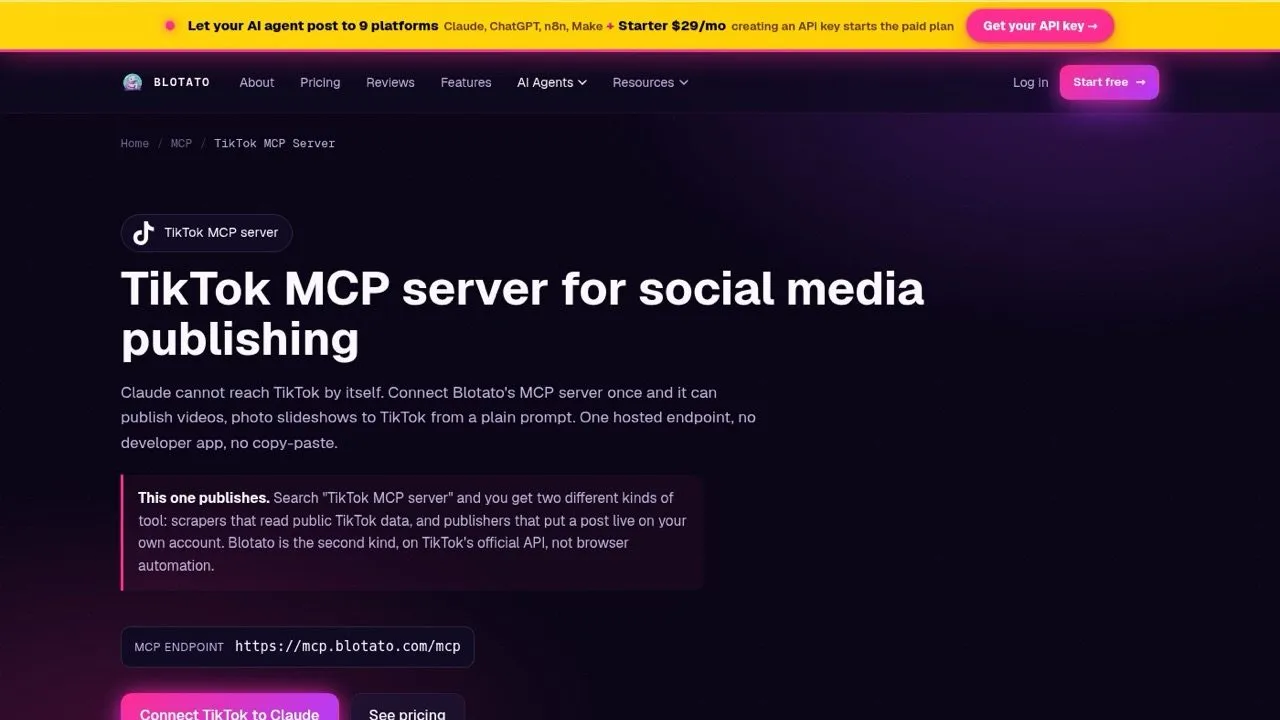
I built Blotato so an AI agent reaches every platform with one key, on plans from $29, and TikTok is one of 9. Each video or photo slideshow carries the declarations TikTok requires, from privacy level to the branded-content and AI-generated flags.
From Claude or n8n, send media and a time through the TikTok MCP server or Blotato’s TikTok API. Set autoAddMusic on a photo post, or isDraft to send it to TikTok as a draft and add a trending sound in the app.
Starter posts to 3 TikTok accounts per rolling 24 hours, and each account allows 25 posts per rolling 24 hours, though TikTok’s shared cap may be lower. New accounts need a 4-week warm-up before connecting. Comments and DMs cover Instagram and Facebook only.
Pros:
- One key publishes TikTok and 8 other platforms
- Works from the web app, API or MCP
- TikTok analytics included
Cons:
- No TikTok comments or DMs
- Starter reaches 3 TikTok accounts per day
Best for: creators and builders scheduling TikTok beside other platforms, often from an agent
Pricing: $29/mo Starter (20 accounts), $97 Creator (40), $499 Agency (100)
Free trial: 7 days in the web app. The API and MCP server need a paid plan.
Bottom line: Blotato is the pick when TikTok is one stop in a multi-platform system, and a weaker fit if you live in TikTok comments.
See the full setup for publishing a TikTok from a Claude chat.
2. Later: Best for creators who plan TikTok around a link in bio
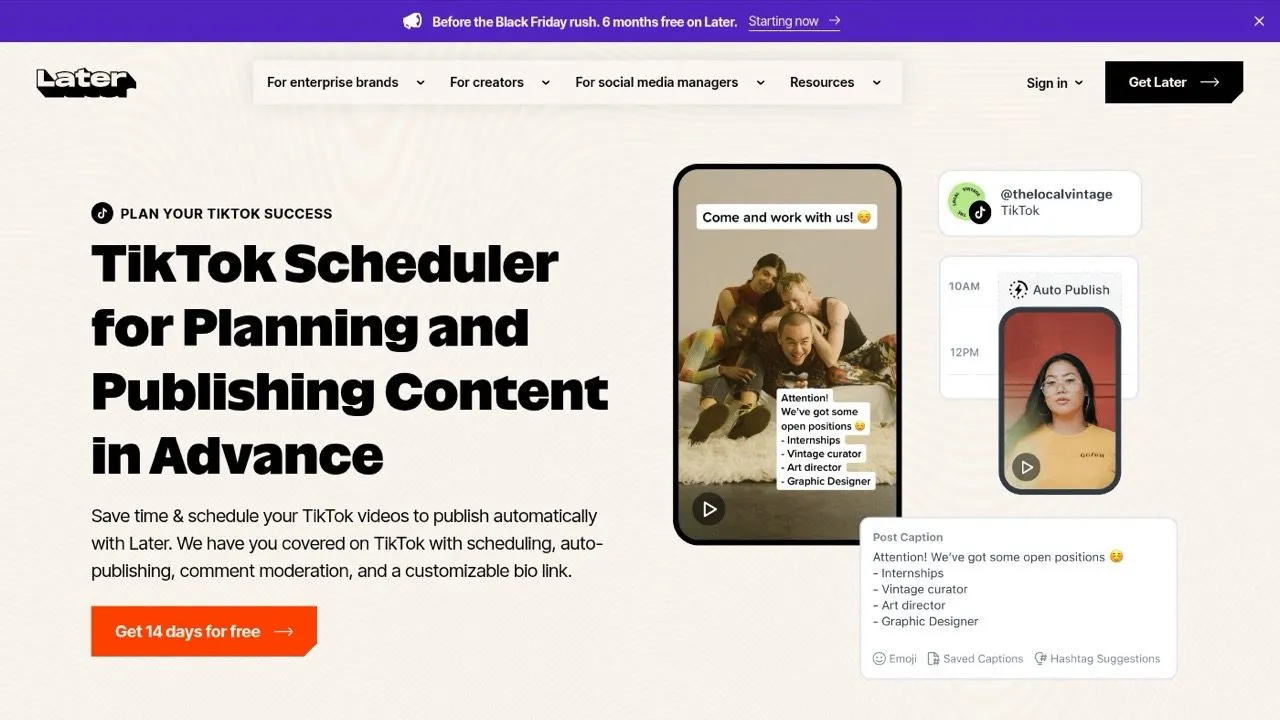
Later auto-publishes TikTok videos and photo carousels to personal and business accounts, with comment, Duet and Stitch settings per post. Photo posts get an Auto Add Sound option. Its help docs say auto-published posts “can only use original audio,” so Later points you to notification publishing for trending sounds.
Scheduled videos must run 3 seconds to 3 minutes. Starter includes one social set, which means one TikTok profile next to one of each other network, so read how Later prices social sets.
Pros:
- Auto-publishes to personal and business TikTok accounts
- Photo carousels on desktop and iOS
- Link in Bio on every plan
Cons:
- Scheduled videos cap at 3 minutes
- No public API or MCP server found on its pricing page
Best for: creators and small brands who map out a TikTok feed weeks ahead
Pricing: Starter $25/mo (1 social set, 30 posts per profile), Growth $50 (2 sets), Scale $110, or 25% less billed yearly
Free trial: 14 days
Bottom line: Later fits hands-on planners with one TikTok account, and Starter gets tight once you add a second TikTok profile.
3. Buffer: Best for solo creators who want a free TikTok queue
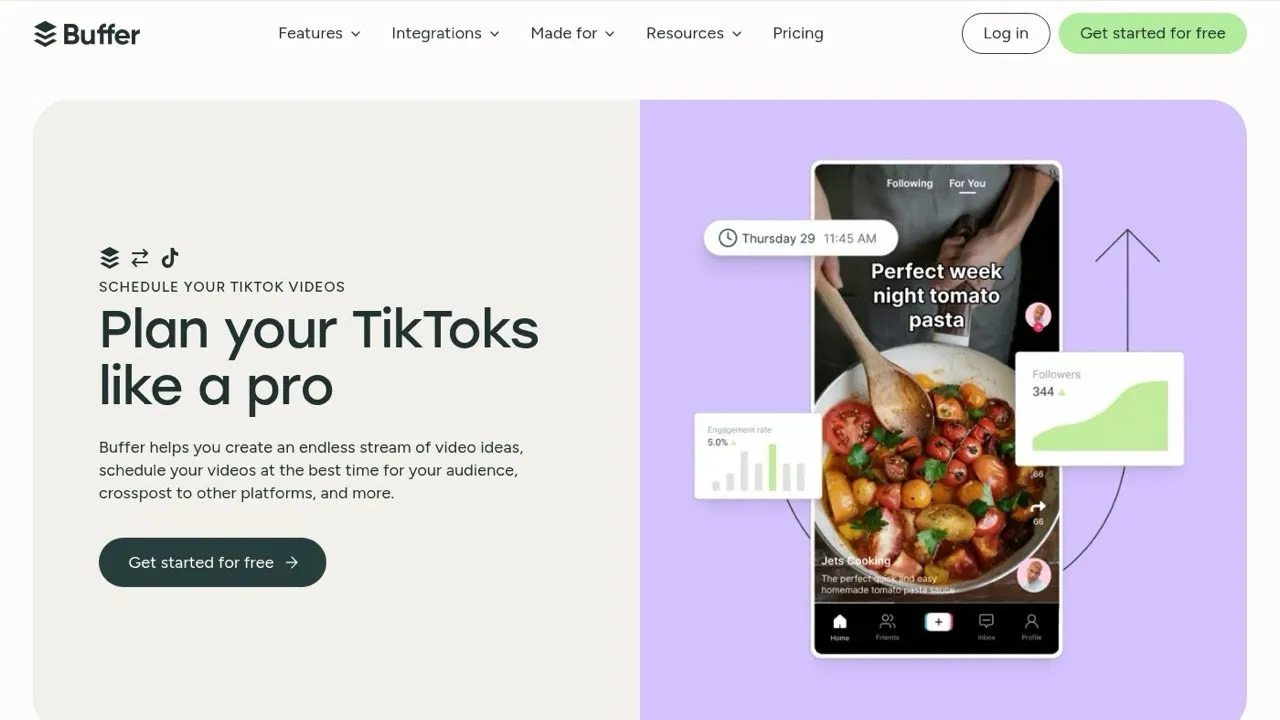
Buffer can auto-publish TikTok posts, or send a Notify Me phone reminder so you finish the post in the TikTok app. Content that can’t go out automatically falls back to the reminder. Its help docs allow up to 10 images per TikTok post and 5 hashtags.
The free plan covers 3 channels and 10 queued posts per channel, and it comes with an API key. Buffer also runs a hosted MCP server, so an agent can queue TikTok posts too.
Pros:
- Free plan with no time limit
- Automatic or reminder publishing on each post
- API key on every plan, plus an MCP server
Cons:
- Free plan holds only 10 scheduled posts per channel
- 5 hashtags per TikTok post
Best for: solo creators who want a dependable TikTok queue at zero cost
Pricing: Free for 3 channels, Essentials $6 per channel monthly ($5 yearly), Team $12 per channel ($10 yearly)
Free trial: 14 days on paid plans
Bottom line: Buffer suits solo creators who want a free TikTok queue across up to 3 channels, and Essentials lifts the 10-post limit.
4. Metricool: Best for marketers who want TikTok on a free plan with analytics
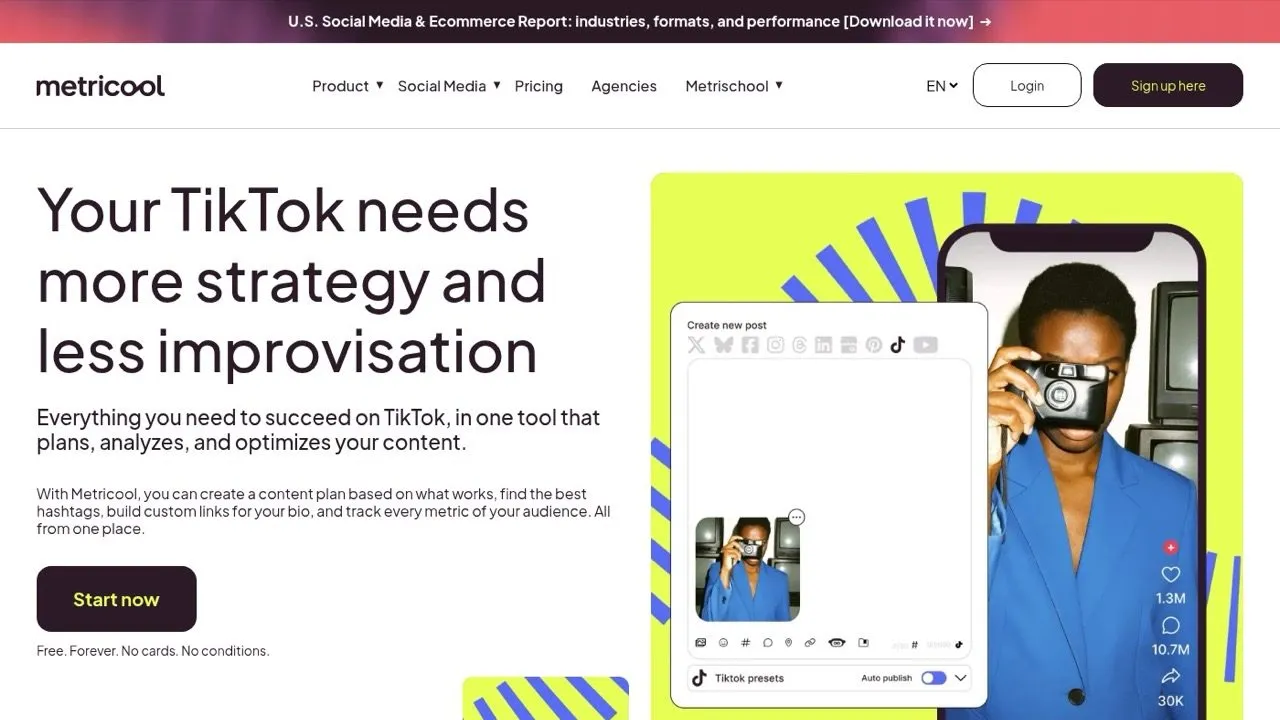
Metricool includes TikTok on its free plan, which covers one brand and 20 posts a month. It publishes videos and photo carousels of up to 35 images with an AUTO PUBLISH toggle, or sends a notification when you switch it off.
Its help docs reserve manual publishing for “effects or music outside TikTok’s Top 100 trending songs,” and the TikTok API drops line breaks from captions. Its MCP server for Claude works on every plan, Free included.
Pros:
- TikTok on the free plan
- Carousels up to 35 images
- MCP on every plan
Cons:
- Free plan stops at 20 posts a month
- Captions lose their line breaks
Best for: marketers who want TikTok scheduling and analytics without paying on day one
Pricing: Free (1 brand, 20 posts/mo), Starter $25/mo monthly or $20/mo yearly (5 brands), Advanced $67/mo monthly or $53/mo yearly
Free trial: None listed on its pricing page
Bottom line: Metricool suits marketers who want free TikTok scheduling and analytics at 20 posts a month or fewer, and Starter raises that limit.
5. Sked Social: Best for brand teams that answer TikTok comments and DMs
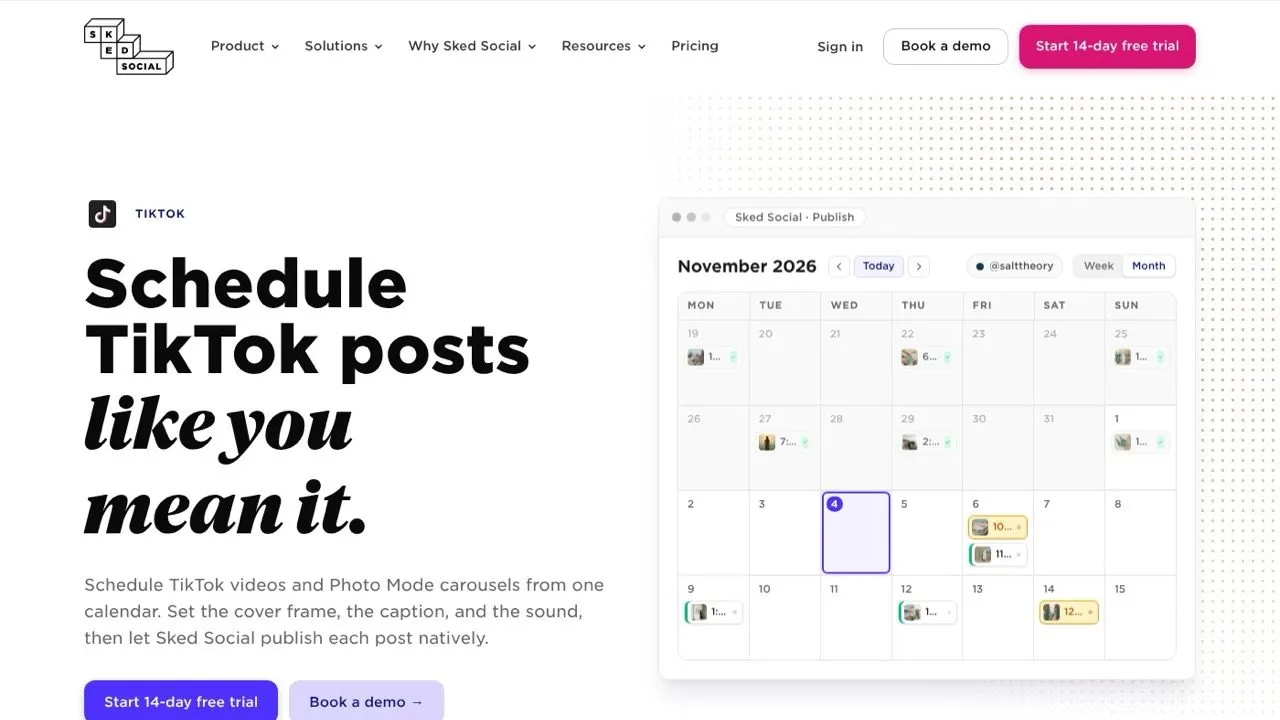
Sked Social auto-publishes TikTok videos and Photo Mode carousels to brand and creator accounts, with cover frames and sound attribution. It promises “No phone reminder.” Its help center caps carousels at 10 images and says audio must sit inside the video file, since external sound URLs are not supported.
Its inbox covers TikTok comments and DMs along with Instagram, Facebook and LinkedIn. Sked’s MCP is in early access and described as bringing analytics and calendar data into Claude or ChatGPT, not as a publishing tool.
Pros:
- Native auto-publish for videos and carousels
- TikTok comments and DMs in the inbox
- 3 users and 6 profiles on the entry plan
Cons:
- Internal and external approvals start on Accelerate
- MCP still in early access, built for reading data
Best for: in-house brand teams who reply to TikTok comments as closely as they schedule
Pricing: Grow $69/mo month-to-month or $58/mo billed yearly (6 profiles, 3 users), Accelerate $166/mo billed yearly (10 profiles, 6 users)
Free trial: 14 days, no credit card
Bottom line: Sked Social suits teams where TikTok replies matter as much as the post.
6. SocialPilot: Best for agencies that bulk schedule TikTok for clients
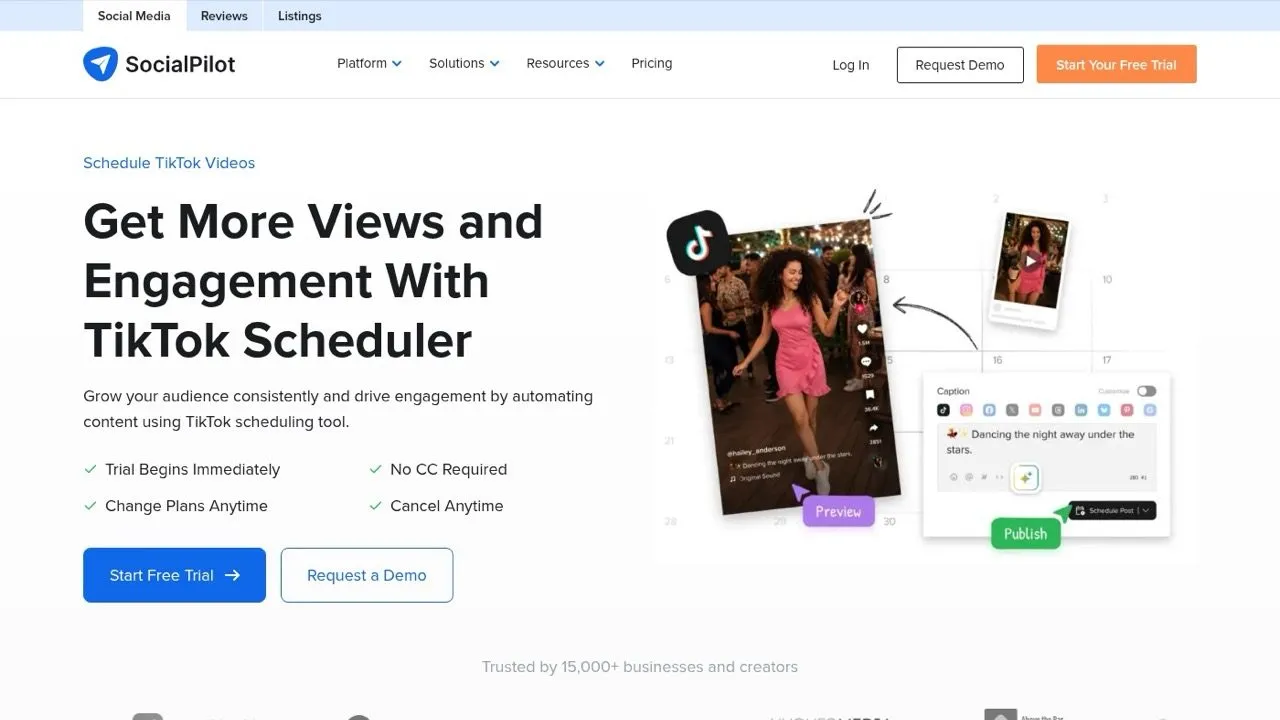
SocialPilot direct-publishes TikTok videos at the time you set, with mobile reminders as the fallback. From Premium up, it can bulk schedule up to 500 posts at once. Carousels take 90-character titles and an Auto Add Music switch.
Its MCP server lets an assistant “create and schedule posts, save drafts, or check publishing status.” Analytics and the inbox start on Standard and bulk scheduling on Premium, so check what each SocialPilot tier unlocks before you buy Essentials.
Pros:
- Bulk scheduling for up to 500 posts on Premium
- TikTok carousels with Auto Add Music
- MCP server that schedules posts
Cons:
- No analytics, inbox or bulk scheduling on Essentials
- API access only on Enterprise
Best for: agencies and freelancers loading a month of client TikToks in one sitting
Pricing: Essentials $30/mo (7 accounts, 1 user), Standard $50 (15 accounts, 3 users), Premium $100, Ultimate $200, about 15% less billed yearly
Free trial: 14 days, no credit card
Bottom line: SocialPilot is built for volume across client accounts, so agencies that need bulk scheduling should budget for Premium at $100 a month.
7. Hootsuite: Best for large teams that run TikTok beside many networks
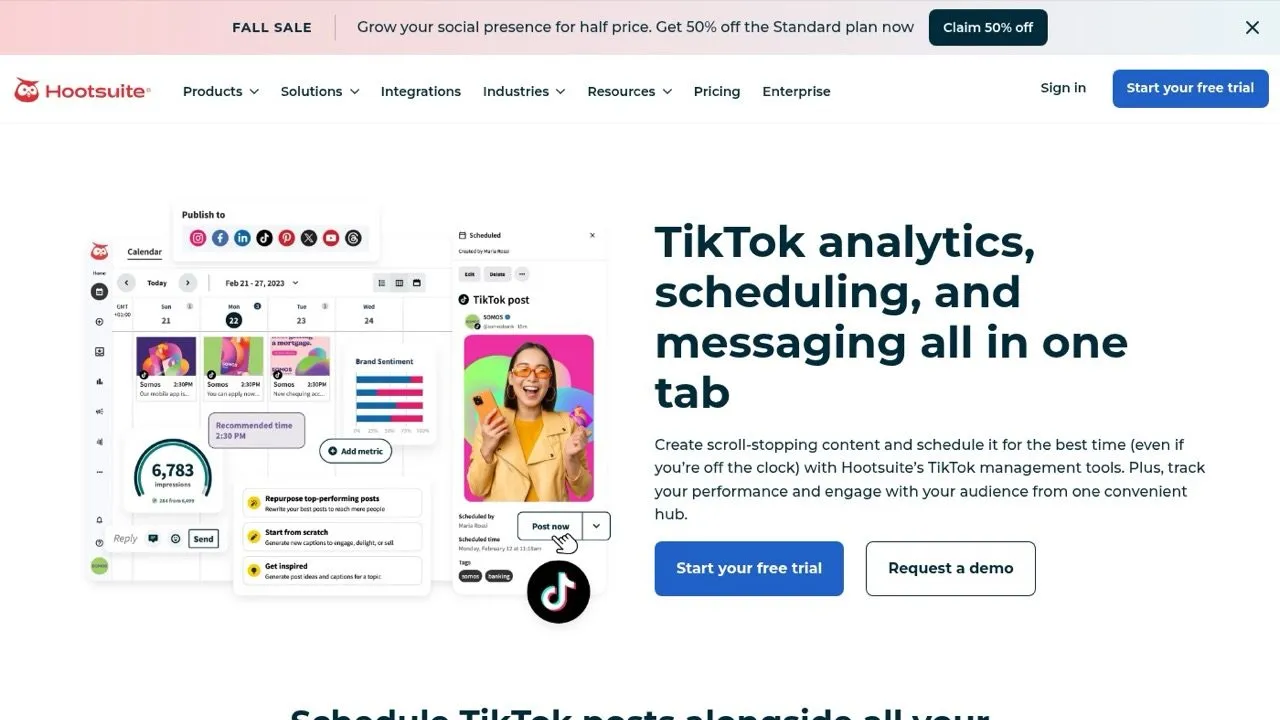
Hootsuite schedules and publishes TikTok videos, tracks their analytics, and brings TikTok Business account comments and messages into its inbox. Standard manages up to 10 social accounts, and Professional removes that cap.
It bills per user, so cost tracks headcount, not posting volume. Its Perch MCP server is the agent surface. Hootsuite’s developer docs say “Perch saves drafts but does not publish,” so a person still publishes each TikTok.
Pros:
- TikTok scheduling, analytics and inbox together
- Unlimited accounts from Professional up
- Approvals on Advanced
Cons:
- $99 per user before you add anyone else
- MCP saves drafts but does not publish
Best for: marketing teams where several people touch TikTok and five other networks
Pricing: Standard $99, Professional $199, Advanced $399 per user per month, billed annually
Free trial: 14 days
Bottom line: Hootsuite earns its price when several people share scheduling, analytics and the inbox across many channels, and it is overkill for one creator on one TikTok account.
The TikTok Posting Rules Every Scheduler Inherits
Every TikTok scheduling tool above posts through TikTok’s Content Posting API, so three rules come with all of them, plus one catch on sounds.
- Privacy is picked per post. TikTok’s content sharing guidelines say users “must manually select the privacy status from a dropdown and there should be no default value.” Expect a privacy field on every TikTok post, even in a bulk upload.
- The daily cap is shared. TikTok limits API posts per creator account, “typically around 15 posts per day,” and that cap “is shared across all API Clients using Direct Post.” Two schedulers on one account split it.
- Unaudited apps post privately. TikTok’s developer docs say “all content posted by unaudited clients will be restricted to private viewing mode.” That is why a homemade TikTok script ships private posts, and the guide to TikTok’s audit and API costs covers what it takes.
Sounds are the catch. Later allows only original audio on auto-published posts, and Metricool sends music beyond TikTok’s Top 100 trending songs to manual publishing. To pick one exact trending sound, schedule a reminder or a draft and add it in TikTok.
Scheduling TikTok From Claude or Another AI Agent
Four of these TikTok scheduling tools let an AI agent schedule posts. Blotato’s MCP server and API publish videos and photo slideshows. Buffer and Metricool run MCP servers that queue posts across their networks, and Metricool’s works on the free plan. SocialPilot’s MCP server schedules posts and saves drafts.
Two stop short. Hootsuite’s Perch MCP stops at drafts, and Sked Social’s MCP is an early-access window into analytics and the calendar. I found no API or MCP server on Later’s pricing page.
Building straight on TikTok’s API means passing that audit before your posts can go public. For a working agent-style build, see automating TikTok slideshows in Make and n8n.
How I Picked These Seven
I started from the tools named most often across Google results, AI Overviews and four AI assistants for TikTok scheduling questions, added Sked Social because it ranks at the top of Google for them, and checked each one against the criteria above. SocialBee, Publer, Planable and Sprout Social were considered and left out because they overlap the tools above for TikTok. My LinkedIn scheduler comparison covers Publer and SocialBee for LinkedIn.
I did not run test posts through every tool, so the strengths and gaps reflect what each vendor documents. Pricing and features come from each vendor’s own pricing page, help docs and developer docs, reviewed November 4, 2026.
Matching a TikTok Scheduler to How You Post
- You post to one account a few times a week: TikTok Studio’s free scheduler is enough.
- You want a free TikTok scheduling tool: Metricool for 20 posts a month on one brand, or Buffer for 3 channels with 10 queued posts each.
- You plan your feed visually and sell through a link in bio: Later.
- You reply to TikTok comments and DMs as a team: Sked Social, on Accelerate once approvals matter.
- You load hundreds of client posts at once: SocialPilot Premium.
- You run TikTok beside many networks across a large team: Hootsuite.
- Your AI agent runs several platforms and TikTok is one of them: Blotato, as long as TikTok comments and DMs stay in the TikTok app.
Where I Would Start
If TikTok is one of several platforms your agent posts to, start with Blotato and schedule it next to everything else, knowing TikTok comments and DMs are not included. If TikTok is your only channel and you want to pay nothing, start on Metricool’s free plan.