9 Best Instagram DM Automation Tools for Social Media (2026)
The best Instagram DM automation tools for social media, compared on comment-to-DM, free plans, entry prices, follow gates, and agent access.
Most Instagram DM automation tools in 2026 start from the same trigger: someone comments a keyword on a reel, and the account answers with a private message holding the link. Manychat is the strongest pick when DMs are the whole job and your funnels branch. Second is Blotato, the tool I built, for accounts that also publish to other platforms and want an AI agent building the automations. The table compares all nine on what decides the choice: channels, follow gates, whether an API can create automations, and what each one meters.
| Tool | Channels | Comment-to-DM | Follow gate | API can create automations | MCP | Also publishes | Free plan | Entry price (monthly) | What it meters |
|---|---|---|---|---|---|---|---|---|---|
| Manychat | 7: Instagram, TikTok, Messenger, WhatsApp, Telegram, Email, SMS | Yes | Yes, from Essential | No, reads and triggers flows only | None documented | Not documented | Yes, 25 contacts | $17 (Essential) | Active contacts, then per-contact overage |
| Blotato | Instagram, Facebook | Yes | Yes, Instagram only | Yes, create, update and delete | Yes, hosted | Yes, 9 platforms | No (7-day trial) | $29 (Starter) | Active contacts, hard stop at the cap |
| InstantDM | Instagram, Facebook | Yes | Yes, on every plan | No, sends and publishes only | Yes, 23 tools, none builds automations | Yes, Instagram | Yes, 500 automations | $12 (Legend Pro) | 500 automations on Free, then unlimited but paced at 750 DMs an hour |
| LinkDM | Instagram, Facebook | Yes, on Free | Yes, from Pro | No, API on Enterprise only | None documented | Not documented | Yes, 1,000 DMs | $19 (Pro) | DMs sent, stops at the cap unless you buy credits |
| CreatorFlow | Instagram only | Yes | Yes, pages disagree on Free | No public API | None documented | Not documented | Yes, 500 DMs | $15 (Pro) | DMs per workspace, pauses at the cap |
| SetSmart | Instagram, WhatsApp, Messenger | Yes | Not documented | Partial, via MCP only | Yes, 203 tools listed | Not documented | No | $25 (Light) | AI messages, hard cap on Light |
| SocialPilot | Not documented for auto-DM | Yes, from Standard ($50) | Not documented | No, Enterprise API only | Yes, for posts, no DM tools | Yes, 10 networks | No (14-day trial) | $50 (Standard, first plan with the inbox) | Social accounts and users |
| TailorTalk | Instagram and website on Starter (its FAQ says all channels) | Yes | Not documented | Not documented | Not documented | Not documented | No (15-day trial) | $49 (Starter) | Conversations |
| Meta Business Suite | Instagram, Messenger, WhatsApp | Partial, desktop only | Not documented | Not documented | Not documented | Yes, Facebook and Instagram | Free | Free | Nothing, but 5 keywords per automation |
Comment-to-DM Is the Job, Posting Is the Tiebreaker
Search for Instagram automation tools today and almost every answer is about the inbox: a keyword in a comment or story reply, a link sent back by DM. That is the job this list ranks first.
Publishing is the second question. Most DM tools only send messages, so you still pay a scheduler to get the reel out. Four tools here touch both jobs, and they draw the line in different places: Blotato publishes to 9 platforms, SocialPilot schedules to 10 networks, Meta Business Suite covers Facebook and Instagram, and InstantDM publishes to Instagram only.
One category to skip entirely: follower-growth bots that like, follow and comment from your account. Those run outside Meta’s official APIs and put the account at risk of restriction. Nothing on this list does that.
Five Things That Decide the Bill
- Official Meta APIs, not browser automation. Anything that logs in as you and clicks around risks the account. Every tool here uses Meta’s official APIs.
- The meter, not the sticker price. Active contacts, DMs sent, AI messages and conversations all scale differently. A $17 plan that bills per contact can pass a $29 flat plan fast, so model it against your real audience before you commit. A DM-metered tool has the opposite trap, a hard ceiling with a top-up rate card that is easy to miss, which I work through in the LinkDM cost breakdown.
- Whether it publishes too. If you also need scheduling, a DM-only tool means a second subscription.
- What the free tier actually withholds. Free plans in this category cap volume or hold back something adjacent, such as the follower check, branding removal or API access.
- Meta’s reply windows. Instagram and Facebook both allow one private reply per comment within 7 days, and DM replies within 24 hours of the person’s last message, a constraint I covered in detail in my guide to the Instagram messaging API. No tool can extend those. Anything promising cold DM outreach is working around the rules.
The 9 Best Instagram DM Automation Tools
Nine Instagram automation tools, ordered by how well each runs comment-to-DM, with publishing as the tiebreaker.
1. Manychat - Best for creators whose Instagram funnel is the business
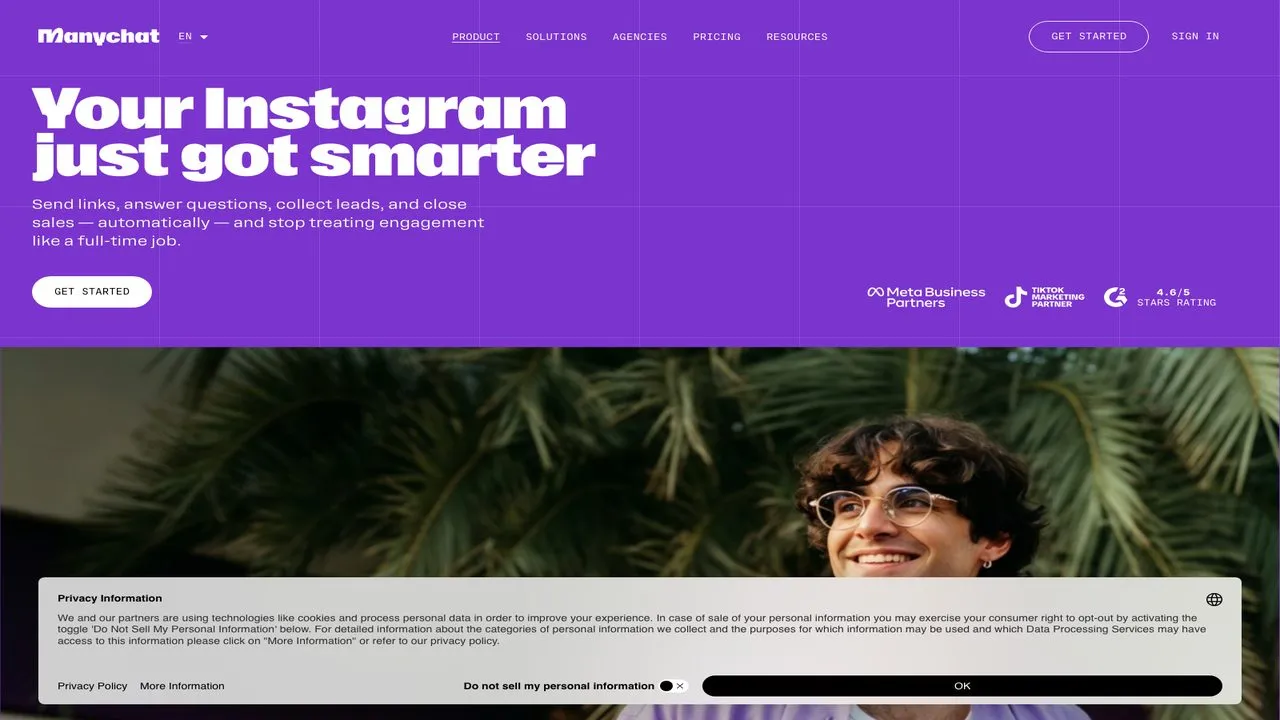
Manychat is the default for a reason. Its visual flow builder handles branching, qualifying questions and hand-offs to a human, and its pricing page lists seven channels, though Free and Essential connect only two and leave out WhatsApp, Email and SMS.
The catch is the meter. Manychat bills on active contacts per month, and organic conversations landing in the connected inbox count, not just people your automation reached. Go past your allowance and you pay per contact on top, a ladder I broke down in my Manychat pricing guide. For agent builders, its API reads and triggers flows through getFlows and sendFlow, but nothing in it creates or edits a flow, and Manychat documents no MCP server.
Pros:
- A flow builder with genuine branching logic
- Follow-for-the-link prompts from the Essential plan up
- Scales to 25,000 contacts for $199 on Advanced
Cons:
- Active-contact billing means a growing audience raises your bill on its own
- AI replies start at Pro, not on the entry plan
- The free plan adds “Powered by Manychat” the first time it messages a contact
Best for: Creators and coaches whose Instagram funnel is the business.
Pricing: Free for 25 contacts. Essential $17/mo (250 contacts), Pro $39/mo (2,500), Business $99/mo (7,500), Advanced $199/mo (25,000), all billed monthly. Annual billing drops those to $14, $29, $69 and $139 a month. Monthly overage runs $0.10 per contact on Essential down to $0.004 on Advanced.
Free trial: 14 days on Essential and Pro.
Bottom line: If your funnel branches and Instagram DMs are the business, Manychat’s flow builder is the one to beat, once you have modeled the contact meter against your real audience.
2. Blotato - Best for builders whose agent runs the DMs and the publishing
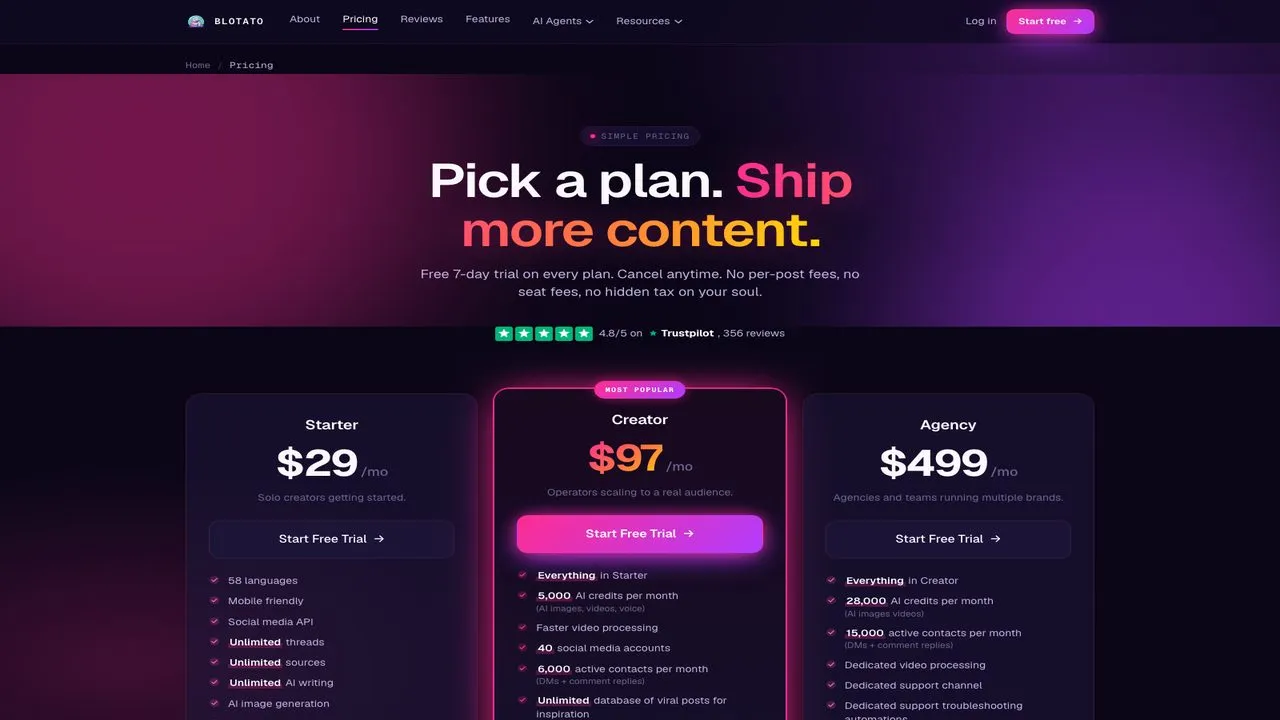
Blotato puts comment-to-DM automation on Instagram and Facebook behind the same key that publishes to 9 platforms, and it can be built entirely by an agent. Over MCP, blotato_create_automation and blotato_update_automation create and edit automations, so Claude can repoint every automation to a new offer in one instruction. Calvin Hia’s agents built 46 of his comment-to-DM automations, and he says the same 30 days produced over $12,000 in deals.
Blotato is not the only DM tool with an agent surface. InstantDM here, and Inrō and BooSend elsewhere, run MCP servers too, so what sets Blotato apart is that the same key also publishes, not the MCP itself.
Now the limits, which are mine. Automation covers Instagram and Facebook only, it replies and never cold-messages, and each run sends one DM with up to three link buttons rather than a branching flow. The follow gate works on Instagram only. At the active-contact cap, sends fail until the monthly reset instead of billing overage.
The video below walks through the comment-to-DM system I run on my own account.
Pros:
- DM automation and publishing to 9 platforms on one subscription and one key
- An agent can create, edit and bulk-update automations over MCP or the REST API
- Follow gate, email gate and webhook steps on the same automation
Cons:
- One DM per run, not deep multi-step branching
- Comments, DMs and automation are Instagram and Facebook only
- No free plan, and a hard stop at the monthly contact cap
Best for: Builders and solo creators running Instagram alongside several other platforms from an AI agent.
Pricing: Starter $29/mo (20 accounts, 1,000 active contacts), Creator $97/mo (40 accounts, 6,000), Agency $499/mo (100 accounts, 15,000). The bill does not move with posting volume.
Free trial: 7 days, card required, cancel anytime. The trial excludes the API, so if you are wiring this into an agent, plan on starting the subscription rather than trialing it.
Bottom line: The pick if you want your agent building the DM automations and publishing the posts they hang on, and Instagram plus Facebook covers your inbox.
3. InstantDM - Best for Instagram creators who want an AI agent answering in the inbox
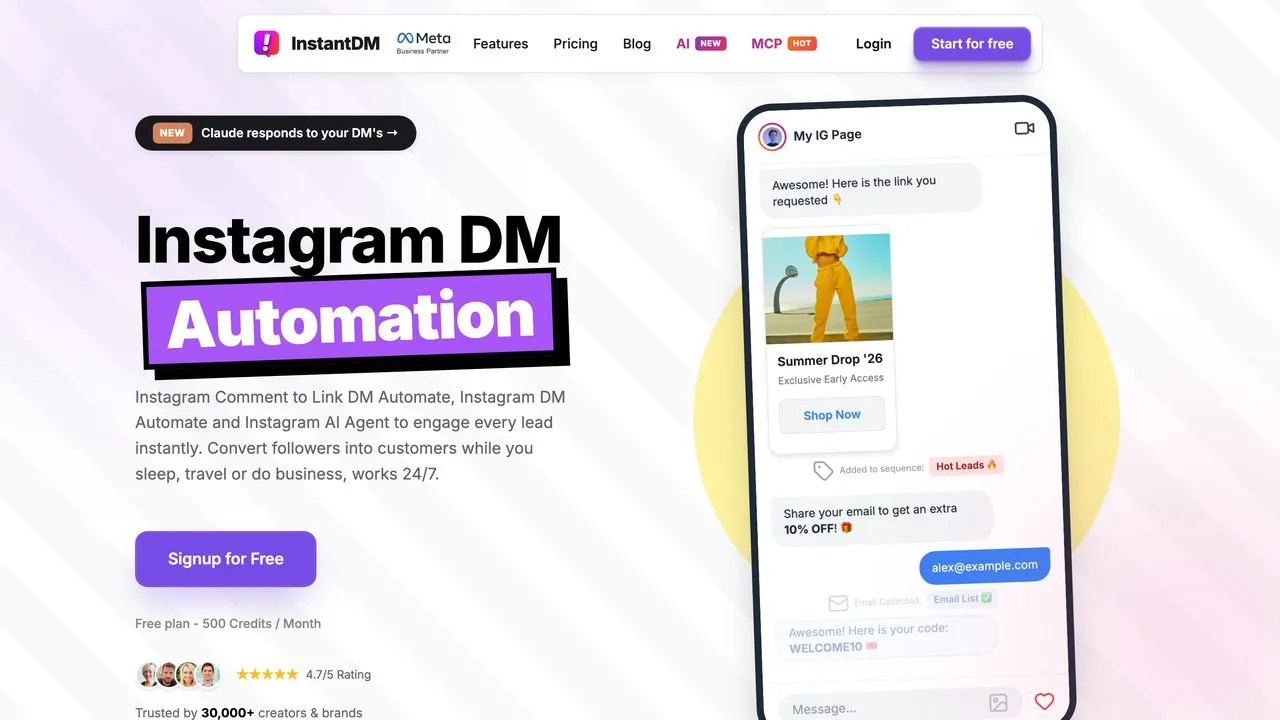
InstantDM runs comment-to-DM, story replies and a follow-for-link gate on every plan, free included, and adds AI agents, powered by ChatGPT, Claude or Gemini, that answer questions and qualify leads in the DMs. It also publishes to Instagram, including scheduled posts that switch on an auto-DM, which makes it one of the few DM tools here that touches both jobs.
The pricing page opens on yearly rates, so $9.99 is the annual price of the $12 plan, and that entry tier is sold as unlimited but paced at 750 DMs an hour. Its MCP server listed 23 tools when I called it, one more than its own page claims, and they send, reply, publish and trigger or pause automations. None creates or edits one. My InstantDM pricing guide covers the plans the pricing page leaves out.
Pros:
- Follow gate and comment-to-DM on every plan, including Free
- Publishes to Instagram as well as automating replies
- MCP server and API for sending, replying and posting
Cons:
- Hourly pacing on the entry plan despite the unlimited label
- Its own pages disagree on contact limits and on which plan gets webhooks
- No endpoint or MCP tool creates or edits an automation
Best for: Instagram creators who want an AI agent holding DM conversations, not just a scripted link reply.
Pricing: Free (500 automations a month). Legend Pro $12/mo, Trendsetter $29.99/mo, billed monthly. Yearly billing drops those to $9.99 and $24.99 a month. API access starts on Trendsetter, and its MCP page says the server comes with API-eligible plans and the free trial.
Free trial: 7 days, no credit card required.
Bottom line: A low-cost entry point for Instagram DMs, with an agent surface that sends and publishes but does not build.
4. LinkDM - Best for high-volume Instagram senders who want a ceiling they can see
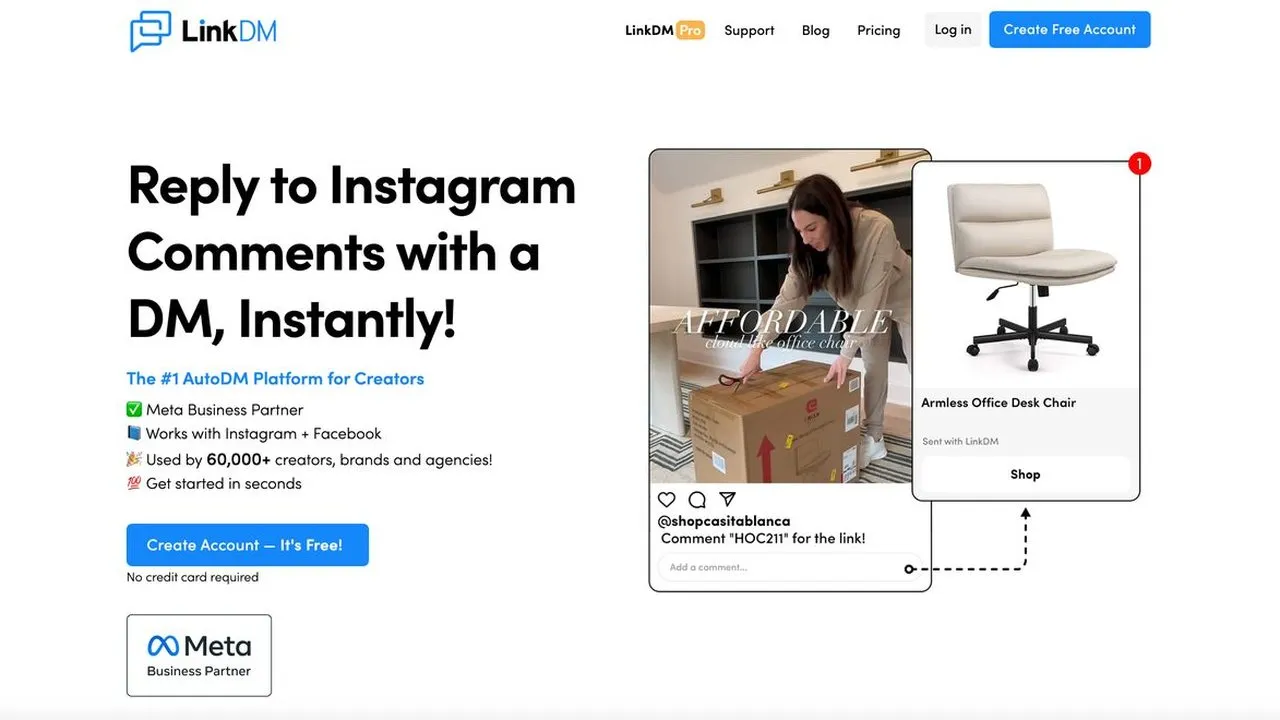
LinkDM is a Meta Business Partner that meters on DMs sent rather than contacts reached. Pro sends up to 25,000 DMs a month across three Instagram accounts, and every plan covers Facebook automations too. At volume, that is easier to budget than a contact meter.
Comment-to-DM works on Free. What Pro adds is the follower check and Comment Auto-Reply, which posts a public reply under the comment once the DM has gone out. At the monthly limit, DMs stop sending until the next month unless you buy credits, which run from $5 per 1,000 and never expire. API access appears only on the custom Enterprise plan, and LinkDM documents no public developer API or MCP server.
Pros:
- High DM allowances at a low price, metered on sends
- Instagram and Facebook automations on one account
- Credits that roll over when a launch overshoots the cap
Cons:
- The follower check and public comment replies require Pro
- The free plan carries LinkDM branding
- API only on Enterprise, and no MCP
Best for: Creators and shops sending thousands of link DMs a month who want the ceiling in plain numbers.
Pricing: Free (1 Instagram account, 1,000 DMs, comment-to-DM included). Pro $19/mo (3 accounts, 25,000 DMs), Platinum+ $99/mo (10 accounts, 300,000 DMs), billed monthly. Yearly totals are $182 and $832. The monthly cards meter DMs per plan while the yearly cards say per account, so confirm which applies before you commit.
Free trial: No trial listed. The free plan is the test.
Bottom line: A low-cost way to send DMs at volume, with comment-to-DM included even on the free plan.
5. CreatorFlow - Best for Instagram-only creators who want one flat rate
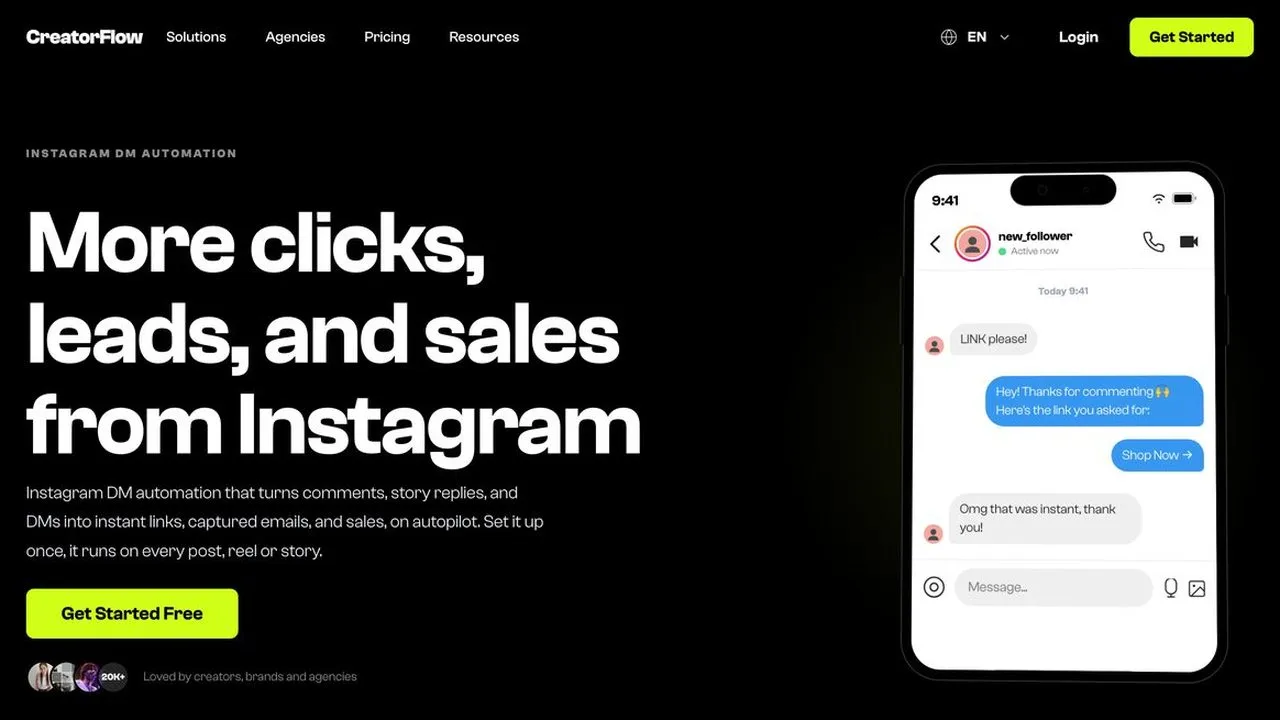
CreatorFlow keeps the job narrow on purpose. It turns comments, story replies and keyword DMs into instant links and captured emails, and its own docs say it is Instagram-only. Pricing is flat per workspace, and Growth adds five team seats.
At the ceiling, automations pause until the next billing cycle unless you buy a one-time top-up pack, priced from $5 to $19 without the pack sizes printed beside them. There is no public API and no MCP server, so everything is built by hand.
Pros:
- Flat price per workspace, so a viral reel cannot raise the bill, though it can use up the allowance
- Free plan with 500 DMs a month, no card and no expiry
- Email capture and story-reply triggers alongside comment-to-DM
Cons:
- Instagram only, so a Facebook Page needs a second tool
- Automations pause at the monthly DM cap
- No API or MCP, so an agent cannot build or edit anything
Best for: Solo Instagram creators who want a fixed number on the invoice and no plans to leave the platform.
Pricing: Free (500 DMs, 1 Instagram account). Pro $15/mo (5,000 DMs, 2 accounts), Growth $30/mo (10,000 DMs, 5 accounts), billed monthly. Yearly billing drops those to $12 and $24 a month. Its own pages disagree on whether the follow gate is free or starts on Pro.
Free trial: 14 days on Pro and Growth, with a payment method required.
Bottom line: A simple flat bill, as long as Instagram is the only inbox you will ever need.
6. SetSmart - Best for coaches qualifying leads and booking calls in the DMs
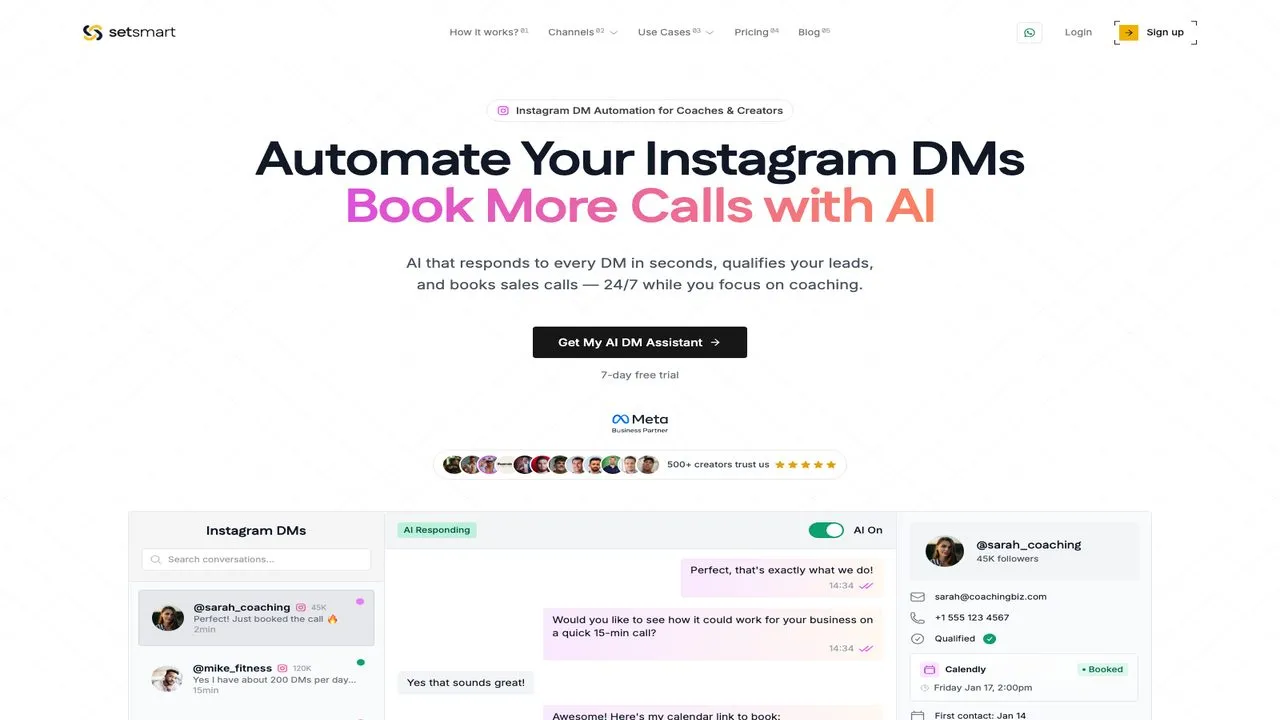
Where most tools here send a link, SetSmart holds the conversation. It is an AI appointment setter that qualifies the person against your criteria and books the call. It covers Instagram, WhatsApp and Messenger and connects to Calendly, GoHighLevel and Shopify.
It also runs an MCP server whose page lists 203 tools (its llms.txt says about 180), including ones that set comment-to-DM keyword triggers with the message attached. Its REST API has no trigger endpoints, so that building happens over MCP only. For plain link delivery it is overbuilt.
Pros:
- Qualifies conversationally instead of firing one scripted reply
- Books directly into Calendly or GoHighLevel
- MCP tools that can set comment-to-DM keyword triggers
Cons:
- Metered on AI messages, and one conversation can use several
- The $25 Light plan is a hard cap with no top-up
- No free plan
Best for: Coaches and consultants whose bottleneck is qualifying people before a sales call.
Pricing: Light $25/mo (250 AI messages, hard cap), Pro $97/mo (1,000), Scale $297/mo (4,000), Enterprise $797/mo (15,000), billed monthly. Extra messages run $40 to $100 per 1,000 depending on tier.
Free trial: The Light card reads “Billed today, no free trial,” while the FAQ says every plan starts with a 7-day trial, so confirm at checkout.
Bottom line: The right tool when the DM is a sales conversation, not a link handoff.
7. SocialPilot - Best for small agencies wanting scheduling and auto-DM in one dashboard
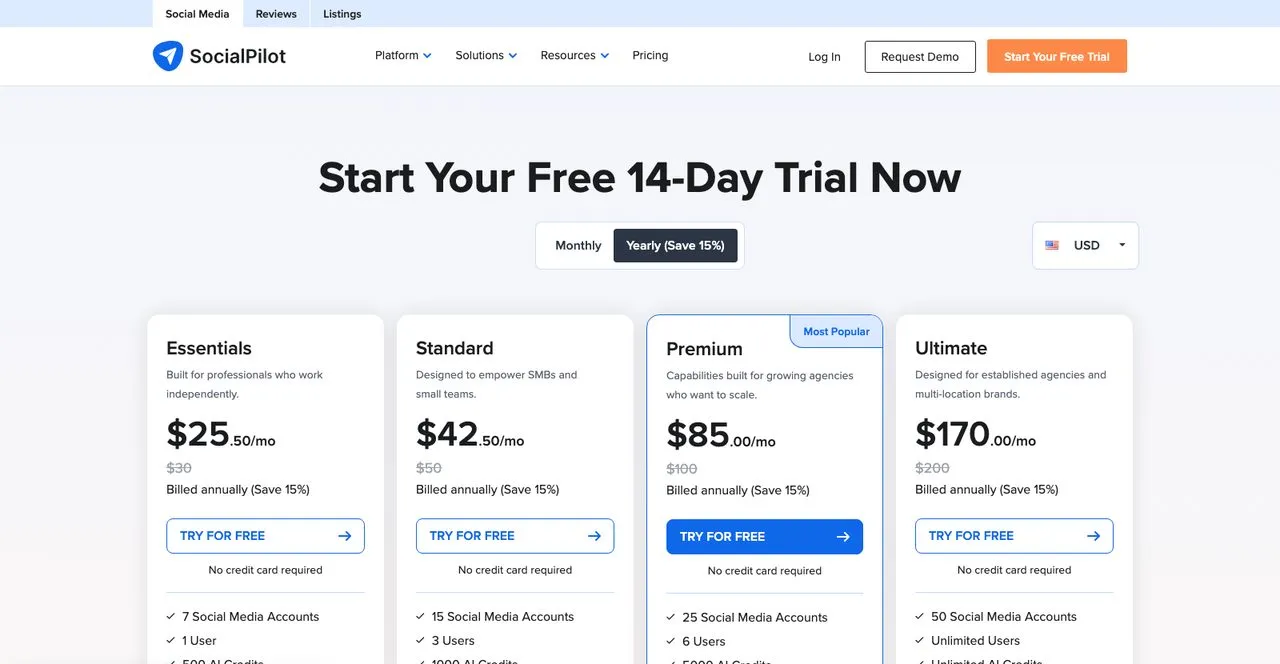
SocialPilot is a full multi-network scheduler with client approvals and white-label reporting, and its social inbox now sends an auto-DM when someone comments on a post.
Inbox automation starts on Standard at $50, because the $30 Essentials plan has no social inbox at all. And the help article does not say which networks the comment auto-DM supports, so confirm your account before you plan around it. It runs one active automation per post, and its MCP server covers creating and scheduling posts, not DMs.
Pros:
- Keyword-triggered auto-DM alongside full scheduling
- An approve-first option on automated replies
- Flat $4 per extra account, so growth is predictable
Cons:
- No inbox or auto-DM on the entry plan
- Supported networks for comment auto-DM are not documented
- One active automation per post
Best for: Small agencies managing several client accounts who want one dashboard.
Pricing: Essentials $30/mo (7 accounts, 1 user, no inbox), Standard $50/mo (15 accounts, 3 users), Premium $100/mo (25 accounts), Ultimate $200/mo (50 accounts), billed monthly. Extra accounts $4/mo. These come from the plans page, which is the indexable one, since SocialPilot’s /pricing page is set to noindex and prices the two lower tiers at $20 and $40 with fewer accounts.
Free trial: 14 days, no card required.
Bottom line: The scheduling-first pick when auto-DM is a feature you add on Standard, not the core of the business.
8. TailorTalk - Best for ecommerce brands running an AI sales agent in DMs
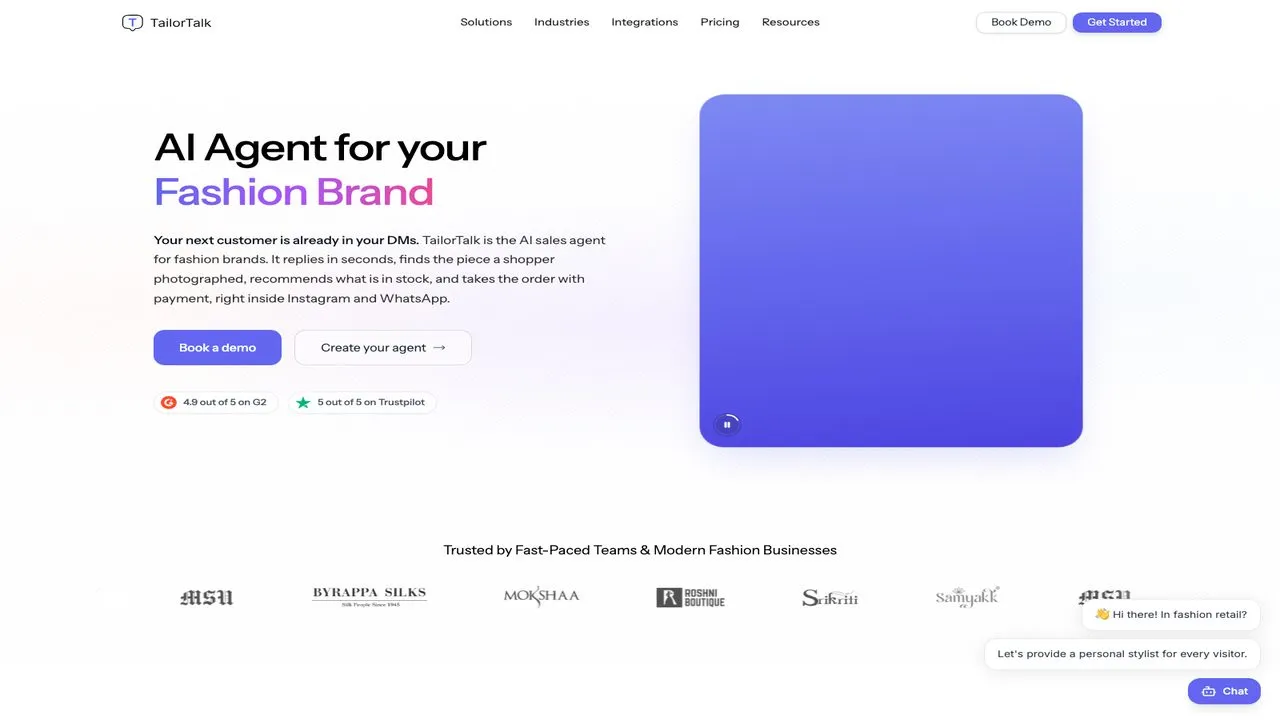
Where SetSmart books calls, TailorTalk builds an AI agent that sells. It answers product questions, recommends items, handles comment-to-DM, and pushes toward checkout, with a virtual try-on feature in beta that previews items on a customer photo.
The pricing page opens on yearly rates, so the $39 you see first is billed as $468 a year, and the monthly price is $49. And the page disagrees with itself on channels: the Starter card lists Instagram and website only, while the FAQ says every paid plan includes all channel integrations.
Pros:
- Built for selling, not just link delivery
- Virtual try-on is a genuine differentiator for apparel
- Priced on conversations rather than per seat
Cons:
- The Starter card and the FAQ disagree on which channels you get
- Yearly figures show first, so the headline price is not the monthly one
- No free plan
Best for: Ecommerce and apparel brands whose DMs are full of product questions.
Pricing: Starter $49/mo (400 conversations), Growth $112/mo (1,600), Pro $349/mo (6,000), billed monthly. Yearly billing drops those to $39, $89 and $279 a month.
Free trial: 15 days.
Bottom line: A strong AI sales agent, once you have confirmed which channels your plan actually connects.
9. Meta Business Suite - Best for testing Instagram automation before paying for it
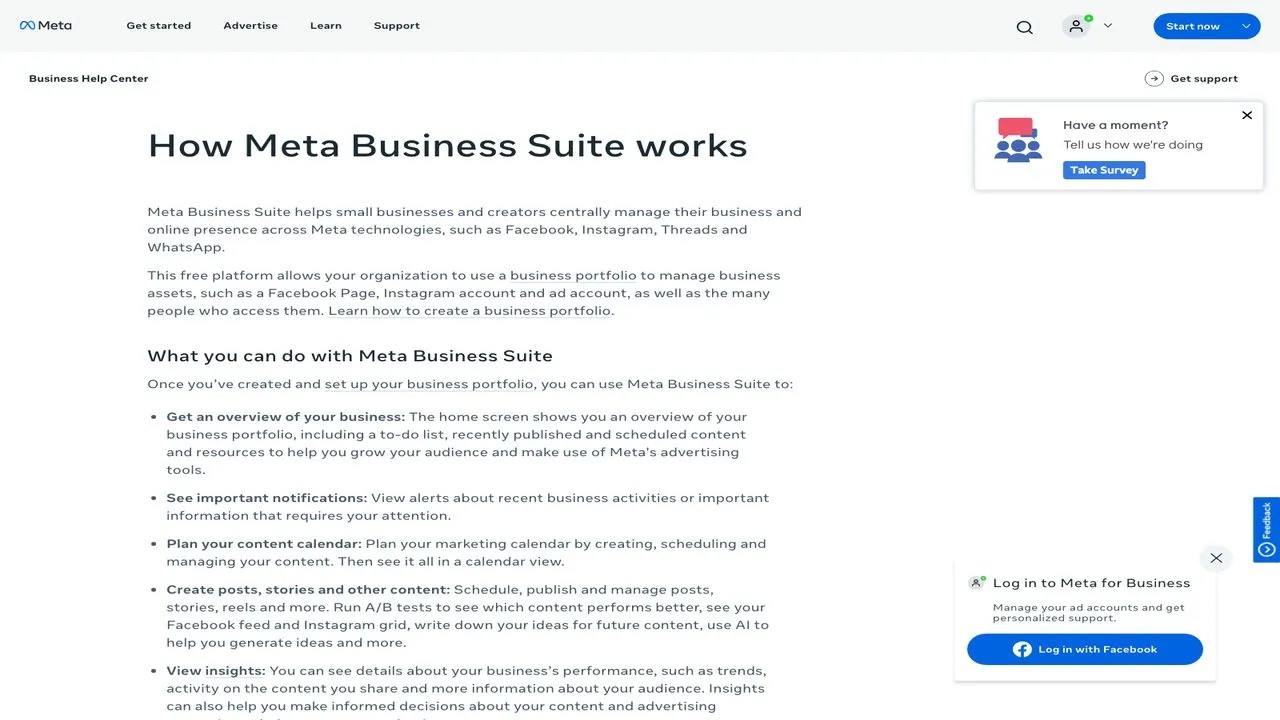
Before paying anyone, use the free tool Meta already gives you. Meta Business Suite schedules posts to Facebook and Instagram, gives you one inbox across Instagram, Messenger and WhatsApp, and runs basic automations including instant replies, away messages and FAQs.
Where it stops matters. Custom keyword automation caps at 5 keywords per automation, is case-sensitive and exact-match only, and waits 15 minutes before sending unless you reply first. Comment-to-message is desktop-only, and Meta’s own help pages describe its trigger two ways: “specific hashtags” in the automations article, and “specific keywords or phrases” in the desktop setup article. Turning on Meta Business Agent pauses your existing automations.
Pros:
- Free, with no contact meter
- Native to Meta, so there is no third-party app to authorize
- Scheduling, inbox and insights in one place
Cons:
- 5 exact-match, case-sensitive keywords per automation
- A 15-minute wait before a keyword automation sends
- Comment-to-message works on desktop only
Best for: Small accounts validating whether DM automation moves anything before subscribing.
Pricing: Free.
Free trial: Not applicable.
Bottom line: Start here, and upgrade when the 5-keyword cap or the 15-minute wait starts costing you leads.
How I Checked These Instagram Automation Tools
- Comment-to-DM first. Each tool was judged on the trigger people actually use, then on whether it also publishes.
- The meter over the sticker price. The same headline price produces very different bills depending on what is metered.
- What the agent can do. I checked whether the API or MCP server can create an automation, or only trigger one.
Prices, limits and features come from each vendor’s own pricing page, help center, API docs and MCP server, with monthly and annual rates checked separately because most pages here open on the annual toggle. Where a vendor’s own surfaces disagree, both figures are named above.
Pick By Your Situation
- You want to test before paying: Meta Business Suite, until the 5-keyword cap or the 15-minute wait costs you a lead.
- Instagram DMs are the whole business: Manychat, provided you model the active-contact meter against your real audience.
- Your agent should build the automations and publish the posts: Blotato, if Instagram and Facebook cover your DMs.
- You want AI answering DMs on a small budget: InstantDM, or CreatorFlow for one flat price, or LinkDM if you send huge volume.
- Your DMs are sales conversations: SetSmart when the offer closes on a call, TailorTalk when you sell physical products.
- You run client accounts and need scheduling first: SocialPilot on Standard or above.
Instagram DM Automation FAQs
Can I run two automations on the same Instagram post?
Not as two comment-to-DM replies to the same comment. Meta allows one private reply per comment, and a comment that already got one from any tool will reject a second, so two tools pointed at the same post will fight each other. If you are migrating between tools, switch the old automation off before the new one goes live rather than running both during a changeover.
Can Claude or ChatGPT build Instagram DM automations for me?
Yes, when the tool lets an agent write the automation, and among the nine here only Blotato and SetSmart document a way to do it. Blotato’s API and MCP server create, update and delete automations behind the same key that publishes your posts, though only for Instagram and Facebook, where Manychat covers more channels. SetSmart’s MCP tools can set comment-to-DM keyword triggers. Manychat’s documented API only reads and triggers existing flows, and InstantDM’s MCP server sends and pauses automations without building them.
Do these tools work if my Instagram is a personal account?
No. Every tool here connects through Meta’s official APIs, which require a professional account, meaning Business or Creator. Converting is free and takes a few minutes in Instagram’s settings, but it has to happen before you connect anything, and a tool that claims to work on a personal account is not using the official API. Brand new accounts also need warming up before you point automation at them, or you risk being flagged as a bot.
Is there a free tool for automating Instagram DMs?
Yes, several, and each free plan withholds something different. Meta Business Suite is free with no meter but caps each automation at 5 exact-match keywords. LinkDM sends 1,000 DMs a month free, with its branding and without the follower check. InstantDM gives 500 automations with the follow gate included, and CreatorFlow gives 500 DMs with no card. Pick the free plan whose missing piece you can live without.
How much does Instagram DM automation cost?
From free to about $50 a month to start, billed monthly. The cheapest paid plans are InstantDM at $12, CreatorFlow at $15, Manychat at $17 and LinkDM at $19. Tools built to hold an AI sales conversation run from $25 on SetSmart to $49 on TailorTalk, and Blotato starts at $29 with publishing included. Past the entry tier, the bill follows what each tool meters: contacts, DMs sent, AI messages or conversations.
Choosing Between the Top Two
Manychat is the stronger pick when Instagram DMs are the whole job and your funnels branch. Pick Blotato instead when your agent should build and edit the automations, and you want DM automation and publishing on one subscription rather than two.
Before you pay anyone, spend a week on Meta Business Suite. It will tell you whether DM automation moves anything for your account, and that answer is worth more than any comparison table.