11 AI Automation YouTubers Building Social Media Agents
11 AI automation YouTubers teaching social media builds in Claude Code, n8n and Make, from posting skills to comment-to-DM systems.
These AI automation YouTubers build social media agents on camera, from Claude Code posting skills to n8n workflows to comment-to-DM systems. I grouped them by the build each one teaches instead of ranking them, because one of the eleven is me. I founded Blotato, and seven of the others share Blotato referral or affiliate links, two with deeper ties (Blotato sponsored Sandy Lee’s October 10 video, and Ryan Doser does paid client work for Blotato). I found no public Blotato relationship for the other three.
| Creator | Featured build | YouTube subscribers | Blotato tie |
|---|---|---|---|
| Nate Herk | Claude Code skill that interviews you before it posts | 1.08M | Referral link |
| Brooke Wright | Claude carousel skill mapped to a Canva template | 10.4K | Affiliate link |
| Ryan Doser | Claude Code social media manager run from a tone file | 41.2K | Paid client work for Blotato, plus affiliate link |
| The AI Automators | WhatsApp agent with approval before each post | 66.9K | None found |
| Automate with Marc | MCP connector chain in one Claude chat | 10.2K | Referral link |
| Nick Saraev | n8n scrape, rewrite and post system | 564K | None found |
| Jack Roberts | Make router that drafts a post per platform | 286K | None found |
| Calvin Hia | Comment-to-DM automations built from templates | 14.1K | Referral link |
| Sandy Lee | Comment-to-DM flows that lead to an email page | 75.1K | Blotato sponsored her October 10 video, plus affiliate link |
| Sabrina Ramonov (me) | One batch reshaped for each platform | 435K | Founder |
| Julian Goldie | Agent that posts, then reads each post’s stats back | 433K | Affiliate link |
Subscriber counts come from the YouTube Data API on October 21, 2026.
How I Picked the Eleven
- They build on screen. Each pick demonstrates a social media workflow in a video you can watch.
- The build touches posting, scheduling or DMs. General AI tutorials did not count on their own.
- They still upload. All eleven channels published a video between October 10 and October 21, 2026, though the featured tutorials range from 2024 to 2026.
- The tools are common. The featured builds run on Claude, ChatGPT, n8n or Make.
Every quote below links to the video, article or page it came from.
AI Automation YouTubers Building With Claude Code
Nate Herk - Best for Claude Code users writing their first posting skill
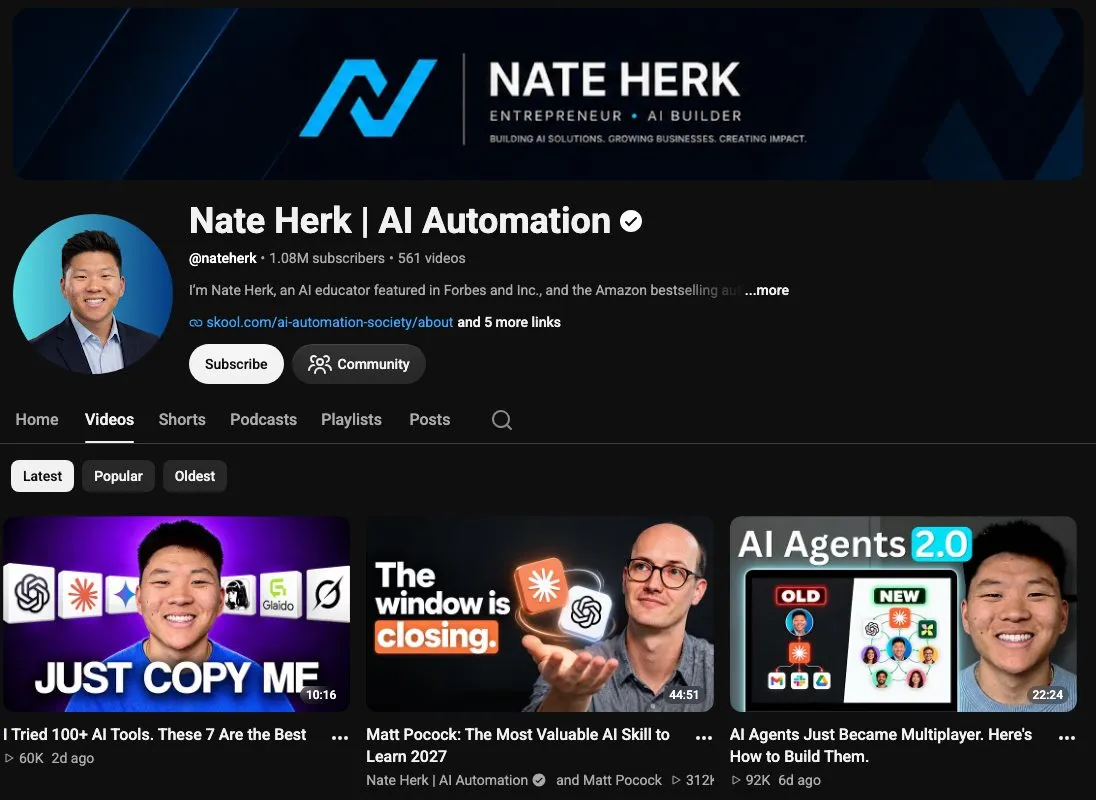
Nate’s channel explains n8n and Claude Code in plain English. His March video, Generate Content for 9 Socials on Autopilot with Claude Code, uses Claude Code and Blotato to turn one YouTube video into finished LinkedIn, Instagram and X posts. Copy how his prompt ends: Claude must ask clarifying questions one at a time until it is “95% confident” it can finish the job. He credits the template on camera (“I kind of use this templated prompt from Sabrina”), and I read his whole skill line by line here.
Where he posts: YouTube, X, Instagram and LinkedIn.
Blotato tie: His descriptions carry a Blotato referral link.
Watch out for: His newest uploads cover Claude and Codex news, so this posting tutorial sits a few months back in his catalog.
Bottom line: Start with Nate if you live in Claude Code and want a posting skill you can read and edit.
To run his version, you need API access, which starts with the Starter plan and is not part of the free trial.
Brooke Wright - Best for founders whose posts start as Canva carousels
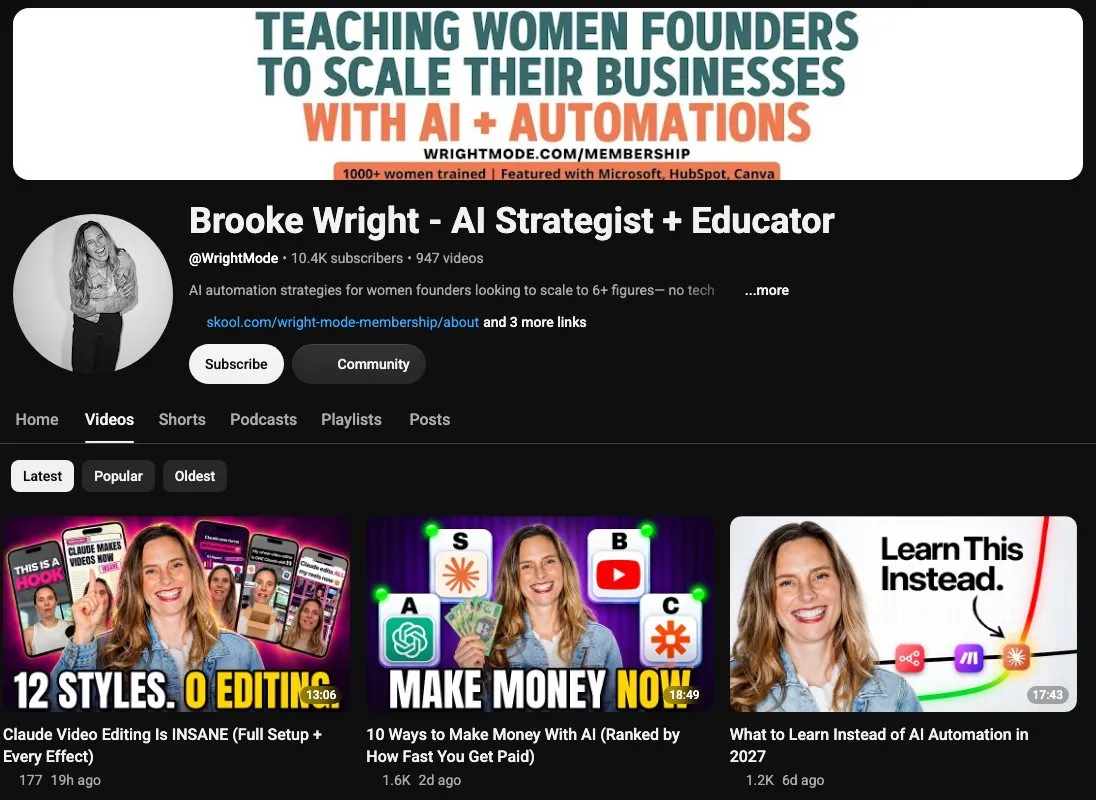
Brooke’s YouTube channel teaches women founders with no tech background to run their content with Claude. In her August video, she gives Claude a Canva template with the character limit for each text box and saves it as a reusable carousel skill. Her Claude Cowork carousel tutorial shows the publishing side, turning call transcripts into “a full month of social content” that the Blotato MCP schedules. Her path to a six-figure training business explains why she automates distribution.
Where she posts: YouTube, Instagram, TikTok, LinkedIn and Substack.
Blotato tie: Her descriptions link Blotato with an affiliate link and say so: “Some of these are affiliate links.”
Watch out for: You will need to map your own template’s text boxes and character limits before the skill works.
Bottom line: Start here if fitting AI-written copy into your Canva layout is the bottleneck.
Ryan Doser - Best for marketers who want an agent that writes in their tone
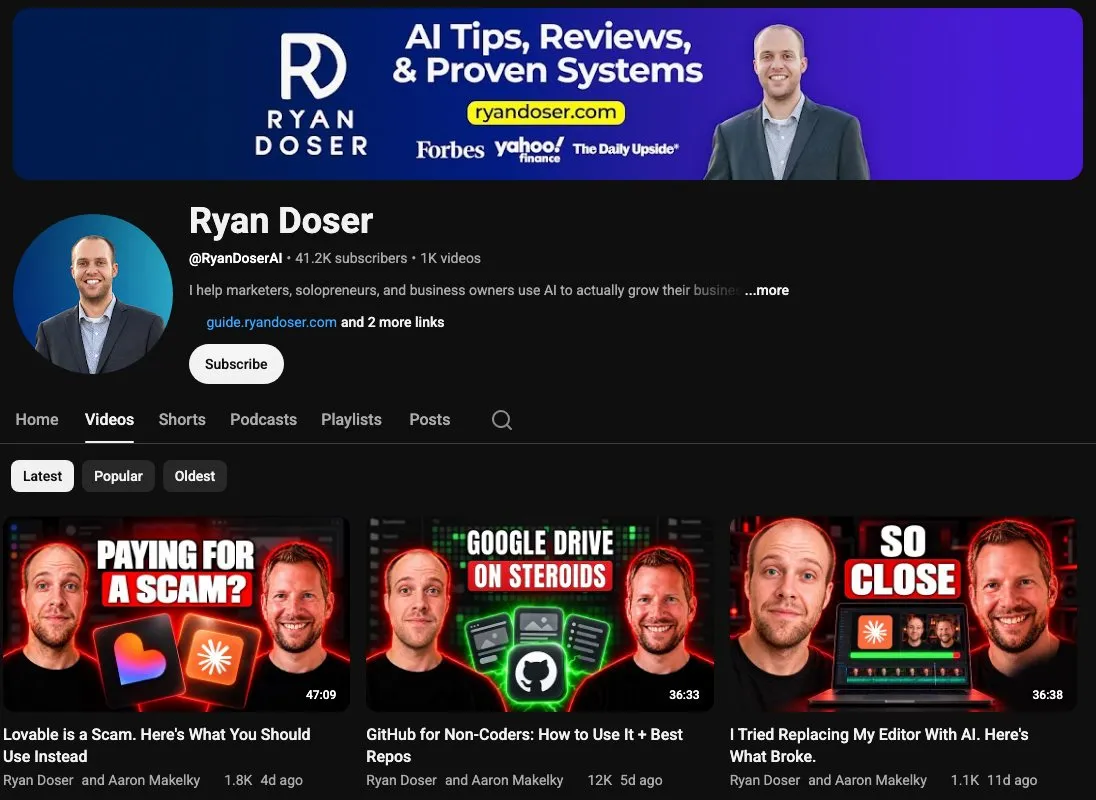
Ryan teaches marketers and solopreneurs to run their marketing with Claude Code on his YouTube channel. In How I Built an AI Social Media Manager with Claude Code, he puts his tone and caption rules in a Markdown instruction file. Claude follows those rules to repurpose his existing content and schedule it through the Blotato MCP, and a July video packs the clip captioning and scheduling into one command. The one-person content system behind it is written up separately.
Where he posts: YouTube, LinkedIn, X, Instagram and TikTok.
Blotato tie: His site says “Blotato is also a client of mine,” meaning Blotato pays him for client work, and his descriptions carry a Blotato affiliate link.
Watch out for: His builds live in Claude Code skills, so expect to work in a code editor or terminal rather than a visual canvas.
Bottom line: Ryan’s tone file is the piece to borrow if your agent’s posts do not sound like you yet.
Approval Steps in Social Media Workflows
The AI Automators - Best for anyone who wants to sign off on every post
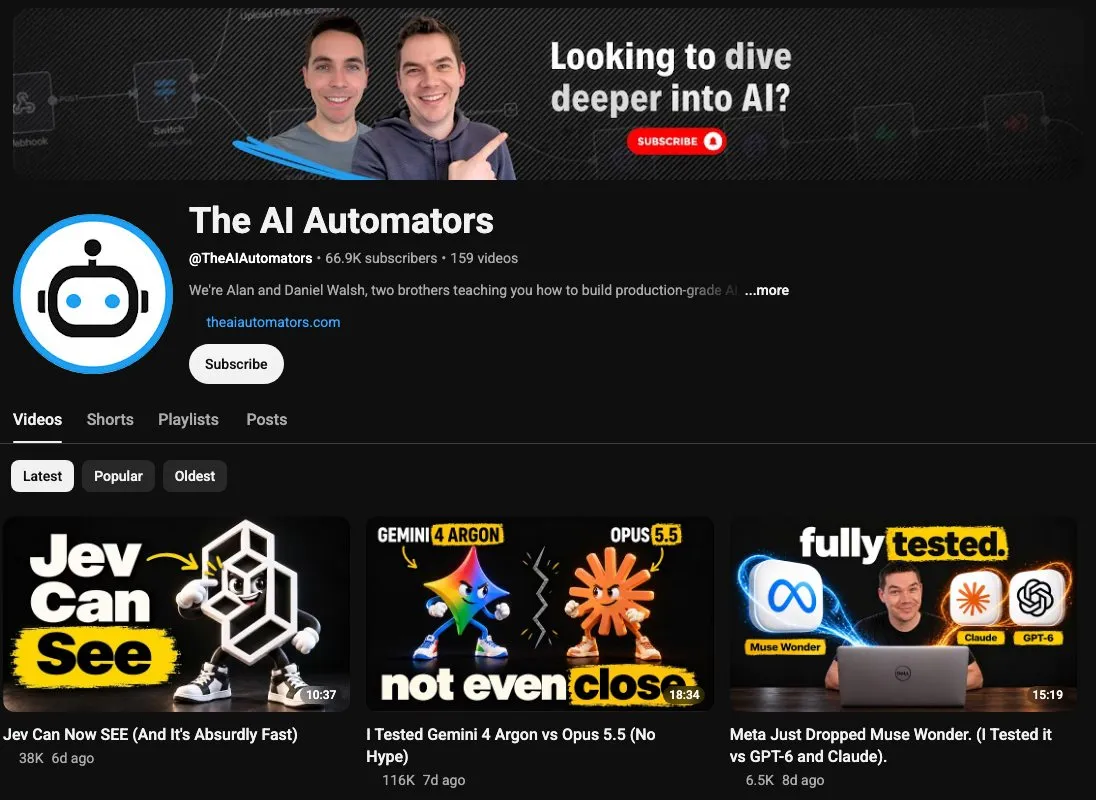
Brothers Alan and Daniel Walsh run The AI Automators, which now covers production agents and Claude Code. Their February 2025 build, This WhatsApp AI Agent Replaces Your Social Media Team, runs on n8n and Make and publishes to Facebook, X, Instagram and LinkedIn from a WhatsApp chat. The reason to watch is a guardrail they call the agent Safeguard: “you have to explicitly approve each message that goes out on the social platforms.”
Where they post: YouTube.
Blotato tie: None found. The build publishes through Make’s own social media modules.
Watch out for: Integrations change, so check each Make module against its current version before you copy the February 2025 build.
Bottom line: Borrow the approval pattern, then use it on whatever stack you run today.
Automate with Marc - Best for chaining several MCP connectors in one conversation
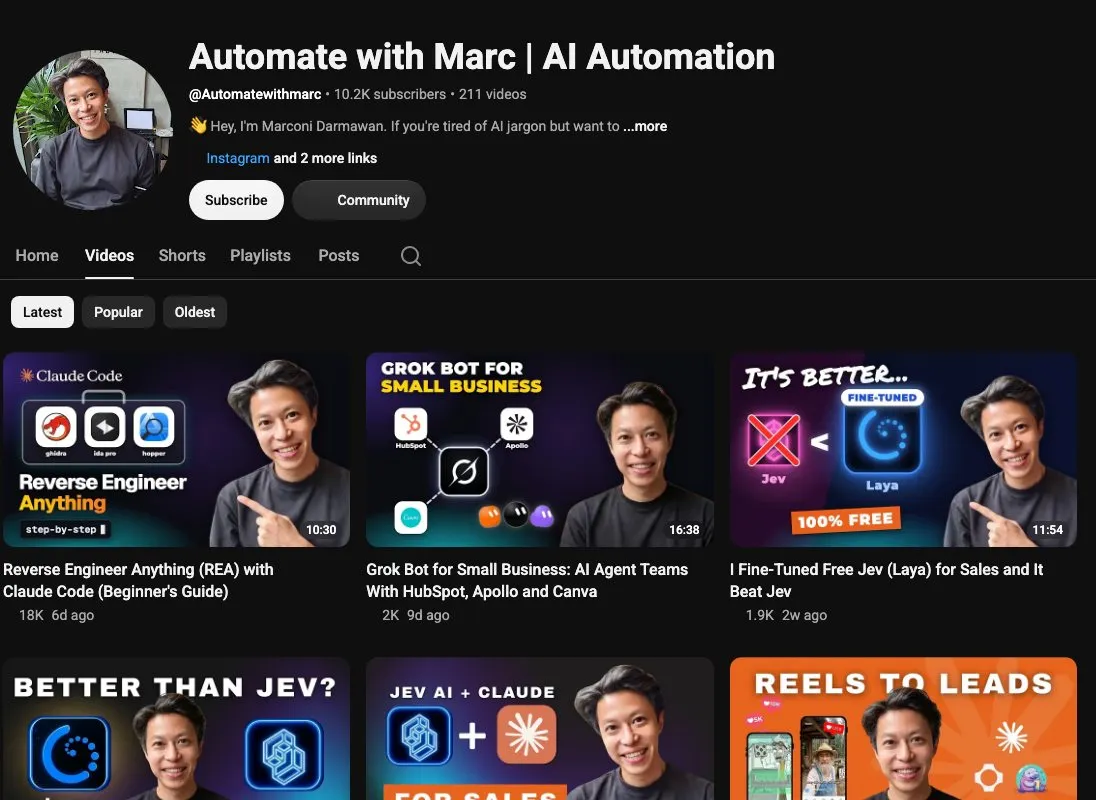
Marc (Marconi Darmawan) teaches an n8n course at KodeKloud, and his channel has moved from n8n templates to Claude Cowork and Claude Code builds. His September reels build makes two reels with fal, posts them to Instagram through Blotato and sets up a comment-to-DM automation. His published prompt for a Higgsfield, HeyGen and Blotato chain stops before publishing and asks, “Approve this clip for posting?” The faceless video chain behind that prompt is covered step by step.
Where he posts: YouTube, Instagram and LinkedIn, with templates on his n8n creator page.
Blotato tie: A Blotato referral link in his descriptions.
Watch out for: The demo reels show the workflow running, not what it does for reach or sales.
Bottom line: His September video shows the tool chain, and his separate prompt shows the approval stop before posting.
n8n and Make Systems You Can Copy
Nick Saraev - Best for n8n builders studying a scrape, rewrite and post workflow
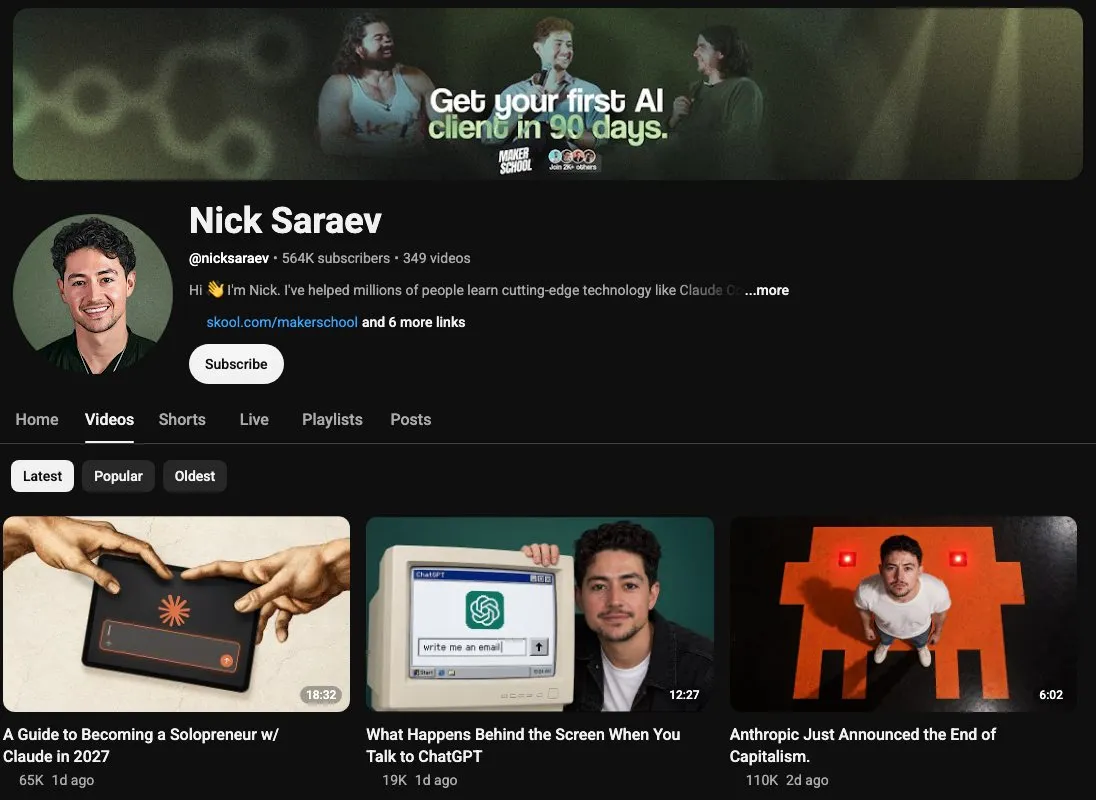
Nick teaches people to build and sell AI automation systems on YouTube. His LinkedIn Parasite System scrapes top posts in a niche, rewrites them with AI and posts them on a schedule, and he notes that the LinkedIn posting step “can be a little bit tricky.” For his own channel he built a video pipeline in Claude Code, “an end-to-end AI video editor that actually cuts up my content, mixes and masters it, and then uploads it to YouTube for me.”
Where he posts: YouTube, Instagram and X.
Blotato tie: None found.
Watch out for: He pitches the n8n systems as builds viewers can run or resell, while the YouTube pipeline is the one he says handles his own content.
Bottom line: Study the workflow structure, then write each post from your own examples and experience.
Jack Roberts - Best for Make users who want one post per platform
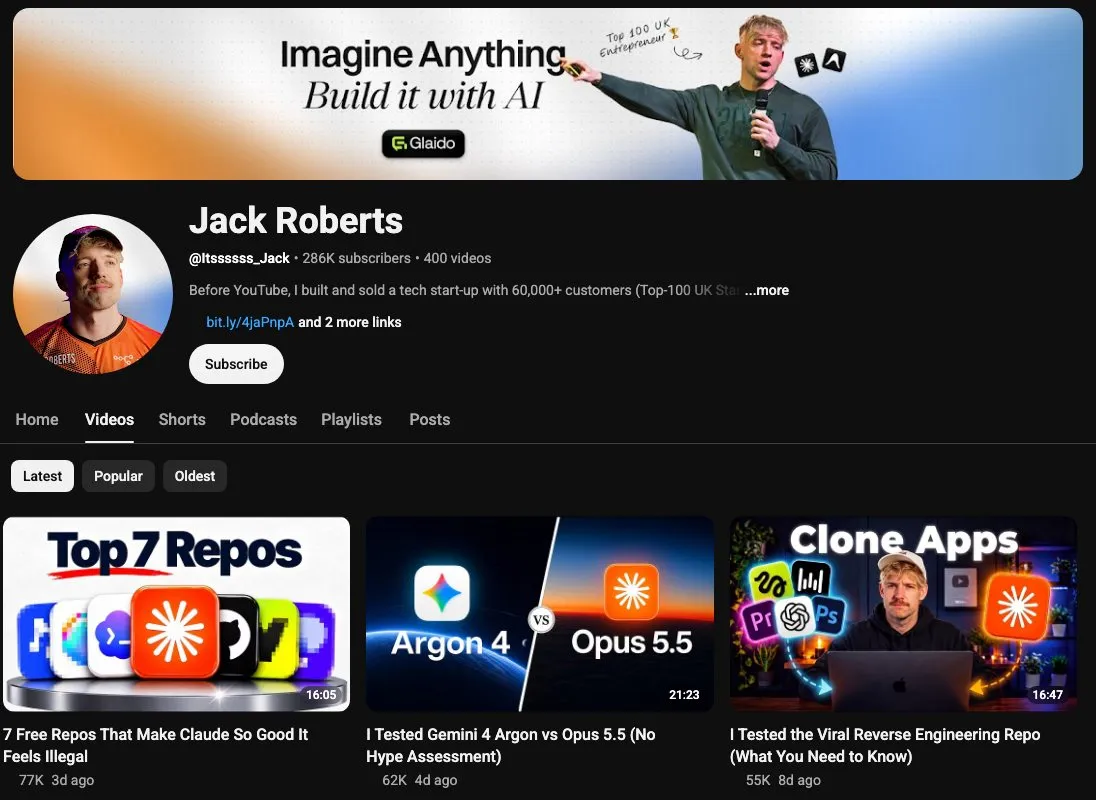
Jack runs a YouTube channel and a paid community on Claude Code, n8n and Make. His Make build, Steal This AI-Powered Social Media System, takes an idea from Slack and summarizes it with Perplexity. Then it routes the idea to a separate GPT for each platform. The description names the choice that matters: an “Option to automate posting to social accounts or send to Google Doc for review.”
Where he posts: YouTube and Instagram.
Blotato tie: None found.
Watch out for: His 2026 videos lean toward Claude Code business builds, so this April 2024 router is his clearest posting system.
Bottom line: Study Jack’s Make router to get a separate draft for each platform.
Comments, DMs and Leads
Calvin Hia - Best for creators whose posts already get comments
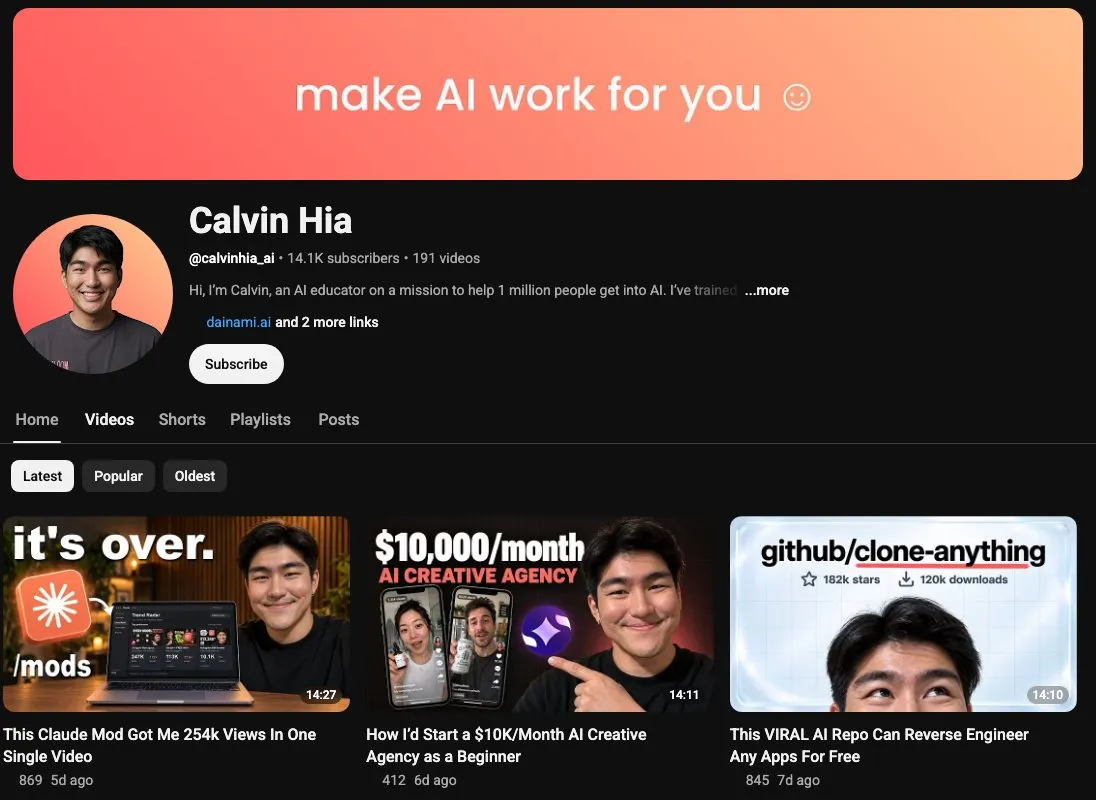
Calvin founded dainami ai in Singapore and teaches agent and automation workflows on YouTube. His agent builds each comment-to-DM automation from a folder that holds his DM template and a table of his automations, and each new automation waits as a draft until he approves it. In a September tutorial, he reports “over 3000 leads” and “over $12,000” from Instagram DMs in 30 days. Those are his own numbers, and the folder setup is the part worth copying.
Where he posts: YouTube, Instagram, TikTok, LinkedIn and Facebook.
Blotato tie: A Blotato referral link in his descriptions. He also sells his own AutoDM Kit.
Watch out for: The automation needs incoming comments to trigger DMs, so it does little until your posts get them.
Bottom line: Calvin’s folder is the part to copy once comments start turning into conversations.
Sandy Lee - Best for creators who want comments to become email subscribers
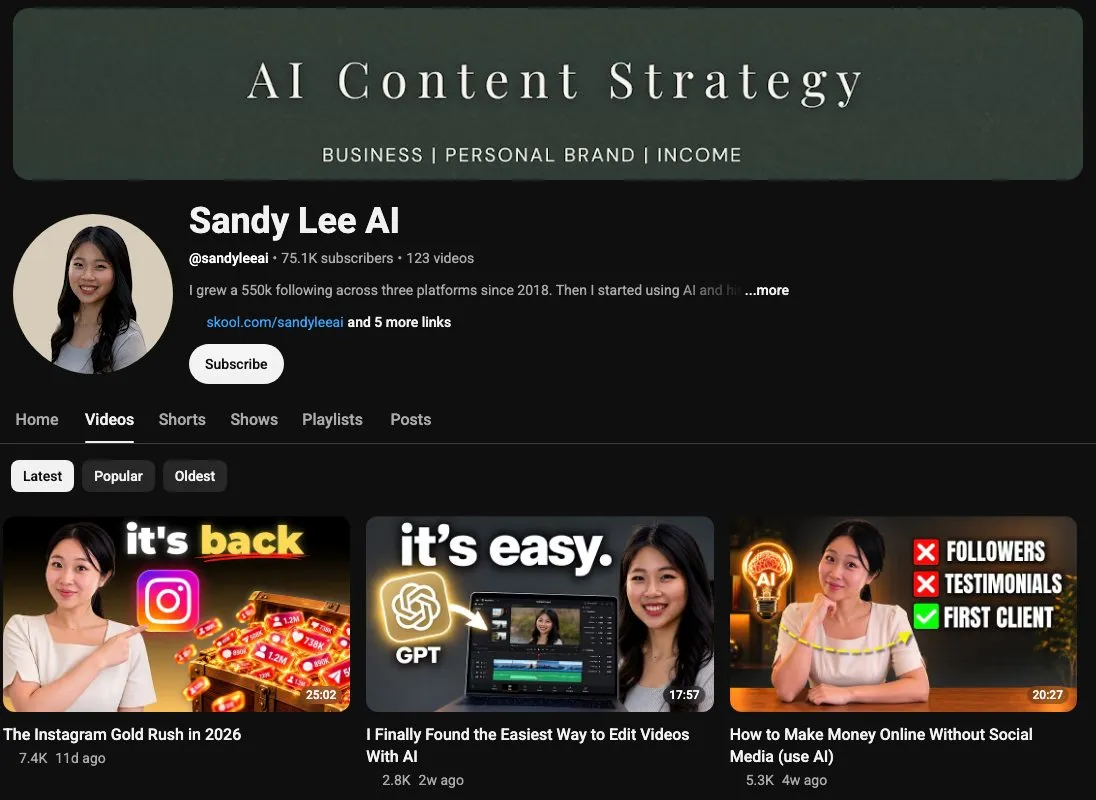
Sandy teaches creators to build a personal brand with Claude Code on YouTube. The Instagram Gold Rush in 2026, an October 10 video my company sponsored, walks through setting up comment-to-DM automation with Blotato and Claude Code. Her twist, from an August video, is that “every DM should point to an email capture page instead of a raw link,” so the lead lands on a list you own. Her audience-first income streams show where that list goes next.
Where she posts: YouTube, Instagram and Substack.
Blotato tie: Blotato sponsored that Gold Rush video (“Thank you Blotato and Sabrina for sponsoring this video”), and her descriptions carry a Blotato affiliate link.
Watch out for: The email page is a separate build, so budget time for a landing page as well as the automation.
Bottom line: Start here if your DM workflow needs an email signup step.
Social Media Distribution and Performance Tracking
Sabrina Ramonov (me) - Best for turning one batch into posts across platforms
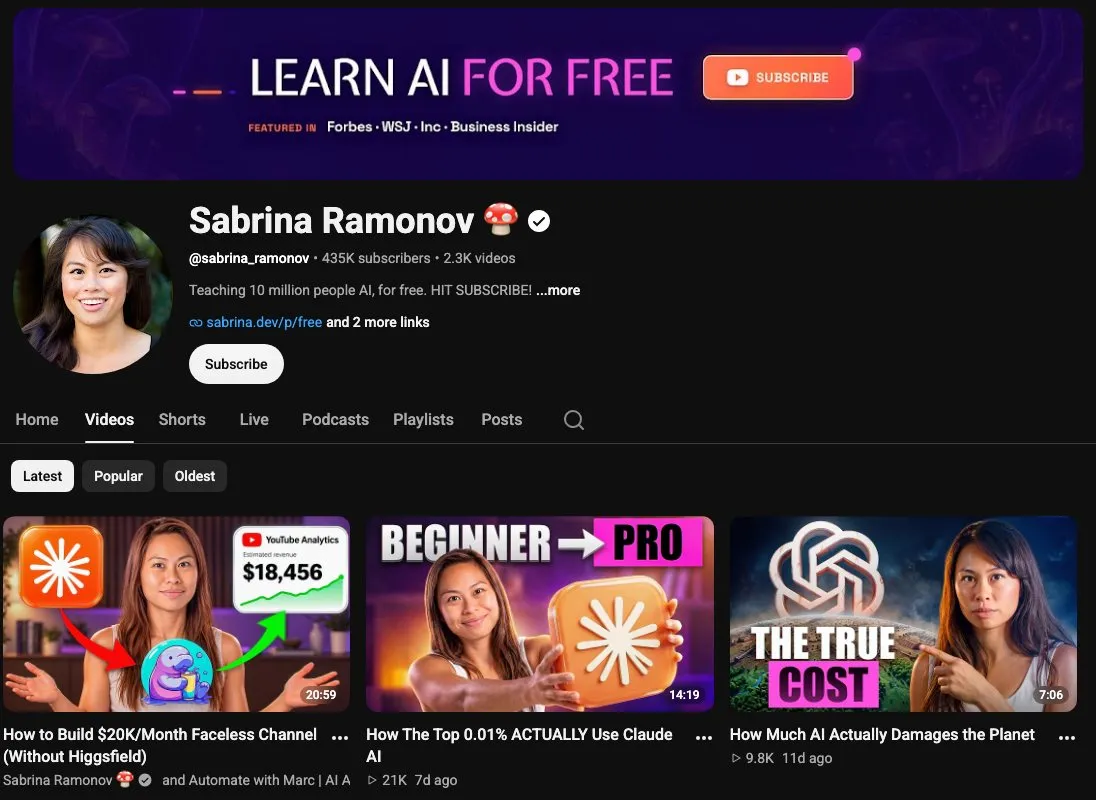
This is my entry, so read it knowing I founded Blotato. I teach AI prompts, agents and automations on YouTube and Substack. My piece of the job is distribution. I publish more than 250 pieces of content a week through Claude Code and Blotato, and I reshape each idea for the platform it is going to instead of writing every post from scratch. The clarifying-questions prompt Nate credits above is one of my templates, and I wrote up what running this taught me.
Where I post: YouTube, TikTok, Instagram, LinkedIn, X, Threads, Facebook and Substack.
Blotato tie: I founded it.
Watch out for: My videos lean toward prompts and agent playbooks for business owners. For deep n8n plumbing, Nick and Nate go further than I do.
Bottom line: Start here for adapting one source piece into posts for several platforms.
Julian Goldie - Best for builders who want post stats to shape the next topic
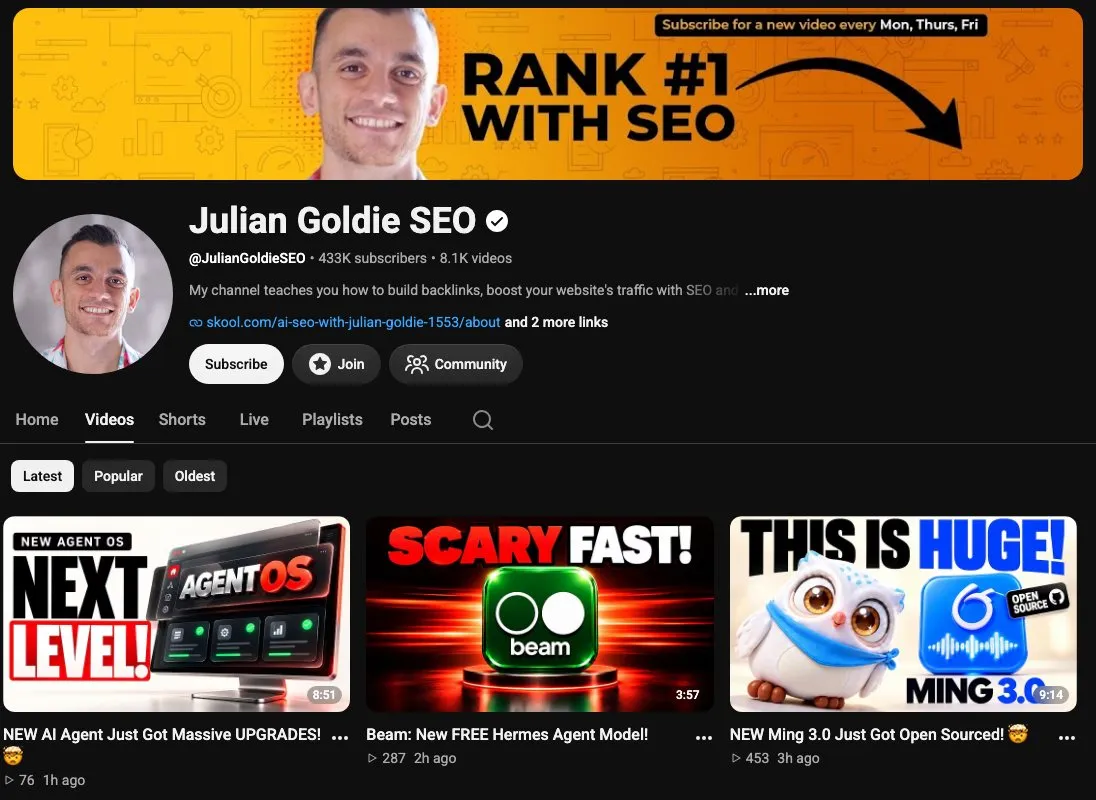
Julian runs Goldie Agency and the Julian Goldie SEO channel, where an October Agent OS video shows Claude scripting, editing, posting and tracking his short videos. In an October 15 article on X, he says it all runs “without a single n8n workflow” and that you check each caption “before it goes live.” In his setup, Blotato publishes the videos and returns performance data to the agent, which in his words means “you stop guessing about what to create next.” His Agent OS walkthrough adds Blotato’s side of that analytics step.
Where he posts: YouTube, X and LinkedIn.
Blotato tie: His Blotato affiliate link appears on Goldie SEO (@goldieagencyseo), a channel that links his paid community, where he calls it “my affiliate link.”
Watch out for: The October Agent OS videos send you to notes inside his paid community rather than listing every tool in the description.
Bottom line: Julian’s videos show publishing and measurement living in one Claude workflow.
What the Builds Have in Common
- The builds put approval at different stages. Marc’s prompt asks before a clip posts, the Walsh brothers’ Safeguard approves each outgoing message, Jack’s build can send drafts to a Google Doc for review, and Calvin approves each new DM automation before it runs. Julian’s setup also has you check each caption before it goes live. Blotato’s publish call has no approval step of its own, so in these builds the gate lives in the prompt, the agent or the workflow.
- Most of the 2026 builds here run in Claude. That includes Nate, Brooke, Ryan, Marc, Sandy, Julian and me, plus Nick’s own YouTube pipeline, while Calvin’s agent can run on Claude or ChatGPT. n8n and Make run the older posting builds from Nick, Jack and the Walsh brothers.
- Posting is one step of each system. Calvin’s and Sandy’s work picks up after someone comments, and Julian connects publishing to measurement.
Which AI Automation YouTuber to Start With
- You already work in Claude Code: Nate Herk’s posting skill, with its clarifying-questions prompt.
- Your posts start in Canva: Brooke Wright’s template-mapped carousel skill.
- You build in n8n or Make: Nick Saraev for n8n, Jack Roberts for Make.
- You are nervous about an agent posting on its own: The AI Automators and Automate with Marc both build an approval step in.
- Your posts already get comments: Calvin Hia for agent-built DM flows, Sandy Lee for sending those leads to an email list.
- You want results to set next week’s topics: Julian Goldie’s Agent OS, which connects publishing to performance tracking.