9 Best X (Twitter) Schedulers in 2026 (And What They Cost)
Which X (Twitter) schedulers still work in 2026? Verified X status for 17 social media tools: who dropped it, who gates it, who charges extra.

Two schedulers have now removed X entirely, and one of them never published a proper notice about it. Before you pick an X (Twitter) scheduler, the question worth asking is not which one has the nicest calendar. It is whether the tool still publishes to X at all, and what happens to your bill when X reprices its API again. I checked all 17 tools below against their own live pricing pages and help docs, and where a vendor contradicts itself I say so rather than picking the tidier version.
The Two Exits, and What Separated Them
Hypefury and Later both stopped publishing to X. Later said why. Hypefury did not, so I am not going to guess at its reason, only report what it did and how it told people.
Later gave four weeks’ notice. Its help centre still carries a dated article: new X connections closed July 30, 2025, and full sunset landed August 28, 2025, with posts scheduled after that date explicitly not publishing. Later also told customers why, saying the decision was made “to avoid raising prices for all our users.” You may disagree with the call. You could not claim you were not told.
Hypefury published a sentence in an FAQ.
The practical lesson is not that either company behaved badly. It is that a scheduler’s X support is now a business decision that can be reversed, and you may find out through your own queue going quiet. So the question to carry into the table below is not only whether a tool supports X today, but whether it would still be useful to you if X became unaffordable for it.
Hypefury, and why it still shows up in your search results
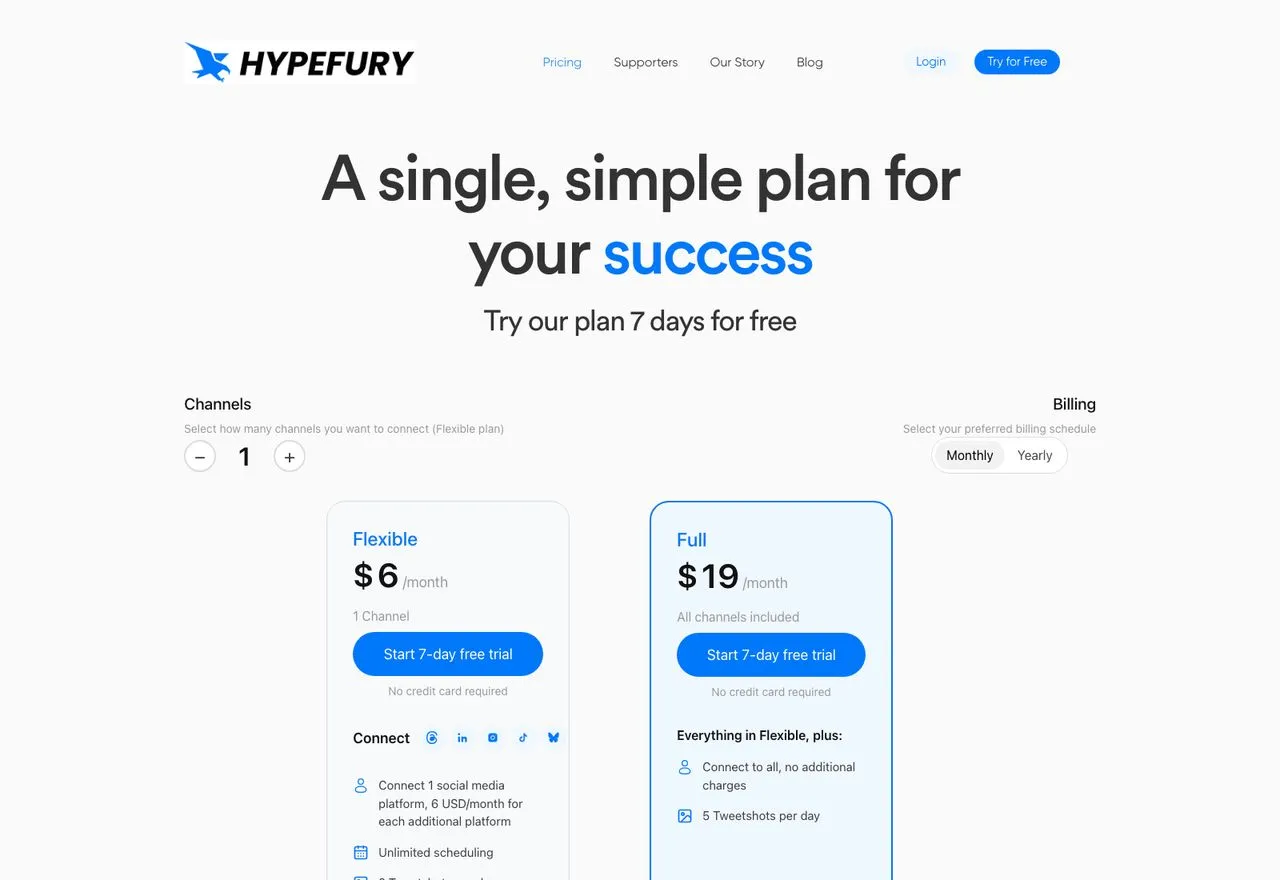
Hypefury spent years as the X creator’s tool. It no longer publishes to X, and the only statement it has made is one line in a pricing-page FAQ: “Nope! Hypefury no longer supports X.”
There was no blog post, no changelog, and no email I could verify. Its channel list now shows five platforms: Bluesky, Threads, LinkedIn, Instagram, and TikTok. Meanwhile its footer still lists X and Mastodon under social networks and links to a “Best X (Twitter) Tools” page, and its own AI-facing pages still describe it as tailored for X growth. That contradiction is why Perplexity told me it still supports X, and why Hypefury still ranks on page one for “twitter scheduler” today.
Best for: Bluesky and Threads creators, which is a genuinely different product than the one people remember
Pricing: Flexible $6/mo for one channel on monthly billing, and 6 USD/month for each additional platform. Full $19/mo for all channels
Free trial: 7 days, no free plan
Bottom line: not an X scheduler in 2026, whatever the search results imply. If you are here because your Hypefury queue went quiet, that is the explanation, and the Hypefury alternatives worth moving to are covered separately.
Support Status for All 17 X Schedulers
Every AI assistant I probed got at least one of these wrong. Perplexity told me Hypefury “supports X posting and thread scheduling.” Hypefury’s own FAQ says the opposite.
| Tool | X status | What it costs to reach X |
|---|---|---|
| Hypefury | Dropped, 2026, no dated notice | Not available at any price |
| Later | Dropped, sunset August 28, 2025 | Not available at any price |
| Publer | Paid plans only, blocked on Free | $5/mo first account, $4 each additional |
| Metricool | Paid plan plus a per-account add-on | $20/mo annual Starter plus $10/mo per X account |
| Zernio | Supported, X API costs passed through | Account fee plus X's own per-call rates |
| Upload-Post | Supported, but URLs stripped by default | Free tier includes X, $19/mo to post links |
| Blotato | Supported, included in the flat price | $29/mo and up, X included, no usage fees |
| Buffer | Supported, including the free plan | Free for 3 channels, then $6/mo per channel |
| Typefully | Supported on every plan | Free tier, 10 posts/mo |
| TweetHunter | Supported, X only | $29/mo |
| SocialBee | Supported on all plans | $29/mo |
| Postiz | Supported on all tiers | $29/mo |
| SocialPilot | Supported | $30/mo |
| Hootsuite | Supported | $99/user/mo, billed annually |
| Ayrshare | Supported, included standard | $149/mo |
| Post Bridge | Supported on all tiers | $39/mo entry, $99/mo for 99 accounts |
| Circleboom | Supported | $29.99/mo |
Four states, and they are worth naming: dropped entirely, gated behind a paid plan or an add-on, supported with X’s own usage costs passed on to you, or supported and included in the price. The middle two are where people get surprised, because a tool can support X and still hand you a bill you did not expect.
Answering the Free Question First: What X’s Own Scheduler Does
Most articles bury this. X has a free scheduler built into the post composer, and for a lot of people it is genuinely enough.
You compose a post, click the calendar icon, pick a time, and confirm. Drafts and scheduled posts both live under “Unsent posts.” That is X’s entire documented scheduling feature, and it costs nothing.
Here is where it stops. X does not document a queue limit, a content calendar, thread scheduling, or multi-account switching for the free composer, and I am not going to invent numbers for things X has not published. What I can tell you is verified: there is no scheduling endpoint in the X API at all. Its publishing endpoints create and delete posts, with no way to hand X a future send time. Every scheduler in this post builds its own scheduling layer on top of that.
And X Pro, the tool most people still call TweetDeck, is not free. X’s help center files it under a heading that reads “Only for Premium+ Tier,” and Premium+ starts at $40/month. If you came here from the question “is TweetDeck still free,” that is your answer.
So the free scheduler is the right pick if you post to one X account, from a desktop, and you do not need a queue or a calendar. Everyone else is choosing from the list below.
Where the X API Costs Actually Land
You cannot read the middle of that table without knowing what X charges, because three vendors on this list build their X pricing around it, each in a different way.
X’s current published rate card charges $0.015 per post, and $0.200 for a post that contains a URL. That is more than a 13x difference on the posts most marketers actually send. A thousand link posts a month is $200 in link-post charges alone, before any tool’s subscription and before X’s other per-call costs.
Watch what that does to real products. Upload-Post includes X on its free plan, and its docs explain that it strips URLs from X posts by default so they bill at the lower rate, with links available as a $19/month add-on. Metricool gates X behind a $10 per month add-on for each connected X account, on top of a paid plan, and says the X API’s per-connection charges are the reason. Zernio publishes X’s rates on its own pricing page and passes them through at cost.
None of those are bad products. They are three companies solving the same arithmetic in public, and the X costs section of our AI agent pricing study shows how more tools handle it, from prepaid credits to bringing your own X developer account. If you want the full breakdown of what X charges and why the September 1 Pro migration matters, I wrote a detailed guide to X API pricing that goes through the rate card line by line.
The 9 Best X (Twitter) Schedulers, and What Each Charges for X
1. Blotato: Best for running X alongside 8 other platforms from one agent or API

I built Blotato because I was tired of stitching together a separate API, approval process, and bill for every platform. X is one of 9 platforms behind a single key, and the API and hosted MCP server expose 35 tools, so an agent in Claude Code or Cowork can publish, schedule and read analytics without you wiring anything per platform.
The pricing shape is what matters for this list. Blotato starts at $29/month and X is included at that price, with no per-post fee, no per-account X surcharge and no usage passthrough. When X repriced its API four times in a year, our bill moved and yours did not.
Two honest limits. Analytics covers 8 of the 9 platforms, with LinkedIn returning no metrics yet. And we apply our own posting caps, stricter than the platforms’ own, so this is not a tool for unlimited-volume X posting.
Best for: builders running X and other platforms through an AI agent on a predictable bill
Pricing: $29/mo Starter (20 accounts), $97 Creator (40), $499 Agency (100)
Free trial: 7 days, but it excludes API access. Generating an API key ends the trial and starts the Starter subscription, so if you came for the API or MCP, plan on subscribing rather than trialing.
Bottom line: Blotato is the pick if 9 platforms cover your stack and you want X on a predictable bill, and it is the wrong pick if X is the only place you publish, because you would be paying for eight platforms you never touch.
Want to see the X path specifically? Here is how to post to X from Claude Code in a few lines.
2. Typefully: Best for writing and scheduling X threads without leaving the editor
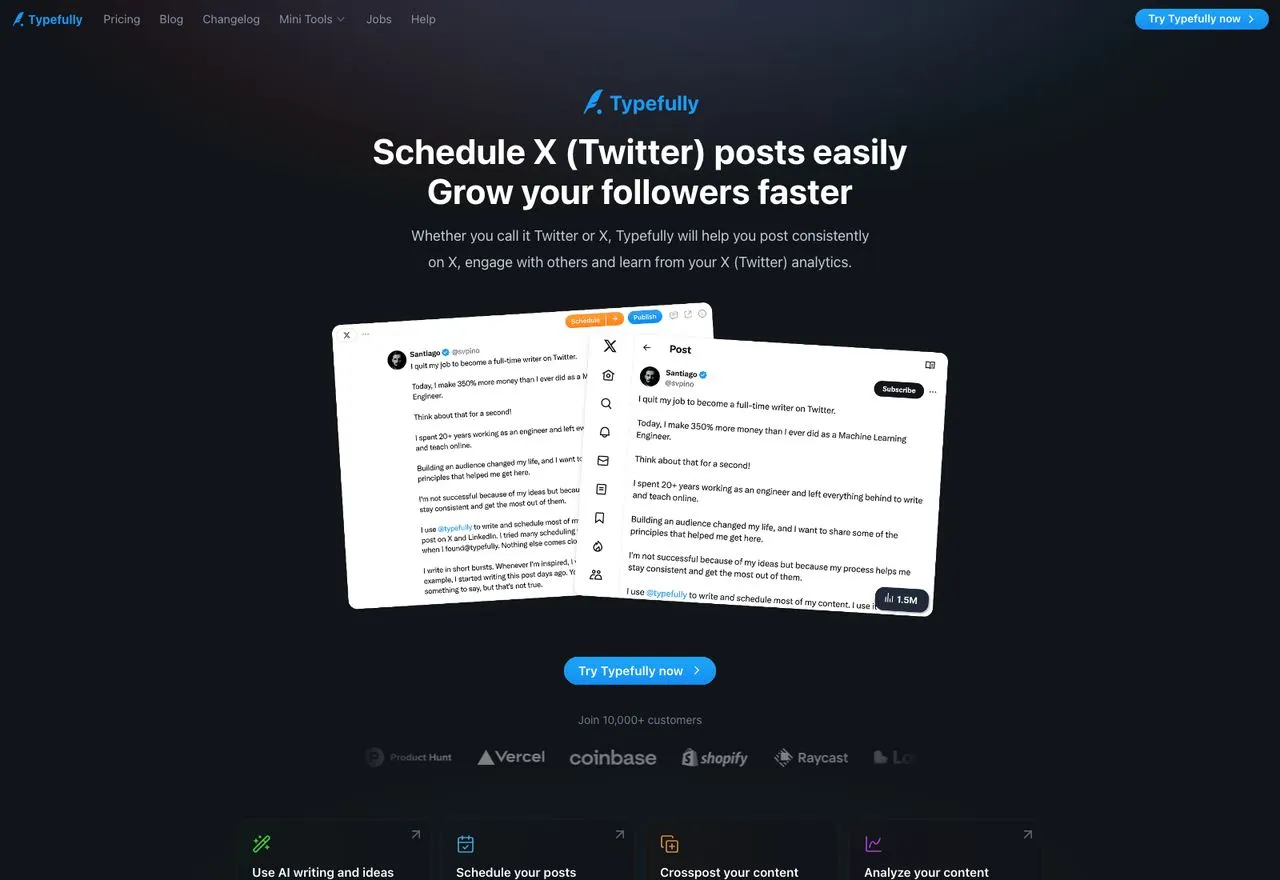
Typefully is the best pure writing surface for X on this list, and it is not close. The composer is built for threads, the preview is accurate, and the whole product gets out of your way while you write. X is supported on every plan including the free one.
It also ships more agent surface than most people realise. “Agents, API, MCP” appears on every plan card including Free, which makes the common claim that Typefully is editor-only out of date. What that agent surface actually reaches, against ours, is broken down platform by platform.
The honest constraint is breadth. Its compare table lists five platforms: X, Bluesky, LinkedIn, Threads and Mastodon, with no TikTok or YouTube video pipeline. Its own llms.txt also claims Instagram while the pricing table does not, so check that one yourself if it matters.
Pros:
- Thread composer and preview are the sharpest here
- Free plan includes X and agent access
- Clean, fast, genuinely pleasant to write in
Cons:
- Five text-first platforms, no video publishing
- Creator tier is annual billing only
Best for: writers whose X output is threads and who want the editor to be the product
Pricing: Free (1 social set, 10 posts/mo), Creator $99/year billed annually, Business $18/mo per social set billed yearly
Free trial: a permanent free plan
Bottom line: Typefully suits you only if your publishing is text on five platforms and the writing itself is the hard part, because it has no route to TikTok or YouTube video at any price. When that video route is the requirement, start with the Typefully alternatives roundup instead.
3. Buffer: Best for scheduling X on a free plan that does not expire
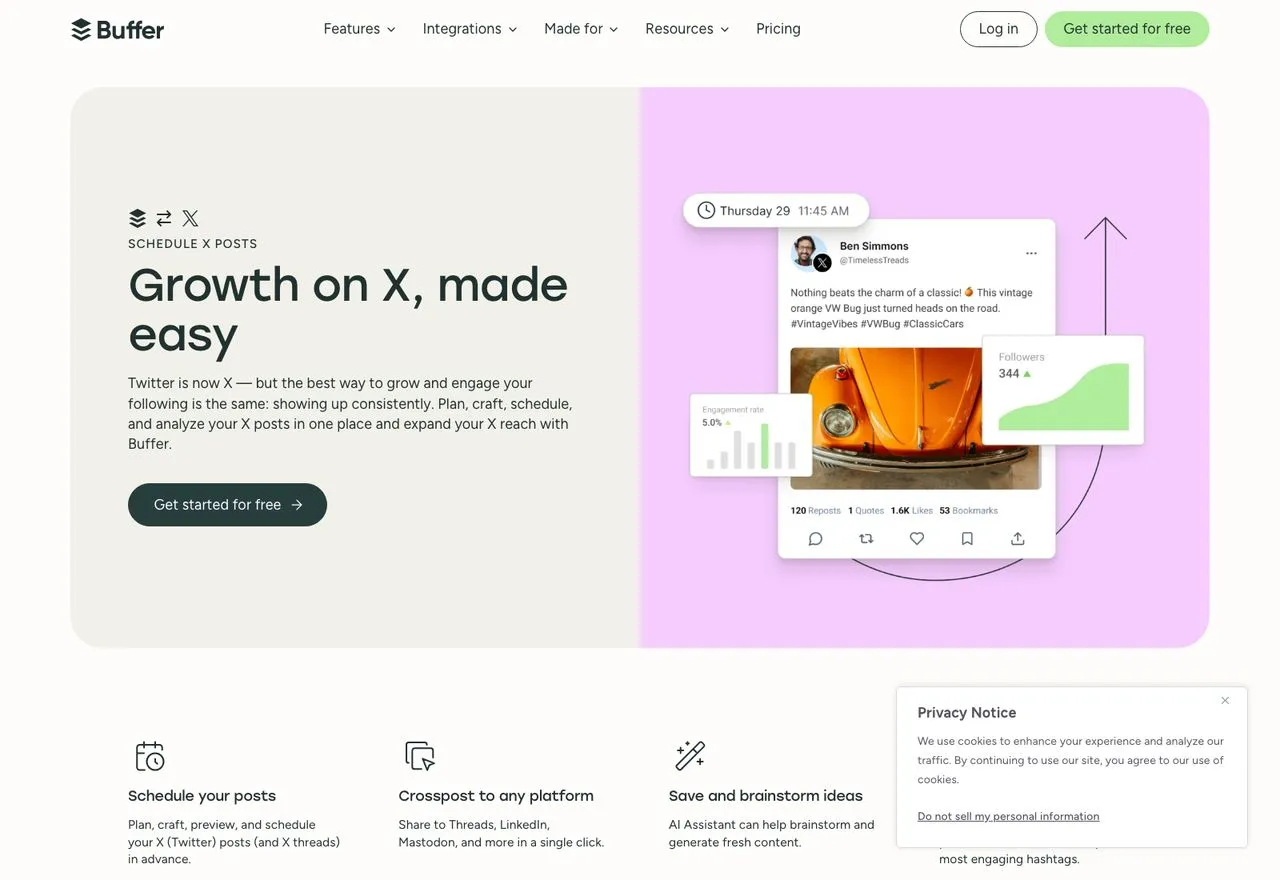
Buffer has scheduled to Twitter since the original API era and never left. X publishing works on the free plan, which covers 3 channels at 10 scheduled posts each, and that free tier is the most generous starting point on this list.
Pricing is per channel and tiered rather than flat: on Essentials it is $6/month per channel billed monthly, $5 annually, dropping to $4 between 11 and 25 channels and as low as $1 above 50. Ten channels is $60/month, not $40, because the bands are graduated. One X-specific detail: free X profiles get automatic publishing but not Basic Analytics.
Pros:
- Free plan genuinely includes X publishing
- Per-channel pricing is cheap if you run 1 to 3 accounts
- Long track record with the X API
Cons:
- Cost climbs with every channel you add
- Analytics on free X profiles is limited
Best for: solo creators posting to a couple of accounts who want to spend nothing to start
Pricing: Free (3 channels), Essentials from $6/mo per channel monthly, $5 annually
Free trial: free plan plus a 14-day trial on paid
Bottom line: the lowest-friction way to schedule X today, and the best free option, as long as you are not adding a dozen channels.
4. TweetHunter: Best for treating X as a business channel rather than a posting queue
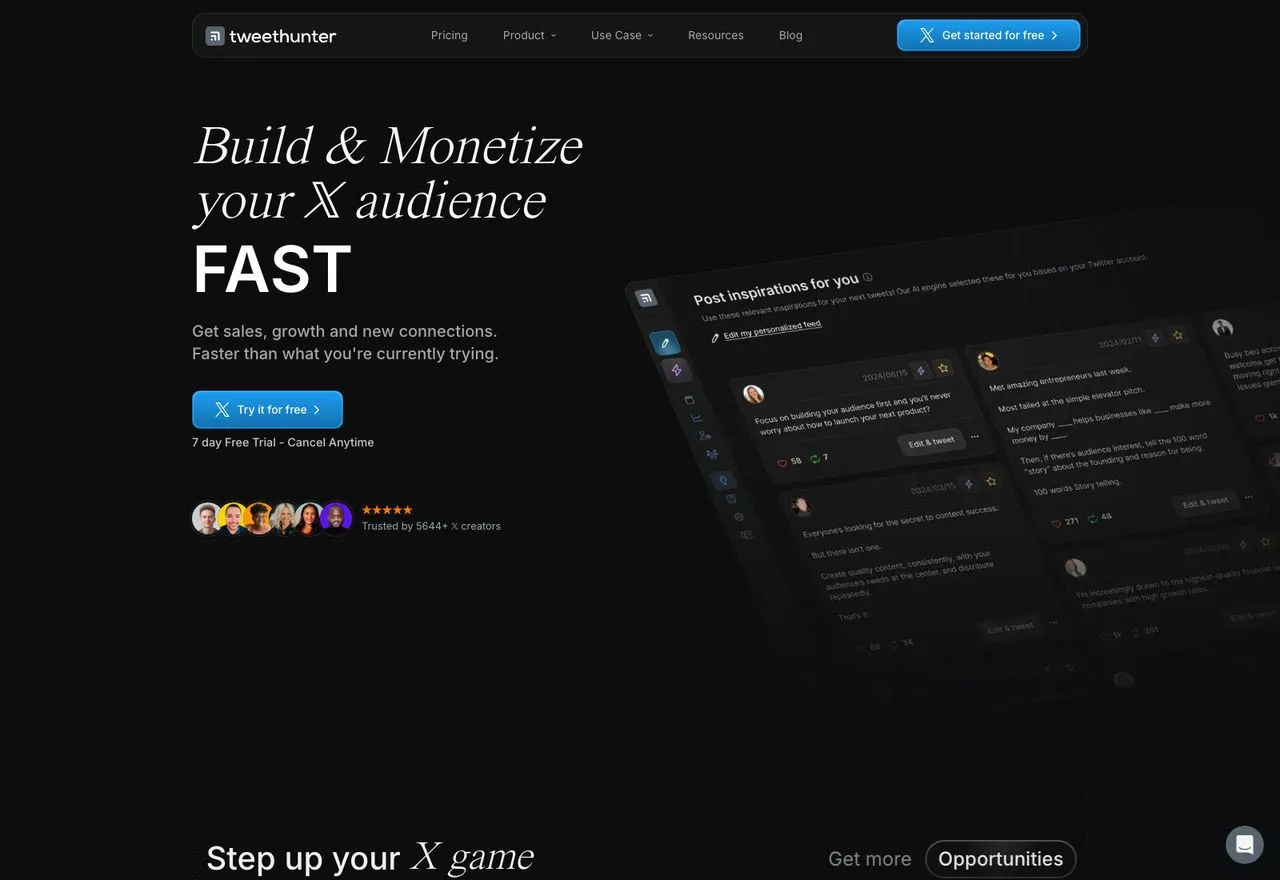
While two tools were leaving X, TweetHunter stayed X-only, which in 2026 reads as a bet rather than an oversight. It is a growth product first: an inspiration library, AI drafting off your own account, scheduling, and audience CRM.
Entry is Discover at $29/month, not the $49 most roundups quote, which is actually the mid tier. Their own page title advertises “Plans from $49/mo” above a $29 plan. Prices were promotional when I checked.
Pros:
- Deepest X-specific growth tooling here
- Inspiration and AI drafting trained on X specifically
- Committed to X while others exited
Cons:
- X only, so a second platform means a second tool
- Promotional pricing makes the real long-term rate hard to pin down
Best for: founders and creators whose entire audience strategy is X
Pricing: Discover $29/mo, Grow $49/mo, Enterprise around $200/mo
Free trial: 7 days
Bottom line: the right call if X is your whole game and you want tooling built only for it. It is the wrong call if you expect to add platforms, because concentration on one API is exactly the risk this article is about, and I broke down what an X-first creator moves to next separately.
5. SocialBee: Best for a back catalogue you want working while you sleep
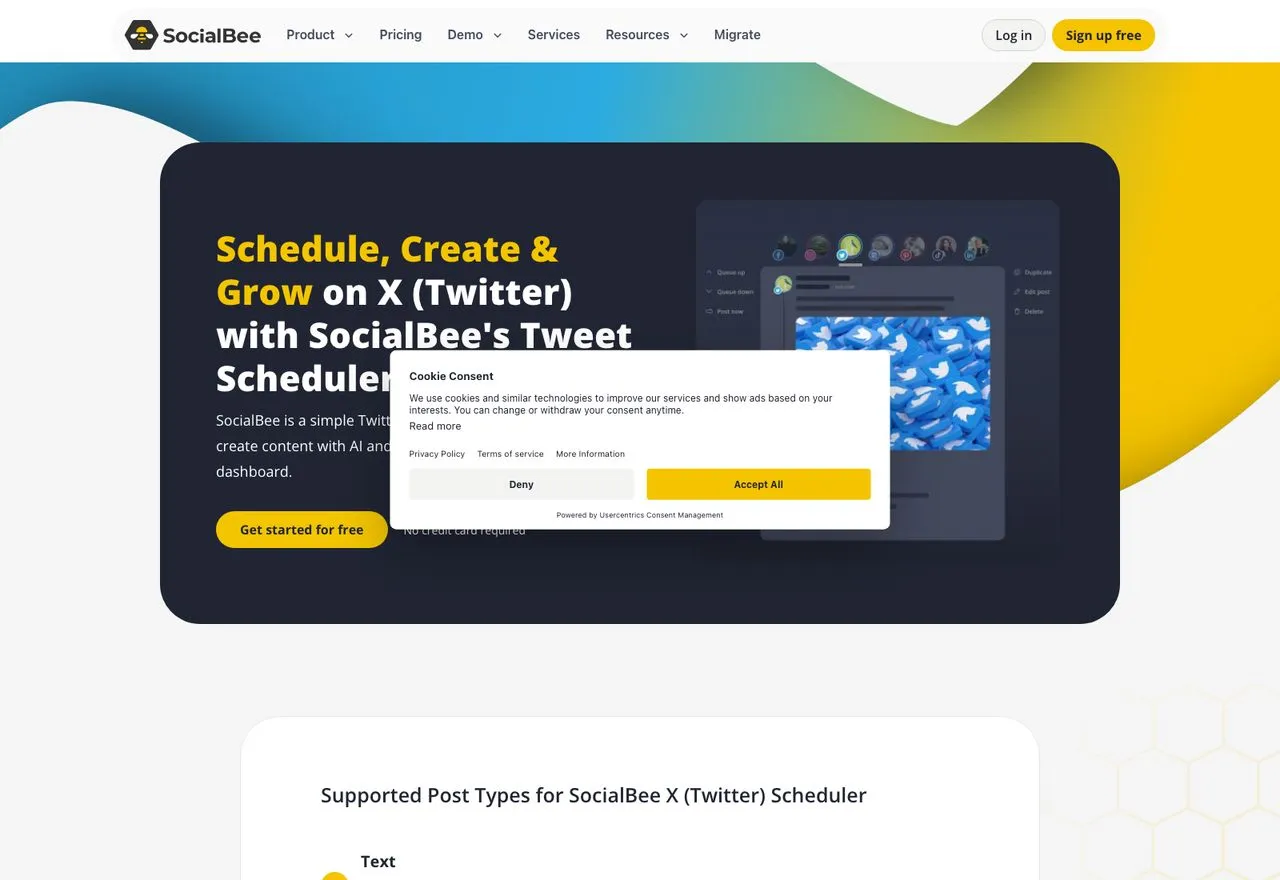
SocialBee organises posts into categories and cycles them, which suits X better than most platforms because the feed moves fast enough that resharing a strong post is normal rather than lazy. X sits on all plans with no add-on and no tier gating.
The Bootstrap plan is $29/month, and extra profiles are sold in blocks of 5 for $15/month on top of that rather than one at a time.
Pros:
- Category-based recycling is the best evergreen system here
- X included on every plan, no surcharge
- Comment and mention handling for X included
Cons:
- No free plan, 14-day trial only
- Profiles sold in blocks of 5, which is awkward for a single account
Best for: creators with an evergreen library who want X posts resurfacing automatically
Pricing: Bootstrap $29/mo monthly, $24.17/mo annually
Free trial: 14 days
Bottom line: worth it if you have a back catalogue to recycle. If everything you post is timely, the recycling engine you are paying for goes unused.
6. Postiz: Best for teams that want an open-source option with X on every tier

Postiz is open source, and its cloud plans put X on every tier alongside a public API, CLI, and MCP server at no extra charge. One X profile counts as one channel.
The self-hosted route is free but requires you to register your own X developer app and handle OAuth, which means you own the X API bill and the maintenance directly. That is a real trade, not a free lunch.
Pros:
- API, CLI, and MCP on every paid tier
- Self-hosting available if you want to own the stack
- X included with no surcharge
Cons:
- No free cloud plan, 7-day trial only
- Self-hosting means your own X developer app and your own X invoice
Best for: technical teams who want source access and are comfortable operating it
Pricing: Standard $29/mo monthly, $278/year (about $23.17/mo), 5 channels
Free trial: 7 days
Bottom line: Postiz only pays off if someone on your team will actually run the self-hosted build, because on cloud pricing you are paying for source access you never open.
7. Publer: Best for keeping monthly cost near the floor across a lot of accounts
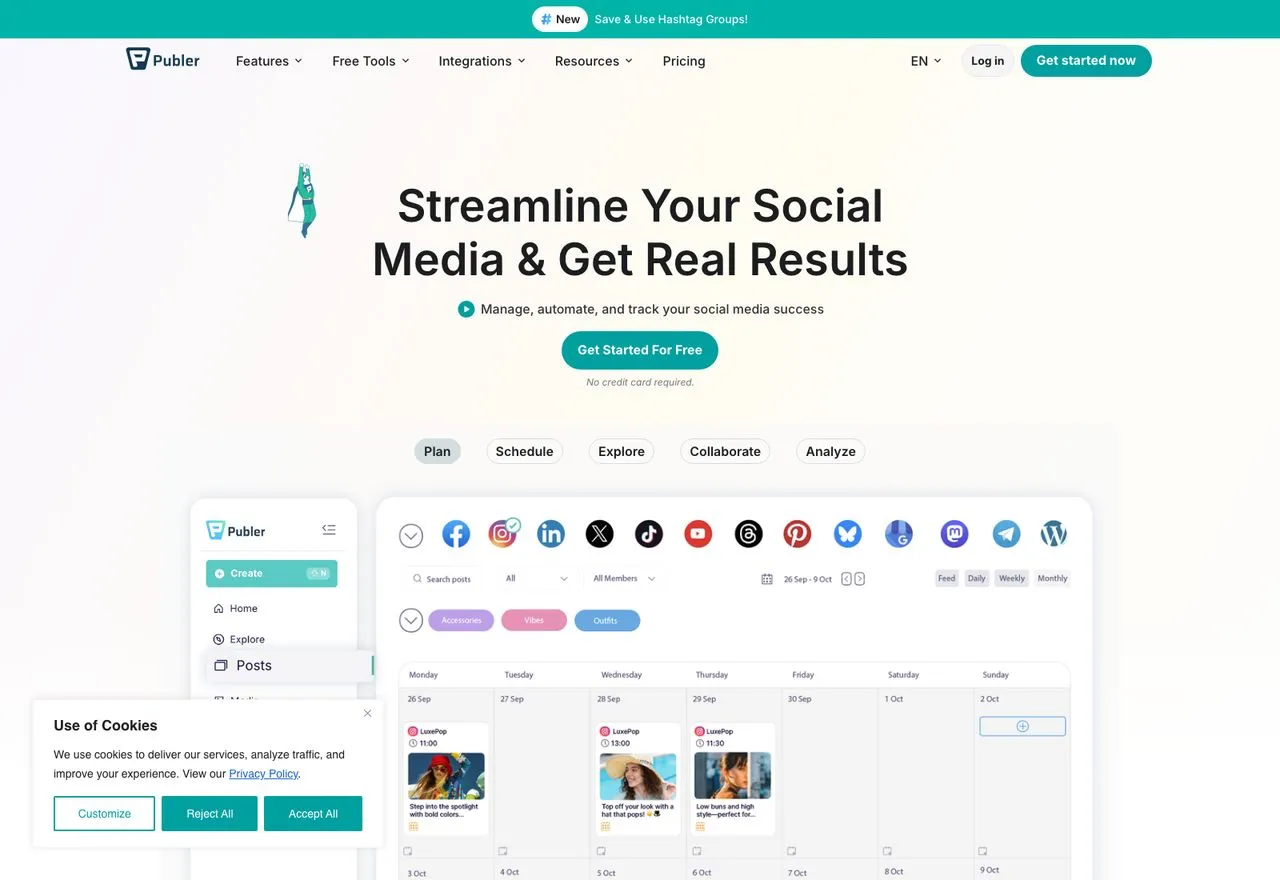
Publer is the cheapest credible multi-platform option here, but X specifically is walled off from the free plan. Their pricing page states it directly: you cannot connect X accounts in the free version. Their reason is the API cost, which they name explicitly.
Pricing is tiered per account rather than flat: $5/month for the first social account on Professional, $4 for each one after. Note their own help centre contradicts the pricing page on free-plan X support. Three of their four surfaces say it is blocked, so treat the outlier as stale.
Pros:
- Cheapest entry to paid multi-platform scheduling
- Every tenth social account is free
- Broad platform coverage
Cons:
- X blocked entirely on the free plan
- Their own docs disagree about whether that is true
Best for: budget-conscious users running several platforms who will pay a small monthly fee
Pricing: Professional $5/mo for the first account on monthly billing, $4/mo if billed annually, plus $4/mo for each additional account
Free trial: free plan, though it excludes X
Bottom line: good value once you are paying. Just do not plan around the free tier if X is the platform you came for.
8. Zernio: Best for teams that want X API costs itemised rather than averaged
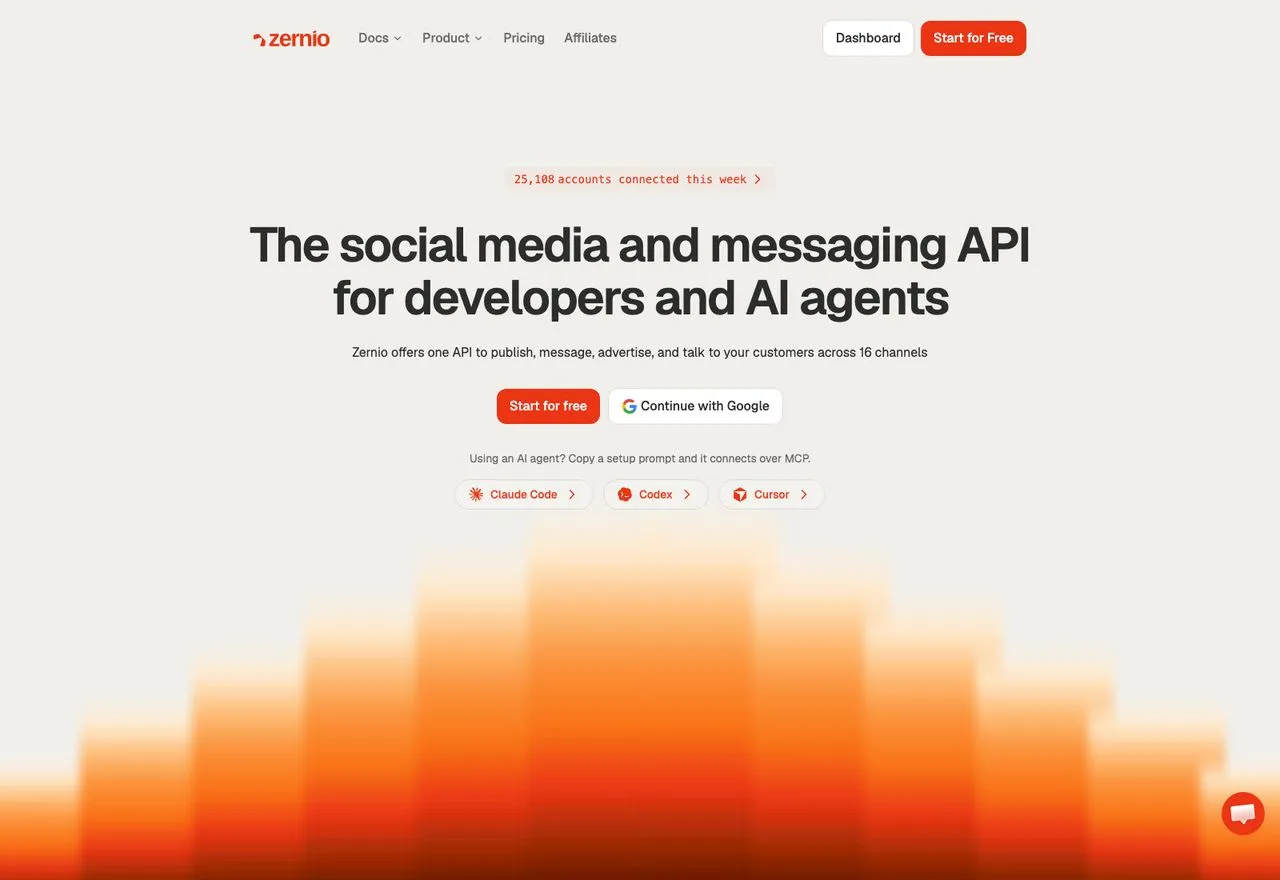
Zernio takes the opposite approach to flat pricing and is transparent about it. Its pricing page publishes X’s per-call rates and states that it passes them through with zero markup. I checked those figures against X’s official card and they match exactly.
Account pricing is graduated: the first 2 connected accounts are free, then $6/month each up to 10, $3 up to 100, and $1 beyond. The trade is predictability, because your bill moves whenever X moves, and a month heavy on link posts at $0.200 each invoices very differently from a quiet one.
Pros:
- Genuinely transparent, verifiable X cost passthrough
- First 2 accounts free
- Broad engagement surface across platforms
Cons:
- Your X costs are variable by design
- Requires you to model usage to predict spend
Best for: teams who would rather see the X line item than have it averaged into a flat fee
Pricing: first 2 accounts free, then $6/mo each to 10, $3 to 100, $1 beyond, plus X API usage
Free trial: first 2 accounts free, no card
Bottom line: worth it if you want the X line itemised and can absorb a bill that moves month to month. If you need to quote a client a fixed number, a flat-priced tool is easier to work with.
9. Post Bridge: Best for the lowest per-account price when you connect a lot of them
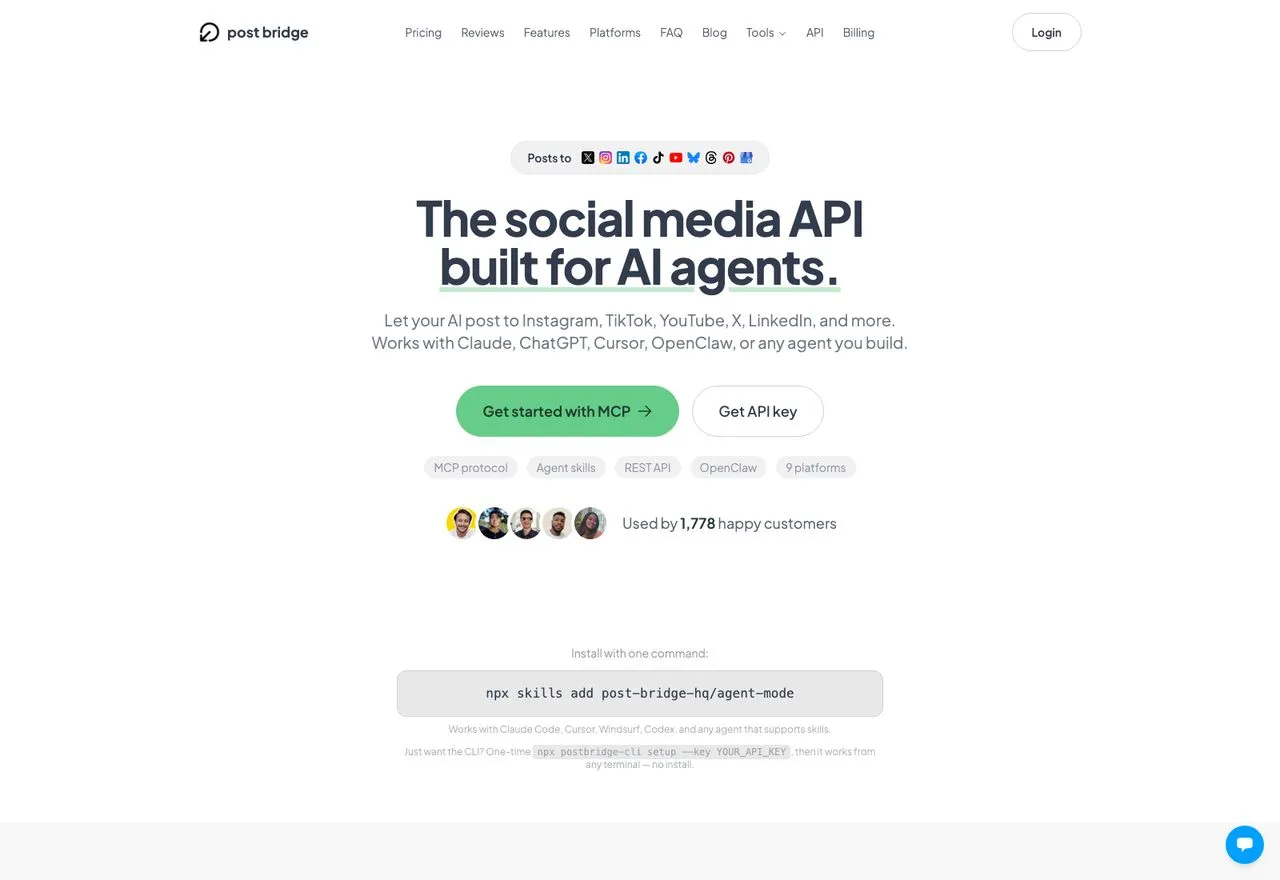
Post Bridge sells itself as the social media API built for AI agents, and X sits in its platform row alongside nine others, including Google Business. It ships an MCP server, a REST API, a CLI and an installable agent skill, so it competes on the agent workflow rather than on calendar features.
Pricing is where it gets interesting at volume. Marketer is $39/month for 15 accounts, and Operator is $99/month for 99 accounts, then $1 for each account after that with no ceiling. That undercuts per-account pricing badly once you connect a lot of them.
Pros:
- 99 accounts for $99, then $1 each, cheap at high account counts
- MCP, REST API, CLI and an agent skill on every plan, with nothing extra to buy
- X included on every tier
Cons:
- Nothing between 15 accounts at $39 and the $99 Operator plan
- No free plan, only a 7-day trial
- Narrower engagement and analytics surface than the bigger suites
Best for: agencies or builders connecting many X and social accounts who want a predictable bill
Pricing: Marketer $39/mo for 15 accounts, Operator $99/mo for 99 accounts then $1 per account, with the REST API and MCP included on both
Free trial: 7 days, no free plan
Bottom line: the cheapest way to run a lot of accounts if $99 for 99, then $1 each, fits your shape. Below 16 accounts the $39 Marketer plan covers you, and past that the bill jumps straight to $99.
How I Verified This List
- Every X support status was checked against the vendor’s own live pricing page or help documentation as of September 2026, not against review sites or other roundups. Vendors change these without notice, so confirm anything load-bearing at the source before you buy
- Every price was read with the billing toggle confirmed, because four of these pages default to annual and print the annual rate with a “per month” label
- X’s rate card and X Pro’s access tier came from X’s own documentation
- Where a vendor’s surfaces disagreed with each other, I said so in that tool’s entry rather than picking the convenient version
- Where X does not publish a number, such as the free scheduler’s queue limit, I left it blank rather than guessing
Picking One Based on How You Actually Work
You post to X and nothing else. TweetHunter or Typefully, depending on whether you want growth tooling or a better writing surface.
You want to spend nothing. Buffer’s free plan includes X publishing on 3 channels, and X’s own composer is free if basic native scheduling is all you need.
You run X plus several other platforms and want one predictable bill. Blotato from $29, provided the 9 platforms cover your stack and you can live with LinkedIn analytics being absent.
You are wiring X into an agent or a script. Blotato or Postiz for a flat rate, Zernio if you would rather see X’s costs itemised. All three expose an API and MCP without a separate add-on.
You need agency reporting and approvals. Hootsuite at $99 per user per month billed annually, which is the only per-seat product here and priced accordingly.
You are on Hypefury or Later and your X posts stopped. Neither has signalled a return. Pick from the nine above.
Best X (Twitter) Scheduler FAQs
Which schedulers stopped supporting X?
Two, on different timelines. Later sunset X support on August 28, 2025, announced in advance through its help centre, having closed new X connections a month earlier. Hypefury removed X during 2026, and I could find no blog post, changelog entry or dated help article about it, only one line in its pricing FAQ. Every other tool checked for this article still publishes to X, though several charge extra for it.
Is there a free way to schedule X posts?
Yes, three ways. X’s own composer schedules posts for free, with drafts and scheduled posts under “Unsent posts.” Buffer’s free plan includes X publishing across 3 channels. Typefully’s free plan includes X with a 10-post monthly limit. Publer’s free plan is the exception, since it blocks X specifically.
Is TweetDeck still free?
No. TweetDeck is now X Pro, and X’s help centre lists it under “Only for Premium+ Tier.” Premium+ starts at $40/month or $395/year, so X Pro requires X’s most expensive consumer subscription. X Pro is also not available on mobile.
Will more schedulers drop X?
Nobody can promise otherwise. Neither company gave a reason, though the API economics are public and point at cost rather than falling demand. The pressure point is no longer ahead of us either: since September 1, 2026, X has been migrating the last legacy Pro plans onto pay-per-use, each at its own cutover date. If you want to reduce the risk, pick a tool that would still be useful to you on the day it lost X, and check whether the vendor has said anything about X support recently.
Can an AI agent post to X on a schedule?
Yes, but not through X directly, because the X API has no scheduling endpoint at all. Its publishing endpoints create and delete posts, with no future-send parameter. Every scheduler here builds its own scheduling layer, so an agent has to talk to a scheduler rather than to X. Blotato, Postiz, and Zernio all expose an API and MCP server for this on their standard plans.