n8n vs Make vs MCP: How I'd Automate Social Media
n8n vs Make vs MCP for posting content: which to pick by skill level and volume, and why my own signup data is shifting toward Claude plus MCP.
If you want to automate social media in 2026, the n8n vs Make question is the one everyone asks first. Both are visual automation builders. Both can, with enough wiring, push a post out to your platforms. And both are about to be joined by a third option that did not really exist two years ago: letting an AI agent do it directly through MCP.
I have watched this shift happen inside my own numbers, and it changes the answer. So this is not just n8n vs Make. It is n8n vs Make vs MCP, and which one I would actually start with depends entirely on who you are.
Here is how the three compare, the proprietary data that made me rethink the default, and the path I would pick at each skill level.
n8n vs Make vs MCP: At a Glance
Pick n8n if: you are technical, you want maximum control, and you are happy self-hosting or wiring API calls by hand to get exactly the workflow you want.
Pick Make if: you want a no-code visual builder, you like dragging boxes instead of writing code, and your platforms are the established ones Make covers well.
Pick MCP if: you want the least plumbing. You connect Blotato’s MCP server to Claude once and just tell the agent to post, with no workflow graph to build or maintain.
None of these is wrong. They sit on a spectrum from “build it yourself” to “tell the agent.” Where you land depends on how much you enjoy building versus how much you just want the post live.
The Tool All Three Need to Actually Post
Worth saying up front, because it trips people up: none of these three options posts to social media on its own. n8n and Make are automation engines, and MCP is a protocol. Each one still needs something that holds your social connections and pushes the content out.
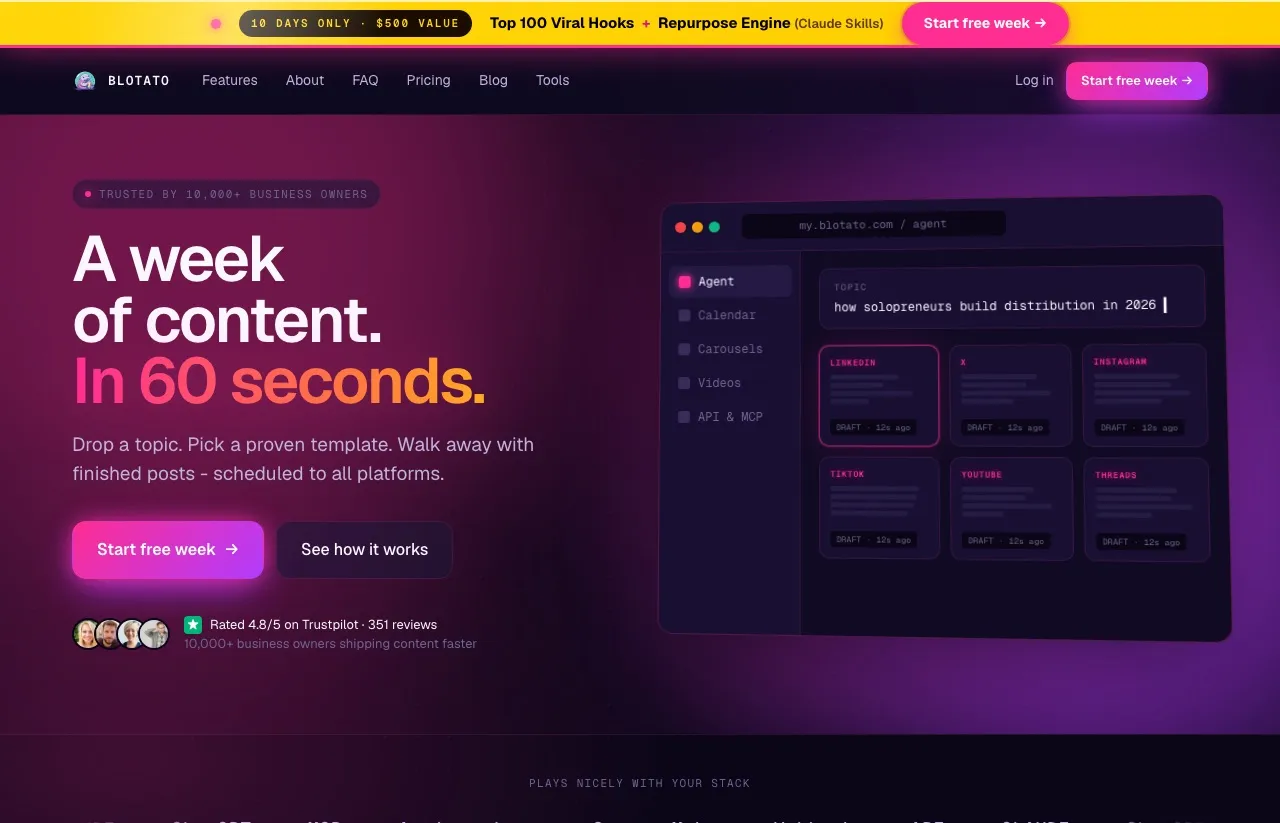
That is where Blotato fits across all three. It is an AI content tool that connects your accounts once and publishes to 9 platforms (X, LinkedIn, Facebook, Instagram, Pinterest, TikTok, Threads, Bluesky, and YouTube). It ships a native n8n node, works inside Make, and runs a hosted MCP server at mcp.blotato.com/mcp for Claude, with a setup page per platform if you want the specifics for one network.
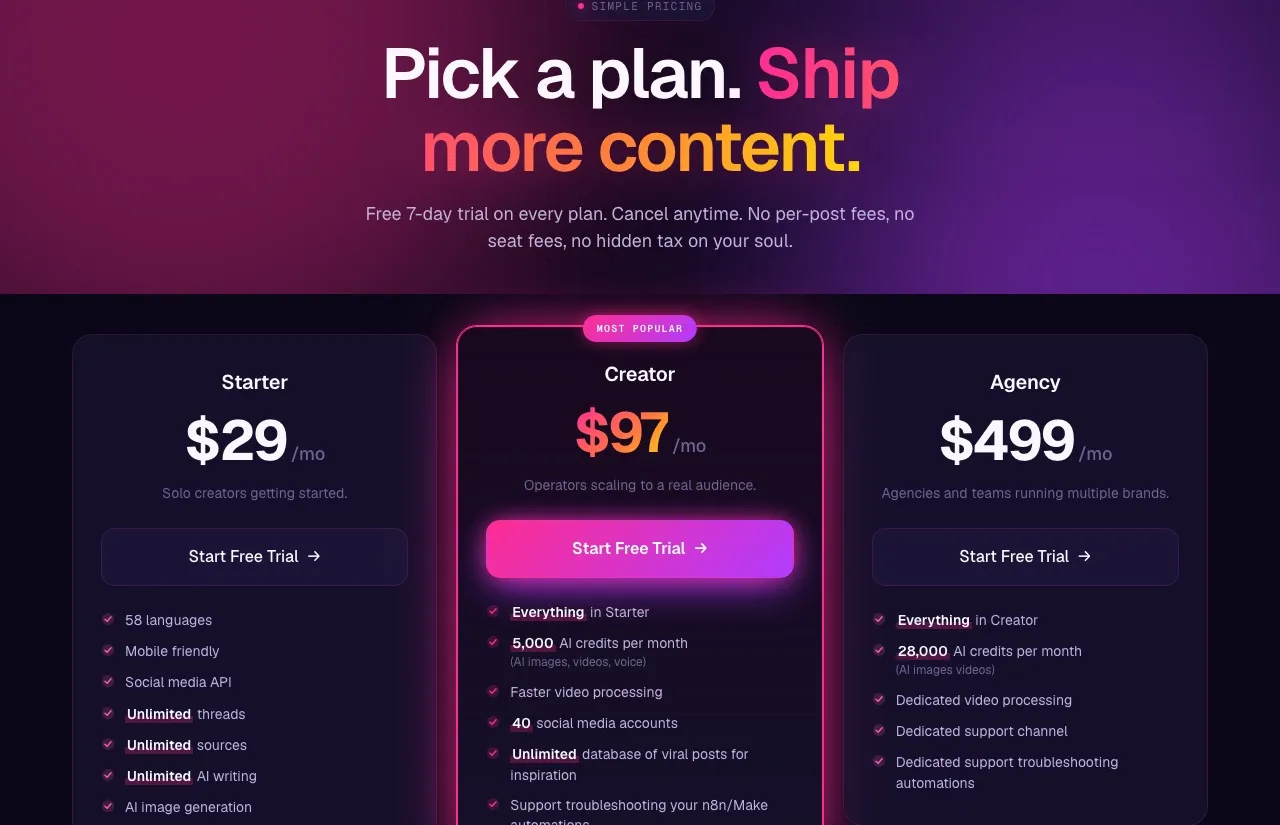
Blotato is my own company, which is worth knowing before I tell you it is the constant across all three. The reason I bring it up here is that it is the constant across all three paths. Your real choice is just how much you want to build to get there. If you already know the answer, you can start on a plan and wire it into whichever path you pick below. All three paths need an API key, and generating one ends the 7-day trial and starts Starter at $29/mo, which is the same $29 whichever path you pick.
n8n vs Make vs MCP: Side by Side
| n8n | Make | MCP (Claude + Blotato) | |
|---|---|---|---|
| Type | Visual workflow builder | Visual scenario builder | AI agent calls a tool directly |
| Skill level | Technical | No-code | Conversational |
| Pricing model | Per workflow execution | Per credit (module action) | Your Claude plan plus Blotato |
| Self-host option | Yes, free | No | No |
| Build effort | High | Medium | Low |
| Maintenance | You own the workflow | You own the scenario | Almost none |
| Best for | Builders who want control | No-coders who like boxes | People who just want it posted |
The pattern in that table is the whole article. As you move left to right, you trade control for speed. n8n gives you the most power and asks the most of you. MCP gives you the least to manage and asks almost nothing. Make sits in the middle.
n8n: Maximum Control, Maximum Plumbing
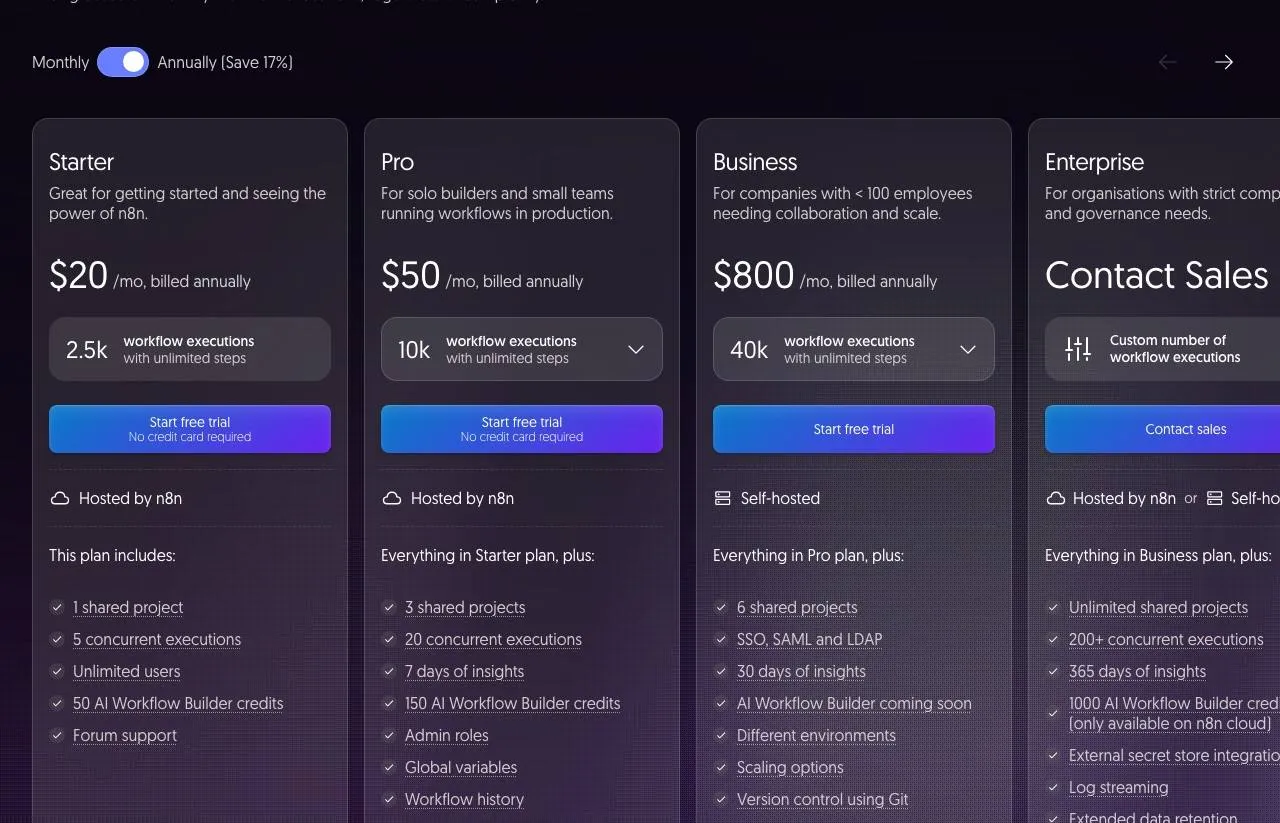
n8n is the builder’s choice. It is a visual workflow tool where you chain nodes together, and it bills by workflow execution rather than by step, so a single run can do many things for one execution. You can self-host it for free, which developers love, or run it on cloud plans that start at $20 a month billed annually.
For automation generally, n8n handles almost anything you can wire up. The catch for social media specifically is coverage. n8n does not ship first-class native nodes for several platforms creators care about, including Threads, Pinterest, and Bluesky. To reach those, you build HTTP requests by hand or lean on a third-party node.
That is exactly why a Blotato n8n node exists. You drop it into your workflow and it handles the posting to all 9 platforms, so you are not stitching brittle API calls together for each network. If you want the broader picture, I rounded up the best social media automation tools too. n8n still runs the logic. Blotato handles the publish.
The tradeoff is plain: n8n rewards technical users with total control, and it punishes everyone else with setup time. If you are not comfortable in this world, the next two options exist for you.
Make: No-Code Boxes, Watch the Credits
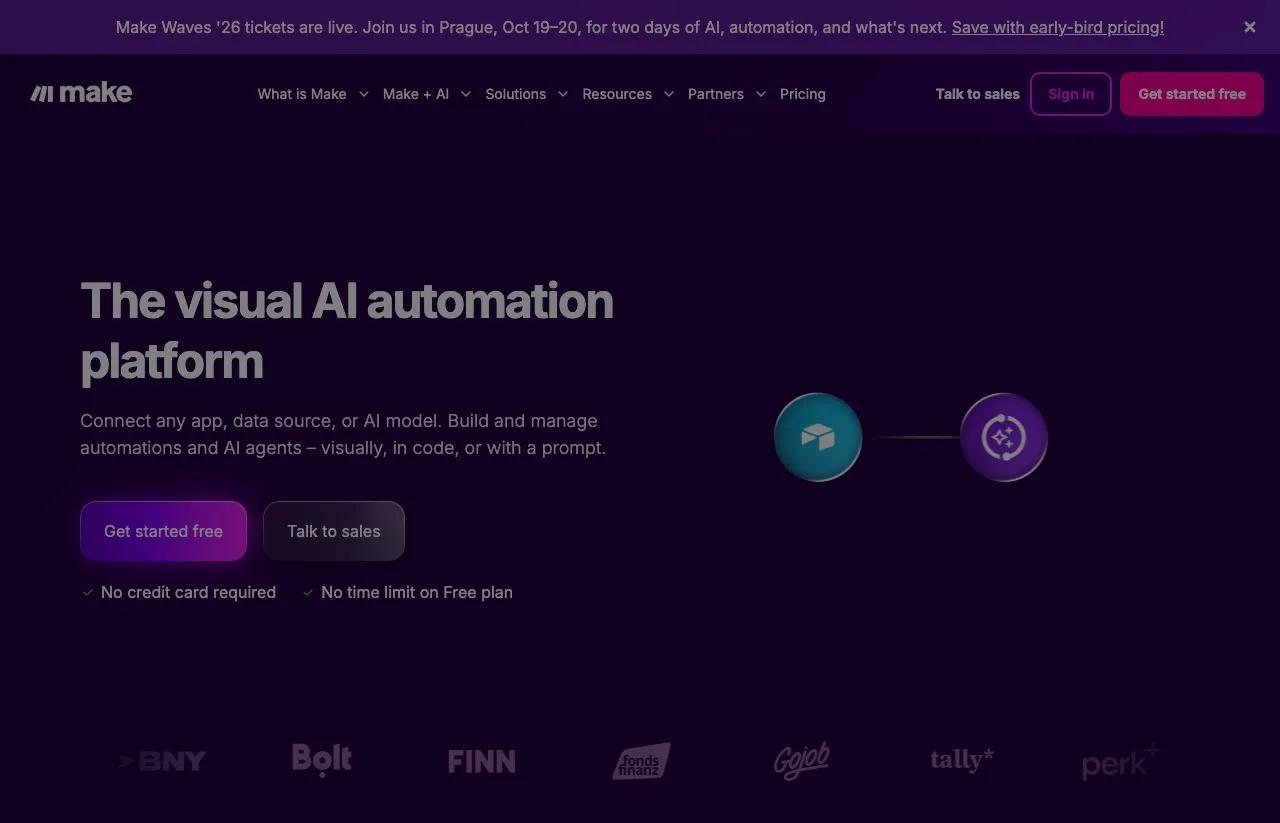
Make is the friendlier visual builder. Instead of nodes that lean developer, you drag modules into a scenario, and it is genuinely approachable for people who do not code. There is a free tier with 1,000 monthly credits, and paid plans start in the low double digits per month, so the entry cost is gentle.
One thing to understand about Make in 2026: it bills by credits, where each module action you run costs one credit. That used to be called operations, and a lot of older comparisons still say operations, but the model is credit-based now. The practical effect is the same. The more steps your scenario runs, and the more often it runs, the faster you burn through your allowance. For a daily posting habit across several platforms, that adds up.
Make covers the established platforms well, but like n8n it gets thinner on newer networks such as Threads and Bluesky, where you often need a middle-layer tool. Connecting the Blotato integration for Make solves that the same way it does for n8n: one module to publish everywhere, instead of a separate fragile integration per platform.
Make is the right pick if you want a visual builder without the technical ceiling of n8n, and your volume is not so high that credits become the story.
MCP: Skip the Workflow Entirely
MCP is the newest path, and it is the one I find myself recommending more and more. MCP is the open standard that lets an AI agent call an outside tool directly. If you’re weighing it against writing integration code, here’s how MCP compares to calling a platform API directly. Connect Blotato’s MCP server to Claude, and instead of building a workflow at all, you just tell the agent what you want and it posts.
There is no scenario to drag, no nodes to chain, no execution budget to watch. You say “write three posts from this and publish them,” and Claude drafts and publishes through Blotato. The workflow is the conversation. For most creators, that is less to learn and far less to maintain than either visual builder.
Here is the proprietary part that reset my own thinking. Looking at how people sign up to use Blotato through automation, the mix has moved hard toward this path. Where n8n was once more than half of the API-side signups, the breakdown now skews to MCP, with roughly a third coming in through MCP, around a quarter still through n8n, and Make in the single-to-low double digits. The builders who care most about automation are increasingly choosing the agent over the workflow.
That is not a knock on n8n or Make. It is a signal about where the effort is going. When the agent can just call the tool, fewer people want to build and babysit a graph to do the same job.
The Shiny-Object Warning
One thing I want to say plainly, because I see it constantly: do not tool-hop. The biggest time sink in automation is not picking the “wrong” tool. It is jumping between all three every few weeks chasing a setup that feels perfect.
Pick the one that matches your skill level today, get one real workflow live, and run it for a month before you judge it. n8n, Make, and MCP can all get your content posted. The cost of indecision is higher than the cost of picking the slightly-less-optimal option and actually shipping.
Use n8n If
- You are technical and want full control over the logic.
- You want to self-host and avoid per-run cloud costs.
- You are comfortable wiring API calls or dropping in a node for posting.
- You are automating more than just social, and want one engine for everything.
Use Make If
- You want a visual builder without writing code.
- You prefer dragging modules to chaining developer nodes.
- Your posting volume is moderate, so credits will not run away.
- Your platforms are the established ones Make covers well.
Use MCP If
- You want the least to build and maintain.
- You already run Claude and like working in natural language.
- You would rather tell an agent to post than design a workflow.
- You want new platforms handled without rebuilding anything.
Sabrina’s Final Take
If I were starting today, here is my honest path. If you are a developer who wants control, use n8n and drop in a posting node so you are not maintaining fragile API calls. If you are a no-coder who likes a visual canvas, use Make and keep an eye on credits as your volume grows. And if you just want your content posted with the least overhead, go the MCP route with Claude, which is where my own signup data says the smart money is moving.
Whichever you pick, the part that actually publishes is the same, so do not overthink the engine. Get one path live, connect it to Blotato, and start shipping instead of comparing.