12 Best AI Agents for Social Media in 2026 (Tested)
AI agents for social media in 2026, ranked on whether each can actually publish to a real account. Ten of twelve reach a publishing layer over MCP.

Every roundup of AI agents for social media ranks the same eight schedulers. Buffer, Hootsuite, Sprout, repeat. Those are real tools and I rate them on their own terms elsewhere, but none of them is an agent, and none of them answer what people actually ask me: can the agent I already run all day post for me?
So I tested twelve agents on that one question. Not one of them can post on its own. Every agent here reasons; none holds an OAuth token, and that gap is the whole story, so each needs a publishing layer underneath. Ten of the twelve reach one over MCP, and what separates them is how cleanly they connect. If you want the mechanism, here is how AI agents post to social media and where the handoff breaks.
| Agent | Best For | Starting Price | Can It Publish? |
|---|---|---|---|
| Claude Code | Developers who want scheduled, unattended posting from the terminal | $17/mo annual | Yes, through MCP |
| Claude Cowork | Non-developers who want agent posting without a terminal | Included with any paid Claude plan | Yes, through MCP (custom connectors) |
| ChatGPT | Marketers already drafting posts in ChatGPT who want them to actually ship | Free, $8/mo Go, $20/mo Plus | Yes, through MCP |
| Codex | Engineering teams posting changelogs and release notes automatically | Included with paid ChatGPT plans | Yes, through MCP |
| Cursor | Developers who live in the editor and want posting in the same window | Free, $20/mo Pro | Yes, through MCP |
| Gemini CLI | Anyone who wants a capable terminal agent at no cost | Free with a Google account | Yes, through MCP |
| OpenCode | Builders who want to pick their own model per task | Free and open source | Yes, through MCP |
| Hermes Agent | People who want a persistent assistant in Telegram or Discord | Free and open source, MIT | X only out of the box, all 9 through MCP |
| OpenClaw | Self-hosters who want cron-scheduled posting on their own hardware | Free and open source, MIT | Yes, through MCP |
| Perplexity Comet | Researchers who want the browser to draft from what they are reading | Comet is free to download | Only by driving the browser UI |
| Devin Desktop | Teams running several coding agents who want one control surface | From $20/mo Pro | Yes, through MCP |
| Aider | Terminal purists who want scripted posting through shell commands | Free, you pay your model provider | Only through scripting, no native MCP |
What Separates a Real Social Media Agent From a Chatbot
Every agent on this list reasons well. That is table stakes now, and it is not what decides whether your posts go out on Tuesday morning while you are asleep. Four things actually matter.
- It reaches a real platform API. Not a browser bot clicking through a logged-in tab, the kind of logged-in automation many Instagram comment bots use. Browser automation breaks the first time Instagram moves a button, and it breaks silently.
- It runs without you. An agent that needs you to press enter is a very good writing assistant. Scheduled and event-triggered execution is the line between drafting and publishing.
- It connects to tools through a standard. In practice that means MCP. An agent without it can only reach whatever its vendor built in.
- It handles more than the post itself. Reading comments, pulling analytics, answering a DM. Publishing is the easy half.
That is one split almost nobody names: the agent is a reasoning layer, publishing is an execution layer. Claude Code does not have a LinkedIn integration and never will. It has MCP, which lets it call something that does.
Best AI Agents for Social Media
I ranked these by how little work stands between installing the agent and watching a post go live on a real account.
1. Claude Code - Best for developers who want scheduled, unattended posting
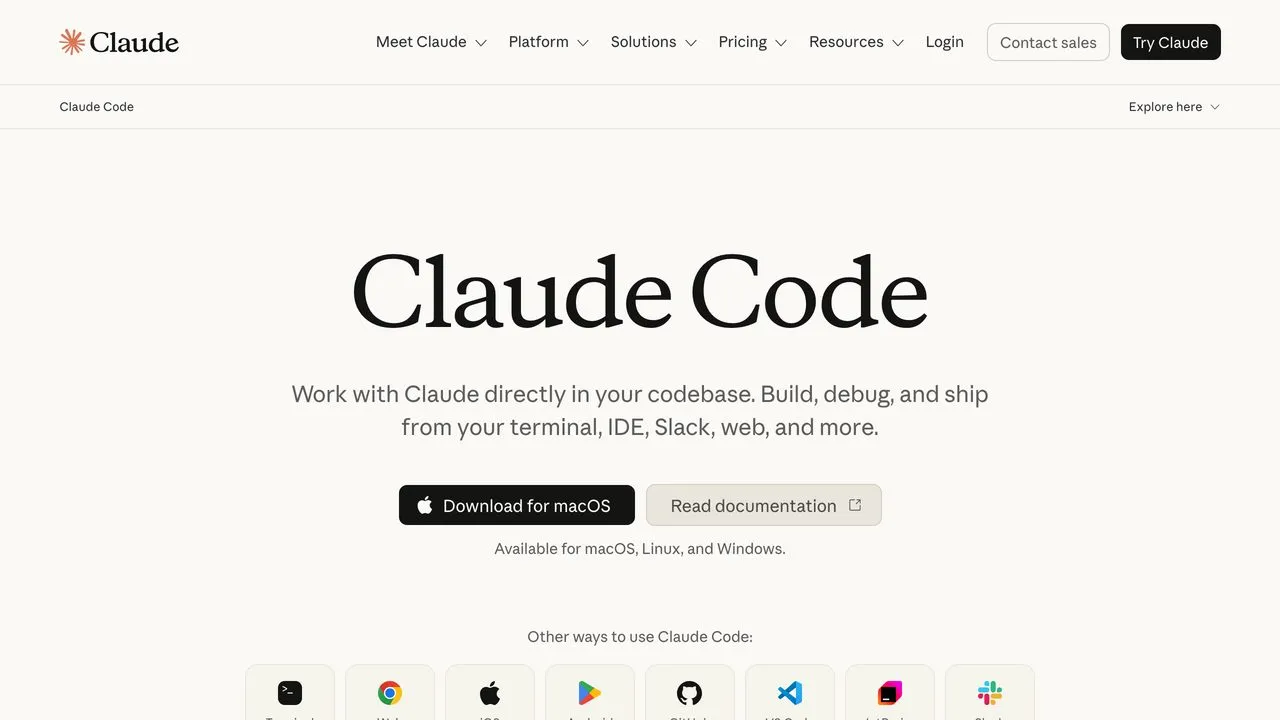
Claude Code is the agent most of our API and MCP traffic comes from, and it is the one I use for my own posting. It runs in the terminal, your IDE, Slack, and the web, and reads MCP servers natively. What makes it the top pick is Routines: configure a task once and it runs on a schedule, from an API call, or on a GitHub event. That is the line between an agent that drafts and one that publishes at 7am without you. Routines is still in research preview behind an experimental beta header, so expect the surface to shift. Weighing it against the other Claude surfaces? We broke down which Claude actually runs a content engine.
Connected to Blotato’s MCP server, it goes from “write me a LinkedIn post” to a live post in one turn across all nine platforms. I run my own publishing this way, so weigh that accordingly, and note it is a paid product from the first API call (the plans are here). Claude Code is the pick if you are comfortable in a terminal; if you are not, Cowork below is the same engine with the sharp edges removed.
Here is the full build, start to finish, if you want to watch the setup rather than read it.
Pros:
- Routines gives it native scheduled and event-triggered runs
- Reads MCP servers natively across terminal, IDE, Slack, and web
- Deepest ecosystem of prebuilt skills and community tooling
Cons:
- Routines is still in research preview behind a beta header
- Terminal-first, so it is the wrong entry point for non-developers
Pricing: Pro $20/mo, or $17/mo billed annually. Max tiers at $100/mo and $200/mo. Claude Code is not included on the free plan.
2. Claude Cowork - Best for non-developers who want agent posting without a terminal
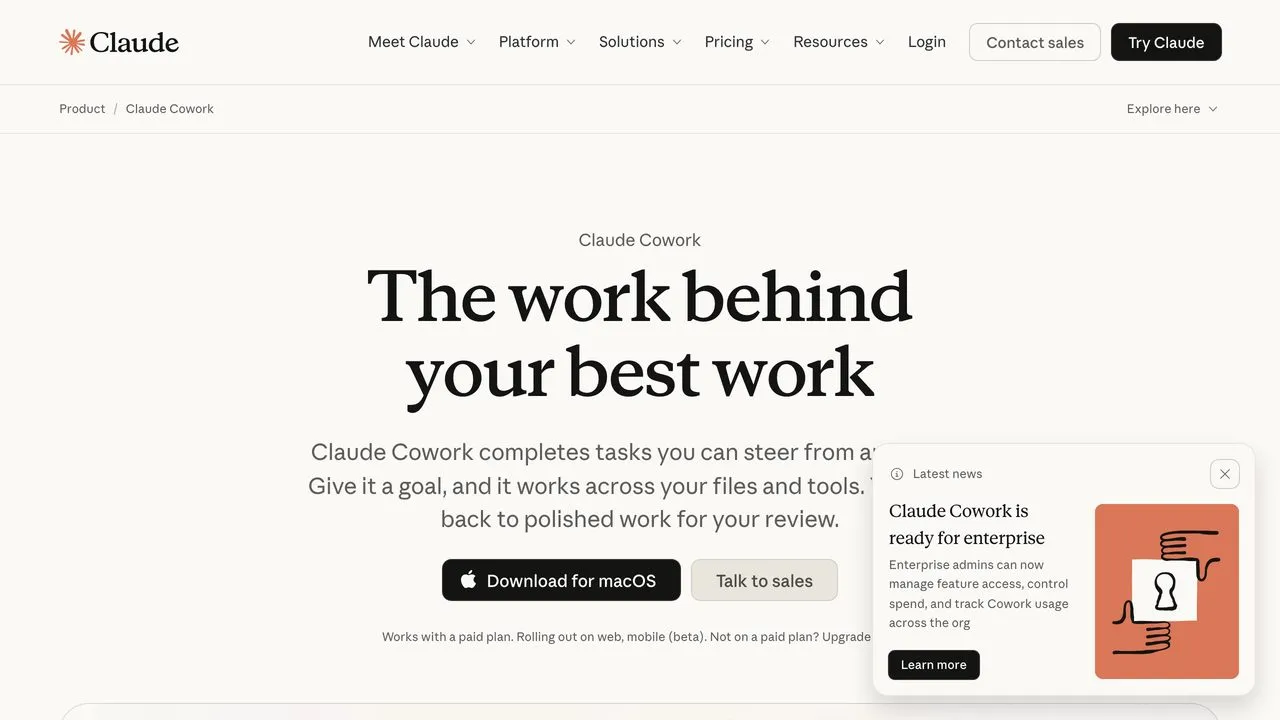
Cowork is the same agent architecture as Claude Code wrapped in something you can hand to a marketer. You give it a goal, it works across your files and tools, and returns finished work. Anthropic launched it as a research preview in January 2026 and expanded it to web and mobile in July, so a task started at your desk continues on your phone.
This is the surface I point non-technical people to, because it removes the command line, the biggest barrier in the category. Setup is the same custom connector flow Claude.ai uses, covered on the Claude Cowork social media setup page. Ask one question before choosing it: does someone need to be around to start the run? Cowork’s scheduling story is less explicit than Routines, so it answers the terminal problem and not the unattended-posting one. For 7am publishing while you sleep, use Claude Code.
This is the automation workflow I run on it, including how the connector setup actually goes.
There is a longer walkthrough in the full Claude Cowork automation guide if you want the connector steps in detail.
Pros:
- Same agent quality as Claude Code with no terminal
- Runs tasks in parallel and hands back finished work
- Works across desktop, web, and mobile
Cons:
- Requires a paid plan, not available on Claude Free
- Scheduled execution is less clearly documented than Claude Code’s Routines
Pricing: Included with Claude Pro, Max, Team, and Enterprise plans.
3. ChatGPT - Best for marketers who already draft posts there
More people draft social posts in ChatGPT than in every dedicated social tool combined, and almost all of them still paste the result into another tab. That last step is solvable: ChatGPT supports MCP, so it can call a publishing server directly instead of handing you text. Posting to social media from ChatGPT covers the setup and the plan requirement that stops most people. Tasks adds scheduled prompts on top, which gets you close to a standing weekly run.
Connecting it runs through a custom MCP plugin, covered in the ChatGPT social media connector setup. The trade is accessibility for control. ChatGPT is a generalist with no repo context and no local file access by default, so it is the fastest way in and the least precise about how a job runs. Terminal agents give you more of the second and less of the first.
Pros:
- The lowest-friction starting point of any agent here
- Tasks enables scheduled, recurring prompts
- Genuinely usable free tier
Cons:
- Less execution control than a CLI agent
- No local repo or file context by default
Pricing: Free $0, Go $8/mo, Plus $20/mo, Pro from $100/mo. Business $25/user/mo monthly or $20/user/mo annual, minimum 2 users.
4. Codex - Best for engineering teams posting release notes automatically
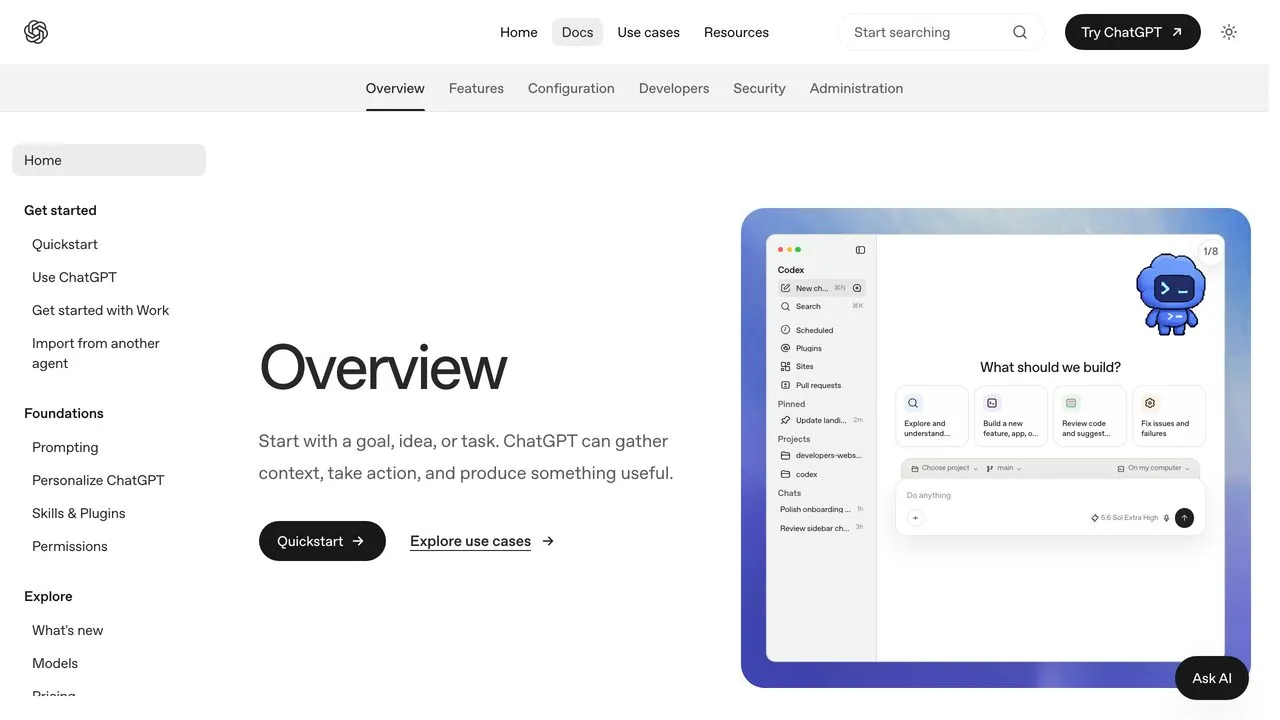
Codex is OpenAI’s agentic coding platform across CLI, IDE, cloud, desktop, and web, and its most interesting social use case is not marketing at all. It is shipping. Codex already reads your commits and changelog, so pointing it at a publishing server turns “we shipped a feature” into a LinkedIn post and an X thread without anyone writing a brief.
It supports MCP and has a documented non-interactive mode, which is what makes CI-triggered posting realistic rather than theoretical. Codex asks for a form rather than a JSON file when you add a server; the exact fields are on the Codex social media MCP setup page. Codex only makes sense when your posts are downstream of shipping. Plan for one billing detail: OpenAI’s help docs note Codex and ChatGPT Work draw from the same agentic usage pool.
Pros:
- Non-interactive mode makes CI-triggered posting practical
- Already has the context for developer-audience content
- Available across CLI, IDE, cloud, and desktop
Cons:
- Shares a usage pool with ChatGPT Work
- Overkill if you are not posting engineering content
Pricing: Included with paid ChatGPT plans. API-key usage-based billing also available.
5. Cursor - Best for developers who live in the editor
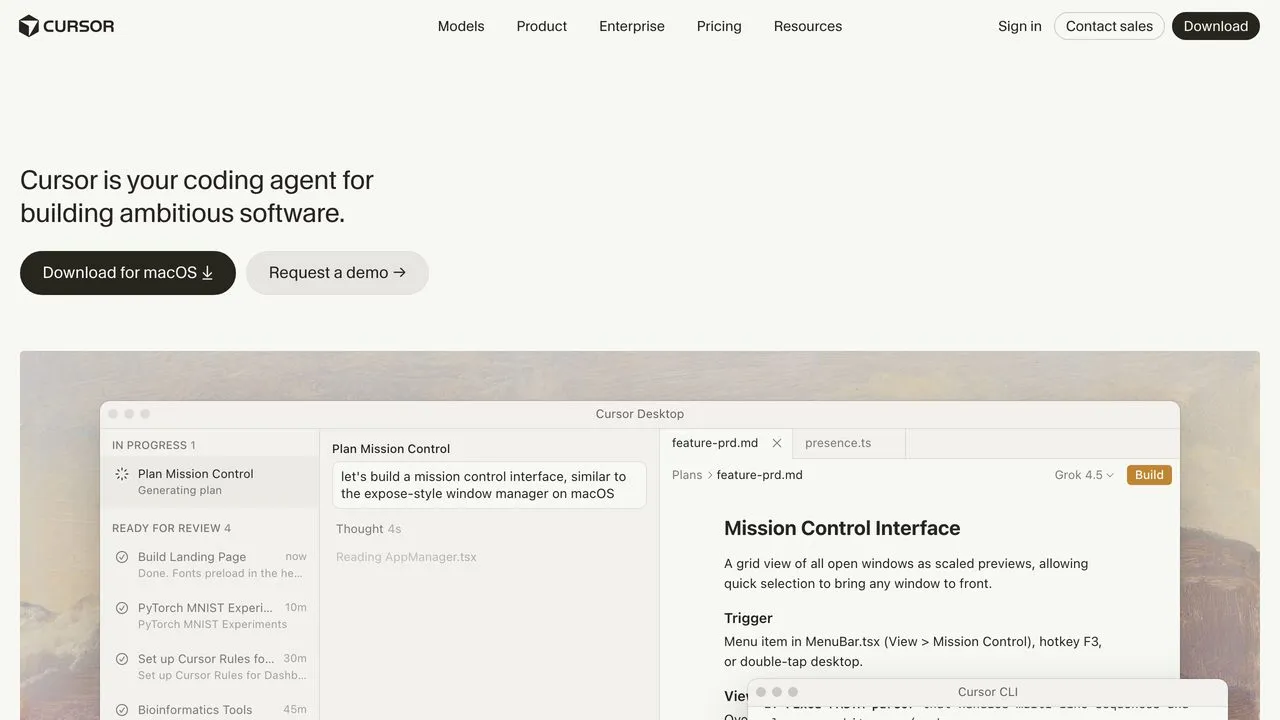
Cursor is where a large share of developers now spend the entire working day, and the argument for it as a social agent is friction: the tool is already open. MCP support is listed on the Pro tier, along with skills and hooks, and cloud agents let work continue with shared team context rather than dying when you close the laptop.
In practice it is a strong drafting surface and a weak scheduling one, because Cursor is built around you being present and iterating. The posts it is good for are the ones you write while working, not the ones that go out on a calendar. The JSON config is on the Cursor social media MCP setup page, and we compared the social media MCP servers on whether they actually publish. Its Pro+ and Ultra tiers are described only as multiples of Pro’s limits, so I am not quoting prices I could not read off the page.
Pros:
- MCP, skills, and hooks on Pro
- Cloud agents with shared team context
- Zero context switching if you already work here
Cons:
- Built around an interactive session, not scheduled runs
- Pro+ and Ultra pricing not clearly published
Pricing: Hobby free, Pro $20/mo, Teams $40/user/mo. Enterprise custom.
6. Gemini CLI - Best for a capable agent at no cost
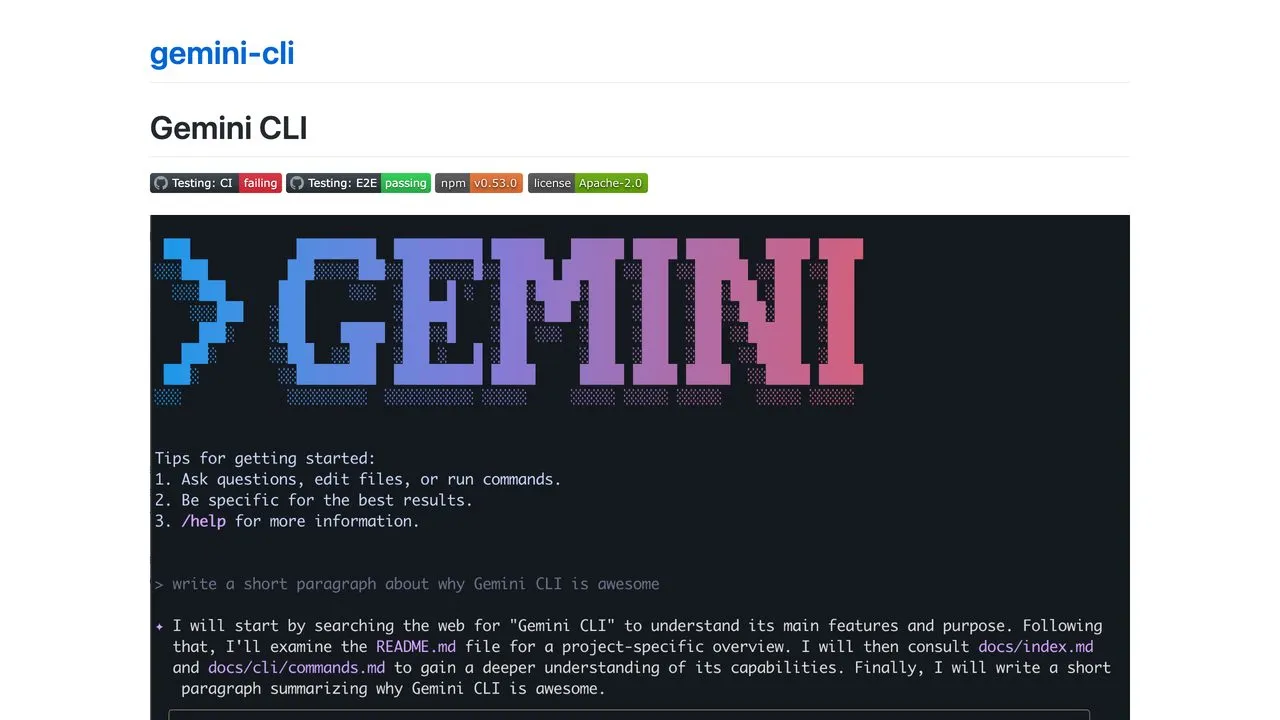
Gemini CLI is the most generous free option here and it is not close. Sign in with a Google account and you get 60 requests per minute and 1,000 per day, at no cost, from an Apache 2.0 open-source agent with 106,000 GitHub stars. It supports MCP for custom integrations and has a real non-interactive mode with JSON and streaming output, which is what you need for scripted runs.
For testing whether an agent posting workflow is worth building at all, start here. The only cost is your time. Get one thing right: its config distinguishes local from remote servers by field name, which the Gemini CLI social media MCP setup walks through. The ecosystem is thinner than Claude Code’s, so you assemble more yourself.
Pros:
- Free at 1,000 requests/day with a Google account
- Apache 2.0, fully open source
- Non-interactive mode with structured output
Cons:
- Smaller ecosystem of prebuilt skills than Claude Code
- Free tier limits are per-day, not unlimited
Pricing: Free with a Google account. API-key and Vertex AI options for higher volume.
7. OpenCode - Best for choosing your own model per task
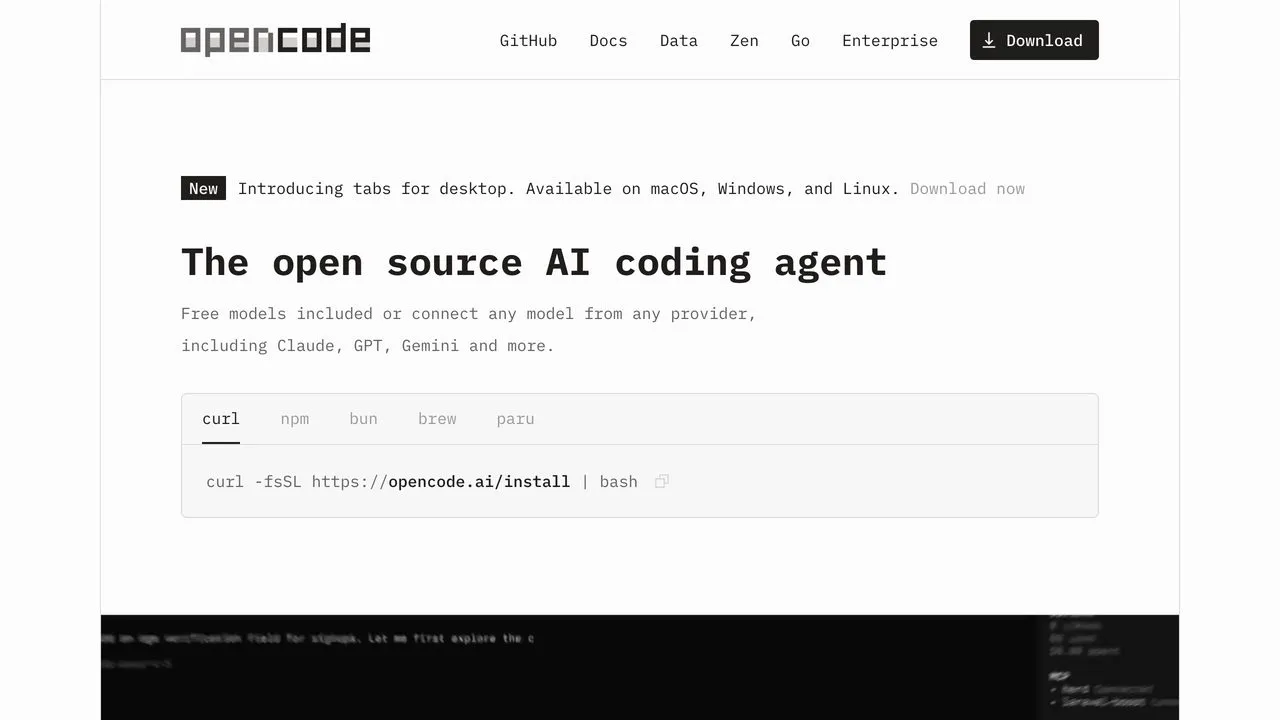
OpenCode is model-agnostic by design, which matters more for social content than it first appears. Caption writing and long-form drafting reward different models, and OpenCode lets you point each task at whichever one you prefer instead of accepting a vendor’s default. It is MIT licensed with a large contributor base, and its MCP support covers both local servers and remote ones with automatic OAuth.
The opencode run command is documented for scripting, so cron-scheduled posting is straightforward, and the OpenCode social media MCP setup covers the remote-server entry it expects. You are trading a cron you maintain for per-task model choice, which is a good trade if caption writing and long-form drafting really do want different models. If you would rather not maintain one, several scheduling APIs hold the queue for you.
Pros:
- Model-agnostic, switch per task
- Local and remote MCP with automatic OAuth
- Documented non-interactive mode for scripting
Cons:
- Pricing for hosted options is not publicly listed
- Fewer prebuilt social skills than the Claude ecosystem
Pricing: Free and open source. You bring your own model provider.
8. Hermes Agent - Best for a persistent assistant in your messaging apps

Hermes is the most interesting agent here for anyone who does not want to live in a terminal, because it lives in Telegram, Discord, Slack, WhatsApp, Signal, and email instead. It has persistent memory, 40-plus built-in tools, and MIT-licensed open source from Nous Research, which raised a $50M Series A led by Paradigm in 2025.
Its MCP support is the most thorough on this list: automatic tool discovery at startup, per-server filtering, and a full OAuth 2.1 PKCE flow for remote servers, all in the standard install. One catch trips people up. Hermes ships a bundled social-media skill and the only thing inside it is X, so LinkedIn, Instagram, TikTok and the rest need a publishing server. The config is on the Hermes Agent social media setup page, with the full posting setup written up separately.
Pros:
- Runs in Telegram, Discord, Slack, WhatsApp, Signal, and email
- Best-documented MCP support of any agent here
- MIT licensed, persistent memory, sandboxed execution
Cons:
- Only X works natively, everything else needs a publishing layer
- Nous Portal tier pricing is not publicly listed
Pricing: The agent is free and open source. Nous Portal has Free, Plus, Super, and Ultra tiers with credits, though dollar figures are not published.
9. OpenClaw - Best for self-hosted, cron-scheduled posting
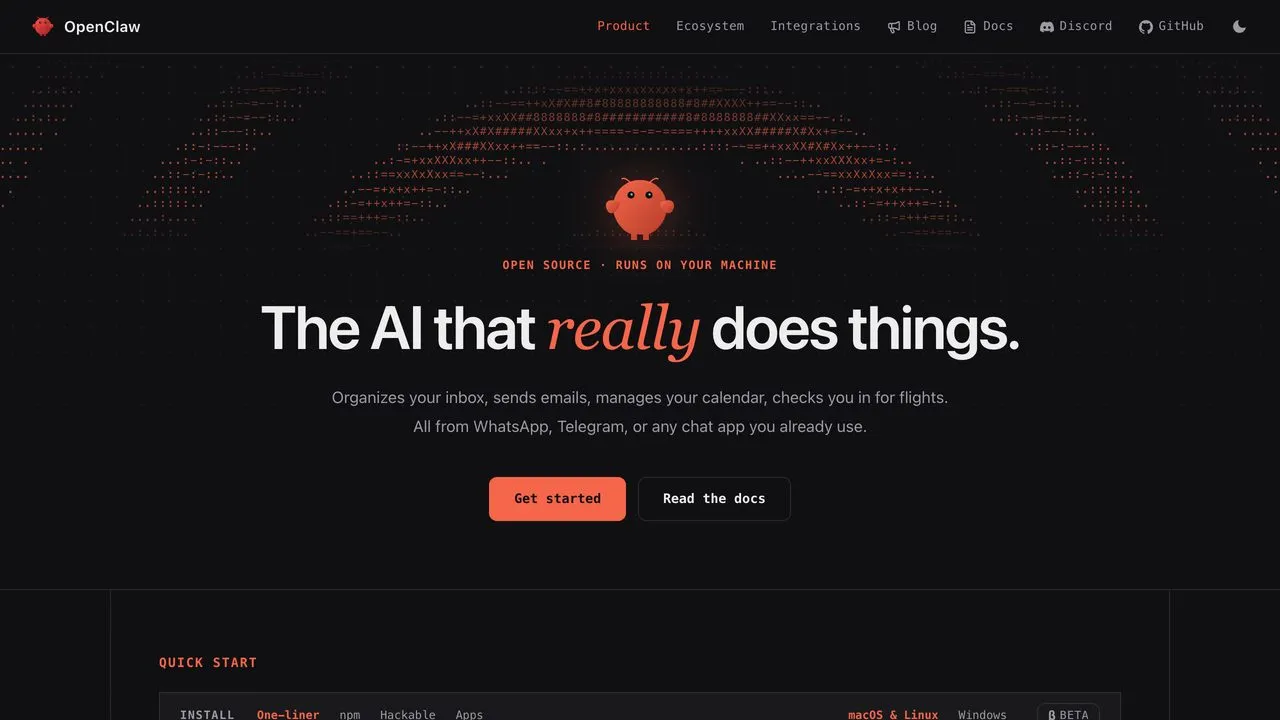
OpenClaw runs entirely on hardware you own and connects to 29 channels. It has genuine cron jobs in its tools layer, with the gateway running as a daemon through systemd or launchd. For scheduled posting where nothing leaves your infrastructure, nothing else here matches it. MCP support covers stdio, SSE/HTTP, and streamable HTTP transports with OAuth and mTLS.
Nothing here matches it when the requirement is that no data leaves your own hardware, and you pay for that in maintenance you own. Search interest is well down from its early-2026 peak, so treat it as a committed community rather than a rising one. The remote-server config and the command that actually reports connected tools are on the OpenClaw social media setup page, with the posting setup in detail separately.
Pros:
- True cron scheduling with a daemon-mode gateway
- Runs fully on your own hardware
- Three MCP transports with OAuth and mTLS
Cons:
- Search interest well off its early-2026 peak
- Self-hosting means you own the maintenance
Pricing: Free and MIT licensed. You pay your own model costs.
10. Perplexity Comet - Best for drafting from what you are researching
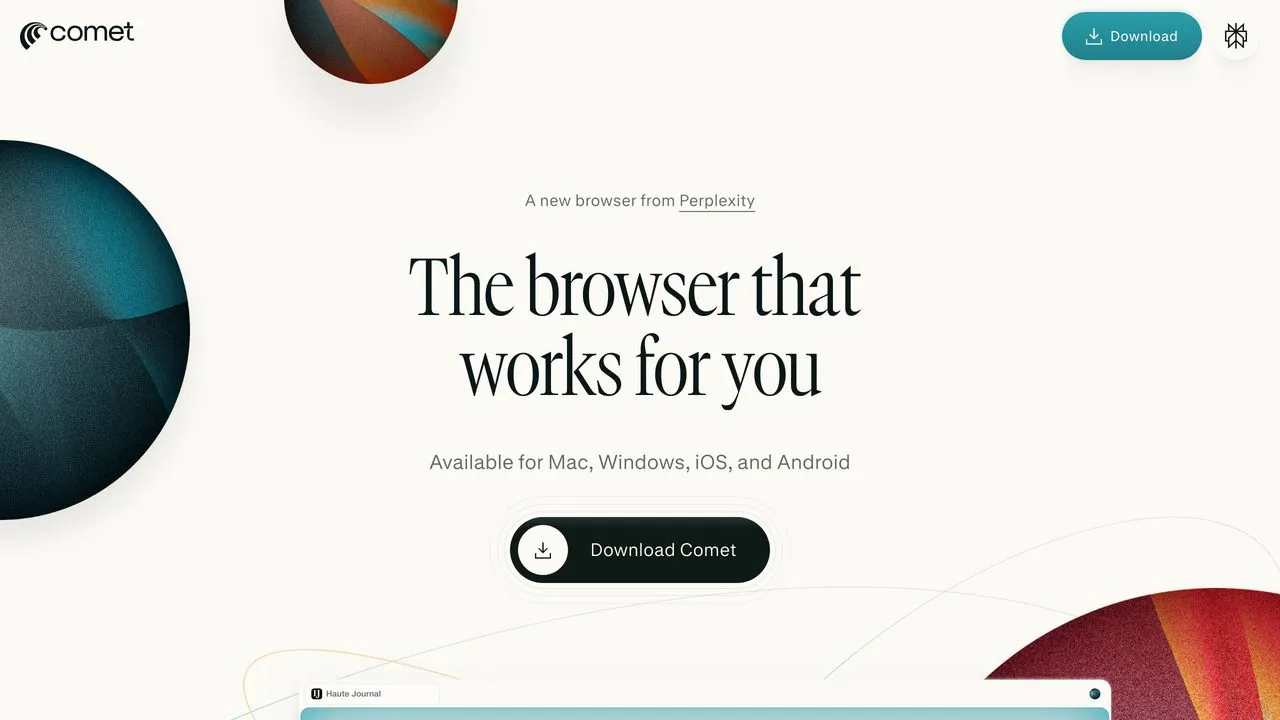
Comet is the only agentic browser here and it earns a place for one specific workflow: you are already reading three tabs of research, and the agent that drafts the post is the same one that read them. For commentary, industry takes, and anything downstream of reading, that context is genuinely useful. It runs on Mac, Windows, iOS, and Android.
The limitation is real. Comet posts by driving the browser interface, the same way you would, so it depends on you being logged in, breaks when a platform changes its UI, and fails silently at 3am. Its value is drafting from research you are already reading, with a human still pressing publish. Perplexity’s MCP connector support sits on other surfaces rather than in the browser, and the route worth using for real API publishing is on the Perplexity social media connector page. Perplexity blocks automated access to its pricing pages, so I am only quoting what I could confirm.
Pros:
- Drafts with your actual research context
- Genuinely useful for commentary and reactive posts
- Available across desktop and mobile
Cons:
- Publishes by driving the browser UI, which breaks on interface changes
- MCP support not documented either way
Pricing: Comet is free to download. Perplexity Pro is $20/mo. I could not confirm Max pricing on Perplexity’s own pages.
11. Devin Desktop - Best for running several agents from one surface
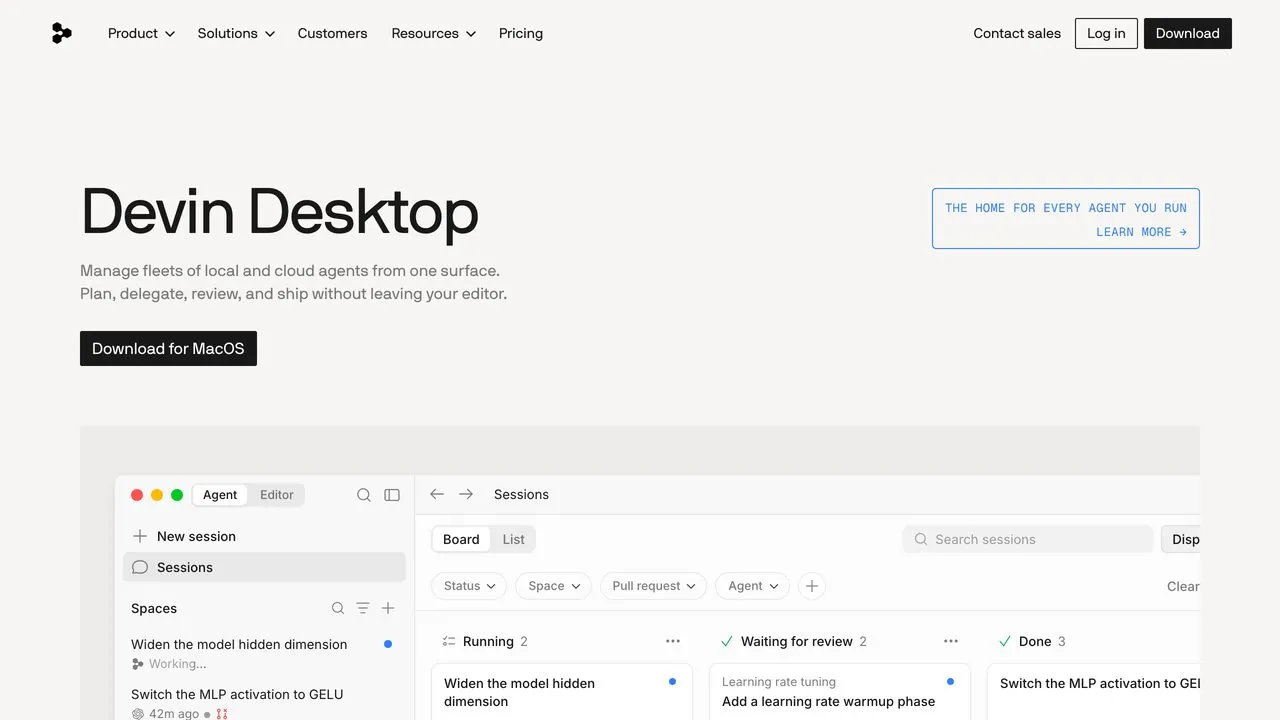
If you went looking for Windsurf, this is it. Cognition acquired it and Devin’s own FAQ now states plainly that Devin Desktop is the new name for Windsurf, so anything you read about Windsurf as a current standalone product is out of date. The Windsurf JetBrains plugin still exists separately.
What it does well is fleet management: local and cloud agents on one board, with MCP servers for Slack, Linear, Notion, Figma, Stripe, Sentry, Datadog and Atlassian wired in. Cascade takes remote servers with custom headers, and the config shape differs from Cursor’s in one field that quietly breaks setups, covered on the Windsurf social media MCP setup page. The shape only pays off for a team already running several agents that wants posting to be one more managed job. I could not verify cron-style scheduling specifically.
Pros:
- One control surface for local and cloud agents
- Deep prebuilt MCP integrations
- MCP, Slack, and Linear integrations included from the entry tier
Cons:
- The rename means most existing documentation says Windsurf
- Scheduled execution not clearly documented
Pricing: Pro $20/mo, Max $200/mo, Teams $80/mo base plus $40/mo per developer seat. Devin has a free plan, but its own billing docs put Desktop access on Pro, Max, and Teams full seats only, so the free tier is not a way to try Desktop.
12. Aider - Best for terminal purists who script everything
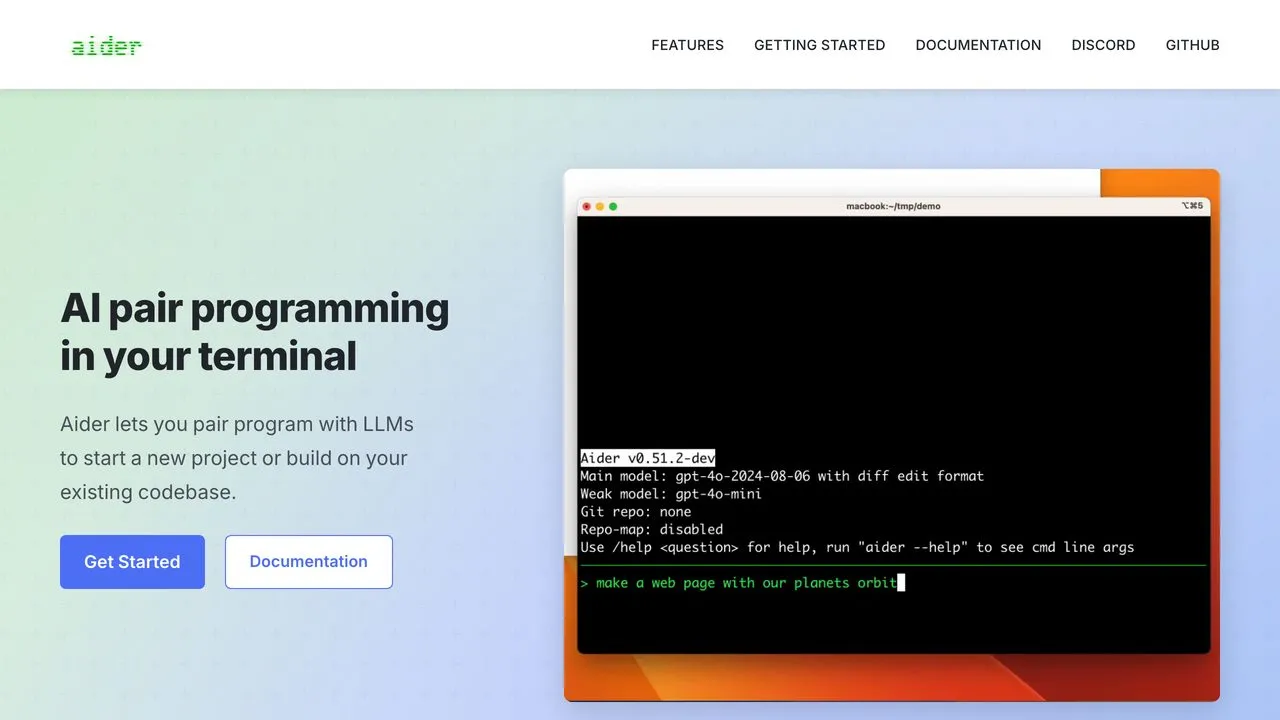
Aider is the veteran here, Apache 2.0 with roughly 47,800 GitHub stars and 6.8 million PyPI installs, and it is genuinely excellent at what it does. It is also the one agent on this list that will not connect to a publishing server the way the others do, and I want to be direct about that rather than bury it.
Aider has no native MCP client support, and its own issue tracker says so. The MCP projects you find in search are third-party bridges, and most expose Aider as a server to other clients, which is the opposite direction from what you need. What you get instead is command-line scripting, so posting means calling a publishing API yourself from a script, built against the CLI rather than the Python API its docs mark unsupported. Workable, and more work than everything above.
Pros:
- Excellent git-aware terminal workflow
- Model-agnostic, works with any provider
- Documented command-line scripting for automation
Cons:
- No native MCP client support, third-party bridges only
- Publishing requires you to write the integration
Pricing: Free and open source. You pay your model provider.
What Every Agent on This List Still Needs
Every agent here, Claude Code included, arrives with zero ability to post to a social platform. That is the design, not a gap. The agent reasons; something else holds the OAuth tokens, survives Instagram’s review process, and knows a Reel and a carousel are different objects.
The part nobody warns you about is the approval queue. Publishing to nine platforms yourself means nine developer accounts, nine app reviews, and nine sets of tokens to refresh, with TikTok and Instagram each taking weeks. That work has nothing to do with your agent, and it is where most of these projects quietly stop. A publishing layer also has to hold the queue on its own infrastructure, or your agent has to stay running until Thursday 9am, and it has to read comments and DMs back so the agent is not firing into the dark.
Blotato is what I built to remove that step, and I use it for my own posting across 3M+ followers, so weigh that as you like. One key, one MCP endpoint at mcp.blotato.com/mcp, nine platforms, real platform APIs and no browser bots. It is the right layer if those 9 platforms match your footprint and publishing is the job you are optimizing for, because reading back is narrower than publishing here: analytics covers 8 of the 9 and returns nothing for LinkedIn, while comments and DMs are Instagram and Facebook only. An agent that has to work an inbox on every network it posts to will outgrow that. It is hosted and flat-priced, and paid from the first API call, since the trial covers the web app but excludes API access.
Its posting caps are also tighter than the platforms’ own: 50 Instagram posts per 24 hours against Instagram’s 100, 25 per Facebook Page, 10 Pinterest pins a day. Anti-spam ceilings rather than platform ones, so check them against your intended volume.
It is not the only option, and three of its limits point at where else to look. Blotato is hosted only, so if self-hosting is a requirement it is the wrong shape and Postiz is the one to evaluate. It is built to be pointed at rather than coded against, so a team that wants to write more of the integration itself will get further with Ayrshare. And it is a publishing layer, not a workflow engine, so when social is one node in a much larger app graph Zapier is doing a different job. I compared the layers themselves in the best social media APIs for developers and AI agents and the social media MCP servers, with a worked example in the Claude marketing agent build.
How I Tested These Twelve
Each agent was scored on whether it reaches a real platform API through a standard interface rather than driving a browser, whether it runs unattended on a schedule or trigger that the vendor documents, how many steps sit between install and a live post, whether it covers comments and analytics as well as outbound posts, and what it honestly costs including the tiers vendors do not publish.
Pricing came from each vendor’s own pricing page. MCP support was confirmed from each project’s official documentation or repository, not third-party summaries. Where a vendor does not publish a number, the entry says so instead of guessing. Perplexity blocks automated access to its pricing pages, so Comet’s figures are what I could confirm and no more. Three tools changed materially during testing, including one renamed outright, which is the honest state of this category.
Match the Agent to Where You Already Work
Posts going out on a schedule without you: Claude Code. Routines is the only scheduler built into a hosted agent here; OpenClaw matches it on capability but you run the cron yourself.
The terminal is the blocker: Claude Cowork, or ChatGPT to test the idea free first.
Spending nothing: Gemini CLI at 1,000 requests a day, or OpenClaw if you would rather self-host.
Posting from your phone: Hermes Agent. Message it in Telegram or Signal and it posts, once a publishing layer is connected.
Shipping code should produce the post: Codex, triggered from CI on your changelog.
Nothing may leave your infrastructure: OpenClaw, with cron and daemon mode.
Already in Cursor, or running a fleet: Cursor for posting as you work, Devin Desktop for managing several agents.
An always-on teammate rather than a tool you open: Grok Bot, in early beta after this test ran. Its Bots live on a persistent cloud computer and connect through one custom server form, covered in the Grok Bot social media setup. Its X connector reads X but has no published way to post there, and what the X connector actually does breaks down where a publishing layer still fits.
A personal assistant that handles social alongside everything else: Meta Muse, which Meta launched on September 8. It connects through a custom connector it builds when you ask for one in chat, and the one-prompt Muse setup hands it every step.
An always-on agent inside ChatGPT: ChatGPT Dots, which OpenAI launched on September 29. A dot uses the supported plugins on your ChatGPT account, so the route to Blotato is the same custom MCP plugin a regular chat uses, and the ChatGPT Dots social media setup covers which plans let a dot publish and how to check what yours can do.
Your team lives in VS Code: GitHub Copilot agent mode or Cline, both documented after this test ran. Copilot reads MCP servers from mcp.json over OAuth or a header (setup). Cline reaches the same endpoint over streamable HTTP, with one catch: leave the transport type unset and it silently falls back to legacy SSE, which the Cline setup page walks through.
AI Agents for Social Media FAQs
Can an AI agent post to social media on its own?
No. Not one of the twelve agents tested can publish to a social platform by itself, because none of them holds OAuth credentials for those platforms. The agent writes the post and decides when to send it; a publishing layer reached over MCP or a REST API performs the actual publish. Ten of these twelve connect to one over MCP. The two that do not are Perplexity Comet, which drives the browser interface instead, and Aider, which has no native MCP client and needs you to script the API call yourself.
Which AI agents are easiest to set up for social media management?
Claude Cowork and ChatGPT, if the terminal is what stops you. Both add a publishing layer as a custom connector with no command line involved, and Cowork comes with any paid Claude plan. If you already work in a terminal, Claude Code is the shortest route to posts that go out on a schedule, because Routines is built in. If budget is the constraint, Gemini CLI is free, though you still need a publishing layer behind it. Aider asks the most of you, since you script the API call yourself, and Perplexity Comet can only post by driving the browser.
Which AI agent can post to social media on a schedule?
Claude Code, through Routines, which runs a configured task on a schedule, from an API call, or on a GitHub event. OpenClaw does it self-hosted with real cron jobs and a daemon-mode gateway. Most other agents on this list are built around an interactive session, so they draft when you are present rather than publishing while you sleep.
How do I connect my AI agent to social media?
Point the agent at a publishing layer’s MCP endpoint and authenticate. For Blotato that is mcp.blotato.com/mcp, over OAuth in the Claude surfaces and an API-key header in clients like Cursor and Codex. The agent then discovers the publishing tools itself and calls them, so you never handle an account ID by hand.
Do I need to build my own social media API integration?
Only if you want to own the platform approvals and token refreshes described above. A publishing layer exists to collapse all of that into one credential, which is the entire reason this category exists.
Final Thoughts
The agent you already use is almost certainly good enough. Ten of these twelve speak MCP, and the reasoning gap between the top options is far smaller than the gap between having a publishing layer and not having one. Pick the agent that fits where you already work, then solve publishing once.
If you want the shortest path, connect Blotato’s MCP endpoint to whichever agent you picked and post to nine platforms from the first prompt. If you would rather assemble it yourself, Gemini CLI plus a publishing API costs nothing but an afternoon. Both beat copying and pasting into eight tabs, which is what most people reading this are still doing.