
Claude Code Social Media MCP Setup
Claude Code adds a social media MCP server with a single command: claude mcp add --transport http Blotato https://mcp.blotato.com/mcp. Run it, let Claude apply the change, then run /mcp inside the session, select Blotato then Authenticate, approve access, and restart. From then on the terminal agent can publish and schedule to nine platforms.
https://mcp.blotato.com/mcp OAuth or header Updated August 2026
How to connect Claude Code to social media
- Connect your social accounts in Blotato.
- In a Claude Code session, run: claude mcp add --transport http Blotato https://mcp.blotato.com/mcp
- Let Claude apply the change, then run /mcp inside the session.
- Select Blotato, then Authenticate, and approve access in your browser.
- Restart Claude Code. MCP servers load on startup, so the restart is not optional.
claude mcp add --transport http Blotato https://mcp.blotato.com/mcp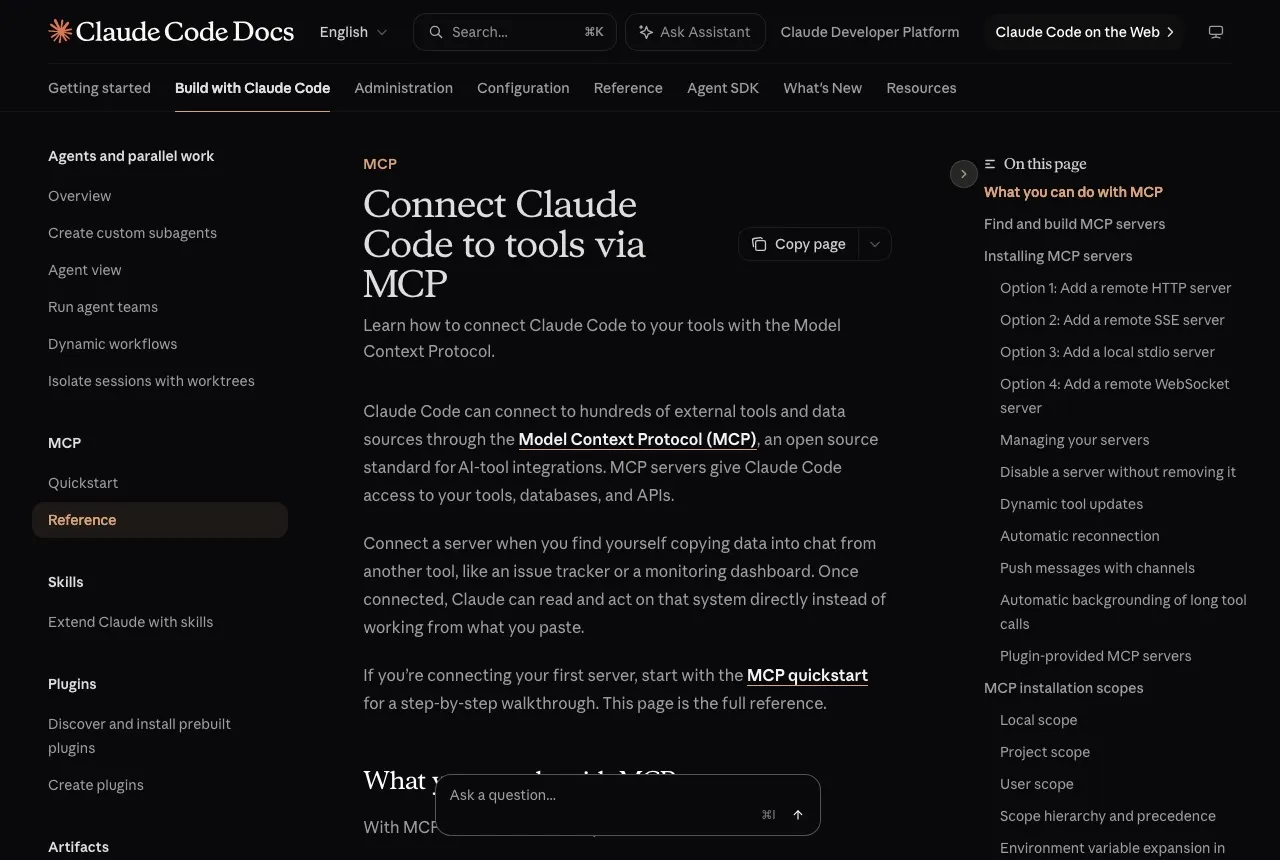
How do I know it worked?
Ask Claude Code to list your connected accounts. It calls
blotato_list_accounts and returns your platforms, which confirms both the connection and
the authentication in one step. If you see your accounts, setup is done.
What social media accounts do I have connected?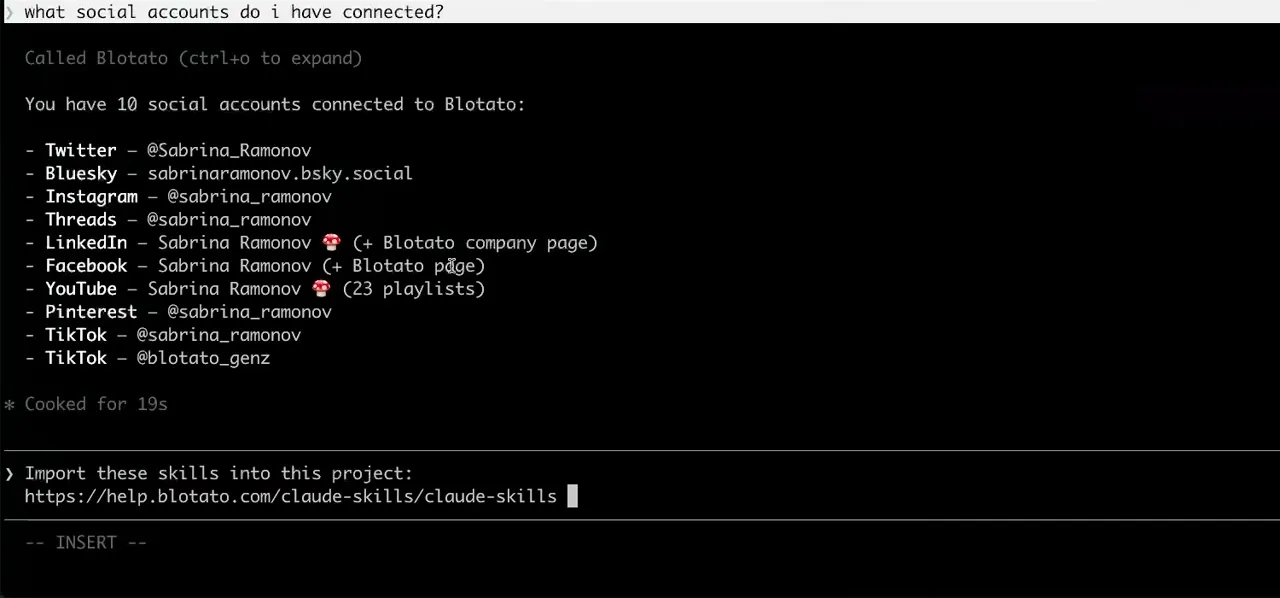
Worth knowing before you rely on it: when an agent ranks your best posts through MCP, metrics cover X, Instagram, Facebook, Threads, and Bluesky. TikTok, YouTube, and Pinterest analytics are available in the Blotato web app and REST API, and LinkedIn publishes normally but reports no metrics yet.
What to ask Claude Code once it is connected
- Write a thread about what changed in this release and post it to X.
- Claude Code reads the diff in the repo it is already sitting in, drafts the thread, and sends one blotato_create_post with additionalPosts carrying the rest. Blotato chains the replies, so the thread is not five separate calls you have to order correctly.
- Post the changelog to LinkedIn every Friday at 4pm.
- Written into a script or a scheduled job, this is blotato_create_post with a scheduledTime on each run. The publish happens on Blotato, so the box running your cron does not need to be awake at 4pm.
- What is already queued this week?
- blotato_list_schedules reads the queue back, and blotato_update_schedule or blotato_delete_schedule change it, which is how you avoid a script quietly double-posting the same release twice.
What breaks, and how to fix it
The usual Claude Code failure is skipping the restart. The add command writes the config and the /mcp menu will even show the server, but the tools are loaded at startup, so a session that was already running will not see them. The second is authenticating while logged out of Blotato in your default browser, which leaves the connector added but unauthenticated.
What is different about Claude Code
Claude Code is the only client where the whole setup is one command rather than a config file or a form, because the CLI writes the entry itself. It also accepts either OAuth or an API key header, which matters if you are running it headlessly on a server where no browser can complete an OAuth round trip.
Vendor documentation: Claude Code MCP setup. For how a client discovers and calls tools once connected, see the MCP client concepts reference.
Already connected and want the workflow?
This page covers the connection. Our guide to running a full social media workflow from Claude Code covers the stack, the step-by-step workflow, and the limits of unattended posting.
Claude Code social media FAQs
01 Can Claude Code post to social media?
02 How do I connect Claude Code to social media?
03 How do I set up Claude Code for social media?
04 What is the best way to manage social media with Claude Code?
05 What goes wrong when connecting Claude Code?
06 Does Claude Code need to be running for a scheduled post to go out?
07 What can I ask Claude Code to do once it is connected?
08 How much does it cost to connect Claude Code?
Connecting a different agent?
Same endpoint, same accounts, one setup per client. The AI agents for social media hub covers what all of them share, including every tool your agent can call.












 Blotato
 Your AI Agent still can't post to social media.
Point Claude, ChatGPT, n8n, or your own agent at Blotato's MCP and that's fixed: 9 platforms behind one key, flat $29/mo.
Connect your agentFlat pricing. Cancel anytime.