How to Switch From Metricool and Shut Off Its Social Media Queue
Switching from Metricool? Export the calendar CSV, rebuild your social media queue, then disconnect each network so the old queue stops firing.

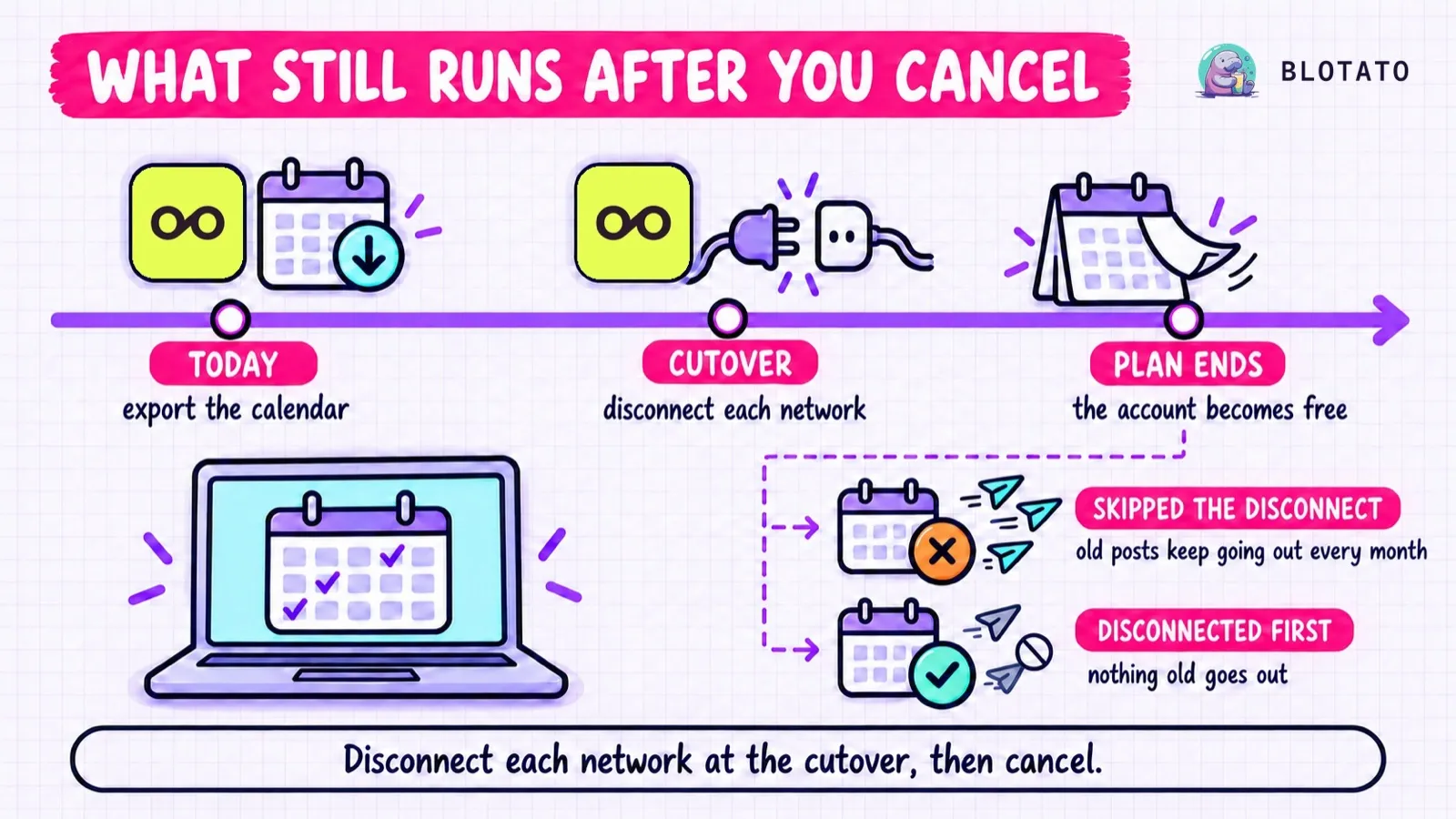
If you switch from Metricool by cancelling and walking away, your scheduled posts don’t stop, and the ones you rebuilt elsewhere go out twice. Cancelling drops the account to Metricool’s Free plan, which publishes up to 20 posts a month and resets on the 1st, so the off switch is disconnecting each network at your cutover. Blotato, the app I built, can take over the queue through an AI agent on a paid plan, since its 7-day trial leaves out the API and MCP.
Metricool’s help center documents no pause for a whole brand or account, which is why the disconnect does the stopping. Export the calendar as a CSV and recreate everything scheduled later than your cutover in the new tool. Check the copy, then disconnect at the cutover.
Blotato prices by connected account, and 20 accounts cost $29 a month on Starter. Coming from Buffer, Postiz or Zernio? How the Buffer switch works, what Postiz’s post list leaves out and why a Zernio disconnect comes last each have their own guide.
What Happens to Your Metricool Account When the Plan Ends
Cancelling can happen any time, because your paid features last until the billing period ends. Then the account becomes a Free account. Most deadlines in this table count from that end date. Brand choice is the exception, because it locks when you confirm Cancel plan:
| What you have in Metricool | When the account drops to Free | What to do first |
|---|---|---|
| Scheduled posts | Publish up to 20 a month, counting posts already published that month. The allowance resets on the 1st, and the rest stay pending | Disconnect each network at your cutover (Step 5) |
| Brands | Free keeps one, the oldest by creation date. The others are hidden but stay in the account | Before you click Cancel plan, delete brands you don’t want kept, after exporting them, since deletion removes their Planner posts |
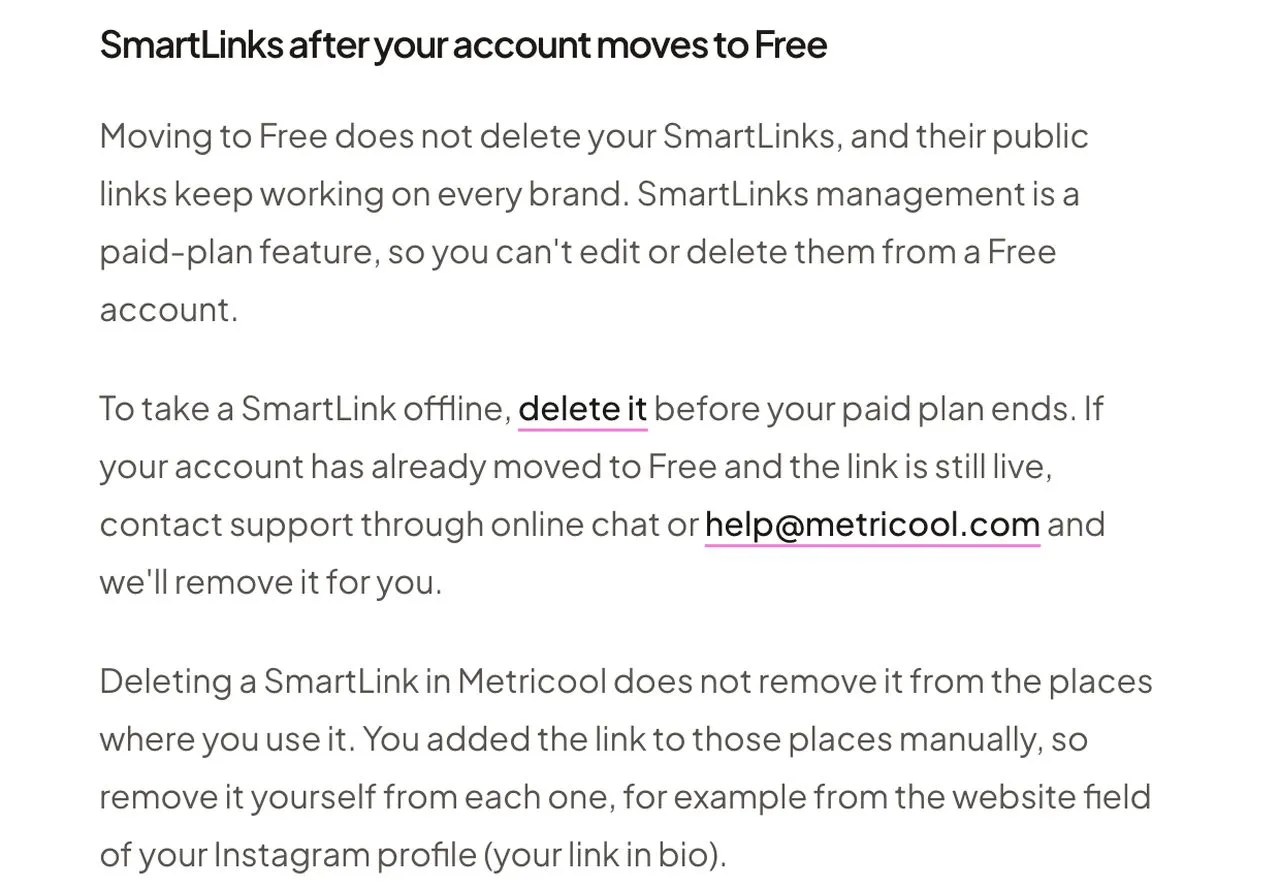
| SmartLinks | Stay public, and Free can’t edit or delete them | Delete them before the paid period ends |
| PDF and PowerPoint reports | Not on Free, which shows 30 days of analytics with a watermark | Download every report you want |
| Autolists | Their CSV download needs a paid plan | Download each autolist’s CSV |
| Flows (comment and DM automations) | Not part of the Free plan | Record each Flow’s setup (see below) |
| LinkedIn and X posts | Free doesn’t include either network, and Metricool doesn’t say what happens to their scheduled posts | Rebuild them rather than count on them |
The pending posts come from Metricool’s failed-payments FAQ, which says a move to a lower plan publishes scheduled posts “until you reach the monthly limit.” The planner shows the counter. Because the allowance comes back on the 1st, a queue scheduled months ahead keeps publishing month after month.
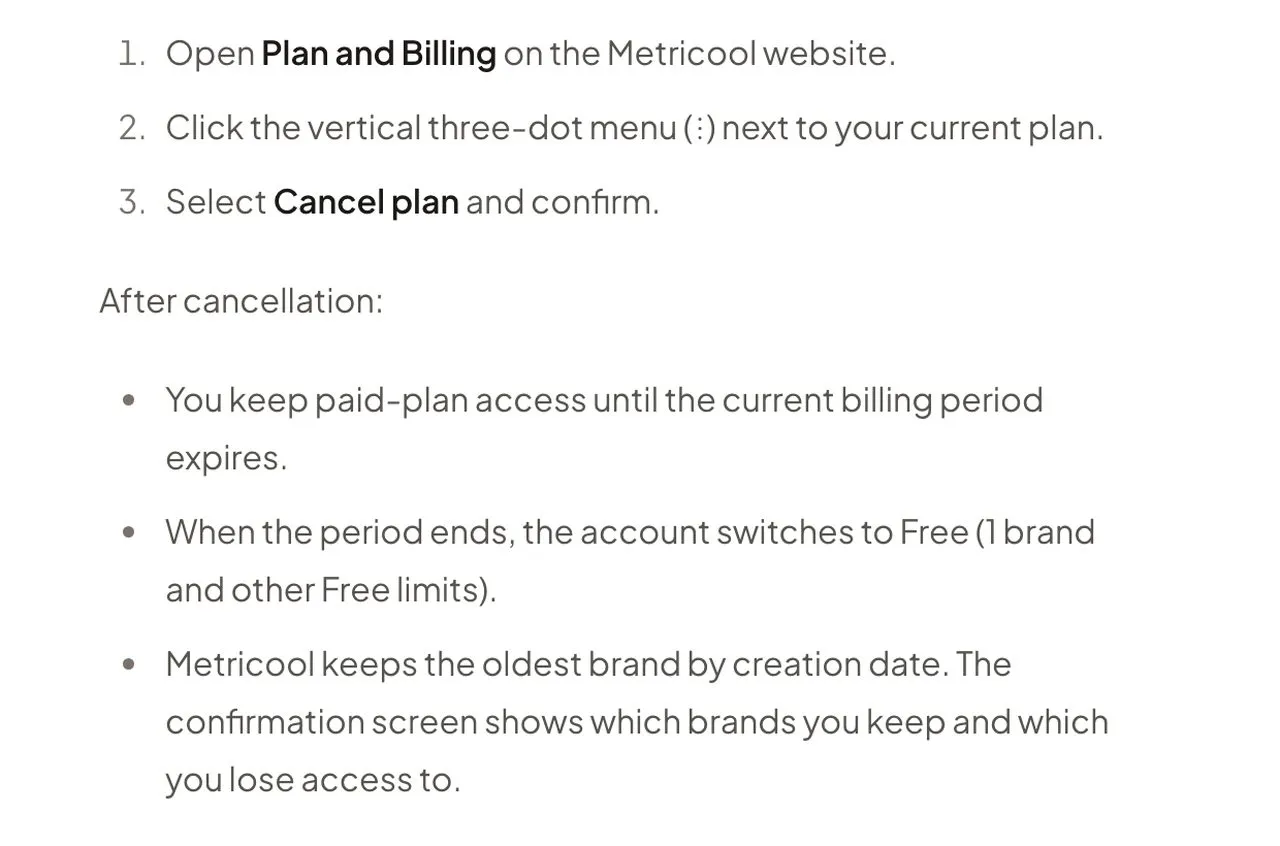
The same page adds two details. Deleting your Metricool account doesn’t cancel the subscription, and a plan bought through Apple or Google gets cancelled in that app store.
Count Your Brands as Blotato Accounts
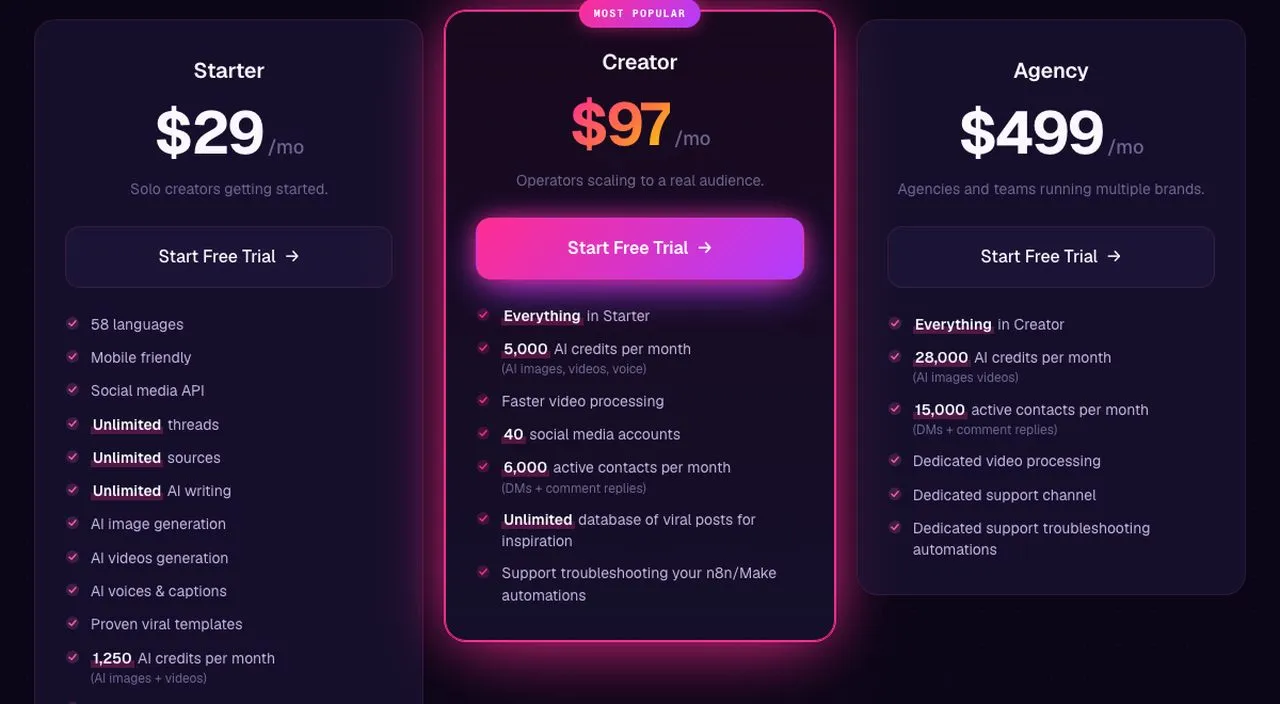
Metricool bills by brand, and each brand holds one profile per network. Blotato bills by connected account.
Each Facebook Page counts as one. On LinkedIn, your personal profile connects and counts automatically, and each company Page you select counts too. The ad platforms and website a Metricool brand can hold don’t count, because Blotato doesn’t connect them. One LinkedIn profile that manages several brands’ Pages still counts once.
So a brand on Instagram, one Facebook Page, a LinkedIn company Page and TikTok is five accounts, with your LinkedIn profile as the fifth. Three brands like that come to 13 accounts and fit Starter’s 20. Six come to 25 and need Creator’s 40, and Agency goes to 100. Before you settle on a plan, compare what each tier includes.
The queue has its own size limit. Starter queues up to 200 posts, Creator 1,000 and Agency 3,000, and nothing goes further out than 9 months. A Metricool post that goes to four networks becomes four Blotato posts, because each one targets a single account. Size the queue by destinations.
Check two caps against your busiest day, too, starting with TikTok: Starter limits publishing to 3 distinct accounts in any rolling day. That pinches an agency-style setup sooner than the account limit does. Its other posting caps include 50 Instagram posts per account per 24 hours. For the cost side at your brand count, our Metricool pricing breakdown lays out each tier on both billing cycles.
Metricool publishes to 10 networks, including Google Business Profile. Blotato publishes to 9: Instagram, Facebook, LinkedIn, X, TikTok, YouTube, Pinterest, Threads and Bluesky. Google Business posts need another home. Instagram accounts must be professional ones, Business or Creator.
Autolists, Flows and SmartLinks Need Their Own Plan
Sort these three out before you touch the queue. Metricool’s MCP can’t reach autolists or SmartLinks, and none of them maps one to one onto Blotato.
Autolists. Each one holds up to 200 posts that publish in order and drop off once published, unless repeat is on. Metricool doesn’t say whether autolist posts appear in the calendar export, so download each autolist’s own CSV. Blotato doesn’t document a recycling queue, so an evergreen list becomes dated posts, a few months at a time.
Flows. Metricool’s Flows run on Instagram, TikTok and X, from comment-to-DM and story replies on Instagram to auto DMs and reposts on X. Write down each one’s trigger type, keywords, target posts, messages, buttons and any gates. Blotato’s automations for comments and DMs run on Instagram and Facebook only, triggered by a comment or a DM. A TikTok, X or story-reply Flow has no Blotato match.
Two Blotato behaviors change how a rebuilt Flow acts. Keywords match as a case-insensitive substring, so “red” also fires on “shared.” And Blotato posts a public reply under the triggering comment by default, which you can turn off.
Every post Metricool published counts as published outside Blotato. To aim an automation at one of those Instagram posts, the post needs a Blotato record, which appears after its first new comment.
SmartLinks. Blotato has no link-in-bio page. Set up the replacement first, put it in each bio, then delete the SmartLink while your paid plan is still active.
How to Switch From Metricool in Five Steps
Steps 1 to 4 can happen weeks before your plan ends. Step 5 happens at one moment you choose, the cutover. Pick a quiet stretch of the schedule for it, so no post is mid-publish when you disconnect.
Step 1: Back up the calendar and the reports Free won’t keep
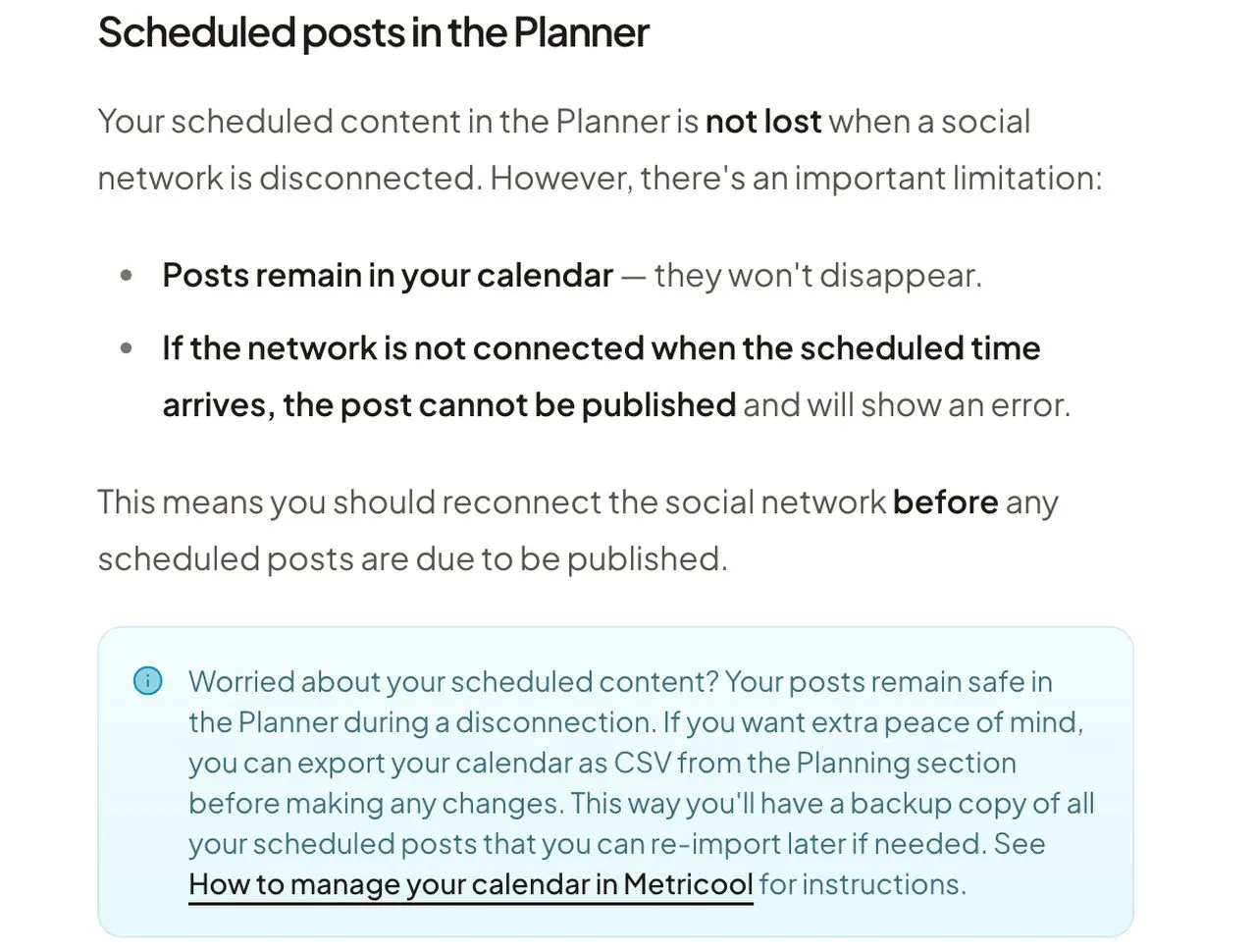
Export the calendar for every brand you’re moving. In Planning, the calendar’s planner tools include Export CSV, which Metricool describes as “export your planned content.” Its disconnection guide recommends the same file as “a backup copy of all your scheduled posts.”
The file is a snapshot, and Metricool doesn’t document its columns. Open it and confirm text, dates, networks and media links are all there. Metricool’s calendar-sharing page lists the export under Starter or higher in one table and says it “works on all plans” further down. Export while you’re still paid to be safe.
While you’re there, download reports from Reporting as PDF or PowerPoint, plus any analytics table you rely on. After the export, stop adding or editing posts in Metricool, or export again right before Step 4.
Step 2: Connect your accounts and match each brand’s clock
Connect each account from Blotato’s Accounts page. Then check each Metricool brand’s timezone, which can differ from your account timezone through a dropdown in Planning.
Blotato’s web app schedules in your computer’s local timezone. If a brand runs on a different clock, convert its times before you copy them. Recurring times can live in weekly posting slots, each a weekday, a local time and the accounts that post then. Slots are optional for a post with its own date and time.
Step 3: Copy every post due after the cutover
Posts due before the cutover stay with Metricool. Posts due at or after it move.
Blotato has no built-in importer for that CSV. You recreate the posts in Content Studio, or an agent rebuilds them from Metricool’s MCP or the file. Working manually, take the CSV row by row. For each post, confirm the account, the post type (feed post, story, reel or thread), and any Page, board, first comment or privacy setting before you schedule it.
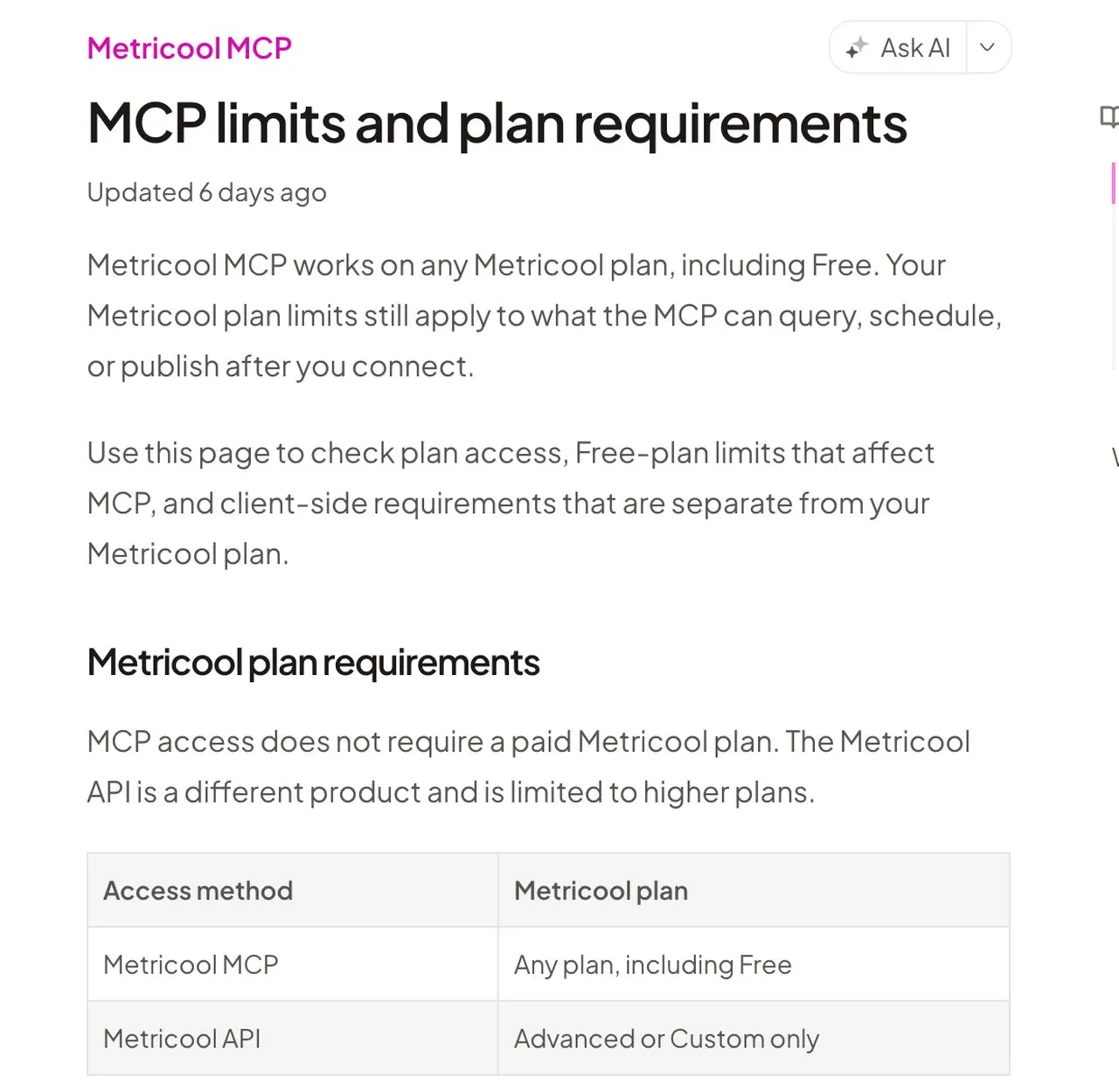
Past a few dozen posts, hand the copying to an agent in Claude. Metricool’s MCP server at ai.metricool.com/mcp works on any Metricool plan over OAuth. Its Claude connector page lists get_brands and a get_scheduled_posts tool for “your queued posts.”
Add Blotato’s server at mcp.blotato.com/mcp with its setup steps, and confirm the agent sees your accounts through blotato_list_accounts. Metricool notes that Claude Free allows only one custom connector, so holding both servers takes a paid Claude plan, which Claude Code also requires. Blotato’s side needs a paid plan too, because its 7-day trial doesn’t include API or MCP access. Generating an API key converts the trial into a paid Starter subscription on the spot.
Run it in two passes. The first reads only:
Using Metricool's tools only, call get_brands, then get_scheduled_posts for
each brand I'm moving, for every post due at or after [CUTOVER]. Make one row
per destination: brand, network, post type, text, media, first comment or
other network setting, and the exact timestamp with its timezone or offset.
Flag stories, threads and any field you couldn't read. Create nothing.
Check that table, and the brand-to-account mapping it implies, before the second pass writes anything:
For each row I approved, call blotato_create_post with a future
scheduledTime at the same instant as the Metricool timestamp, carrying every
field from the table. If a field can't be carried over, or you can't work
out a future time, skip the row and list it. Record each postSubmissionId
and poll it with blotato_get_post_status until it reports scheduled or
failed. If a call times out with no submission ID, check
blotato_list_schedules and create the post again only if it isn't there.
Leave every Metricool post exactly as it is.
For a file the agent can’t fetch, blotato_create_presigned_upload_url hands back two links: a private one to PUT the bytes to, and a public one the new post points at. That covers any Metricool image or video whose link won’t open for the agent, once you’ve saved it to your computer.
Step 4: Compare the two queues before you cut over
Do this while Metricool can still publish, so a gap costs nothing. Put Blotato’s Scheduled list beside your CSV or the agent’s table, and start with totals for each brand and network on both sides. Then go row by row: account, time, text, post type, first comment and attachments should all match. Carousels and video posts deserve a second look.
An agent can build the same comparison from blotato_list_schedules, paging until it holds every post. Check autolist rows against the calendar too, since Metricool doesn’t say whether they overlap. Anything dated past Blotato’s 9-month window waits in the CSV until it fits. Fix whatever is missing or shifted now, including anything someone scheduled in Metricool after your export.
Step 5: Cut Metricool off and close the account
Per Metricool’s disconnection guide, a disconnected network keeps its synced data. Its scheduled posts stay in the calendar but “cannot be published.” That makes disconnecting the switch that stops the queue. Do it for each network in every brand you’re moving.
Don’t reconnect a different account to the same brand afterward, because Metricool would send the brand’s scheduled posts to that account. A lost connection also moves that network’s Flows to Draft, so switch on the matching Blotato automations once the disconnects are done. If you ever reconnect, Metricool can’t fill in Instagram follower history or Stories data for the gap.
The first few posts after the cutover are your proof. Look each one up with blotato_get_post_status, which reports scheduled until a post goes out, then published, or failed.
Then close the account in this order. Delete your SmartLinks. If a brand other than the oldest should stay, delete the others first, as the table above explains. Then cancel from Plan and Billing.
Where Blotato Falls Short for a Metricool User
There’s no free Blotato plan, so a single brand that fits Metricool Free’s 20 posts a month would pay for scheduling it already gets. Google Business Profile isn’t one of Blotato’s 9 platforms. Its DM automation covers Instagram and Facebook only, with no story-reply trigger.
Its analytics cover your own posts on 8 of its 9 platforms, with no LinkedIn metrics yet and no competitor tracking or ad reporting. Blotato accounts are also single-user, and nothing in it routes a post for approval. A team that reviews posts in Metricool’s Advanced plan would lose that step.
If one of those gaps matters to how you work, our six-tool comparison built around Metricool’s API and brand pricing covers destinations that fill it.
Leaving Metricool FAQs
Can I pause my Metricool queue instead of cancelling?
Metricool’s help center documents no way to pause a whole brand or account. You can pause individual Flows and deactivate autolists, but posts already on the calendar keep their schedule. Disconnecting a network is what stops its scheduled posts from publishing, and Metricool keeps the network’s data when you do.
What happens if I disconnect a social network in Metricool?
Its synced analytics and past posts stay stored, while its scheduled posts stay on the calendar but show an error instead of publishing. Reconnecting a different account to the same brand would publish those posts to the new account. Instagram follower history and Stories data for the disconnected weeks can’t be recovered later. Disconnecting at your cutover is what keeps rebuilt posts from going out twice.
Will my Metricool Flows keep running after I switch?
No. Flows aren’t part of the Free plan, and when a network’s connection is lost, Metricool moves its Flows to Draft. Instagram Flows can be rebuilt as Blotato automations for comments and DMs. TikTok, X and story-reply Flows have no Blotato equivalent, since its automations run on Instagram and Facebook only.
Can Claude move my Metricool queue to a different scheduler?
Claude can move a Metricool queue when the new scheduler runs its own MCP server, because it needs somewhere to write the posts. Metricool’s MCP reads scheduled posts on any Metricool plan, Free included. Blotato’s server at mcp.blotato.com/mcp recreates them at their original times on a paid Blotato plan, since the trial excludes MCP access. Claude Free allows one custom connector, so it can’t hold both servers.
Do Metricool SmartLinks stop working when I cancel?
No. SmartLinks stay public after the account moves to Free, and a Free account can’t edit or delete them. Delete each one before the paid plan ends, or ask Metricool support to remove it afterward. Then take the link out of every bio yourself, since deleting it in Metricool doesn’t touch your profiles.
What happens to my other brands when Metricool drops me to Free?
Free keeps one brand, the oldest by creation date, and hides the rest without deleting them. To keep a different one, delete the brands you don’t need before you click Cancel plan, after exporting them, since deletion removes their Planner posts. Metricool can restore a deleted brand within 45 days through support, but only into an open brand slot, which a Free account doesn’t have.