Best ChatGPT Plugins for Social Media That Can Post
Best ChatGPT plugins for social media automation, compared: which are in the Plugins directory, which publish or only draft, and what each costs.

The best ChatGPT plugins for social media split three ways once you say “post it”: some publish right away, some only schedule, and some save a draft until you approve it. Every listing here was checked in OpenAI’s Plugins directory on November 21, 2026, and eight that can schedule or publish made my list: Blotato, Metricool, Buffer, Planable, Postiz, Publer, Zernio and Upload-Post. Blotato leads it for anyone running multiple accounts who wants posting and Instagram and Facebook DM automations on one bill. Blotato is my company, so read my #1 with that bias in mind.
| Plugin | Listed by | Best for | Lowest-cost way in | Default publishing behavior |
|---|---|---|---|---|
| Blotato | Blotato Inc. | multiple accounts that need posting plus Instagram and Facebook DM automations on one bill | $29/mo Solo (the 7-day trial excludes MCP) | Blotato publishes now, or schedules when you give a time. |
| Metricool | Metricool Software S.L. | A free start for one brand, with analytics and best posting times | $0 Free plan (one brand, no LinkedIn or X) | Metricool posts right away, at a set time, or at your best time. |
| Buffer | Buffer | Teams that already plan in a Buffer queue | $0 Free plan (3 channels) | Buffer adds the post to your queue or schedule, and can share it now. |
| Planable | Planable | Agencies that route client posts through approvals | First 50 posts free, then $39/mo per workspace | Planable drafts into the workspace and publishes only if your role allows it. |
| Postiz | Postiz | Builders who want open source and 30+ channels | $29/mo Standard cloud plan | Postiz drafts, schedules or posts immediately. |
| Publer | Kalemi | Small teams who want each post saved as a draft first | Publer's Business plan, from $10/mo | Publer saves a draft unless you ask it to schedule or publish. |
| Zernio | ARBICHAT, S.L. | Developers running a few accounts across many networks | $0 for your first 2 accounts | Zernio schedules, and confirms with you before anything goes live right away. |
| Upload-Post | Upload-Post | Video creators sending one clip to Reels, TikTok and Shorts | $0 Free plan (10 uploads a month, no TikTok) | Upload-Post uploads now or at the time you set. |
What to Look for in a ChatGPT Social Media Plugin
A plugin is only as useful as what happens after you type “post it.” Ask five questions before you install one:
- Is it in OpenAI’s directory? A listed plugin has passed OpenAI’s submission review and installs from the Plugins page in a few clicks. You can also add a custom MCP server from Plugins, but OpenAI’s custom server guide reserves full MCP for Business and Enterprise/Edu. On Pro, a custom server can read and fetch but cannot publish.
- What does “post it” do? Some plugins publish now, some only schedule, and some save a draft until you say otherwise. The listing usually says which.
- What does the account behind it cost? Installing is free, but the plugin signs in to a vendor account, and that account may need a paid plan. OpenAI adds that access depends on your plan, workspace, role and region.
- Can it answer people? Most of these plugins post and stop there. A few also reply to comments or DMs from the chat.
- Will it ask first? Depending on your permission settings, ChatGPT asks before a plugin uses a tool. Keep that prompt on for anything that publishes.
Best ChatGPT Plugins for Social Media
Blotato sits first for a mid-sized account count that also needs DM automations. One brand, a tight budget or a wider inbox each point to a different plugin below.
1. Blotato - Best for multiple accounts that need posting and DM automations
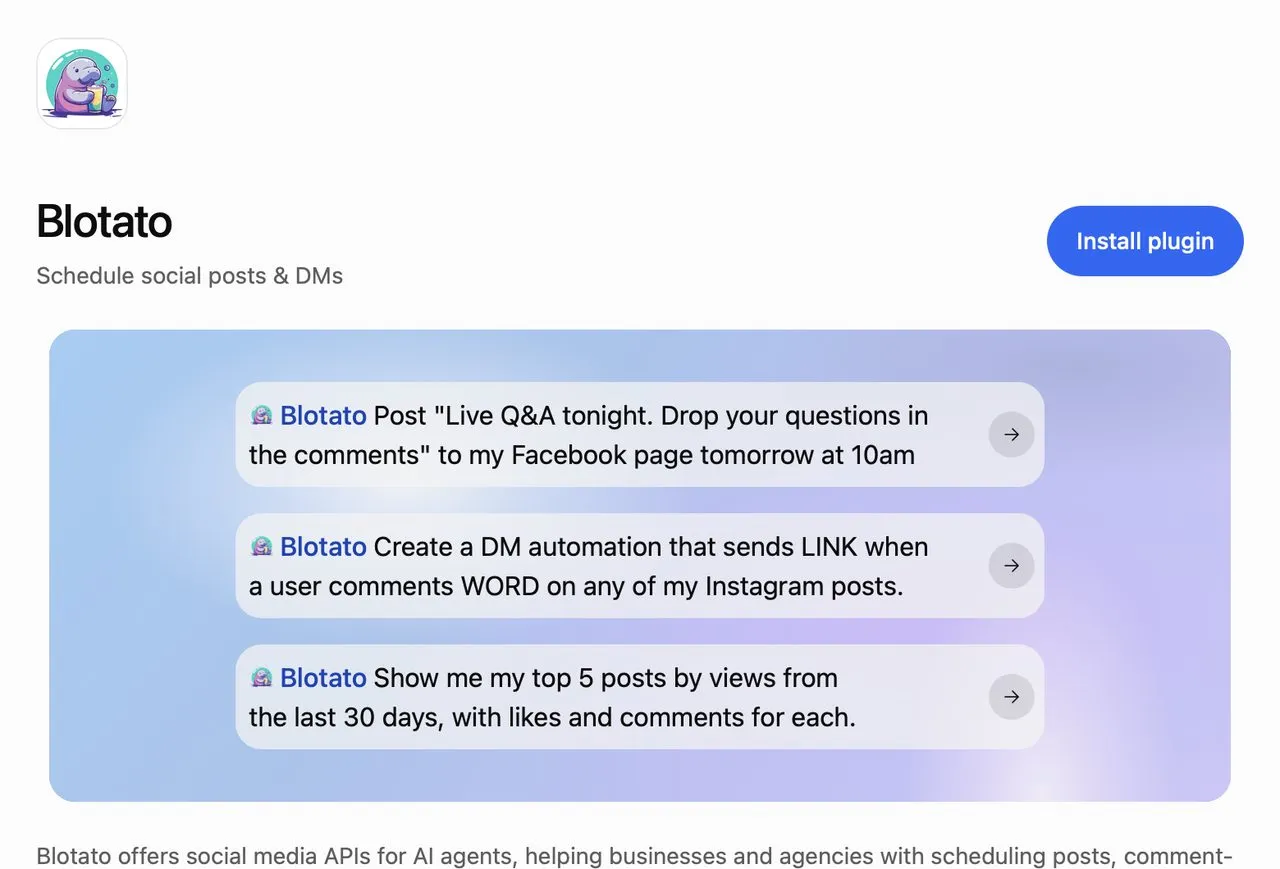
Blotato’s listing connects ChatGPT to 9 social platforms plus Slack and Discord channels. Ask it to post or schedule, move queued posts, or reply to Instagram and Facebook comments and DMs. Its comment-keyword DM automations send a private DM on both Instagram and Facebook, plus a public comment reply you can switch off, where Upload-Post’s auto-DM goes private on Instagram only. In the video below, I publish to LinkedIn from ChatGPT, and the same plugin handles Reels and carousels, as my guide on posting to Instagram from ChatGPT shows.
Blotato’s setup guide says the plugin works on the ChatGPT Free plan. When ChatGPT first uses it, you choose whether to allow it once, for the conversation, or always. Blotato’s ChatGPT setup page covers both install routes, and the 7-day trial excludes MCP, so plan on the Solo plan for plugin access.
Pros:
- Comment-to-DM automations on Instagram and Facebook, built and edited from the chat
- Your queue and automations also show up in Blotato’s web app
Cons:
- Comments and DMs reach only Instagram and Facebook, not X or LinkedIn
- Analytics return nothing for LinkedIn yet
Best for: Posting plus Instagram and Facebook DM automations from one chat.
Pricing: Solo $29/mo, with 5 connected social accounts.
Free trial: 7 days for the web app, without MCP.
Blotato is $97 for 40 accounts on Team, against $138 on Zernio for publishing alone.
2. Metricool - Best for a free start with analytics and best-time posting
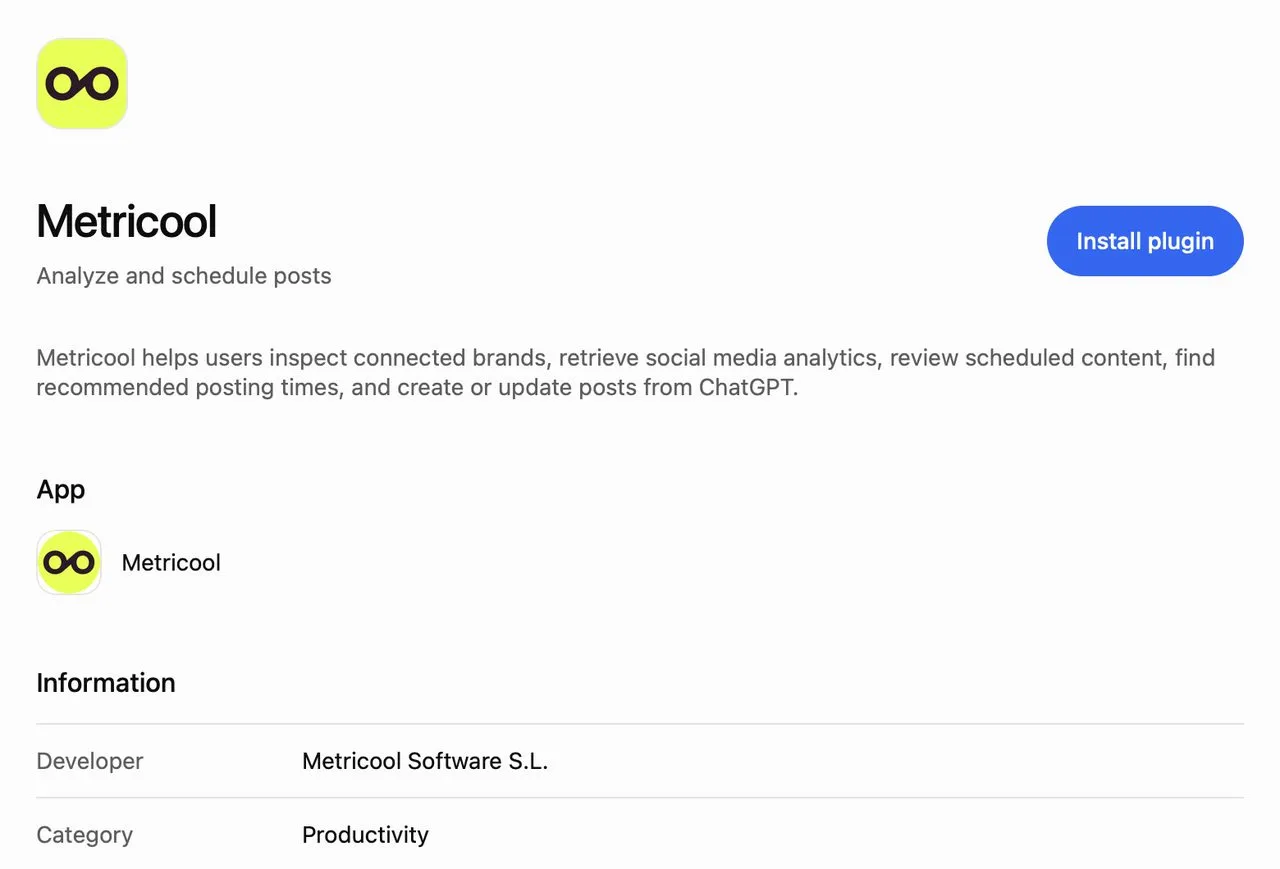
Metricool’s listing says it can “retrieve social media analytics, review scheduled content, find recommended posting times, and create or update posts from ChatGPT.” Its MCP FAQ says a post can “go out right away,” at a set time, or at your optimal time. Metricool says its MCP “works on any Metricool plan, including Free,” though its ChatGPT app runs an earlier version of that integration.
Pros:
- A free plan that works with the plugin
- Best posting times built from your own account data
Cons:
- Free covers one brand, 20 posts a month, and no LinkedIn or X
- No comment, DM or inbox tools through ChatGPT
Best for: One brand on Instagram, TikTok or Facebook that wants analytics and scheduling at no cost.
Pricing: One brand is free. Starter costs $25/mo billed monthly for 5 brands, or $20/mo billed annually.
Free trial: A free plan, no trial needed.
Bottom line: Metricool is the zero-cost way in, as long as LinkedIn and X can wait.
3. Buffer - Best for teams that already plan in a Buffer queue
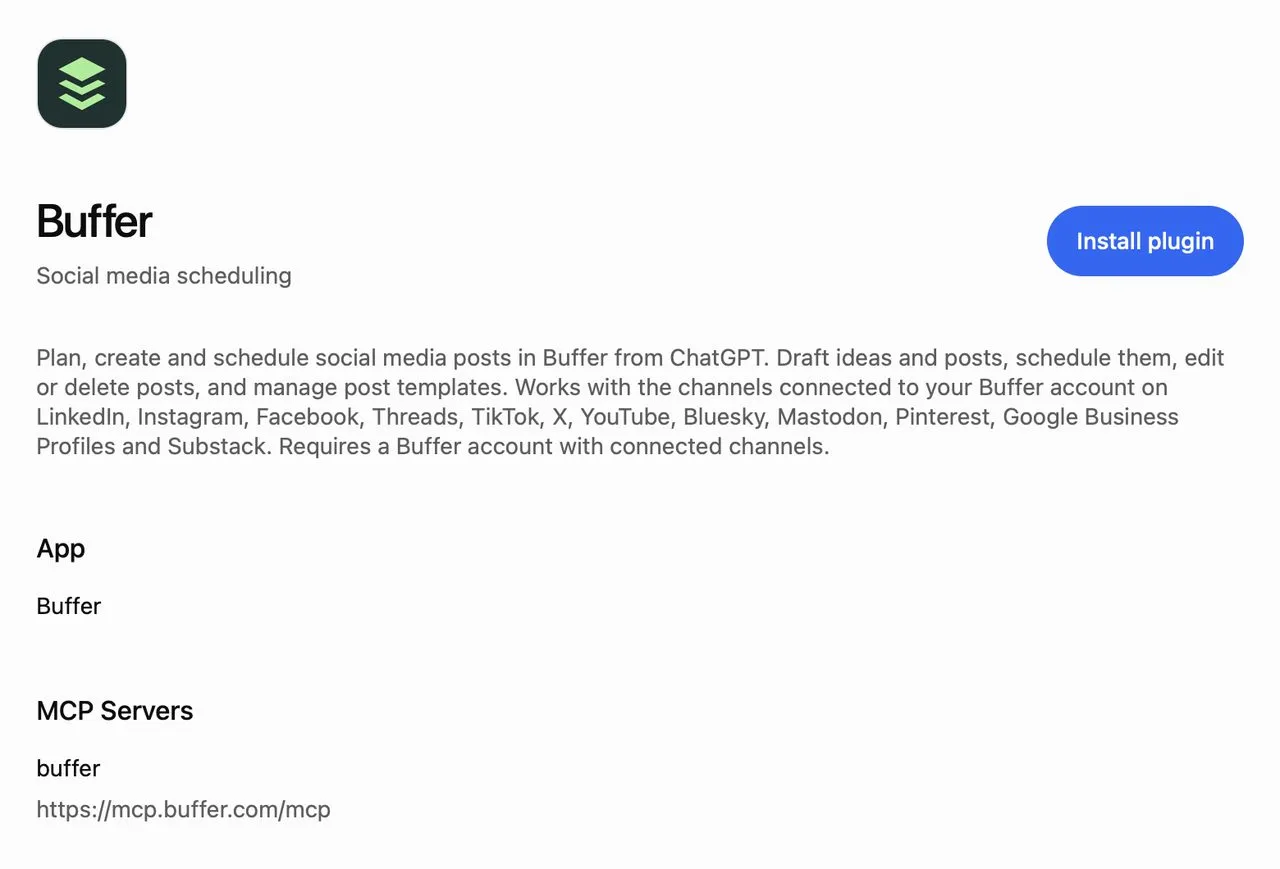
Until at least November 18, Buffer’s ChatGPT page still described a Developer mode setup. By November 21 it read “Buffer is available as a plugin in ChatGPT’s plugin directory,” and the listing is live under Buffer’s name.
The plugin drafts, schedules, edits and deletes posts across 12 networks, Mastodon and Substack included. Buffer’s MCP post tool also has a share-now mode.
Pros:
- A free plan with the plugin and 3 channels
- Post templates you manage from the chat
Cons:
- The free plan holds 10 scheduled posts per channel at a time
- No comment or DM tools in Buffer’s MCP tool list
Best for: Teams whose queue already lives in Buffer and want ChatGPT to keep it full.
Pricing: Free covers 3 channels. Essentials is $6 per channel a month on monthly billing ($5 annual), for channels 1 to 10.
Free trial: 14 days on paid plans.
Bottom line: If your posts already sit in a Buffer queue, the plugin keeps that queue full without a migration.
4. Planable - Best for agencies that route posts through client approvals
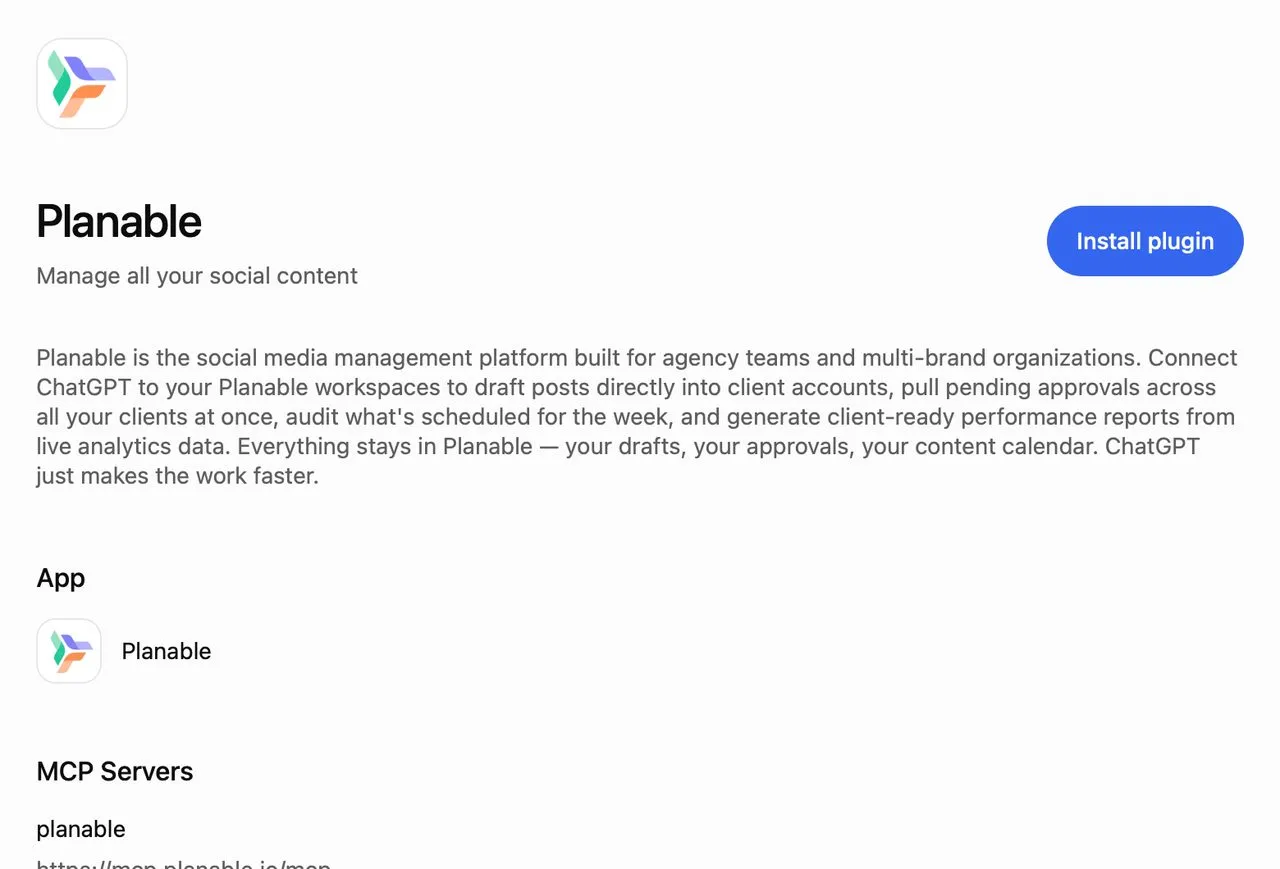
Planable’s listing describes a plugin “built for agency teams and multi-brand organizations.” From ChatGPT it drafts posts into client workspaces, pulls pending approvals across clients, audits the week’s schedule, and builds performance reports. Its ChatGPT guide says it can approve or publish a post “if you ask it to and your role permits it.” The guide also says it works on every plan, including the free trial.
Pros:
- Approval workflows across many client workspaces
- Unlimited users on every paid plan
Cons:
- To attach media from the chat you paste a link, or add the file in Planable afterward
- Performance reports need the paid Analytics add-on
Best for: Agencies whose clients sign off on every post before it goes out.
Pricing: The first 50 posts are free. Basic is $39/mo per workspace billed monthly, or $33 on yearly billing, with 60 posts a month and 4 social pages.
Free trial: 50 free posts, with no time limit.
Bottom line: Planable fits when approvals matter more than speed, and every client gets its own workspace.
5. Postiz - Best for builders who want open source and 30+ channels
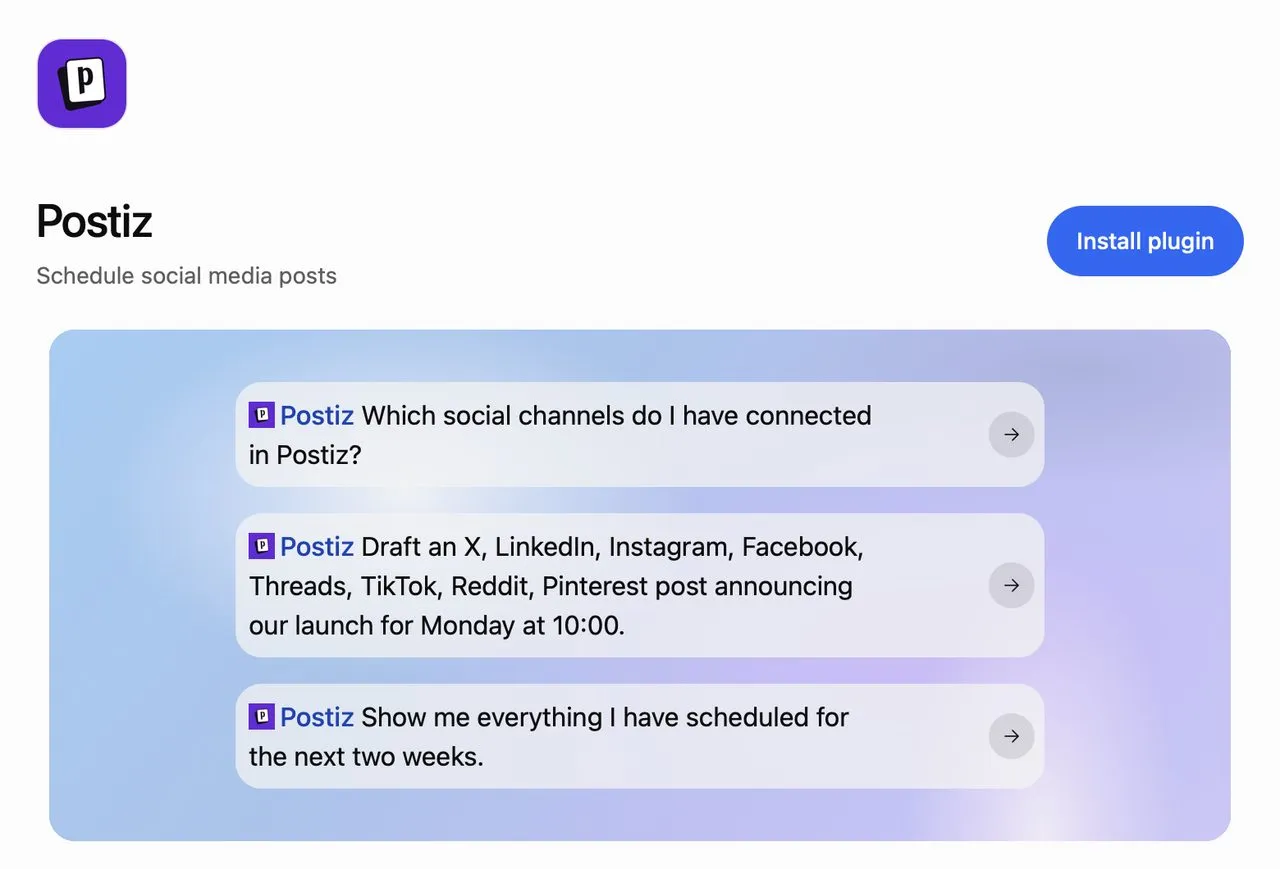
Postiz’s listing says the plugin can “create drafts, scheduled posts, and immediate posts on your connected channels, including threads and first comments.” It also checks each platform’s posting rules before it posts and can turn long YouTube videos into short clips. Its channel list runs past 30, from X and LinkedIn to Lemmy and Farcaster.
Pros:
- Open-source software you can also self-host
- Threads and first comments in the same request
Cons:
- No free cloud plan
- Standard stops at 5 channels
Best for: Technical builders who want the widest channel list.
Pricing: Standard costs $29/mo for 5 channels on monthly billing, or $278 billed yearly.
Free trial: 7 days on cloud plans, with a card.
Bottom line: Postiz suits builders who need niche channels that most schedulers skip.
6. Publer - Best for drafting first and publishing on request
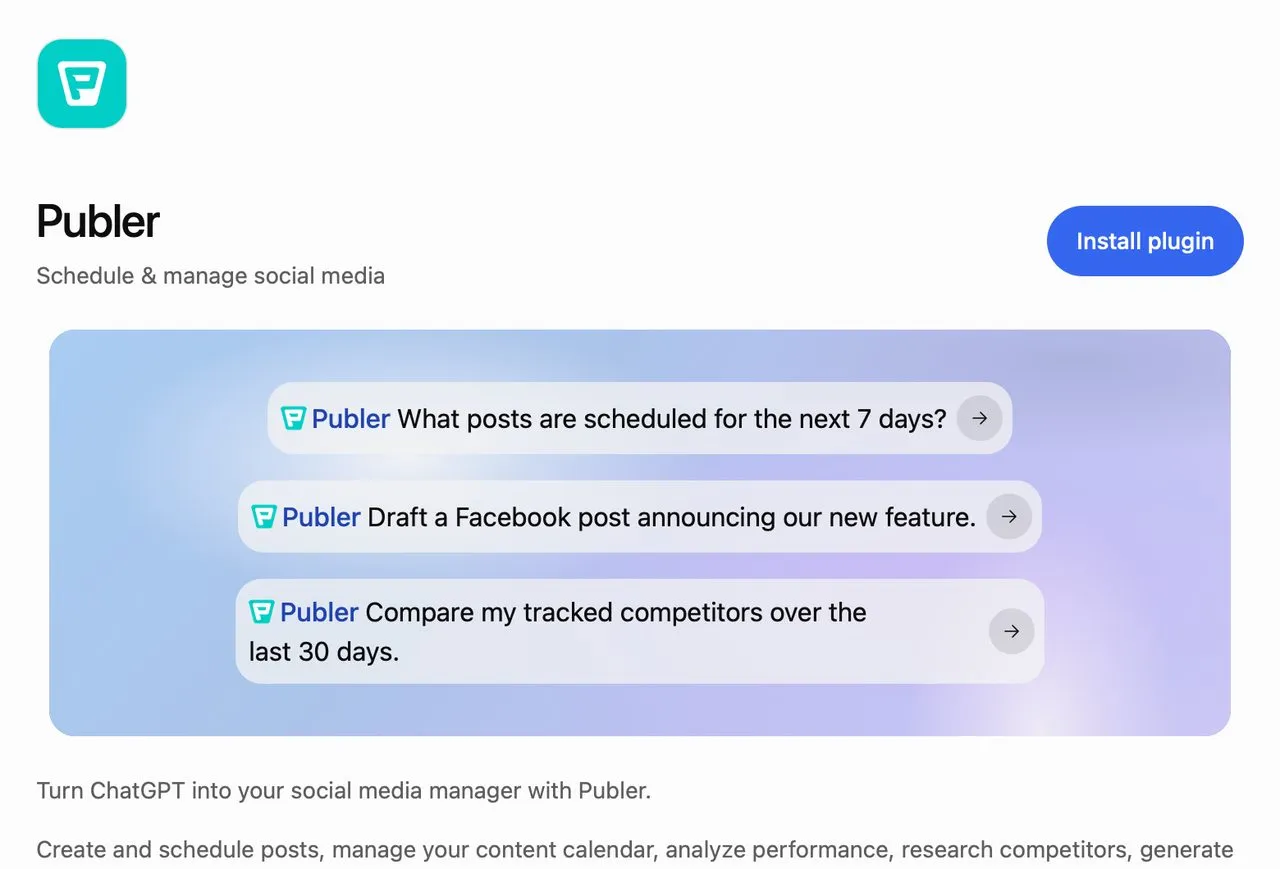
Publer’s listing is published under the name Kalemi, after Kalemi Code, the company behind Publer. Its default is written into the listing. “Posts are saved as drafts unless you ask to schedule or publish them, and nothing is deleted until you confirm.” It covers 13 networks, Telegram and WordPress among them, and can also compare competitors you track.
Pros:
- Saves a draft by default, so a vague request does not publish
- Competitor tracking and reports from the same chat
Cons:
- The plugin needs Publer’s Business or Enterprise plan, per Publer’s help center
- No published list of the plugin’s tools
Best for: Small teams who want a draft to review before most posts go out.
Pricing: Publer’s Business plan starts at $10/mo for one social account, with 20% off yearly billing.
Free trial: 14 days on Publer’s Business plan.
Bottom line: Publer fits when ChatGPT should prepare posts and you decide which ones go live.
7. Zernio - Best for developers running a few accounts across many networks
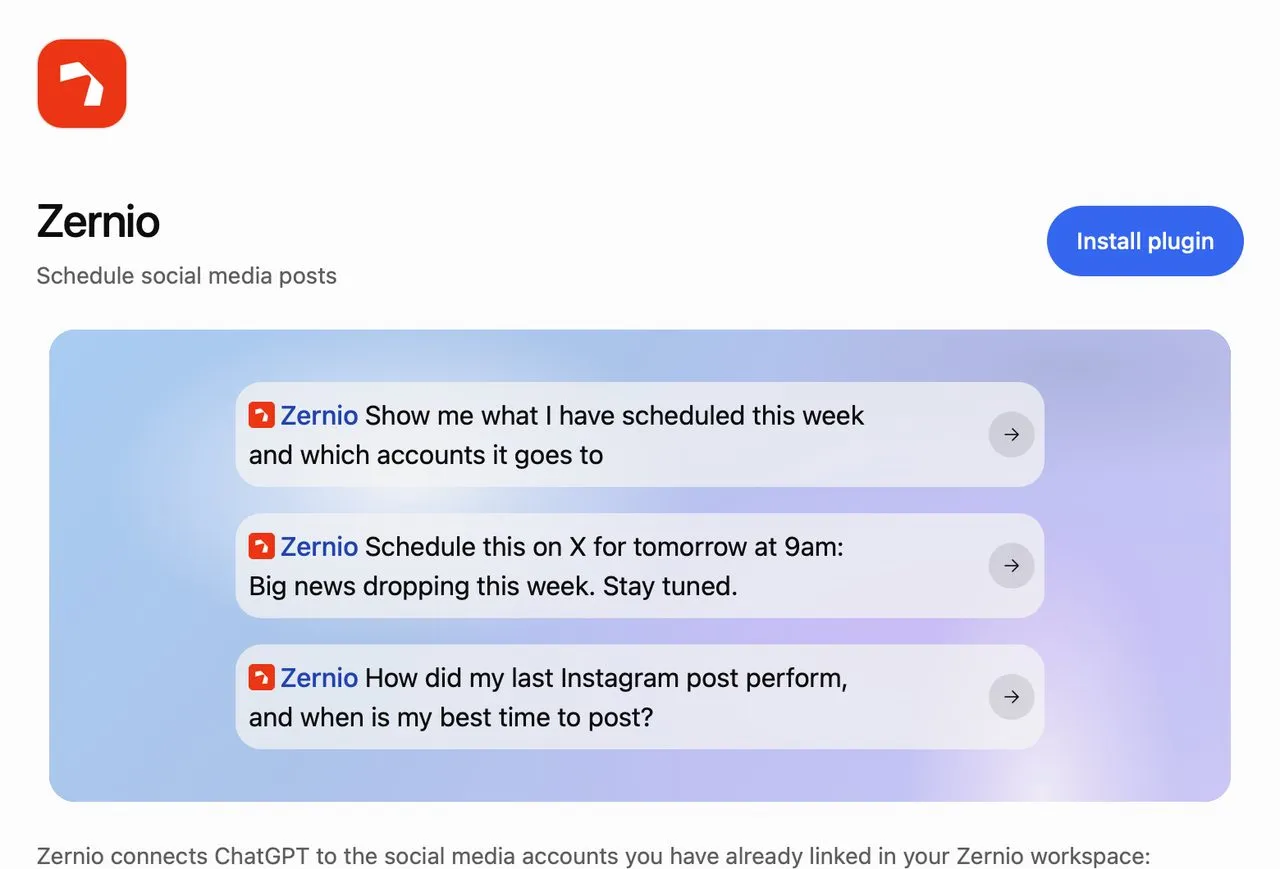
Zernio’s listing names 15 networks, Snapchat, Reddit and Telegram among them. ChatGPT can schedule, publish, edit, retry a failed post, or check a draft against each platform’s rules. The listing also says “anything that goes live immediately is confirmed with you first.” On its setup page, Zernio says the connection can read and reply to comments and DMs, on more networks than Blotato’s two.
Pros:
- Your first 2 accounts carry no account fee
- Inbox replies across more networks than Instagram and Facebook
Cons:
- At 20 accounts, Zernio’s own worked example comes to $78 a month
- X API calls are billed separately
Best for: Developers with a handful of accounts spread across many networks.
Pricing: Two accounts are free. Accounts 3 to 10 cost $6/mo each, and accounts 11 to 100 cost $3 each.
Free trial: A free tier for 2 accounts.
Bottom line: Next to Blotato, Zernio costs less below about 7 accounts, and its inbox reaches further than Instagram and Facebook.
8. Upload-Post - Best for video creators sending one clip to many feeds
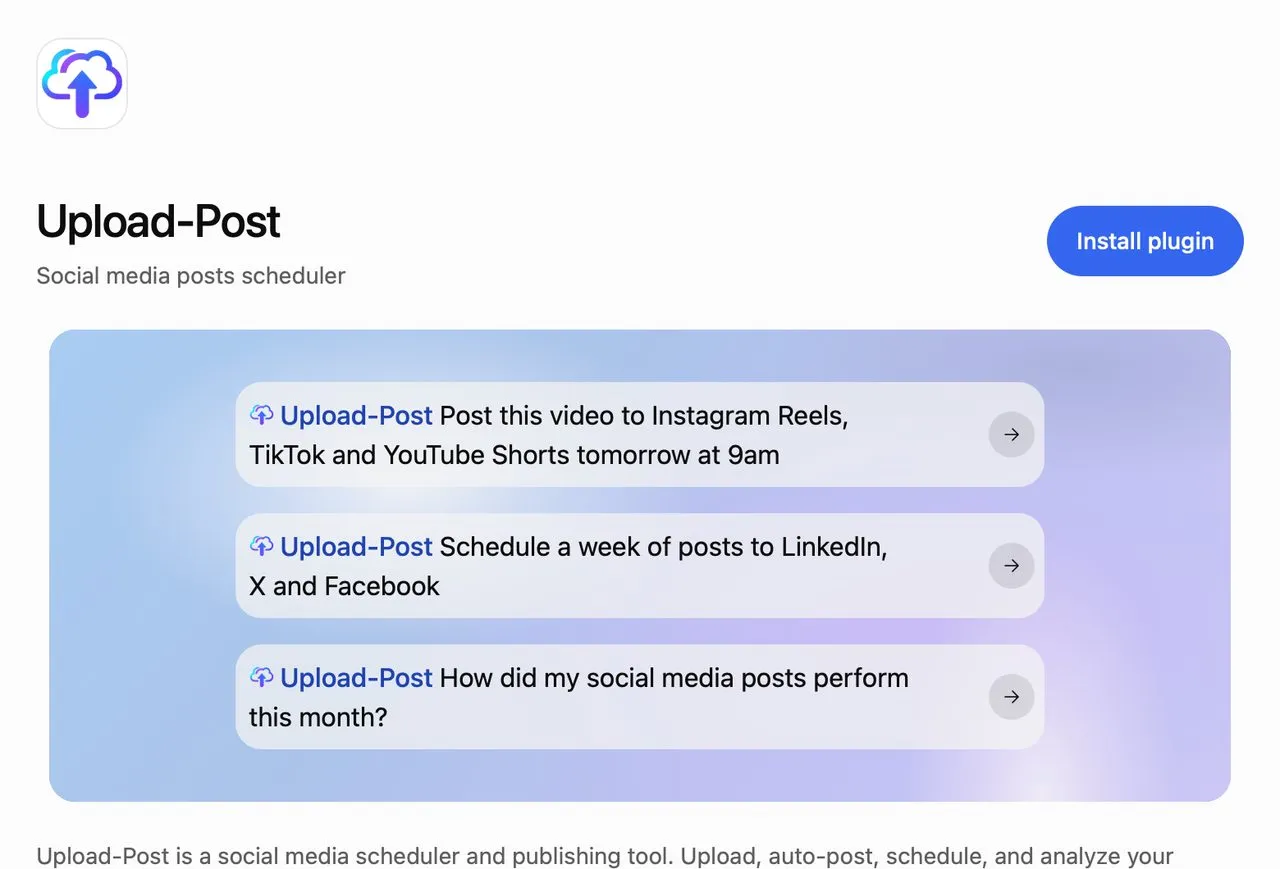
Upload-Post’s listing leads with video: post one clip to Instagram Reels, TikTok and YouTube Shorts at once, or cut a long video into shorts. It also lists comment replies and an Instagram auto-DM skill. Upload-Post says its MCP “works with any Upload-Post plan, including the free tier.” Pricing counts profiles, where “a profile is one person or client” with one account per network.
Pros:
- One request sends a video to every short-form feed
- The free tier works with the plugin
Cons:
- The free tier excludes TikTok
- Its own docs show Reddit connections currently returning an error
Best for: Short-form video creators who post the same clip everywhere.
Pricing: 10 uploads a month on 2 profiles cost nothing. Basic runs $24/mo billed monthly for 5 profiles, or $16/mo billed annually.
Free trial: A free plan, no trial needed.
Bottom line: Upload-Post makes sense when video is the main thing you post.
Other ChatGPT Social Media Plugins Worth Knowing
These three are also listed in OpenAI’s directory, and each showed up in the AI answers checked for this post.
SocialClaw. SocialClaw is built for AI agents, with a validate-first flow that checks a schedule before it applies it. Pricing starts at $15/mo for 3 accounts, or $10/mo billed yearly, after a 7-day free start.
WoopSocial. WoopSocial can publish now, save a draft or schedule for later across 9 networks. It has a free plan for 2 accounts, and Pro is $19/mo for 20 accounts.
PostFast. PostFast creates every new post on hold, and “nothing publishes until you approve it.” It covers 11 platforms and starts at €15/mo for 4 accounts, with a social inbox included.
Which ChatGPT Plugin Fits Your Accounts?
- If you want posting plus Instagram and Facebook DM automations, Blotato puts both on one bill. At ten accounts, Zernio is $48 against $54 on Blotato.
- If you run one brand and want to start free, Metricool works until you need LinkedIn or X.
- If your team already schedules in Buffer, its plugin works off the queue you have.
- If clients approve every post, Planable keeps those approvals in each client’s workspace.
- If you want a draft or a hold before anything goes out, Publer drafts by default and PostFast holds every new post.
- If video is most of what you post, Upload-Post sends one clip to every short-form feed.
- If your inbox lives beyond Instagram and Facebook, Zernio replies to comments and DMs on more networks.
- If you need niche channels, Postiz lists 30+.
Listed or Popular, but Not on My List
Canva and Adobe Express. Both are listed in the directory, but they create designs and stop there. Canva’s listing reads “Create, review, edit designs,” with no publishing.
SocialPilot. Its ChatGPT “AI Scheduler” is a Custom GPT in the GPT Store, and no SocialPilot listing turned up in the Plugins directory. It also ships an MCP server you could add as a custom server.
Hootsuite. Its Perch MCP connects to ChatGPT, but its developer docs say “Perch prepares content, it does not publish it.”
Agorapulse. Its MCP announcement names Claude’s directory, not ChatGPT’s, and it has no “publish now” action.
Vista Social. Its MCP is set up as a custom connector, which Vista says needs a paid ChatGPT plan, and no Vista listing turned up in the Plugins directory.
How I Evaluated These Plugins
- Directory check: each plugin’s page in OpenAI’s Plugins directory, including the developer it names.
- Publishing behavior: the listing text first, then each vendor’s own ChatGPT or MCP docs.
- Cost: the lowest plan the plugin works on, billed monthly unless noted.
This is a docs-and-listings review, checked on November 21, 2026 against each listing and each vendor’s own pricing and plan pages. Not every plugin was installed. For Claude, I used the same method on the best Claude connectors for social media.
My Pick, and When It Changes
If you run multiple accounts and want ChatGPT to post and run Instagram and Facebook DM automations, start with Blotato. If you run one brand, start free with Metricool, and if your inbox spans more networks, look at Zernio. The step-by-step guide to posting from ChatGPT shows a Blotato publish, start to finish.
Best ChatGPT Plugins for Social Media FAQs
Which ChatGPT plugins can schedule or publish social media posts?
The eight on this list are all in OpenAI’s Plugins directory and can schedule or publish: Blotato, Metricool, Buffer, Planable, Postiz, Publer, Zernio and Upload-Post. ChatGPT can write the post, but it needs a plugin like these to publish it. Install one from the Plugins page, sign in to that vendor’s account, and ask ChatGPT to post to Instagram, LinkedIn or another network the vendor supports.
Which ChatGPT social media plugins work on a free plan?
On the vendor side, Metricool, Buffer, Zernio and Upload-Post all work on a free plan, and Planable gives 50 free posts. Blotato’s setup guide says its plugin works on the ChatGPT Free plan, though Blotato itself needs its paid Solo plan. OpenAI says plugin access also depends on your plan, workspace, role and region.
Is Buffer in the ChatGPT Plugins directory?
Yes. Buffer’s listing in the ChatGPT Plugins directory is live and published by Buffer. Until at least November 18, 2026, Buffer’s own page still described a Developer mode setup. Older articles that say Buffer is not in the directory are out of date.
What is the difference between a ChatGPT plugin and a custom MCP server?
A plugin is listed in OpenAI’s directory after review and installs from the Plugins page. A custom MCP server is one you add yourself from the Plugins page, after acknowledging a risk warning. Full MCP for those is limited to Business and Enterprise/Edu, and on Pro a custom server can read and fetch but cannot publish.