Claude Cowork Plugins for Marketers: What to Install (2026)
I went through all 11 official Claude Cowork plugins for marketing, from the source files. The winners, the skips, and the one that publishes.

Most Claude Cowork plugins are built for legal teams, finance departments, and engineers, so marketers install the wrong ones and wonder why nothing changed. Anthropic’s lineup has real winners for marketing work, but nothing on the install screen tells you which ones they are. I went through the official plugin files with the custom skill setup I run my content business on as the benchmark, and this guide ranks the ones worth a marketer’s install slot. One of them is not a plugin at all: Blotato, the connector that publishes what the plugins draft.
Every official plugin below is free, open source, and included with any paid Claude plan (Pro, Max, Team, or Enterprise). Pricing appears only for the one paid tool on the list.
| Plugin or Companion Tool | Best For | Type | Key Strength |
|---|---|---|---|
| Marketing | Campaign briefs and brand-voice drafts | Official plugin | 7 commands covering the full campaign cycle |
| Blotato | Publishing what the plugins draft | MCP connector, $29/mo | Posts to 9 social platforms from the same chat |
| Productivity | Morning catch-up and task triage | Official plugin | Scans email, Slack, and calendar in one pass |
| Enterprise Search | Finding old decisions and assets | Official plugin | One query across Slack, Notion, Microsoft 365, and more |
| Data | Campaign analytics without SQL | Official plugin | Plain-English questions become charts |
| Plugin Create | Building a plugin for your exact workflow | Official plugin | Claude builds the plugin for you, no code |
Video Guide
If you prefer to watch first, my one-hour Cowork masterclass covers the plugin system live, including installing the Marketing plugin and running its commands on a real task.
What to Look for in a Claude Cowork Plugin
Anthropic open-sourced 11 official plugins, and the directory at claude.com/plugins adds community and partner options on top. If you want unfiltered user reactions before installing anything, the launch thread on r/ClaudeAI is where real users compare notes. Before you install any of them, four filters decide whether a plugin earns its slot or sits unused.
- It matches a job you actually do weekly. The Legal and Finance plugins are excellent, and useless to a content marketer. Install for your role, not for coverage.
- Its connectors match your stack. A plugin is only as useful as the tools it can reach. If you live in Notion and Canva, a plugin wired for Snowflake does nothing for you.
- It fits the next step of your workflow. A campaign brief flows into approval, a report flows into a deck, a social draft flows into publishing. Check where each plugin’s output goes next before you commit to it.
- You can make it yours. Official plugin skills ship as fixed files, so the workflow that works is duplicating the skills you use into your own copies and customizing those. Cowork’s newer Customize button does a version of this for you by opening a task where Claude adjusts the plugin. Either way, a plugin is a strong starting point, but you don’t want to stay stuck running one as shipped.
Best Claude Cowork Plugins for Marketers
Every entry below is an official Anthropic plugin from the knowledge-work-plugins repo, except one clearly labeled companion tool.
1. Marketing - Best for campaign planning and on-brand drafting
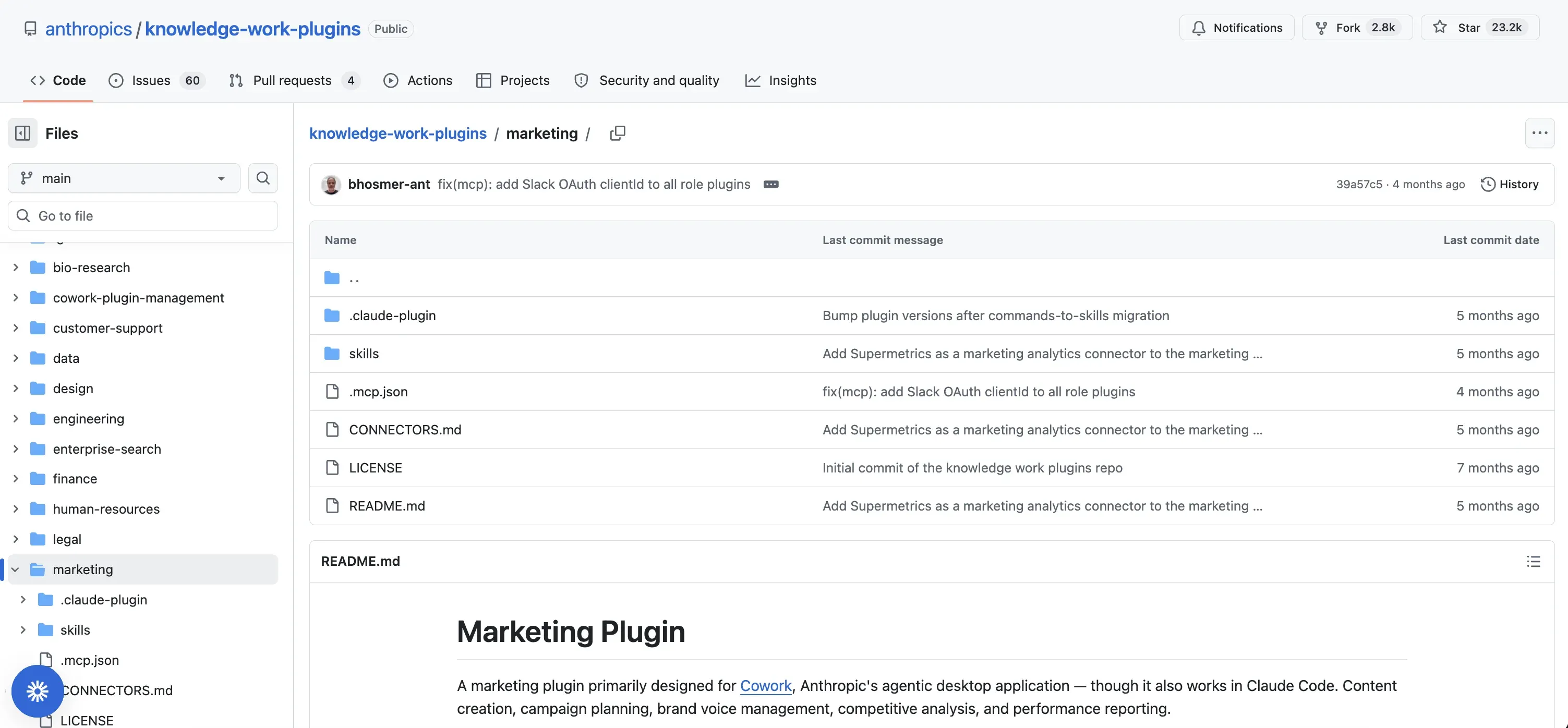
The official Marketing plugin bundles 7 slash commands and 5 skills. The commands cover the whole campaign cycle: /draft-content for blog posts, social drafts, and email newsletters, /campaign-plan for a full brief with channels and a content calendar, /brand-review to check drafts against your style guide, /competitive-brief, /performance-report, /seo-audit, and /email-sequence. Its connectors reach Slack, Canva, Figma, HubSpot, Amplitude, Notion, Ahrefs, Similarweb, Klaviyo, and Supermetrics.
Set next to the custom marketing skills I built for my own content operation, which you can download free, the honest verdict is that they solve different problems. The official plugin is wider: campaign briefs, SEO audits, and performance reports my own pack never touches. My custom pack is deeper on one job: social posts in my exact voice, graded before they ship. Out of the box, the plugin’s drafts read like a competent agency freelancer on day one. The fix is the workflow I demo in the masterclass above: have Cowork save your brand details as a brand voice doc, duplicate the plugin’s content skills into your own copies, and rewire each copy to read that doc before it drafts anything. The same Cowork content workflow is the one I walked HubSpot CMO Kipp Bodnar through, and the duplicate step is what turns day-one freelancer output into your voice.
One boundary to know before you install: none of its ten connectors reaches a social platform. It drafts. You still post. That is the gap the next entry closes, and I will not repeat the point after that.
Best for: Marketers who plan campaigns and report on them, not just write posts.
Bottom line: The widest marketing toolkit Anthropic ships, ending exactly one step before the work is done.
2. Blotato - Best companion tool for publishing what the plugins draft
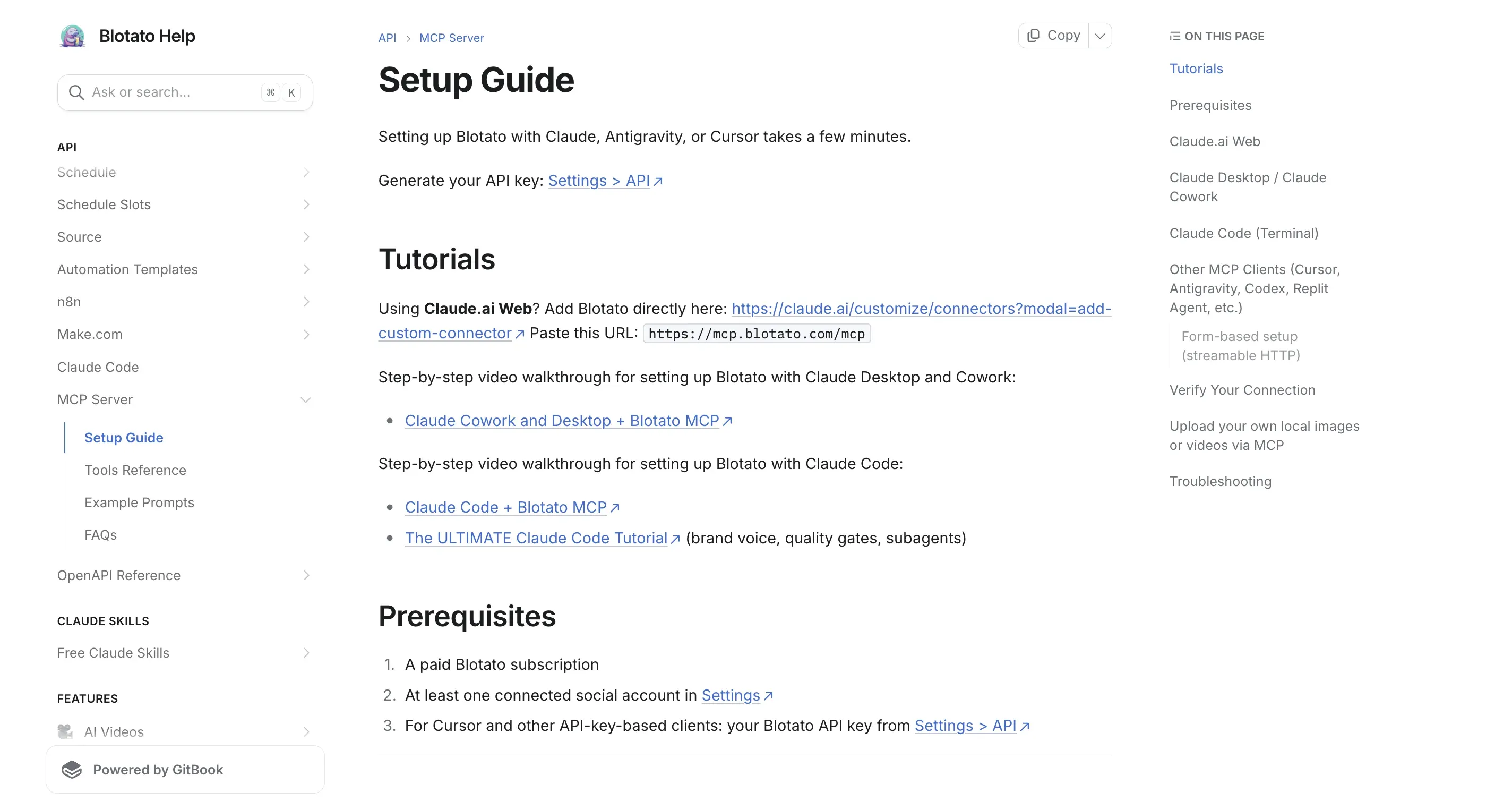
Blotato is not a plugin. It is a custom MCP connector I built. I’m the founder, so take this with whatever grain of salt feels right. I include it because it answers the one question the Marketing plugin cannot: what happens to the draft. Connected to Cowork, it publishes and schedules to 9 platforms: Instagram, TikTok, LinkedIn, X, YouTube, Facebook, Threads, Bluesky, and Pinterest. The Marketing plugin writes the campaign, Blotato ships it, and both run in the same Cowork task. That loop powers my own accounts, 3M+ followers across nine platforms, solo.
Setup is one connector: add Blotato from Claude’s connector directory (what the listing changes), or as a custom connector at https://mcp.blotato.com/mcp. The exact steps, including two Cowork-specific traps around network egress and stale connector sessions, live in Blotato’s MCP setup guide, and the full Cowork workflow shows the system end to end.
Best for: Anyone whose Cowork drafts currently die in a document.
Pricing: Starter at $29/mo. The connector needs a paid plan, since API access is not part of the 7-day web-app trial.
Bottom line: The missing last step for every content plugin on this list.
Want the drafts your plugins produce to actually go live? Blotato connects your social accounts once and exposes them to Cowork through one URL. The $29 Starter plan includes the API access the connector runs on.
3. Productivity - Best for the morning triage you do before real work
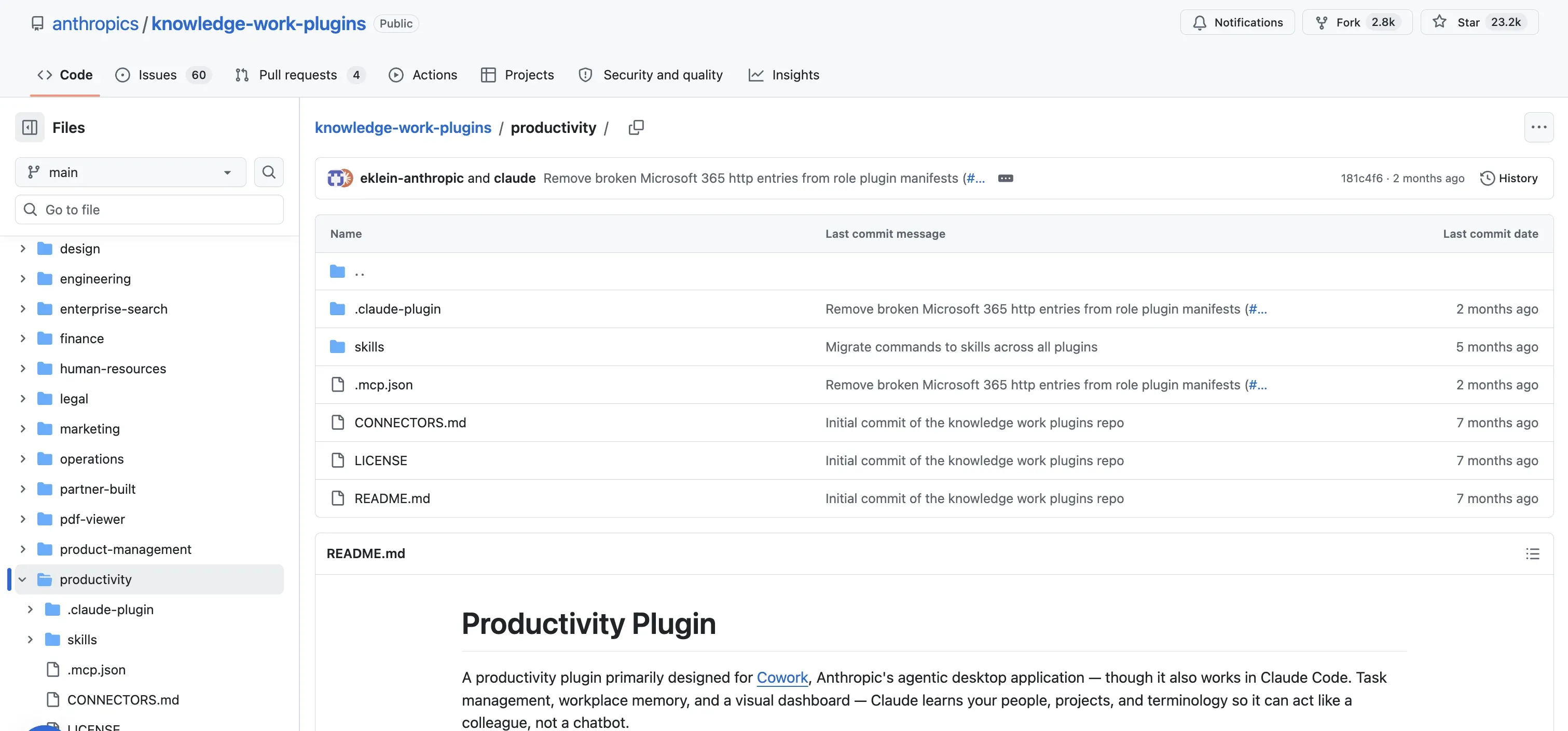
The Productivity plugin scans your email, Slack, and calendar, then surfaces what actually needs attention. Its /update command reviews everything since your last session, and /start builds a running task dashboard. For a marketer juggling campaign deadlines, client pings, and a content calendar, this replaces the first 30 minutes of every day.
Pros:
- Connects to Slack, Microsoft 365, Notion, Asana, Linear, Jira, Monday, and ClickUp
- Builds a persistent task dashboard that carries between sessions
- The
/updatecommand triages stale tasks from earlier sessions, not just new inbox items
Cons:
- Value depends entirely on how many connectors you authorize
- Overlaps with the Enterprise Search plugin if you install both
Best for: Marketers who lose their mornings to inbox and Slack triage.
Bottom line: The plugin most likely to survive on your install list a month from now.
4. Enterprise Search - Best for finding what your team already decided
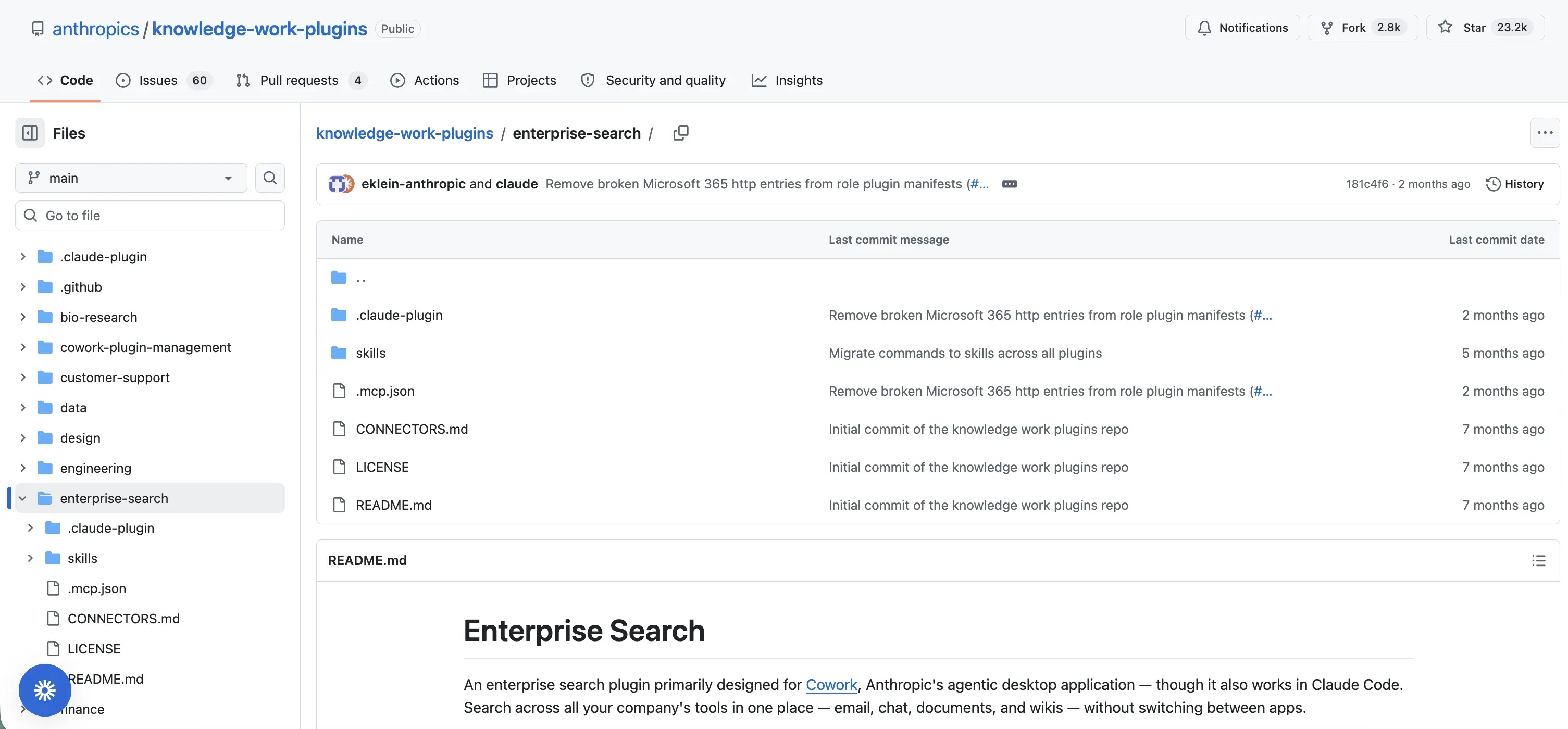
Enterprise Search answers one question marketers ask constantly: where did we land on this? It runs a single query across Slack, Notion, Guru, Jira, Asana, and Microsoft 365, then synthesizes an answer with sources. Campaign approvals, old brand decisions, that asset someone shared in March, all reachable without opening five apps.
Pros:
- One query replaces searching each tool separately
- Cites where each answer came from
- Gets stronger with every connector you authorize
Cons:
- Thin value if your team lives in only one or two tools
- Search quality depends on how organized your workspaces already are
Best for: Marketers on teams where decisions scatter across Slack threads and docs.
Bottom line: Worth the install the first time it finds a decision you would have re-litigated.
5. Data - Best for campaign analytics without filing a data request
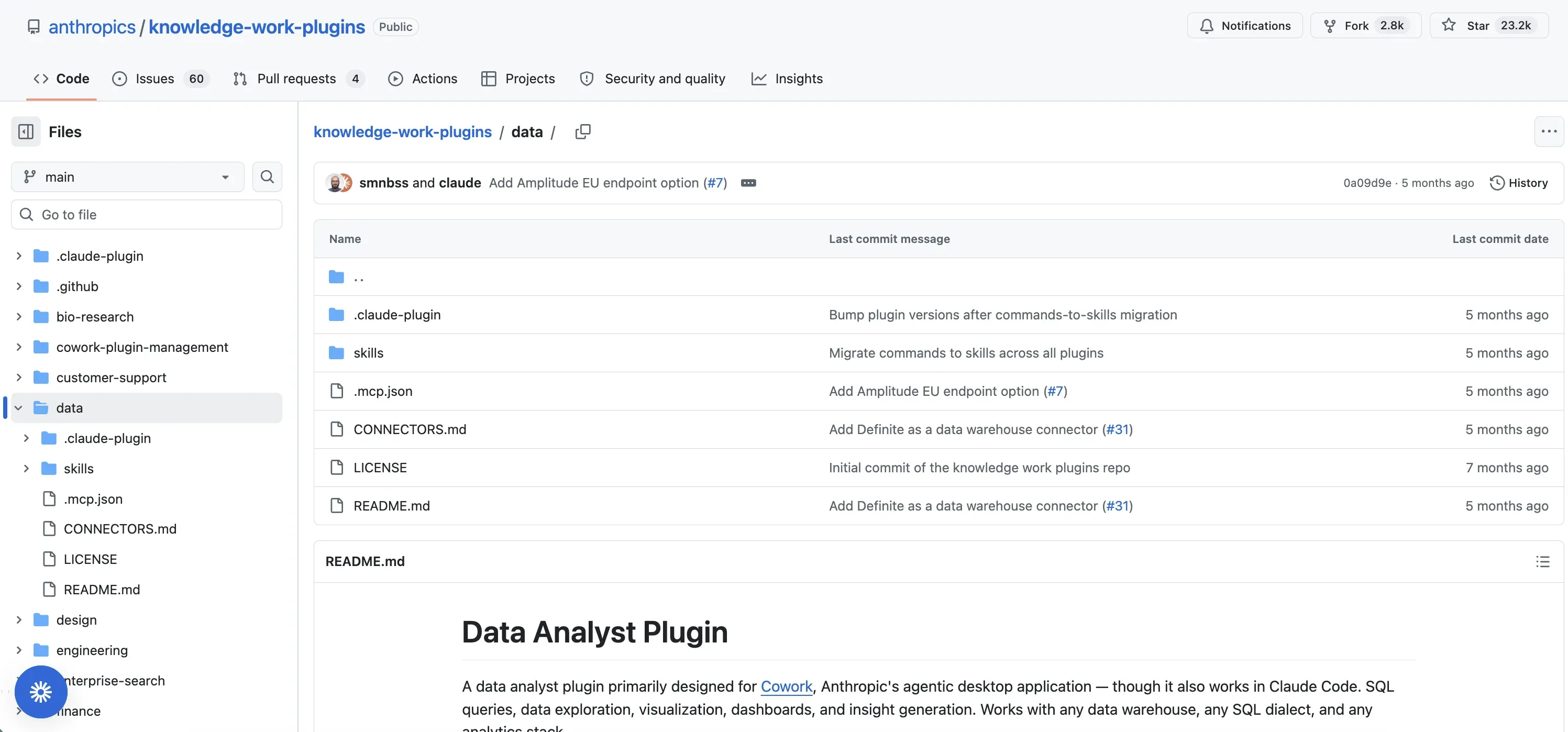
The Data plugin turns plain English into SQL, runs the query, and builds the chart. Ask for 30-day retention on users from your last campaign and it writes the query against Snowflake, Databricks, or BigQuery, with Amplitude and Hex also supported. Marketers without SQL stop waiting on the data team for every question.
Pros:
- Plain-English questions become real queries and charts
- Reaches beyond the big warehouses, with Definite, Looker, and Tableau also supported
- Handles joins and statistical analysis, not just simple counts
Cons:
- Needs a data warehouse connection, so solo creators get little from it
- Answers inherit whatever quality problems your data already has
Best for: Marketers at companies with a real data warehouse and no patience for ticket queues.
Bottom line: A small promotion for you, a small demotion for whoever ran your queries before.
6. Plugin Create - Best for building the plugin Anthropic didn’t ship
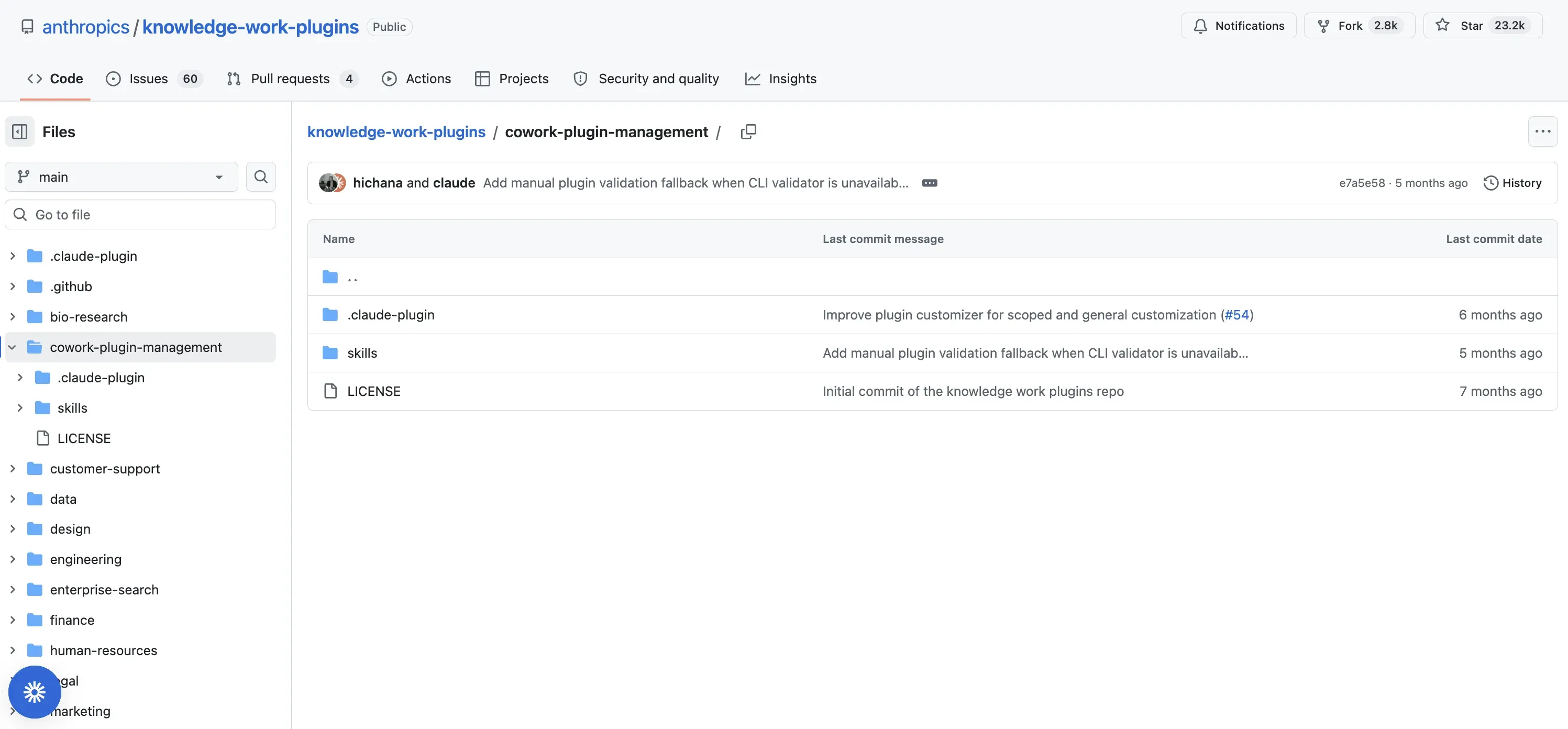
Plugin Create is Anthropic’s meta-plugin: it walks you through building your own. Describe the workflow in plain English. Claude generates the structure, skills, commands, and connector config as markdown and JSON files. No code. When the official Marketing plugin is too generic for your niche, this is how you build the version that knows your offers, your platforms, and your voice. Building your own (or duplicating an official one) is also the cleanest path to skills you can keep improving on every run.
Pros:
- Builds working plugins from a conversation
- Output is plain files you can read, edit, and share
- Can start from any official plugin as a template
Cons:
- Complex cross-app workflows still take real iteration
- You maintain what you build
Best for: Marketers who already know their workflow and want Claude to run it their way.
Bottom line: The escape hatch when off-the-shelf plugins almost fit.
How Do You Install Claude Cowork Plugins?
Installation takes about two minutes and happens inside the app. Open the Cowork tab in Claude Desktop, then open Customize, go to the Plugins tab, and click Browse plugins. Install what you want, then type / in any task to see the new commands. Anthropic’s plugin help doc covers the rest: adding other marketplaces like Financial Services and Legal, uploading a custom plugin file, and the Team/Enterprise admin controls. If you are setting up Cowork itself for the first time, folders, permissions, and first tasks are covered in my Claude Cowork beginner guide, not here.
What Is the Difference Between a Plugin, a Skill, and a Connector?
A skill is one markdown file that teaches Claude a single job. A connector is a live wire to one outside tool through MCP. A plugin is the bundle: skills, slash commands, connectors, and sub-agents packaged for a role and installed in one click. Skills you install separately keep working alongside any plugin, so the two coexist rather than compete. One quirk worth knowing: skills from your plugins also work in regular Claude chat, while hooks and sub-agents run only in Cowork.
Can a Cowork Plugin Publish to Social Media?
No official plugin publishes to social platforms. The Marketing plugin’s connectors stop at tools like HubSpot, Canva, and Klaviyo, so every social draft ends as text in a document, and the same is true across the rest of the official set. An MCP publishing connector is the piece that adds it, which is exactly what the Blotato entry above covers. Two Cowork-specific gotchas can make a correctly added connector look broken, network egress being off by default and stale connector sessions, and Blotato’s docs walk through both fixes.
How I Evaluated These Plugins
- Source files, plus one live run. Every claim about a plugin’s commands, skills, and connectors comes from reading its actual files in Anthropic’s repo. The Marketing plugin is the one I have also run live, installing it and drafting real posts on camera in the masterclass above. The other five are source reviews, not lab tests.
- A real incumbent as the yardstick. The custom skill system I run daily is the standard each content plugin was judged against.
- Marketer relevance only. Legal, Finance, Bio Research, and Customer Support are solid plugins that did not make the list because a marketer would not use them weekly.
- Connector honesty. I checked each plugin’s connector list in the repo rather than trusting third-party roundups, several of which disagree with the source.
How to Choose Which Plugins to Install
- If you write and publish social content solo, skip most of the list: install the Marketing plugin for briefs, wire the Blotato connector for publishing, and keep your custom skills for voice.
- If you run marketing on a team, add Enterprise Search and Productivity. The time they recover from triage and archaeology is larger than any drafting gain.
- If you report to a data warehouse, add the Data plugin and ask your analytics questions directly.
- If your workflow is genuinely unusual, build it with Plugin Create instead of bending a generic plugin until it breaks.
Final Recommendation
Install the Marketing plugin first, because campaign briefs and SEO audits are the widest gap between what you do and what Claude helps with today. Add Productivity or Enterprise Search if you work on a team, and Plugin Create when the generic versions stop fitting. Whatever you install, decide up front where each plugin’s output goes next. The drafting is fast. The handoff is where your week goes.
Claude Cowork Plugins FAQs
What are Claude Cowork plugins?
Claude Cowork plugins are installable packages that bundle skills, slash commands, connectors, and sub-agents for a specific job function. Anthropic open-sourced 11 official ones, including Marketing, Productivity, and Enterprise Search. They configure Claude for a role in one install, and companion tools like the Blotato connector cover jobs the official set leaves out.
Are Claude Cowork plugins free?
Yes. The official plugins are free and open source, but using them requires a paid Claude plan (Pro, Max, Team, or Enterprise), since Cowork itself is not available on the free tier. There is no separate per-plugin charge.
Do Cowork plugins work in Claude Code?
Yes. Anthropic built the knowledge-work plugins primarily for Cowork, and the same packages are compatible with Claude Code. If you are deciding which Claude surface to run in the first place, my Claude vs Claude Code vs Cowork comparison covers that choice.
Which Claude Cowork plugin is best for marketers?
The official Marketing plugin is the strongest starting point. Its 7 commands cover drafting, campaign planning, brand review, competitive research, performance reporting, SEO audits, and email sequences. Check its connector list against your stack before installing, since that determines how much of it you can actually use.