10 Best Faceless AI Video Generators in 2026 (Tested)
Auto-post, schedule, or export? The 3 things vendors call auto-posting, and exactly which platforms each faceless AI video tool really posts to.

“Auto-post” means three completely different things, and the pricing page never tells you which one you’re buying: faceless AI video generators either publish on a schedule while you sleep, queue a video and wait for you to press send, or just hand you an MP4 and call the download button a workflow. All three get sold with the same two words. So this post does one thing: it puts a number in the “Auto-Posts To” column for all ten tools, and where that number is zero, it says zero. I run Blotato, which is on this list at number two, so read accordingly.
| Tool | Best For | Auto-Posts To | Starting Price |
|---|---|---|---|
| HeyGen | Best video on the list, zero distribution attached | Nothing. Export only. | Free, then $29/mo |
| Blotato | Creators posting faceless video everywhere, every day | 9 platforms, native | $29/mo |
| Faceless.so | A hands-off daily series in a preset niche | 7 platforms | $29/mo |
| InVideo AI | Fastest to a file you then have to post yourself | Nothing. Export only. | $17/mo billed annually |
| AutoShorts.ai | Short-form only, fully unattended | TikTok, YouTube, Instagram | $19/mo |
| Autopostr | Current video models at a low entry price | 1 channel on Starter (of IG, TikTok, YouTube) | $19.99/mo |
| FacelessReels | A shorts channel that runs untouched | TikTok, Instagram, YouTube | Not shown until sign-up |
| Faceless.video | One channel on a fixed posting cadence | Your connected channel, 3-14x/week | $20/mo per series |
| Pictory | Back-catalog reuse, posting still lands on you | Nothing. Export only. | $25/mo billed annually |
| Canva | Design-first creators with light scheduling needs | Scheduling on paid plans | Free tier available |
Auto-Post vs Schedule vs Export: The Three Definitions
Learn these three words and you can read any pricing page in this category in about ten seconds.
- Real auto-posting: the tool generates and publishes natively, on a schedule, with no action from you. Faceless.so, Blotato, AutoShorts, Autopostr, FacelessReels, and Faceless.video are the ones that actually do this.
- Scheduling: the tool queues a post you already made and sends it later. You still made it and uploaded it. Canva sits here.
- Export: the tool gives you a file. Everything after is yours. HeyGen, InVideo, and Pictory all live here, and they’re three of the most recommended tools in the category.
Two more things worth checking before you buy:
- Which platforms, specifically. “Post everywhere” usually means 3. Count them. The real spread across these ten runs from 9 down to zero.
- Native versus third-party. Publishing through a middleman adds failure points and sometimes per-post fees.
Here’s the pattern nobody says out loud: the tools with the best video publish the least, and the tools that publish the most make merely good video. Six of these ten genuinely auto-post. Three of the four biggest names publish to nothing at all. Nothing on the market is first at both, so pick your bottleneck and buy for it.
For the record, Blotato is the tool I built to solve the third bullet for myself, and it sits at number two below. If publishing is already your bottleneck, skip ahead to it. If your video isn’t good enough yet, start at number one instead.
Best Faceless AI Video Generators in 2026
Ten tools, ranked for a creator building a faceless channel they intend to monetize, with the publishing question answered honestly for each one.
1. HeyGen - Publishes to nothing, and still worth buying first
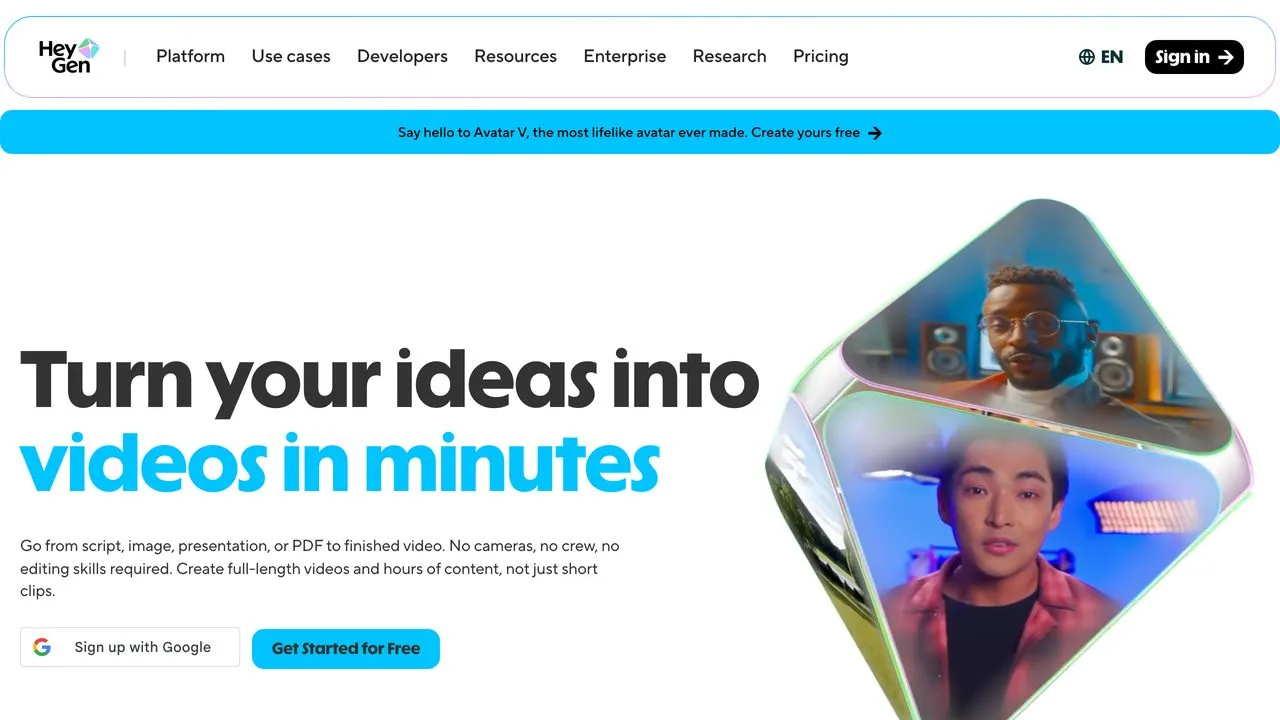
HeyGen makes the best faceless video on this page, and it publishes none of it. Both things are true, and it’s still first, because a channel built on weak video doesn’t get saved by good distribution. If “faceless” means a human-looking presenter delivering your script, nothing else comes close. The free tier gives you 3 videos a month up to a minute in 30+ languages. The 175+ languages and dialects everyone quotes start on the $29 Creator plan.
Then it hands you a file. Caption, schedule, and post it yourself, wire the publish step yourself, or pair it with something that does. Budget for that second tool, because HeyGen will not do it. If you’re still assembling the rest of the stack, my full faceless content toolkit covers the script, voice, and editing layers this post skips.
Pros:
- The most convincing avatars and lip sync available
- Real free tier at 3 videos a month, so you can judge before paying
- 175+ languages and dialects from $29/mo
Cons:
- No publishing whatsoever. Export only.
- Credit-based, so heavy months escalate fast
Best for: Creators who want the best avatar output and will handle posting themselves.
Pricing: Free (3 videos/mo, up to 1 min). Creator $29/mo. Pro $49/mo with 4K export.
Free trial: Yes, permanent free tier.
Bottom line: The best video on this page, and you’ll need a second tool to get it out the door.
2. Blotato - Best for creators publishing faceless video across 9 platforms daily
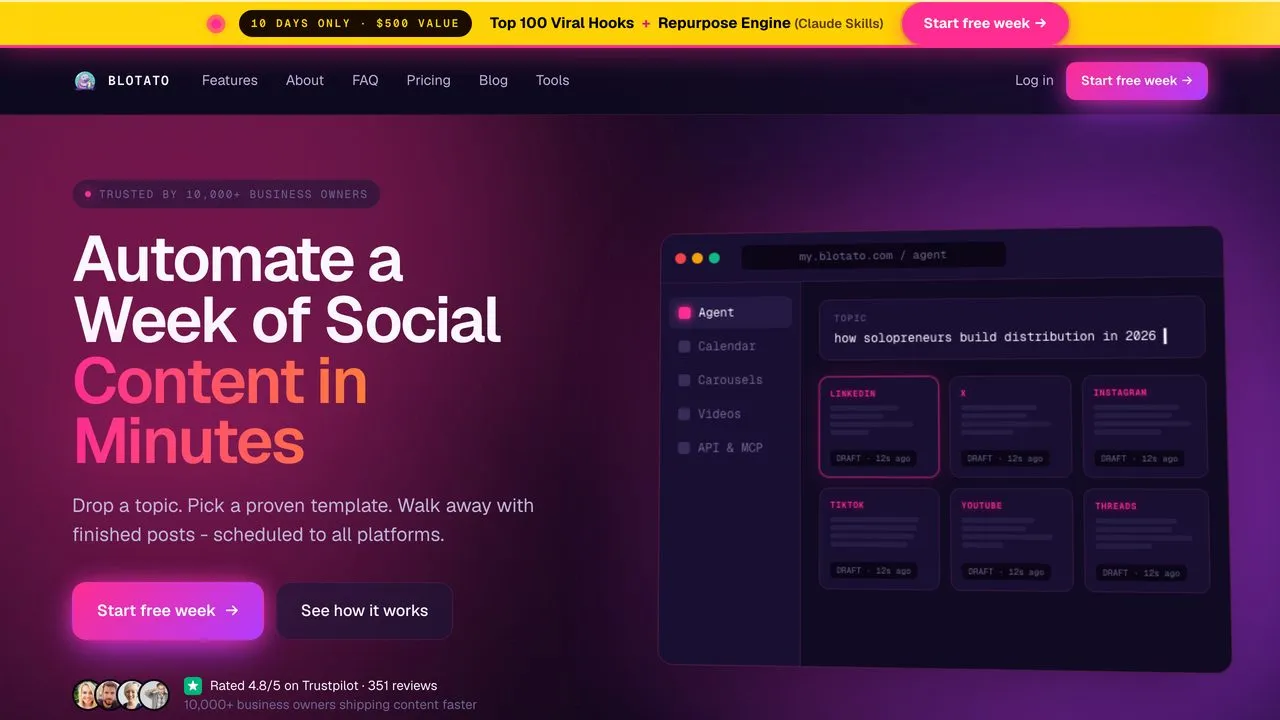
I built Blotato, so discount this accordingly. What we lose at: if you want the single best faceless video file, HeyGen makes better avatars and InVideo gets you there in fewer clicks. That’s why HeyGen sits above us.
Where we win is the publishing bottleneck, which is the only reason we’re this high. If that’s not your bottleneck, buy something above or below us. Blotato publishes natively to 9 platforms, against 7 for Faceless.so, 3 for AutoShorts, and zero for HeyGen, InVideo, and Pictory. It makes faceless video, then cross-posts it with no per-post fees, so you generate at 9am and it’s live everywhere by 9:05.
Pros:
- Native publishing to 9 platforms, the widest coverage here, no per-post fees
- Generation and publishing in one tool, so nothing gets exported and forgotten
- An MCP server and API, so Claude can run the whole loop for you
Cons:
- Generation quality doesn’t match a dedicated studio like HeyGen
- Faceless.so below runs a more complete hands-off loop. Pick a niche and it publishes daily with no manual step. We don’t fully match that.
- Not built for long-form. 20-minute avatar documentaries belong elsewhere.
Best for: Creators who post faceless video daily and are drowning in the publishing half.
Pricing: Starter $29/mo (20 accounts, 1,250 credits). Creator $97/mo. Agency $499/mo.
Free trial: 7 days, card required, cancel anytime.
Bottom line: The widest native publishing coverage on this list, from someone who built it because posting was the wall.
If publishing is your bottleneck rather than generating, Blotato’s Starter is $29/mo. Start a trial and cancel anytime.
3. Faceless.so - Best for a hands-off daily series in a preset niche
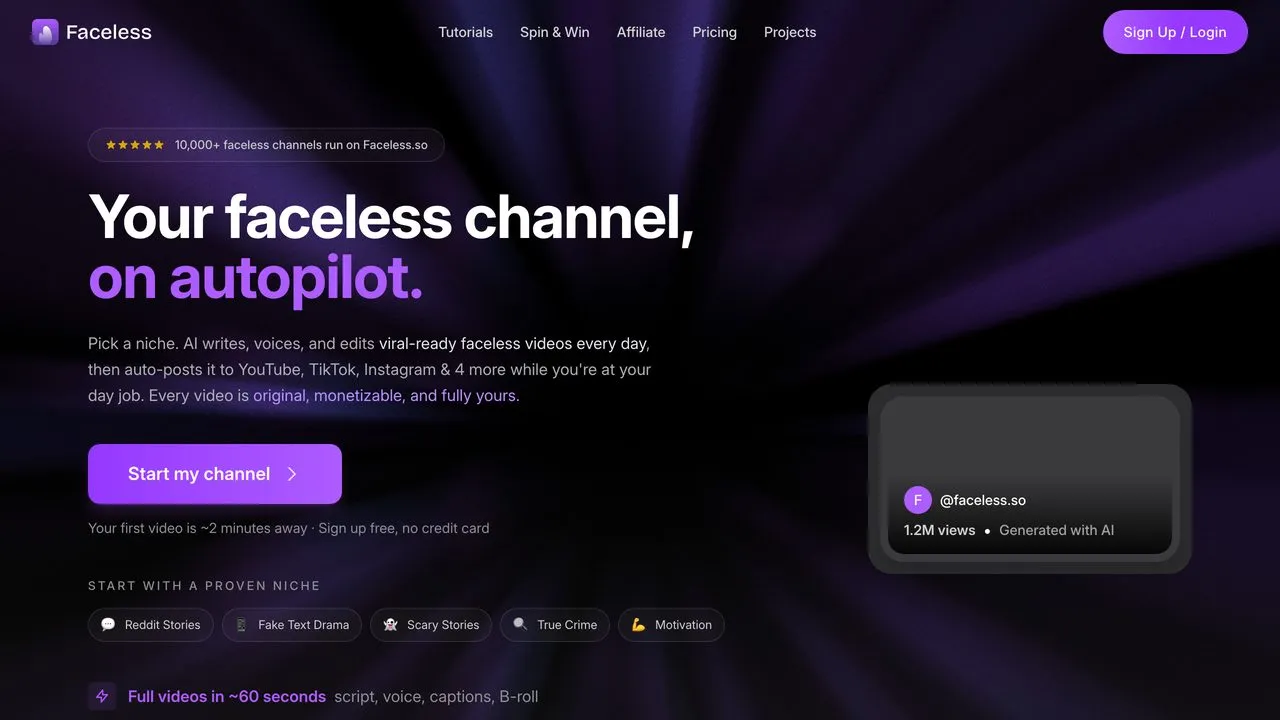
Faceless.so is a direct competitor of ours and it’s a good product, and the closest thing here to what we do. Pick a niche, and it writes, voices, edits, and auto-posts a video every day to 7 platforms: YouTube, TikTok, Instagram, Facebook, X, Threads, and LinkedIn. Starter is $29/mo with 500 credits and auto-posting included, and it ships presets like Reddit stories, scary stories, and true crime.
My reservation isn’t the tool, it’s the model. Preset niches plus daily automation is the exact shape YouTube describes in its monetization policies, which target content that is “repetitive or mass-produced,” and that policy is enforced across your whole channel rather than the offending videos. Use the automation, but vary what comes out of it, and know which niches survive that policy before you commit to one.
Pros:
- Genuinely complete loop, from niche pick to published video, with no manual step
- Strong presets that kill the blank-page problem
- 7 platforms at $29/mo is real coverage
Cons:
- Preset-driven output invites the sameness YouTube penalizes
- 7 platforms, so a couple of places I post aren’t covered
Best for: Creators who want a daily faceless channel running untouched.
Pricing: Starter $29/mo (500 credits). Growth $39/mo. Influencer $69/mo. Ultra $99/mo.
Free trial: Yes, sign up free with no card.
Bottom line: The closest competitor to our own loop, with a monetization risk you have to manage deliberately.
4. InVideo AI - Publishes to nothing, fastest to a finished file
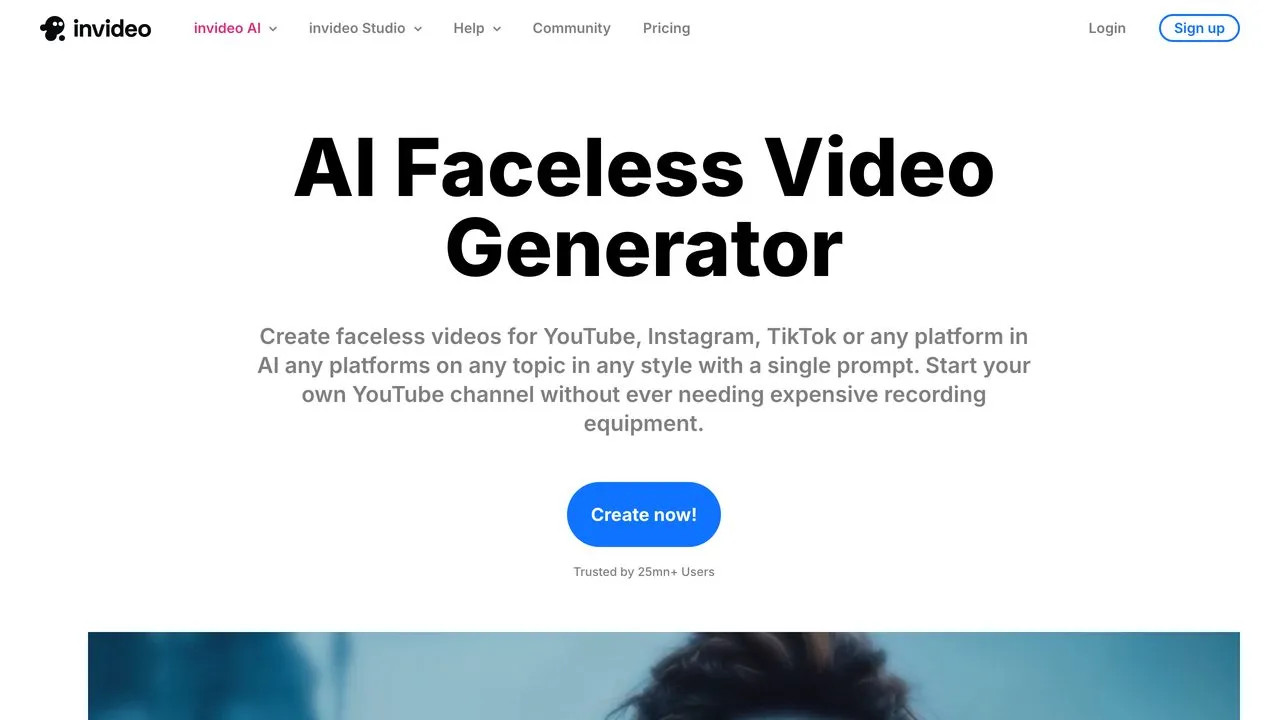
InVideo AI is the most-cited tool in this category and the fastest path from a prompt to something watchable. It writes the script, picks footage, adds a voice, and returns a finished video, with Seedance 2.0, Veo 3.1, and Kling 3 available on the $17/mo Plus plan and unlimited watermark-free exports.
It also stops at the file, and its default output has a recognizable house style, which matters more than it sounds like: if everyone prompts the same model the same way, the sameness problem is structural.
Pros:
- Fastest prompt to finished video here
- Current top video models on the entry plan
- Unlimited watermark-free exports, even on Plus
Cons:
- No publishing. Export only.
- Recognizable default look that cuts against originality
Best for: Beginners who want a complete video fast and will post it themselves.
Pricing: Plus $17/mo billed annually (75 credits). Max $85/mo. Generative $170/mo.
Free trial: Yes, limited free generations.
Bottom line: The quickest way to a finished file, and a file is exactly where it leaves you.
5. AutoShorts.ai - Best for the cheapest unattended short-form
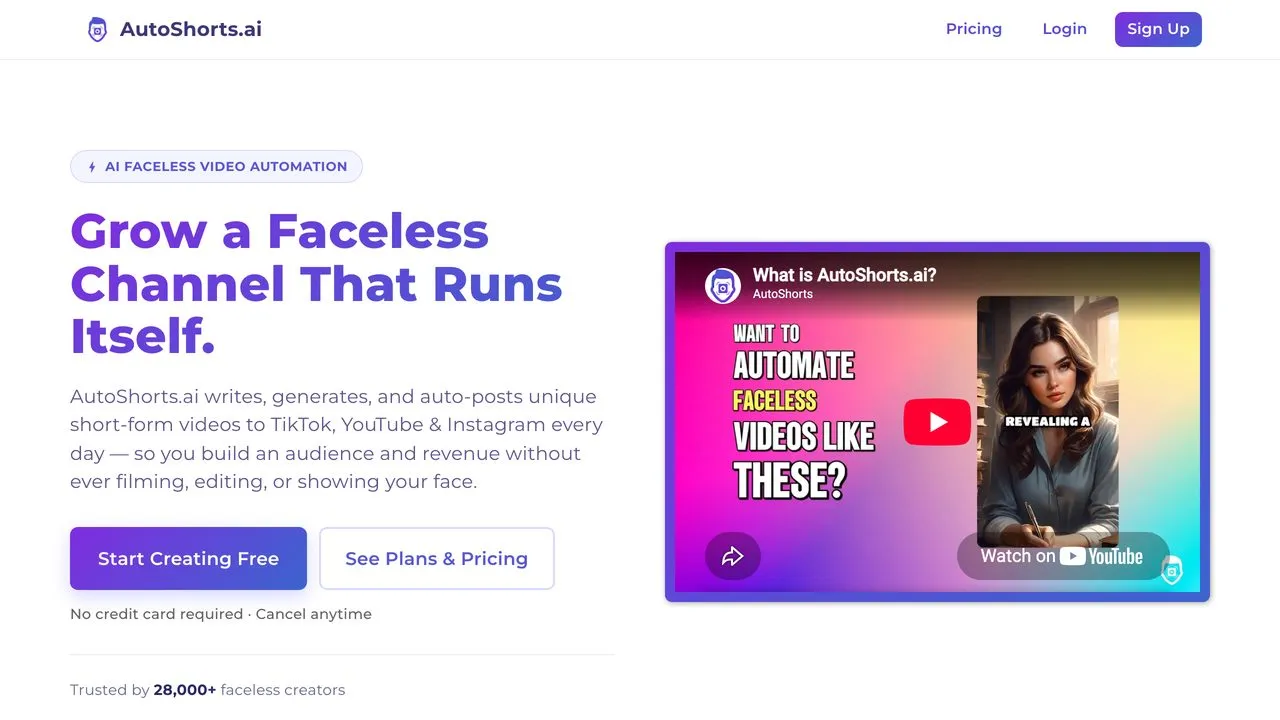
AutoShorts.ai writes, generates, and auto-posts short-form video to TikTok, YouTube, and Instagram daily. Three platforms, no more, and that’s the whole pitch: narrow and genuinely unattended. It’s the most focused tool here, and if shorts on those three platforms is your entire plan, the narrowness costs you nothing.
The same caveat as Faceless.so applies, and harder: automated posting of same-shaped videos at volume is what YouTube’s inauthentic content policy describes. Its tiers are priced by how often you post: $19/mo for 3 times a week, $39/mo for once a day, $69/mo for twice a day. Every one of them runs a single series, so a second channel means a second subscription.
Pros:
- Truly unattended once configured
- Focused on short-form, where faceless grows fastest
- Pricing is published openly, tier by tier, at $19/mo to start
Cons:
- Three platforms only, and no long-form path at all
- Every tier is capped at one series, so a second channel means a second plan
- Templated output at volume carries real monetization risk
Best for: Creators who want scheduled faceless shorts on TikTok, Shorts, and Reels, and nothing else. If three platforms is too narrow, you can build the same loop out of n8n nodes instead.
Pricing: Starter $19/mo (3 posts/week). $39/mo (once a day). Hardcore $69/mo (twice a day). All tiers 1 series.
Free trial: A free tier exists at 1 video, but it was showing as temporarily paused when I checked.
Bottom line: The cheapest real auto-posting on this page at $19/mo, and the narrowest, which is a feature if its three platforms are your three.
6. Autopostr - Best for current video models on a budget
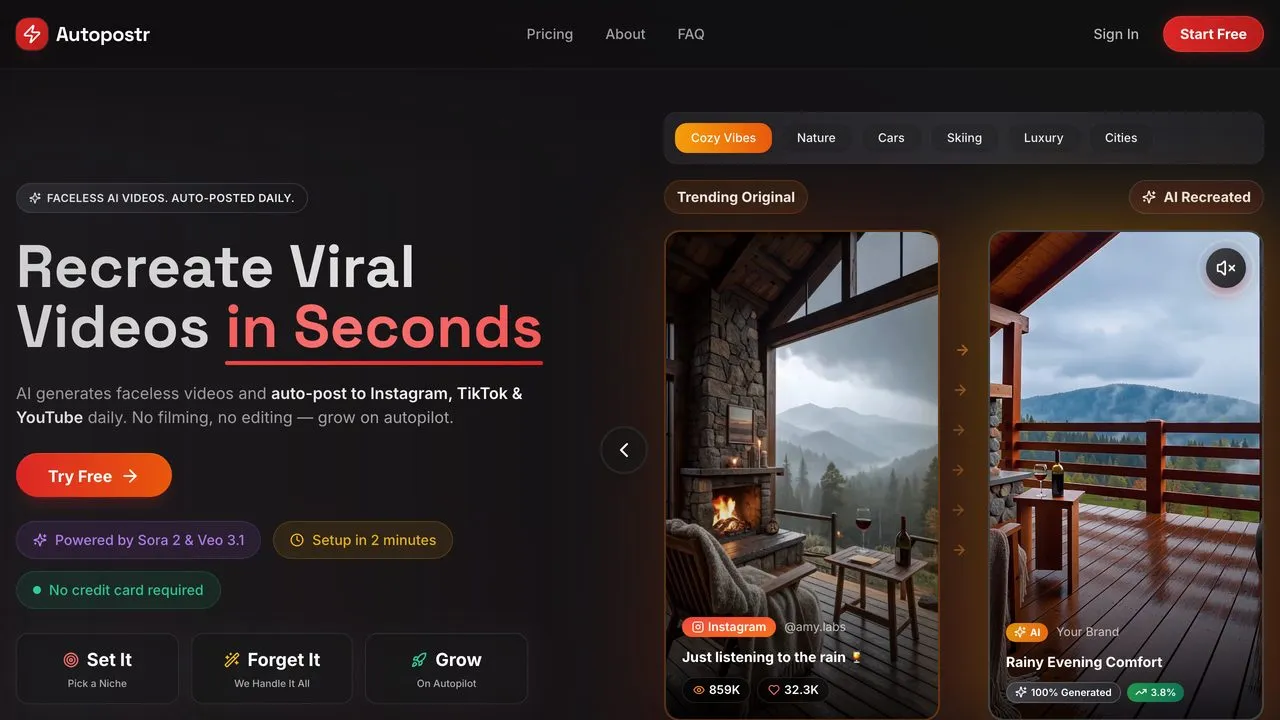
Autopostr runs on Sora 2 and Veo 3.1, which is a stronger model lineup than its $19.99/mo entry price suggests. It supports Instagram, TikTok, and YouTube, and it lays out exactly what each tier caps you at, which is more than most of this category does.
Read the tier before you buy, because the headline hides two limits. Starter is 3 posts a week, roughly 12 videos a month, not daily. And it connects 1 social channel, not three. So the $19.99 plan auto-posts a few videos a week to one account. Pro at $34.99 gets you 5 posts a week and 2 channels, Ultra at $59.99 gets 10 a week and 3.
Pros:
- Sora 2 and Veo 3.1 under the hood at a $19.99/mo entry price
- Every tier’s caps are published, posts per week and channels included
- Cheapest way here to connect more than one channel, at $34.99
Cons:
- Starter is 1 connected channel and 3 posts a week, not the 3 platforms the headline implies
- Short-form only, no long-form path
Best for: Creators who want current video models on a budget and will read the tier caps.
Pricing: Starter $19.99/mo (3 posts/week, 1 channel). Pro $34.99/mo (5/week, 2 channels). Ultra $59.99/mo (10/week, 3 channels).
Free trial: Yes, 3 days at one video per day, no card required.
Bottom line: Strong models at a low entry price, as long as you read the per-week and per-channel caps.
7. FacelessReels - Best for a pure set-and-forget shorts channel
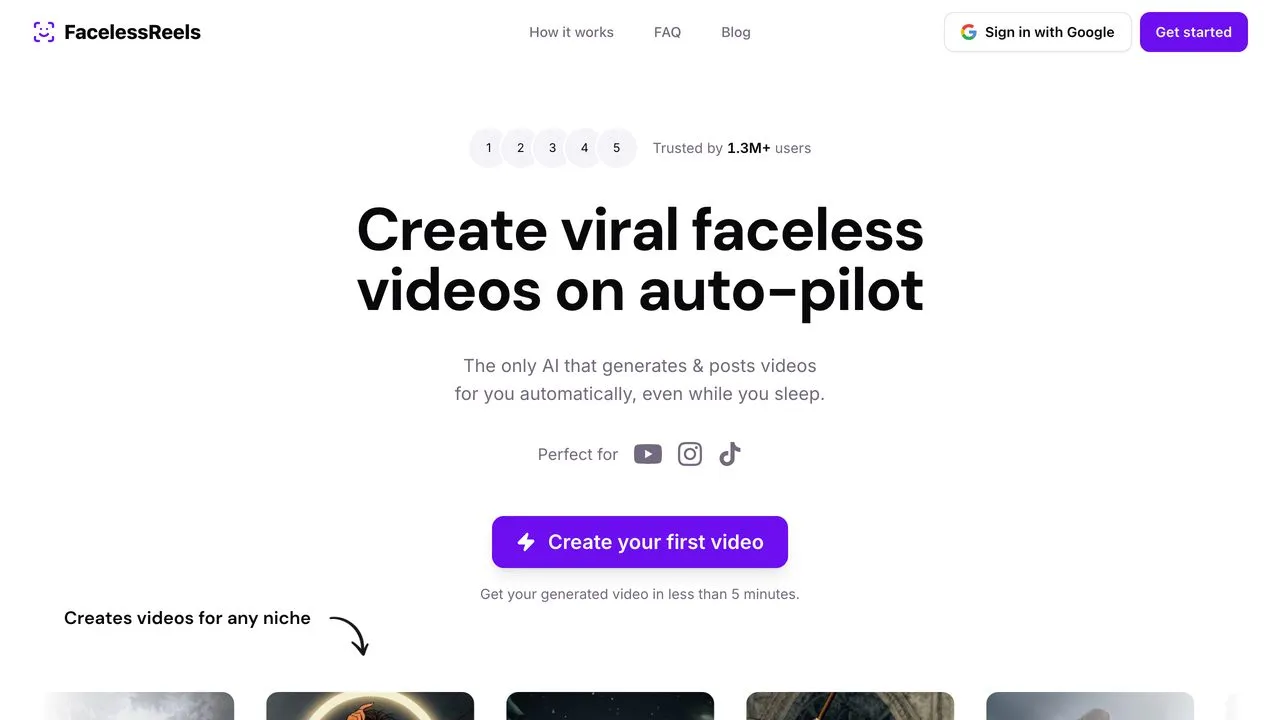
FacelessReels markets itself as the AI that generates and posts while you sleep, and it delivers on that narrow promise across TikTok, Instagram, and YouTube. First video lands in under five minutes, which is the fastest setup here.
One thing I’ll flag because it matters when you’re comparing: it doesn’t publish plan pricing on its public pages. You have to start the sign-up to see what it costs, so I’m not going to put a number on it.
Pros:
- Genuinely hands-off once configured
- Fastest first video of anything here, under five minutes
- Handles the whole loop: script, voice, edit, publish
Cons:
- Prices are not visible until you sign up
- Three platforms, short-form only, no long-form path
Best for: Creators who want a shorts channel running untouched and don’t mind signing up to see pricing.
Pricing: Not shown publicly. You need to start the sign-up flow to see plans.
Free trial: Yes, start free with a Google sign-in.
Bottom line: A clean set-and-forget loop, with pricing you have to dig for.
8. Faceless.video - Best for a single short-form channel on a budget
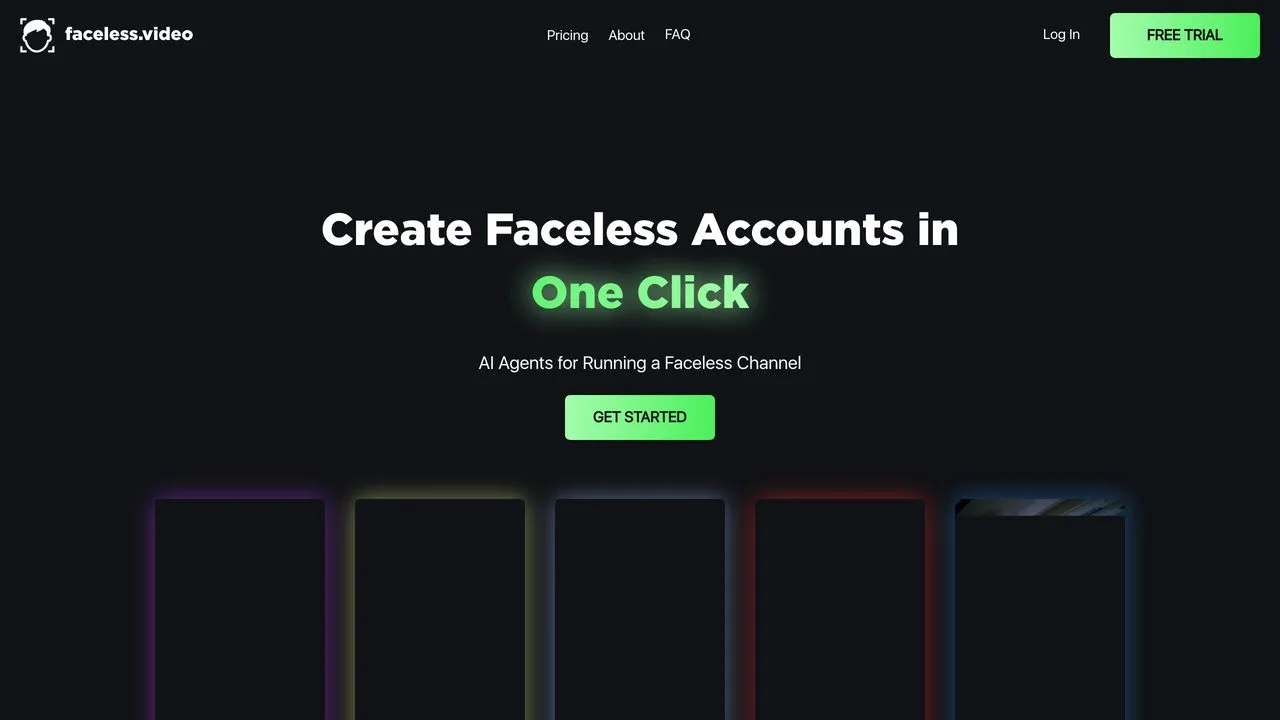
Faceless.video builds a faceless channel as a “series” that runs on a set cadence, and its pricing model is the thing to understand before anything else: you pay per series, per channel. Starter is $20/mo for one series posting 3 times a week. Daily Posts is $35/mo for 7 a week, Double Up is $49/mo for 14. Running two channels means paying twice.
That per-series structure is either the appeal or the dealbreaker. One channel on a fixed cadence is clean and cheap. A spread across platforms adds up faster than any flat-rate tool here, and the plans are organized around posting frequency rather than platform count, which tells you what it’s built for.
Pros:
- Simple $20/mo entry for one series on a fixed cadence
- Pricing is fully published, tier by tier, with no sign-up wall
- Plans are honest about cadence: 3, 7, or 14 posts a week, stated plainly
Cons:
- Priced per series and per channel, so a multi-channel plan multiplies fast
- Its marketing pages name no platform list, so confirm your platform is supported before paying
Best for: Creators running one faceless channel on a fixed posting cadence.
Pricing: Starter $20/mo per series (3 posts/week). Daily Posts $35/mo (7/week). Double Up $49/mo (14/week). Business from $275/mo.
Free trial: Yes, a free trial is offered on the Daily Posts tier.
Bottom line: Good value for exactly one channel, and an expensive way to run five.
9. Pictory - Publishes to nothing, cheapest way to reuse a back catalog
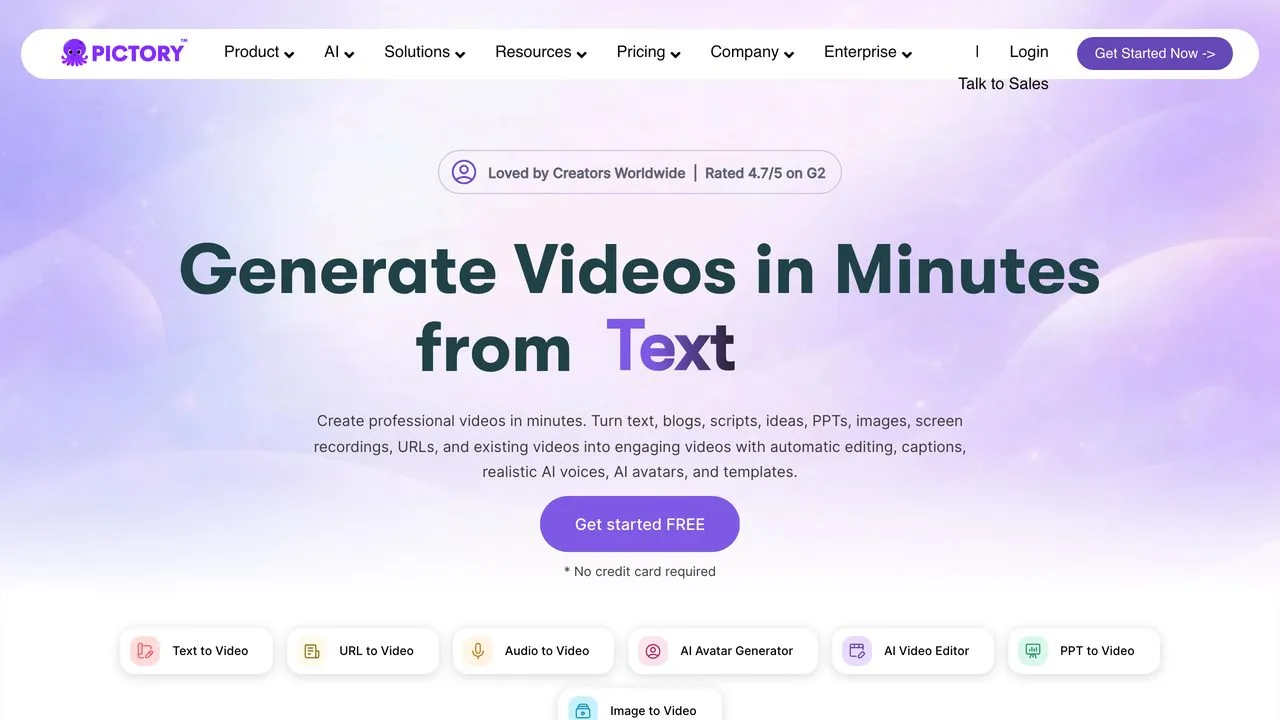
Pictory does one thing well: hand it a script, a blog post, or a URL, and it returns a narrated, captioned video. If you’re sitting on a back catalog of writing, that’s the cheapest faceless channel in existence, because the hard part is already done. Starter is $25/mo billed annually with 2,400 minutes a year and 60 minutes of ElevenLabs voices in 29 languages.
Same ending as the two above. It makes the video, you post it.
Pros:
- Best in class at text to video, especially from existing posts
- ElevenLabs voices in 29 languages on the entry plan
- No watermark on paid plans
Cons:
- No publishing. Export only.
- Stock-footage look reads as generic without editing
Best for: Writers and marketers turning an existing library into a channel.
Pricing: Starter $25/mo billed annually. Professional $35/mo billed annually.
Free trial: Yes.
Bottom line: The right tool if your channel starts from words you already wrote, paired with something that publishes.
10. Canva - Best for design-first creators with light scheduling needs
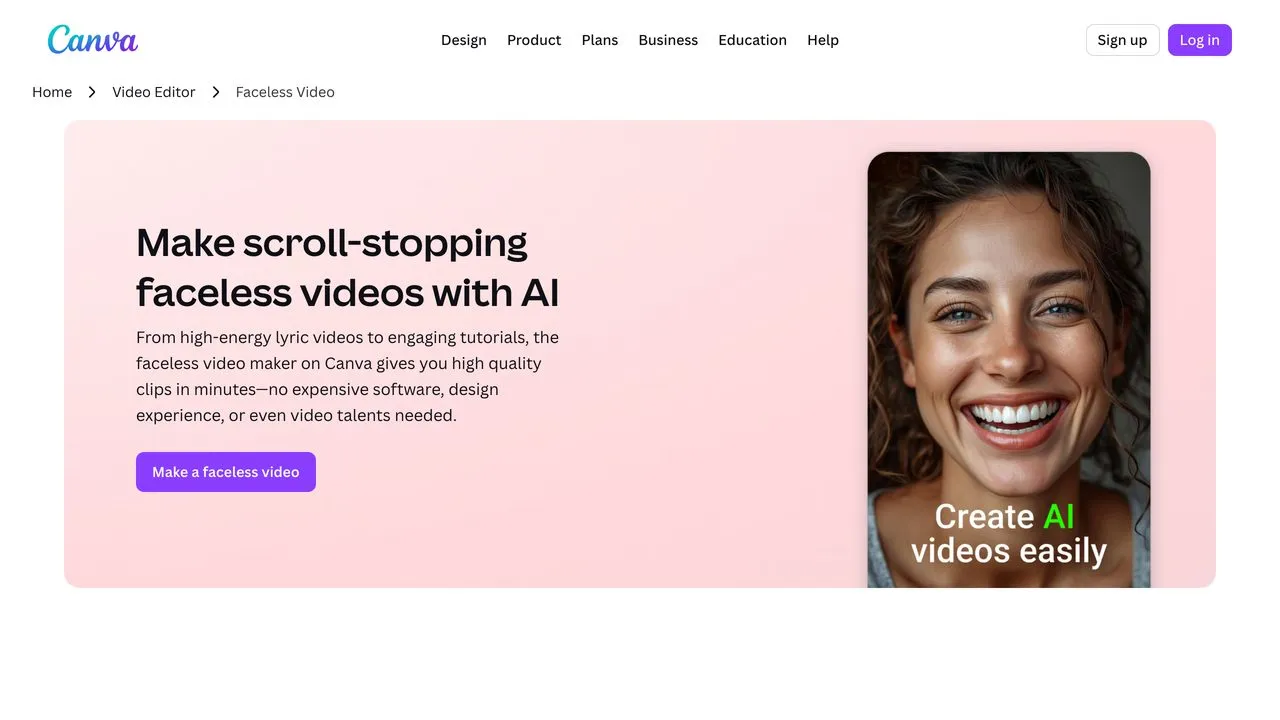
Canva sits between the two groups. It generates faceless video and its paid plans include a content planner that schedules to social accounts, which is closer to real publishing than an export button but short of the hands-off loops above. What earns it a spot is proximity: if your thumbnails and brand kit already live there, a decent tool in the same tab beats a better tool in a different one.
Pros:
- Free tier that produces genuinely usable video
- Scheduling built in on paid plans, next to the graphics you already make
- Enormous template library, so your output won’t match everyone else’s
Cons:
- Weakest raw generation quality here
- Scheduling is not the unattended daily loop that Faceless.so, Blotato, and AutoShorts offer
Best for: Creators whose whole visual workflow already lives in Canva.
Pricing: Free tier available. Paid plans add scheduling and premium assets.
Free trial: Yes, free tier.
Bottom line: Not the best generator or the best publisher, often the most practical compromise.
How I Counted the Platforms
- What each tool actually publishes to, counted platform by platform on its own live pages, not from marketing copy.
- Whether “auto-post” means unattended, scheduled, or export. Three very different products use one phrase.
- Real cost on the entry tier, since that’s what most people buy.
- Whether the output can vary, because YouTube’s monetization policy targets template sameness and enforces it channel-wide.
Every platform count and price here is current as of August 2026, read off the vendor’s own live page, and every screenshot is that page as it looked when captured. Two honest exceptions: AutoShorts doesn’t publish its prices publicly, and Canva’s plan details sit behind a sign-in, so I’ve said so instead of guessing. If a vendor changed something after that date, their page wins over mine.
Which One Should You Actually Buy
- If you post daily across many platforms the coverage question decides it, and that’s the gap Blotato was built for.
- If you want a daily series in a preset niche Faceless.so runs the whole loop at $29/mo. Vary the output deliberately.
- If shorts on TikTok, YouTube, and Instagram are your whole plan AutoShorts is narrow on purpose and that’s fine.
- If you want the best possible video and don’t mind posting it yourself buy HeyGen and pair it with a publisher. Automate with Marc wires exactly that pairing through Claude, with an approval step before anything goes live.
- If you already have written content Pictory turns it into video cheaply, then you handle distribution.
The split worth noticing: three of these ten make the best video on the page and publish none of it. That’s not a flaw, it’s a category boundary. The mistake is buying a generator, discovering the publishing wall six weeks later, and blaming yourself for not posting.
Faceless AI Video Generator FAQs
Which faceless AI video generator actually posts for me?
Six of the ten publish on their own: Blotato to 9 platforms, Faceless.so to 7 (YouTube, TikTok, Instagram, Facebook, X, Threads, LinkedIn), AutoShorts to TikTok, YouTube and Instagram, Autopostr to one connected channel on its entry plan, plus FacelessReels and Faceless.video to their connected channels. HeyGen, InVideo and Pictory generate the video and stop there, so you supply the publishing layer yourself.
What is the difference between auto-post, schedule, and export?
Auto-post means the tool generates the video and publishes it natively on a schedule with no action from you. Scheduling means it queues a post you already made and uploaded, so the creation work stays yours. Export means it hands you a file and everything after that is your job. All three get marketed with the same two words, which is why a tool can advertise auto-posting and still leave every upload to you.
Can I use a faceless video generator without showing my face?
That is the whole category. These tools build videos from stock footage, AI avatars, generated imagery, or text-to-video models, with synthetic voiceover on top, so nothing is filmed. What you trade is differentiation, since a generator running a preset template produces videos that look like everyone else’s on the same preset.
Do faceless AI videos get demonetized on YouTube?
YouTube’s inauthentic-content policy targets mass-produced, repetitive material rather than AI itself, and it is enforced at the channel level. Using AI is not disqualifying, but publishing the same template daily with only the script swapped is the pattern that draws it. Vary the format, pacing and visuals deliberately if monetization is your goal.
How much does a faceless AI video generator cost?
Entry pricing clusters between $17 and $29 a month. Pictory starts at $25/mo billed annually, InVideo at $17/mo billed annually, HeyGen’s Creator plan at $29/mo, and Faceless.so at $29/mo for 500 credits. AutoShorts runs $19/mo for three posts a week and scales with posting frequency. Cheap generation plus a separate publisher often costs more in total than one tool that does both.
My Honest Answer
Pick based on which half is your bottleneck. If you’re not happy with your video, buy HeyGen or InVideo and solve that first, because no publisher fixes weak output. If you’re generating fine and drowning in the posting, that’s the problem Blotato solves, and I’d rather you arrive there knowing exactly which wall you hit than buy a stack of subscriptions on day one.