7 Best Tools to Post to Multiple Social Networks (2026)
Posting to multiple social networks breaks on per-account pricing and per-platform limits. Seven tools compared on where each one stops.
The fastest way to stop pasting the same post into seven apps is one of these tools to post to multiple social networks from a single dashboard. I publish across 9 platforms daily and built a 3M+ follower audience with 500M+ views by shipping fast, so this is an honest shortlist, not an affiliate dump with 20 tools nobody uses. If you just want free, three tools here (Buffer, Metricool, and Publer) have real free plans, and I tell you exactly where each free tier stops. My tool, Blotato, is the paid top pick because it also creates the content, but every tool below earns its spot.
Tools to Post to Multiple Social Networks at a Glance (2026)
| Tool | Best For | Free Plan | Starting Price |
|---|---|---|---|
| Buffer | Solo creators on a budget with a few channels | Yes, 3 channels | $6/channel/mo ($5 annual) |
| Metricool | Freelancers who want analytics and posting together | Yes, 1 brand | $20/mo |
| Publer | Posting to the most networks for the least money | Yes, 3 accounts | From $5/mo |
| Blotato | Creators who want to create and post in one tool | No, 7-day trial | $29/mo flat |
| Later | Instagram-first and visual creators | No, 14-day trial | $25/mo |
| Hootsuite | Mid-size and enterprise teams | No, 14-day trial | $99/user/mo annual |
| Sprout Social | Enterprise teams that need deep reporting | No | $79/seat/mo |
What Should You Look for in a Tool to Post to Multiple Social Networks?
Picking the right tool comes down to five things most listicles skip:
- Native publishing, not link-sharing. A real tool posts to each network as a native post. Avoid anything that just shares a link back to one profile.
- Auto-publish vs reminders. Some tools cannot fully auto-publish to Instagram or TikTok personal profiles and instead send you a reminder to post by hand. Check this before you pay.
- Daily posting caps. Several networks throttle how much you can publish in 24 hours, and some tools add stricter limits of their own on top. I keep a current table of posting limits by platform if you are planning a high-volume schedule.
- Pricing model. Flat-rate, per-channel, and per-seat pricing produce wildly different bills. Per-channel and per-seat climb fast once you add accounts or teammates.
- Per-platform adaptation. Posting the identical text and image to every network is one of the most common content repurposing mistakes, because each platform wants different aspect ratios, caption lengths, and tone. The best tools reshape the post for each platform instead of copy-pasting one version everywhere.
- Create or just schedule. Some tools only move content you already built. A few also write the caption and generate the image or video.
- Free-tier reality. A free plan capped at 10 posts a month is a trial, not a plan. Read the cap before you commit.
7 Best Tools to Post to Multiple Social Networks
The seven tools below are worth your time in 2026, including the one I build and use daily.
1. Buffer - Best for solo creators on a budget with a few channels
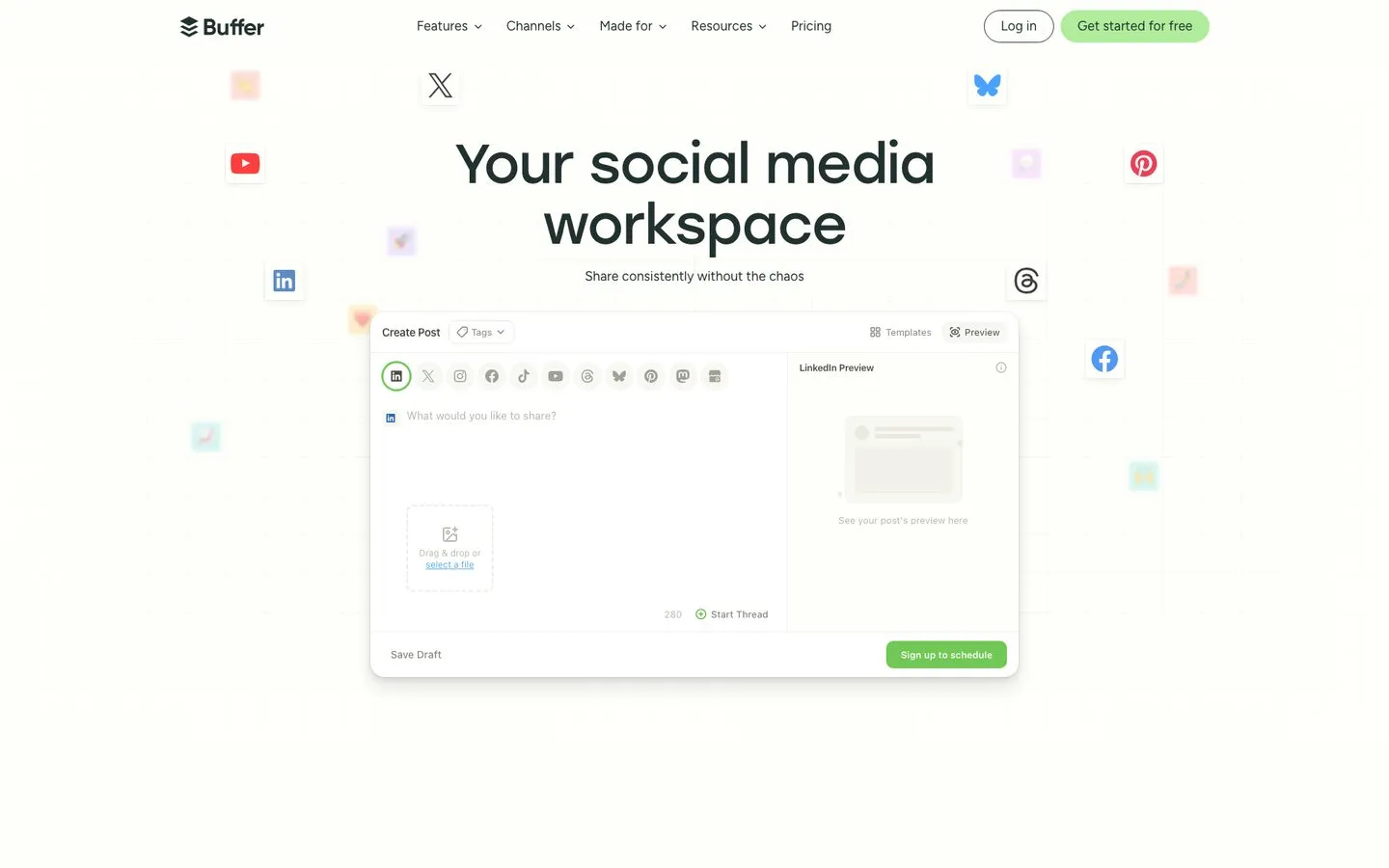
Buffer has been the simplest scheduler on this list since 2010, and it holds a 4.3/5 on G2. The free plan covers 3 channels with 10 scheduled posts each, plus a free AI Assistant for captions. For one person posting to a few accounts, Buffer stays usable for a long time before you ever pay. The catch shows up at scale, because the paid plan bills per channel, so the cost climbs with every account you add.
Pros:
- Easiest tool here to set up, almost no learning curve
- Genuinely useful free plan with a free AI caption assistant
- Reliable publishing across 11 platforms, including Bluesky, Mastodon, and Google Business Profile
Cons:
- Per-channel pricing gets expensive once you pass a handful of accounts
- Analytics are shallow compared to Metricool or Sprout
Best for: Solo creators and small businesses posting to a few channels.
Pricing: Free for 3 channels. Buffer Essentials is $5/channel/mo on annual billing, $6/channel/mo monthly.
Free trial: 14 days on paid plans.
Bottom line: The friendliest on-ramp to cross-posting, until the per-channel bill catches up with you. If that bill is what sent you looking, I ranked seven tools that replace Buffer on price and AI features.
2. Blotato - Best for creators who want to create and post in one tool
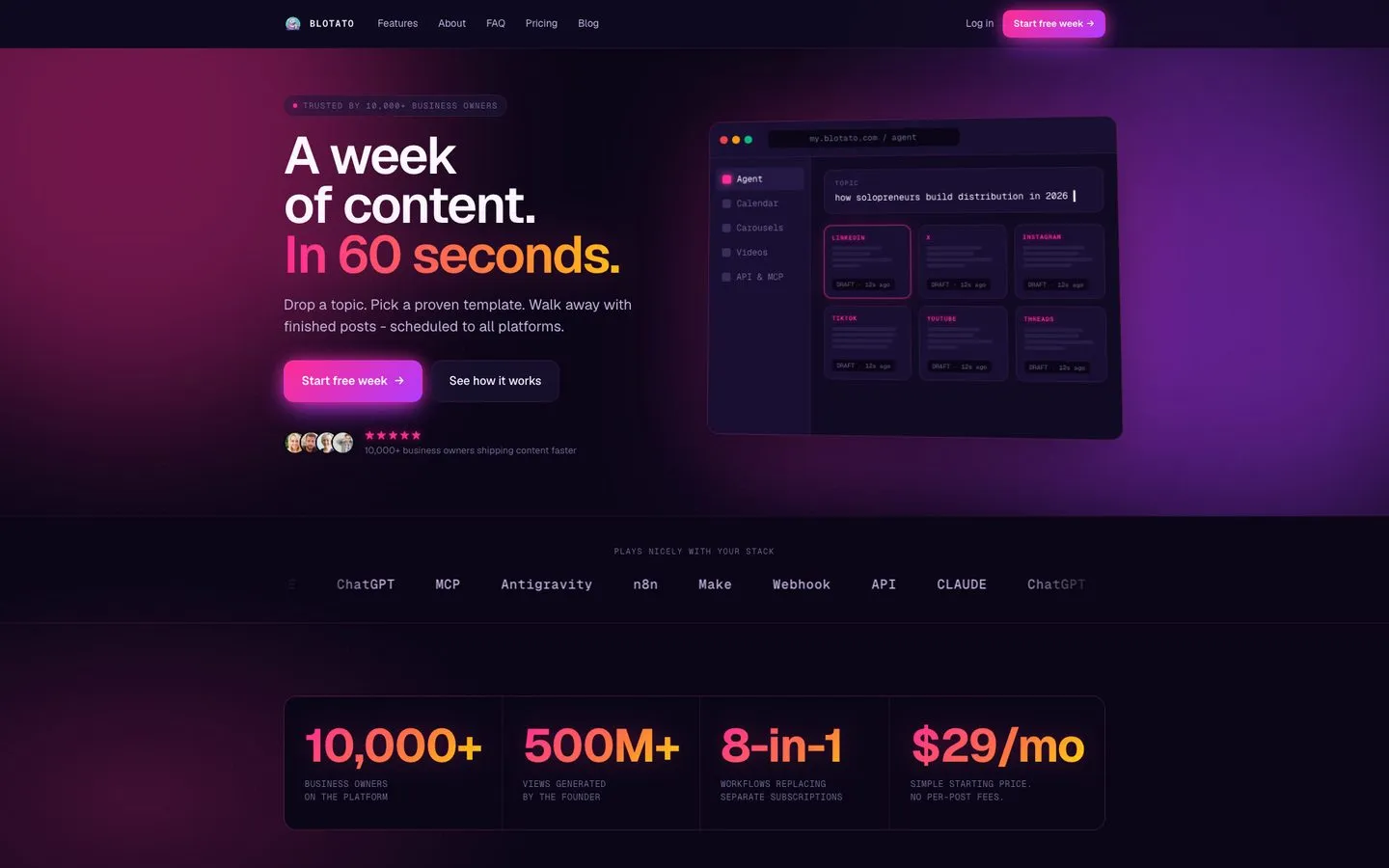
I’m the founder, so take this with whatever grain of salt feels right. Blotato posts to 9 networks (X, Instagram, LinkedIn, TikTok, YouTube, Threads, Facebook, Pinterest, and Bluesky) from one dashboard, but the part that separates it is what happens before the post goes out. The tool writes the caption, generates the image, and can build a faceless video with an ElevenLabs voiceover in the same flow. Most tools on this list schedule content you already made. Blotato makes the content too. Early users rate it 4.8/5 across 384 Trustpilot reviews.
Pricing is flat at $29/mo for 20 connected accounts with unlimited AI writing, not per-channel or per-seat. On a per-channel tool, 20 accounts would cost a small fortune.
Honest limitation: Blotato is not built for enterprise social listening or a 12-person approval chain. If your job is monitoring brand sentiment across a large team, Sprout or Hootsuite fit better. Blotato is for creators and small teams who want to make and ship content fast.
Pros:
- Writes captions and generates images and video, not just schedules
- Flat pricing, no per-channel or per-seat multiplier
- 9 networks from one dashboard, including Bluesky and Threads
- API and MCP access for n8n, Make, and AI agents
Cons:
- Newer brand with a thinner third-party review history than Buffer or Hootsuite
- No enterprise social listening or multi-stage approval chains
- AI output quality depends on how well you prompt it
Best for: Solo creators and small teams that want content creation and posting in one flat-priced tool.
Pricing: Starter $29/mo, Creator $97/mo, Agency $499/mo, all flat-rate.
Free trial: Yes, 7 days on every plan.
Bottom line: The only tool here that writes the post and makes the visuals, not just schedules them.
Try Blotato free for 7 days. Create and post to all 9 networks from one place, no annual lock-in. Start your trial.
3. Metricool - Best for freelancers who want analytics and posting together
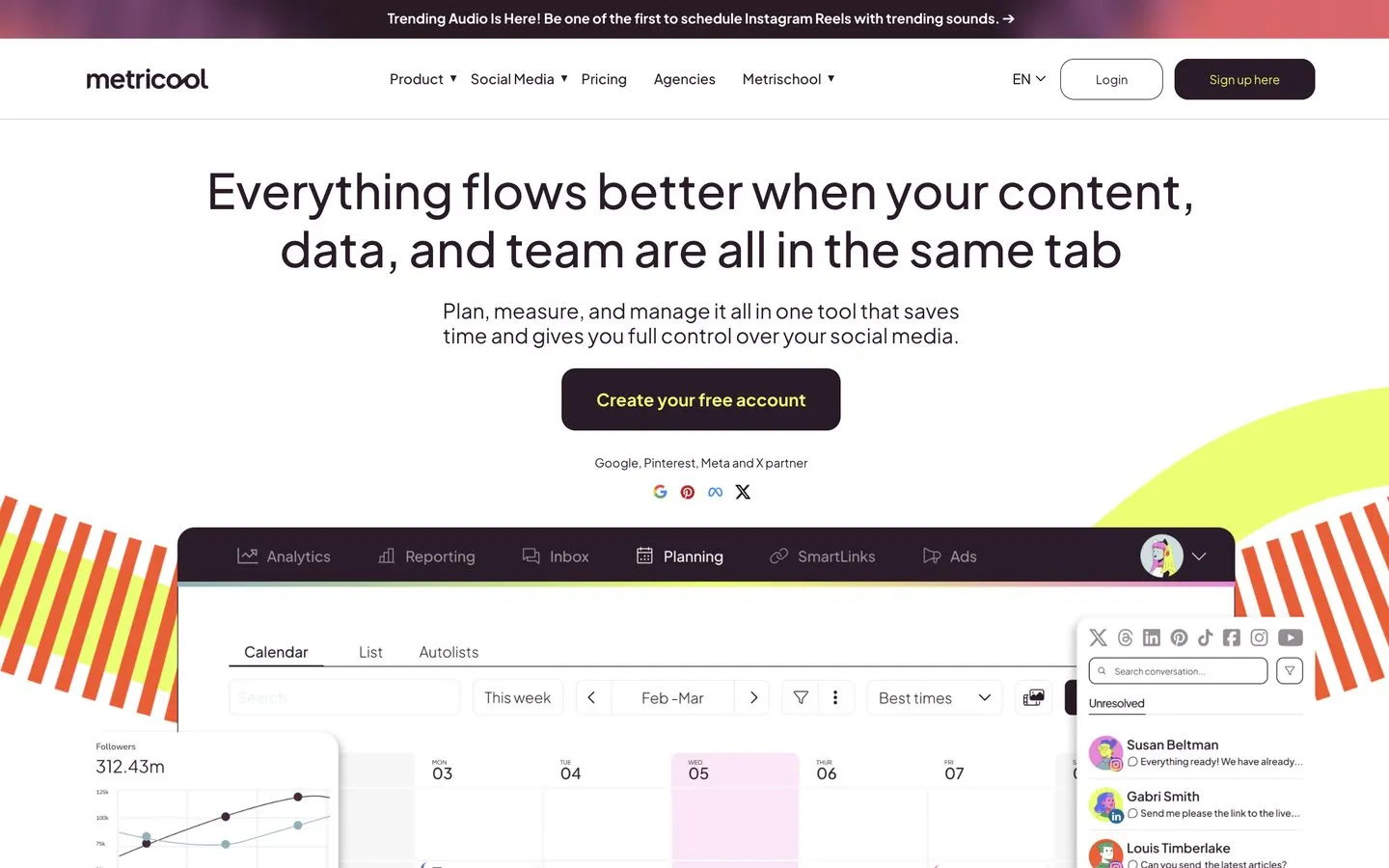
Metricool pairs cross-posting with the deepest analytics of any budget tool here, including ad and web reporting in the same dashboard, and reviewers rate it 4.5/5 on G2. The free plan covers 1 brand with about 20 posts a month, which works as a long-term trial for a solo user. One quirk to know upfront: the free plan excludes both LinkedIn and X outright, and on the paid tiers X is a separate add-on, so factor that in if either is part of your mix. X support is worth checking tool by tool these days, since Hypefury dropped it altogether in 2026.
Pros:
- Best value for the analytics you get
- Wide platform coverage plus ad and web reporting in one place
- Permanent free plan for a single brand
Cons:
- The free plan covers one brand and excludes both LinkedIn and X
- On paid tiers X returns, but only as a separate add-on
Best for: Freelancers and small agencies who want scheduling and analytics in one tool.
Pricing: Free for 1 brand. Starter starts at $20/mo annual ($25 monthly) for up to 5 brands, $36/mo for 10 brands.
Free trial: The free plan acts as the trial.
Bottom line: The best pick if reporting matters as much as posting. See Blotato vs Metricool for how it stacks up against an AI creation tool, or six tools priced against Metricool’s brand bands if the per-brand tiers are the part that bothers you.
4. Publer - Best for posting to the most networks for the least money
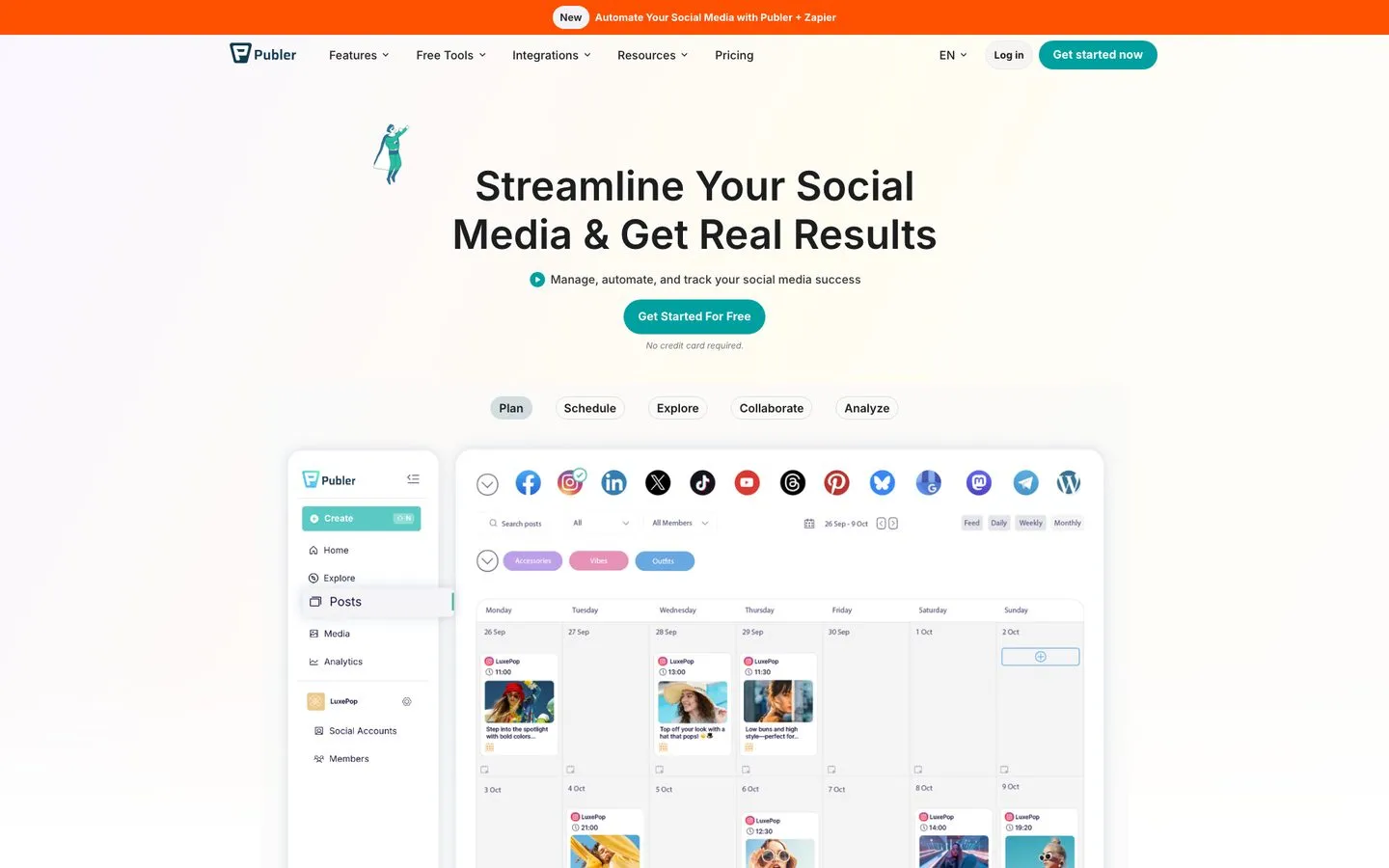
Publer covers more networks than anything else on this list, including Mastodon, Telegram, and Bluesky alongside the usual suspects, and it earns a 4.7/5 on G2. The free plan gives you 3 accounts with 10 pending posts each, and the paid plan scales per account from a low base. Publer also previews each post per platform before it goes live, which catches formatting problems early. If that per-account model is what pushes you to shop around, I break down six tools that replace Publer with AI creation built in.
Pros:
- Widest network list of any tool here, 13 platforms
- Per-platform preview before publishing
- Strong value, paid plans start low and scale per account
Cons:
- Accounts can disconnect and need reconnecting
- Support response can be slow, and analytics are basic
Best for: Creators who want to reach the most networks without paying suite prices.
Pricing: Free for 3 accounts. Professional starts at $5/mo for one account ($4/mo billed yearly), and additional accounts bill at a lower rate with every tenth account free, so run your real account count through Publer’s own calculator rather than multiplying the entry price.
Free trial: 7 days.
Bottom line: The most networks for the lowest spend, if you can live with occasional reconnects.
5. Later - Best for Instagram-first and visual creators
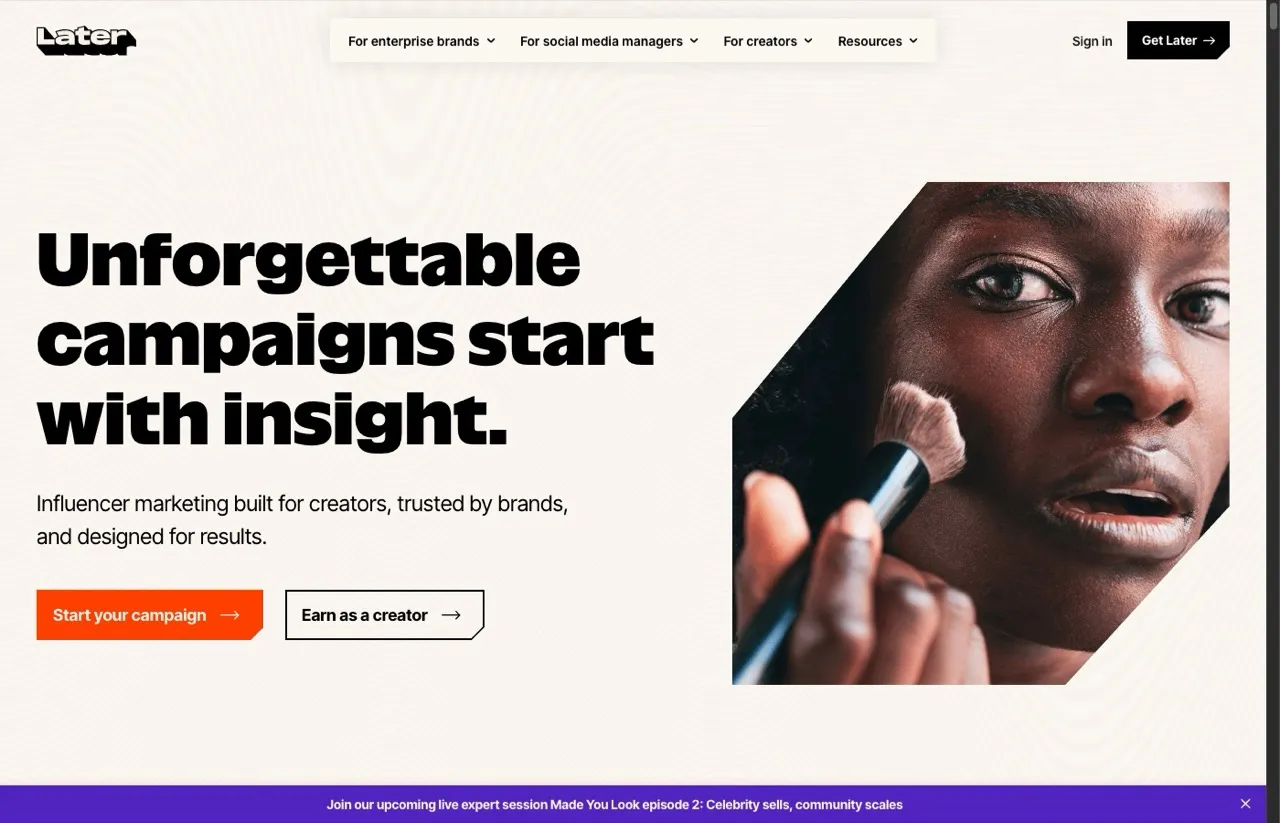
Later built its name on visual Instagram planning, with a drag-and-drop grid preview, a media library, and link-in-bio tools, and it sits at 4.5/5 on G2. The visual planner is still the reason creators pick it. One change to know: Later retired its free-forever plan, so it is a 14-day trial now rather than a free tier.
Pros:
- Best visual grid planner for Instagram-first feeds
- Solid media library and link-in-bio tools
Cons:
- No free plan anymore, just a 14-day trial
- Users report image cropping issues and slower support
Best for: Instagram-first and visual creators who plan a feed by look.
Pricing: Later Starter is $25/mo monthly, or $18.75/mo on annual billing.
Free trial: 14 days.
Bottom line: The visual planner of choice, as long as you no longer need a free plan.
6. Hootsuite - Best for mid-size and enterprise teams
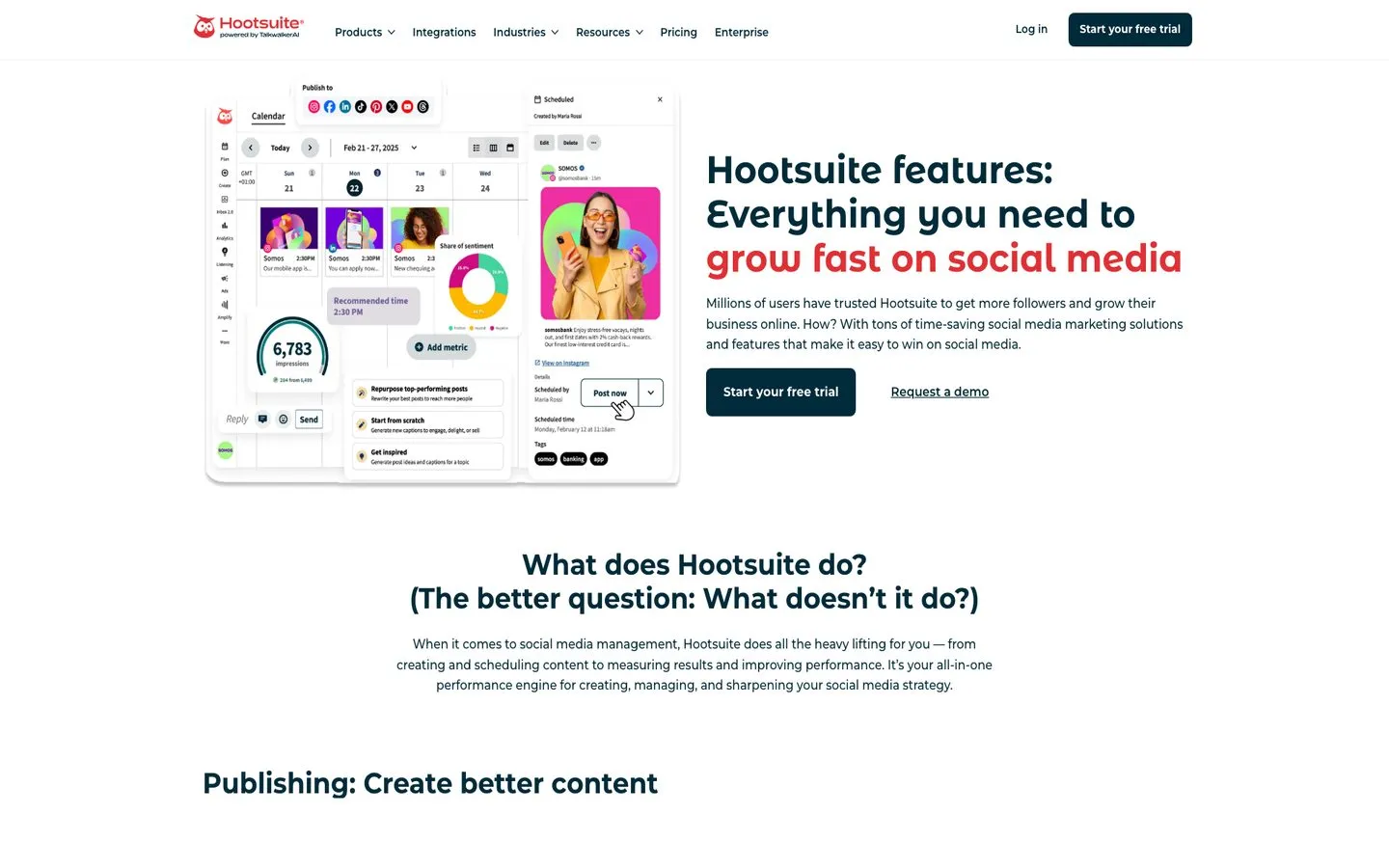
Hootsuite is the mature, full-featured option built for teams that need depth more than a low price, and it holds a 4.3/5 on G2 off one of the largest review bases in the category. The platform handles scheduling, monitoring, and bulk campaigns across the major networks. Budget is the real consideration here, because there is no free plan and the entry tier is a serious monthly commitment.
Pros:
- Deep, mature feature set with strong monitoring
- Built for teams managing many accounts at once
Cons:
- No free plan, and the entry tier is expensive for small teams
- Recurring billing and auto-renewal complaints, reflected in a 1.3/5 Trustpilot score across 555 reviews
Best for: Mid-size and enterprise teams that need depth and can absorb the cost.
Pricing: No free plan. Billed annually, Standard is $99/user/mo for up to 10 social accounts, Professional is $199/user/mo for unlimited accounts, and Advanced is $399/user/mo. See the full Hootsuite breakdown for tier details.
Free trial: 14 days, no credit card required.
Bottom line: Powerful and proven, but priced for teams, not solo creators. If the per-seat math is the blocker, seven cheaper Hootsuite alternatives cover most of the same ground.
7. Sprout Social - Best for enterprise teams that need deep reporting
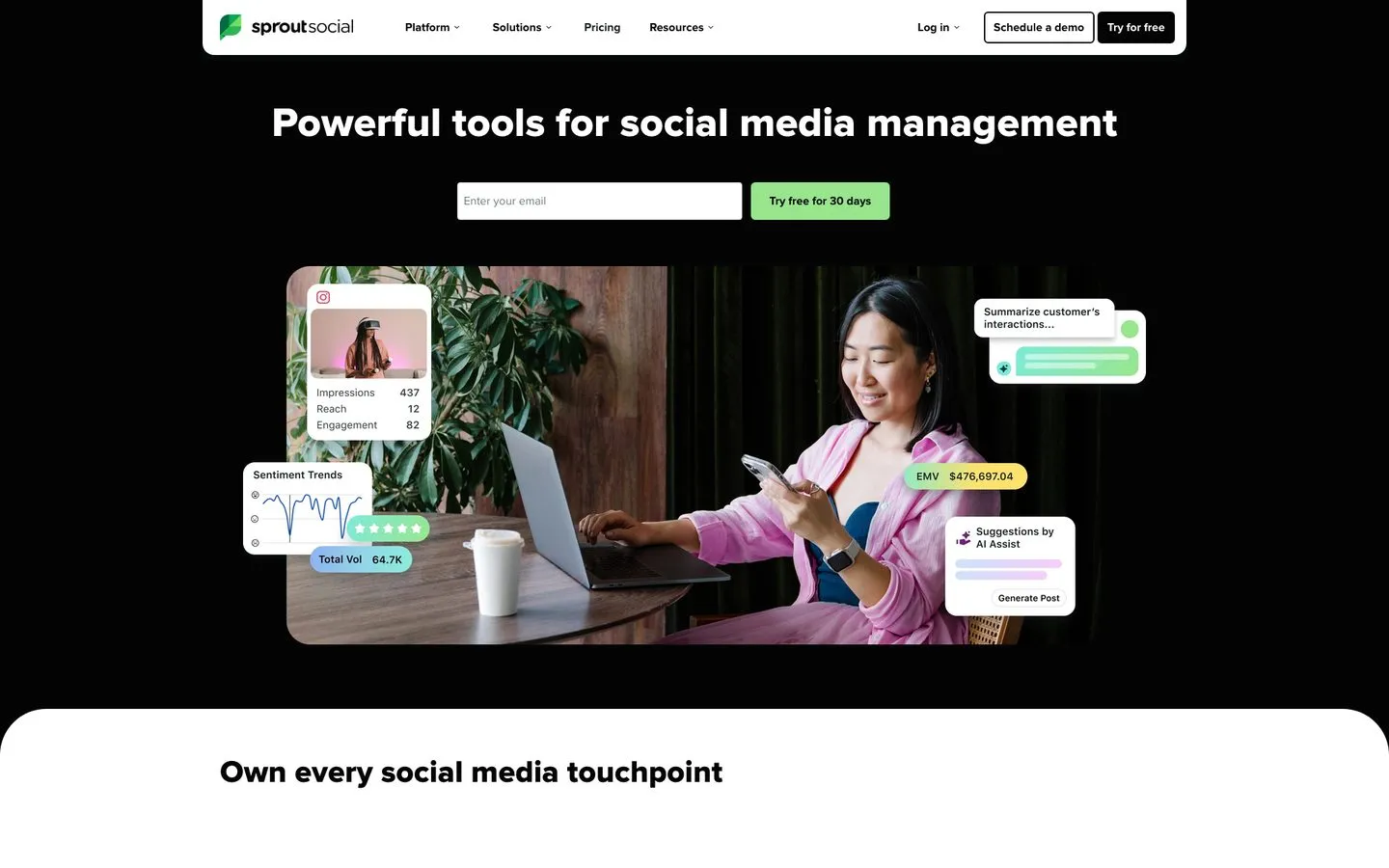
Sprout Social sits at the premium end, with the best analytics and a unified smart inbox of any tool here, and it holds a 4.4/5 on G2. Large teams and agencies pick it for the reporting and the polish. Price is the dividing line, since Sprout is the most expensive option on this list by a wide margin.
Pros:
- Deep analytics and reporting, plus a unified inbox
- Polished, enterprise-grade workflows
Cons:
- The most expensive tool here, billed per seat
- Some features are paywalled into higher tiers, with contract lock-in complaints that drag its Trustpilot score to 1.7/5 across 85 reviews
Best for: Enterprise teams and large agencies that need heavy reporting and have budget.
Pricing: No free plan. Sprout Social Essentials starts at $79/seat/mo on annual billing, $99/seat/mo monthly.
Free trial: 30 days, no credit card required.
Bottom line: The reporting is worth it for big teams, overkill for everyone else.
How I Evaluated These Tools
My rankings come from publishing across 9 platforms daily and testing each tool against the same checklist:
- Native publishing to the networks people actually use, not link-sharing
- Whether the tool auto-publishes or just sends a reminder to post by hand
- The pricing model and what the entry tier really includes
- Whether the tool creates content or only schedules it
- Real review sentiment from G2, Capterra, and Reddit, not just marketing pages
How Do You Choose the Right Tool for You?
Start from your situation, not from whatever ranks first:
- If you want to make and post content in one tool, Blotato is the only option here that writes captions and generates visuals.
- If you post to 1 to 3 channels and want free, Buffer or the Metricool free tier cover you.
- If you want the most networks for the least money, Publer reaches more platforms than anything else.
- If you are Instagram-first, Later’s visual planner is built for you.
- If you run a big team that needs reporting and listening, Hootsuite or Sprout Social fit.
- If you only post to Facebook and Instagram, Meta Business Suite is free and native.
Other Tools to Post to Multiple Social Networks Worth Knowing
Two more options fill specific gaps without belonging in the main list:
- Meta Business Suite is Meta’s free, native tool for scheduling posts in advance to Facebook and Instagram from one calendar. Coverage stops at those two networks, so it is best as a free option for single brands that live on Facebook and Instagram and need nothing else.
- Socialync is a newer cross-posting app covering 8 networks. The free plan gives you 5 posts a month across 7 of them, with X reserved for paid tiers, and up to 5 connected accounts. Starter is $20/mo for unlimited posts on 5 social accounts, and it ships MCP and API access on the free plan, which is unusual at this price. The tool is young, so the review base is still thin.
Final Recommendation
If you want one tool that makes the content and posts it everywhere, Blotato is where I would start, and not only because I built it. For a free, simple on-ramp, Buffer is the easiest first step, and for heavy enterprise reporting, Sprout Social earns its price. Try a couple of free trials and keep the one that fits how you actually work. You can start with Blotato free for 7 days and see if creating and posting in one place changes your week.
Tools to Post to Multiple Social Networks FAQs
What is the best tool to post to multiple social networks?
Blotato is the best pick if you want to create and post in one tool, since it writes captions and generates visuals before scheduling to 9 networks for $29/mo flat. Buffer is the best simple, free starting point, and Sprout Social is the strongest choice for enterprise teams that need deep reporting.
Can you post to all social networks at once for free?
Yes, within limits. Buffer, Metricool, and Publer all have free plans that post to several networks, and Meta Business Suite is free for Facebook and Instagram. Every free plan caps something, usually the number of accounts or monthly posts, so read the limit before you rely on it.
What is the cheapest way to post to multiple social networks?
The cheapest option depends on how many accounts you run. Free tiers from Buffer, Metricool, or Publer are cheapest at 1 to 3 accounts. Past that, a flat-rate tool like Blotato at $29/mo for 20 accounts usually beats per-channel pricing, which keeps climbing with every account you add.
Do these tools post natively or just send reminders?
Most here publish automatically to the major networks. The exceptions are Instagram and TikTok personal profiles, where platform rules sometimes force a phone reminder instead of true auto-posting. Business and creator accounts usually get full auto-publish, so confirm your account type and the networks you care about before paying.
Can I post to multiple social networks from Claude or ChatGPT instead of a dashboard?
Yes, if the tool exposes an API or an MCP server. Blotato hosts one at mcp.blotato.com/mcp, so an agent can publish to all 9 networks without you opening a dashboard. Metricool ships MCP on every plan including Free, Buffer includes an API key on every tier including Free, and Publer has an API but gates it to Business and Enterprise, so check the tier before you build. Two things to plan for if you build on mine: publishing is asynchronous, so the call returns a submission ID rather than proof the post is live and your agent has to poll the status until it reads published or failed, and the 7-day trial excludes the API, so an agent build should start on a paid plan. I walk through the setup in posting to social media with Claude.
Why do my posts get less engagement when I cross-post to every platform?
Cross-posting one identical clip and caption everywhere is the usual culprit. Each network ranks content differently, so a post tuned for LinkedIn can land flat on TikTok. Tools that reshape per platform fix it: Blotato rewrites each version for its network, and Publer lets you preview and edit each one before it goes out.