8 Best Higgsfield Alternatives for AI Video in 2026
The best Higgsfield alternatives in 2026. Running the numbers, leaving the subscription costs most people more per video, not less.
Most lists of Higgsfield alternatives hand you nine more subscriptions and call it a comparison. That misses what people are actually angry about. The complaint is not that the videos look bad. It is that the credits vanish. The Reddit thread Google ranks on page one for this query is titled, in full, Higgsfield AI eats up credit so fast, and the replies are the same story in different words.
So this list ranks on an axis the other roundups skip: what happens to the money you do not spend. Six of the tools below reset your balance every month. Two do not. That difference is worth more than any model benchmark if your publishing schedule is irregular, and it is worth nothing at all if you generate every day.
I am the founder of Blotato, which is on this list at number seven and is not a video generator. I have put it where it belongs and explained exactly what it does and does not replace. Judge that entry on the arithmetic below rather than on my word.
Quick Comparison: 8 Best Higgsfield Alternatives
| Tool | Best For | Entry price (billed monthly) | Do unused credits expire? |
|---|---|---|---|
| Runway | Directors who need shot-level control | $15/mo | Yes, monthly reset |
| Kling AI | Realistic human motion and physics | $8.80/mo | Yes, monthly reset |
| KIE.ai | Irregular publishing, pay per generation | No subscription | No |
| Luma | Fast image-to-video iteration | $30/mo | Yes, monthly reset |
| Krea | Switching models inside one canvas | $5.25/mo (billed yearly) | Yes, monthly reset |
| Hedra | Character-led talking video | $20/mo | Yes, except purchased packs |
| Blotato | Publishing whatever you generated | $29/mo | No, credits roll over |
| OpenArt | Storyboard-first character consistency | $14/mo | Yes, monthly reset |
What Higgsfield Actually Costs Before You Compare Anything
Half the pricing pages ranking for this tool are quoting numbers that are no longer real. I pulled the live checkout on August 19, 2026, in both billing states, because the page loads on the annual toggle by default and prints the annual rate with a “per month” label next to it.
Monthly: Starter $19, Plus $59, Ultra $129. Billed annually: Starter $19, Plus $47, Ultra $99.
Higgsfield publishes its own credit-to-video conversion on the pricing card, which makes the per-video math a division instead of a guess. Treat it as cost per generation rather than cost per keeper, since retries and discarded takes spend credits too. Plus gives you 1,200 credits, which Higgsfield rates at roughly 53 Seedance 2.0 videos. That is about $1.11 per video on monthly billing, or $0.89 annually.
Two things that table does not show you. Starter has no access to Seedance 2.0 or 2.5 at all, only the Fast and Mini variants, so the cheapest tier is not a cheaper route to the same output. And when I checked, a 20% to 30% promotion was running site-wide, so the numbers above are a discounted snapshot rather than the standing rate.
Separately, Higgsfield’s changelog says its Seedance 2.5 Draft Mode is unavailable in the US on the provider’s side, and in September it launched a pay-per-generation API, billed per successful generation with no subscription and separate from these plans.
Hold onto the $1.11 figure. It is the number that makes most of this category’s advice wrong.
Why People Are Looking for Higgsfield Alternatives
The searches around this one are unusually specific. “Higgsfield alternative open source.” “Higgsfield free alternative.” “Higgsfield cheaper alternative reddit.” People are not comparing render quality. They are trying to stop paying for capacity they did not use.
That is a billing problem, and it has two honest solutions. Either you move to a tool whose monthly cost is low enough that wasted credits stop mattering, or you leave subscriptions and pay per generation. There is a third route worth knowing about if you are technical: rendering video in code costs nothing per clip, which I covered when I built videos with Claude and Remotion. The rest of this list is organized around that fork.
Worth naming a third possibility before you pick a lane: for a lot of people the generator was never the expensive part. If you are already paying separately to get finished clips onto each platform, what that publishing layer costs is usually the bigger line item.
One thing worth knowing before you switch on price alone: Higgsfield now ships a hosted MCP server and a CLI, so if you are driving generation from Claude, Cursor, or Codex, you are not only leaving a web app behind. I cover what that means further down.
Best Higgsfield Alternatives for AI Video in 2026
1. Runway: Best for directors who need shot-level control
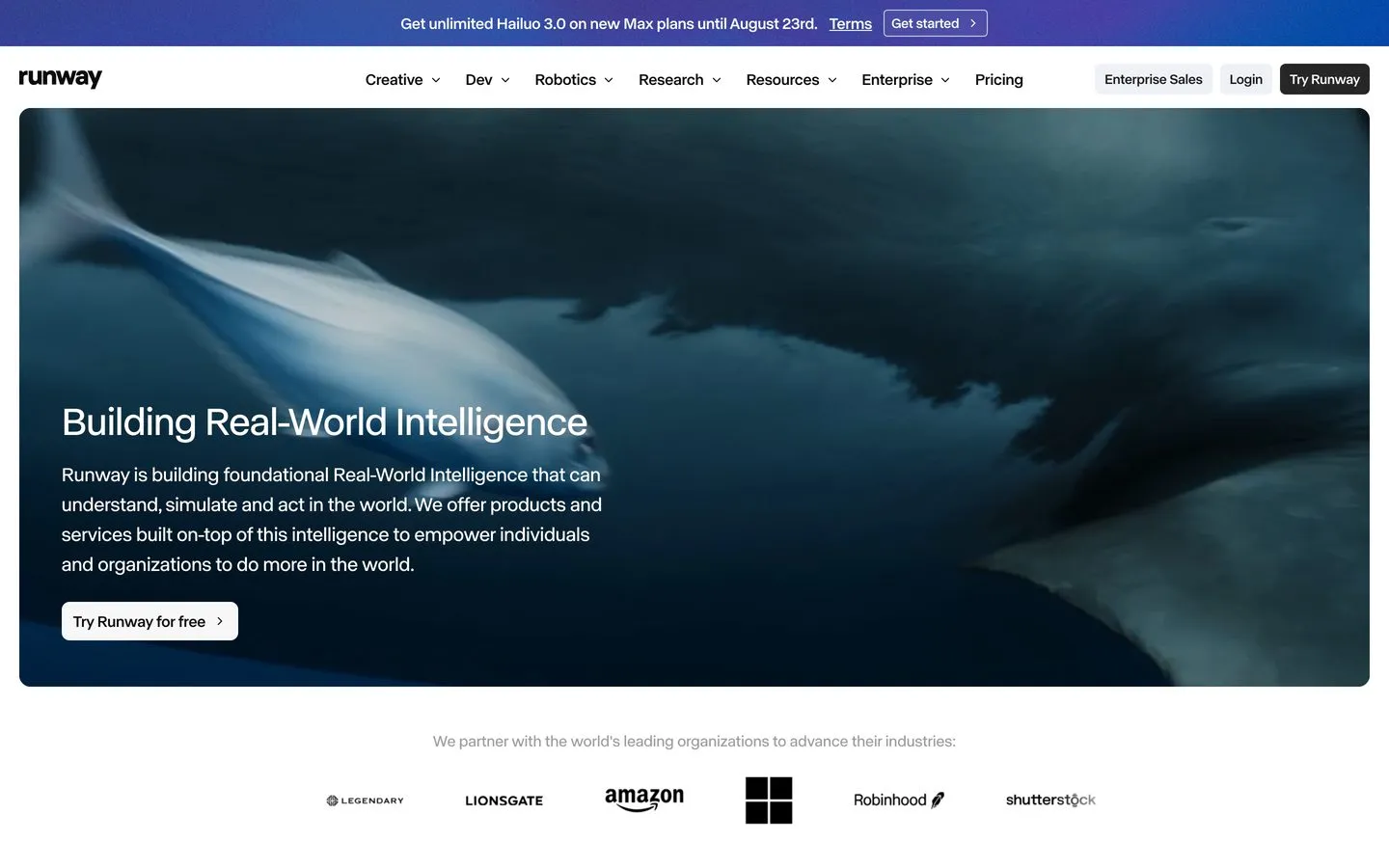
Runway’s Gen-4 workspace, where most of the control lives in the editing canvas rather than the prompt.
Runway is the tool the AI Overview names first for this query, and it earns that. Gen-4.5 plus the Aleph 2.0 in-video editing pass gives you shot-level control that prompt-only generators cannot match, which is why studios use it.
Pros: Deepest creative control in the category. Strong image-to-video consistency. Credible commercial licensing.
Cons: Credits reset monthly like Higgsfield’s on Standard and Pro (the Max plan rolls credits over for one month), so switching here does not solve the expiry complaint. The learning curve is real.
Pricing: Standard is $15/mo billed monthly, or $12/mo billed annually.
Ideal for: Anyone whose complaint about Higgsfield was creative ceiling rather than cost.
Bottom line: Pick Runway if you want more control and accept the same billing shape. If you came here because your credits evaporated, this is a lateral move.
2. Kling AI: Best for realistic human motion
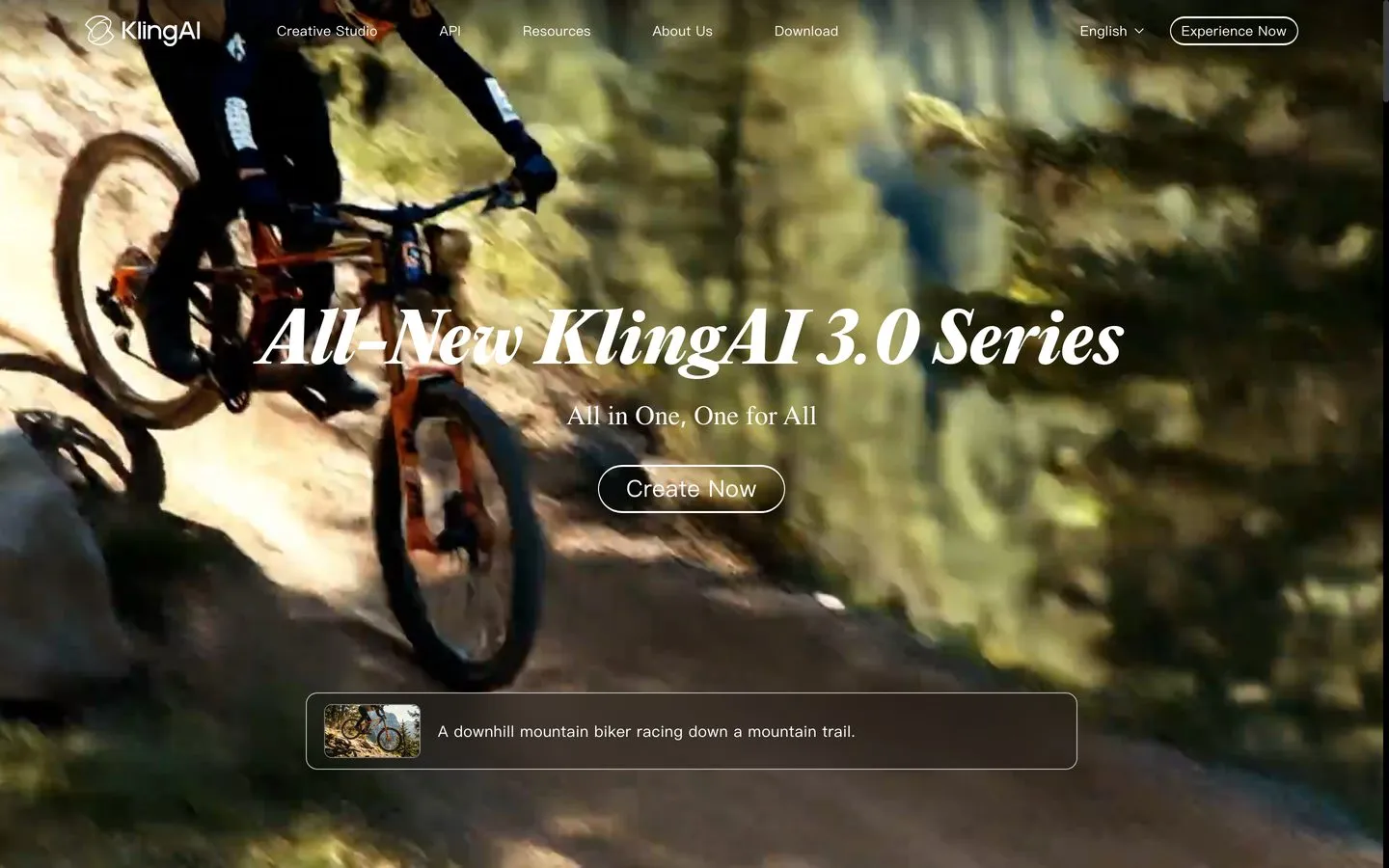
Kling’s motion model, consistently the strongest of the group on human physics.
Kling AI handles bodies better than almost anything else at this price. Limbs stay attached, weight transfers look right, and faces hold across a clip.
Pros: Best-in-class physics and character motion. One of the lowest standing monthly rates here. Daily free credits for subscribers.
Cons: The interface is the weakest of the majors, and English-language documentation lags the product. The free Basic plan carries no monthly credits.
Pricing: Standard renews at $8.80/mo. The $6.99 you will see advertised is a first-month promotional rate, not the standing price.
Ideal for: Creators making people-centric shorts who want the lowest credible monthly floor.
Bottom line: The cheapest way to keep a subscription and still upgrade motion quality over Higgsfield’s mid tiers.
3. KIE.ai: Best for irregular publishing schedules
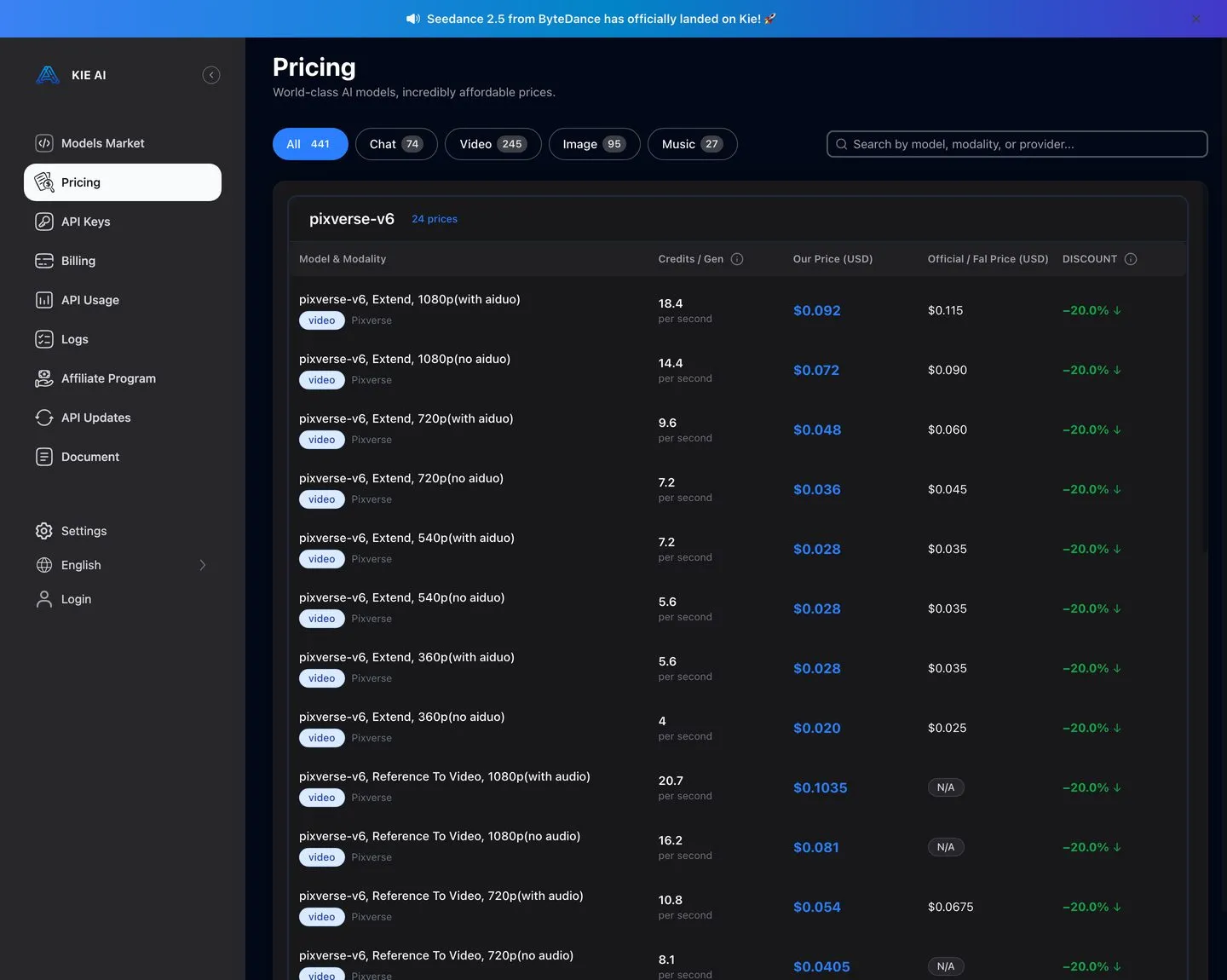
KIE.ai publishes a per-second rate for every model it carries, including the same Seedance line Higgsfield resells.
KIE.ai is the answer to the actual complaint, and it is also the entry most likely to be sold to you dishonestly, so here is the arithmetic in full.
KIE bills per second of video, not per clip, and gives you the same ByteDance Seedance models Higgsfield runs. Seedance 2.0 at 1080p runs $0.51 per second with no video input, or $0.31 with one. An eight-second clip is therefore $4.08, or $2.48. Seedance 2.5 at 480p is $0.085 per second, so the same eight seconds costs $0.68.
Now compare that honestly against the $1.11 per video I calculated earlier. At matched 1080p quality, KIE runs roughly two to four times the per-clip cost of a fully used Higgsfield Plus bundle, depending on whether you feed it a video input. That is the opposite of what most threads on this topic assume.
What you are actually buying with pay-per-generation is a zero in the months you do not publish. If you make forty clips in March and none in April, Higgsfield charges you twice and KIE charges you once. If you publish steadily every week, Higgsfield is cheaper and it is not close.
Pros: Nothing expires. No monthly commitment. Same underlying models. Transparent public rate card.
Cons: Higher per-clip cost at matched quality. No editing interface, no presets, no support tier. You are managing an API key and a balance.
Pricing: Pay per generation, no subscription. Seedance 2.0 1080p from $0.31/sec.
Ideal for: Irregular publishers, and builders wiring generation into an agent who do not want a seat they use twice a month.
Bottom line: Choose KIE if your output is lumpy or unpredictable. If your calendar is steady, the credit bundle wins the math and you should stay on a subscription.
4. Luma: Best for fast iteration

Luma, built around rapid image-to-video passes.
Luma is the fastest way to find out whether an idea works. Camera movement is fluid, and the turnaround encourages throwing away bad takes. Note that Luma relaunched around its Agents product in 2026, so the cheap legacy Dream Machine tier people still recommend is no longer the front door. Luma lists Dream Machine as deprecated, and its current video model is Ray3.2.
Pros: Very fast generation. Strong camera motion. Free trial credits on every plan for testing.
Cons: Less shot-level control than Runway. Credits reset monthly. Materially more expensive than it was under the old Dream Machine pricing.
Pricing: Plus is $30/mo billed monthly, or $25/mo billed annually, for 10,000 credits.
Ideal for: Concepting and rapid iteration before committing to a finished render elsewhere.
Bottom line: A good second tool, a thin only-tool.
5. Krea: Best for switching models in one place
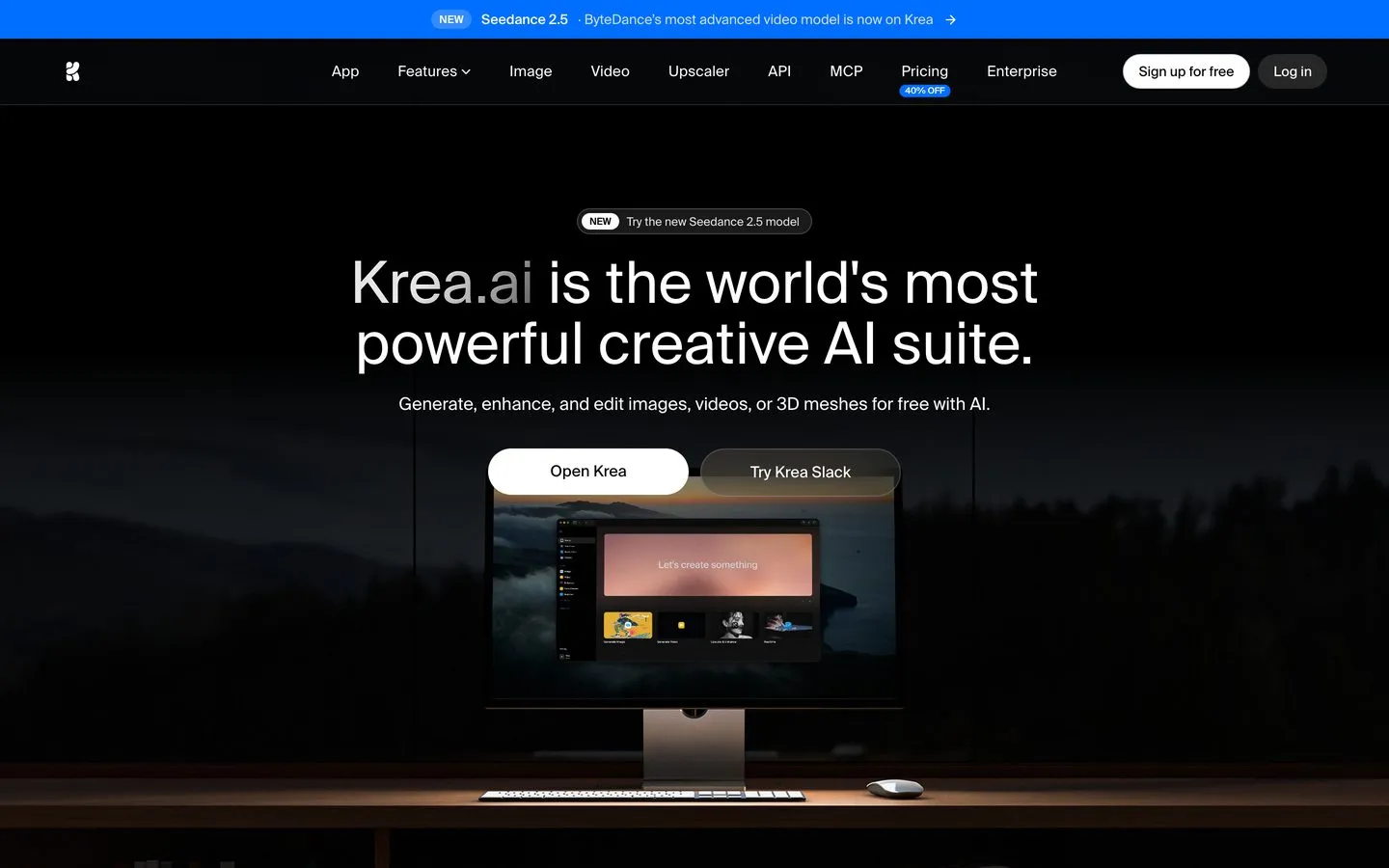
Krea’s canvas, the closest structural match to Higgsfield’s multi-model philosophy.
Krea is the nearest thing to a like-for-like replacement. It aggregates dozens of image and video models behind one interface with real-time feedback, which is the thing Higgsfield users actually miss when they leave.
Pros: Broadest model selection in one canvas. Real-time generation feedback. Strong upscaling.
Cons: Same credit-bundle structure you are leaving. Quality varies by which underlying model you pick.
Pricing: On annual billing, Basic is $5.25/mo, Pro $21, Max $63, and Business $160, with a free plan at 100 units a day. Krea says annual saves 40%, so month to month costs more. Check the live page for those figures.
Ideal for: People who liked Higgsfield’s breadth and disliked its price.
Bottom line: The most faithful swap on this list, with the same expiry caveat attached.
6. Hedra: Best for character-led talking video
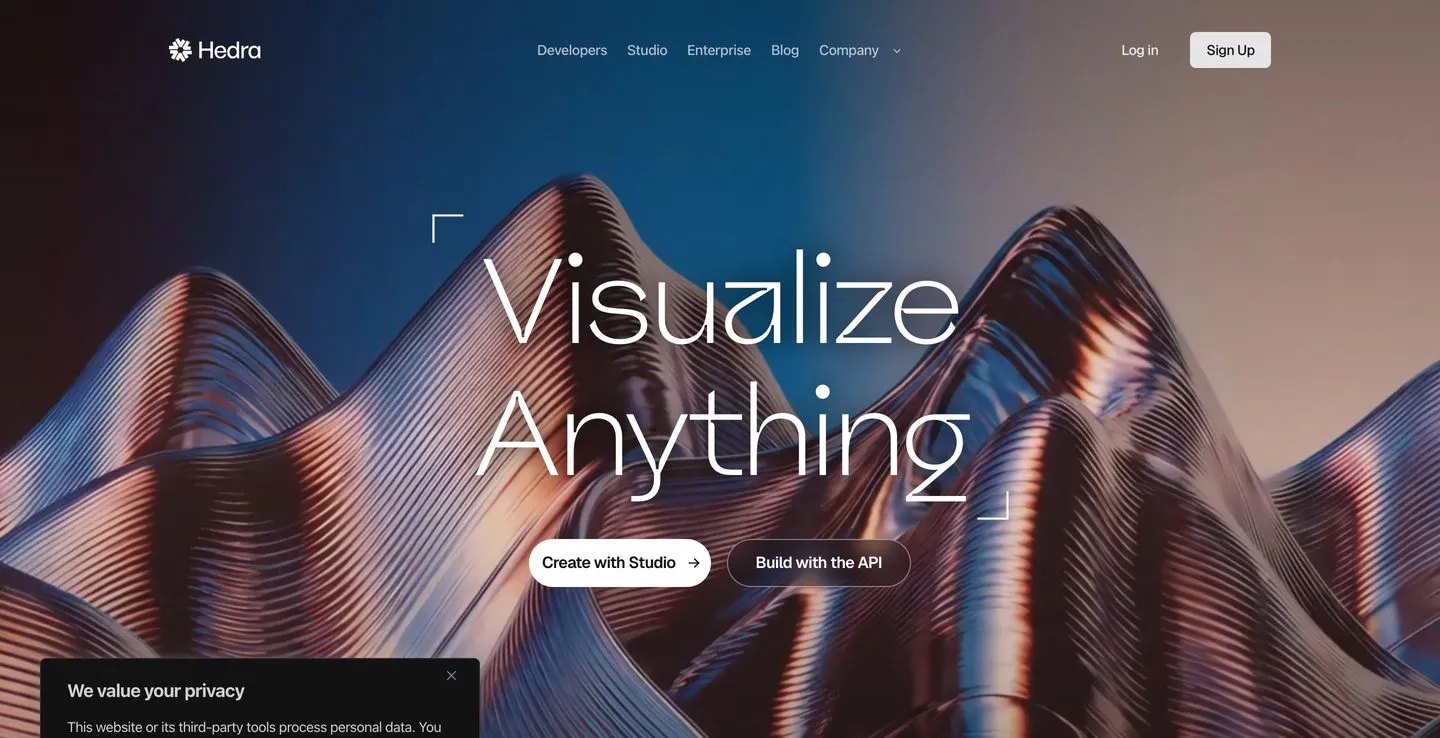
Hedra, built around persistent characters rather than one-off clips.
Hedra markets itself directly against credit-bundle pricing and specializes in character-driven video where the same face carries across a series.
Pros: Excellent character consistency. Strong lip sync. Sensible for episodic content.
Cons: Narrower than a general generator. Not the tool for cinematic b-roll.
Pricing: From $20/mo billed monthly for 2,000 credits. Credit-pack purchases do not expire, though subscription credits still reset.
Ideal for: Faceless channels built on a recurring presenter. I compared the tools built specifically for that format in my roundup of faceless AI video generators.
Bottom line: Best pick if your content has a character in it every week.
7. Blotato: Best for publishing whatever you generated
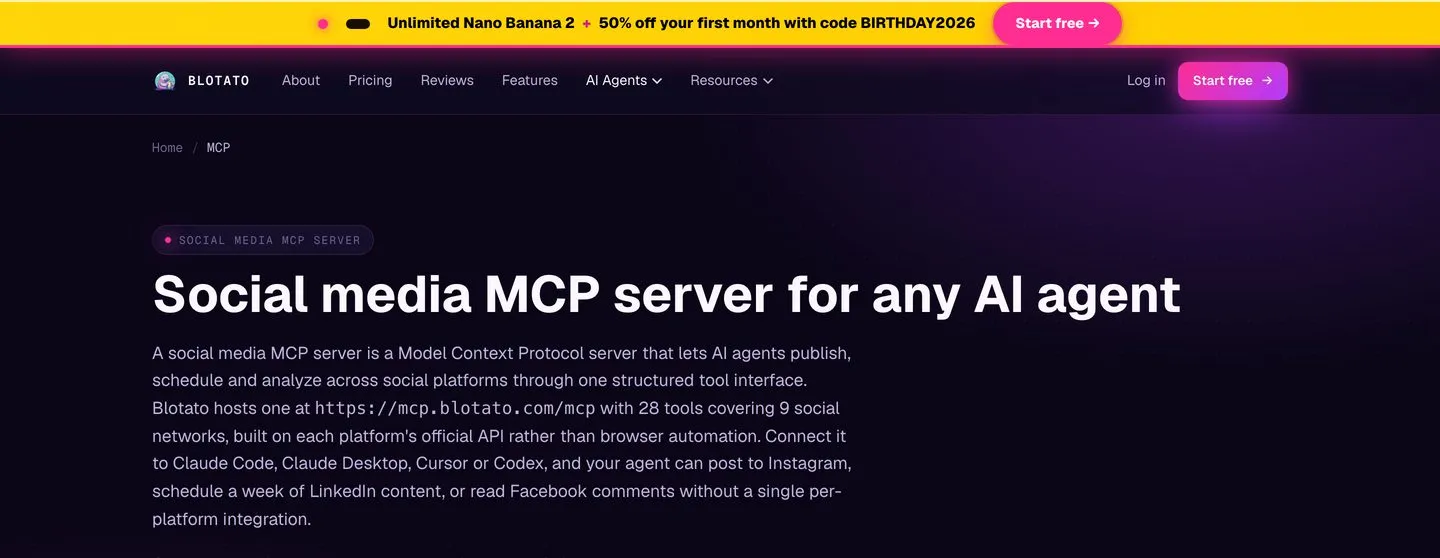
Blotato’s MCP server, the endpoint an agent calls to publish a finished clip.
Every other entry on this list ends with a file on your disk. That is the step this category quietly ignores, and it is the one I built Blotato for, so treat this as the founder’s entry and check the claims.
Blotato does not generate video. It publishes it, across nine platforms behind one key, with scheduling, analytics on eight of them, and comment and DM handling on Instagram and Facebook. If you are already driving Higgsfield from Claude or Cursor through its MCP server, the generation half of your workflow is solved and the distribution half is not. I walk through how that publishing step works from an agent in my breakdown of the social media MCP servers worth connecting.
Pros: Nine platforms behind one key instead of nine approval processes. Credits roll over month to month. Real platform APIs rather than browser automation. Works from an agent over MCP.
Cons: It generates nothing, so it is an addition to your stack and not a replacement for anything on this list. Analytics skips LinkedIn. Comments and DMs are Instagram and Facebook only. Blotato also applies its own posting caps that are stricter than the platforms’ own, which is a real constraint if you planned to flood a channel.
Pricing: $29/mo for 20 accounts. Note the seven-day trial excludes API access, so if you are coming for the API or MCP, plan on starting the subscription rather than trialing it.
Ideal for: Anyone publishing generated video to more than two platforms on a schedule.
Bottom line: Wrong tool if you want better video. Right tool if the bottleneck moved to distribution.
8. OpenArt: Best for storyboard-first work
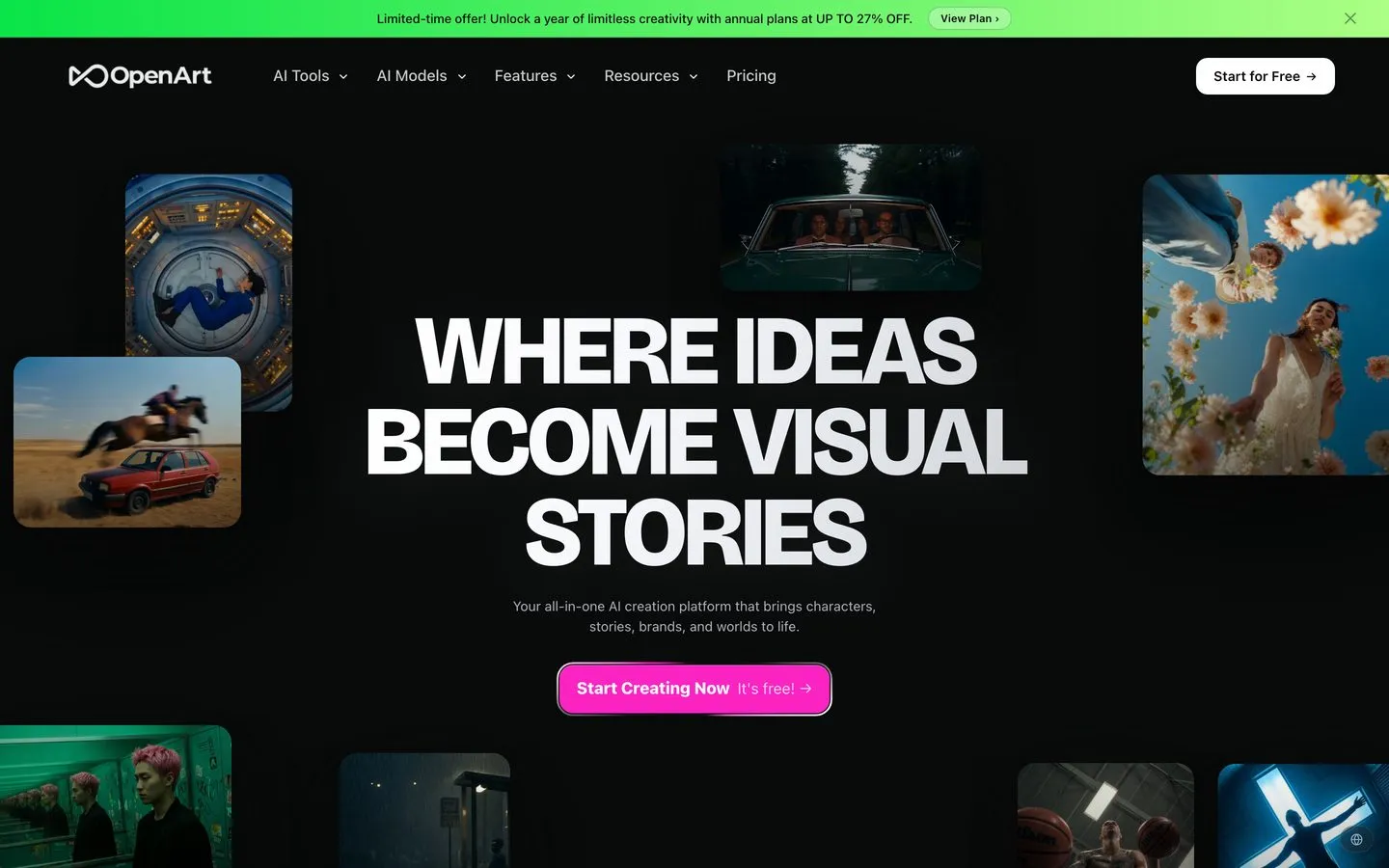
OpenArt, organized around characters and storyboards before generation.
OpenArt starts from concept art and storyboards rather than a prompt box, which suits people building a consistent visual world.
Pros: Strong character consistency tooling. Good storyboard workflow. Large model library.
Cons: More steps to a finished clip. Overkill for one-off shorts.
Pricing: Starter is $14/mo billed monthly, or $13/mo billed annually.
Ideal for: Narrative creators who plan before they generate.
Bottom line: The most deliberate tool here, and the slowest.
The Switching Cost That Is Not the Subscription
Higgsfield is no longer only a web app, and this changes the switching calculation for a specific group of people.
It now runs a hosted MCP server at mcp.higgsfield.ai/mcp plus a CLI, with Claude, Claude Code, ChatGPT, OpenClaw, and Hermes listed as supported clients. I probed the endpoint directly and it returns HTTP 401 unauthorized, which confirms it is live and auth-gated rather than marketing copy.
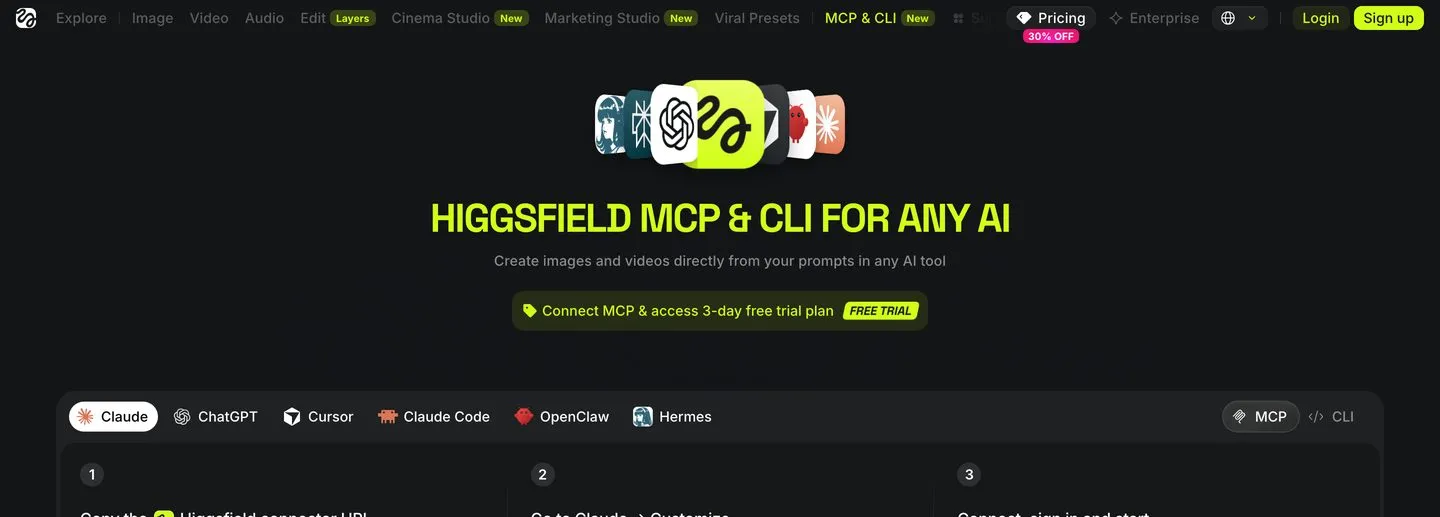
Higgsfield’s MCP connector page, with the endpoint and the client list.
If you are generating from an agent rather than a browser, your switching cost is not the subscription. It is the prompts, the app presets, and the connector wiring you already built. That is the lock-in worth naming, and it is a better reason to stay than the credits are a reason to go.
It also means a plain price comparison is the wrong tool for this decision. Ask what your agent still cannot do once the video exists.
How to Choose the Right Higgsfield Alternative
Answer one question first: is your publishing schedule steady or lumpy?
If you publish on a steady weekly cadence, stay on a credit bundle and pick on quality. Runway if you want control, Kling if you want motion, Krea if you want Higgsfield’s breadth for less. The per-video math on a fully used bundle beats pay-per-generation by roughly two to four times, and no amount of dissatisfaction changes that arithmetic.
If your output is lumpy, seasonal, or client-driven, move to KIE and stop paying for empty months. You will pay more per clip and less per year, and nothing will expire while you are between projects.
If you are running generation from an agent, weigh the connector work before the price. And if the real bottleneck turned out to be getting finished video onto nine platforms rather than making it, that is a distribution problem, and Blotato is the entry above that addresses it.
What I Would Actually Do
If I were leaving Higgsfield today, I would not pick a replacement first. I would count how many videos I published in the last three months, divide what I paid by that number, and compare it to the $1.11 per video Higgsfield’s own credit math implies at the Plus tier.
That same arithmetic is worth running on any credit-metered tool, and Blaze is a clean example of how fast a video meter empties a plan. Plenty of people who do that discover the subscription was never the problem. The problem was that they bought capacity for the person they intended to be rather than the one they turned out to be. If your number came in under twenty videos a quarter, go pay per generation and stop thinking about it. If it came in over that, you were getting a genuine wholesale discount and switching on price will cost you money.
Then, whichever way that goes, solve the step after generation. That is where the hours actually go.
Higgsfield Alternatives FAQs
What are the best free alternatives to Higgsfield?
Free generation at usable quality has gotten scarce. Kling’s free Basic plan lists no monthly credits and markets its daily credits as a subscriber benefit, and Luma’s current plans come with trial credits rather than a free tier. KIE.ai has no free tier but no subscription either, so a light month costs a few dollars instead of $59. Fully open-source local models exist, though running them well means a GPU and a weekend, which is a real cost in a different currency.
Is there a cheaper alternative to Higgsfield that uses the same models?
Yes. KIE.ai resells the same ByteDance Seedance line that Higgsfield runs, priced per second rather than bundled. Cheaper per month if your output is irregular, but more expensive per clip at matched quality: Seedance 2.0 at 1080p costs about $2.48 to $4.08 for an eight-second clip on KIE, against roughly $1.11 per video on a fully used Higgsfield Plus bundle.
How much does Higgsfield cost?
Verified on August 19, 2026: Starter $19/mo, Plus $59/mo, Ultra $129/mo on monthly billing. Billed annually those become $19, $47, and $99 per month. Starter carries 270 credits, Plus 1,200, and Ultra 3,000, and a 20% to 30% promotion was running at the time, so treat these as a discounted snapshot.
Does Higgsfield have an MCP server?
Yes. Higgsfield runs a hosted MCP server at mcp.higgsfield.ai/mcp alongside a CLI, with Claude, Claude Code, ChatGPT, OpenClaw, and Hermes documented as clients. A direct probe of the endpoint returns HTTP 401, confirming it is live and requires authentication.
Do Higgsfield credits roll over?
No. Higgsfield credits reset each month, which is the single most common complaint in the alternatives searches around this tool. If you want a balance that survives an unused month, you need pay-per-generation pricing rather than a different subscription.
What is the best Higgsfield alternative for AI agents?
If the agent is doing the generating, Higgsfield’s own MCP server is already the path of least resistance, and KIE.ai is the pay-per-use equivalent. Neither publishes the result. That step needs a separate publishing surface, which is what Blotato provides over one API and MCP endpoint.