5 Content Repurposing Mistakes That Kill Your Reach
The content repurposing mistakes most creators make in 2026, from copy-paste captions to ignoring platform intent, and the native fix for each.
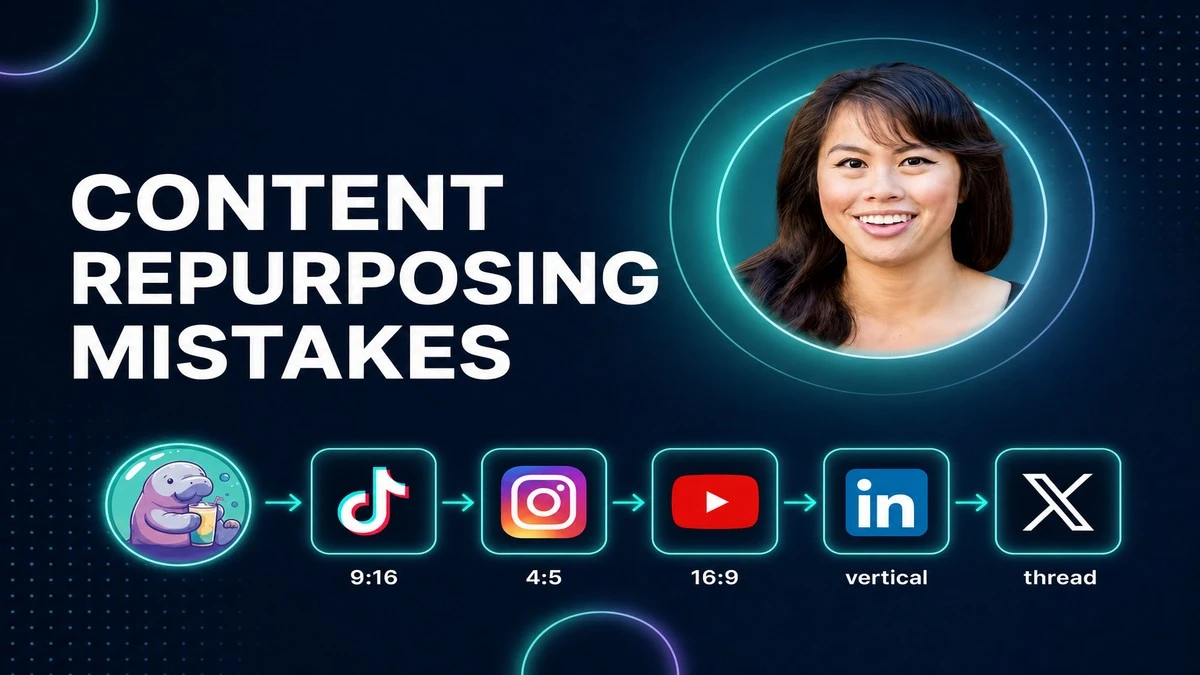
I post to nine platforms every single day, and for the first year I did it wrong. The content repurposing mistakes below are the exact ones that flattened my reach before I figured out that repurposing is not reposting. Real repurposing is reworking one idea for each platform on its own terms, not relinking one file in five places. Get this wrong and the algorithm quietly buries you, no penalty notice, just silence.
Here is the part most “post everywhere” advice skips: the tool you use decides whether reworking-per-platform takes an hour or ten seconds. I build that native step into my workflow with Blotato so the adaptation happens at creation, not as a manual chore afterward. Below are the five mistakes, the per-platform fix for each, and how I automate the fix instead of doing it by hand.
What “Repurposing” Actually Means
Most people use repurposing and reposting as if they are the same word. They are not, and the gap between them is where reach dies.
- Reposting takes one finished asset and pastes it onto every platform unchanged. Same caption, same crop, same hook. The fix starts with rewriting the caption for each platform, even a quick generated draft per platform beats pasting one everywhere.
- Repurposing takes the core idea and rebuilds the package for each platform: aspect ratio, caption length, hook style, and the metric you track all change.
- Native intent is the thing each platform actually rewards. A LinkedIn scroller and a TikTok scroller want different things from the same idea.
- The reach tax is what platforms charge you for looking lazy. Recycled-looking content gets pushed out of recommendations, which is where most of your new viewers come from.
I believe reposting is a tax you pay for convenience, and it is the most expensive convenience in content.
Most Common Content Repurposing Mistakes
These are the five failure modes I see most often, ranked by how much reach they quietly cost you. Each one comes with the native fix and the part of my workflow that handles it.
Mistake 1: Relinking One File Everywhere
This is the master mistake, the one every other mistake grows out of. You export a finished asset, then push the same file with the same crop and the same caption to every platform. It is the “one-to-many” dream sold by lazy automation, and it is why most repurposing dies on arrival.
The problem is that no single file is native anywhere. A square video built for the Instagram feed wastes the screen on TikTok. A caption written for LinkedIn gets truncated on X. One asset cannot win five different games at once, so it loses all five quietly.
There is a quieter version of this mistake too: repurposing the wrong source in the first place. Before you multiply anything, check it is worth multiplying. Repurposing a weak post just spreads the weakness, and repurposing a time-sensitive post with last year’s stats or a dead promo carries the rot to five new feeds. Start with your evergreen top performers, and update old numbers and links before you reuse them.
The native fix: treat every platform as its own destination with its own native asset. Same idea, five purpose-built packages, not one file cloned five times.
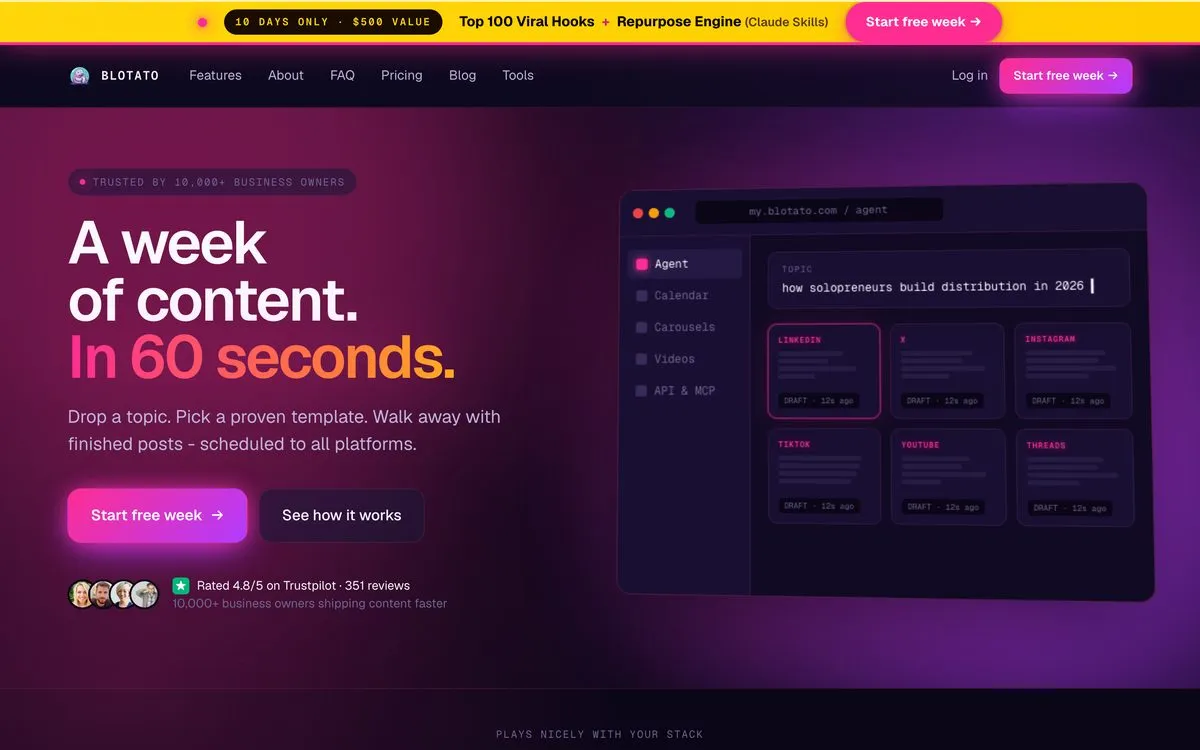
This is the entire reason I use Blotato instead of a basic scheduler. One idea goes in, and a tool that posts to multiple social networks generates a native variant for each channel in one pass. That is the difference between relinking and repurposing, built into the workflow so you never have to remember it.
Mistake 2: Recycled Captions
The fastest way to look like a bot is to write one caption and paste it everywhere. You end up with TikTok hashtags sitting on a LinkedIn post, an X-length one-liner under a YouTube video, and an Instagram caption begging people to “click the link above” when a URL typed into an Instagram caption is never clickable.
Each platform reads a caption in a different frame. X cuts you off at 280 characters. LinkedIn hides everything after the first line or two on mobile behind a “see more” link, so a weak opener kills the whole post. The same words cannot carry all of that.
The native fix: rewrite the hook to the platform. A sharp claim for X. A personal first line for LinkedIn. A “link in bio” prompt for Instagram, never a raw URL.
I stopped writing five captions by hand a long time ago. In my AI social media manager workflow, Blotato’s AI writer drafts a platform-specific caption for each channel from the same idea, so the LinkedIn version and the X version are different on purpose, not by accident. The hook gets reworked for me before it ever hits a feed.
Mistake 3: Wrong Format for the Platform
Format is more than file size. It is aspect ratio plus the kind of content each platform actually rewards, and ignoring either one tanks your reach.
Start with the ratio. TikTok, Reels, and YouTube Shorts all want 9:16 vertical. YouTube’s main feed wants 16:9. Instagram’s feed now favors 4:5, and LinkedIn native video performs best vertical. Drop a 16:9 clip into a 9:16 feed and you get black bars, a tiny center strip, and a thumb that keeps scrolling. The algorithm reads that low watch time as “nobody wants this” and stops showing it.
Then there is the recycled-look penalty. Download a finished TikTok with the watermark baked in, post it to Reels, and Meta treats it as warmed-over content from somewhere else. Meta openly de-prioritizes visibly reused or other-platform-watermarked video in recommendations, which is exactly the feed that brings you strangers. I pulled together what the platforms actually put in writing about watermarks if you want the primary sources rather than the folklore. Your followers might still see it, but your growth engine stalls.
The native fix: export the right ratio for each destination and always publish clean, watermark-free masters. Never use one platform’s “download” button as your source for another platform.
My content pipeline in Claude Code generates each clip in its destination ratio from the clean master, so I am never letterboxing a finished video or pushing someone else’s watermark into a new feed. Format-per-platform is handled at creation, not patched afterward.
Mistake 4: Letting AI Flatten Your Voice Into Slop
This is the mistake that scares me most, because it hides inside the solution. The moment you hand repurposing to raw automation with no guardrail, AI smooths your voice into the same beige paste every other automated account is posting. You scale your output and erase the only thing that made people follow you.
Generic AI captions read as generic AI captions. They use the same three sentence shapes, the same safe verbs, the same nothing. Readers can feel it, and so can the algorithm, because that content gets no saves and no replies.
The native fix: put a voice guardrail in the workflow before anything publishes. Automation should draft in your voice and to your standard, not replace your voice with a default one.
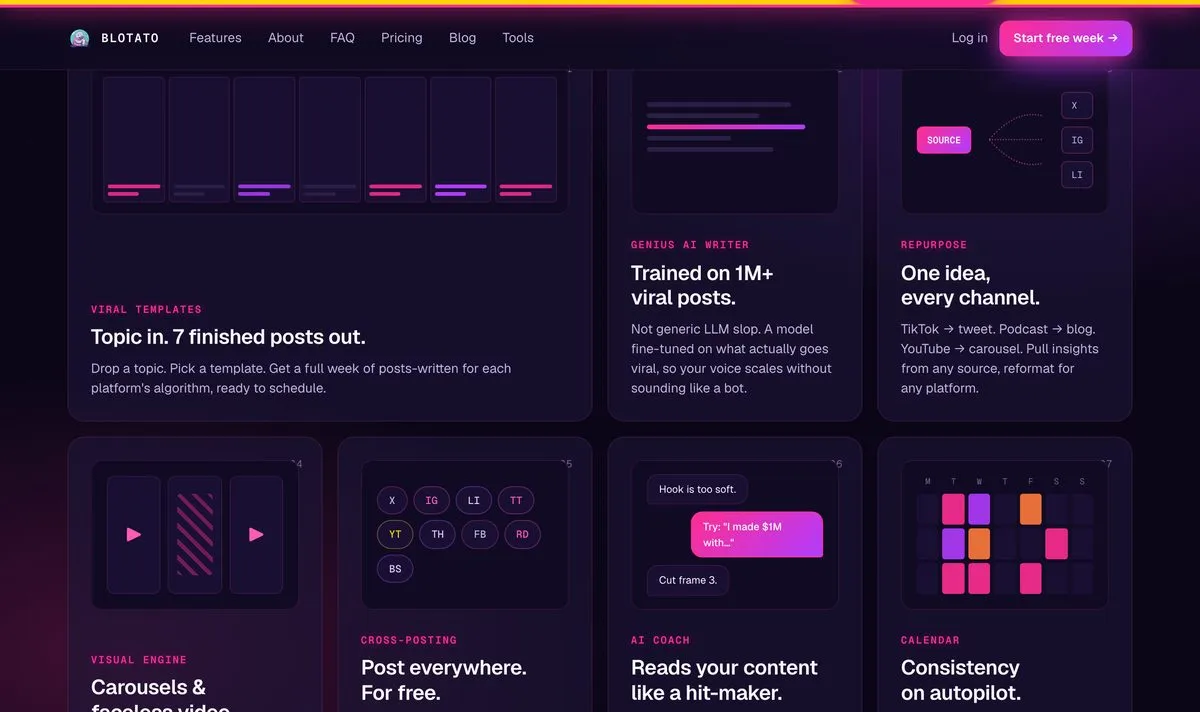
This is the part people miss about doing it with Claude. When you automate social media with Claude through the Blotato connector, you are not handing the keys to a faceless content mill. You feed it your voice, your rules, and a quality bar it has to clear, then it drafts each native version to that bar. I would rather post less than post slop, and I disagree hard with anyone telling creators that more automated output is the goal. The goal is more output that still sounds like you.
Mistake 5: Repurposing Blind
The last mistake is chasing output count and never reading the signal. You ship the same idea to nine platforms, glance at the total numbers, and call it a day, with no idea which platform actually responded or why. You are repurposing in the dark.
The trap is treating every platform by the same scoreboard. Saves matter on Instagram. Watch time matters on YouTube. Replies and reposts matter on X. If you only watch one blended number, you keep feeding effort into channels that are quietly flat and starving the ones that are working.
Reading the signal also tells you where to stop. Most creators burn out trying to be native on eight platforms at once, when the data usually shows two or three are carrying the whole result. Metrics give you permission to drop the dead channels and pour that energy into the ones that actually move.
The native fix: pick the metric that matters per channel, read it after each round, double down on what hits, and cut what does not. Repurposing is a feedback loop, not a broadcast.
This is where running everything through one system pays off. When your whole AI content pipeline lives in one place, you can see which native variant earned the saves and which earned the scroll-past, then route more of the next idea toward what worked. Blind output is busywork. Output you actually read is a strategy.
How to Repurpose Without Making These Mistakes
You do not need more hours. You need the native step to happen automatically.
- If you post to two or three platforms, you can adapt each version by hand. Build a simple checklist: ratio, caption, voice, metric. Run every post through it.
- If you post to five or more platforms daily, manual adaptation will break you. This is where a tool that posts to multiple social networks earns its keep, because it generates the native variant for each channel in one pass.
- If you work in Claude or another AI agent, connect Blotato through its MCP connector at
mcp.blotato.com/mcpso your agent can rework and publish each platform-native version directly. The API access that powers this turns on with the Blotato Starter plan.
The creators winning in 2026 are not posting less. They are reworking smarter, and they have automated the part that used to eat their evenings.
Content Repurposing Mistakes FAQs
Is there a duplicate content penalty on social media?
No. There is no algorithm comparing your posts across TikTok, Instagram, and LinkedIn, so posting the same idea on multiple platforms is safe. The real throttle is within a single platform: reposting the same asset over and over on one account can pull you out of recommendations under original-content rules. Repurposing properly, with a tool like Blotato that builds native variants, avoids that drag.
Why does Instagram limit the reach of TikTok-watermarked videos?
Meta de-prioritizes video that looks recycled from another platform, and a visible TikTok watermark is the clearest signal of that. The limit hits the recommendation feed, where you reach new viewers, so a watermarked clip can see a steep drop in reach. Always publish a clean, watermark-free export to each platform.
What is the one repurposing step most creators skip?
Captions. Roughly 69 percent of people watch video with the sound off in public, so a clip with no on-screen text loses most of its audience in silence. Burn captions into every short-form video, not just the ones you remember. The close second is reviving an old post without updating it, so refresh stale stats, dead links, and expired calls to action before you reuse anything.
What is the difference between repurposing and reposting?
Reposting pastes one finished asset everywhere unchanged. Repurposing rebuilds the core idea for each platform, adjusting aspect ratio, caption, hook, and the metric you track. Reposting looks lazy to the algorithm and gets buried. Repurposing looks native and gets recommended.