AI Social Media Manager: What It Costs and What It Can't Do
What an AI social media manager really costs, how it compares to a scheduler and raw platform APIs, and where the agent workflow still breaks.

Type “AI social media manager” into any search bar and you get a wall of tools that write captions. Useful, until you notice the caption is where they stop. (Blotato has a free one of these too, and it stops at the caption on purpose - the point below is that a manager should not.) You still copy it, still open the app, still paste it, still pick the time, still hit publish. That is not a manager. That is a fancier text box.
My bar for an AI social media manager is higher: it has to publish. It should read a screenshot off your desktop, draft the post in your voice, let you approve it, and put it on the calendar across every platform you run, without you touching a scheduler. That is the difference between a drafting bot and a real manager.
You will see the build here, but the commands are not the point. If you want the literal command-by-command version, our Claude Code build guide walks the skill file, the quality-gate hook, and the multi-platform publishing pipeline in order. What that guide does not tell you is whether the thing is worth building: what it actually costs to run, how it compares to the scheduler or the raw platform APIs you are probably weighing it against, and the places the workflow still falls over.
That is what this post covers. It is the same setup I run for my own content, and the clearest end-to-end walkthrough on video comes from Ryan Doser, who put the whole thing together in Claude Code. I use his demo as the reference build and spend the rest of the post on the decisions around it.
How to Build an AI Social Media Manager (Video Guide)
If you would rather watch the full build, this is the video version. The written guide below covers the same flow in Claude Code, plus the gotchas and the self-improving habit that the video moves past quickly.
Why Most AI Social Media Managers Never Actually Post
I publish around 250 pieces of content a week, completely solo, and every single one gets a human read before it goes out. No agency, no VA, no content team. People assume that means a magic tool. It does not. It means a system that drafts at volume and a human who stays the editor.
That second half is the part the market skips. Most “AI social media managers” are one-shot caption generators bolted to a calendar. They give you text, then leave the real work, grading it, attaching the right image, cross-posting it, scheduling it, to you. The volume looks automated. The labor is not.
A real manager closes that gap. It reaches your accounts, sees your files, drafts in your voice, and ships on your approval. The rest of this post is how to build exactly that.
My Tool Stack for an AI Social Media Manager
The whole build runs on three things:
- Claude as the agent. Ryan’s walkthrough uses Claude Code, the same agent runs in Claude Desktop and Cowork. It reads your files, writes posts in your voice, and runs connectors like a junior employee would.
- Blotato as the publishing layer. It connects your social accounts, generates visuals, and exposes everything to Claude through one MCP connector at
mcp.blotato.com/mcp. No local install, no custom code. - A skill file plus your own raw material. A markdown file that holds your voice, and a folder of screenshots, clips, and video URLs you have not used yet.
Blotato is my company, so weigh what follows accordingly. Plenty of tools ship an MCP server now, so that alone is not the reason to pick one. What I actually care about is how many vendors it removes: publishing, scheduling, analytics, and the Instagram and Facebook inbox sit behind one hosted key at a flat price, instead of nine platform APIs with nine approval processes and nine bills. That breadth is why Blotato earns a spot among the best Claude MCP servers for running social.
One thing to know before you build, and it trips people up constantly: the MCP connector talks to Blotato through the API, and the 7-day trial explicitly excludes API access. Generating an API key ends the trial and starts the paid subscription immediately. So there is no version of this where you test the chat-to-publish loop for free. Plan on starting the Starter plan at $29 a month, which covers 20 connected accounts and 1,250 AI credits. The trial is genuinely useful for judging the visuals and the calendar, it just cannot tell you anything about the part of this build that matters.
AI Manager vs Scheduler vs Raw API
Most guides on this topic compare AI captioning tools to each other. The more useful comparison is the three ways you can actually get a post published.
| Standalone scheduler | Raw platform API | AI manager (Claude + Blotato) | |
|---|---|---|---|
| Writes the post | No, you paste it in | No | Yes, in your voice from your files |
| Reaches your accounts | Yes | Yes, one platform at a time | Yes, all platforms via one MCP |
| Sees your screenshots and clips | No | No | Yes, file-system access |
| Human approval step | Manual | None built in | Built into the chat |
| Setup effort | Low | High, custom code per platform | Low, one connector |
The scheduler waits for finished posts. The raw API makes you build the plumbing. The AI manager is the only column where drafting, approving, and publishing live in one place. If you run Claude Desktop instead of Claude Code, the same build works there too, walked through in automate social media with Claude Cowork. And if you have already built one automated workflow, the social media automation tools guide shows where this pattern fits next to the others.
The Build, Piece by Piece
Here is the shape of the build, and what each piece is actually for. If you want the commands, the full Claude Code tutorial has them step by step.
Step 1: Teach the Agent Your Voice With a Skill
The brain of your manager is a skill: a markdown file that holds your tone, your content pillars, your platform rules, and examples of posts that sound like you. You point the agent at that file and it writes as you, not as the internet’s average of “engaging content.”
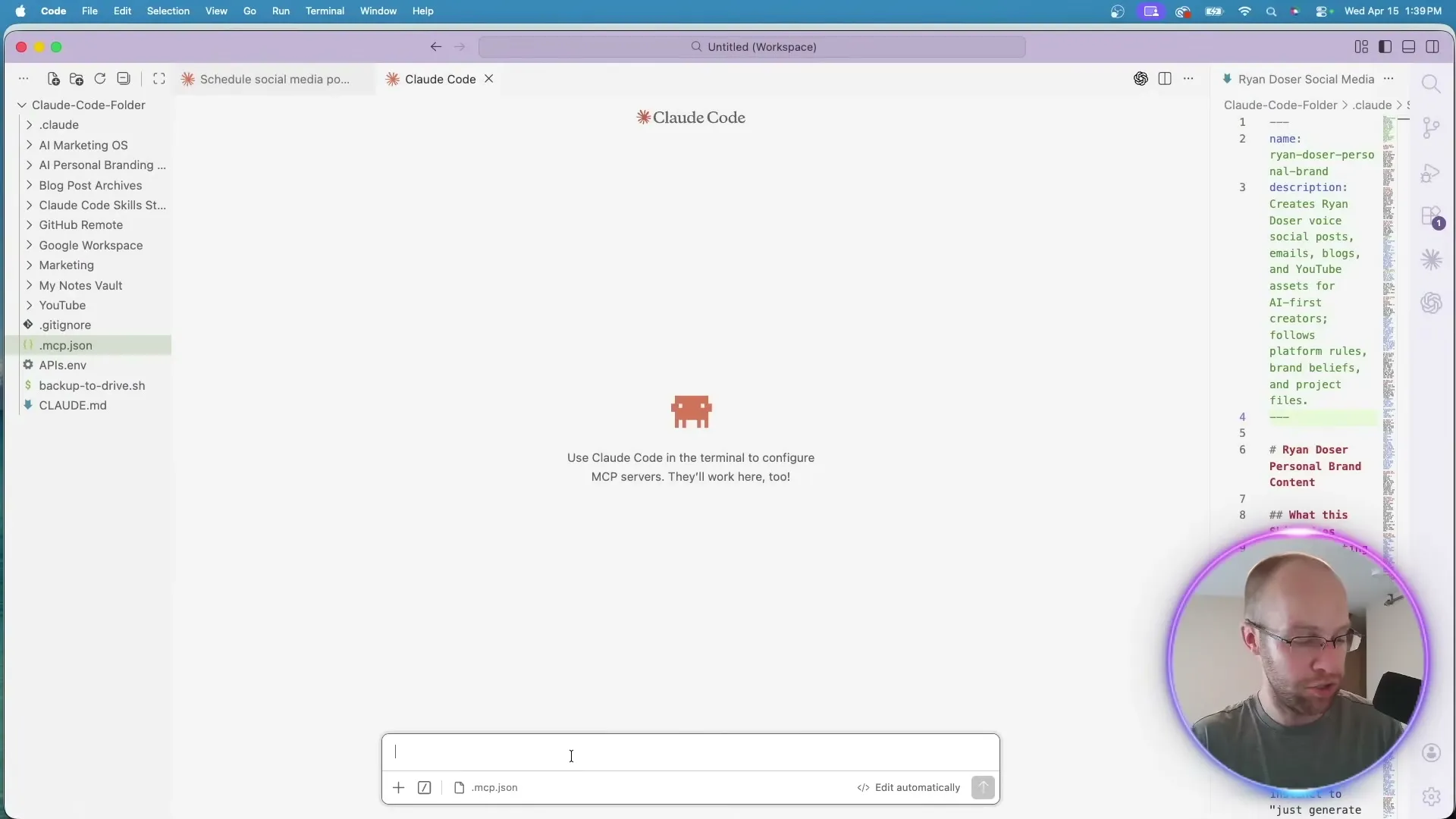
You do not have to write the skill from scratch. The fastest way is to let the agent interview you. Ask it to build a “write content” skill and to keep asking questions until it is 95% confident the output will match your brand. It will ask about platforms, post length, what sounds like you, what never does, your call-to-action style, and your audience. Paste in two or three of your best posts as voice samples. All of that gets baked into one reusable file you never have to re-explain.
Step 2: Connect Your Accounts Through the MCP
A brain with no hands just talks. Inside Blotato, go to Settings, then Accounts, and link the platforms you post to: X, LinkedIn, Facebook, TikTok, Instagram, YouTube, and more. Then open the API section and grab the MCP connection details for your client. There are setup instructions for the Claude web app, Claude Desktop and Cowork, Claude Code in the terminal, and other MCP clients.
For Claude Code, paste the connector instructions into the agent and let it wire up the MCP for you. It may take a round of troubleshooting rather than landing in one shot, but once it connects, your accounts are reachable from inside the chat. That is the moment the drafting bot becomes a manager. For a deeper look at what the connector exposes, the social media API post breaks it down.
Step 3: Turn Real Material Into Posts
Because the agent can see your files and reach your accounts, you can hand it real material instead of asking it to invent a generic post.
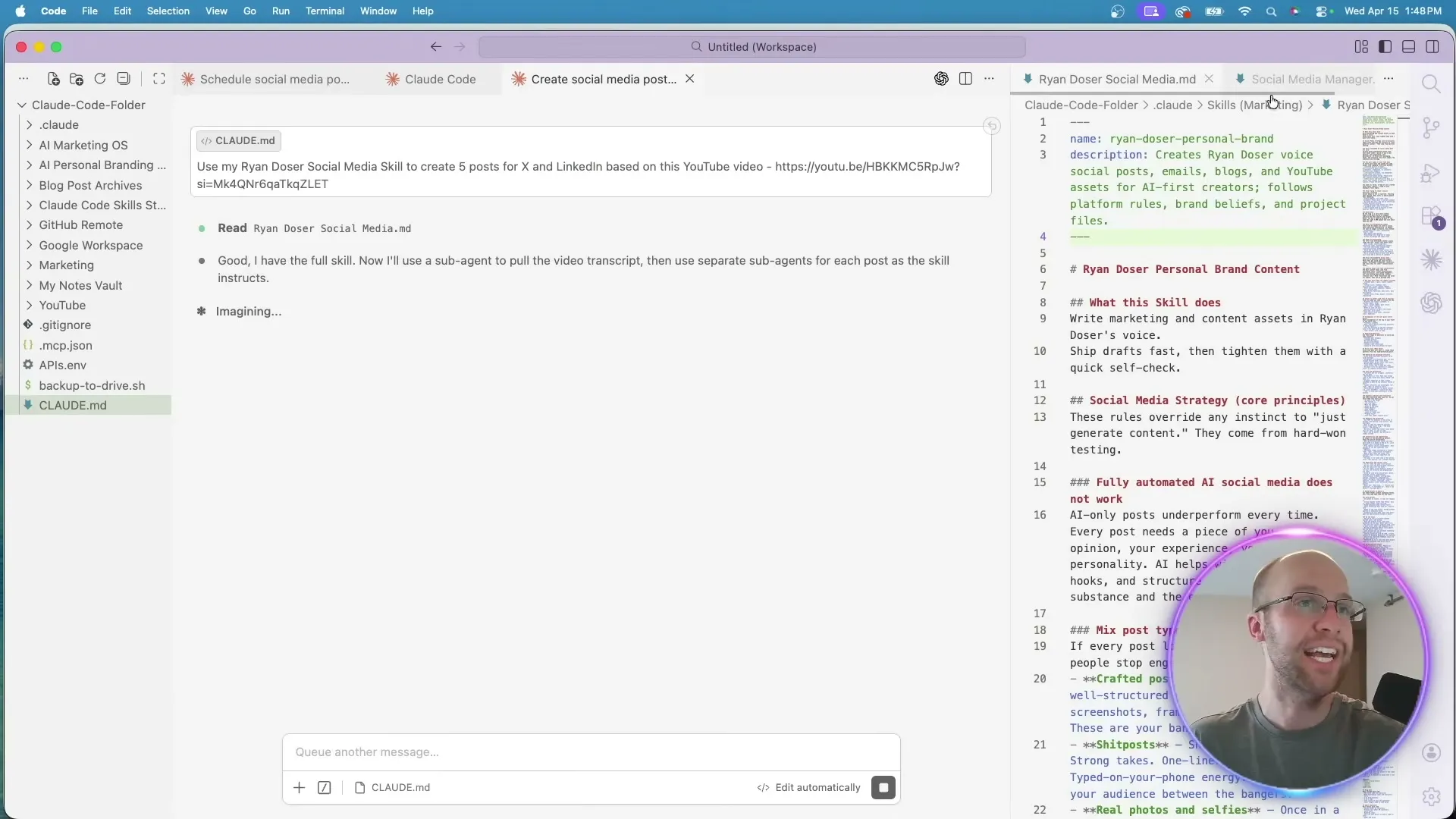
The strongest input is your own content. Drop in a YouTube URL from a video or podcast you made, and the agent pulls the transcript, runs it through your skill, and writes platform-specific posts in your voice. The Blotato MCP scrapes YouTube transcripts directly, so this is one prompt, not a manual export. Ask for five posts for X and LinkedIn from one episode and you get five of each, ready to review.
It scales past text. Point the agent at a folder of short videos and it reads each clip and writes a caption per platform.
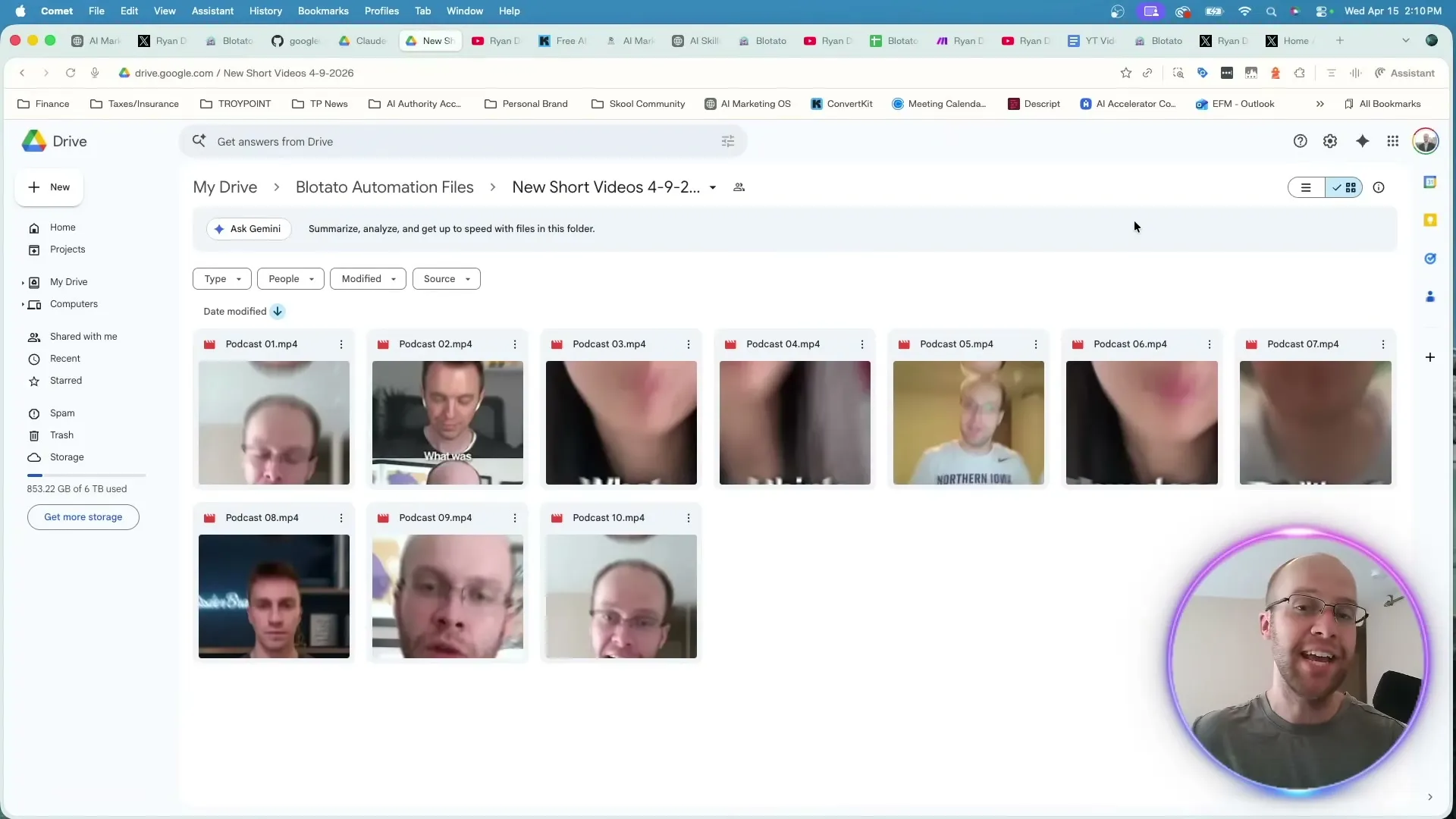
A screenshot in a downloads folder, a clip in Google Drive, a podcast URL: each becomes a finished multi-platform post. This is the file-system unlock, and it is the part standalone schedulers cannot match, because their tool never sees your files. A Google Drive to Instagram automation is the clearest version of that unlock: drop a video in a folder and the post writes and schedules itself. If repurposing is your main use case, the AI content repurposing tools breakdown goes deeper.
Step 4: Review, Then Publish or Schedule From the Chat
Every post gets a human read before it ships. Read the drafts. Fix the ones that miss. Then, for the ones you like, tell the agent to post now or schedule for later, and it does it through the MCP without you opening the Blotato calendar.
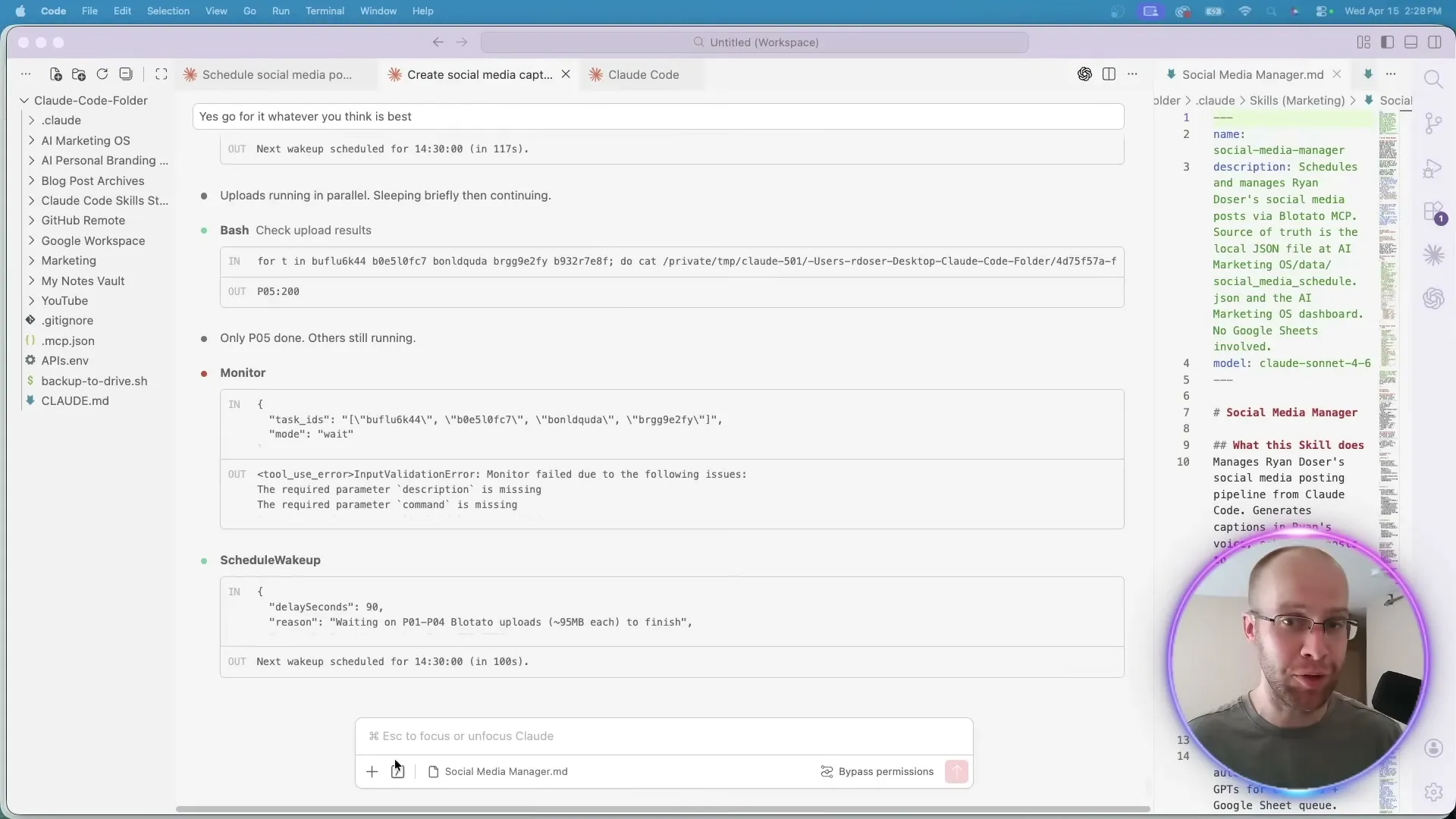
You can batch this. Tell it to schedule the first five videos starting Monday, one post per day at 8 a.m., and it uploads each clip to Blotato, writes the caption, and books the slot. If there is already a post at that time, it checks your calendar and asks for a new slot instead of double-booking. When it finishes, the posts sit on your Blotato calendar, ready to reschedule or delete by talking to the agent.
Pro Tips for Your AI Social Media Manager
Update the skill at the end of every session. This is the habit that turns a generator into a manager, and almost every tutorial skips it. Before you close the chat, tell the agent: “Take everything we corrected today and update my social media skill.” Hate emojis? It records that. Always cut a post’s last line? It learns the pattern. Do this once a week and the corrections compound instead of evaporating when the chat closes. A generator gives you the same average output forever. A manager built on a self-improving skill gets more like you every time you correct it.
Drop to a cheaper model for bulk work. Uploading files and writing captions does not need your most expensive reasoning setting. For batch scheduling, run a mid-tier model on low effort with extended thinking off. You will burn through usage fast if you leave it cranked for what is mostly file handling.
Feed it your own content first. A manager fed random viral videos produces generic posts. Fed your podcast, your screenshots, your clips, it produces posts only you could have made. The file-system access is wasted if the files are not yours.
What This Workflow Can’t Do (Yet)
This is not a hands-off machine, and you should not want it to be. The agent drafts, but it does not have taste. Left to publish on its own, it ships posts that are fine and forgettable, which is worse than nothing for a personal brand. The human review step is load-bearing, not optional.
It also depends on a paid plan for the publishing half, and you cannot trial your way around that: the API access powering the chat-to-publish loop is excluded from the free trial, so wiring Claude in means starting the subscription. There are capability edges too. Analytics come back for eight platforms, with LinkedIn the only one that returns nothing, and comments and DMs cover Instagram and Facebook, so a manager that reads your inbox everywhere is not something you can build today. And the skill is only as good as the corrections you feed it. Skip the weekly update and it stops improving, it does not get worse, but it stops closing the gap to your voice.
Results You Can Expect
Built right, this setup easily saves 15 or more hours a week, the difference between drafting every post by hand and approving posts the agent already drafted from your own material. The volume is real: a full week of content, batched and scheduled across every platform, from one chat window. The quality stays yours because nothing publishes without your read. That is the combination that lets one person run the output of a small team, on every Blotato plan, without it sounding like a robot wrote it. Sandy Lee runs five income streams on a setup like this, still holding a full-time job.
Sabrina’s Final Take
Build the skill, connect the MCP, and protect the review step, and you have a real AI social media manager instead of a caption generator with extra steps. The piece people underrate is the weekly skill update: that loop is what makes the volume sustainable without the slop. Go in knowing the real number: $29 a month on Starter from the day you wire Claude in, because the trial will not cover the API half of this. If 15 hours a week is what you get back, that is an easy trade. It is not magic, it is a system, and a system you can build this week.
AI Social Media Manager FAQs
Can an AI actually post for me, or just write drafts?
Both, if it has a publish layer. On its own, an agent like Claude only writes text. Connect it to Blotato through the MCP and it can publish or schedule to every connected account from the same chat. The drafting and the publishing happen in one place, which is what makes it a manager rather than a generator.
Do I need to know how to code to build this?
No. The whole build is conversational. You ask the agent to create a skill by interviewing you, you paste in the MCP connector instructions from Blotato, and the agent wires it up. The hardest part is a round of troubleshooting on the connection, not writing code.
What does it cost to run?
The agent side depends on your Claude plan. The publishing side needs Blotato’s Starter plan at $29 a month, because the MCP connector runs through the API. Budget for that from day one rather than planning to trial it: the 7-day trial excludes API access, and generating a key ends the trial and starts the paid plan on the spot. The trial is worth using to judge the visuals and the calendar, not the agent workflow.
Why use Blotato instead of wiring up the platform APIs myself?
Because the real alternative is not one API, it is nine of them, each with its own approval process, its own auth, its own breaking changes, and its own bill. Blotato puts publishing, scheduling, analytics, and the Instagram and Facebook inbox behind a single key, hosted, at a flat price that does not move with volume. An MCP server on its own is not rare anymore. Not having to maintain nine integrations is the part that saves you the month.
How do I keep the posts sounding like me and not like AI?
Two things. Review every post before it ships, and update your skill file at the end of every session with the corrections you made. The review keeps slop from publishing. The skill update means you correct the same mistake once, not every week.