5 Best AI Marketing Tools for Small Business (2026)
The 5 AI marketing tools I run to cover the whole funnel for a small business: ChatGPT, Claude, Blotato, Canva, HubSpot. Real pricing, full stack cost.
Last updated: August 2026.
People treat AI marketing tools like one shopping category. It isn’t. Marketing is at least five separate jobs: think, create, design, distribute, and convert. The expensive mistake is buying a clever point tool for a job you don’t actually have yet, while the job you do have stays manual.
So this isn’t a 30-logo dump. It’s the five tools I run to cover the entire funnel, mapped to the job each one owns. One of them (Blotato) is the distribution engine I built because nothing else handled create-plus-schedule in a single flat fee. The other four earn their slot by owning a job the rest can’t.
If you run a small business, or you are the marketing team at one, this is the stack that does the work a five-person department used to. For the wider set of tools that run a one-person business beyond marketing, see my best AI tools for solopreneurs.
| Tool | The Job It Owns | Starting Price | Key Strength |
|---|---|---|---|
| ChatGPT | Think: research, ideation, fast drafts | $20/mo (Plus) | Multimodal generalist with custom GPTs |
| Claude | Create: long-form copy + brand voice | $20/mo (Pro) | Best-in-class writing and agentic workflows |
| Blotato | Distribute: create + schedule across platforms | $29/mo | AI creation and posting in one flat fee |
| Canva | Design: visuals, thumbnails, carousels | $120/year (Pro) | Magic Studio AI for non-designers |
| HubSpot | Convert: CRM, email, lead nurture | Free tools, $7/seat/mo (Starter) | CRM and marketing in one platform with Breeze AI |
How to Think About AI Marketing Tools
Before adding any tool, I run it through five questions:
- Which job does it own? If it overlaps a tool I already run, one of them has to go. Two tools for one job is just a bigger bill.
- Does it replace work or add it? If I still babysit every output, it didn’t save me time.
- Is the pricing predictable? Per-seat and per-contact fees balloon fast. I want to know my bill at scale before I commit.
- Is the AI actually good, or bolted on? Plenty of tools slap “AI” on a mediocre core. Test the output before you pay.
- Does it fit the rest of the stack? A tool that lives in a silo creates more work than it removes.
That filter is why the list below is five tools, not thirty. Each one owns a distinct stage of the funnel.
What the Whole Stack Costs
Most roundups list 20 prices and leave the math to you. Here is the actual monthly bill for this stack at the two points that matter to a small business:
| Stage | What you run | Monthly cost |
|---|---|---|
| Day one | Blotato Starter, plus the free tiers of ChatGPT, Claude, Canva, and HubSpot | $29 |
| Full stack | Blotato $29, ChatGPT Plus $20, Claude Pro $20, Canva Pro $10 (billed annually), HubSpot Starter $7 | ~$86 |
Eighty-six dollars a month covers research, writing, design, distribution across nine platforms, and a CRM. And you do not start at $86: the free tiers carry the first four jobs until a paid tier becomes your bottleneck.
The 5 Best AI Marketing Tools for Small Business
1. ChatGPT - Best for Research, Ideation, and Fast Drafts
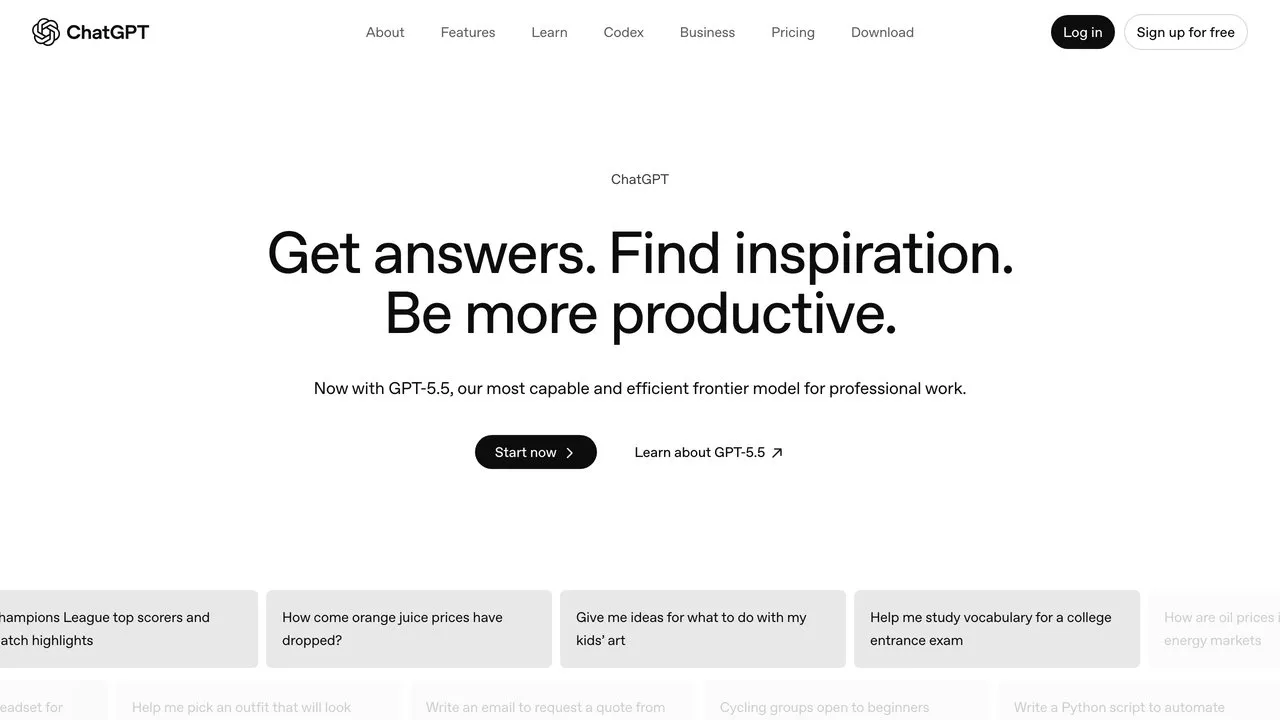
ChatGPT is the generalist that owns the “think” stage. It is where I pressure-test a campaign angle, summarize a research dump, outline a launch, or get a rough first draft on the page in seconds. With web browsing, deep research, image generation, and custom GPTs in one place, it handles the messy front end of any marketing task.
Custom GPTs are the underrated marketing feature. I build one with my offer, audience, and tone baked in, and it becomes a reusable assistant the whole workflow can lean on instead of re-explaining context every session.
My take: ChatGPT is my scratchpad, not my publishing tool, though a connector closes that gap if you want it publishing too. I use it to think out loud and get unstuck fast, then move the real writing to Claude. If I had to keep only one for raw idea volume, this is it.
Pros:
- Multimodal in one interface: text, vision, web browsing, and image generation
- Custom GPTs let you save context and reuse it
- Strong free tier to test before paying
- Fast iteration on outlines, angles, and rough drafts
Cons:
- Can still hallucinate facts, so verify anything customer-facing
- Heaviest usage tiers get expensive
Best for: Marketers who want one flexible assistant for research, brainstorming, and quick drafts.
Pricing: Free; Go $8/mo; Plus $20/mo; Pro $200/mo for the highest usage; Business $20/user/mo billed annually or $25 billed monthly, two-seat minimum. See OpenAI’s pricing page for current tiers.
Free trial: Free plan available, no card required.
Bottom line: ChatGPT is the brainstorming and research partner that starts almost every marketing task I run.
2. Claude - Best for Long-Form Copy and Brand Voice
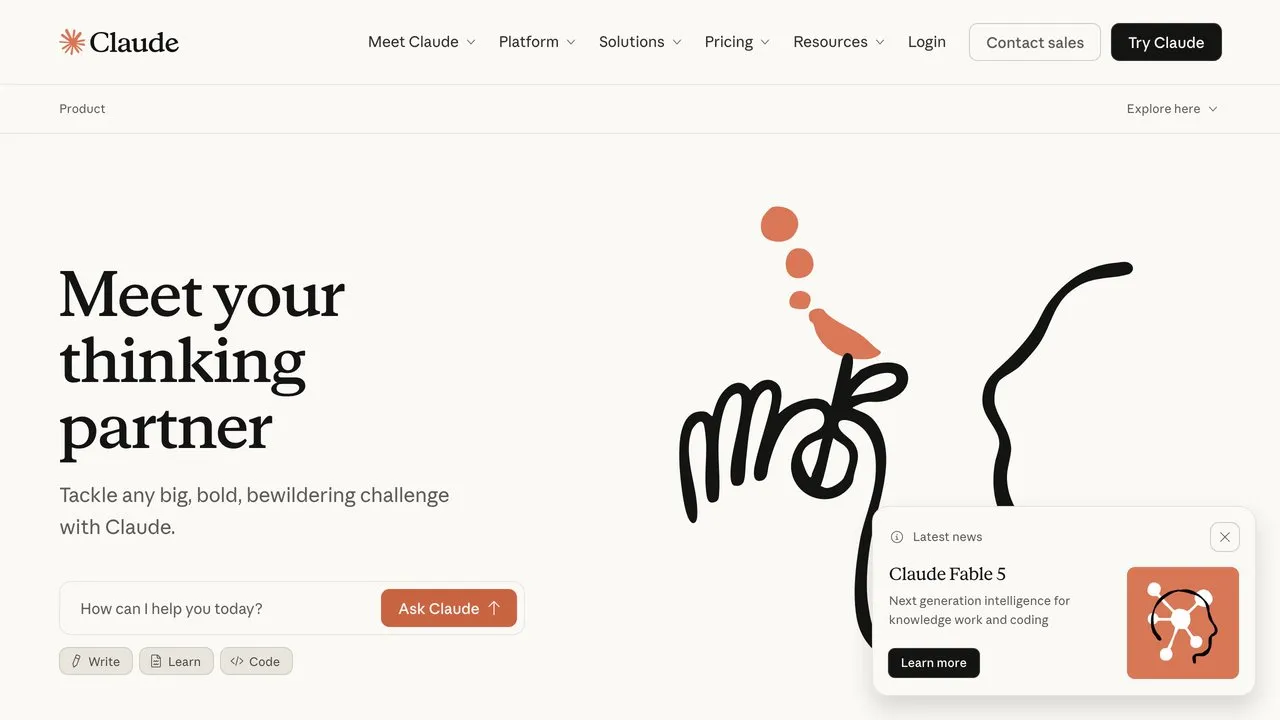
ChatGPT starts the draft, but Claude is where I finish the writing that has to be good. It owns the “create” stage for anything long-form: blog posts, email sequences, sales pages, and scripts. The prose is cleaner out of the gate, and Projects let me load a brand voice, style rules, and reference docs once so every output stays on-voice without re-prompting.
It is also the most capable tool here for agentic work. Claude Code and MCP connectors mean Claude can actually run a workflow, not just write about one. That is exactly why Blotato ships an MCP server for it: you can generate and publish content through Claude end to end.
My take: Claude writes the words that actually go out under my name. I run my whole content operation through it, and the Projects feature is what keeps a week of posts sounding like me instead of like AI.
Pros:
- Strongest long-form writing quality of the five
- Projects enforce a consistent brand voice across outputs
- Agentic via Claude Code and MCP connectors
- Generous free tier and a $20/mo Pro plan
Cons:
- Highest-usage Max tiers are pricey and monthly-only
- Usage limits on Pro bite sooner than most people expect on long documents
Best for: Content marketers and teams who need on-brand long-form copy and agent-driven automation.
Pricing: Free; Pro $20/mo billed monthly or $17/mo on annual; Max from $100/mo; Team standard seats $25/seat/mo monthly or $20 annual, with $125/seat premium seats that include Claude Code. Current tiers are on Anthropic’s pricing page.
Free trial: Free plan available, no card required.
Bottom line: If the writing has to ship to your audience, Claude is the one I reach for. See how to use Claude with Canva to pair it with design.
3. Blotato - Best for Distribution (Create + Schedule)
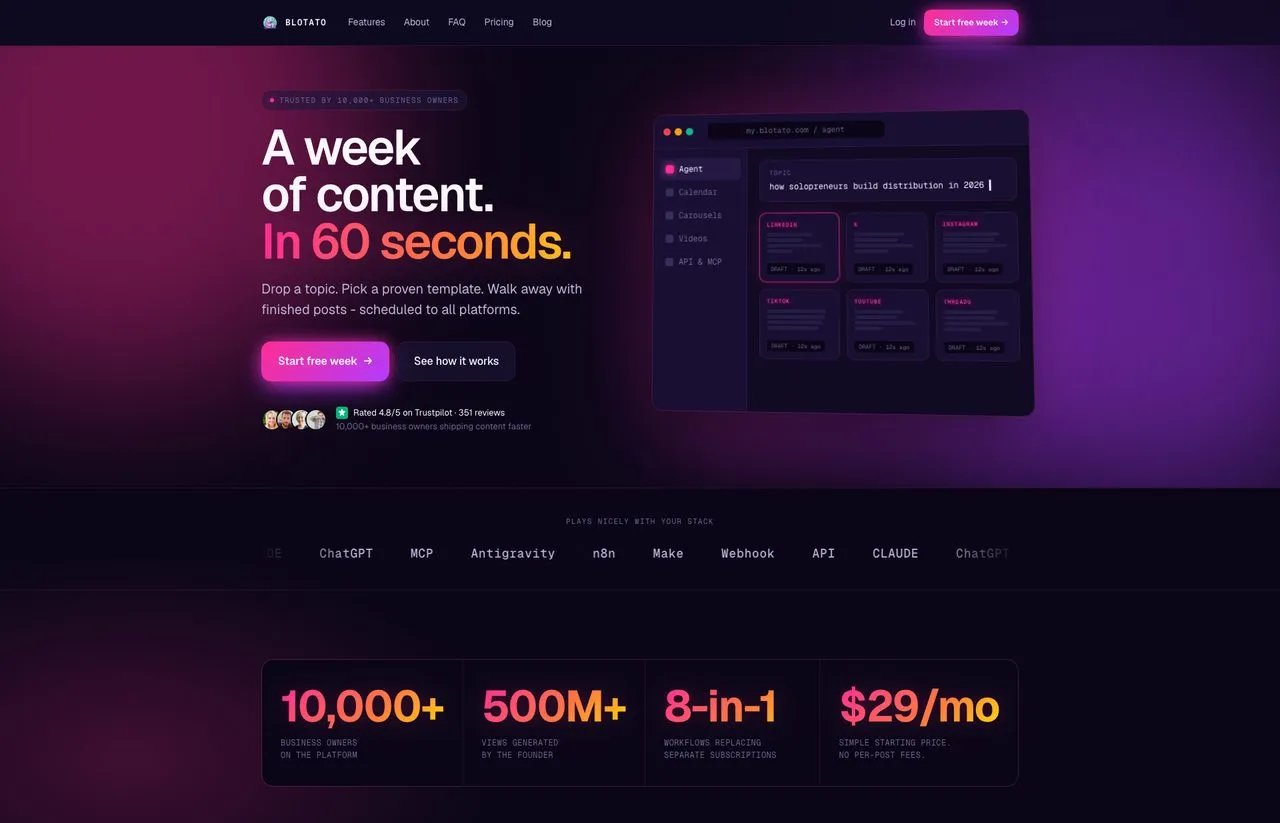
ChatGPT and Claude write the content. Blotato gets it live everywhere, and that is the job I built it to own. Other tools made me pay per channel or stitch five apps together to take one idea and publish it across platforms. Blotato handles that in one place: it writes the post, generates the image or video, repurposes long-form into short clips, and schedules everything from one calendar.
The AI Writer is trained on over a million viral posts rather than a generic model, so the drafts sound like content, not a press release. You connect 20 social accounts on the Starter plan and cross-post to X, Instagram, LinkedIn, TikTok, YouTube, Threads, Facebook, Pinterest, and Bluesky. No per-seat fees, no per-channel fees, one flat rate.
For automation builds, Blotato is MCP-native for Claude, so an AI agent can publish through it directly.
My take: This is the tool I open every single day. I built it because I was tired of paying five subscriptions to take one idea and post it everywhere, and it is the reason one person can run distribution across this many platforms without a team.
Pros:
- AI creation across text, image, and video in one tool
- 20 connected accounts included on Starter
- Flat $29/mo pricing with no per-post or per-seat fees
- MCP and API access for agent-driven automation
Cons:
- AI credits are consumable, so heavy video creators may need the Creator plan
- API and full MCP access unlock on higher tiers, not the trial
Best for: Solo creators and small teams managing 5 to 20 social accounts who want creation and scheduling in one place.
Pricing: $29/mo Starter, $97/mo Creator, $499/mo Agency. Annual billing saves around 17%.
Free trial: Yes, 7 days.
Bottom line: This is the tool I open every day because it does the job of three separate subscriptions.
4. Canva - Best for Design Without a Designer
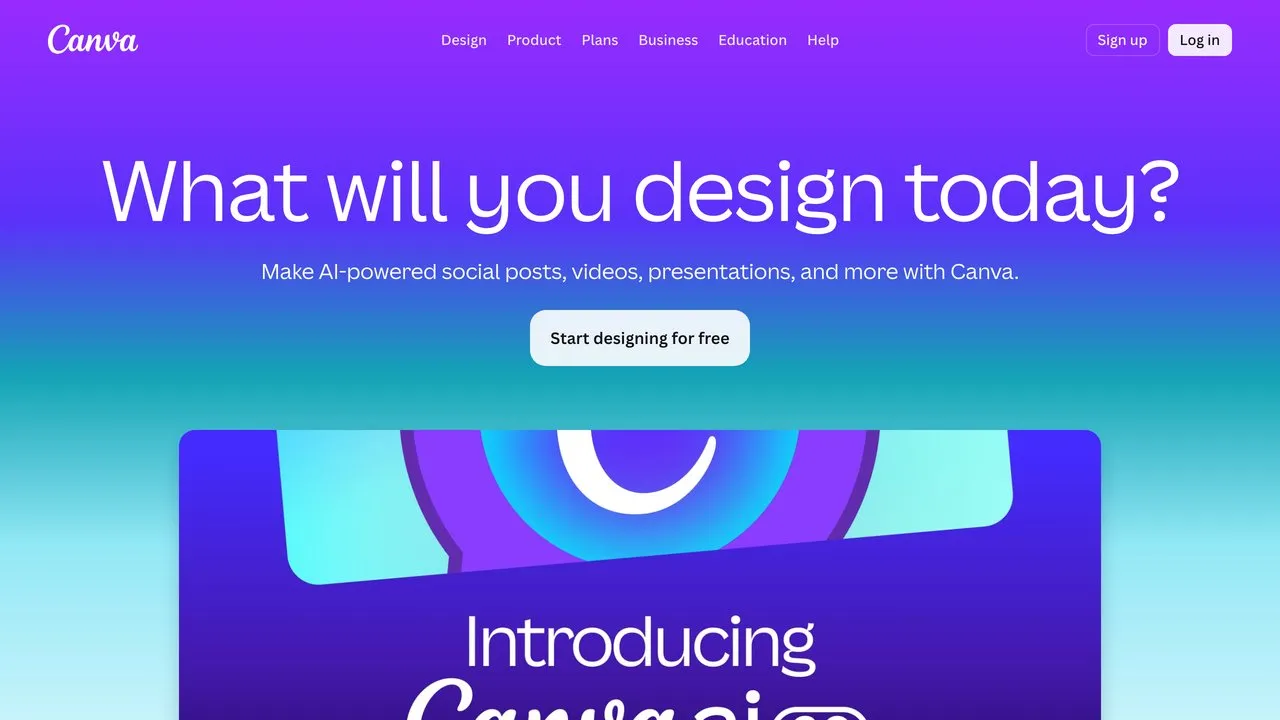
Every piece of content needs a visual, and Canva owns the “design” stage for people who aren’t designers. Magic Studio is a full AI suite: Magic Design builds layouts from a prompt, Magic Write handles short copy, and one-click tools like Background Remover and Magic Eraser cut work that used to need Photoshop.
For marketing specifically, the Brand Kit is the unlock. Load your fonts, colors, and logo once, and every thumbnail, carousel, and ad stays consistent. It pairs cleanly with the rest of the stack, including a direct connector inside Claude.
My take: I am not a designer, and Canva is why that does not matter. Brand Kit plus Magic Studio gets me thumbnails and carousels that look intentional in minutes, not hours.
Pros:
- Magic Studio AI suite for layouts, copy, and image edits
- Brand Kit keeps every asset on-brand
- Huge template library for fast turnaround
- Real-time collaboration on team plans
Cons:
- The free tier throttles AI usage heavily
- Advanced export and customization trail dedicated design tools
Best for: Creators and small teams who need on-brand graphics fast without hiring a designer.
Pricing: Free; Pro $120/year for one person (about $10/mo billed annually); Business $20/person/mo. Canva has reworked these tiers more than once and prices vary by region, so check Canva’s pricing page before you budget.
Free trial: Free plan available. Pro offers a free trial.
Bottom line: Canva is the fastest path from idea to a finished, on-brand visual. Here is how to create posts with Claude and Canva in minutes.
5. HubSpot - Best for CRM and Lead Conversion
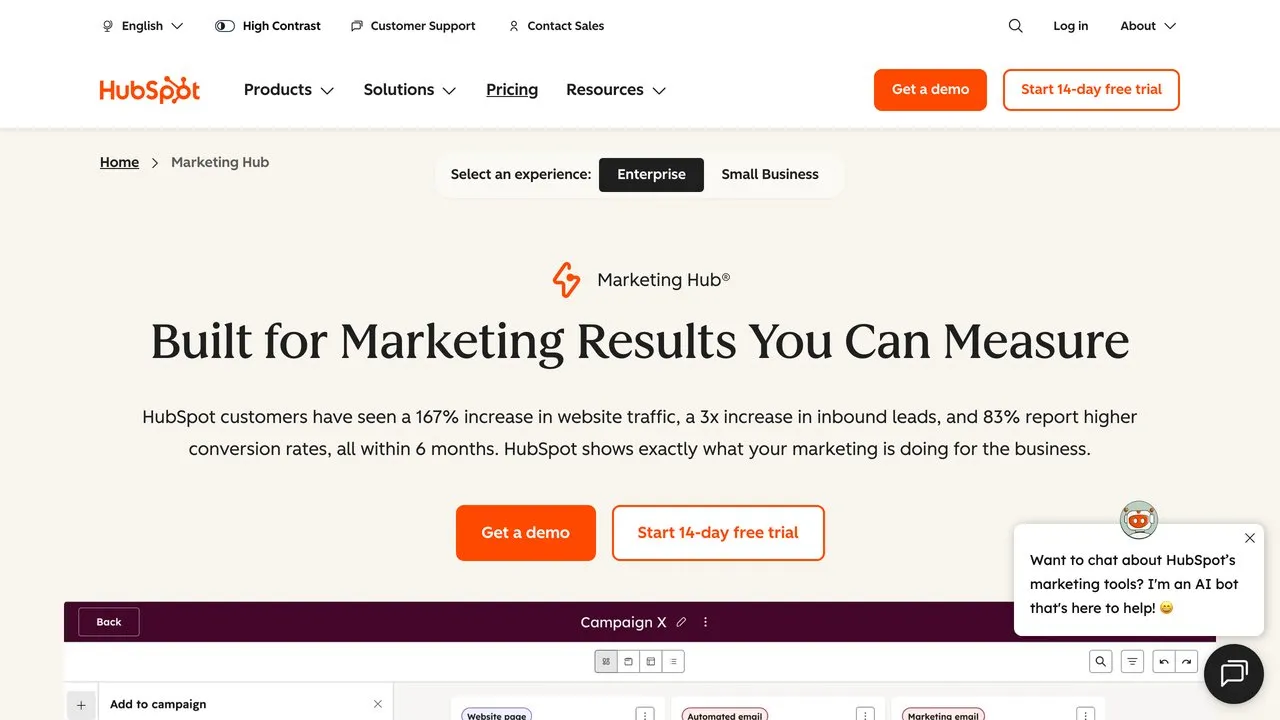
The first four tools get attention and content out the door. HubSpot owns what happens next: turning that audience into a list, and that list into customers. It is a combined CRM and marketing platform, so contacts, email, landing pages, and automation live in one place instead of four disconnected tools.
The Breeze AI layer runs across it: Breeze Copilot drafts content and surfaces insights, and Breeze agents automate routine marketing work. The free tools are a genuine starting point, and Starter is approachable per seat, though the jump to Professional is steep once you scale.
My take: This is the one tool here I would not reach for on day one. You add HubSpot when you actually have leads worth nurturing, not before. Until then it is overhead you do not need. If you are weighing it specifically for posting rather than for the CRM, I broke down where HubSpot’s social tools land against a dedicated publishing tool, including the tier that social publishing actually starts on.
Pros:
- CRM, email, and automation in one source of truth
- Breeze AI available across the platform
- Real free tools to start, low per-seat Starter tier
- Deep automation and reporting as you grow
Cons:
- The jump from Starter to Professional is a big price step
- Contact overages bill automatically and add up
Best for: Small teams and growing businesses that want CRM plus marketing plus AI in one platform.
Pricing: Free tools; Marketing Hub Starter from $7/seat/mo; Professional from $800/mo; Enterprise from $3,600/mo. HubSpot’s bundles shift often, so confirm on HubSpot’s pricing page which hub and seat type a quote covers.
Free trial: 14-day free trial, no credit card required.
Bottom line: When you outgrow a spreadsheet and need to nurture leads, HubSpot is the conversion engine that ties the funnel together.
The Sixth Job: Letting an AI Agent Run the Stack
The newest shift in AI marketing is not another tool. It is that the tools now operate each other. Three of the five in this stack already connect: Claude has a direct Canva connector for design, and Blotato is MCP-native, which means Claude can publish through it without you opening a browser tab.
In practice, that looks like one instruction: “write tomorrow’s post about our launch, generate the image, and schedule it for 9am on LinkedIn and X.” Claude drafts the copy, pulls the visual together, and posts it through Blotato while you do something else. The stack stops being five apps you visit and becomes one workflow you supervise.
You do not need this on day one. But if you are choosing between two tools for the same job, pick the one an agent can operate. That is the difference between a tool that saves you an hour and a tool that removes the task entirely.
Other AI Marketing Tools Worth Knowing
The five above cover the core funnel. These specialists earn a slot once you have a specific job that needs them:
- Descript - AI video editing where you edit the footage by editing the transcript. Free plan; paid from $16/mo annual. Great for podcasters and YouTubers. See the full AI content repurposing tools guide.
- HeyGen - AI avatars and video in 175+ languages for faceless or localized content. Free plan; paid from $29/mo.
- Zapier - No-code automation connecting 5,000+ apps so your tools talk to each other. Free plan; paid from $19.99/mo.
- Gumloop - Drag-and-drop AI agent and workflow builder for more advanced automations. Free credits; paid from $37/mo.
- Notion AI - AI assistant inside your docs and databases for planning and writing. Add-on at $10/member/mo.
- Google Gemini - Google’s AI woven into Workspace, with deep research and image tools. Free; Google AI Pro $19.99/mo.
How to Choose the Right AI Marketing Tools
Match the tool to the job you actually have right now:
-
If your bottleneck is getting content out everywhere: Start with Blotato. It owns creation and distribution in one subscription, so you cover two jobs for one flat fee.
-
If you need a research and ideation partner: Add ChatGPT for the front end of every task. The free tier is enough to start.
-
If you publish long-form that has to be on-brand: Use Claude for the writing. Projects keep the voice consistent across posts and emails.
-
If you make your own visuals: Canva covers design without a designer, and pairs with the rest of the stack.
-
If you are nurturing leads toward a sale: HubSpot ties the funnel together with CRM, email, and AI in one platform.
You do not need all five on day one. Add each tool when the job it owns becomes your bottleneck.
Final Thoughts
My daily marketing stack: ChatGPT for research and quick drafts, Claude for long-form copy, Blotato for creation and distribution, Canva for visuals, and HubSpot once there are leads to nurture. Five tools, five jobs, no overlap.
If you are building this stack from scratch, start where most of the work is: getting content created and out the door. Try Blotato free for 7 days and see how many jobs one tool can take off your plate. For the narrower scheduling layer, compare the best social media automation tools, and for content creation specifically, see the AI social media tools for creators.
AI Marketing Tools FAQs
Which AI tool is best for marketing?
There is no single best one, because marketing is five jobs. For most solo marketers the strongest all-around pick is ChatGPT for thinking and Claude for writing, with Blotato handling content creation and distribution. If you can only add one tool to get content live across platforms, I built Blotato for exactly that at a flat $29/mo.
What are the top 3 AI tools for marketing in 2026?
My top three are ChatGPT, Claude, and Blotato. ChatGPT is the research and ideation engine, Claude writes the long-form copy that ships under your name, and Blotato creates and schedules the content across nine platforms. Canva for design and HubSpot for CRM round out the full five-tool stack.
Which AI marketing tool is best for social media?
Blotato is the one I built for the social distribution job. It writes posts, generates images and video, repurposes long-form into clips, and schedules across nine platforms from one calendar at a flat $29/mo, with no per-channel fees. ChatGPT and Claude handle the upstream writing, but Blotato is what gets the content live everywhere.
Can AI marketing tools replace a marketing team?
For solo creators and small businesses, mostly yes. The combination of AI research, writing, design, distribution, and a CRM means one person can run marketing that used to need several people. You still own the strategy and the judgment calls, but the execution workload drops sharply.
How many AI marketing tools do I actually need?
Start with one tool per job and cut anything that overlaps. Two tools doing the same job is just a bigger bill. Most solopreneurs run fine on three to five: a writing assistant, a tool to create and distribute content, and a design tool, then add a CRM once there are leads worth nurturing.