7 Best AI Social Media Tools for Creators in 2026
AI social media tools for creators, tested across 2.2M+ followers. What each one actually automates, where it stops, and who it fits.
Most lists of the best AI social media tools for creators are 25 logos with zero point of view. I run content across 9 platforms every day and grew a 2.2M+ follower audience doing it, so I only keep the tools that actually save me time. The seven below are the ones I rely on and would pay for in 2026, shaped by how AI actually changed social media workflows this year. Blotato is my top pick because it generates the content and posts it, but the other six each win a specific job in a creator’s workflow.
This list is about the tools that make the content, not the ones that just schedule it. If you want the scheduling and management layer, that’s a separate guide (linked below).
AI Social Media Tools for Creators at a Glance (2026)
| Tool | Best For | Starting Price | Key Strength |
|---|---|---|---|
| ChatGPT | Creators who brainstorm hooks, captions, and scripts daily | Free, Plus $20/mo | Fastest first drafts and ideation partner for written content |
| Blotato | Solo creators who want AI to create and post everywhere from one place | $29/mo | AI text, image, and video generation across 9 platforms in one tool |
| Canva | Non-designer creators who need on-brand graphics and carousels fast | Free, Pro $15/mo | Magic Studio turns a prompt into finished social graphics |
| Predis.ai | Creators who want done-for-you posts instead of a blank page | Core $24/mo billed yearly | Generates ready-to-post carousels and videos from one prompt |
| Opus Clip | Long-form creators turning videos and podcasts into short clips | Free, Starter $15/mo | AI clipping with a virality score that triages your best moments |
| CapCut | Mobile-first creators editing short-form video on a budget | Free, Pro $19.99/mo | Auto-captions, templates, and AI editing with a strong free tier |
| InVideo AI | Faceless-channel creators generating full videos from a script | Free, Plus $25/mo | Type a prompt, get a finished video with voiceover and scenes |
What to Look for in an AI Social Media Tool
Pick the job you need done first, then the tool. Most of these are great at one thing and average at the rest.
- Creation vs. scheduling. Do you need the AI to make the post (copy, image, video) or only to publish what you already have? This list is about creation.
- What the AI actually outputs. “AI” can mean a caption rewriter or a tool that generates a finished carousel. Read past the label.
- Credit math. Most AI tools meter usage in credits. Cheap monthly prices hide fast burn rates at real volume.
- Editing burden. AI gets you 70 to 80% there. The honest question is how much time you spend fixing the other 20 to 30%.
- Platform fit. A solo creator on TikTok and Instagram needs different tools than someone publishing long-form to YouTube.
The 7 Tools, Ranked by Workflow Fit
These seven made the cut. They’re ordered by where each fits in a creator’s workflow, not strictly best to worst. Blotato is my overall pick, so it sits at number two, right after ChatGPT, the one tool almost every creator already has open. The two can be wired together so ChatGPT publishes instead of just drafting.
1. ChatGPT - Best for creators who brainstorm hooks, captions, and scripts daily
ChatGPT is the tool almost every creator already has open in another tab. For social content it’s an ideation and drafting partner: paste a blog post and ask for 10 X posts, 5 LinkedIn hooks, and 3 Instagram captions, and you have a week of raw material in a minute. It also generates images from a prompt, so it stretches beyond text when you need a quick visual concept.
The catch is voice. ChatGPT’s first draft is fast but generic, and it will confidently invent a statistic if you let it. You’re the editor, not the passenger.
Pros:
- Fastest first-draft and brainstorming engine on this list
- One prompt produces platform-specific variations across formats
- Free tier is genuinely useful before you ever pay
Cons:
- Output reads generic until you rewrite it in your own voice
- Will hallucinate stats and citations, so every claim needs checking
- The free tier now shows ads and limits how much you can use the best model
Best for: Creators who write a lot and want an always-on ideation and drafting partner.
Pricing: Free plan. Go $8/mo, Plus $20/mo, Pro from $100/mo.
Free trial: Free plan acts as the trial.
Bottom line: The cheapest creative multiplier you can buy, as long as you treat its output as a draft, not a final post.
2. Blotato - Best for solo creators who want AI to create and post everywhere from one place
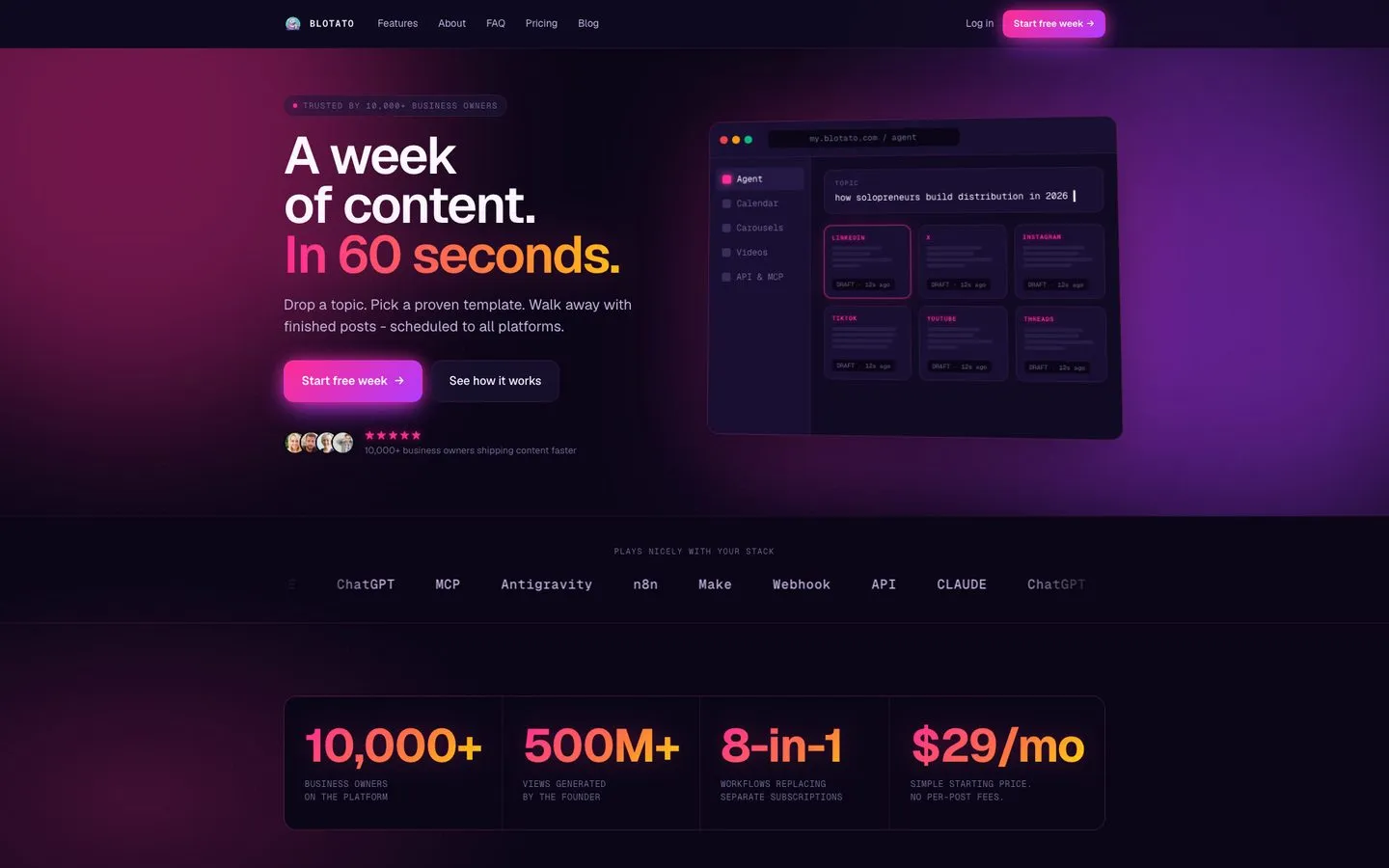
I’m the founder, so take this with whatever grain of salt feels right. Blotato exists because making content for social used to mean juggling four tools: one to write the copy, one to make the images, one for video, and a scheduler to push it all out. Blotato does all four from a single prompt. Hand it a topic, a blog URL, or a video, and it writes the captions, builds the carousels, generates the visuals, and reshapes each post for its platform, then sends them live across 9 platforms (X, Instagram, LinkedIn, TikTok, YouTube, Threads, Facebook, Pinterest, Bluesky). If you want to see that from a blank account, my walkthrough of the first post, calendar, and visuals shows each step.
For a creator, the point isn’t any single feature. It’s that the whole make-it-and-post-it loop happens in one tab instead of five.
The honest limitations: Blotato is newer than Canva or ChatGPT, so its third-party review history is shorter. The AI output is good but rewards a clear prompt. And the public API is a paid-plan feature, not part of the free trial.
Pros:
- One prompt produces the copy, the carousel, the images, and the platform variations
- Flat monthly price with no per-channel fees and no per-post AI charges
- Posts to 9 networks, including Bluesky, Threads, and Pinterest
- Connects to Claude and other AI agents through its MCP server
Cons:
- Shorter track record and fewer third-party reviews than Canva or ChatGPT
- Public API and MCP access require a paid plan, not available on the free trial
- Output quality depends on how clearly you prompt it
Best for: Solo creators who want the entire create-and-publish loop in one tool instead of a stack of subscriptions.
Pricing: Twenty connected accounts come with the $29/mo Starter tier, forty with Creator at $97/mo, and a hundred with Agency at $499/mo. For a creator running one account per platform, Starter is more headroom than you will use, which is the tier most people should size themselves against before paying for more. Annual billing knocks off about 17%.
Free trial: Yes, 7 days on all plans.
Bottom line: If you currently pay for a writer, an image tool, a video tool, and a scheduler, this single subscription covers all four jobs.
Start a free 7-day Blotato trial. Cancel anytime. Start the trial.
3. Canva - Best for non-designer creators who need on-brand graphics and carousels fast
Canva is how non-designers ship graphics that look designed. Magic Studio is the AI layer: Magic Design builds a full layout from a prompt, Magic Write drafts the copy, and the AI image and video tools fill in the visuals. For a solo creator making carousels, thumbnails, and story graphics, it removes the “I can’t design” excuse entirely. It earns consistently high marks across thousands of G2 reviews.
The trade-offs: the best templates and AI features sit behind Pro, the Magic credits are metered, and serious editors still find the controls limiting compared to dedicated design software. If you’d rather drive it from a prompt, here’s how to pair Canva with Claude.
Pros:
- Enormous template library plus AI that builds layouts for you
- Magic Studio covers copy, images, and short video in one place
- Easiest learning curve of any design tool here
Cons:
- The strongest templates and AI tools are Pro-only
- Magic credits are capped and metered each month
- Advanced editing feels limited next to pro design apps
Best for: Creators who need on-brand graphics and carousels without hiring a designer.
Pricing: Free plan. Pro from $15/mo.
Free trial: Pro has a 30-day free trial.
Bottom line: If your bottleneck is visuals, this is the lowest-effort way to look polished across every platform.
4. Predis.ai - Best for creators who want done-for-you posts instead of a blank page
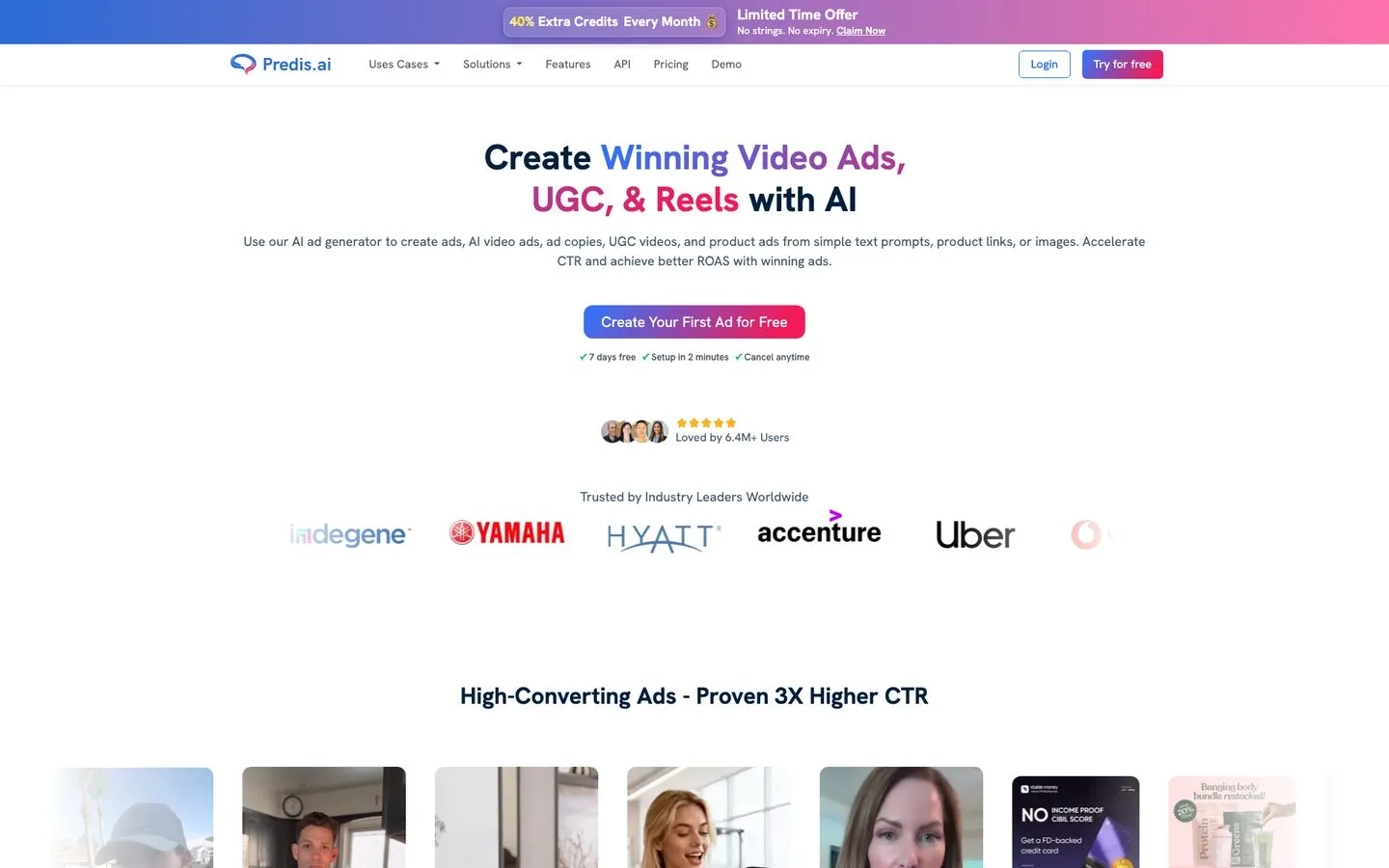
Predis.ai goes a step past a caption tool. You give it a topic and it generates a finished post: the carousel slides, the visuals, the caption, and the hashtags, ready to schedule. For creators who freeze at a blank canvas, the done-for-you output is the whole appeal, and it covers Instagram, Facebook, LinkedIn, and more with built-in publishing (Core posts to up to 10 channels, and the daily AI autopilot posting starts on Rise). Capterra reviewers give it a generally positive rating across 180+ reviews.
The honest knocks: failed publishes and slow support come up in reviews, its pricing page lists no free plan (only a 3-day trial that takes a card up front), and the AI voice and avatar features lag behind dedicated video tools.
Pros:
- Generates complete, ready-to-post carousels and videos from one prompt
- Built-in scheduling and competitor analysis in the same tool
- Brand controls keep output visually consistent
Cons:
- Reviewers report failed publishes and slow support
- No free plan on the pricing page, only a 3-day trial that takes a card up front
- AI voice and avatar quality trails dedicated video tools
Best for: Moderate-volume solo creators who want posts generated for them, not built from scratch.
Pricing: Core $24/mo billed yearly ($288/yr) or $32 month to month, Rise $55/mo billed yearly ($79 monthly), Enterprise+ $212/mo billed yearly ($249 monthly).
Free trial: 3 days on every plan, with a card taken to start it.
Bottom line: The fastest way from “I have no idea what to post” to a finished carousel, if you accept a light editing pass.
5. Opus Clip - Best for long-form creators turning videos and podcasts into short clips
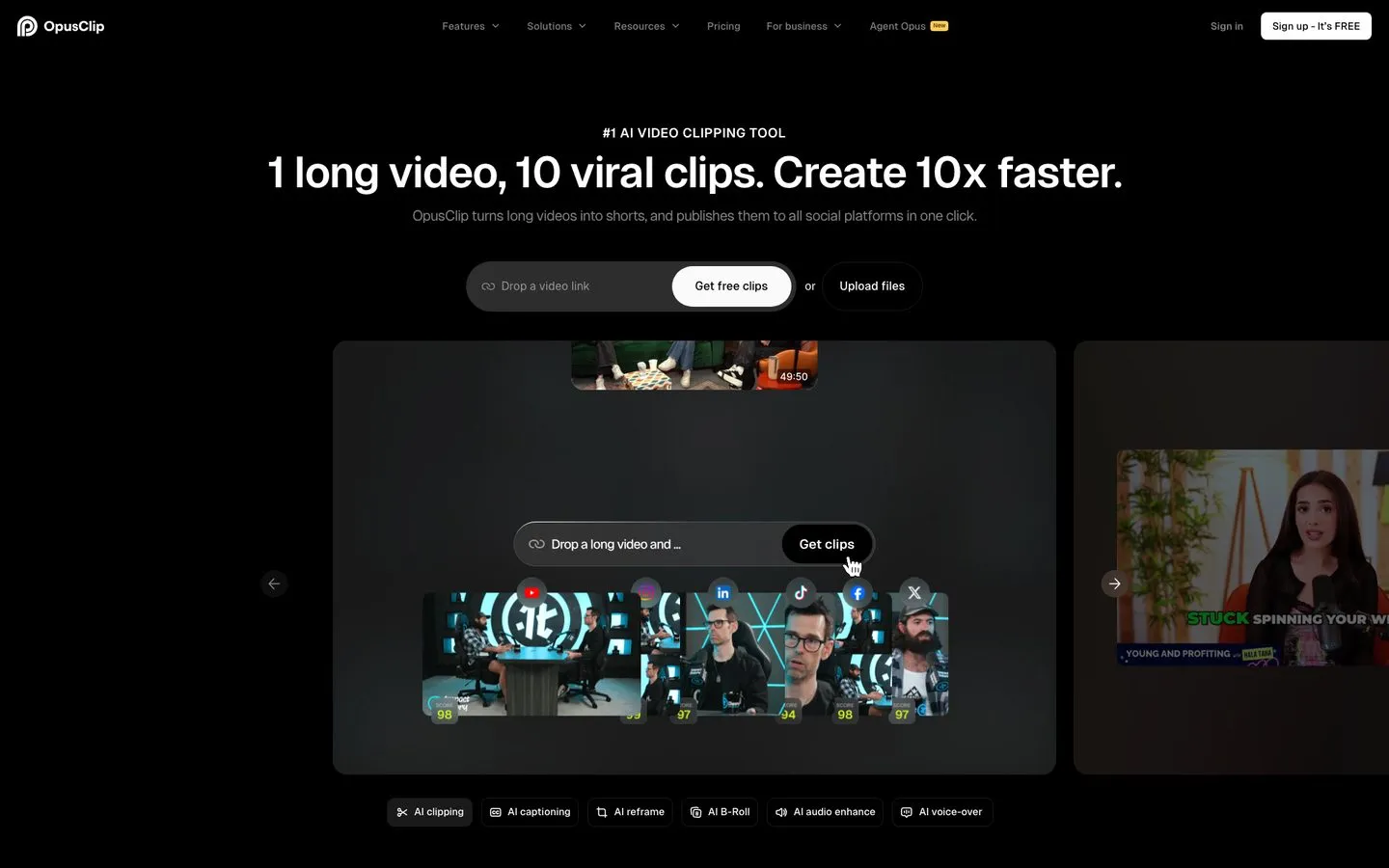
Opus Clip is the tool long-form creators reach for first. Feed it a YouTube video, podcast, or livestream and it pulls out short vertical clips, adds animated captions, reframes to 9:16, and scores each clip for viral potential so you can triage the batch down to the two worth posting. Trustpilot sits at 4.0/5 across 300+ reviews, which tracks with how most creators feel: useful, with rough edges.
The rough edges show up once you lean on it daily. Billing and cancellation friction is the loudest complaint, long videos sometimes hang in processing, and the credit system charges by source-video length, which surprises people.
Pros:
- Strong virality scoring that triages clips, not just produces them
- Clean auto-captions and auto-reframe out of the box
- One-click publishing to Shorts, TikTok, and Reels
Cons:
- Billing and cancellation friction is the most common complaint
- Long uploads occasionally hang during processing
- Credits burn by source length, which is easy to misjudge
Best for: Podcasters and YouTubers turning long episodes into short-form clips.
Pricing: Free plan with watermark and 60 credits. Starter $15/mo, Pro $29/mo monthly or $14.50/mo on annual billing.
Free trial: Free plan acts as the trial.
Bottom line: The default first stop for long-to-short clipping. If clipping is your whole workflow, see my AI content repurposing tools guide for the full lineup.
6. CapCut - Best for mobile-first creators editing short-form video on a budget
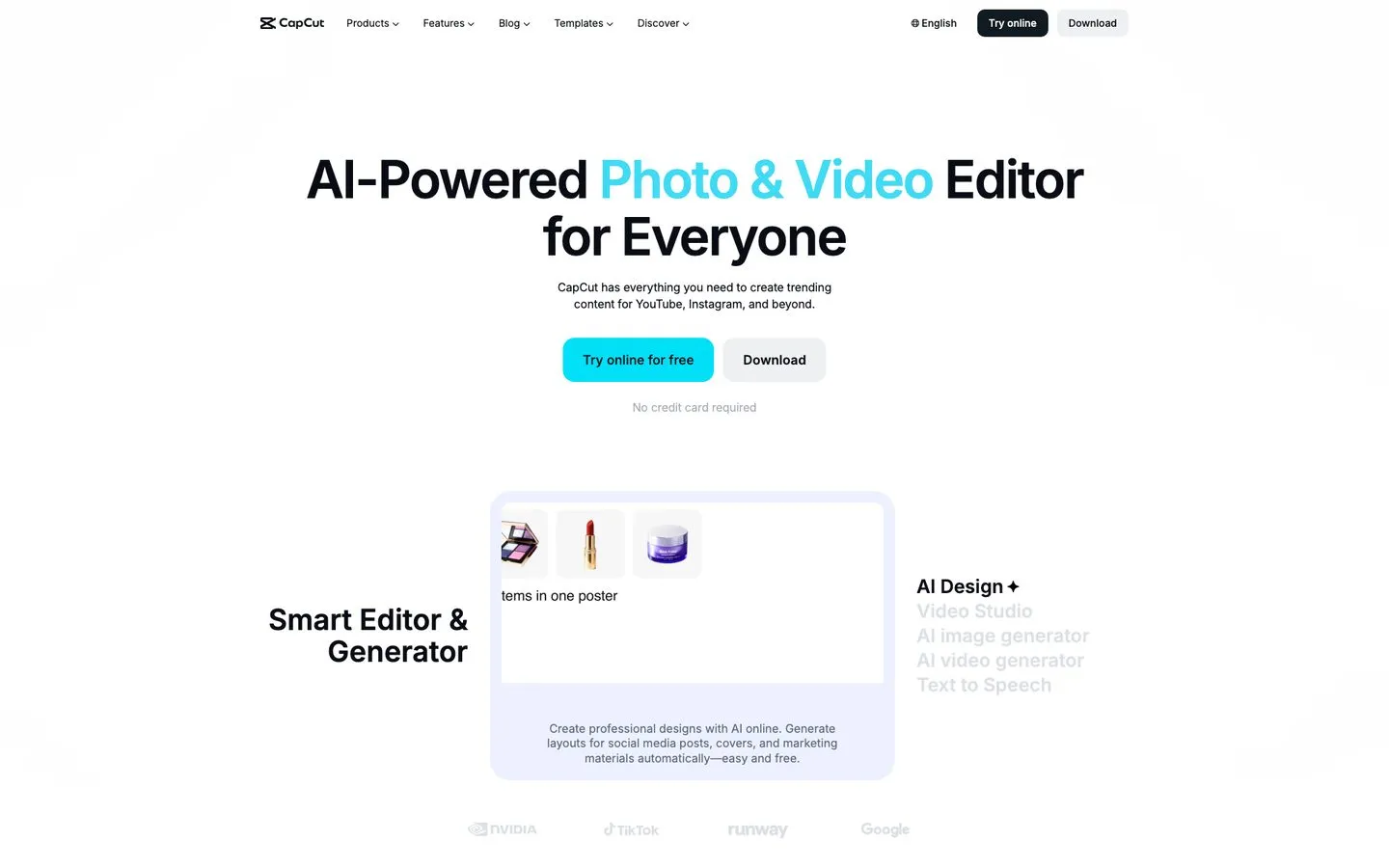
CapCut is the editor most short-form creators learn on. The free tier is generous, it runs on mobile and desktop, and the AI features handle the tedious parts: auto-captions from speech, background removal, text-to-speech voices, and a huge template library you can drop a clip into. For TikTok and Reels creators on a budget, nothing else gets you to a polished edit this fast.
Two honest caveats. CapCut went through a brief 2025 US app-store removal and a 2025-to-2026 ownership restructure that put US investors in majority control, so its recent history has been turbulent even if it’s stable now. And Trustpilot skews very low at around 1.2/5, driven mostly by billing and cancellation complaints rather than the editor itself.
Pros:
- Strong free tier with no credit card required
- Auto-captions, templates, and background removal built in
- Beginner-friendly on both mobile and desktop
Cons:
- A 2025 app-store removal and a US ownership restructure made its recent history turbulent
- App Store pricing runs higher than the web rate, so check before you buy
- Heavy billing and cancellation complaints in public reviews
Best for: Mobile-first TikTok and Reels creators who want fast, free short-form editing.
Pricing: Free plan. Pro $19.99/mo or $179.99/yr. Prices vary by region and device.
Free trial: Free plan acts as the trial.
Bottom line: The best free short-form editor for beginners, as long as you watch the billing terms.
7. InVideo AI - Best for faceless-channel creators generating full videos from a script
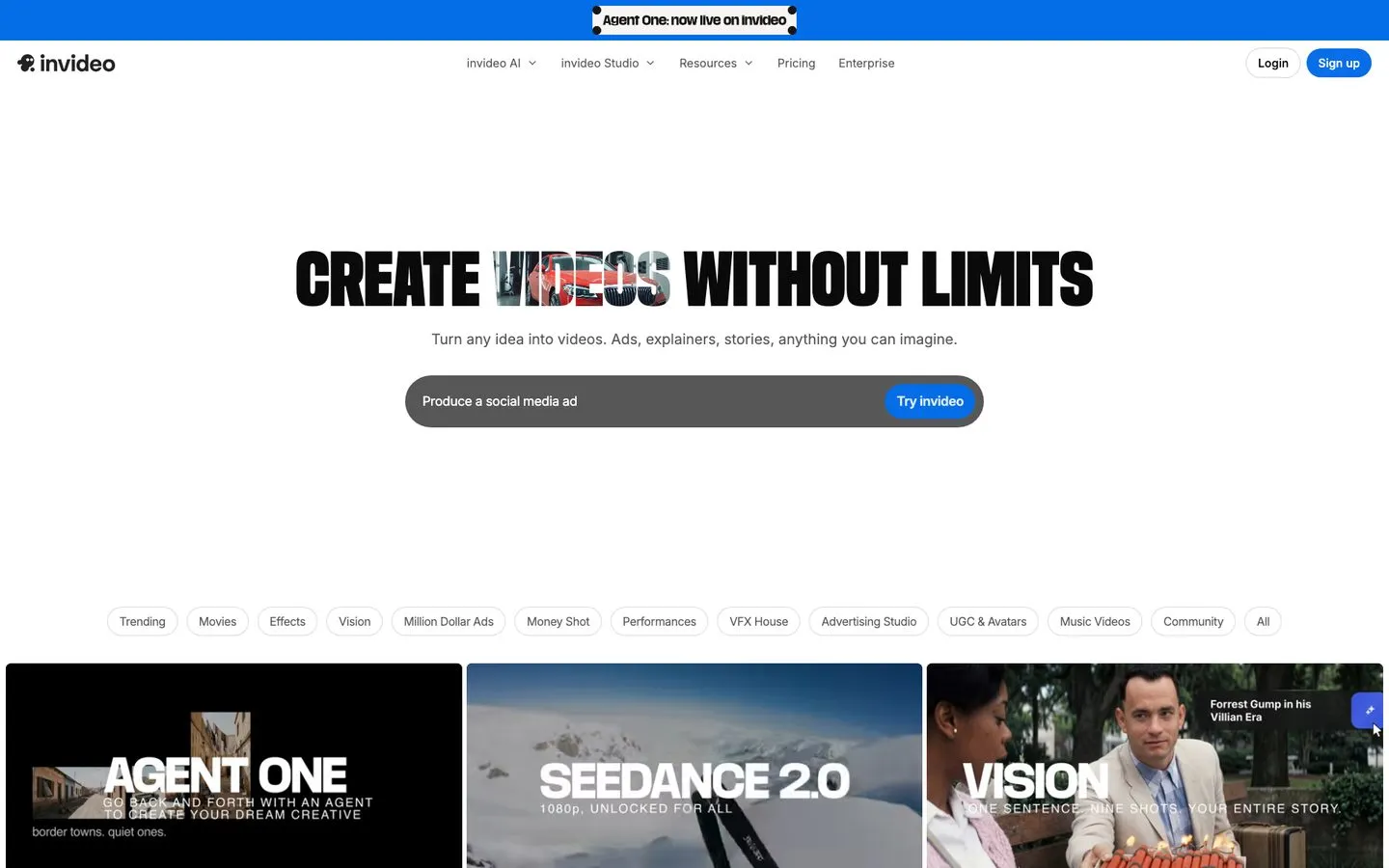
InVideo AI is the closest thing to “type a prompt, get a video.” You describe the video you want and its AI agent assembles the scenes, stock footage, voiceover, and music into a finished cut, then takes plain-English edits like “make the intro shorter.” For faceless channels and creators who don’t want to film, it’s the fastest path from script to upload, and it sits alongside the other AI tools for faceless content worth building a stack around. Reviewers on Capterra are broadly positive, with the AI voice quality as the recurring complaint.
The trade-offs are real. The default text-to-speech voices can sound robotic, the tool upsells add-ons aggressively, and generation credits expire monthly, so unused capacity doesn’t roll over. That last part costs more than most people budget for: work out the per-generation math and a half-used bundle quietly doubles what each video cost you.
Pros:
- Generates a complete video, including voiceover, from one prompt
- Plain-language editing instead of a timeline
- Big stock and voice library built in
Cons:
- Default TTS voices sound robotic without tuning
- Frequent upsells for features behind add-ons
- Monthly credits expire and don’t roll over
Best for: Faceless-channel creators and marketers generating videos from scripts without filming.
Pricing: Free plan with watermark. Plus $25/mo or $20/mo annual, Max $60/mo or $48/mo annual.
Free trial: Free plan acts as the trial.
Bottom line: The most hands-off way to make video at volume, if you can live with editing the AI voice. For the build-it-yourself path, here’s how I make AI videos with Claude Code or build a faceless Shorts workflow in n8n.
How I Evaluated These Tools
Every tool here is one I’ve used for actual posting across my own 9 platforms, not a demo login. What I weighed:
- What the AI actually creates. Finished posts and videos beat caption rewrites dressed up as AI.
- Output quality vs. editing time. How much of the work is done when the AI hands it back.
- Pricing at real volume. Credit burn and per-seat math at the volume a working creator hits, not the marketing-page price.
- Review sentiment. I read each tool’s reviews on G2, Capterra, Trustpilot, and Reddit, looking for patterns that repeat rather than one-off complaints.
- Fit for a solo creator. Enterprise reporting and team governance didn’t count. Speed from idea to posted content did.
How to Choose the Right Tool for You
Start from your situation, not the brand you’ve heard of most.
- You want one tool to create and post everywhere: Blotato. AI generation plus publishing to 9 platforms on flat pricing.
- You mostly need ideas, hooks, and captions: ChatGPT. The cheapest path from rough idea to a batch of hooks, free to start.
- Your bottleneck is visuals and carousels: Canva. Magic Studio gets non-designers to polished fast.
- You want finished posts generated for you: Predis.ai. Done-for-you carousels and videos from a prompt.
- You publish long-form and need short clips: Opus Clip, then pair it with a creation tool.
- You edit short-form video on mobile on a budget: CapCut, with the billing and platform caveats in mind.
- You run a faceless channel and want full videos from scripts: InVideo AI.
- You already have content and just need to schedule it: that’s a different job. See my best social media automation tools guide for the publishing layer.
Final Recommendation
If I were starting over in 2026, I’d run Blotato as the core, because the slow part of being a creator isn’t having ideas, it’s turning one idea into the captions, carousels, and platform variations that have to ship every day. That’s the part Blotato collapses into one workflow. I’d add ChatGPT for ideation and Canva for one-off graphics, and reach for a video tool only when the format demands it. Start your free 7-day Blotato trial and find out how many of your current subscriptions it absorbs. If you want the proof behind the workflow, here’s how I run content across 9 platforms. For a broader look at the full AI marketing stack beyond social creation, including analytics, email, and repurposing tools, see my best AI marketing tools guide.
AI Social Media Tools for Creators FAQs
What is the best AI social media tool for creators in 2026?
For solo creators who want one tool to both create and publish, Blotato is the best fit because it generates AI text, images, and video and posts to 9 platforms on a flat $29/mo plan. If you only need ideation, ChatGPT is the cheapest starting point, and if your gap is visuals, Canva’s Magic Studio is hard to beat. Pick based on where you actually get stuck, not on name recognition.
Are there free AI social media tools for creators?
Yes. ChatGPT, Canva, Opus Clip, CapCut, and InVideo AI all have free plans. The catch is that most free tiers add a watermark, cap exports, or meter AI credits tightly. They’re great for testing fit, but you’ll hit a wall at real posting volume. Blotato runs a 7-day free trial instead of a permanent free plan.
Can AI fully create my social media content?
Almost, but not unsupervised. Tools like Blotato and Predis.ai can generate complete posts, and ChatGPT can draft the copy, but AI still writes in a generic voice and occasionally invents facts. The honest workflow is AI for the first 70 to 80%, then a human pass for voice, accuracy, and tone. That last edit is where the quality lives.
What’s the difference between AI creation tools and social media schedulers?
Creation tools make the content: the copy, the graphics, the video. Schedulers publish content you already have and handle analytics and approvals. Blotato does both, which is why it tops this list, but most tools here focus on the creation side. The scheduling and management layer is a separate category with its own trade-offs.