8 Best Buffer Alternatives in 2026 (Tested by a Founder)
The best Buffer alternatives in 2026, tested by a founder. See which tool beats Buffer on price, accounts per dollar, and real AI features.
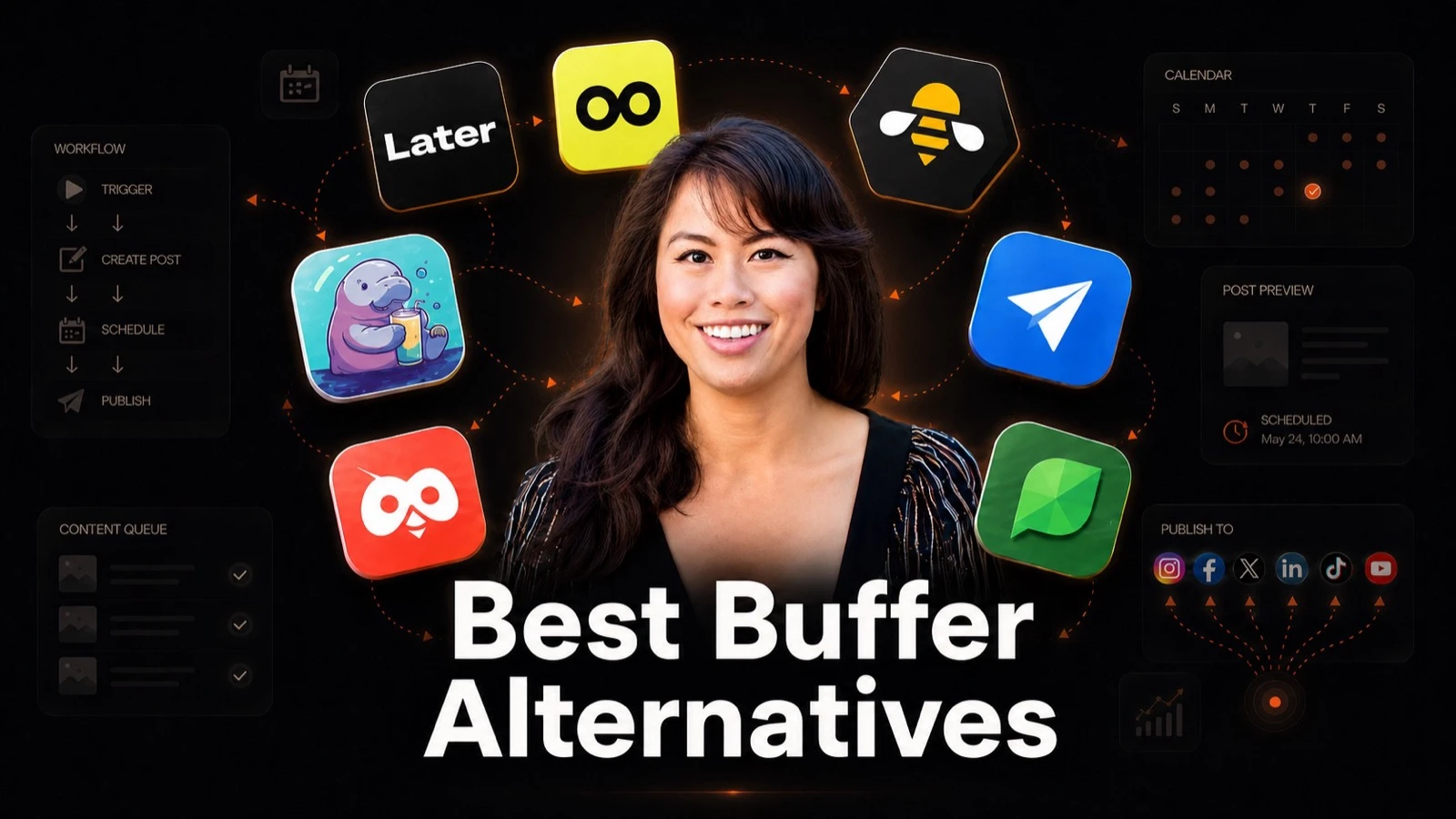
If you’re searching for Buffer alternatives in 2026, you’re probably running into the same wall most creators hit: per-channel pricing that scales painfully, a free plan that caps you at 3 channels, and an AI Assistant that’s thin next to dedicated AI tools. I tested every major option on the market when I was building Blotato, and most of them solve one of those problems but not all three. Below are the eight tools that actually replace Buffer in 2026, ranked for the reader most likely to be reading this: a creator or small operator hitting the limits of Buffer’s plan.
The short version, if you only read one line: Blotato is the clearest one-for-one Buffer replacement for creators, because it fixes all three complaints at once (flat pricing, 20 accounts, real AI generation) and Buffer is still scheduling-only with no AI image or video generation. The other seven are strong for specific edge cases I break down below.
Quick Comparison: 8 Best Buffer Alternatives
| Tool | Best For | Starting Price | Key Strength |
|---|---|---|---|
| Blotato | Creators who want AI writing + 20 accounts at one price | $29/mo | 20 social accounts and unlimited AI writing on the entry plan |
| ContentStudio | AI-assisted publishing and recurring content workflows | $19/mo annual ($29 monthly) | MCP access for AI agents on Standard; RSS and evergreen automation on Advanced |
| Metricool | Marketers who care more about analytics than AI | from $20/mo annual ($25 monthly), 5 brands ($36/mo for 10) | Real free plan plus deep analytics at a small-business price |
| SocialPilot | Small agencies wanting flat pricing for client work | $30/mo | Flat per-plan pricing with white-label client reports |
| Later | Visual-first creators on Instagram and TikTok | $25/mo | Best visual calendar plus Link in Bio bundled in |
| SocialBee | Solopreneurs recycling evergreen content | $29/mo | Category-based content recycling with unlimited AI generation |
| Hootsuite | Mid-size to enterprise teams with budget | $99/user/mo (annual) | Deepest enterprise feature set in the category |
| Sprout Social | Enterprise brands prioritizing listening and reporting | $79/seat/mo (annual) | Best-in-class social listening and analytics |
I put Hootsuite and Sprout near the bottom on purpose. They’re real alternatives, but they’re the wrong direction if you’re leaving Buffer because the bill got too high. If you’re leaving Buffer because you grew into an enterprise team with reporting requirements, scroll to numbers 7 and 8.
Why People Are Looking for Buffer Alternatives
The number one reason I see in Reddit threads and review sites is the per-channel pricing model. Buffer’s Essentials plan is $6 per channel per month, or $5 on annual billing. That sounds friendly until you realize it means $30/mo for five channels and $60/mo for ten on monthly billing, or $25 and $50 if you pay for the year up front. Most competitors bundle 5 to 20 accounts into a flat monthly price, so the math flips fast as you add platforms.
The second reason is the free plan. It looks generous on the marketing page, but it caps you at 3 channels and 10 queued posts per channel. Most creators outgrow that in a weekend. Once you upgrade, the Team add-on doubles your per-channel cost the moment you bring on a collaborator.
The third reason is AI. Buffer’s AI Assistant is fine for quick rewrites, but it’s shallow next to dedicated AI tools, and it stops at text where an open-source option like Postiz generates images and video too. If you want unlimited AI writing, AI image generation, or AI video, you’re going to bolt on a second tool and pay twice. That’s the gap that pushed me to build Blotato in the first place.
A fourth reason worth naming: analytics depth. Buffer’s reporting is intentionally simple. If you’re starting to make decisions based on data (best posting times, top-performing formats, your engagement rate against benchmarks, competitor benchmarks), you’ll outgrow Buffer’s dashboards before you outgrow your follower count.
Best Buffer Alternatives for 2026
I picked these eight based on what people actually consider when they leave Buffer: better pricing, more accounts per dollar, real AI capabilities, and a clean publishing experience. Each one earns its spot for a different reader.
1. Blotato: Best for creators who want AI writing and 20 accounts at one price
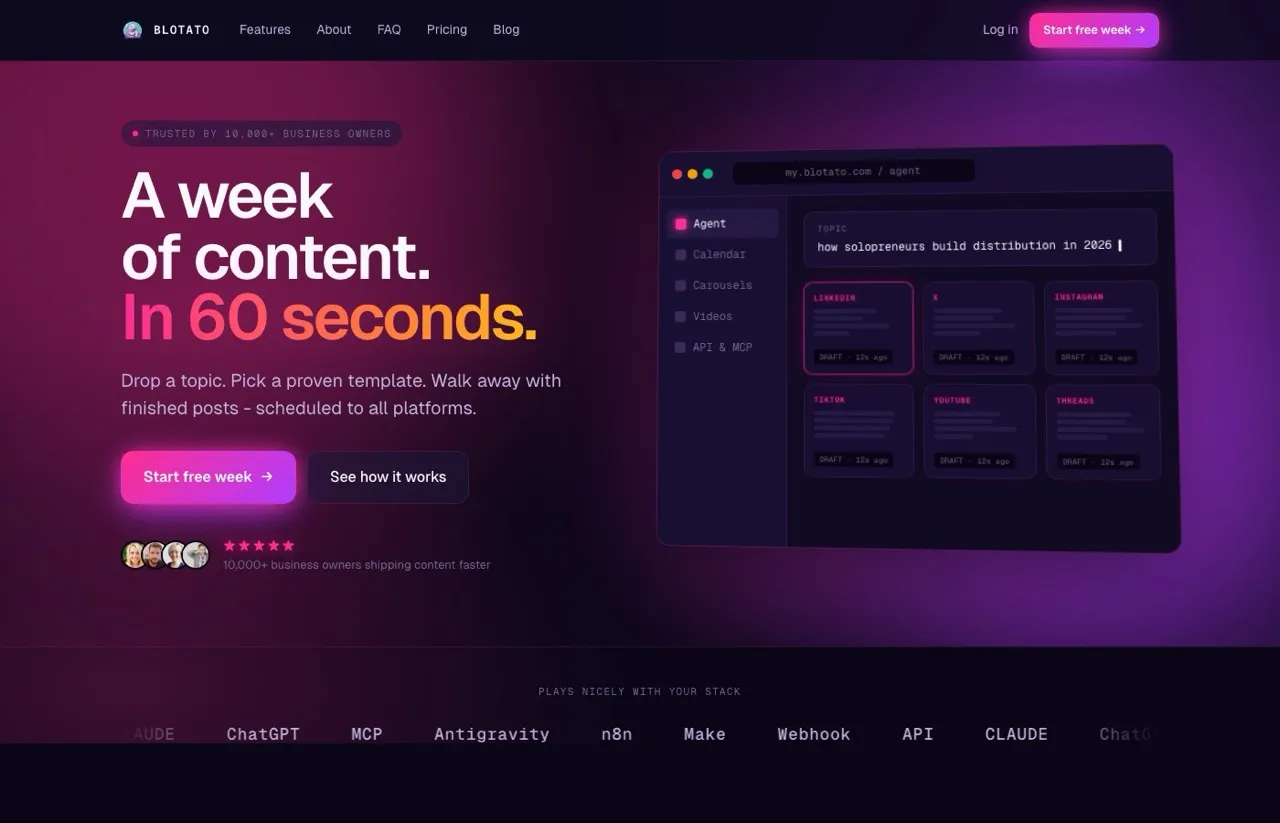
I’m the founder of Blotato, so take this entry with that grain of salt and judge it on the math. I built Blotato because I was paying separately for an AI writer, an AI image tool, an AI video tool, and a scheduler, and stitching them together every time I wanted to post. Blotato folds those into one. On the $29/mo Starter plan you get 20 social accounts, unlimited AI writing, AI image generation, AI video generation, and a content calendar that handles the full publishing flow. Buffer has none of the generation side: it schedules what you already made. Blotato also ships a full social media API and a native MCP server, so if you live in Claude, n8n, or Make you can publish across every platform straight from your workflow instead of logging into a dashboard.
If you are on Buffer’s Team plan, know this first: a Blotato account is one user. There are no separate teammate logins or roles yet, so a teammate signs in as you. Starter also holds 200 scheduled posts at a time, so a very large Buffer queue needs the Creator plan (1,000) or a staggered move. Blotato also has no link-in-bio page and does not publish to Mastodon, Google Business Profile or Substack.
The honest tradeoffs: Blotato is newer than Hootsuite or Buffer, so the third-party review corpus is thinner and you’ll find fewer enterprise integrations. The free trial is 7 days, which is shorter than the 14 days most competitors give you. The AI quality also depends on how well you prompt it. If you want a polished caption from a one-line input, every AI tool on this list (mine included) takes some learning.
Pros:
- 20 social accounts on the $29 entry plan
- Unlimited AI writing on every plan
- AI image and AI video generation built in
- Full REST API, a native MCP server, plus n8n and Make integrations on paid plans
Cons:
- One user per account, with no separate teammate logins yet
- 7-day trial is shorter than most competitors
- Newer brand without the legacy enterprise integrations Hootsuite has
- AI output quality depends on prompt skill
Pricing: One trap to avoid on the way in. The 7-day trial covers the app but excludes the API, and the moment you generate an API key the trial ends and Starter starts billing. So if you are replacing Buffer to wire posting into an agent rather than to click around a calendar, do not start the trial at all, begin on a paid tier deliberately. Those run $29, $97 and $499 a month.
Ideal for: Creators, solopreneurs, and small agencies who want AI generation and multi-account scheduling without paying for two tools.
Bottom line: If you left Buffer because the per-channel math broke your budget, Blotato gives you 20 channels for less than Buffer charges for six. For the full feature-by-feature view, see the head-to-head Blotato vs Buffer comparison.
One customer who moved over from another scheduler put it this way:
“Now I am switching from Vista Social to Blotato, where I am getting the same functionality at a fraction of the price.” (Mihai M., Founder of IQBiz.ro, in a Blotato customer review)
What Changes When You Move Off Buffer
| Feature | Blotato | Buffer |
|---|---|---|
| Pricing model | Flat price per plan | Price per channel |
| Cost for 10 channels | $29/mo on Starter, which covers up to 20 accounts | $60/mo on Essentials, billed monthly |
| Free plan | No free plan | Free plan with 3 channels and 10 scheduled posts per channel at a time |
| Free trial | 7 days, web app only (no API or MCP) | 14 days on paid plans |
| Scheduled posts in the queue | Up to 200 at a time on Starter | Unlimited on paid plans |
| AI images and video | Built in, using 1,250 AI credits a month on Starter | No native generation (the AI Assistant is text only) |
| API and MCP | REST API and a 35-tool MCP server on paid plans | GraphQL API on every plan, plus a 20-tool MCP server that can schedule and publish posts |
| Comments and DMs | Comments, DMs and keyword-triggered DM automation for Instagram and Facebook (reply-only) | Comments inbox on 10 networks, no DMs or DM automation on its pricing page |
| Platforms | 9 | Blotato’s 9 (YouTube as Shorts only) plus Mastodon, Google Business Profile and Substack Notes |
Buffer’s dashboard has no export for posts that are still scheduled, so you rebuild the queue wherever you go. My guide to switching from Buffer walks through the cutover.
Try Blotato free for 7 days on the AI social media scheduler pricing page.
2. ContentStudio: Best for AI-assisted social media workflows

ContentStudio is a Buffer alternative for people who want to do more than schedule posts. It combines content creation, publishing, and automation, and it can connect to AI assistants such as Claude through its MCP server.
ContentStudio is a Buffer alternative for marketers who want to create and publish content with less manual work. It combines a social media calendar with AI tools for writing captions and creating images and videos. You can prepare a post, review it, and schedule it without moving between several apps.
Its AI agent support is the main difference worth looking at. Through ContentStudio’s MCP server, you can connect a compatible assistant such as Claude or ChatGPT and ask it to help draft posts, check your schedule, or work with your connected social accounts. This is useful if you already plan campaigns in an AI assistant and want to move a draft into your publishing workflow without copying it by hand. You should still review posts before they go live, particularly when they represent a client or brand.
ContentStudio also offers automations for work that repeats. On its Advanced plan, RSS autoposting can help turn new blog articles into social posts, while evergreen recycling can reshare selected content on a schedule. That makes it a stronger fit when you publish regularly, rather than only scheduling the occasional post. Keep the plan limits in mind: MCP access is available on Standard, but RSS, evergreen automation, and approval workflows require Advanced.
Pros:
- Connects to MCP-compatible AI assistants for tasks such as drafting, scheduling, checking posts, and viewing analytics
- Includes AI tools for text, images, and video, plus brand voice features
- Offers API access and integrations with Zapier, Make, and n8n
- Advanced adds RSS autoposting, evergreen recycling, CSV bulk scheduling, and approval workflows
Cons:
- The entry plan does not include RSS or evergreen automation, bulk CSV scheduling, a social inbox, or approvals
- AI text, image, and video use separate credit allowances; access to the tools does not mean unlimited generation
- There is no free-forever plan, only a seven-day trial
- AI-assisted publishing still needs human review, especially when posts are going to multiple brands or client accounts
Pricing: Standard costs $29/mo, or $19/mo billed annually, and includes five social accounts, one user, MCP integration, and API access. Advanced costs $69/mo, or $49/mo billed annually, and includes 10 accounts, two users, and the RSS, evergreen, bulk scheduling, inbox, and approval features. Agency Unlimited starts at $139/mo, or $99/mo billed annually, with 25 accounts and unlimited users and workspaces.
Ideal for: Marketers who want an AI assistant to help move content from draft to calendar, and teams that publish enough articles or evergreen posts to benefit from repeatable automations.
Bottom line: Choose ContentStudio if your bottleneck is the work around scheduling, not just scheduling itself. Standard gives a solo user AI creation and agent access; Advanced is the better fit if you need recurring publishing automations or client review.
3. Metricool: Best for marketers who care more about analytics than AI
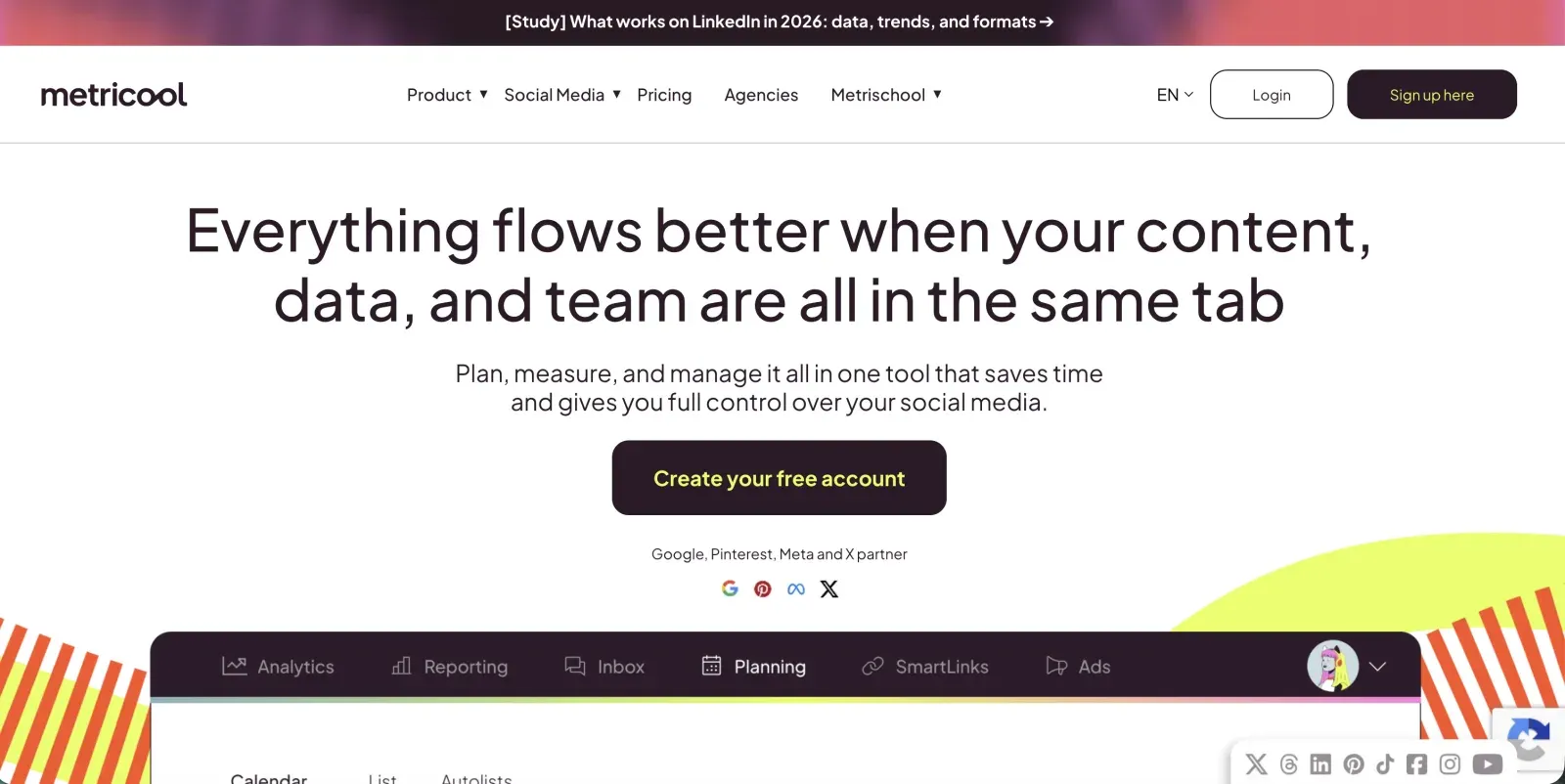
Metricool is the analytics-first answer to Buffer. The Starter plan starts at $20/mo annual ($25 billed monthly) for up to 5 brands ($36/mo for 10), with competitor tracking on up to 100 profiles, which is unusually generous at this price. The free forever plan is also genuinely useful with 1 brand and 20 posts per month, so you can pressure-test Metricool’s reporting before paying.
The catch is that X/Twitter is a $10/account add-on on the Starter plan, not bundled. The free plan also excludes LinkedIn and X. If those platforms are core to you, factor in the upgrade. The AI Assistant exists but is text-only and not the main pitch.
Pros:
- Real free forever plan with analytics included
- Deep competitor tracking on the entry plan (up to 100 profiles)
- Up to 10 brands on the Starter tier is excellent value
- Strong support for newer platforms (Bluesky, Threads, Google Business Profile)
Cons:
- X/Twitter is a $10/account add-on on Starter
- AI is text-only and less polished than dedicated AI tools
- Reviewers report occasional Instagram and LinkedIn reconnect prompts
Pricing: Free plan available. Starter from $20/mo annual ($25 monthly), 5 brands ($36/mo for 10). Advanced from $53/mo annual ($67 monthly), 15 brands, up to $159/mo for 50.
Ideal for: Marketers and small agencies who track competitors and report to clients more than they generate AI content.
Bottom line: Pick Metricool if reporting and competitor benchmarking matter more to you than AI writing. The free plan alone is worth the signup. If you want the analytics-versus-AI tradeoff spelled out, the Blotato vs Metricool comparison goes deeper.
4. SocialPilot: Best for small agencies wanting flat pricing for client work
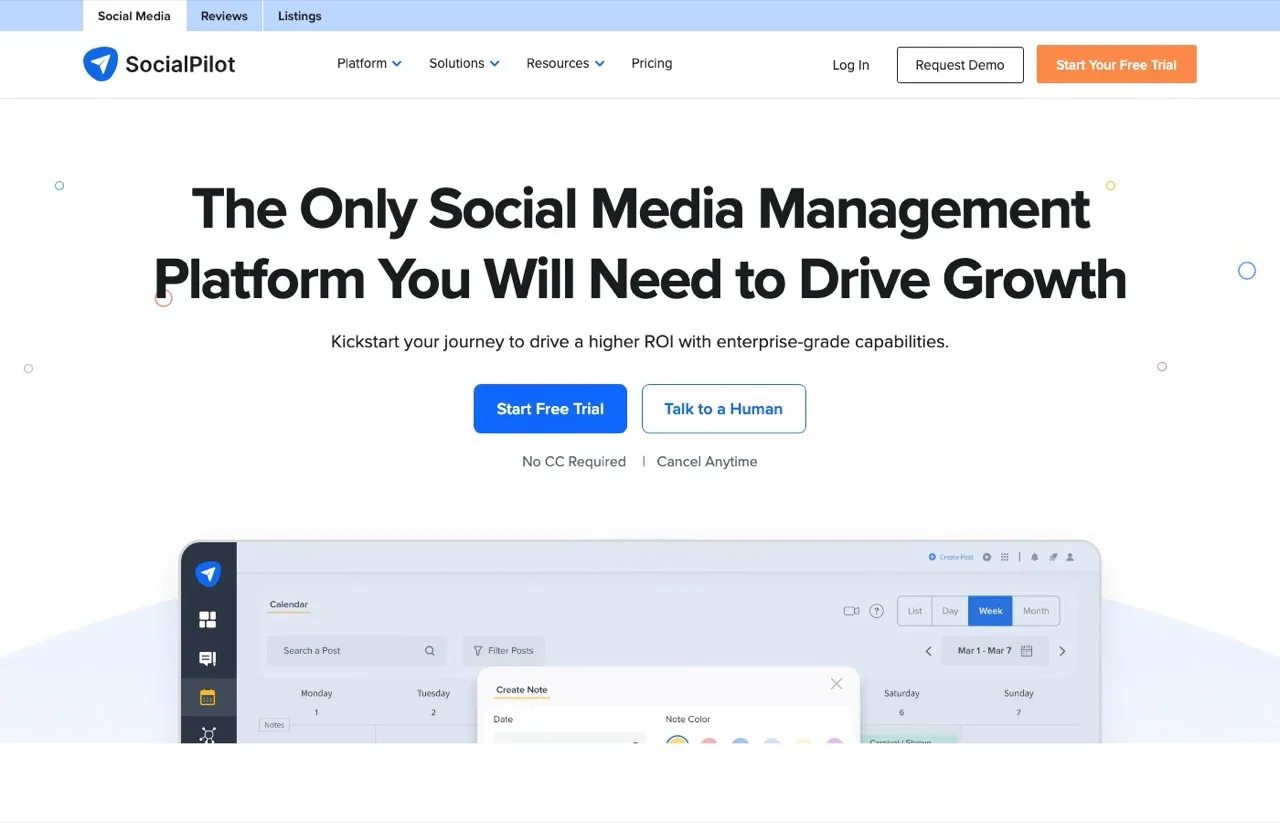
SocialPilot is the cleanest “Buffer but cheaper at scale” pick. The Essentials plan is $30/mo (or $25.50/mo annual) for 7 social accounts, and the Standard plan adds team seats, bulk scheduling, and the kind of client management features small agencies actually use. Pricing is flat per tier rather than per channel, which is the point of difference against Buffer, though extra accounts are $4 a month each and extra users $5 once you pass a tier’s included counts. I mapped the full ladder, and the second rate card SocialPilot still serves, in this cost breakdown.
The drawback is the AI credit caps on the lower tiers. AI Assistant credits scale up with the plan and only go unlimited at the Ultimate tier ($200/mo). If you’re posting daily across 5 client accounts, the Essentials AI credits will run out fast and you’ll feel pressured into Standard or Premium.
Pros:
- Flat pricing that scales predictably with client count
- White-label client reports on mid tiers
- 14-day free trial with no credit card
- Strong bulk scheduling for batch content workflows
Cons:
- AI credit caps on Essentials and Standard
- AI writing is less polished than dedicated AI tools
- UI feels dated compared to newer entrants
Pricing: Essentials $30/mo, Standard $50/mo, Premium $100/mo, Ultimate $200/mo. Annual billing knocks ~15% off.
Ideal for: Small marketing agencies and freelancers managing 5 to 20 client accounts.
Bottom line: If you’re a small agency that outgrew Buffer’s per-channel pricing, SocialPilot is the obvious budget upgrade.
5. Later: Best for visual-first creators on Instagram and TikTok
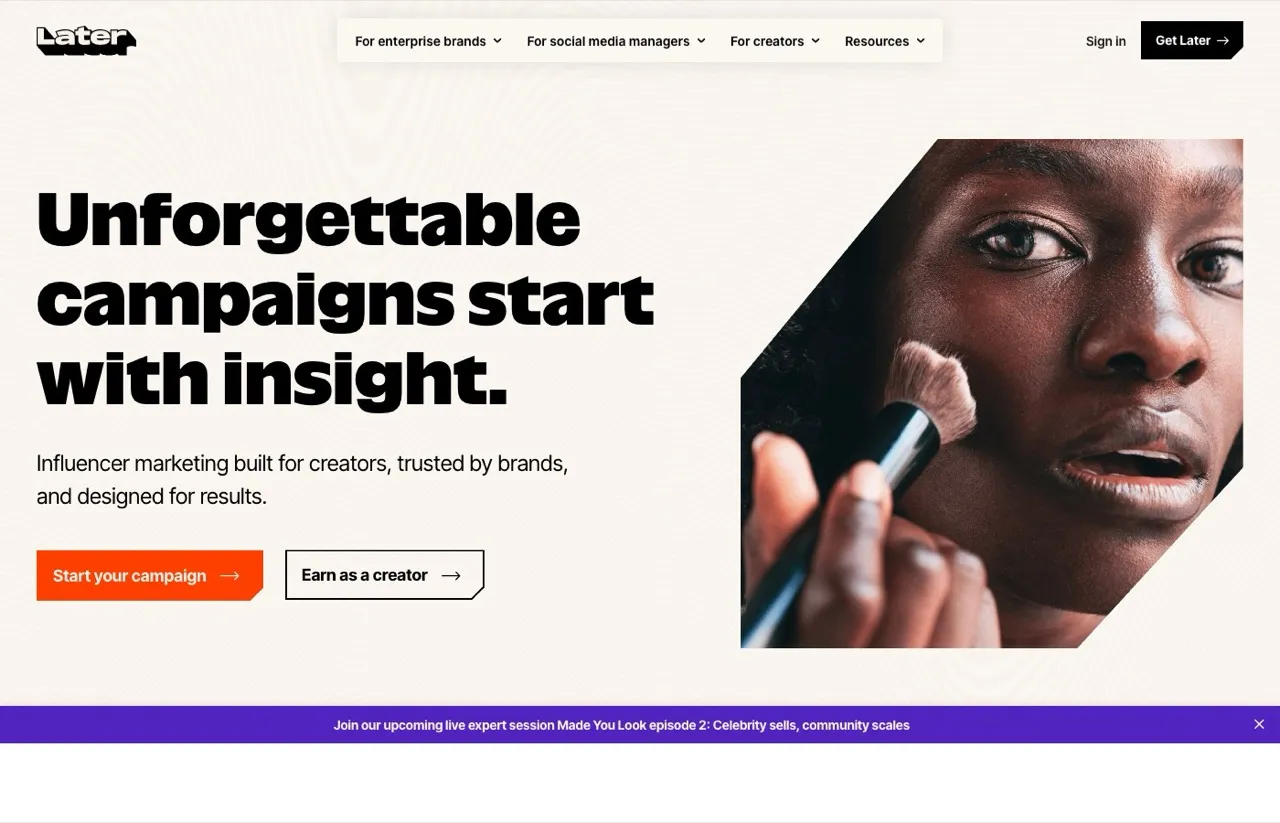
If your content is photo and video heavy, Later’s drag-and-drop visual planner is genuinely better than anything Buffer ships. The Starter plan is $25/mo (or $18.75/mo annual) and bundles Link in Bio, which is a separate paid product on most other tools. Reddit consistently picks Later as the top choice for Instagram-led creators and Shopify brands.
The honest weakness is the AI. The Starter plan gives you 5 AI credits per month, which is a token gesture rather than a real workflow. Growth bumps that to 50 and Scale to 100. If AI writing is the reason you’re leaving Buffer, Later isn’t the answer. The “Social Set” structure (1 Social Set = 8 profiles) also caps how flexibly you can mix multiple accounts on the same network. On Starter, a second Social Set means moving to Growth, which doubles the bill. If Later is on your shortlist too, our best Later alternatives guide breaks down where it falls short.
Pros:
- Best visual calendar in the category
- Link in Bio bundled at no extra cost
- Strong Instagram and TikTok publishing
- Built-in influencer marketing tools on Growth and Scale
Cons:
- 5 AI credits per month on Starter is barely usable
- “Social Set” structure caps how you mix accounts across networks
- Only 3 paid tiers, so the jump from Growth ($50) to Scale ($110) is steep
Pricing: Starter $25/mo, Growth $50/mo, Scale $110/mo. Annual billing saves 25%.
Ideal for: Instagram and TikTok creators, Shopify brands, and visual-first ecommerce teams.
Bottom line: Pick Later if your content is visual and Instagram is your home base, not if AI writing is what you want.
6. SocialBee: Best for solopreneurs recycling evergreen content
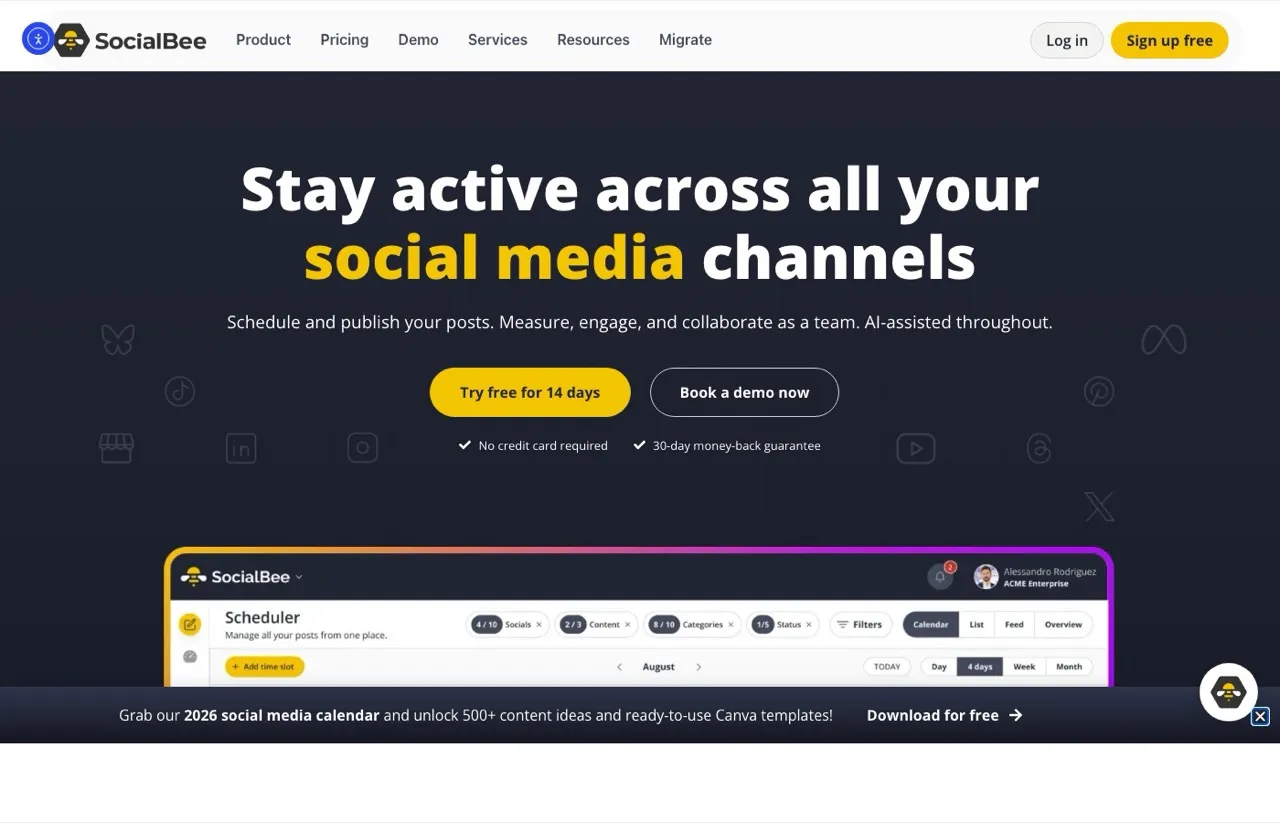
SocialBee owns a feature Buffer never nailed: category-based content recycling. You drop posts into buckets like “Quotes,” “Promotions,” and “Educational,” set a schedule per bucket, and SocialBee keeps the wheel turning. For coaches, course creators, and anyone with evergreen content, this is hours saved every week. The Bootstrap plan is $29/mo with unlimited AI generation across every tier.
The drawback is the workspace structure. Solo users sometimes get lost in the workspace and team layer when all they want is one calendar. If you’re running 20 client brands, that structure pays off. If you’re running one personal brand, it’s slight overhead. The new Accelerate tier ($49/mo) sits between Bootstrap and Pro and is positioned as the small-business pick.
Pros:
- Best-in-class evergreen content recycling
- Unlimited AI writing on every plan
- 14-day no-credit-card trial
- Three pricing tiers below the agency plans (more granular than most)
Cons:
- Workspace and team structure can feel heavy for solo users
- API availability is unclear from the public pricing page
- Reporting depth lags behind Metricool and Sprout
Pricing: Bootstrap $29/mo, Accelerate $49/mo, Pro $99/mo. Agency tiers from $179/mo. 14-day free trial.
Ideal for: Coaches, consultants, and creators who post evergreen content and want it to keep working without manual reposting.
Bottom line: If you have a back catalog of posts that should be running on autopilot, SocialBee turns it into a scheduling engine. If you’re weighing it against an AI-first creation tool, my Blotato vs SocialBee comparison breaks down where each one fits.
7. Hootsuite: Best for mid-size to enterprise teams with budget
Hootsuite is the option you pick when budget isn’t the constraint and you need enterprise features. The Standard plan covers up to 10 social accounts, Professional and above unlock unlimited social accounts, and Enterprise is custom. Hootsuite publishes its pricing openly, with Standard at $99/user/mo, Professional at $199/user/mo and Advanced at $399/user/mo on annual billing, and only Enterprise on a custom, book-a-demo plan. It comes with a 14-day free trial.
The downside is that Hootsuite is per-seat on top of an already premium tier. A three-person team can stack up fast. If you’re leaving Buffer because the bill got too big, Hootsuite is the wrong direction, and it’s worth scanning the cheaper Hootsuite alternatives before you commit. If you’re leaving because you need real social listening, governance, and reporting, this is where to look. If these two are the only names on your shortlist, the Buffer vs Hootsuite breakdown compares them directly on price, AI, and ease of use.
Pros:
- Deepest enterprise feature set in the category
- 14-day free trial on Standard, Professional and Advanced
- Strong AI features through its Wisdom assistant
- Social listening on every plan, with advanced listening powered by Lumen on Enterprise
Cons:
- Per-seat pricing makes team usage expensive
- Standard caps at 10 accounts, so unlimited needs the $199 Professional tier
- Auto-renewal complaints are the most-cited Reddit gripe
Pricing: Standard $99/user/mo, Professional $199/user/mo, Advanced $399/user/mo (annual billing). Enterprise is custom. 14-day free trial.
Ideal for: Mid-size and enterprise marketing teams with dedicated social media headcount and a real listening or governance need.
Bottom line: Hootsuite is the right call when your team has budget and reporting requirements that Buffer can’t meet, and when listening matters as much as publishing.
8. Sprout Social: Best for enterprise brands prioritizing listening and reporting
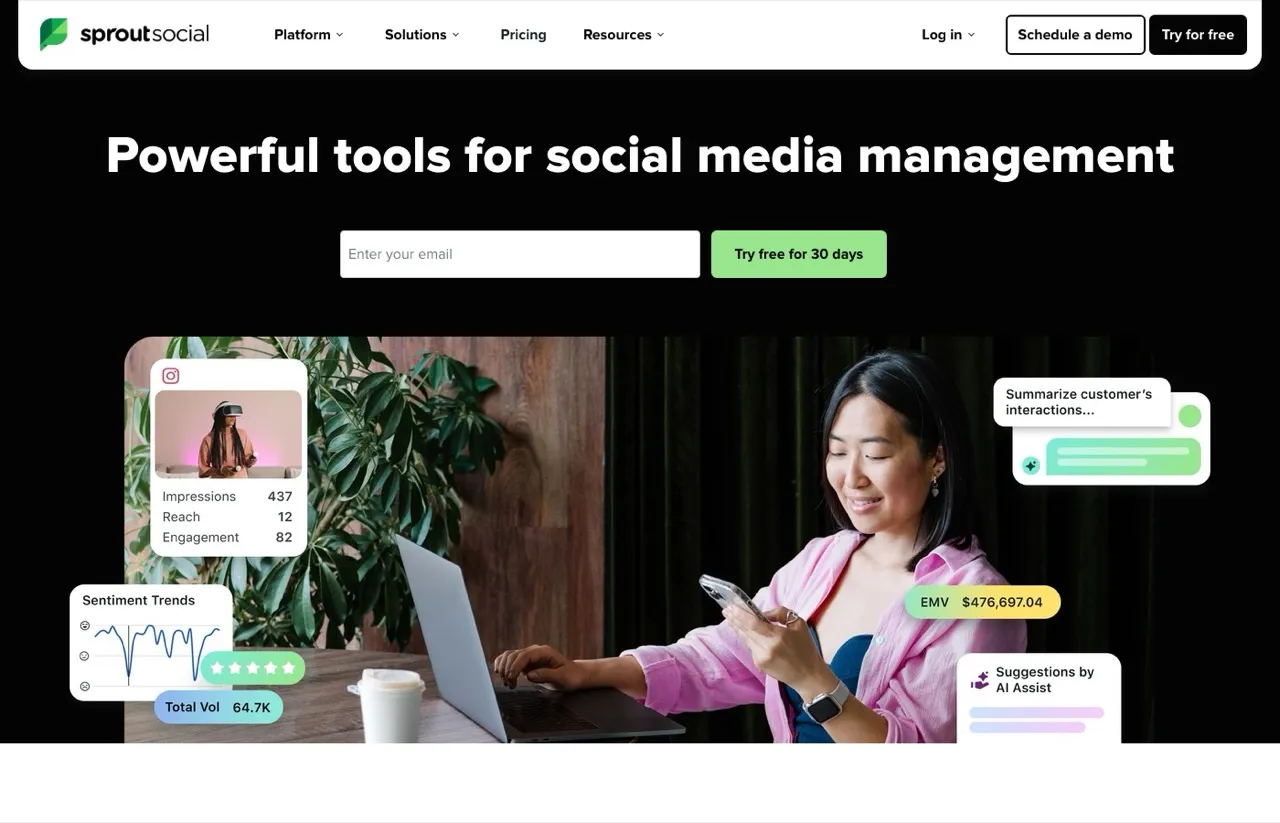
Sprout Social is the premium analytics and listening platform of the bunch. Essentials starts at $79 per seat per month billed annually, and the upper tiers add Enhance Post AI, Enhance Reply AI, and full social listening that competitors can’t touch. The 30-day trial doesn’t require a credit card.
The catch is that the most useful AI sits on the upper tiers. Every plan now includes 100 AI agent credits per seat, but Enhance Post starts on Professional at $299 per seat per month and Enhance Reply on Advanced at $399, both on annual billing. Essentials is also missing core features like approval workflows. If you’re a three-person agency, Standard alone is about $600/mo on annual billing. This is enterprise pricing for an enterprise problem.
Pros:
- Best-in-class social listening
- CRM-grade reporting and integrations
- 30-day free trial without credit card
- Polished UI built for teams
Cons:
- Highest pricing in this list
- Enhance Post needs the $299 tier and Enhance Reply the $399 tier
- Auto-renewal and 30-day cancellation window catch users off guard
Pricing: Essentials $79/seat/mo (annual), Standard $199/seat/mo, Professional $299/seat/mo, Advanced $399/seat/mo.
Ideal for: Enterprise brands with dedicated social teams and a real budget for listening and reporting.
Bottom line: Sprout Social is the right move only if your team’s ceiling is reporting depth, not publishing speed.
How I Chose These Buffer Alternatives
I ranked every tool against the same five criteria so the comparison is honest:
- Pricing transparency: Is the entry price clearly listed in USD on the public pricing page? Tools that hide pricing behind sales calls scored lower.
- Accounts per dollar: How many social accounts do you get on the starter plan? This is the single biggest reason people leave Buffer.
- AI capability: Is AI writing real and usable on the entry plan, or a token feature gated to higher tiers?
- Automation access: Can you plug it into n8n, Make, or Zapier without an enterprise contract?
- Time to first post: How fast can a new user actually publish after signup? Some tools front-load setup with brand-voice questionnaires that drag the experience out.
Tools that scored low on multiple criteria didn’t make the list, even if they showed up in other roundups. I’m more interested in the right pick than the longest list.
How to Choose the Right Buffer Alternative
Match your situation to the right pick instead of grabbing the highest-ranked one:
- You want AI writing plus 10 or more social accounts on a budget: Blotato.
- You report to clients and care about competitor tracking more than AI: Metricool.
- You’re a small agency managing 5 to 20 client accounts on flat pricing: SocialPilot.
- You’re Instagram and TikTok first with photo and video content: Later.
- Your content is evergreen and should keep recycling on a schedule: SocialBee.
- Your team has budget and needs real social listening or governance: Hootsuite.
- Your team needs enterprise reporting and CRM-grade analytics: Sprout Social.
If you fit two of these, default to the cheaper option. You can always upgrade when the data tells you to. If you want to see how Blotato stacks up against every tool on this list on price, platforms, and AI features, it’s all in one side-by-side table.
If You Are Switching Because of the API, Not the Price
Most of this list assumes you are leaving Buffer over per-channel cost. A smaller group is leaving for a different reason: they want a pipeline to do the posting, and they are judging tools on what an agent or a script can reach.
Worth being accurate about Buffer here, because a lot of comparisons are out of date. Buffer ships a publishing API, and it now hosts an MCP server at mcp.buffer.com/mcp. Buffer says most AI tools connect to it over OAuth, with an API key as the fallback. Buffer’s own documentation says an assistant connected to it can “read your channels, browse your queue and drafts, schedule and edit posts, capture ideas and pull post analytics.” That covers more than people assume, and the destinations it lists include Mastodon and Google Business, neither of which Blotato publishes to at all. If your stack needs either of those, that is a real reason to stay.
Where the two diverge is what happens beyond the queue. Blotato’s MCP server exposes 35 tools over one hosted endpoint, and the surface reaches past publishing into comments, direct messages, and keyword-triggered DM automation. Those engagement tools are Instagram and Facebook only, and reply-only, so this is not a claim about every platform you connect. Analytics comes back for 8 of the 9 platforms over the REST API, with LinkedIn returning nothing yet. The MCP’s top-posts tool accepts only five of those platforms as a filter.
The practical test is what your agent is supposed to do once a post is live. If it only needs to fill and manage a queue, Buffer’s server already does that and you do not need to move. If it also needs to answer the comment and send the keyword-triggered reply that follows, on Instagram or Facebook, that work sits outside a scheduling API, and stitching it together means a second vendor and a second key.
One caveat specific to this reader, because getting it wrong wastes a week: Blotato’s 7-day trial excludes API access, and generating an API key ends the trial and starts the paid Starter plan. If you are evaluating it specifically to drive from Claude or your own code, plan on starting the subscription rather than trialing it.
Sabrina’s Final Thoughts
Most people leaving Buffer are leaving because the per-channel math stopped working or the AI Assistant felt thin. If that’s you, Blotato is the clearest replacement: $29/mo for 20 accounts, unlimited AI writing, and AI image plus video generation built in. If you’re leaving for a different reason, the list above is ranked to point you to the right tool, not the highest-revenue tool. Try Blotato free for 7 days at blotato.com and see if the math works for you.
Buffer Alternatives FAQs
What is the best free alternative to Buffer?
Metricool has the strongest free forever plan among Buffer alternatives, with 1 brand, 20 posts per month, and analytics included (note that LinkedIn and X are excluded on the free tier). Blotato offers a 7-day free trial of the web app with 20 social accounts and unlimited AI writing (the API and MCP server are not included), which is a fuller test of the web app if you’re seriously evaluating a replacement. Free plans are good for kicking the tires, but most creators upgrade within a few weeks.
Is Blotato cheaper than Buffer?
For anyone managing more than five social accounts, yes. Buffer charges $6 per channel per month, so 10 channels costs $60/mo. Blotato’s Starter plan is $29/mo flat for 20 social accounts, which is cheaper than Buffer at six channels and much cheaper at ten or more. Solo creators with one or two channels may still find Buffer’s free plan sufficient.
Why are people switching from Buffer in 2026?
Three reasons show up across Reddit threads and review sites: per-channel pricing that scales painfully, a free plan that caps at 3 channels and 10 queued posts, and an AI Assistant that’s thinner than dedicated AI tools. The 2025 to 2026 wave of AI-native social tools made the gap obvious for anyone publishing across more than three platforms.
Which Buffer alternative has the best AI features?
Blotato has the deepest AI bundle on the entry plan: unlimited AI writing, AI image generation, AI video generation, and voice synthesis on the $29/mo Starter. Hootsuite’s Wisdom assistant covers AI posts, captions, and images from the Standard plan, but lists no AI video generation. SocialBee includes unlimited AI writing on every plan. Buffer’s AI Assistant is the weakest of the major schedulers.
What is the best overall alternative to Buffer in 2026?
For most creators and small operators, Blotato is the best overall Buffer alternative if you are leaving over the per-channel bill and you can start on a paid plan, because it fixes the three things people leave Buffer for in one tool: flat pricing (20 accounts for $29/mo instead of $6 per channel), unlimited AI writing, and AI image plus video generation that Buffer does not offer at all. There is no free forever plan here, which is the one thing Buffer keeps that Blotato does not. Metricool is the better pick if analytics and competitor tracking matter more than AI, and Later wins for visual, Instagram-first creators. Hootsuite and Sprout Social are the enterprise picks, not budget upgrades.
Can I migrate my Buffer queue to another tool?
Not as a file. Buffer’s dashboard has no export for posts that are still scheduled, so moving to another tool means rebuilding the queue there. You can retype a short one, or, if the new tool runs an MCP server, have an agent copy it through both tools’ servers. Pick a cutover time first and pause Buffer at it, as our step-by-step guide to switching from Buffer explains, so nothing posts twice.
Is there a Buffer alternative for agencies specifically?
SocialPilot is the cleanest agency pick for budget-conscious operators (flat pricing, white-label reports). Sprout Social and Hootsuite are the enterprise-agency picks with deeper analytics and listening, but they cost 5 to 10 times more per seat. Metricool sits in the middle and is genuinely strong for small agencies that report on data.