How to Post to Social Media with Claude (Every Platform)
How to post to social media with Claude using the Blotato MCP server. Connect once, then publish or schedule to 9 platforms from one prompt.
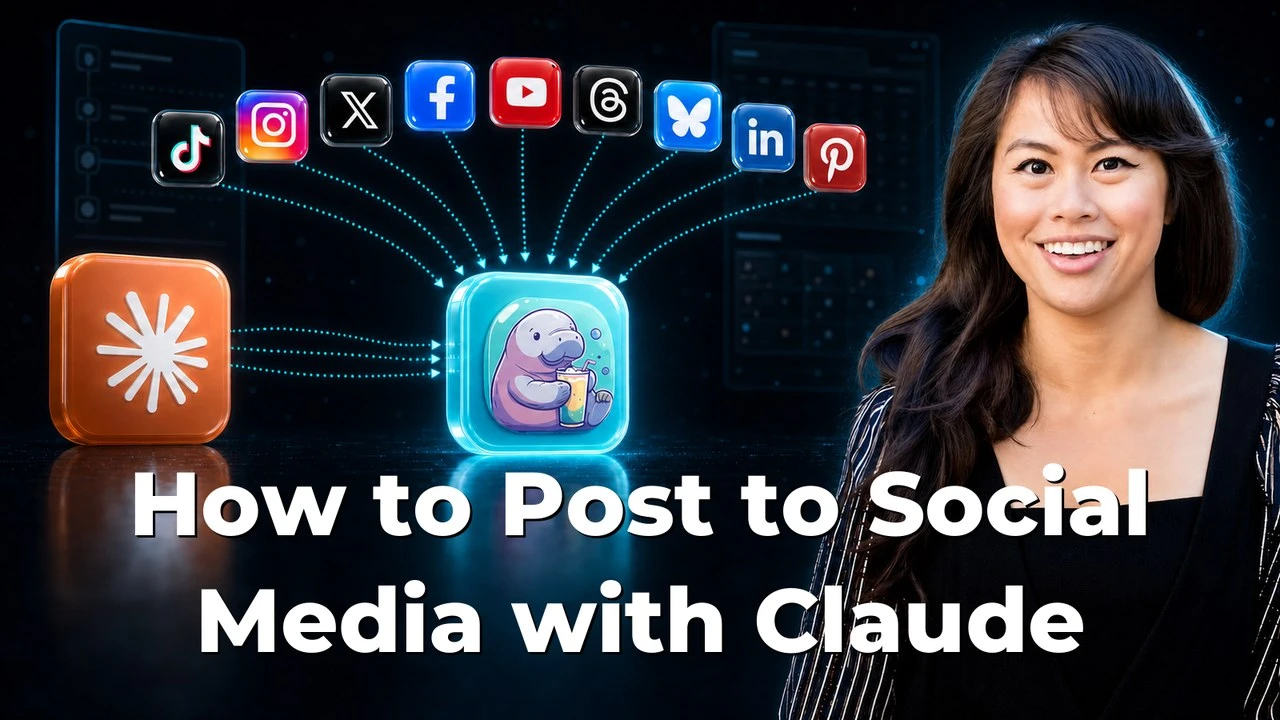
Claude cannot publish to a social platform on its own. To post to social media with Claude, you give it that ability with the Blotato MCP server, the native connection built for exactly this. You connect it to Claude one time, then type a prompt like “post this to my accounts.” Claude calls Blotato, Blotato publishes to the platform you name, and you skip every developer app, API key, and app-review queue those platforms normally demand. Blotato is mine, so take this with whatever grain of salt feels right. It is also how I run my own posting across 3M+ followers and 500M+ views. If you only care about one network, the MCP setup page for each platform has the endpoint and the exact prompt.
Blotato connects to Claude through a single MCP endpoint, mcp.blotato.com/mcp, and from there Claude can publish to nine platforms:
- TikTok
- X
- YouTube
- Threads
- Bluesky
The Model Context Protocol (MCP) is an open standard, created by Anthropic and released in November 2024, that lets AI apps like Claude connect to outside tools and services through one universal interface: think of it as a USB-C port for AI. Blotato runs an MCP server at mcp.blotato.com/mcp, so connecting it once gives Claude a single “publish to your accounts” tool instead of nine separate API integrations. Claude will speak to plenty of other servers too, and what separates them is how far down the chain they go.
Here is the part most “Claude for social media” guides miss. They cover writing captions or reading analytics inside Claude. Almost none cover the actual publishing step, the moment a post goes live on your real account. This guide covers exactly that, platform by platform, so one prompt in Claude can fan a single idea out to all nine networks Blotato supports.
Why Post to Social Media From Claude at All
If you already draft content in Claude, the last mile is the annoying part. You write a great post, then you copy it, open the app, format it, and publish, once per platform. Doing that across seven or eight accounts is where an hour disappears.
The direct developer route only sounds simpler. Every platform gates public posting behind its own setup: Meta wants business verification and app review, YouTube wants a Google Cloud project and an API audit, X now bills the API per use. You end up maintaining tokens and credentials just to publish a sentence.
Connecting Claude to Blotato collapses all of that into one connection. You authorize each account inside Blotato once, add the Blotato MCP server to Claude, and from then on Claude does the posting. The same single connection reaches all nine platforms Blotato supports: X, LinkedIn, Facebook, Instagram, Pinterest, TikTok, Threads, Bluesky, and YouTube.
The One-Time Setup That Powers Every Platform
The setup is identical no matter which platform you post to, which is the whole point.
First, connect your accounts inside Blotato. You log in once per network and Blotato holds the authentication. Second, add the Blotato MCP server to Claude. In Claude Code you run /mcp and point it at mcp.blotato.com/mcp. In Claude Desktop you add that same mcp.blotato.com/mcp URL as a custom connector in settings. Third, confirm the connection by asking Claude to list your accounts. If you get stuck on either surface, the Claude connector setup and the Claude Code MCP setup cover each one step by step, including what to check when a connector says Connected but every call fails.
On Claude.ai in the browser there is a shortcut for step two. This link opens the Add custom connector dialog with the name and server URL already filled in, so you check the two fields and click Add. Free Claude accounts get one custom connector, and Pro and Max accounts can add more.
After that, posting is a sentence. You can also tell Claude to schedule instead of publish now, and Blotato queues it. Everything below uses this exact setup, so read one platform section and you understand them all.
How to Post to Social Media With Claude on Every Platform
Here is how the posting prompt plays out on each platform, and where each one gets its own quirk. Every section links to the full step-by-step guide if you want the deep version.
1. TikTok: Publish Videos and Slideshows
Yes, Claude can post to TikTok through the Blotato MCP server. You tell Claude “post this video to my TikTok” and Blotato publishes it, including photo slideshows. Going direct means TikTok’s Content Posting API, an app audit, and a sandbox that forces every test post private. Blotato skips all of it. Full walkthrough: how to post to TikTok with Claude.
2. Instagram: Feed Posts and Stories
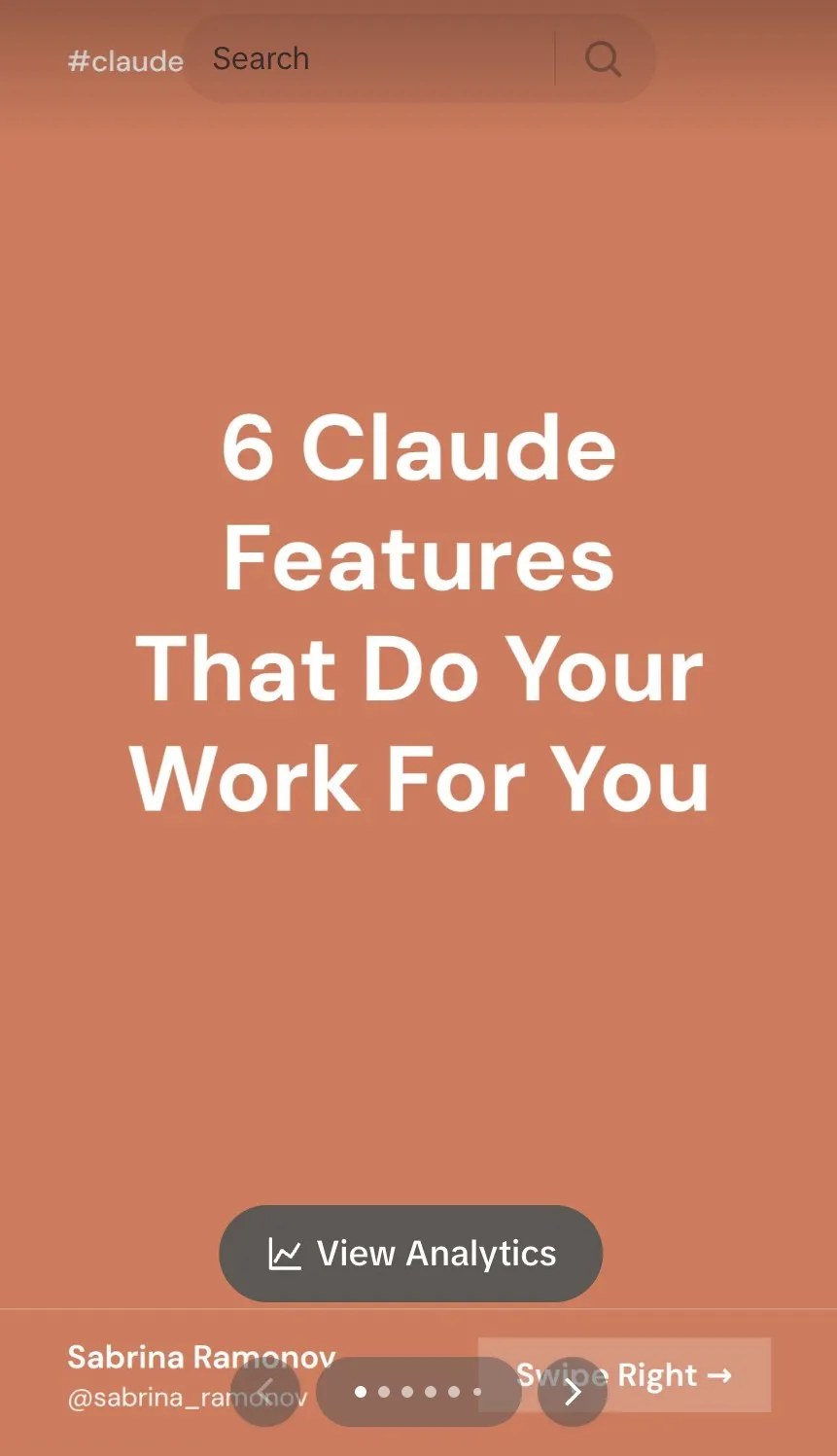
Yes, Claude can post to Instagram through Blotato. You type “post this image to my Instagram” and Blotato handles the publish, feed posts and Stories alike. The alternatives are the Meta Graph API, which needs business verification and app review, or browser automation, which breaks the moment Instagram moves a button. Full walkthrough: how to post to Instagram with Claude.
3. X (Twitter): Skip the Paid API
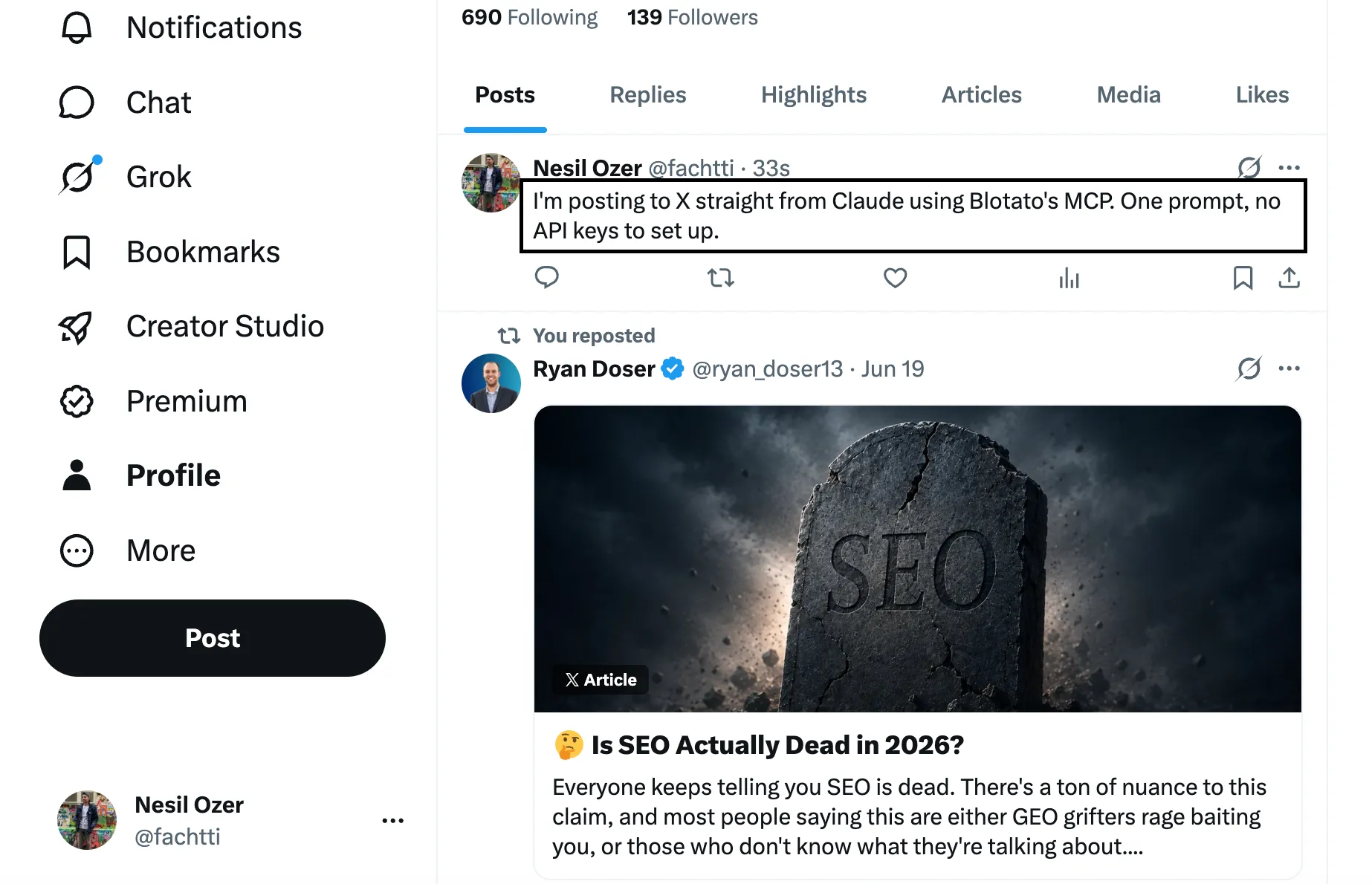
Yes, Claude can post to X through Blotato. You say “post this to my X account” and Claude Code hands it to Blotato, which publishes to X. This is the platform where going direct got expensive, X moved new developers onto pay-per-use API billing in 2026, so you skip the developer account, the v2 keys, and the credits. Full walkthrough: how to post to X with Claude.
4. Facebook: Publish to Your Page
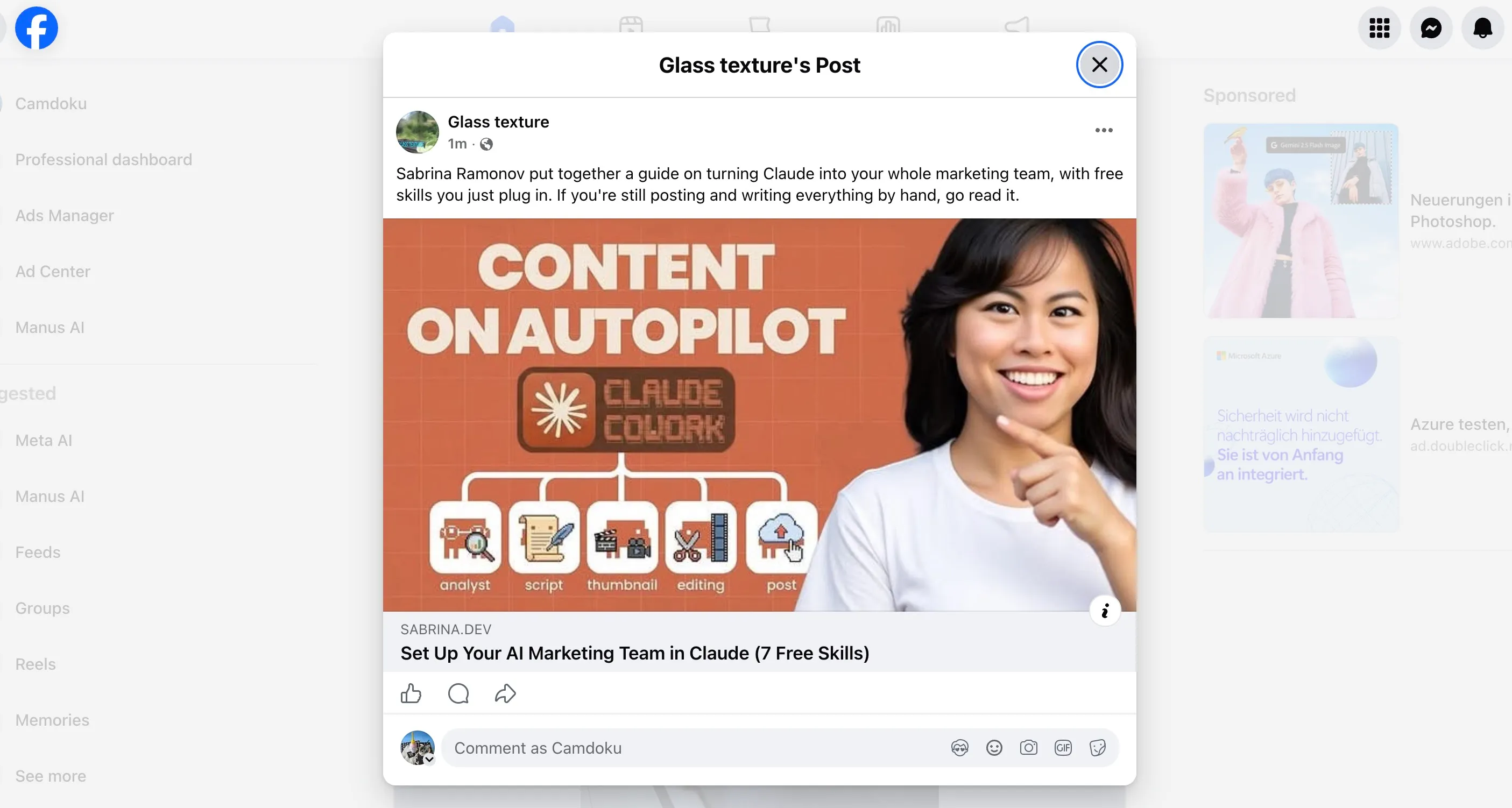
Yes, Claude can post to a Facebook Page through Blotato. You prompt “post this to my Facebook page” and Blotato publishes to your Page. Direct means a Meta developer app, a Page access token, and the App Review the direct route demands. Facebook is worth the reach, over one 28-day stretch it was my top platform at 12 million views. Full walkthrough: how to post to Facebook with Claude.
5. YouTube: Videos and Shorts
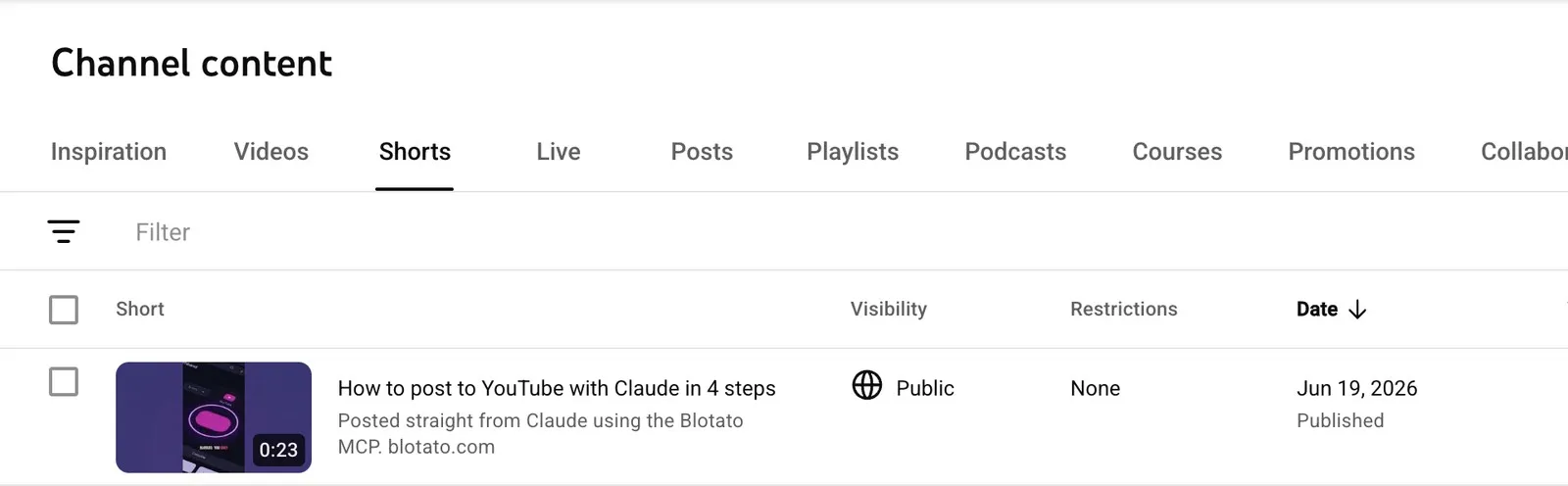
Yes, Claude can post to YouTube through Blotato. You tell Claude “post this video to my YouTube” and Blotato publishes videos and Shorts to your channel. This is the heaviest direct route of any platform, a Google Cloud project, an OAuth consent screen, and a YouTube API audit. One Blotato connection skips the whole thing. Full walkthrough: how to post to YouTube with Claude.
6. Threads: No 60-Day Token to Manage
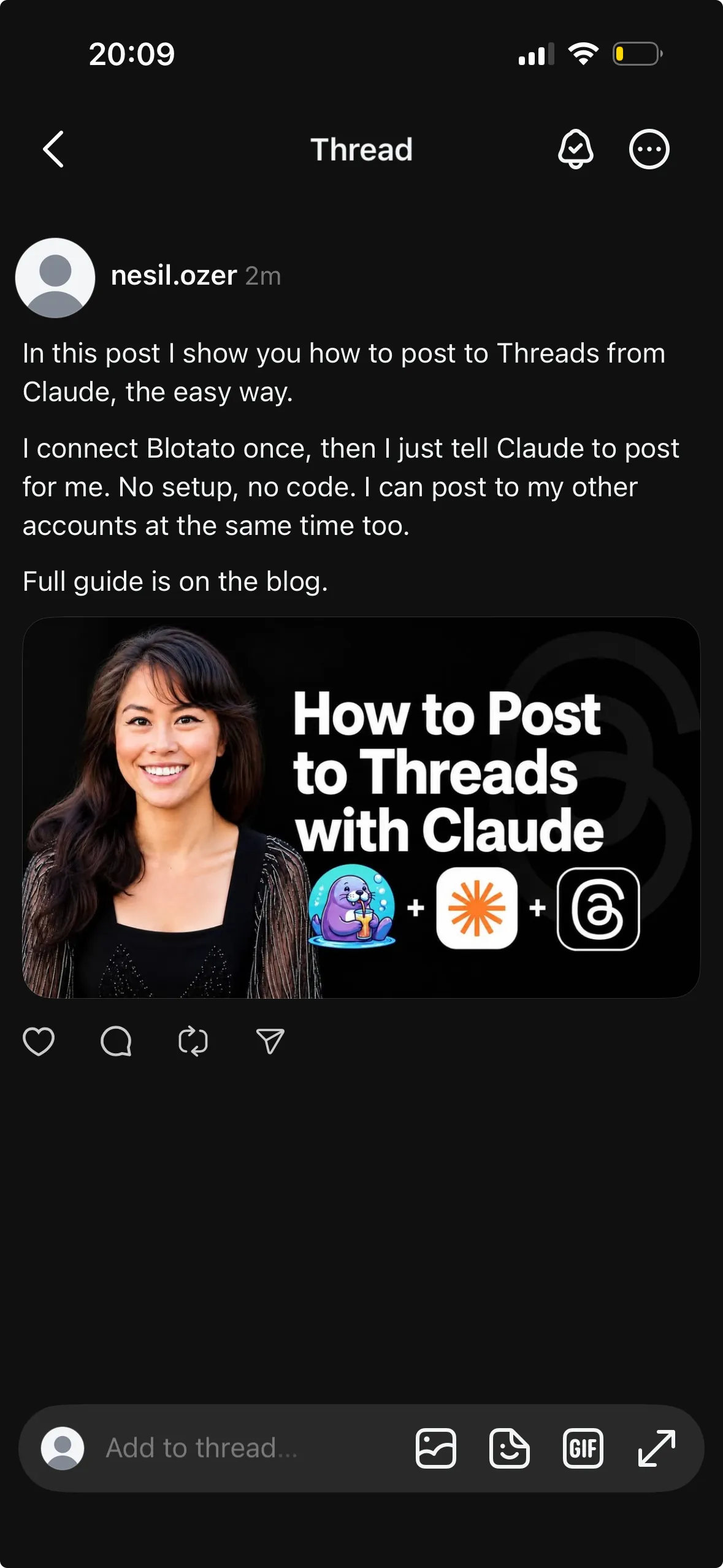
Yes, Claude can post to Threads through Blotato. You say “share this to my Threads” and Blotato authenticates and publishes. Threads looks free until you read the fine print: Meta charges nothing for the API, but production posting still needs a developer app, App Review, and a token you regenerate every 60 days. Blotato absorbs all of that. Full walkthrough: how to post to Threads with Claude.
7. Bluesky: No AT Protocol Wiring
Yes, Claude can post to Bluesky through Blotato. You prompt “post this to my Bluesky” and Blotato pushes it live, no AT Protocol wiring on your end. Bluesky is open, but doing it yourself still means handling the AT Protocol auth and rate limits by hand. Full walkthrough: how to post to Bluesky with Claude.
8. LinkedIn: Profile or Company Page
Yes, Claude can post to LinkedIn through Blotato. You prompt “post this to my LinkedIn” and Blotato publishes to your profile or Page. The direct path is LinkedIn’s Posts API, which covers your own profile self-serve but gates company pages and posting for others behind a Marketing Developer Platform application you have to apply for and get approved. The same Blotato connection covers it.
9. Pinterest: Pin Straight From a Prompt
Yes, Claude can post to Pinterest through Blotato. You tell Claude “pin this to my Pinterest” and Blotato creates the Pin on the board you name. Going direct means a Pinterest developer app and the Pins API, plus the app review Pinterest runs before you can post to a real account. Blotato skips the review. The Pinterest MCP server page has the board-selection prompt and the exact actions Claude can call.
With all nine connected, a single prompt can genuinely reach every platform at once.
What Each Platform Accepts, and What It Demands
The prompt is the same everywhere. What changes is the format each network accepts and the handful of fields it will not publish without.
| Platform | Formats it publishes | Required on every post | Daily ceiling |
|---|---|---|---|
| Image, carousel of 2 to 10, Reel, Story | Nothing beyond the media | 50 posts per account | |
| Text, image, Reel, Story | A pageId, plus reel for any video | 25 posts per Page | |
| TikTok | Video, photo carousel | Privacy level and six content flags | 10 per account, 3 accounts on Starter |
| YouTube | Video, Short | Title, privacy status, subscriber notification | 10 uploads per channel on Starter, 25 on Creator |
| Text, image, document carousel | Nothing for your profile, a pageId for a Page | 50 per profile and per Page | |
| Pin | A boardId | 10 pins per account | |
| X | Text, image, video, thread | Nothing extra | Not capped by Blotato |
| Threads | Text, image, video, thread | Nothing extra | Not capped by Blotato |
| Bluesky | Text, image, video, thread | Nothing extra | Not capped by Blotato |
The required-fields column mostly reflects what each platform’s own API refuses a post without, which is why Bluesky asks for nothing and TikTok asks for seven booleans. The ceilings are Blotato’s, and on the two platforms where the comparison is documented they sit below what the network itself permits: Meta allows 100 Instagram posts a day and Blotato stops you at 50. That is deliberate. An account publishing at the platform’s maximum is an account that gets flagged. X, Threads and Bluesky carry no Blotato ceiling, though X’s own API will return a 429 past 100 requests in 24 hours.
Post to All Your Platforms in One Prompt
The reason to do this in Claude, not seven browser tabs, is the cross-post. Once every account is connected, you can tell Claude “post this to my TikTok, Instagram, X, and Threads” and it fires each publish through Blotato in one turn.
That is where the hour comes back. You write once, prompt once, and the same idea lands everywhere you publish. If you want the full content engine, drafting and grading before it schedules, that lives in how to automate social media with Claude Cowork.
How to Get Started
Here is what I would do on day one. Start on Starter and connect the two or three platforms you actually post to first, not all nine. Add the Blotato MCP server to Claude, ask it to list your accounts, and send one real post to confirm it works end to end.
Blotato’s Starter plan is $29/mo flat for 20 connected accounts, and because the API sits outside the trial you start on the paid plan for this workflow. Once one platform posts cleanly, adding the rest is the same three steps.
Key Takeaways
- The publishing step is the missing piece. Most Claude social guides stop at writing captions. The value is in the post actually going live on your real account.
- One connection covers every platform. You authorize each account in Blotato once and add the MCP server once. After that, posting anywhere is a single sentence.
- The direct developer route is the slow path, not the fast one. App reviews, OAuth audits, and per-use API billing are exactly what the Blotato MCP layer removes.
- The cross-post is the real time saver. Writing once and prompting once to hit four platforms is where the hour comes back, not from posting faster on any single one.
How to Post to Social Media With Claude FAQs
Can you post to social media with Claude?
Yes. Claude cannot publish to a social platform on its own, but with the Blotato MCP server connected it can. You connect your accounts in Blotato once, add the MCP server to Claude, and then a prompt like “post this to my Instagram” publishes the post through Blotato.
Which platforms can Claude post to?
Through Blotato, Claude can post to nine platforms: X, LinkedIn, Facebook, Instagram, Pinterest, TikTok, Threads, Bluesky, and YouTube. The setup is the same for every one, so a single prompt can publish to several platforms at once.
How do I connect Claude to social media?
Through an MCP server. Claude has no native social-media connector, so you add the Blotato MCP server (https://mcp.blotato.com/mcp) to Claude, as a custom connector in Claude Desktop or Claude.ai, or with one claude mcp add command in Claude Code. Other agents take the same URL, including OpenClaw and Hermes Agent; the setup for each AI agent is on one page. We also compared every major AI agent for social media on how well each one publishes. You connect each social account inside Blotato once, and from then on Claude publishes to them through Blotato.
Do you need each platform’s API to post with Claude?
No. That is the main reason to route through Blotato. It handles the Meta Graph API, the YouTube audit, X’s paid API, and the rest on its own side, so you never register a developer app or manage tokens yourself.
Can Claude post to multiple platforms at once?
Yes, and this is the real payoff. Once your accounts are connected, one prompt like “post this to my TikTok, Instagram, X, and Threads” fires each publish through Blotato in a single turn, so the same idea lands everywhere you post.
Can Claude schedule posts instead of publishing now?
Yes. Every platform above supports scheduling. Instead of “post this now,” you tell Claude to schedule it for a specific time and Blotato queues the post to go live then.
Is posting to social media with Claude free?
Claude itself has free and paid tiers, but the posting layer runs through Blotato, which is a paid tool. Blotato’s Starter plan is $29/mo flat for 20 connected accounts. Note that the 7-day trial covers the web app and not the API, and generating an API key ends the trial and starts the Starter subscription, so plan on subscribing rather than trialing this particular workflow.
Is Blotato in Claude’s connector directory?
No. Blotato connects as a custom connector, added by URL (https://mcp.blotato.com/mcp) or with the one-click link above, rather than found through the directory search inside Claude. Anthropic runs directory connectors and custom connectors on the same MCP infrastructure, so once Blotato is added it exposes the same tools and publishes the same way. The difference is discovery: Claude’s in-chat connector suggestions are drawn only from the directory, so Claude will not surface Blotato on its own. Add it once by link and it stays in your connectors list until you remove it.