Gemini CLI Social Media MCP Setup
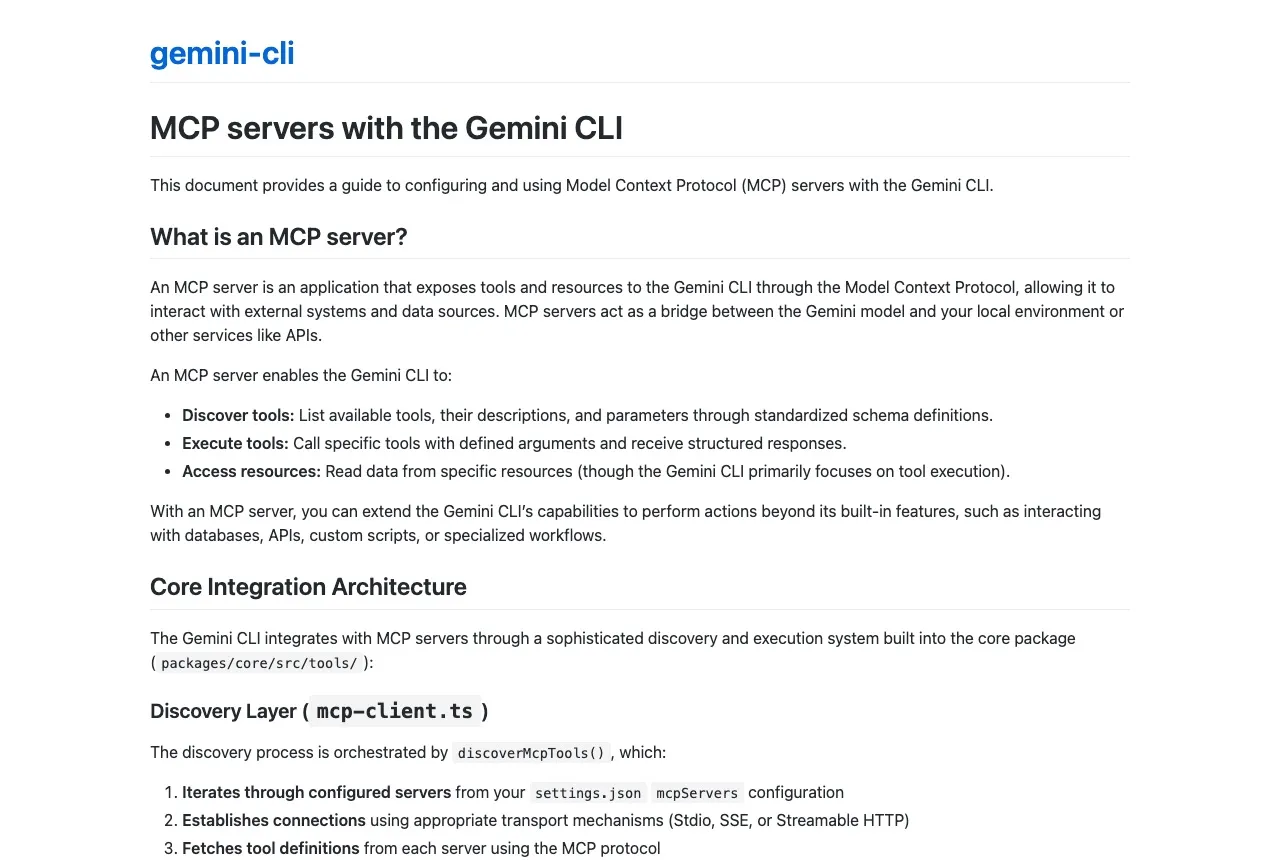
Gemini CLI connects to a social media MCP server through an httpUrl field plus headers in its settings file. Point httpUrl at https://mcp.blotato.com/mcp, add blotato-api-key as a header, and the terminal agent gets publishing and scheduling across nine platforms.
https://mcp.blotato.com/mcp API key header Updated August 2026
How to connect Gemini CLI to social media
- Connect your social accounts in Blotato and copy your API key from Settings then API.
- Add a server entry to your Gemini CLI settings using the httpUrl field, not a command.
- Set httpUrl to https://mcp.blotato.com/mcp.
- Add blotato-api-key as a header with your key as the value, then restart the CLI.
{
  "mcpServers": {
    "blotato": {
      "httpUrl": "https://mcp.blotato.com/mcp",
      "headers": {
        "blotato-api-key": "YOUR_API_KEY"
      }
    }
  }
}
How do I know it worked?
Ask Gemini CLI to list your connected accounts. It calls
blotato_list_accounts and returns your platforms, which confirms both the connection and
the authentication in one step. If you see your accounts, setup is done.
What social media accounts do I have connected?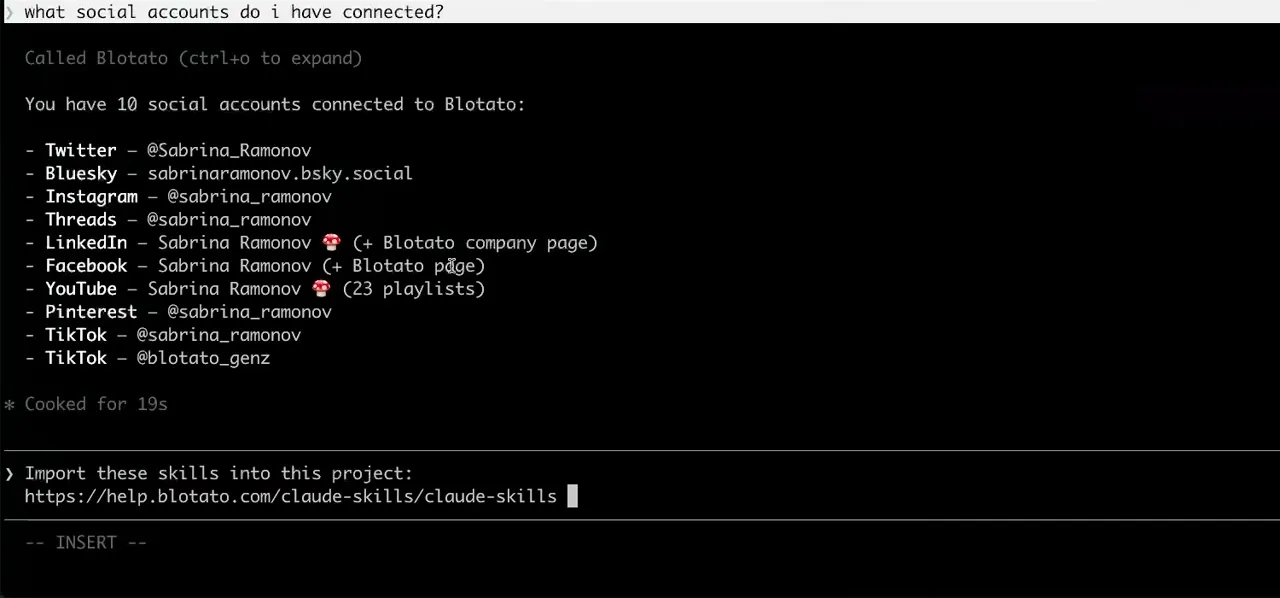
Worth knowing before you rely on it: when an agent ranks your best posts through MCP, metrics cover X, Instagram, Facebook, Threads, and Bluesky. TikTok, YouTube, and Pinterest analytics are available in the Blotato web app and REST API, and LinkedIn publishes normally but reports no metrics yet.
What to ask Gemini CLI once it is connected
- Post this to X and Bluesky.
- blotato_create_post twice. Run /mcp first if you want to see exactly which tools the server exposed before trusting it with a live account.
- Give the agent publishing but not the tools that spend credits.
- includeTools as an allowlist, or excludeTools as a denylist, per server in settings. This is the cleanest permission control on this list: blotato_create_visual, the tool that spends credits, can be withheld while blotato_create_post stays available.
- Make a video from this template and post it.
- blotato_list_visual_templates, then blotato_create_visual and blotato_get_visual_status to poll the render, then blotato_create_post once it is ready.
- Let this agent read how the DM automations are doing, not change them.
- includeTools is an allowlist, so naming blotato_list_automations and blotato_get_automation_analytics leaves every other tool on the server unavailable, blotato_create_automation, blotato_update_automation and blotato_delete_automation included. The automations themselves keep running on Blotato regardless: this scopes what the agent can do to them, not whether they fire. excludeTools wins if a name appears in both lists.
What breaks, and how to fix it
The Gemini CLI trap is the field name. Its config supports a command entry for local stdio servers and an httpUrl entry for remote ones, and a hosted endpoint placed in the command field will not connect. Use httpUrl. The second thing to know is that its OAuth flow needs a browser and a redirect on localhost, so on a headless box, an SSH session without forwarding, or a container, use the header instead of /mcp auth.
What is different about Gemini CLI
Gemini CLI distinguishes local and remote servers by which field you fill rather than by a transport setting, so the whole difference between a working and a non-working config is one key name. It also ships per-server tool filtering: includeTools acts as an allowlist and excludeTools as a denylist, which is the cleanest way on this list to give an agent publishing tools while withholding anything that spends credits. Run /mcp to list what a server actually exposed, and /mcp auth to manage OAuth per server.
Vendor documentation: Gemini CLI MCP setup. For how a client discovers and calls tools once connected, see the MCP client concepts reference.
Gemini CLI social media FAQs
01 Can Gemini CLI post to social media?
02 How do I connect Gemini CLI to social media?
03 How do I set up Gemini CLI for social media?
04 What is the best way to manage social media with Gemini CLI?
05 What goes wrong when connecting Gemini CLI?
06 Does Gemini CLI need to be running for a scheduled post to go out?
07 What can I ask Gemini CLI to do once it is connected?
08 How much does it cost to connect Gemini CLI?
Connecting a different agent?
Same endpoint, same accounts, one setup per client. The AI agents for social media hub covers what all of them share, including every tool your agent can call.













 Blotato
 Your AI Agent still can't post to social media.
Point Claude, ChatGPT, n8n, or your own agent at Blotato's MCP and that's fixed: 9 platforms behind one key, flat $29/mo.
Connect your agentFlat pricing. Cancel anytime.