OpenCode Social Media MCP Setup
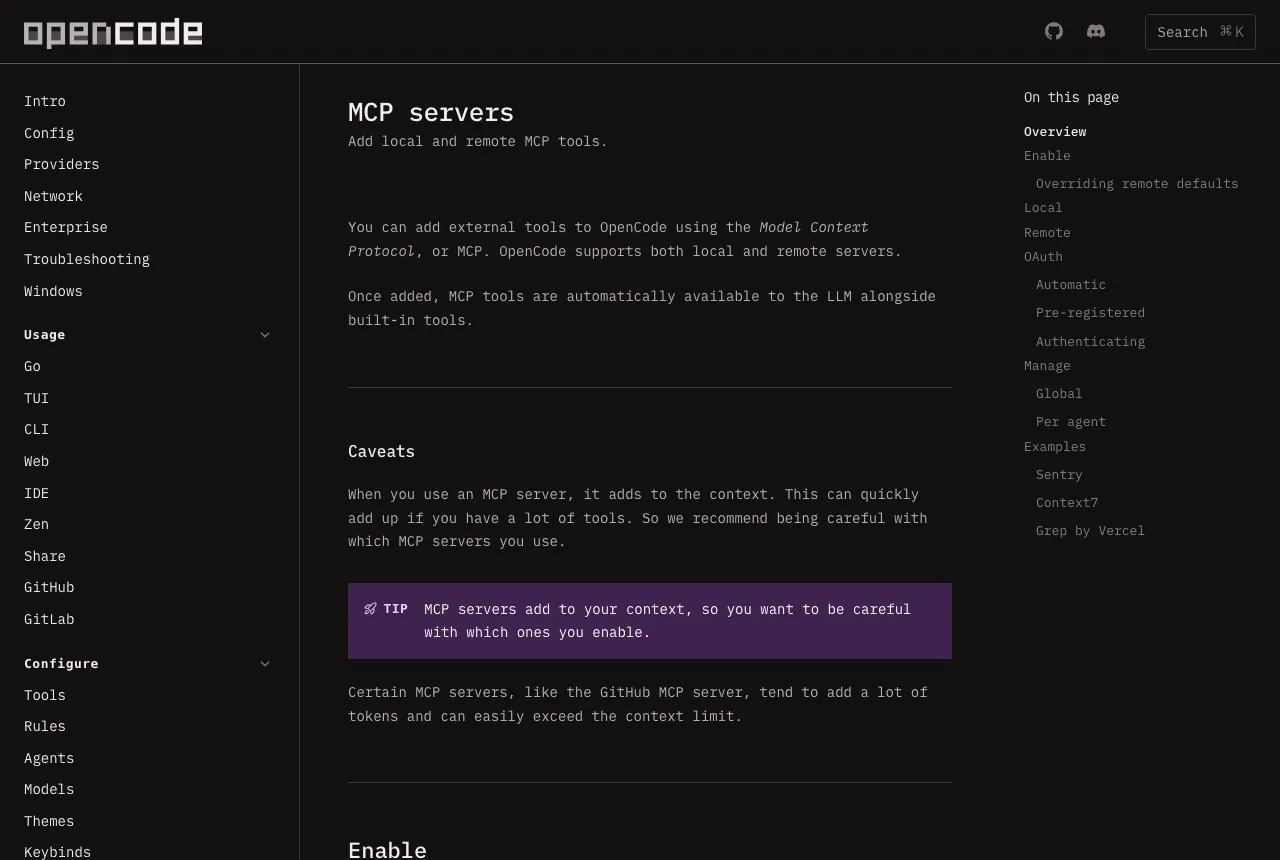
OpenCode connects to a social media MCP server with a URL and headers, and it supports automatic OAuth through dynamic client registration. Blotato serves dynamic client registration, so OpenCode can complete the OAuth handshake without you pre-registering an application.
https://mcp.blotato.com/mcp OAuth or header Updated August 2026
How to connect OpenCode to social media
- Connect your social accounts in Blotato.
- Add a remote MCP server in your OpenCode configuration pointing at https://mcp.blotato.com/mcp.
- Either let OpenCode negotiate OAuth automatically, or set blotato-api-key as a header.
- Restart OpenCode so the tools load.
{
  "$schema": "https://opencode.ai/config.json",
  "mcp": {
    "blotato": {
      "type": "remote",
      "url": "https://mcp.blotato.com/mcp",
      "enabled": true,
      "headers": {
        "blotato-api-key": "YOUR_API_KEY"
      }
    }
  }
}
How do I know it worked?
Ask OpenCode to list your connected accounts. It calls
blotato_list_accounts and returns your platforms, which confirms both the connection and
the authentication in one step. If you see your accounts, setup is done.
What social media accounts do I have connected?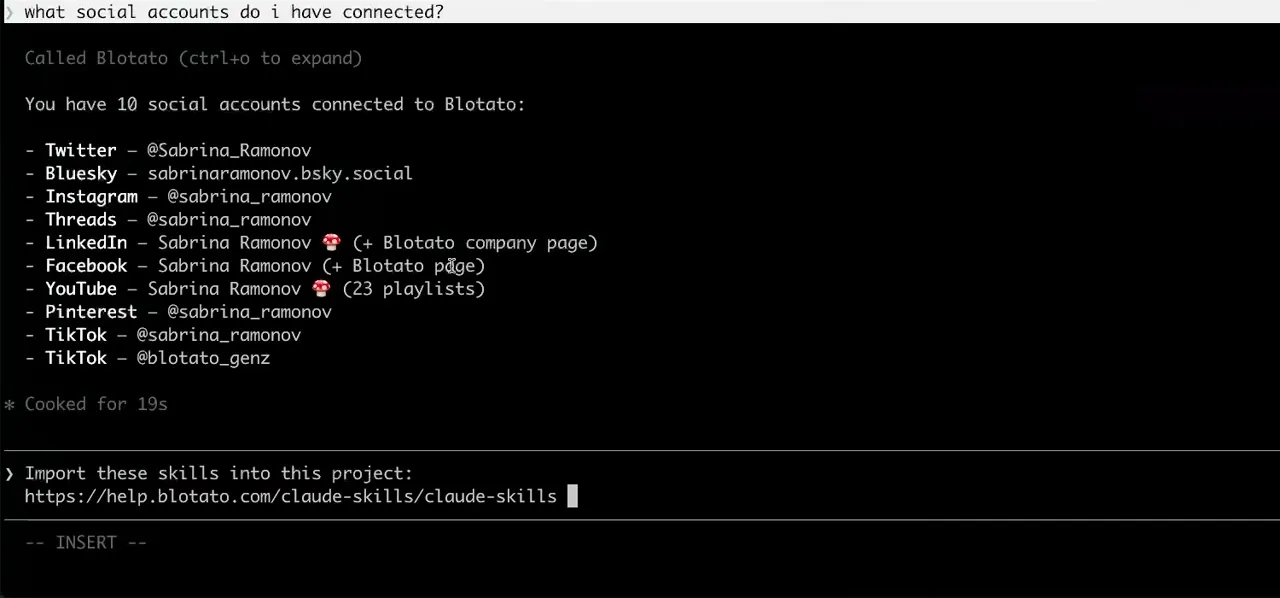
Worth knowing before you rely on it: when an agent ranks your best posts through MCP, metrics cover X, Instagram, Facebook, Threads, and Bluesky. TikTok, YouTube, and Pinterest analytics are available in the Blotato web app and REST API, and LinkedIn publishes normally but reports no metrics yet.
What to ask OpenCode once it is connected
- Draft the captions on the cheap model, then publish.
- OpenCode configures a model per agent and lets you switch agents mid-session, so drafting can run somewhere inexpensive while blotato_create_post fires from whichever agent holds the tools. The publish call costs the same either way.
- Keep these tools away from my coding agents.
- Scope the server to one agent rather than globally. A publishing agent holds the Blotato tools and the coding agents never see them, which also keeps 28 tool definitions out of their context window.
- Turn this YouTube video into posts.
- blotato_create_source extracts the content and blotato_get_source_status polls until it resolves, then the text feeds blotato_create_post.
What breaks, and how to fix it
OpenCode is model agnostic, and that is where the friction usually is. The connection can be perfect while the model you selected handles tool calling poorly, which looks like a broken server but is a model choice. If the tools are listed and simply are not called, change the model before re-checking the config. Note also that MCP tools enter the context window, so a server with a large surface competes with your actual prompt for room.
What is different about OpenCode
OpenCode is the only client here that can negotiate OAuth automatically through dynamic client registration, so it completes an OAuth setup with no application registered in advance and no key pasted anywhere. It also scopes servers two ways, globally or per agent, so a publishing agent can hold the Blotato tools while your coding agents never see them, and pairing that with its model-per-task switching lets you draft captions on one model and run the publish call on another.
Vendor documentation: OpenCode MCP setup. For how a client discovers and calls tools once connected, see the MCP client concepts reference.
OpenCode social media FAQs
01 Can OpenCode post to social media?
02 How do I connect OpenCode to social media?
03 How do I set up OpenCode for social media?
04 What is the best way to manage social media with OpenCode?
05 What goes wrong when connecting OpenCode?
06 Does OpenCode need to be running for a scheduled post to go out?
07 What can I ask OpenCode to do once it is connected?
08 How much does it cost to connect OpenCode?
Connecting a different agent?
Same endpoint, same accounts, one setup per client. The AI agents for social media hub covers what all of them share, including every tool your agent can call.











 Blotato
 Your AI Agent still can't post to social media.
Point Claude, ChatGPT, n8n, or your own agent at Blotato's MCP and that's fixed: 9 platforms behind one key, flat $29/mo.
Connect your agentFlat pricing. Cancel anytime.