Best Social Media APIs for Developers & AI Agents (2026)
Ten social media APIs compared on real pricing, platform count, and MCP support, with the publish-versus-scrape split most roundups get wrong.

Building your own posting integration for nine platforms sounds simple until Instagram rotates a token at 2am and your whole queue goes dark.
Before you compare a single tool, there is a fork in this category that trips up most people searching for a social media API. Some of these APIs publish content. Others scrape it. They are completely different products that happen to share a name.
A publishing API takes your text and media and puts a post live on X, LinkedIn, or Instagram. A scraping or data API reads public posts back out so you can analyze them, and it cannot post anything at all. Search “social media API” and you will get both on the same results page, which is why so many developers pick a tool, build against it for a week, and discover it does the opposite of what they needed.
This guide covers publishing APIs only. If you need to pull posts, comments, or follower data for analysis, the tools here are the wrong shelf entirely and you want a data provider instead.
I run content across 9 platforms daily through my own tool, Blotato, and I have tested the publishing options on this list against the same job. If you are comparing whole social media automation tools rather than raw APIs, that roundup is the companion to this one. If you would rather skip the aggregators and call each network directly, our breakdown of what every native social media API costs shows exactly what X, Instagram, and TikTok charge developers, and why most teams reach for a unified API instead.
The short answer: for an AI agent that needs to publish on a predictable bill, it’s Blotato, at $29/mo flat for 9 platforms with a hosted MCP server at mcp.blotato.com/mcp. That is a scoped claim, not a universal one. Pricing model matters as much as the headline number, which is why flat and per-account billing cross over at different account counts. Outstand and Post for Me both start cheaper if your volume is low, Ayrshare genuinely beats it if you are reselling posting to many client profiles, and SocialAPI.ai wins if your agent has to read and reply as well as post. The rest split by what you are optimizing for: Postiz or Mixpost to own the stack, Upload-Post to prototype free.
| API | Best For | Starting Price | MCP Server |
|---|---|---|---|
| Blotato | AI agents publishing to 9 platforms on a flat budget | $29/mo flat | Hosted |
| Ayrshare | Product builders reselling posting to many client profiles | From $149/mo (1 profile) | Hosted |
| SocialAPI.ai | Agents that read and reply, not just publish | Free, then $29/mo | Hosted |
| Outstand | Usage-based publishing at low to mid volume | $19/mo incl. 3,000 posts | Hosted |
| Zernio | Developers who want pay-per-account usage pricing | Free for 2 accounts | Hosted |
| Post for Me | SaaS products embedding posting at a flat low price | $10/mo incl. 1,000 posts | Hosted |
| Postiz | Developers who want open-source they can self-host | Free (self-host), cloud from $29/mo | Hosted or self-hosted |
| Mixpost | Agencies wanting a one-time license and full data control | Free (Lite) | Self-hosted |
| Upload-Post | Solo builders wanting the cheapest agent-ready API | Free tier | Hosted |
| Buffer | Teams already on Buffer who want API access included | API included on all plans | Hosted |
What to Look for in a Social Media API
Not every API on a Google result page is built for the same job. Here is what separates a tool you will still be using in a year from one you rip out in a month.
- Publish or read. Settle this first. A scraping API will never post for you, and a posting API will rarely give you deep historical data.
- Platform coverage. Count the networks you actually post to. Nine solid integrations beat thirty flaky ones.
- Does it close the loop? Some APIs only draft or schedule. The ones worth paying for actually publish, so your agent finishes the job.
- MCP support, and whose server. A hosted MCP server is a URL you point Claude at. A self-hosted one is infrastructure you run. Both get called “MCP support” on pricing pages, and they are very different amounts of work. It is worth deciding whether you even want an API or an MCP layer before you pick a tool.
- Pricing shape. Flat pricing is predictable. Per-profile pricing can quietly multiply as you add clients. Usage pricing rewards low volume and punishes spikes.
- Token ownership and reliability. Who holds the OAuth tokens, and what happens when a platform changes its refresh rules? This is where self-built integrations break, and it’s the crux of the open-source vs managed API tradeoff.
- Real APIs or browser automation. Anything driving a website with a script sits on the wrong side of X’s automation rules, which warn that non-API automation may result in permanent suspension. Worth knowing which platform rules your agent has to clear before you commit to a vendor.
Best Social Media APIs for 2026
Here are the ten I would actually build on, ranked by how well they serve a developer or agent that needs to publish.
1. Blotato - Best for AI agents publishing to 9 platforms on a flat budget
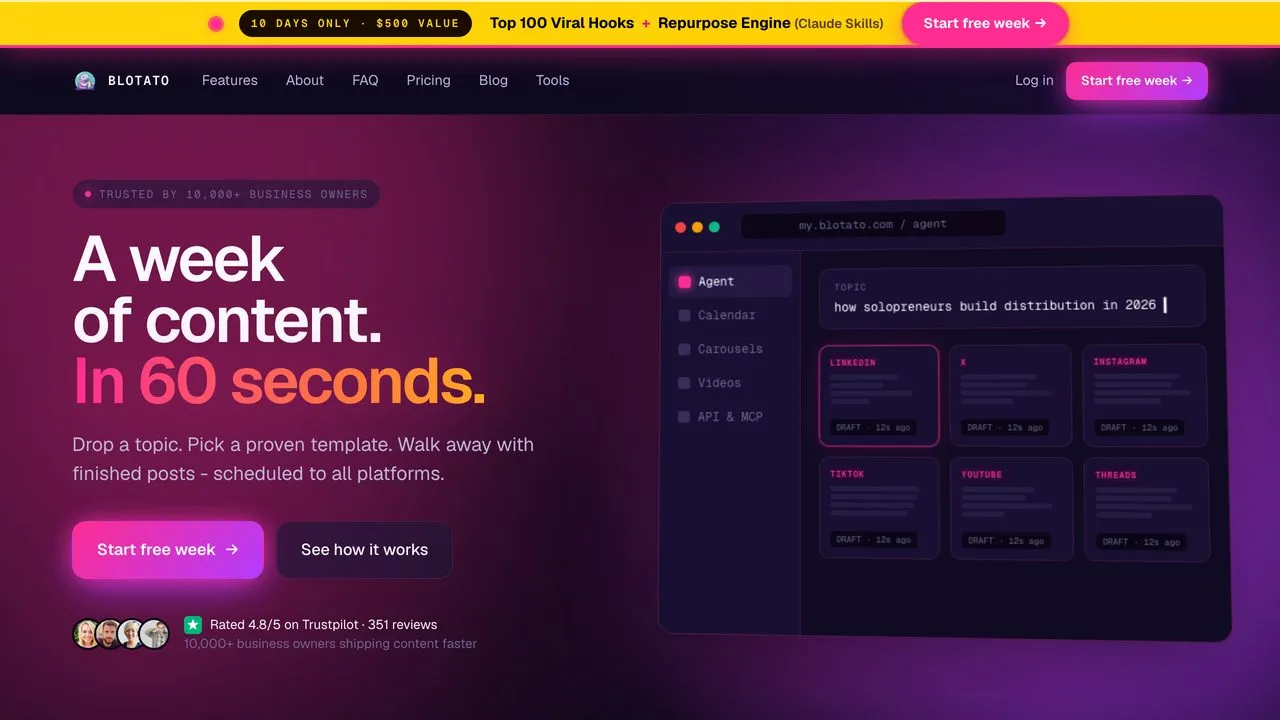
I built Blotato because I was tired of wiring up the same nine integrations and babysitting broken tokens. It posts to 9 platforms through one API, and it ships a native MCP server at mcp.blotato.com/mcp so a Claude agent can publish from a plain instruction. The wedge is that it closes the loop. Your agent does not hand you a draft, it puts the post live. I run my own content through it daily, and the flat price does not move when a post goes viral.
The honest limitation: Blotato is built for creators and small teams, not enterprise reporting or a shared team inbox. If you need deep analytics dashboards, look elsewhere. And if you publish only a couple hundred posts a month, Outstand and Post for Me are cheaper than $29. Worth checking the reverse too: several cheaper APIs publish and nothing else, so I compared which ones can also measure and reply in the best WoopSocial alternatives.
Pros:
- Hosted MCP server, so a Claude agent publishes without custom code
- Flat pricing that does not scale with volume or virality
- Actually publishes, not just drafts or schedules
Cons:
- No enterprise-grade analytics or team inbox
- Cheaper options exist at low post volume
- Newer than the incumbents, so fewer third-party integrations
Best for: Solo creators and agent builders posting to 9 platforms who want predictable cost.
Pricing: Starter $29/mo, Creator $97/mo, Agency $499/mo.
Free trial: Yes, 7 days, card required, cancel anytime. One catch worth knowing before you plan around it: the trial covers everything except the API. Generating an API key ends the trial immediately and starts your paid Starter subscription, so if you came here for the API, budget for the plan rather than the trial.
Bottom line: The one I reach for when the agent has to finish the job itself.
Want an agent posting today? Start on Starter at $29/mo, generate your API key, and connect your first platform.
2. Ayrshare - Best for product builders reselling posting to many client profiles
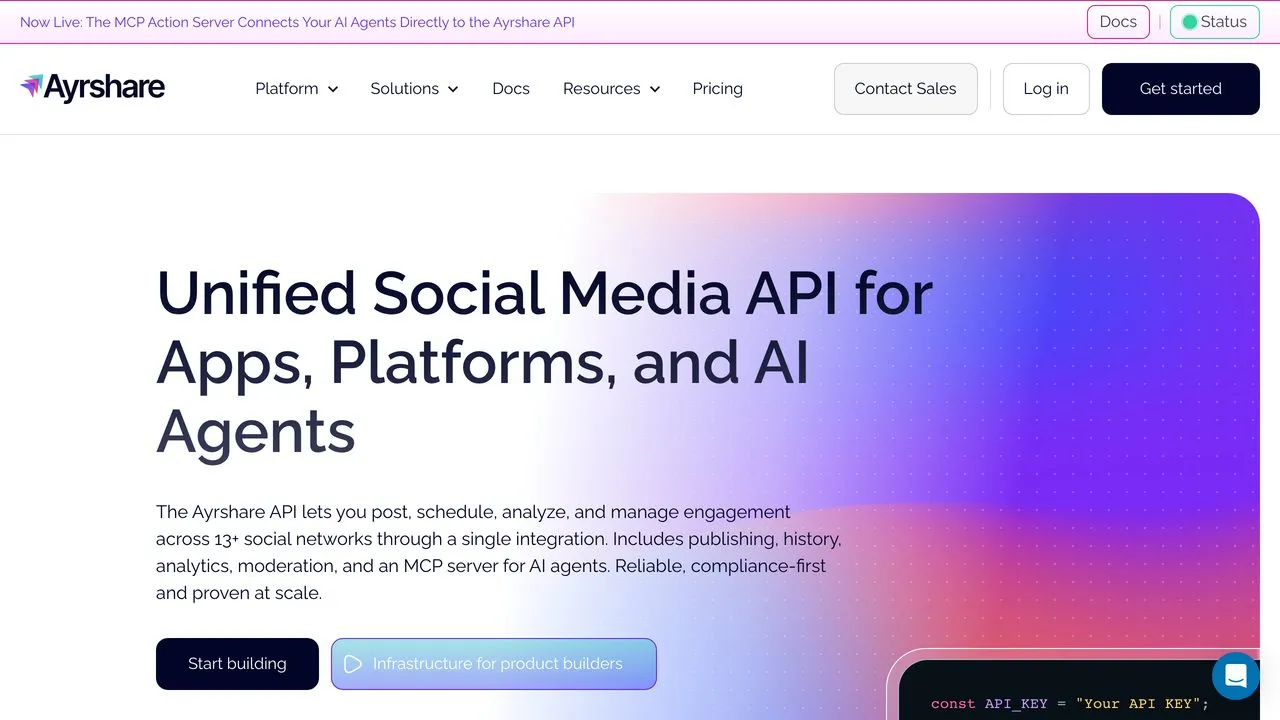
Ayrshare is the developer-first pick, and it earns it. The docs are excellent, it reaches 14+ networks, and it ships an MCP server so agents can post too. If you are weighing it directly against my tool, our Blotato vs Ayrshare comparison runs the flat-versus-per-profile math in full. It is genuinely built for teams embedding social posting inside their own product, with webhooks and per-profile isolation that make reselling clean.
The catch is the pricing model. Ayrshare bills per active user profile, so the week your customer base grows, your API bill grows with it. Ayrshare also holds the OAuth tokens on its own infrastructure, which matters if you want to own that relationship with your users.
Pros:
- Best-in-class documentation for developers
- Per-profile isolation, ideal for multi-tenant products
- Compliance-first and proven at scale
Cons:
- Per-profile billing multiplies fast as you add clients
- Ayrshare owns the stored OAuth tokens
Best for: SaaS builders embedding posting for many separate client accounts.
Pricing: Premium $149/mo (1 profile), Launch $299/mo (up to 10 profiles), Business from $599/mo (30 profiles, tiered pricing from the 31st).
Free trial: Yes, a 28-day trial on the Launch plan.
Bottom line: If you are shipping posting inside a multi-tenant product, Ayrshare’s docs and per-profile isolation genuinely beat Blotato here, as long as you can live with the pricing model and the fact that the multi-tenant endpoints start a tier above the advertised entry price.
3. SocialAPI.ai - Best for agents that read and reply, not just publish
Most tools on this list are one-way. You call them, a post goes live, and the conversation that follows is somebody else’s problem. SocialAPI.ai is built for the other half of that loop: it exposes comments, DMs, and mentions alongside publishing, and it ships an MCP server aimed squarely at agent tooling.
That makes it the pick if your agent needs to notice a reply and answer it, not just broadcast. Fetching comments, DMs, and mentions is free and unlimited on every plan including the free one, which tells you where the product’s priorities sit.
The tradeoff is reach. Its pricing page names Instagram, Facebook, TikTok, YouTube, X, LinkedIn, and Google Business Profile, with Threads and Telegram documented separately, so confirm your exact list before you build. If Pinterest or Bluesky matter to you, it cannot cover your whole footprint. Pricing is per connected social profile, which climbs the way Ayrshare’s does.
Pros:
- Inbox, DM, comment, and mention APIs alongside publishing
- Comment and DM fetching free and unlimited on every plan
- Native MCP server built for AI agents
Cons:
- Narrower platform list than most rivals here
- Per-profile pricing climbs as you add accounts
Best for: Agent builders whose bot needs to hold a conversation, not just post.
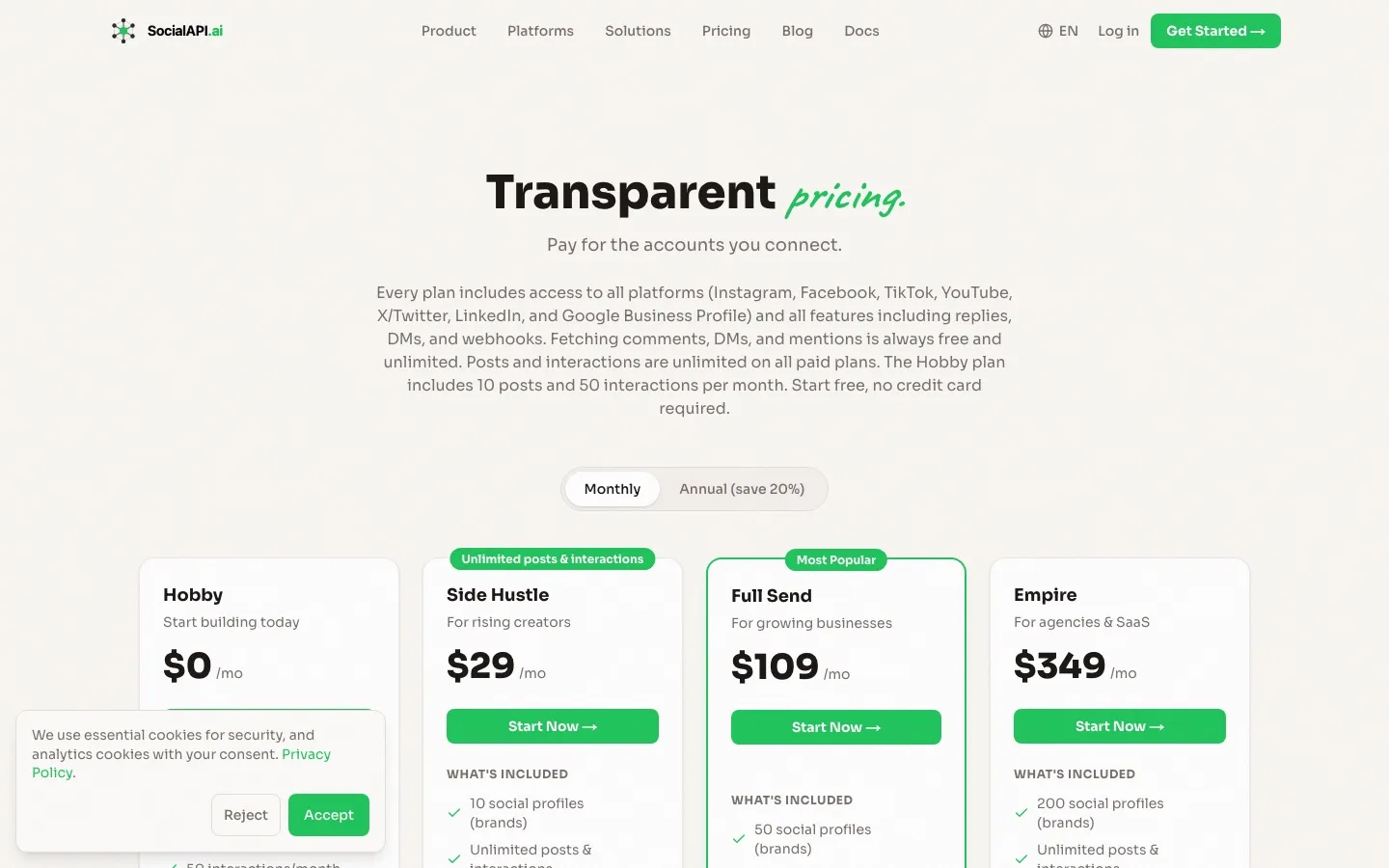
Pricing: Hobby free (2 profiles, 10 posts/mo), Side Hustle $29/mo (10 profiles), Full Send $109/mo (50 profiles), Empire $349/mo (200 profiles), Enterprise custom.
Free trial: Yes, free Hobby plan, no credit card required.
Bottom line: The best choice when replying matters as much as publishing, if its platform list covers you. If it does not, I ranked the best SocialAPI alternatives on what survives the switch.
4. Outstand - Best for usage-based publishing at low to mid volume
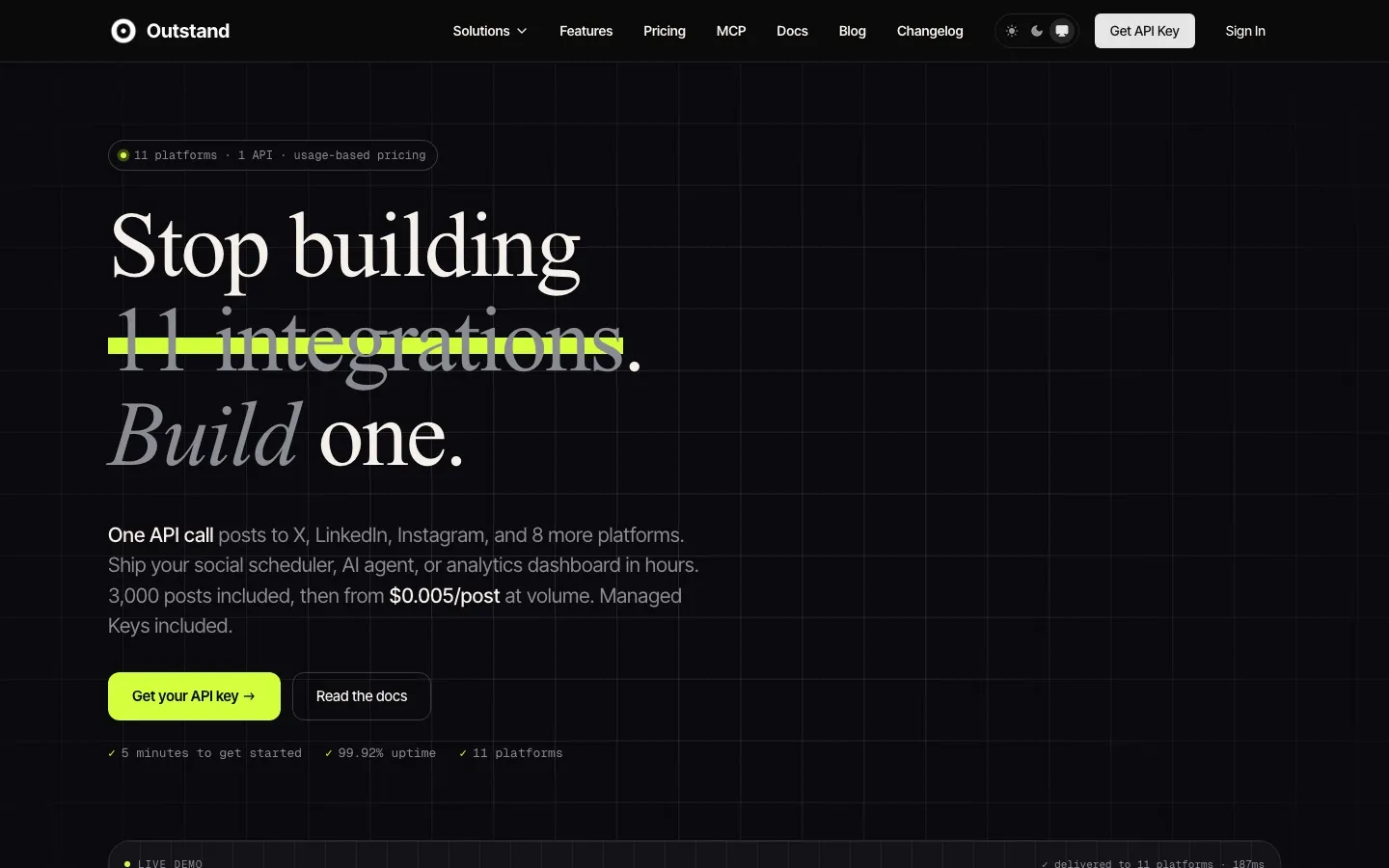
Outstand publishes to 11 platforms, including two most of this list skips: Google Business Profile and Vimeo. It ships a hosted MCP server at mcp.outstand.so/mcp exposing 28 tools by its own MCP documentation, so an agent can do considerably more than fire off a post.
The pricing is the reason it ranks here. $19/mo includes 3,000 posts, then $0.007 per post to 10,000 and $0.005 beyond that. For most solo builders and small products, 3,000 posts a month is more headroom than they will use, which makes it the cheapest genuinely capable option on this list at low volume. It reads as well as writes, pulling analytics and comments back.
The honest caveat is that usage pricing is a bet on your own volume. If you are running a high-frequency posting product, model the overage before you commit, because per-post billing that looks trivial at 3,000 stops looking trivial at 50,000.
Pros:
- $19/mo with 3,000 posts included undercuts most of this list
- 11 platforms including Google Business Profile and Vimeo
- Hosted MCP server with 28 tools, and it reads analytics as well as publishing
Cons:
- Per-post overage adds up at high volume
- Smaller and newer than the incumbents
Best for: Solo builders and small products posting a few thousand times a month.
Pricing: $19/mo including 3,000 posts, then $0.007/post to 10,000 and $0.005/post beyond.
Free trial: No free tier advertised. Pricing starts at the $19 plan.
Bottom line: The best price-to-capability ratio here if your volume is predictable and moderate.
5. Zernio - Best for developers who want pay-per-account usage pricing
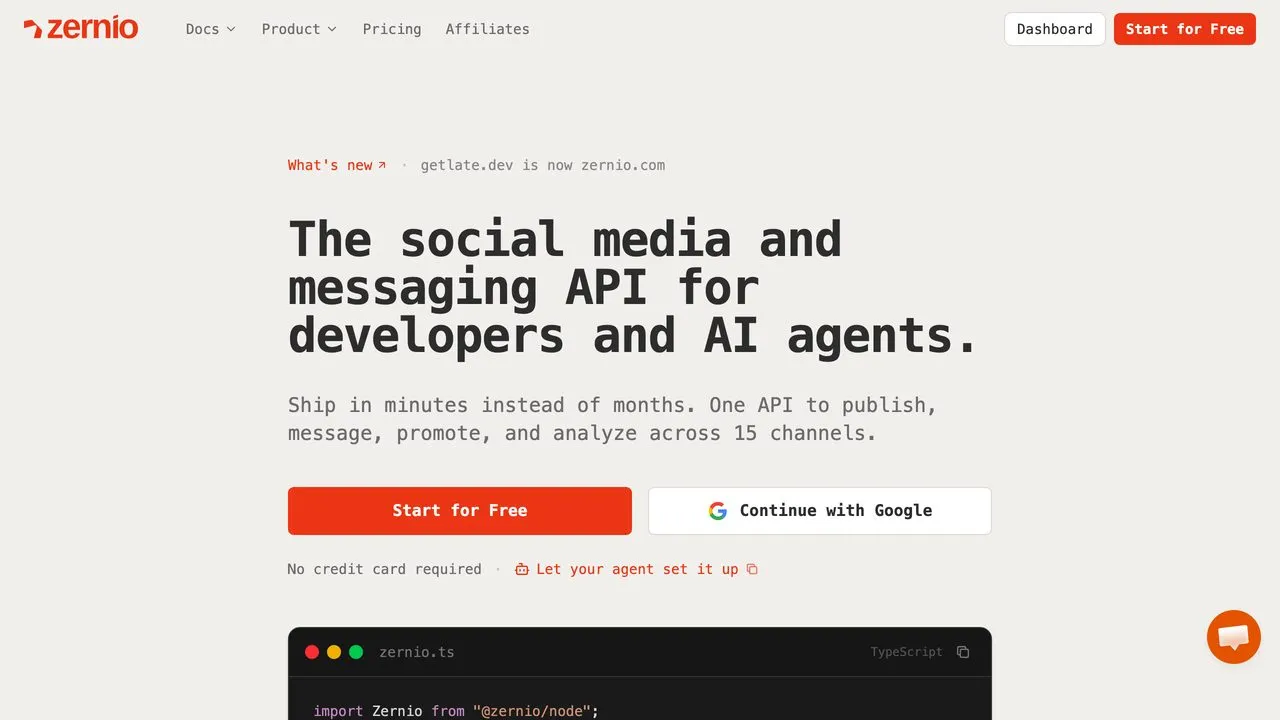
Zernio (formerly getlate.dev) publishes to 15 channels spanning social networks and messaging apps like WhatsApp, Telegram, and Discord, with separate DM and ads APIs covering 7 platforms each. It leans hard into the AI-agent use case with a hosted MCP server at mcp.zernio.com/mcp. What makes it interesting is the billing: your first two accounts are free, then $6 per account for accounts 3 to 10, $3 each from 11 to 100, and $1 each beyond that, plus X API costs passed through at X’s exact rates with no markup. That ladder is cheap at the bottom and stops being cheap in the middle, which is why the alternatives worth weighing against Zernio sort by account count rather than feature list.
That usage model is a genuine advantage only while you post to a handful of accounts, since the per-account fee compounds with every profile you connect, and I mapped the exact account counts where it stops being one in Blotato vs Zernio. Review presence is thin after the rebrand, so lean on the docs rather than social proof.
Pros:
- Usage-based pricing rewards low account counts
- 15 publishing channels, including messaging apps most rivals skip, plus separate DM and ads APIs
- Hosted MCP server and agent-friendly onboarding
Cons:
- Thin review presence post-rebrand
- Per-account cost adds up across many connected accounts
Best for: Developers posting to a handful of accounts who prefer usage billing.
Pricing: First 2 accounts free, then $6/account (3-10), $3/account (11-100), $1/account (101+). X API fees passed through at cost.
Free trial: Yes, free tier, no card required.
Bottom line: Zernio has the most flexible pricing here only while your account count stays low, since it bills per connected account. The widest channel list comes with a bill that grows as you scale, and against a per-brand model it stops winning at a knowable point.
6. Post for Me - Best for SaaS products embedding posting at a flat low price
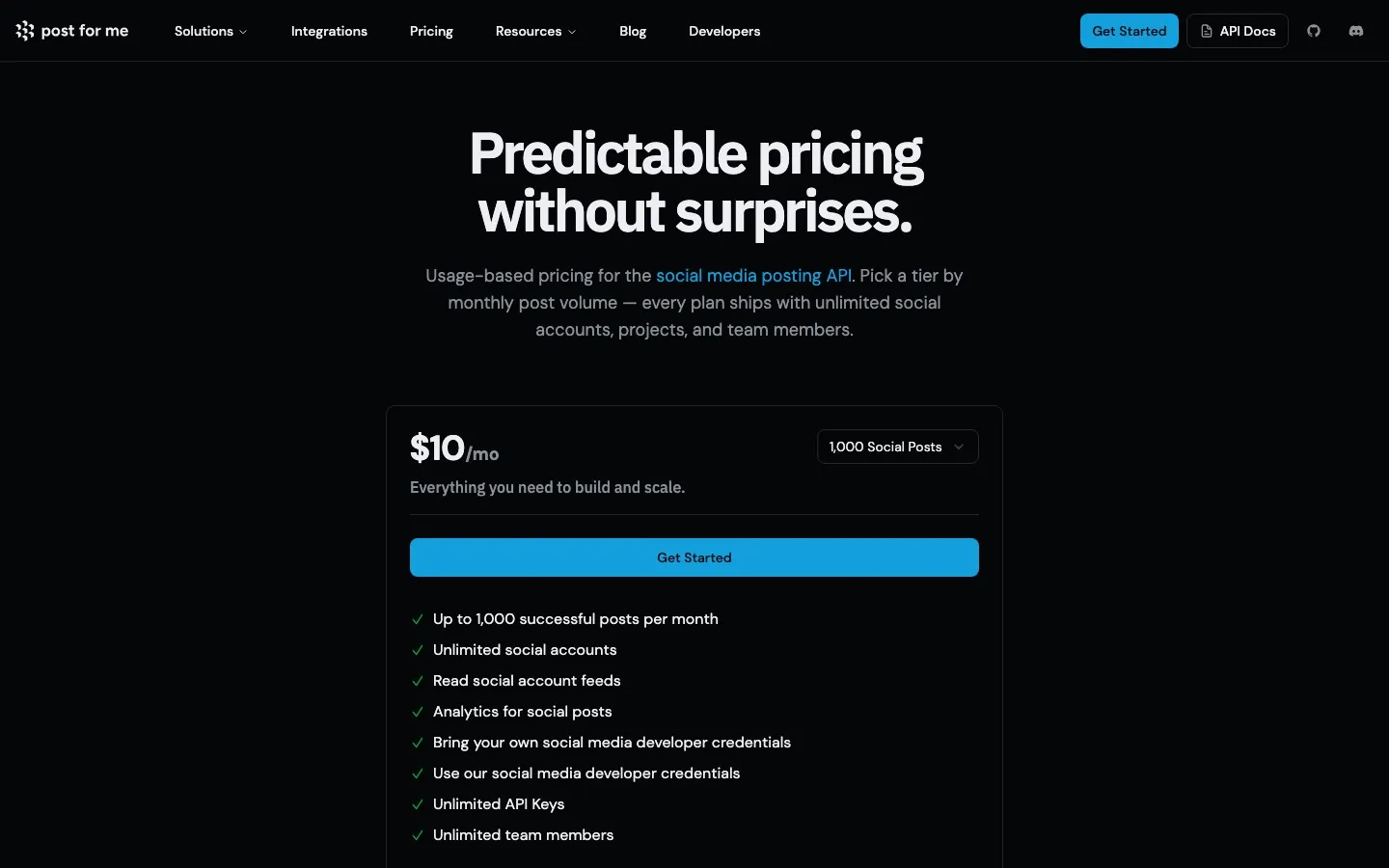
Post for Me is aimed at developers embedding social posting inside their own SaaS product, and its pricing is the most straightforward on this list: $10/mo for up to 1,000 successful posts, with unlimited social accounts, unlimited API keys, and unlimited team members.
That “unlimited accounts” part is the interesting bit. Every per-profile competitor here charges you more as your customers connect more accounts. Post for Me charges by posts sent instead, so a product with many lightly-active users pays far less than it would on Ayrshare or SocialAPI.ai. It ships an MCP server, reads account feeds, and lets you bring your own platform developer credentials or use theirs.
It covers 9 platforms, so check your list against it first. And billing on successful posts means a high-frequency product will climb tiers quickly. If it is close to a fit but missing a piece, I compared the best Post for Me alternatives on endpoint scope and OAuth branding, and put it head to head with Blotato.
Pros:
- Unlimited social accounts, API keys, and team members on every tier
- $10/mo entry price is the lowest paid plan here
- Ships an MCP server, plus bring-your-own developer credentials
Cons:
- 9 platforms, so verify coverage before building
- Post-volume billing climbs for high-frequency products
Best for: SaaS builders whose users connect many accounts but post modestly.
Pricing: $10/mo for up to 1,000 successful posts per month, scaling by volume tier, with custom enterprise pricing above that.
Free trial: No free tier advertised. Plans start at $10/mo.
Bottom line: Post for Me is the cheapest way to embed posting only when your product’s users connect a lot of accounts and you need publishing alone. It is not a full agent surface.
7. Postiz - Best for developers who want open-source they can self-host
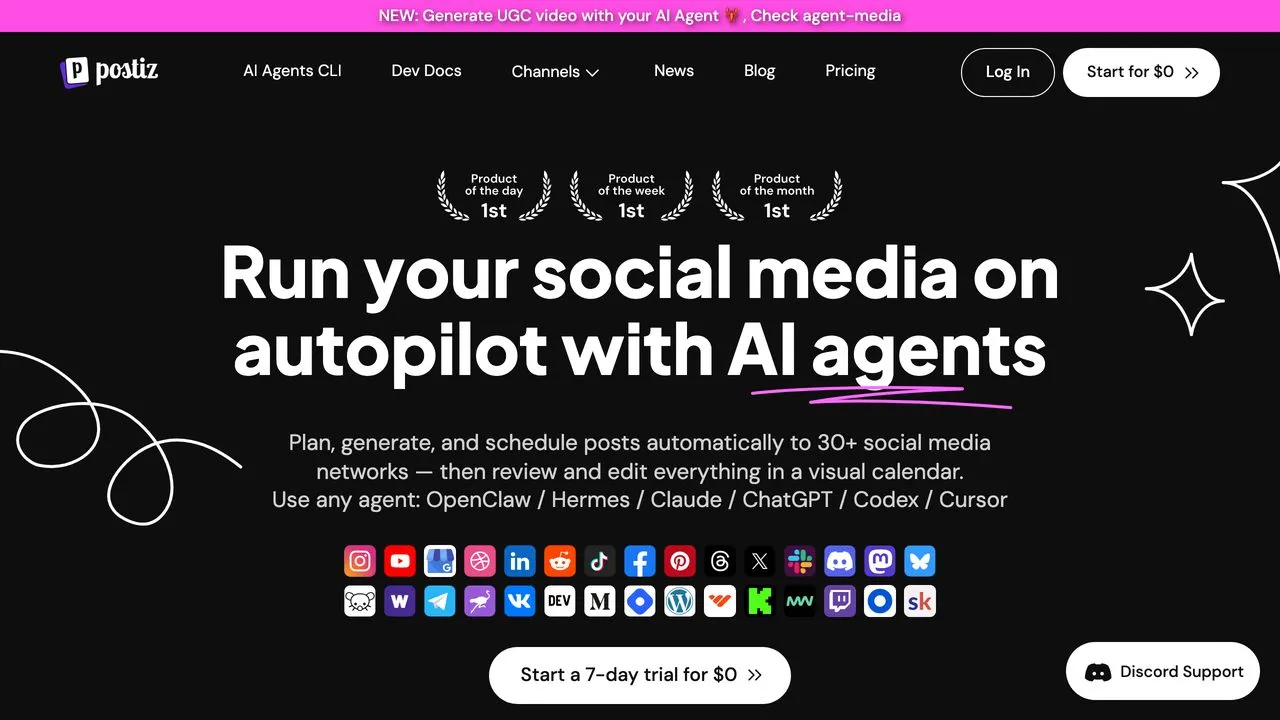
Postiz is the open-source option that does not feel like a compromise, provided you pick the deployment path that matches what you want to maintain. It reaches 30+ social networks, ships an AI Agents CLI and dev docs, and works with any agent from Claude to ChatGPT to Cursor. You can self-host it for free or use the hosted plans, so you choose between full control and convenience. If you are picking between the two, Blotato vs Postiz covers the hourly API cap that matters most to agent builders.
Open-source means you own the code and the data, but if you self-host you also own the maintenance. If a platform changes its API, you may be the one patching it. That is the honest cost of the flexibility. The MCP server follows the same split: Postiz hosts one at api.postiz.com/mcp on its cloud plans, and a self-hosted instance serves its own at your backend URL.
Pros:
- Open-source and self-hostable for full control
- 30+ networks, more than anything else on this list
- AI-agent CLI and MCP support built in
Cons:
- Self-hosting means you own updates and uptime
- Setup is heavier than a managed API
Best for: Developers who want to own their stack and data.
Pricing: Free to self-host. Cloud plans from $29/mo (Standard) to $99/mo (Ultimate).
Free trial: Yes, 7-day cloud trial, plus free self-host.
Bottom line: The best open-source pick, whether you take the hosted plans or accept owning uptime and updates on your own instance.
8. Mixpost - Best for agencies wanting a one-time license and full data control
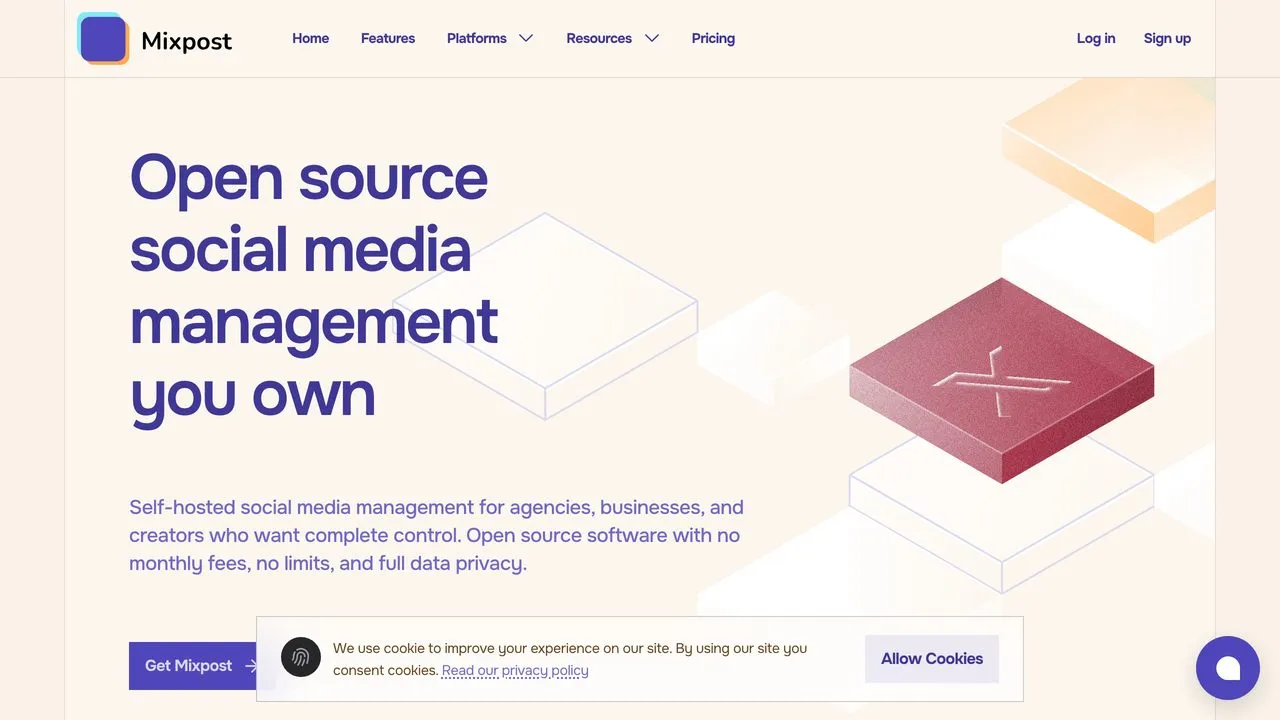
Mixpost is self-hosted social media management you own outright, sold as a one-time license instead of a subscription. For an agency that wants no monthly fees and full data privacy, that model is compelling.
The Pro license includes the REST API, and Mixpost ships a built-in MCP server, so agent-driven posting works without a community bridge once you are running it. The free Lite tier covers only 3 networks (Facebook Pages, X, and Mastodon), with 11+ reserved for the paid Pro and Enterprise licenses. Like any self-hosted tool, API depth and reliability depend on how you run it. This is a control-and-cost play, not a plug-and-play developer API. You trade convenience for ownership.
Pros:
- One-time payment, no recurring fees
- Fully self-hosted with complete data control
- REST API and a built-in MCP server on the Pro license
Cons:
- Lite tier covers only 3 networks
- Self-hosted, so reliability is on you
Best for: Agencies wanting a paid-once tool they fully control.
Pricing: Lite free, Pro $299 one-time, Enterprise $1,199 one-time.
Free trial: Yes, free Lite version.
Bottom line: The pick when you want to own the software, not rent it.
9. Upload-Post - Best for solo builders wanting the cheapest agent-ready API
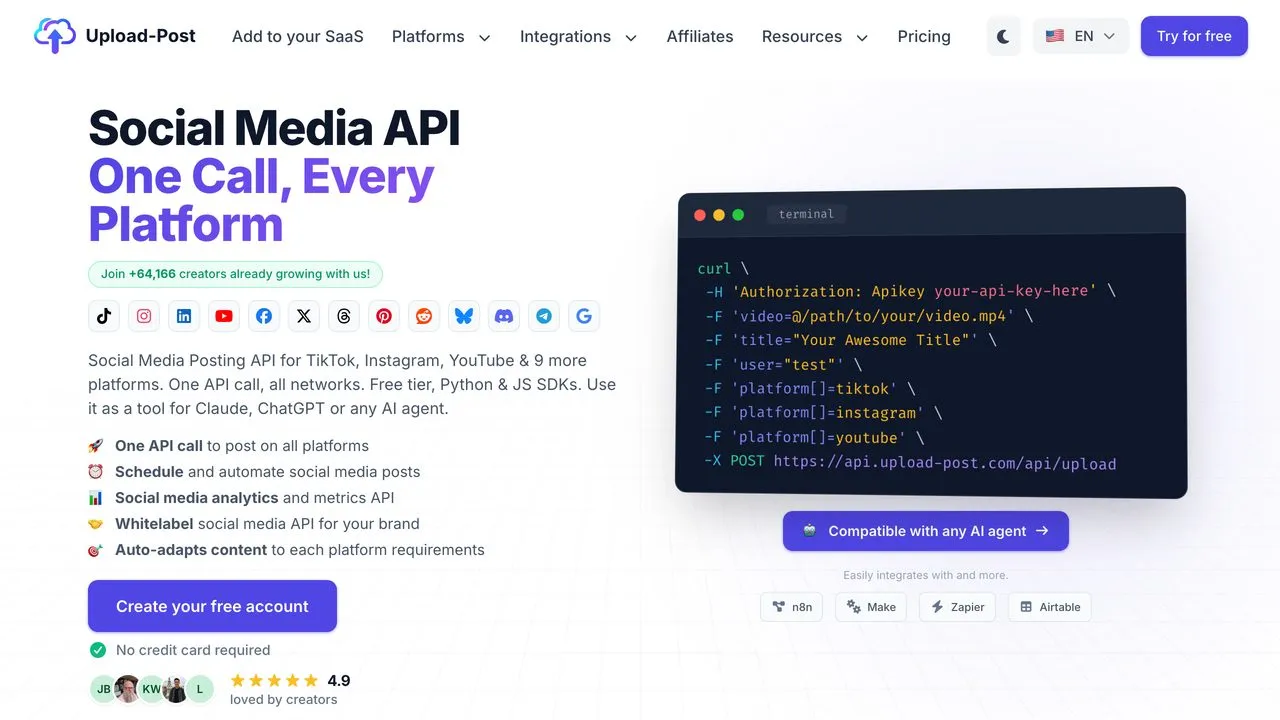
Upload-Post is the budget agent-native option. It posts to 22 destinations with a single API call, ships Python and JavaScript SDKs, and is explicitly built to be used as a tool for Claude, ChatGPT, or any AI agent. There is a free tier with no card required, which makes it easy to prototype an agent against.
It also ships an official MCP server at mcp.upload-post.com/mcp, open source with Docker self-hosting as an option, so a Claude agent can reach it without custom glue. I’ve since verified its full paid tier ladder and its main tradeoff against Blotato in Blotato vs Upload-Post.
Pros:
- Genuinely agent-native, marketed for Claude and ChatGPT
- Free tier with no credit card required
- Simple single-call posting with Python and JS SDKs
- Hosted MCP server with 40 to 58 tools, depending on which vendor source you read, plus optional Docker self-hosting
Cons:
- Pricing page was unreachable, so paid costs are unclear upfront
- Thin review presence, newer entrant
Best for: Solo builders prototyping an AI agent on a tight budget.
Pricing: Free tier available. Paid tiers were not publicly reachable when I checked, so confirm before scaling.
Free trial: Yes, free tier, no card required.
Bottom line: The cheapest way to get an agent posting, if you accept that the paid pricing was not publicly reachable when I checked and the review history is thin.
10. Buffer - Best for teams already on Buffer who want API access included
Buffer is the incumbent, and API access is included on every plan at no extra cost, which is rare. It covers 11 networks, so it is a reasonable target if your team already lives in Buffer.
Buffer also hosts an official MCP server at mcp.buffer.com/mcp, currently in public beta, so a Claude agent can connect with an API key and no glue code. The thing to watch is the rate limits, which are tight and tiered: the free plan allows 100 requests per 15 minutes, 250 per 24 hours, and 3,000 per 30 days, while Team lifts the daily ceiling to 500. Buffer’s API is a companion to its app rather than standalone publishing infrastructure, and the product’s center of gravity is the scheduling dashboard, not developer tooling. Set against an API-first competitor, what each one actually charges for and what its agent surface reaches separates them faster than the tool counts do.
Pros:
- API access included on all plans, even the free tier
- Established, reliable brand with a long track record
- Official hosted MCP server at
mcp.buffer.com/mcp(public beta)
Cons:
- Tight daily rate limits, especially on the free plan
- API is a companion to the app, not full posting infrastructure
Best for: Existing Buffer users who want to add light API access without new spend.
Pricing: API included on all plans. Paid Buffer plans start at $6 per channel/mo (Essentials) and $12 per channel/mo (Team), or $5 and $10 on annual billing.
Free trial: Yes, free plan available.
Bottom line: Free API access if you are already a Buffer customer, but limited if you are not.
Publishing APIs vs Scraping APIs: Which One Do You Actually Need?
This is the fork I mentioned at the top, and it is worth being concrete about, because the search results mix them together.
You need a publishing API (everything in this guide) if you are building a scheduler, an AI agent that posts, a SaaS feature that lets your users connect their accounts, or any automation that ends with content going live.
You need a data or scraping API (nothing in this guide) if you are building sentiment analysis, competitor monitoring, influencer discovery, or a dashboard of public post performance. Those tools read. They do not write.
A few products do both to a degree. SocialAPI.ai, Outstand, and Post for Me all read back analytics or engagement alongside publishing. But “reads its own posted content” is very different from “scrapes the open web,” and no publishing API will substitute for a real data provider.
If you catch yourself asking which API can pull a competitor’s follower growth, you are on the wrong shelf, and no amount of comparing the tools above will fix it.
MCP Support: Who Actually Ships One, and Whose Server Is It?
MCP has gone from a differentiator to a checkbox in about a year, which means the interesting question is no longer whether a tool “supports MCP.” It is who runs the server.
Hosted MCP servers are a URL. You paste it into Claude Desktop or Claude Code, authenticate, and your agent has publishing tools. Blotato (mcp.blotato.com/mcp), Zernio (mcp.zernio.com/mcp), Buffer (mcp.buffer.com/mcp), Upload-Post (mcp.upload-post.com/mcp), Ayrshare, and Outstand all host theirs. SocialAPI.ai and Post for Me ship servers too. Post Bridge runs one at www.post-bridge.com/api/mcp/mcp and includes it on every plan alongside the REST API, so its pricing comes down to how many accounts your agent touches.
Self-hosted MCP servers are infrastructure. Mixpost ships a real MCP server inside its Pro license and expects you to run it, keep it online, and update it. Postiz sits on both sides of this line: its cloud plans serve a hosted server at api.postiz.com/mcp, while a self-hosted instance serves its own from your backend URL, so which side you land on depends on the plan you buy rather than the product you pick. Our Mixpost and Postiz comparison breaks down which one gates that behind a license. That is a fair trade if you already run the tool, and a poor one if you were hoping to point Claude at a URL and start posting.
That breadth is the real story. Every tool in this guide now ships an MCP server in some form, which is why “has MCP” stopped being a reason to pick one.
One trap worth knowing if you pick Ayrshare: it ships two MCP servers, a read-only documentation server and an Action server that actually posts. Connect the wrong one and your agent will read documentation instead of publishing.
The practical implication for anyone building on Claude: hosted plus flat-priced is the combination that stays out of your way. Hosted removes the infrastructure, and flat pricing means an agent that suddenly posts 10x does not surprise you with a bill.
How I Evaluated These Tools
I judged every API on the things that actually decide whether you keep it.
- Publish or read: whether it writes to platforms, reads from them, or both.
- Platform coverage: how many networks you can publish to from one integration.
- Agent fit: whether it ships an MCP server, and whether that server is hosted or yours to run.
- Does it close the loop: whether it publishes or just drafts and schedules.
- Pricing shape: flat, per-profile, per-post, or one-time, and how each scales with you.
- Reliability and token ownership: who holds the OAuth tokens and how the tool handles platform changes.
Every price in this guide is current as of August 2026, checked against the vendor’s own live pricing page. Where a vendor does not publish pricing, I have said so rather than guessing.
How to Choose the Right Social Media API for You
Match your situation to the pick, not the other way around.
- If you are building an AI agent to publish across 9 platforms on a predictable budget, use Blotato. Flat pricing and a hosted MCP server mean the agent posts without glue code.
- If your agent needs to read replies and respond, use SocialAPI.ai, as long as its platform list covers you.
- If you post a few thousand times a month and want the lowest capable price, use Outstand at $19/mo.
- If you are embedding posting in a SaaS where users connect many accounts, use Post for Me, because it bills by posts rather than profiles.
- If you are embedding posting for many separate client profiles and need isolation, use Ayrshare and accept the per-profile bill.
- If you post to only a few accounts and want to pay for what you use, use Zernio’s usage pricing.
- If you already run Buffer, turn on its included API before paying for anything new, but check the rate limits first.
- If you want to own your stack and data, self-host Postiz or buy Mixpost outright.
- If you just want the cheapest way to get an agent posting today, start on Upload-Post’s free tier.
Key Takeaways
The category has quietly reorganized around questions that did not exist two years ago.
- Publish and scrape are different products. Deciding which you need takes thirty seconds and saves a week of building against the wrong tool.
- MCP is table stakes, hosting is not. All ten ship an MCP server now. What separates them is whether the vendor runs it, which is the difference between pasting a URL and maintaining a server.
- Pricing shape matters more than entry price. Per-profile billing (Ayrshare, SocialAPI.ai), per-post billing (Outstand, Post for Me), and flat billing (Blotato) diverge sharply at scale. Model your real numbers at 12 months, not today.
- Cheapest depends entirely on your shape. Post for Me at $10 wins for many accounts and few posts. Outstand at $19 wins for moderate volume. Flat $29 wins when volume is unpredictable.
- Open-source buys control, not convenience. Postiz and Mixpost hand you ownership and hand you the maintenance bill with it.
If you are comparing dashboard-first tools rather than raw APIs, the best RobinReach alternatives covers that side of the market, including which tiers actually unlock API access.
Final Recommendation
For most developers and agent builders, Blotato is the pick: flat pricing, 9 platforms, and a hosted MCP server that lets your agent publish instead of just drafting. But be honest about your shape first. If you post modestly, Outstand and Post for Me are cheaper. If you resell to many client profiles, Ayrshare’s isolation is built for that. If your agent has to hold a conversation, SocialAPI.ai is the only one here designed for it.
Start on Blotato’s $29/mo Starter plan and see how fast an agent can go from idea to live post.
Social Media API FAQs
What are the best social media tools for AI agents?
Sort them by how much of the job your agent can finish without you. The floor is a tool that publishes through a real platform API, which rules out anything driving a logged-in browser session, since that pattern fails silently the first time a platform moves a button. Above that floor the tools separate on what the agent can still do after the post is live.
Publishing only: Post for Me. Publishing plus reading back: Upload-Post on mcp.upload-post.com/mcp, which also reads comments, DMs, and analytics, with a free tier that makes it the cheapest way to find out whether your build works end to end, though its own surfaces disagree on the tool count (its machine-readable guide says 40, its MCP page says 50). The same bucket holds Blotato at 36 tools on mcp.blotato.com/mcp, covering 9 platforms with analytics on 8 of them and Instagram and Facebook comments and DMs; Outstand at 28 tools on mcp.outstand.so/mcp, pulling analytics and comments back for $19/mo including 3,000 posts; Buffer on mcp.buffer.com/mcp in public beta, included on every plan but rate-limited tightly enough to matter. Publishing plus a genuine inbox: SocialAPI.ai, which exposes comments, DMs, and mentions on every tier including its free one, and Zernio on mcp.zernio.com/mcp, which adds messaging channels like WhatsApp and Telegram. Publishing plus per-customer isolation: Ayrshare, from $149/mo for one profile spanning up to 14 accounts, which keeps each end user’s tokens separate so you can resell posting without your customers sharing a credential.
Two shape warnings before you commit. Postiz runs a hosted MCP server at api.postiz.com/mcp on its cloud plans and reaches 30-plus networks, so it belongs on this shortlist even though it is best known for self-hosting; Mixpost ships MCP only inside its self-hosted Pro license, so it is infrastructure you run rather than a URL you point an agent at. And every hosted layer here adds its own anti-spam posting caps on top of the platform’s, ours included, so read the per-account limits against your agent’s intended volume rather than assuming the platform ceiling applies.
What is the best social media API?
It depends on your pricing shape more than any feature. Most social media APIs bill per connected profile or per post, so your cost rises every time a user connects an account or your agent has a busy week. If your volume is unpredictable, the API that wins is the one billing flat, and that is Blotato at $29/mo for 9 platforms, where the bill stays put while your usage grows. The tradeoffs are real: Post for Me is $10/mo if your users connect many accounts but post lightly, Outstand is $19/mo including 3,000 posts, and Ayrshare’s multi-tenant model beats all of them if you need per-end-user token isolation across thousands of client profiles.
What is the best social media scheduling API?
Every publishing API in this guide also schedules, so the real question is where the queue lives. A true scheduling API holds the post on the vendor’s infrastructure and fires it at the set time whether or not your code is running; the alternative is you running a cron job and owning every retry and timezone bug yourself. On that test, Blotato schedules to 9 platforms at $29/mo flat, Ayrshare schedules to more networks and bills per connected profile, Outstand bills per post at $19/mo including 3,000, and Postiz schedules from either its hosted cloud plans or an instance you run yourself. Pick on billing shape rather than the feature grid: per-profile pricing climbs with your customer base, per-post pricing climbs with your activity, and flat pricing stays put. I ran that test across eight vendors and published which ones hold the queue, their scheduling fields, and how far ahead each will let you schedule.
Can an AI agent schedule social media posts for me?
Yes, and the scheduling belongs on the API rather than in the agent. When you tell an agent to post Thursday at 9am, the durable version is the agent calling a scheduling endpoint that queues the post vendor-side, not the agent trying to stay running until Thursday. Blotato, Ayrshare, Zernio, Outstand, Upload-Post, Buffer, and Postiz all expose this through hosted MCP servers, so Claude Code, Claude Desktop, ChatGPT, Cursor, or Codex can queue and edit scheduled posts in plain language. The ChatGPT side has its own tier and auth constraints, which I break down in the ChatGPT connector guide. Mixpost is the one exception here: it is self-hosted only, so its MCP server runs on your instance. The per-agent setup steps are on the AI agents hub.
What is the difference between a social media publishing API and a scraping API?
A publishing API writes: you send it text and media, and it puts a post live on X, LinkedIn, Instagram, or wherever you have connected. A scraping or data API reads: it pulls public posts, comments, and follower counts back out so you can analyze them, and it cannot publish anything. Both get called “social media APIs” and both appear on the same search results, which is the single most common mistake in this category. Every tool in this guide is a publishing API. If you need competitor monitoring or sentiment analysis, you need a data provider instead.
Which social media API works with Claude?
All ten tools in this guide ship an MCP server, so the real question is who runs it. Blotato (mcp.blotato.com/mcp), Zernio (mcp.zernio.com/mcp), Buffer (mcp.buffer.com/mcp), Upload-Post (mcp.upload-post.com/mcp), Postiz (api.postiz.com/mcp on its cloud plans), Ayrshare, and Outstand host theirs, so you point Claude Desktop or Claude Code at a URL and it publishes with no glue code. SocialAPI.ai and Post for Me ship servers as well. Mixpost is self-hosted only, so its server runs wherever you run Mixpost. One trap: Ayrshare ships both a docs-only MCP server and an Action server that posts, so connect the Action server or your agent will read documentation instead of publishing.
Is there a free social media API?
Yes, with limits. SocialAPI.ai has a free Hobby plan (2 profiles, 10 posts/mo) with unlimited comment and DM fetching, Upload-Post has a free tier with no card required, Zernio is free for your first 2 accounts, Buffer includes API access on every plan (rate-limited to 250 requests per 24 hours on the free tier), and Postiz and Mixpost Lite are free to self-host as open-source. The native platform APIs (X, Instagram, TikTok) are free at low volume too, but you build and maintain every integration yourself, which is the tradeoff most teams reach a unified API to avoid.
How much does a social media API cost?
Entry prices run from free (Upload-Post, SocialAPI.ai Hobby, Postiz self-hosted, Buffer’s bundled API) to $10/mo for 1,000 posts (Post for Me), $19/mo for 3,000 posts (Outstand), $29/mo flat for 9 platforms (Blotato), and $149/mo for a single profile (Ayrshare). The number that actually matters is the shape rather than the entry price. Per-profile billing climbs with your customer base, per-post billing climbs with your activity, flat billing stays put, and a one-time license (Mixpost at $299) ends the meter entirely at the cost of running it yourself. Model your real account count and post volume at 12 months, not today’s.
What is the difference between a social media API and an MCP server?
An API is what your code calls. An MCP server is what your AI agent calls. An MCP server wraps the API in a standard protocol so a model like Claude can discover and use the posting tools through plain instructions instead of you writing per-platform integration code. Most tools here ship both: you use the REST API from your own backend and the MCP server from an agent. The distinction that matters in 2026 is not whether a tool has MCP, since most now do, but whether the vendor hosts that server or you do. We break the choice down in social media API vs MCP.